


Designing a bedroom has never been easier. Whether you're planning a home makeover or drafting concepts for a design client, RunDiffusion’s free AI bedroom design tools help you instantly visualize layout, furniture, textures, and style.
With just a text prompt or a simple sketch, you can generate photorealistic bedroom interiors online — no software downloads or 3D modeling skills required. Our tools support mood boarding, concept development, and full-room renderings with free daily tokens.
What You’ll Learn
- How to use RunDiffusion’s AI tools to design bedrooms online
- Best prompts for modern, cozy, and luxury bedroom styles
- How to visualize bedroom lighting, materials, and decor with AI
- How to upscale or enhance your AI-generated room design
How to Create an AI Bedroom Design (Free)
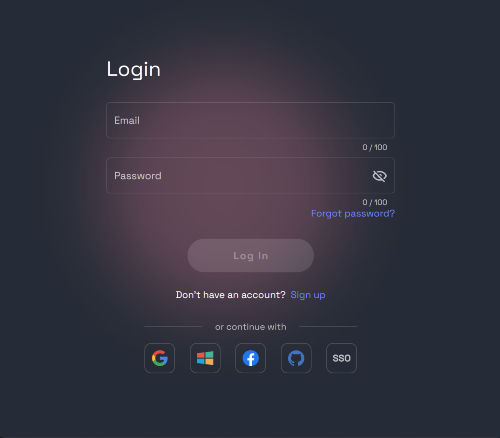
Log in to RunDiffusion: https://app.rundiffusion.com/login
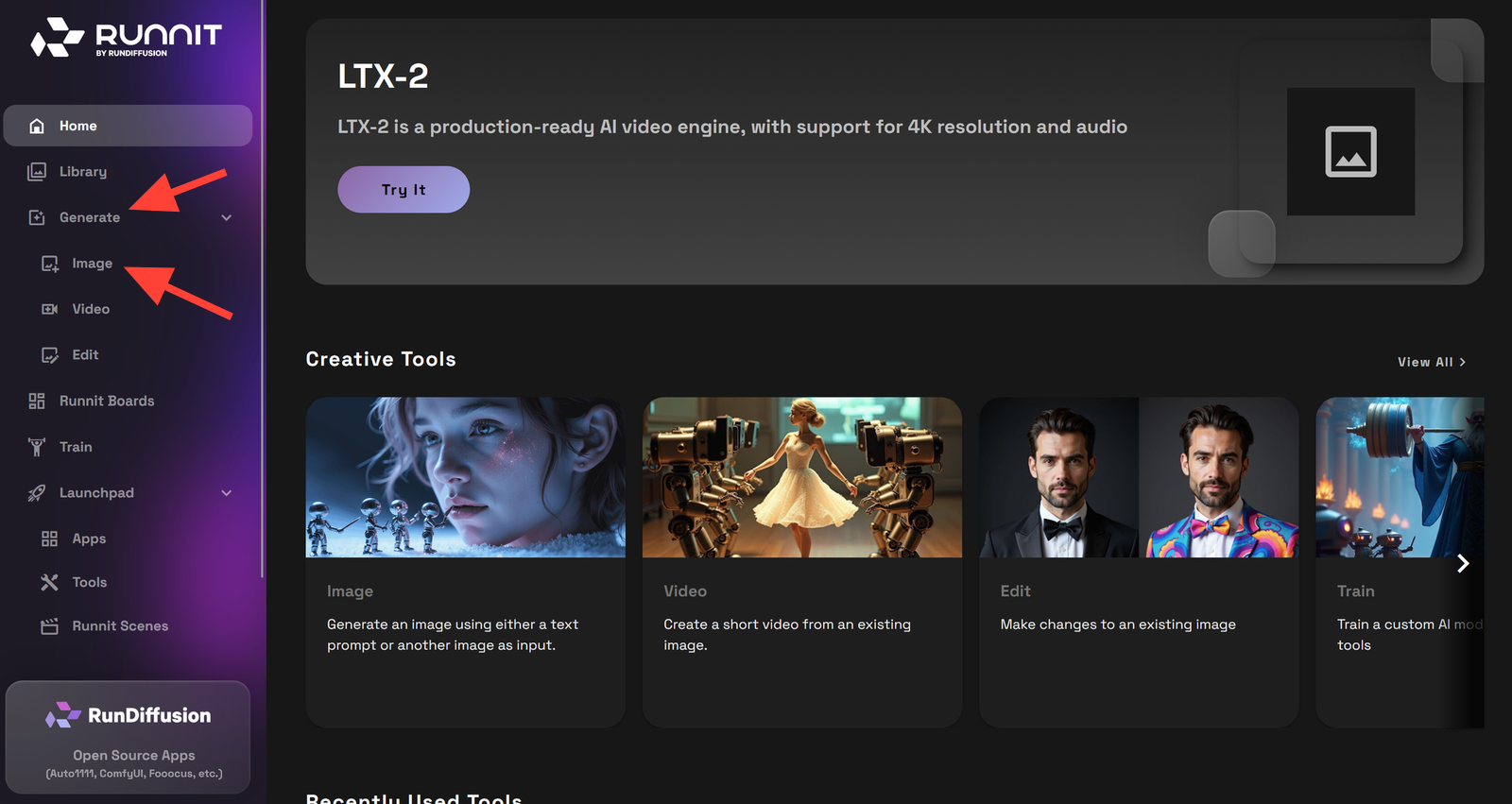
Select Image Generation and then Image on the left side bar.
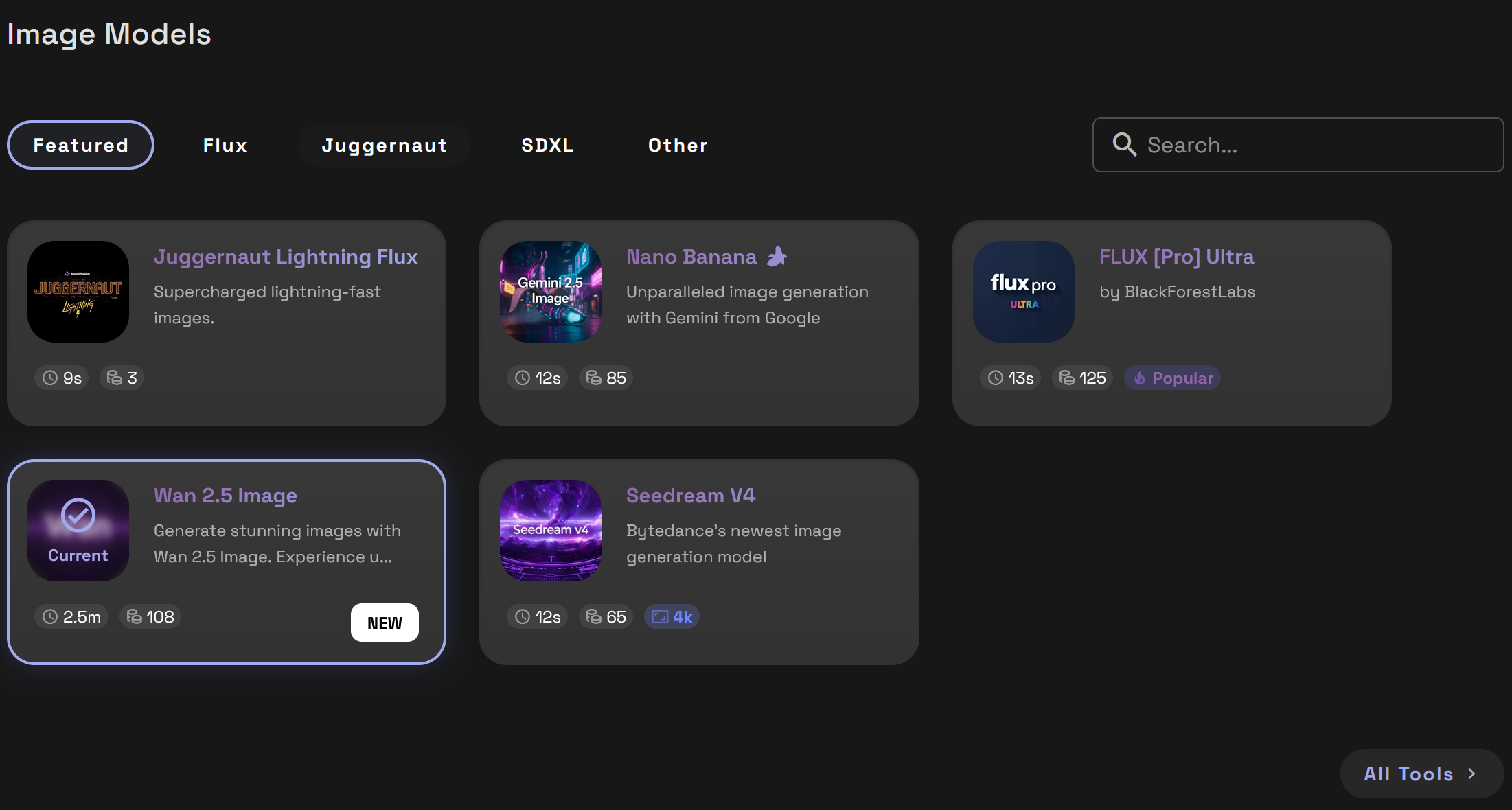
Choose a Model such as Nano Banana or SeeDreamV4. Each model has their own strengths.
Enter a Prompt: Describe your bedroom vision (style, lighting, furniture, color palette)
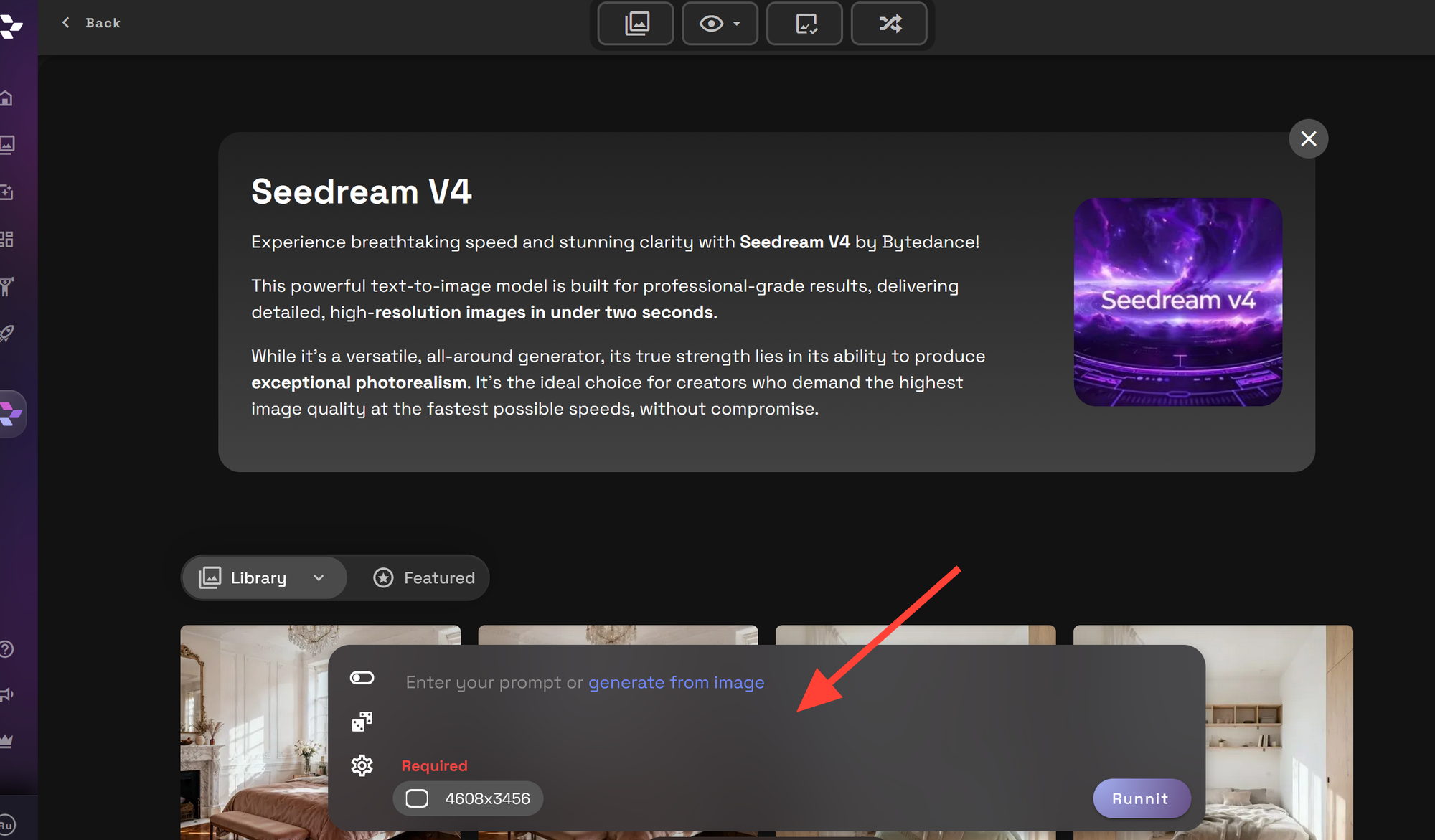
To render your image Click Runnit. You can also change the resolution to your preferred image size.
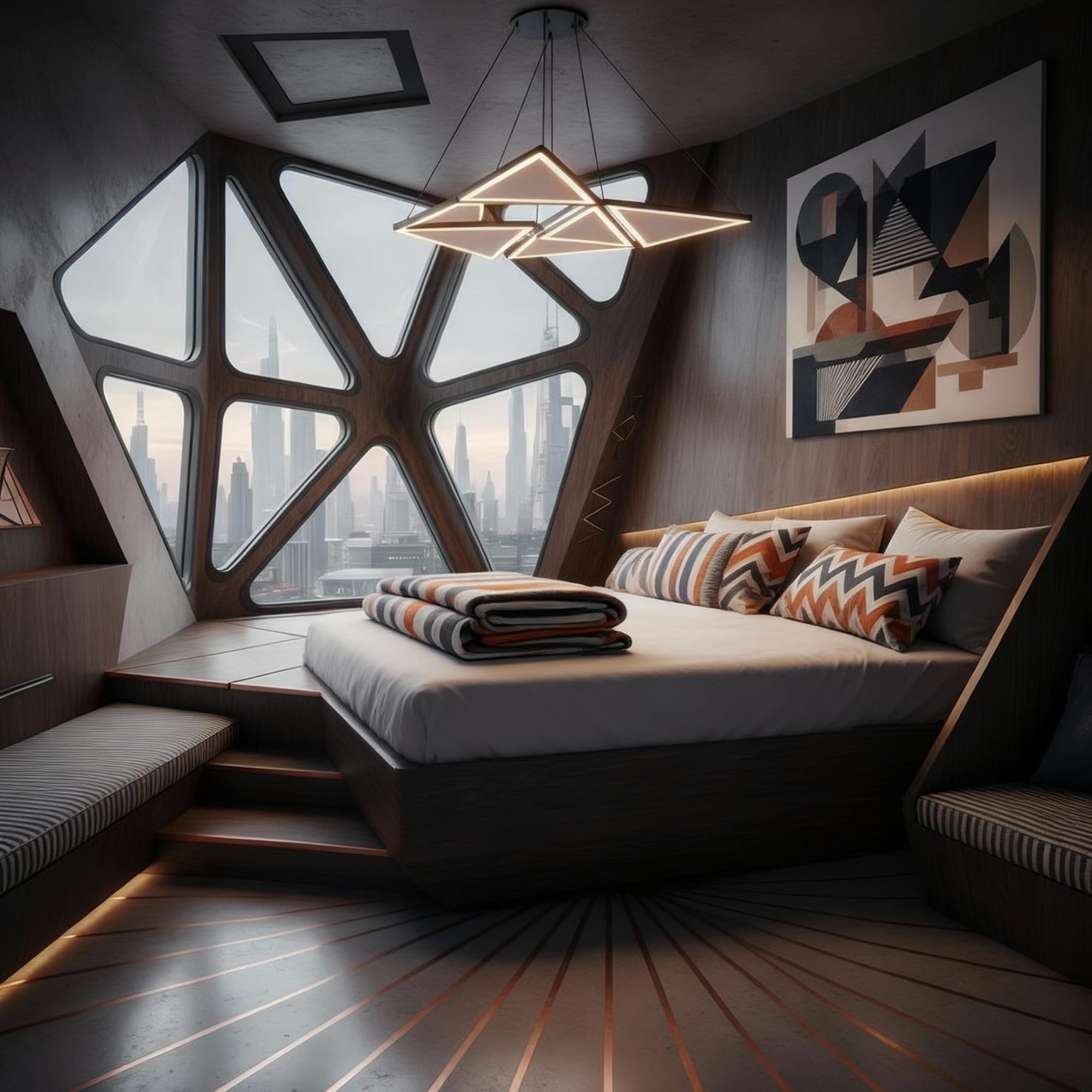
Prompt Examples for AI Bedroom Design
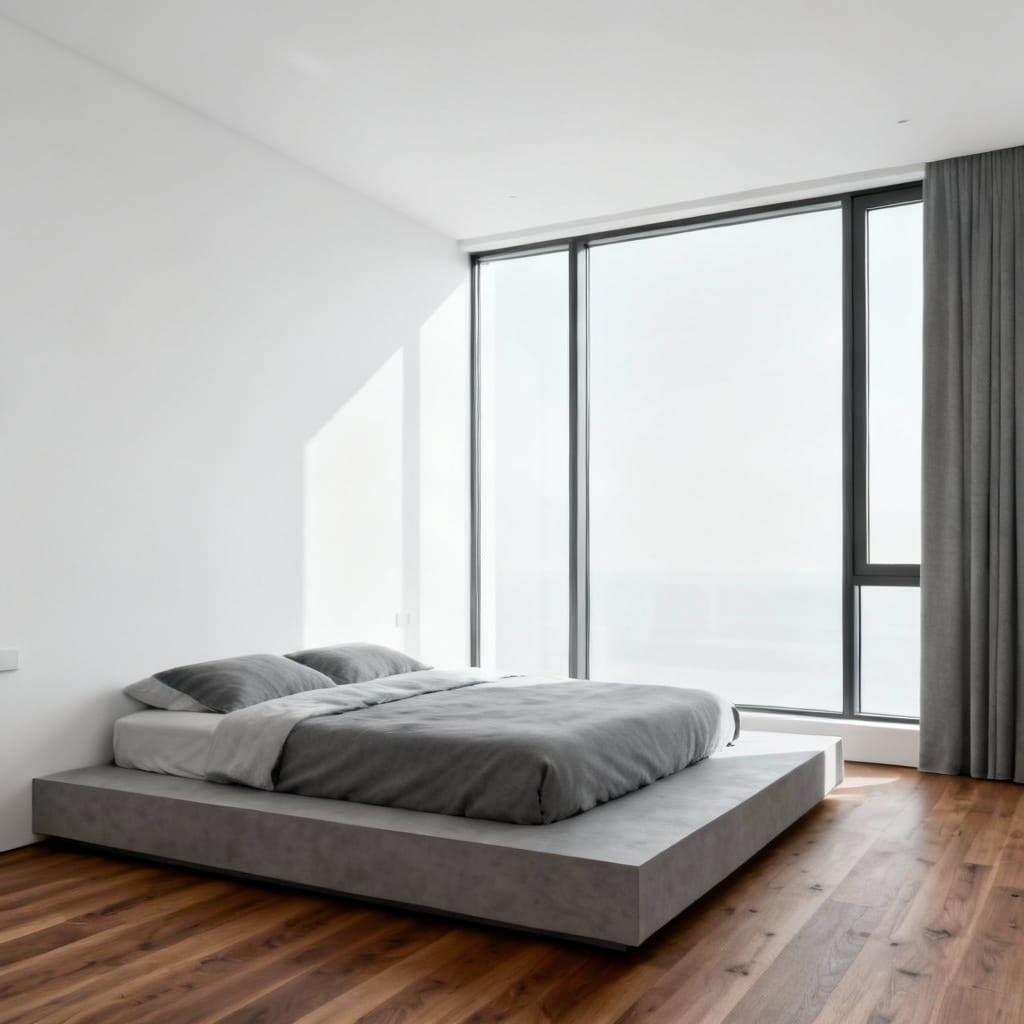
Modern Minimalist Bedroom
Prompt: Minimalist bedroom with floor-to-ceiling windows, low platform bed, white walls, gray tones, wood flooring, soft natural light
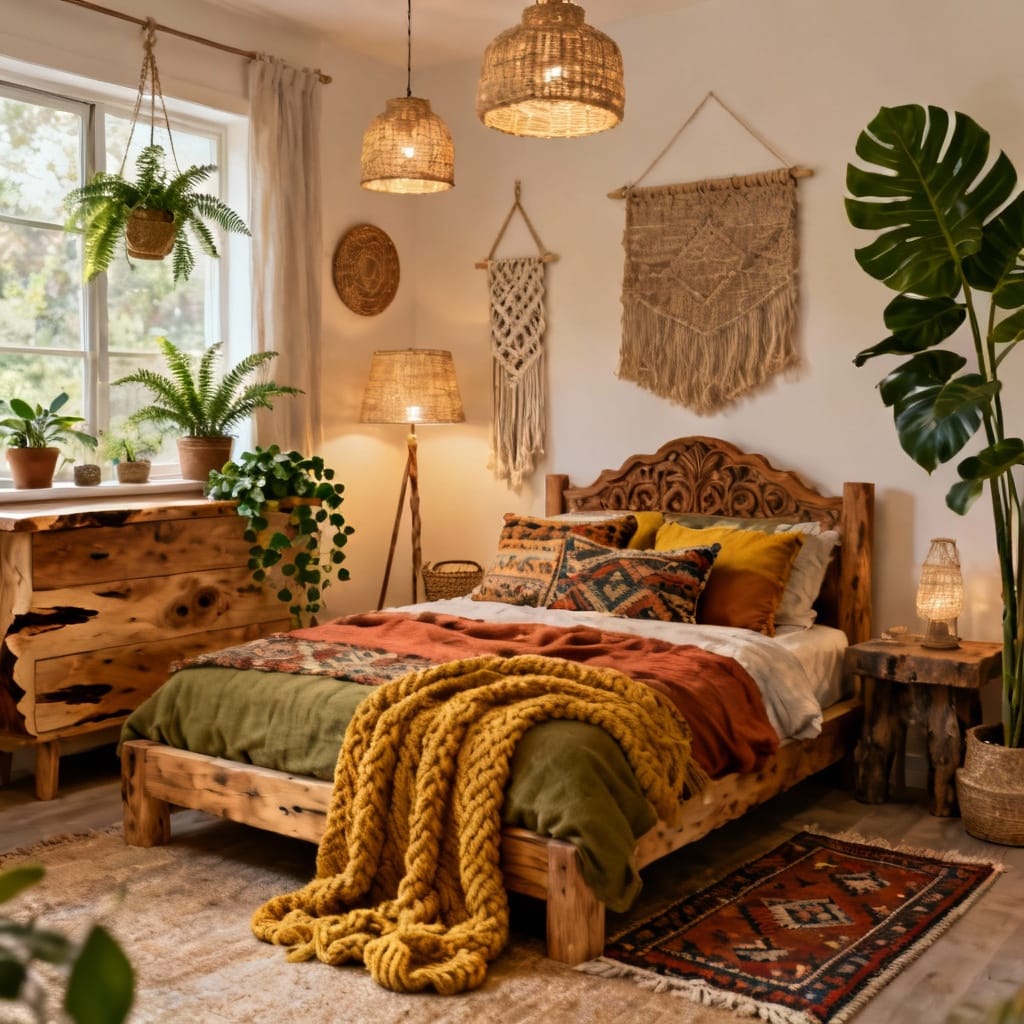
Cozy Boho Interior
Prompt: Cozy bohemian bedroom with layered textiles, woven decor, indoor plants, natural wood furniture, earth tones, warm lighting
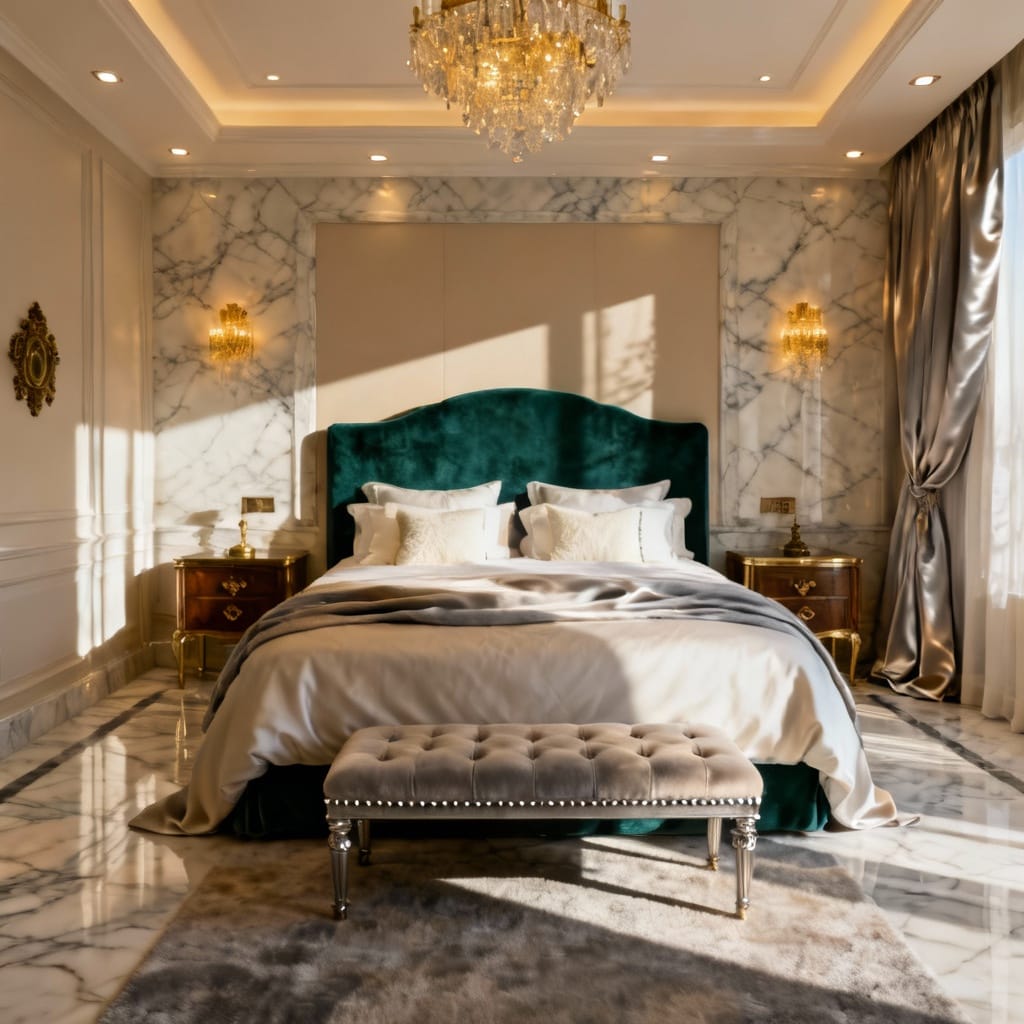
Luxury Hotel-Inspired Suite
Prompt: Luxurious master bedroom with marble accents, velvet headboard, ambient lighting, king bed, neutral palette, high-end materials, editorial photo
Add more details with Prompt Magic
Use Prompt Magic to automatically enhance your prompts, adding structure, detail, and architectural clarity. Turn it on before generating your image to improve results instantly.
You can also use Prompt Enhancer to rewrite your input into a more descriptive and AI-friendly version.
Improve your Architectural Renders with AI Prompt Enhancement
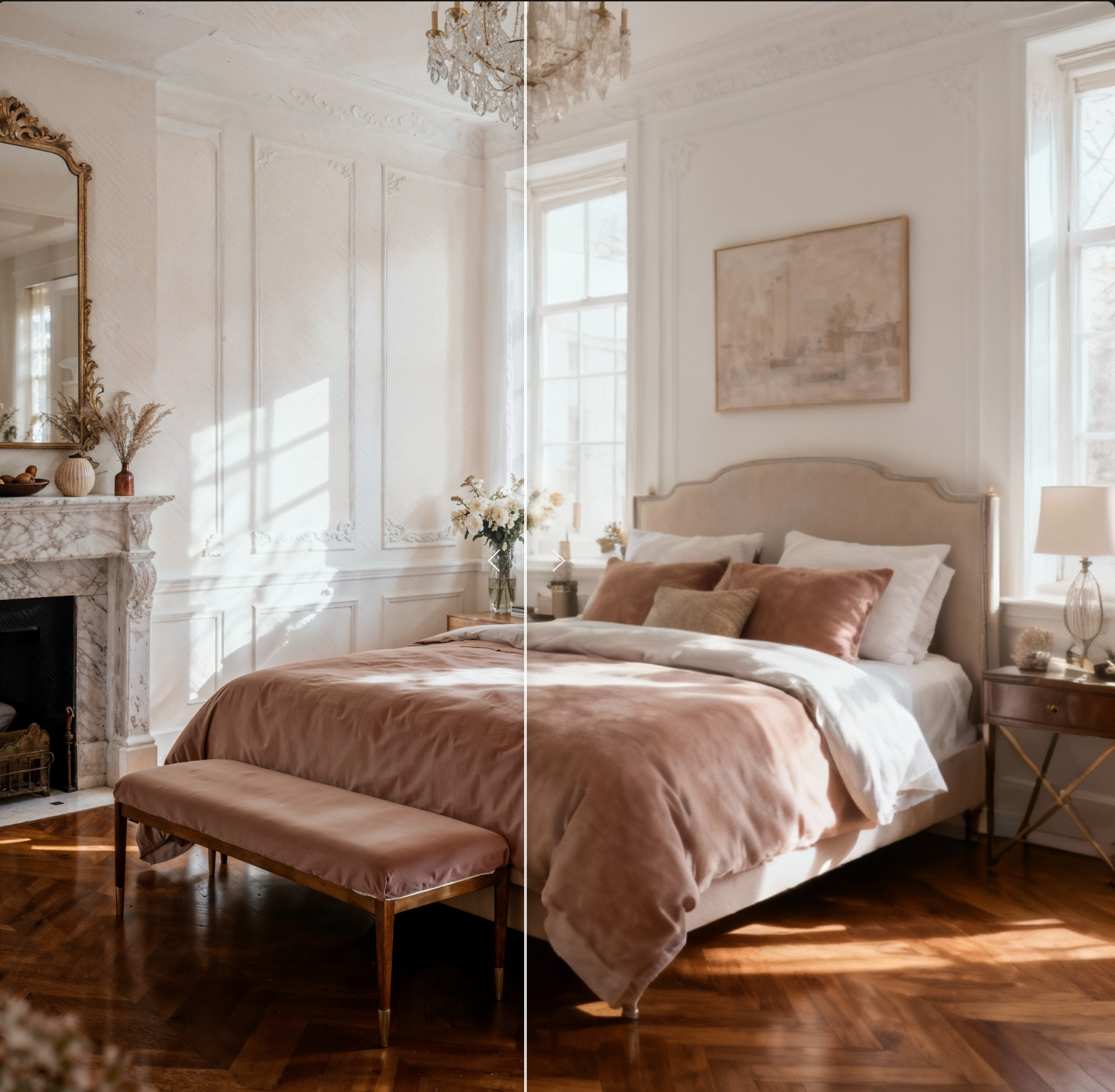
Upscale and Enhance Your Bedroom Designs
Once your render is created, you can:
- Enhance lighting and texture with SeeDreamV4 Edit or Nano Banana Edit
- Upscale resolution up to 10K using Topaz or Magnific
AI Upscaling Tools for Architectural Renders
Final Thoughts
AI-generated bedroom designs offer an intuitive way to explore interior ideas without expensive software or rendering tools. Whether you're designing for yourself or a client, RunDiffusion’s free tools make it easy to go from imagination to visualization.
Use your free daily tokens to start experimenting with different bedroom styles today.
For more articles on Interior Design.
AI Living Room Makeovers: Instantly Redesign Interiors with AI
AI Kitchen Remodel Generator: Redesign Your Kitchen with AI
