


Interior design teams are under pressure to deliver more concepts, faster revisions, and clearer client communication without compromising design quality. This guide explains how professional studios can use AI across the full workflow, from early ideation to client-ready presentation, while keeping creative control and brand consistency.
See how your team can implement interior design AI workflows quickly with a structure built for professional studios.
When you are ready, choose the next step that matches your team stage.
Not ready for a Demo? You can sign up for a Free account or start with a Pro plan and explore production ready Interior Design Workflows.
Why AI Matters for Interior Design Teams
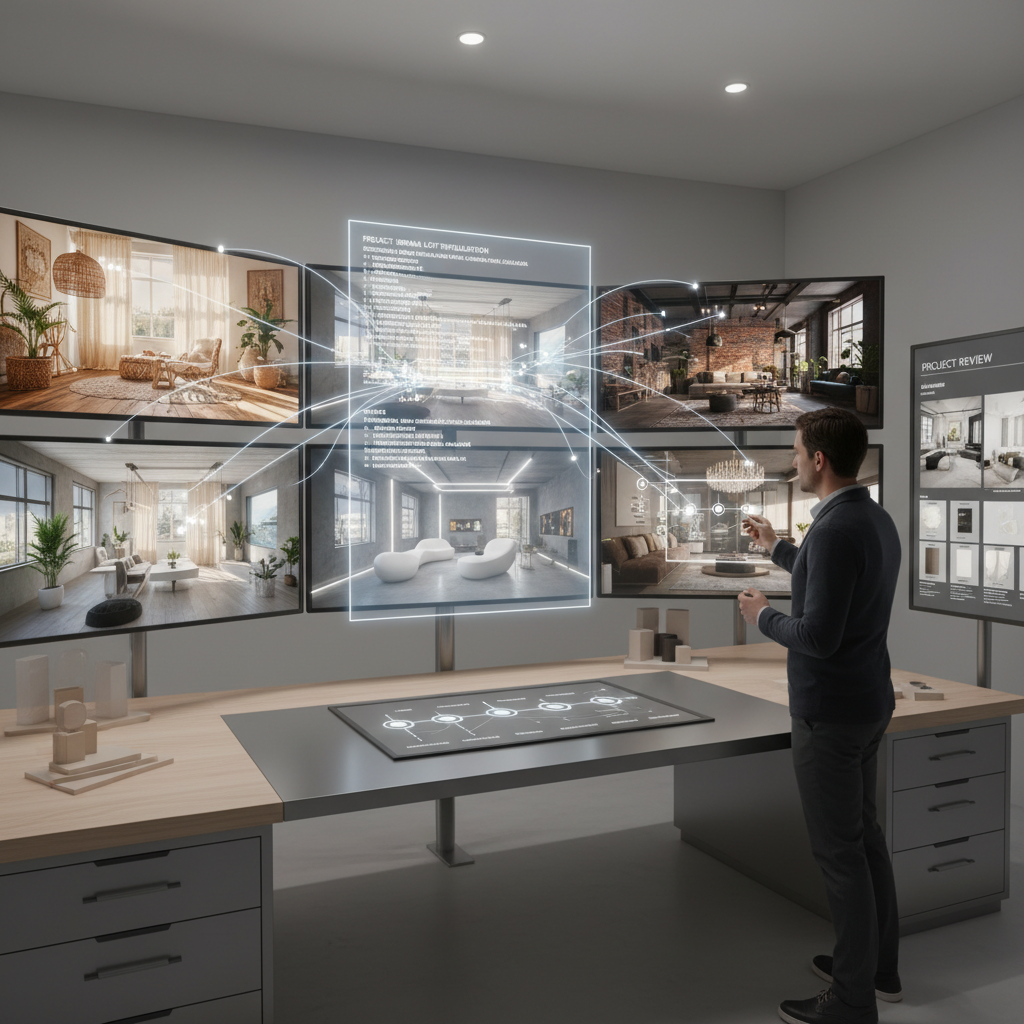
AI helps studios explore more visual directions in less time. It reduces repetitive production work and creates space for higher-value design decisions. The biggest gains come from faster concept iteration, stronger stakeholder alignment, and clearer presentation outputs at every phase.
- Generate and compare multiple directions early
- Respond to changing client feedback without restarting from scratch
- Move from idea to presentation visuals faster
Concept Ideation and Style Exploration
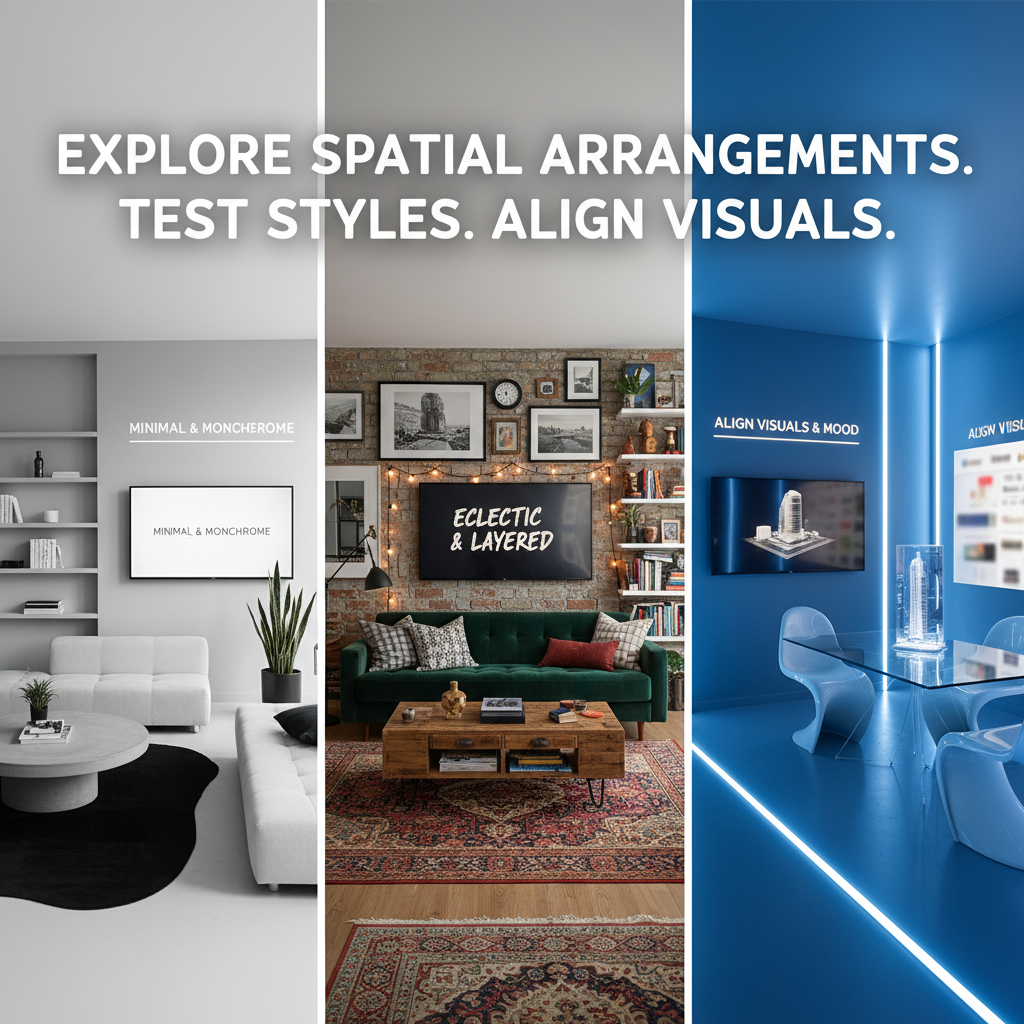
Use AI to quickly test layout styles, furniture direction, color families, and atmosphere before investing heavy production time. This stage should prioritize breadth of options and fast narrowing based on client goals. For room-specific exploration, see this AI living room makeover tool for designers.
- Generate multiple directions for the same room brief
- Test minimal, modern, traditional, and eclectic styles side by side
- Use references to keep exploration aligned with project intent
Mood Boards, Materials, and Palette Development
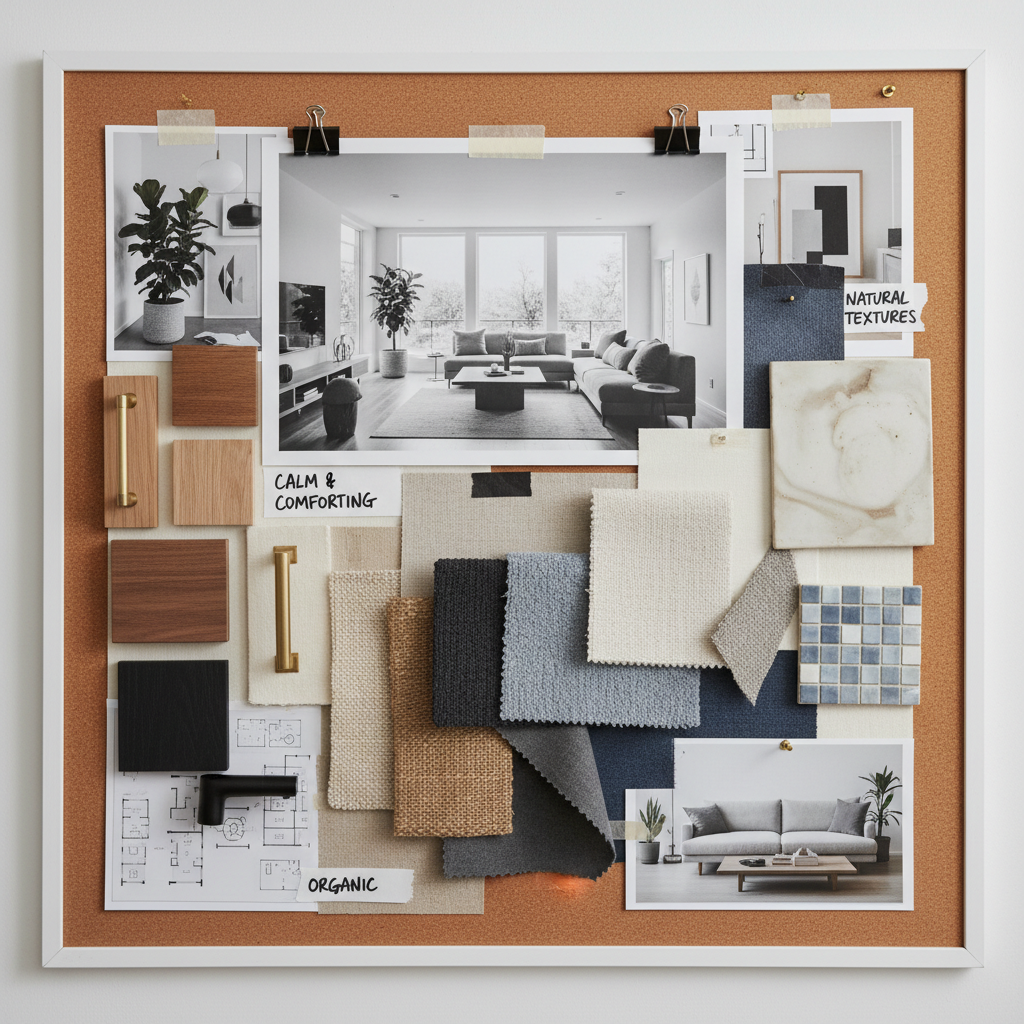
AI can accelerate mood board creation and help teams refine palettes, finishes, and visual language before final documentation. This is especially useful when multiple stakeholders need to align quickly. For renovation-focused workflows, teams can also use this AI kitchen remodel tool for designers.
- Build project-specific visual boards for each room or zone
- Explore alternatives for materials and finish direction
- Keep client-facing options organized for review cycles
Further reading: Early Stage Concepting and Moodboarding template
Sketch to Render Workflows
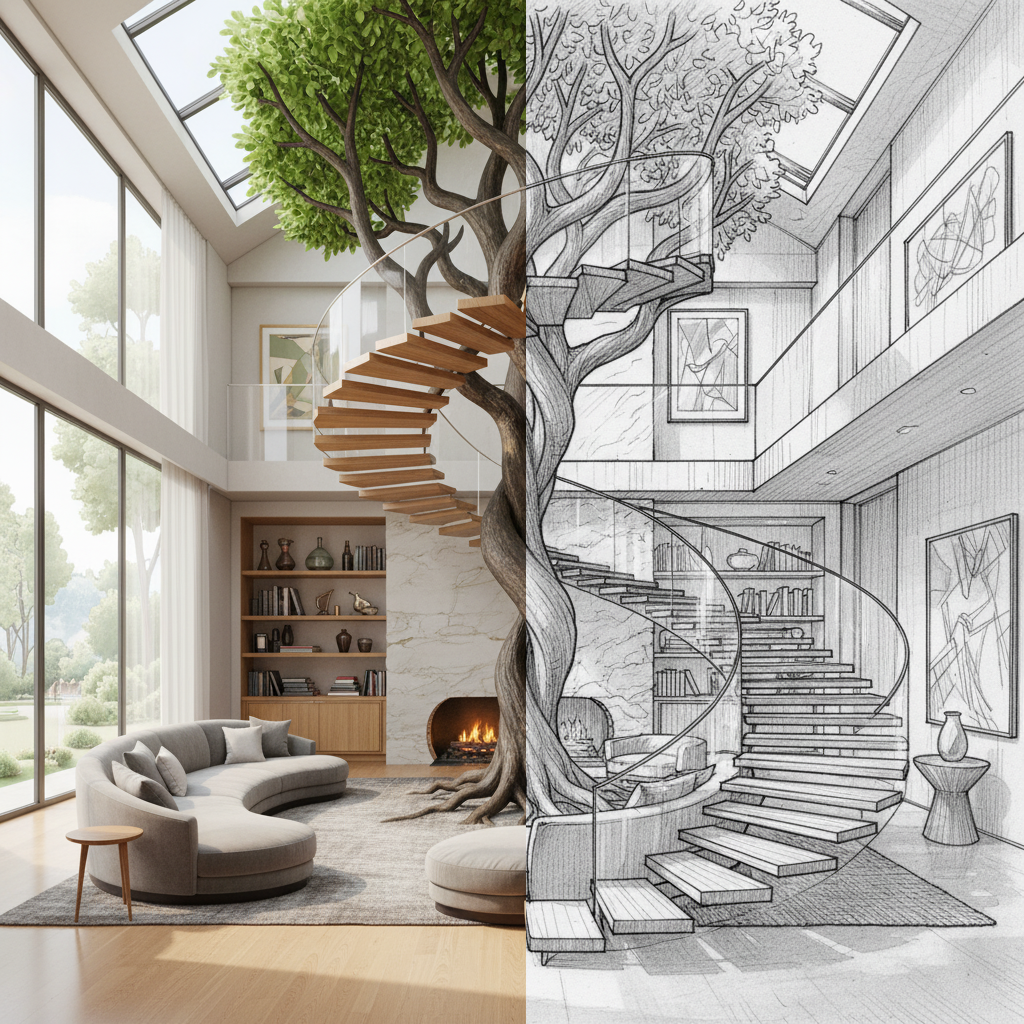
Design teams can convert rough sketches, line drawings, and planning references into clearer visuals that communicate intent earlier in the project lifecycle. This is useful for pre-visualization, internal critique, and client check-ins.
- Translate rough design intent into presentation-ready imagery
- Explore lighting, textures, and material mood before final modeling
- Iterate quickly when floor plan or styling assumptions change
Further reading: Architecture Sketch to Render Template
Client Presentation and Stakeholder Alignment
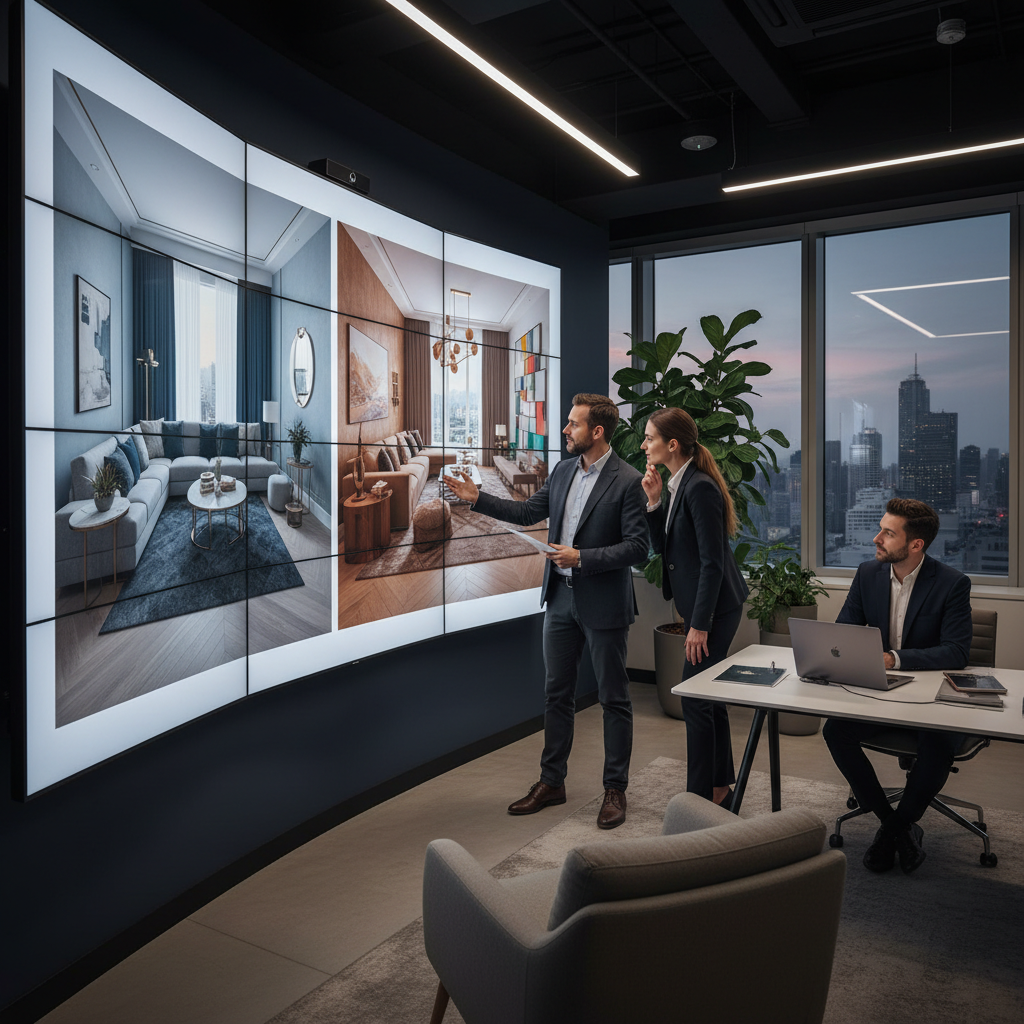
One of the highest-impact uses of AI is improving communication with clients and decision-makers. Better visuals earlier can reduce misalignment, shorten approval loops, and improve confidence in design direction.
- Present multiple viable concepts in early reviews
- Answer "what if" requests with rapid visual alternatives
- Reduce late-stage rework by aligning earlier
Studio Operations, Team Collaboration, and Governance
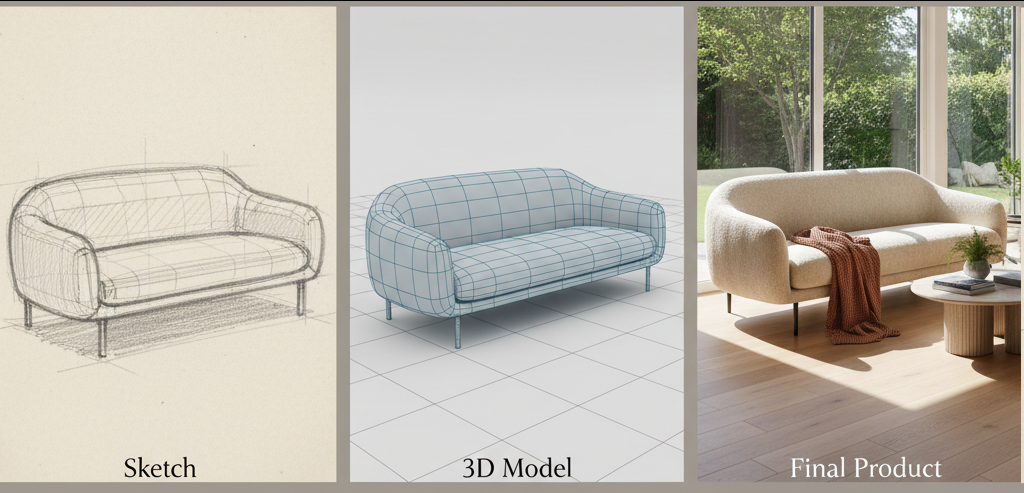
For multi-designer teams, the value of AI compounds when workflows are standardized. Shared prompt systems, version control habits, and clear approval structures improve consistency and reduce production friction. Enterprise teams can align governance with company roles, team roles and permissions, and SSO configuration with Microsoft Entra ID.
- Standardize repeatable workflows across the studio
- Maintain consistency across projects and team members
- Create clear boundaries for review, approval, and handoff
How AI Fits Into Existing Design Toolchains
AI is most valuable when it supports existing tools instead of replacing them. Studios using Revit, SketchUp, Rhino, and common visualization pipelines can use AI to accelerate concept stages while keeping core production workflows intact. Teams working in painting and concept workflows can also explore the Krita API for interior and architectural design. RunDiffusion is actively working on plugins tailored for architects and interior designers.
- Bridge 2D plans and visual concept direction
- Support modeling and documentation with faster visual exploration
- Integrate AI output into current design and review processes
Get Started with RunDiffusion
You do not need to overhaul your process to get value from AI. Start with one workflow, document what works, and scale across projects as your team builds confidence.
FAQ: AI Workflows for Interior Design Teams
How can AI help interior design teams work faster without lowering design quality?
AI helps interior design studios explore more visual directions early in the process while reducing repetitive production work. Instead of manually creating multiple concept variations, teams can quickly generate and compare layout styles, color palettes, materials, and lighting scenarios. This allows designers to focus more on creative decisions and client strategy rather than time-consuming visualization tasks.
Do designers need to change their existing workflow to start using AI?
No. AI works best when it complements existing tools rather than replacing them. Many studios continue using software such as Revit, SketchUp, Rhino, or traditional rendering pipelines. AI simply accelerates concept exploration, mood boards, and presentation visuals before final production begins.
Teams can gradually integrate AI into one phase of the workflow, test results, and then expand usage across projects.
What stage of an interior design project benefits the most from AI?
The biggest gains usually appear in early concept development and client communication. AI can generate multiple design directions quickly, helping teams explore style variations such as minimal, modern, traditional, or eclectic.
This allows stakeholders to review and narrow options earlier, reducing late-stage revisions and misalignment.
Can AI help create mood boards and material palettes?
Yes. AI tools can rapidly generate visual mood boards and style references for rooms, zones, or entire projects. Designers can experiment with combinations of materials, finishes, color palettes, and lighting moods before committing to detailed modeling.
Teams can also use structured mood board workflows such as:
 RunDiffusion Team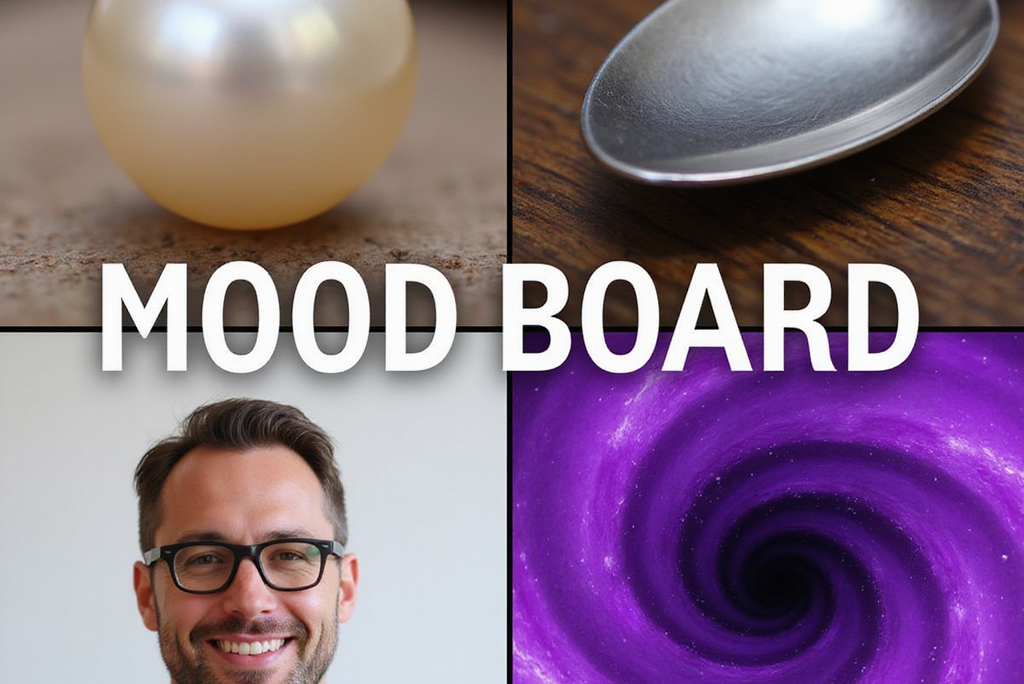
How does AI help communicate ideas to clients?
Clear visuals help clients understand design direction earlier in the process. AI allows teams to generate multiple concept images quickly, making it easier to present alternatives during early review meetings.
Designers can also respond to “what if” questions from clients by generating new variations without restarting the entire visualization process.
Can sketches or floor plans be turned into realistic visual concepts?
Yes. AI can translate rough sketches, planning diagrams, or concept drawings into more detailed render-style visuals. This helps designers communicate spatial ideas before investing time in full modeling or rendering pipelines.
A practical example of this workflow is explained in:
 RunDiffusion Team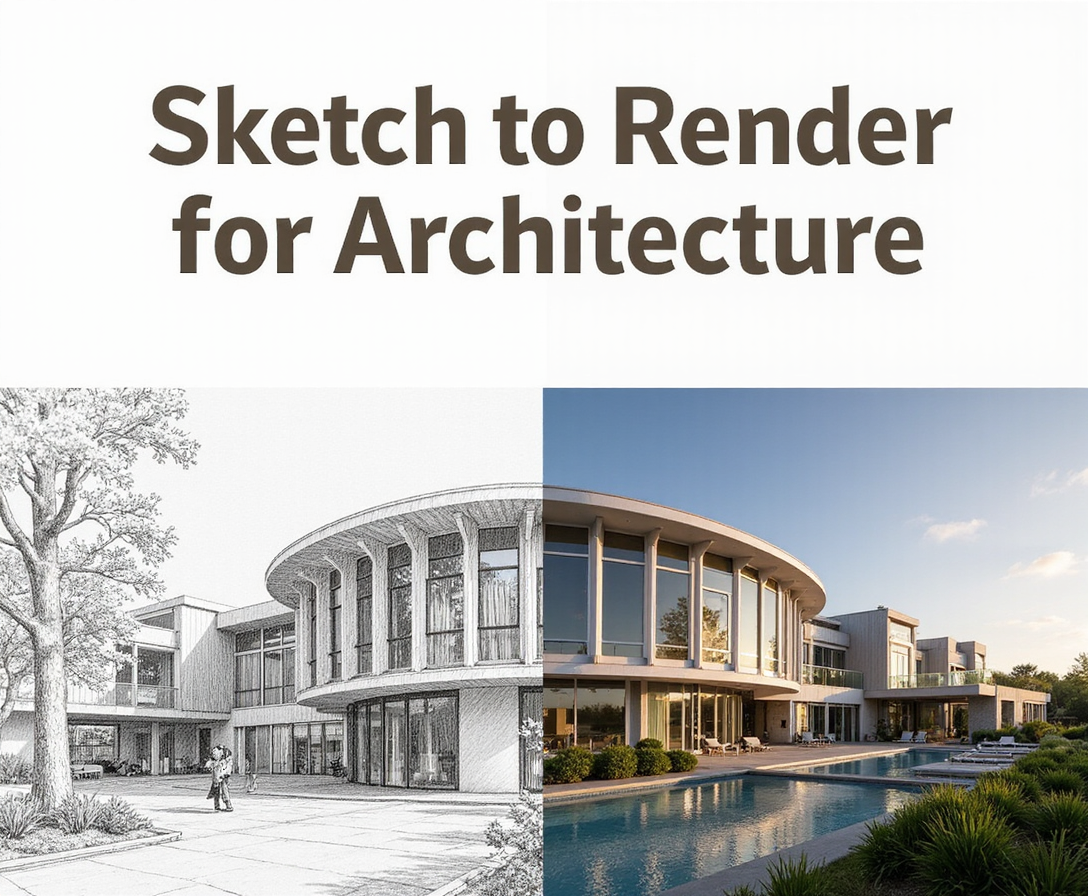
Is AI useful for team collaboration in larger studios?
Absolutely. AI becomes even more valuable when teams standardize how they use it. Shared prompt frameworks, consistent style references, and version control practices allow multiple designers to collaborate while maintaining visual consistency.
Large studios can also align governance and permissions through enterprise tools such as:
 RunDiffusion Team
How do teams manage AI outputs and project files?
Organized asset management is important when teams generate many variations. Platforms like RunDiffusion allow teams to manage generated images, sessions, and project files within centralized workspaces.
Teams can also learn how file systems and storage work in the platform here:
 RunDiffusion Team
Do designers need technical expertise to use AI tools?
Most modern AI design workflows are designed for creative professionals rather than developers. Platforms like RunDiffusion provide guided workflows for tasks such as text-to-image generation, sketch-to-render conversion, and image editing.
What is the best way for a studio to start using AI?
Start with a single workflow, such as concept ideation or mood board generation. Document what works, create repeatable prompts, and share those practices across the team. As confidence grows, studios can expand AI usage into client presentations, sketch visualization, and rapid design iteration.
Adopting AI gradually helps teams maintain creative control while benefiting from faster exploration and clearer client communication.
Ready to put this into practice? Start Free and Explore Interior Design Workflows.
