Creating a compelling architectural render doesn’t start with image editing or upscaling. It begins with the prompt. At RunDiffusion, we help you get better results right from the start with AI-powered prompt enhancement features like Enhance Prompt and Prompt Magic. These tools refine your input, boost clarity, and dramatically improve the renders produced by your chosen model.
Whether you’re working on exteriors, interiors, floorplans, or stylistic concepts, prompt enhancement helps you generate sharper, more professional visuals from the very first render.
What You’ll Learn
- How Enhance Prompt and Prompt Magic work
- Why prompt enhancement improves render quality
- How to use prompt enhancement with models like Nano Banana and SeeDreamV4
- How to access these tools for free using daily tokens on the Runnit platform
Why Prompt Enhancement Matters in AI Rendering
Even a great AI model like Nano Banana or SeeDreamV4 can only do so much with a vague or underdeveloped prompt. Poorly structured prompts often lead to:
- Flat lighting or off-target compositions
- Low detail or generic architectural features
- Missed stylistic cues
Prompt enhancement tools solve this by transforming your input into a detailed, structured prompt that AI models can interpret more effectively.
Enhance Prompt vs. Prompt Magic
Enhance Prompt: A manual option that takes your input and rewrites it into a more descriptive version before rendering. Ideal for users who want to preview and tweak the prompt before generation.
Prompt Magic: An automatic enhancement layer that improves your prompt behind the scenes. Just toggle it on before generating your render, and the system will improve clarity, detail, and accuracy.
Both features are designed to:
- Add structure to short prompts
- Include architectural terms and visual context
How to Use Enhance Prompt and Prompt Magic
You can try both features using your daily free tokens on RunDiffusion’s Runnit platform.
Step-by-Step:
Login to RunDiffusion
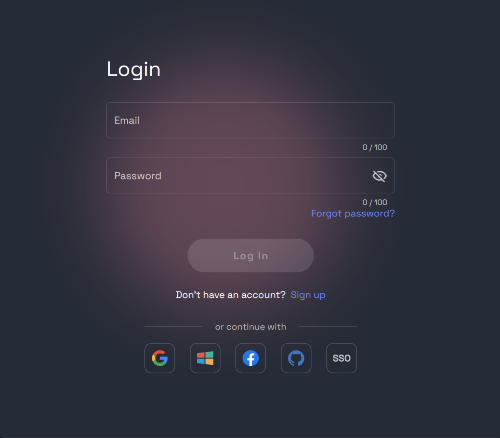
Navigate to: https://app.rundiffusion.com/runnit/home
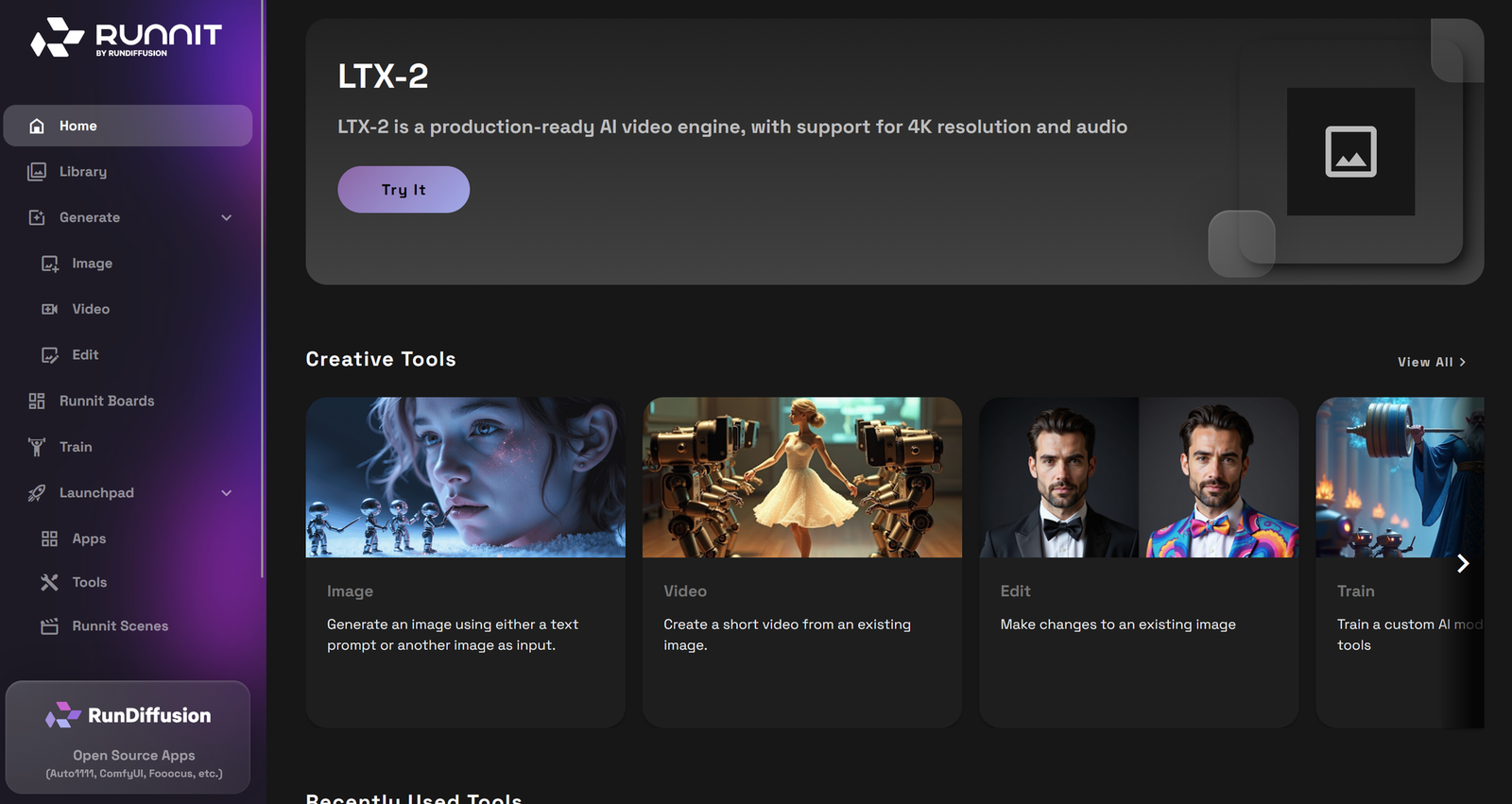
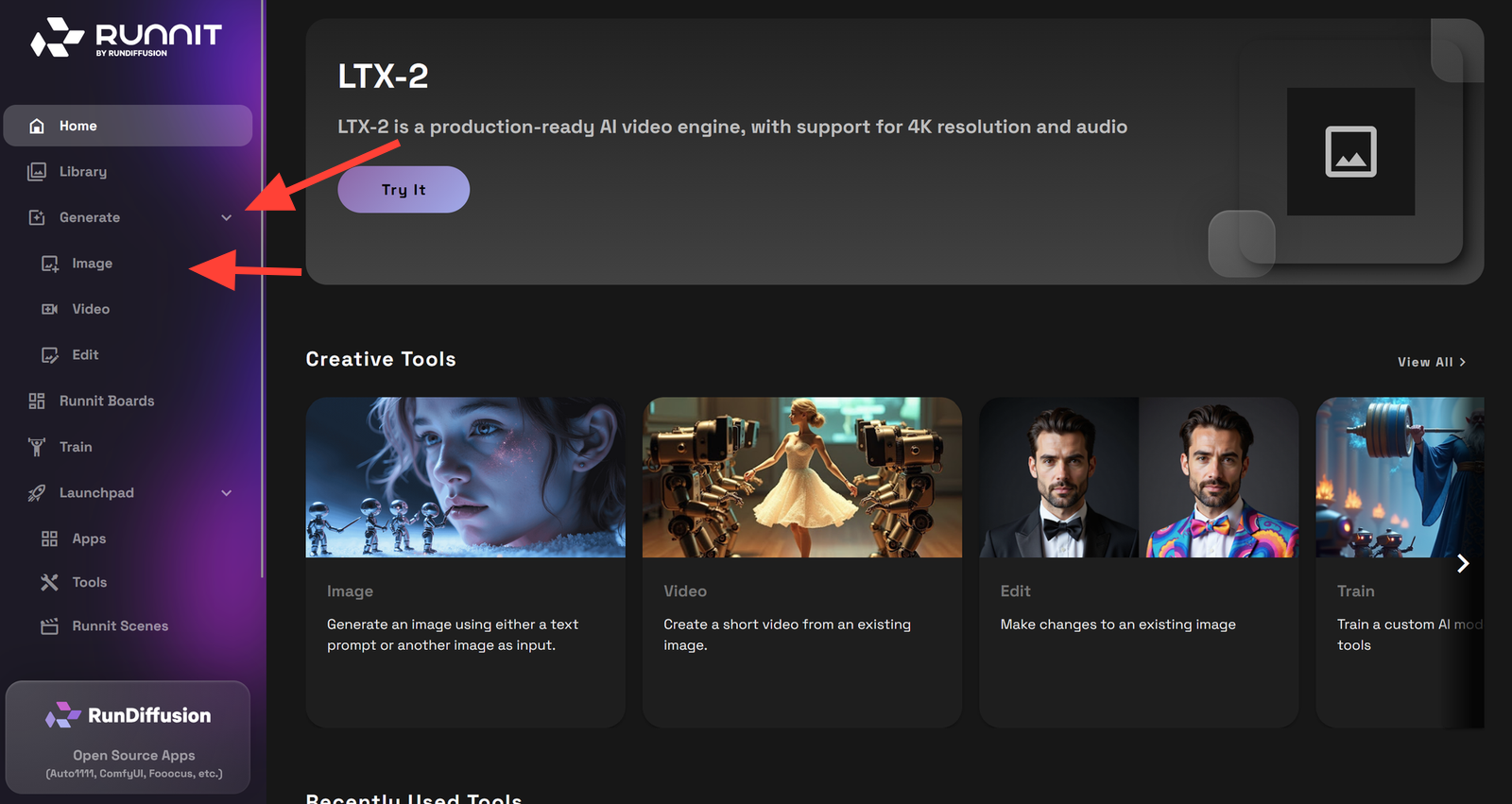
On a free plan you will be able to use SeeDreamV4 and Nano Banana to create Renders using Enhance Prompt or Prompt Magic. To Render a new image simply click Generate on the left side bar then Image.
Select the Model you would like to use at the bottom of the tool such as Nano Banana, SeeDreamV4, Juggernaut Pro Flux etc.
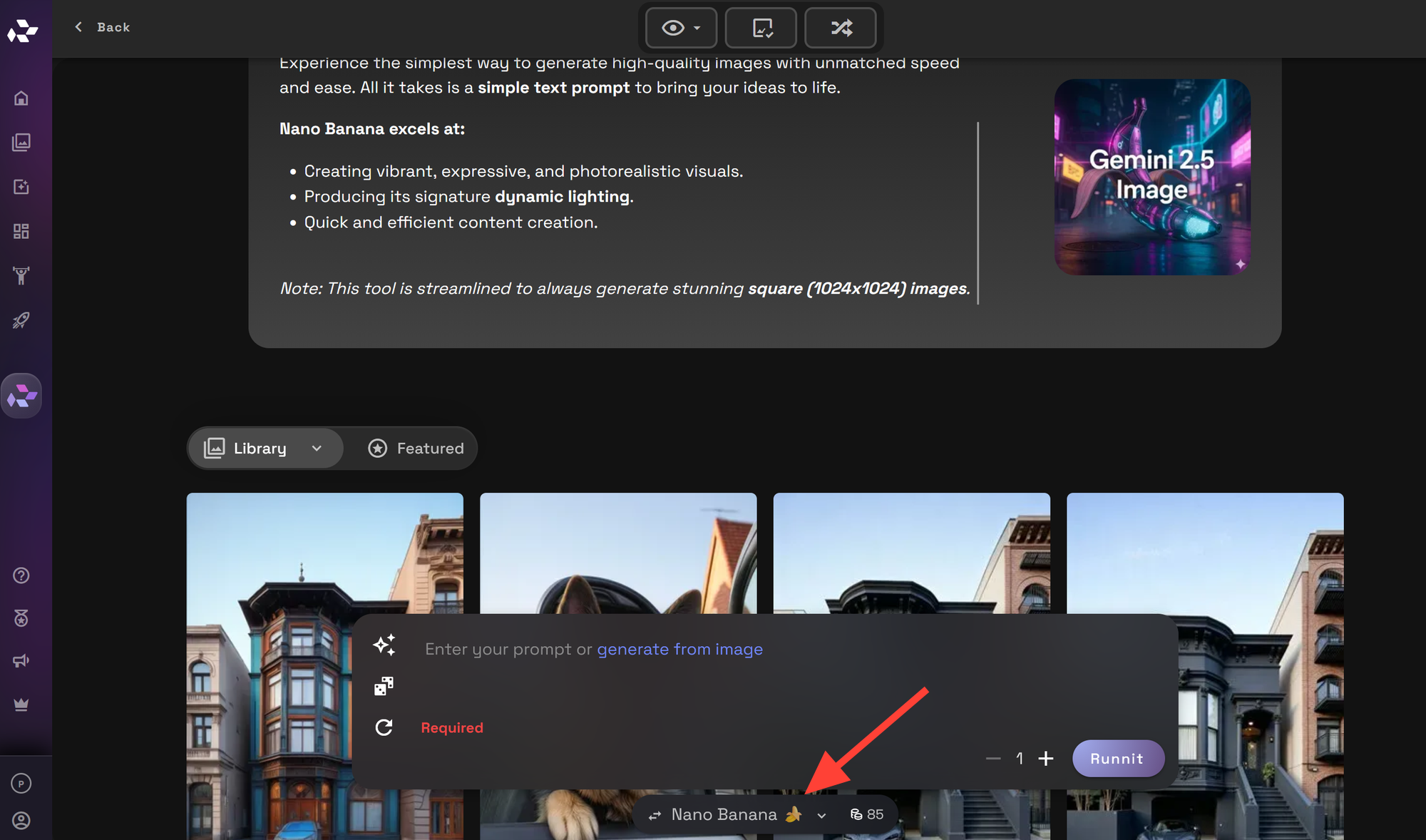
Write a simple or detailed prompt and click Runnit to render your image.
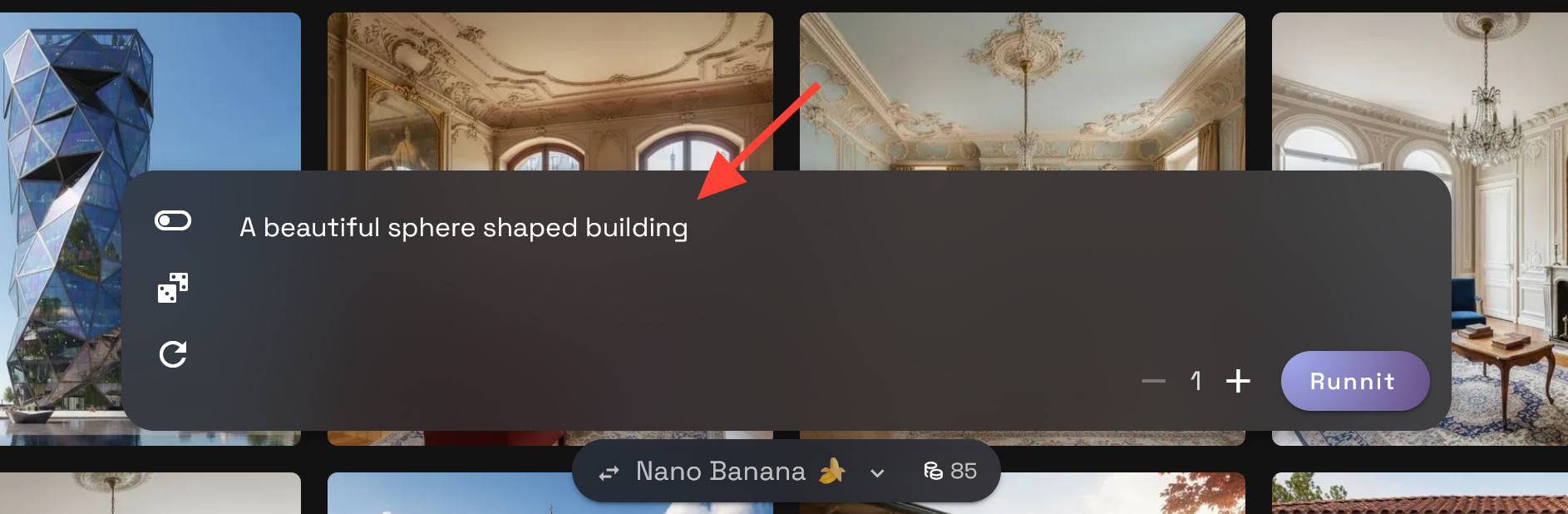
You can also turn on Prompt Magic then click Runnit.
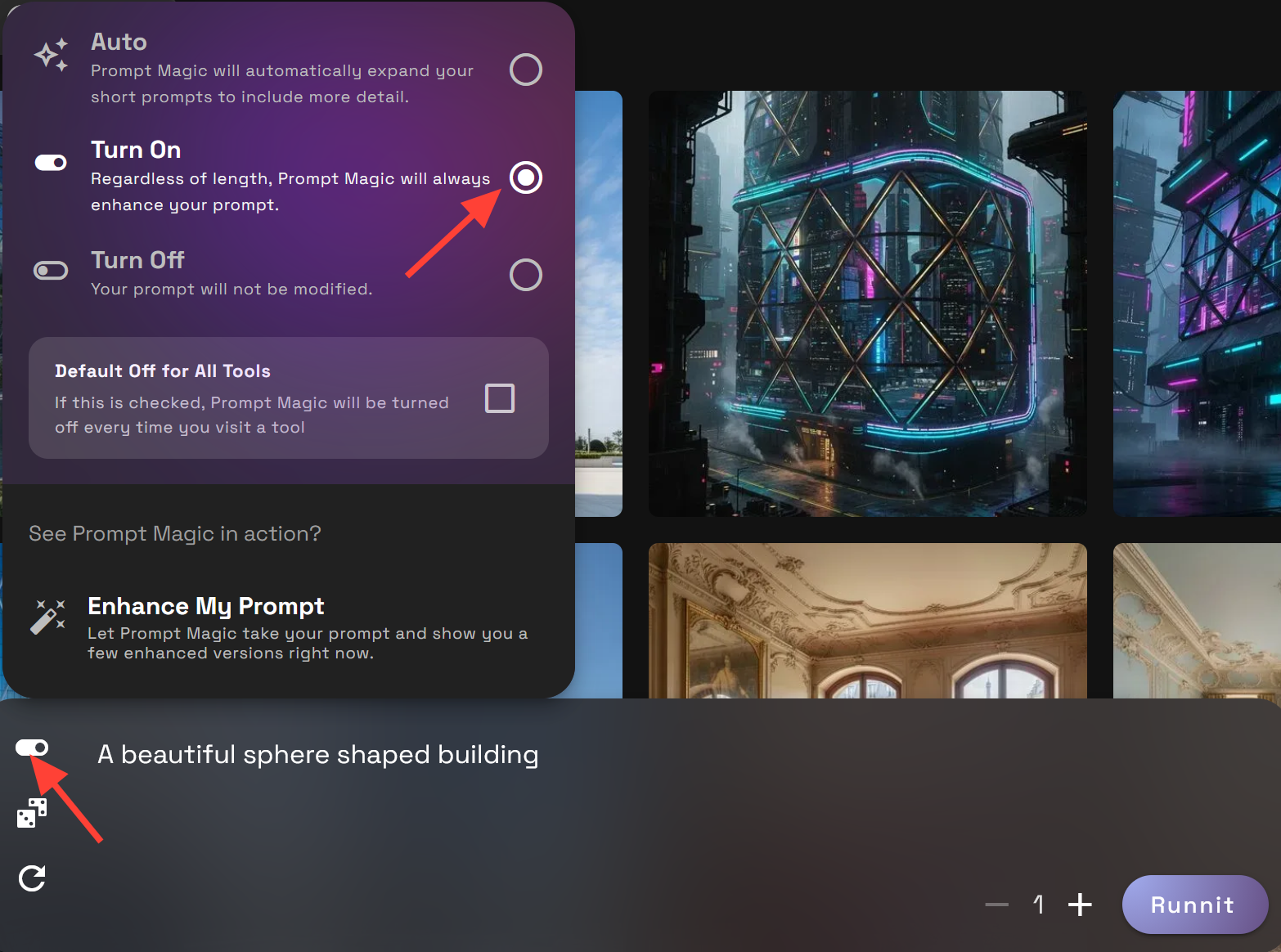
You can turn magic prompt off and click on Enhance my Prompt.
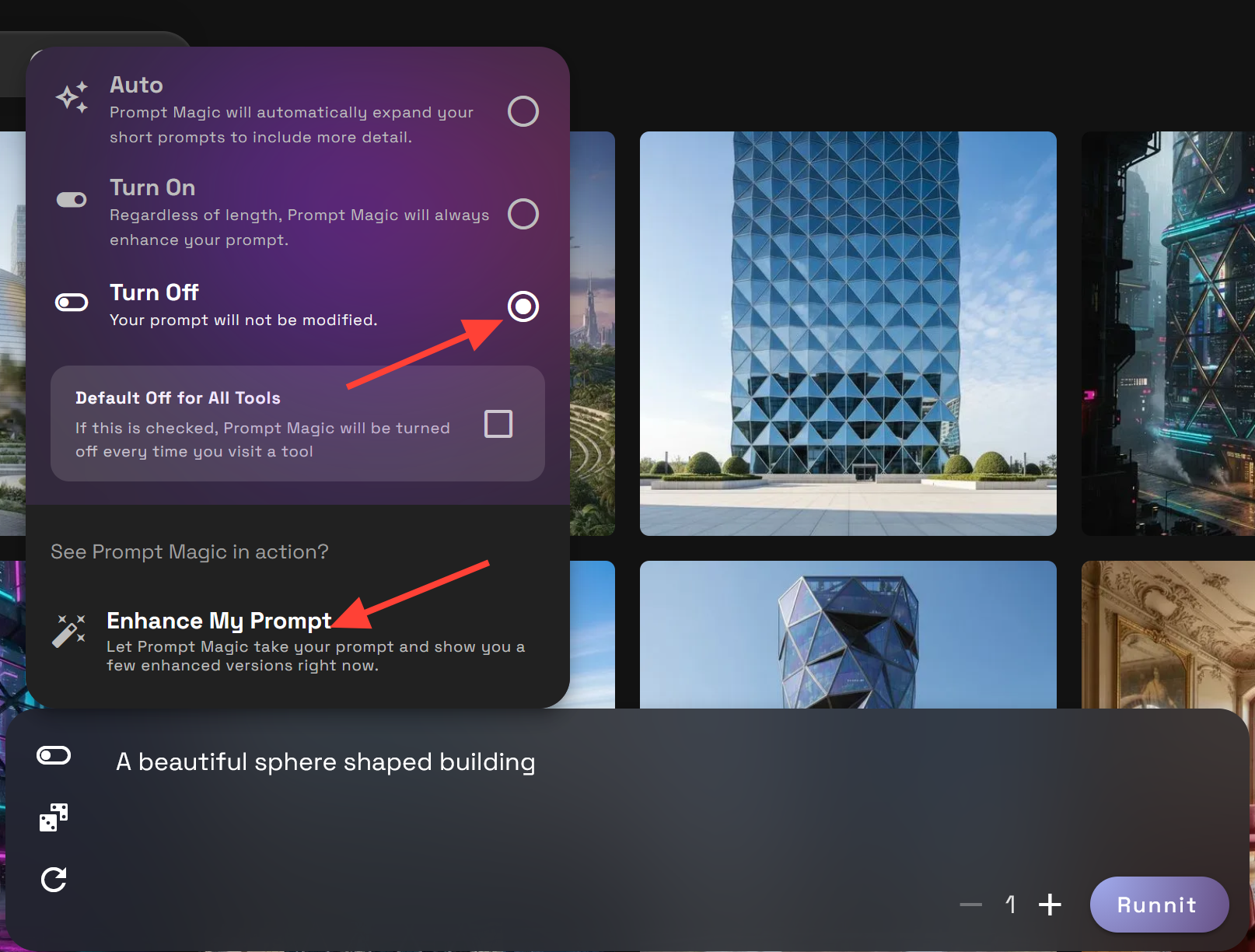
Click Generate, then click use on the prompt you would like to use and click Runnit to create your prompt enhanced render. You can click on any of your renders to enlarge them and download.
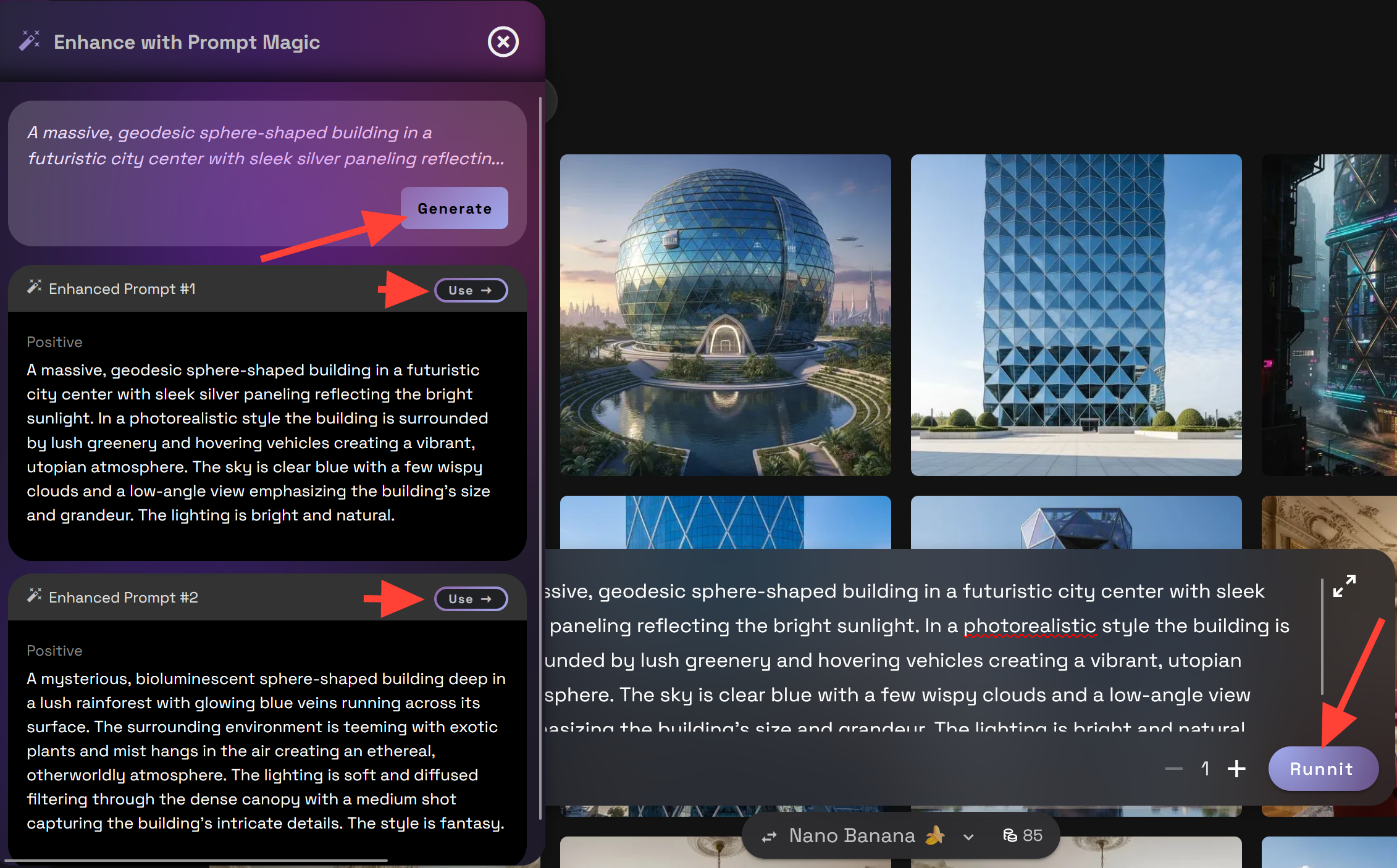
These features can help you go from rough concept to polished architectural visualization in seconds.
Example: Before & After Prompt Enhancement
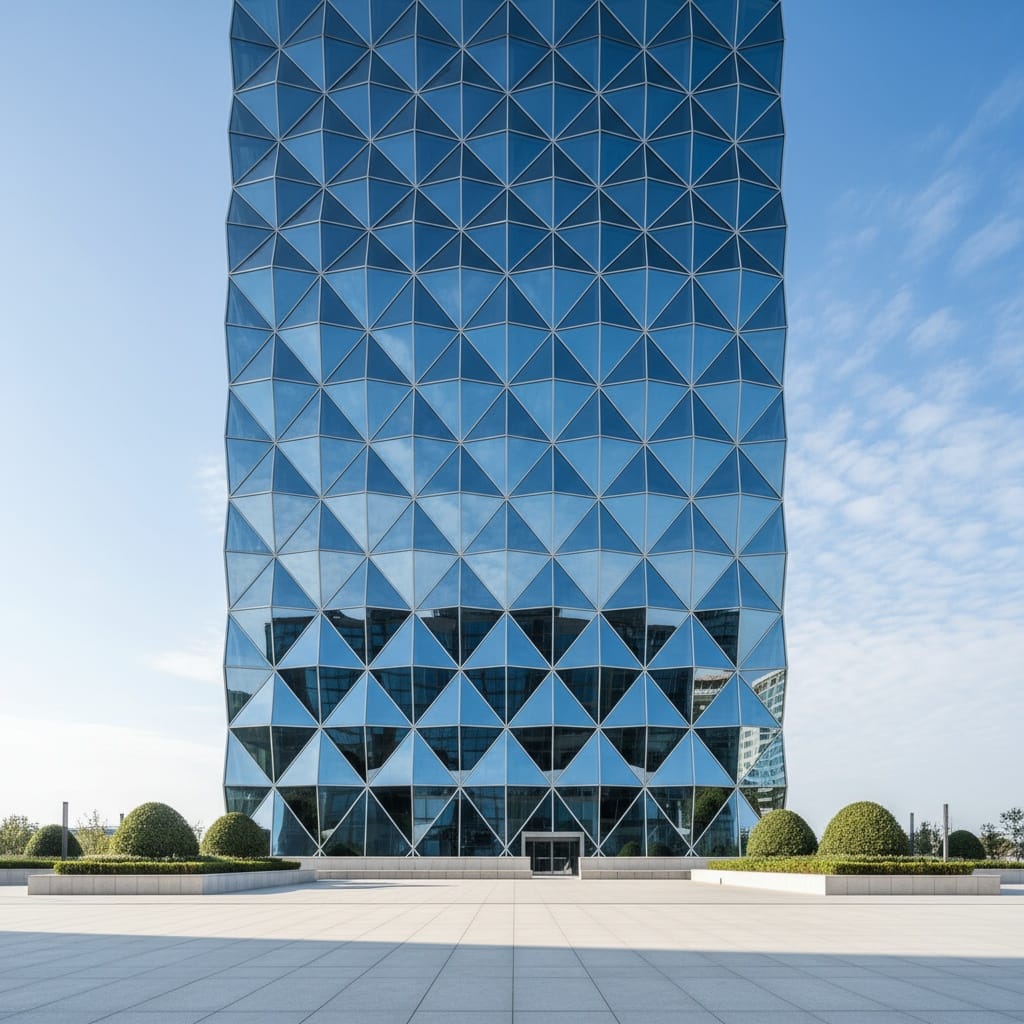
Basic Prompt: A beautiful modern building with diamond windows
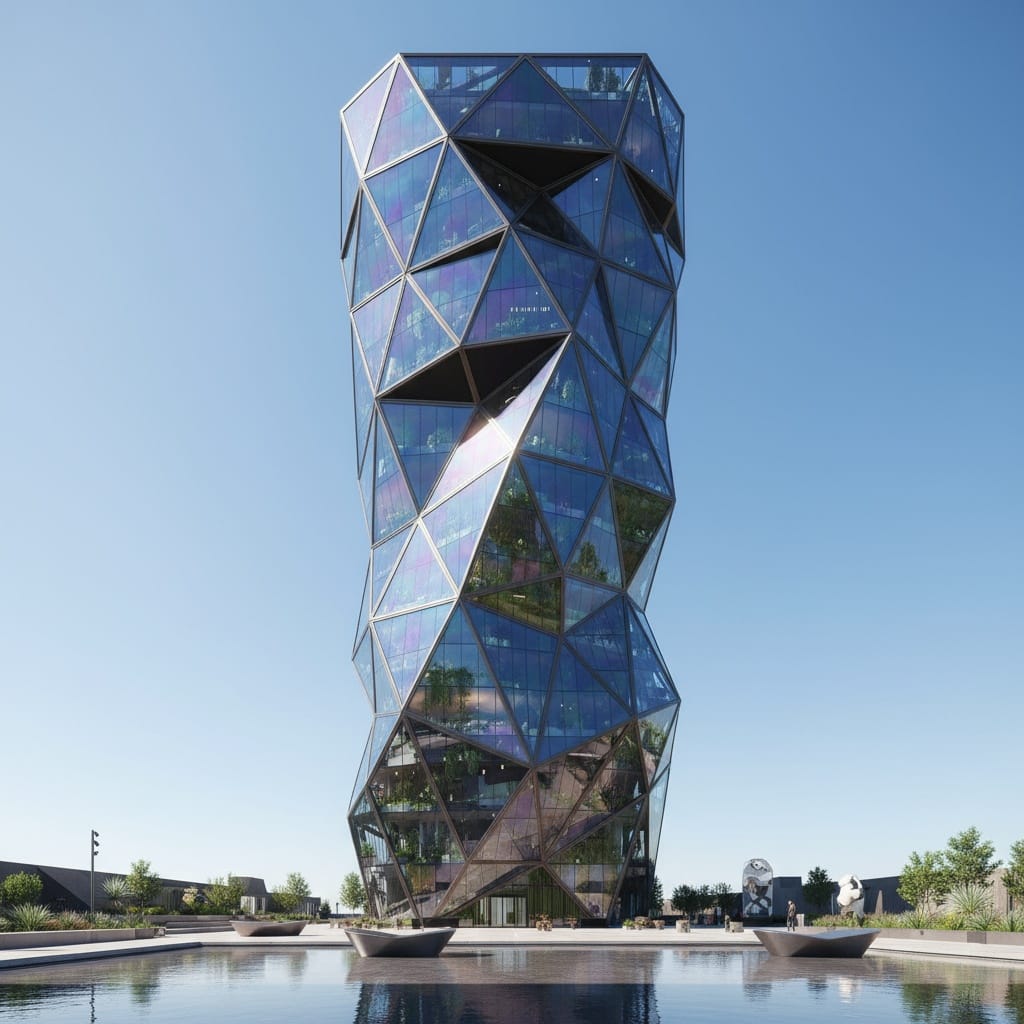
Enhanced with Magic Prompt: A stunning modern building with diamond-shaped windows, reflecting a bright cityscape, photorealistic, high resolution, blue sky, natural lighting, wide angle, intricate details, urban setting, glass texture, steel frame, daytime
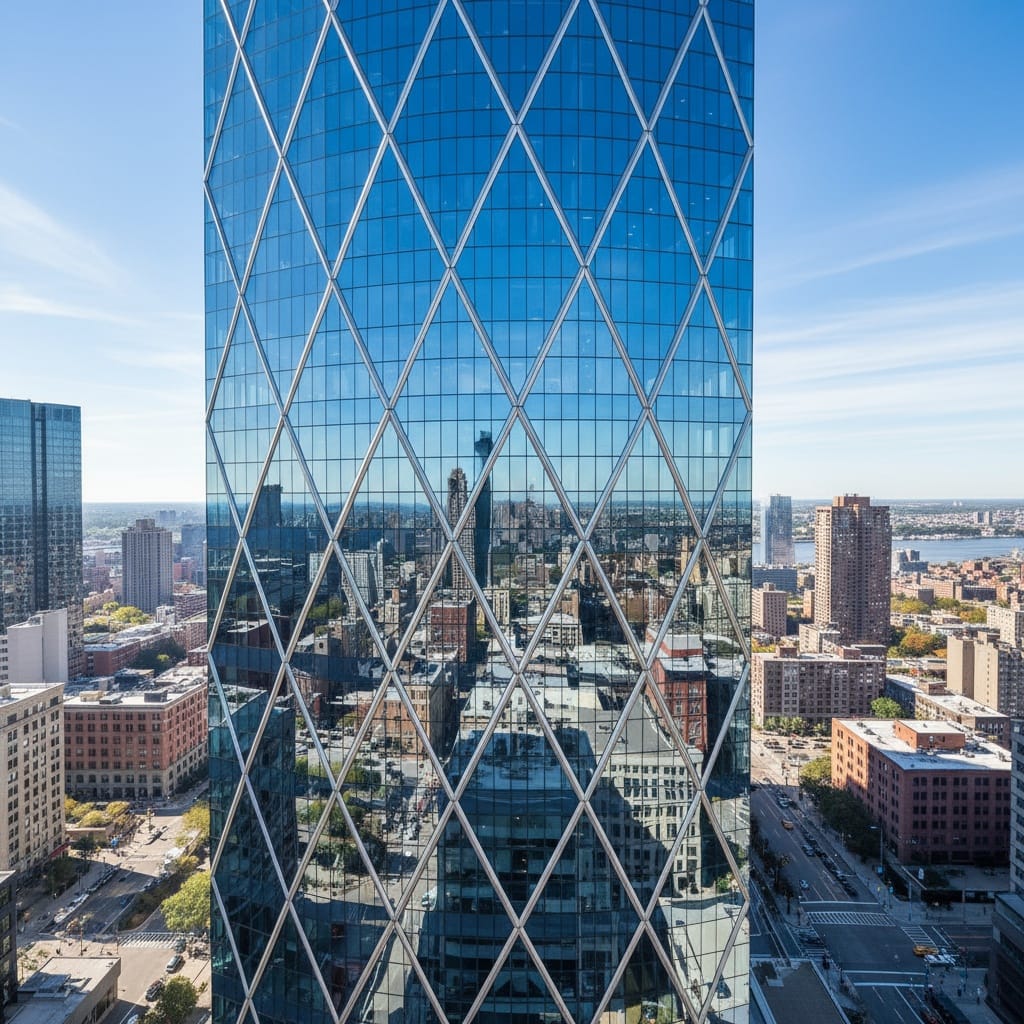
Enhanced with Prompt Enhancer: A beautiful modern building with diamond windows, reflecting the sky. The building is sleek and minimalist, with clean lines and a glass facade, in an architectural photography style. The sky is a clear blue, with soft clouds creating a serene atmosphere. The lighting is natural and bright, with soft shadows adding depth to the image. High resolution, wide shot, no people, no artifacts.
Final Thoughts
If you want to improve your architectural renders without touching a pixel, start with your prompt. Using Enhance Prompt and Prompt Magic on the RunDiffusion platform, you can dramatically increase the quality of your images while saving time.
Try it today using your free daily tokens on RunDiffusion, and see how smart prompts lead to stunning architecture.
 RunDiffusion Team
 RunDiffusion Team
 RunDiffusion Team