


Designers, architects, and 3D artists often need high-quality textures that match real-world materials. Whether you're visualizing cladding, concrete, or creative surfaces, RunDiffusion provides tools to generate textures with style, realism, and flexibility no login or 3D software required.
You can start with a simple text prompt and render visual references with one of our image models or add texture swatches instantly using our image edit models. With the Runnit platform, your outputs can be photorealistic, stylized, or even made tileable using upscale and enhancement tools.
What You’ll Learn
- How to create architecture textures using AI
- The best image models to use for texture generation
- How to generate tileable or seamless textures
- How to refine texture images using edit tools
- 10 example prompts for material-specific textures
How to Generate a Texture with AI
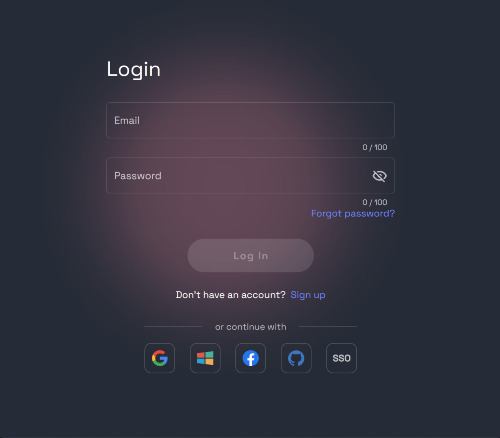
Log in: https://app.rundiffusion.com/login
Select Generate and then Image on the left side bar.

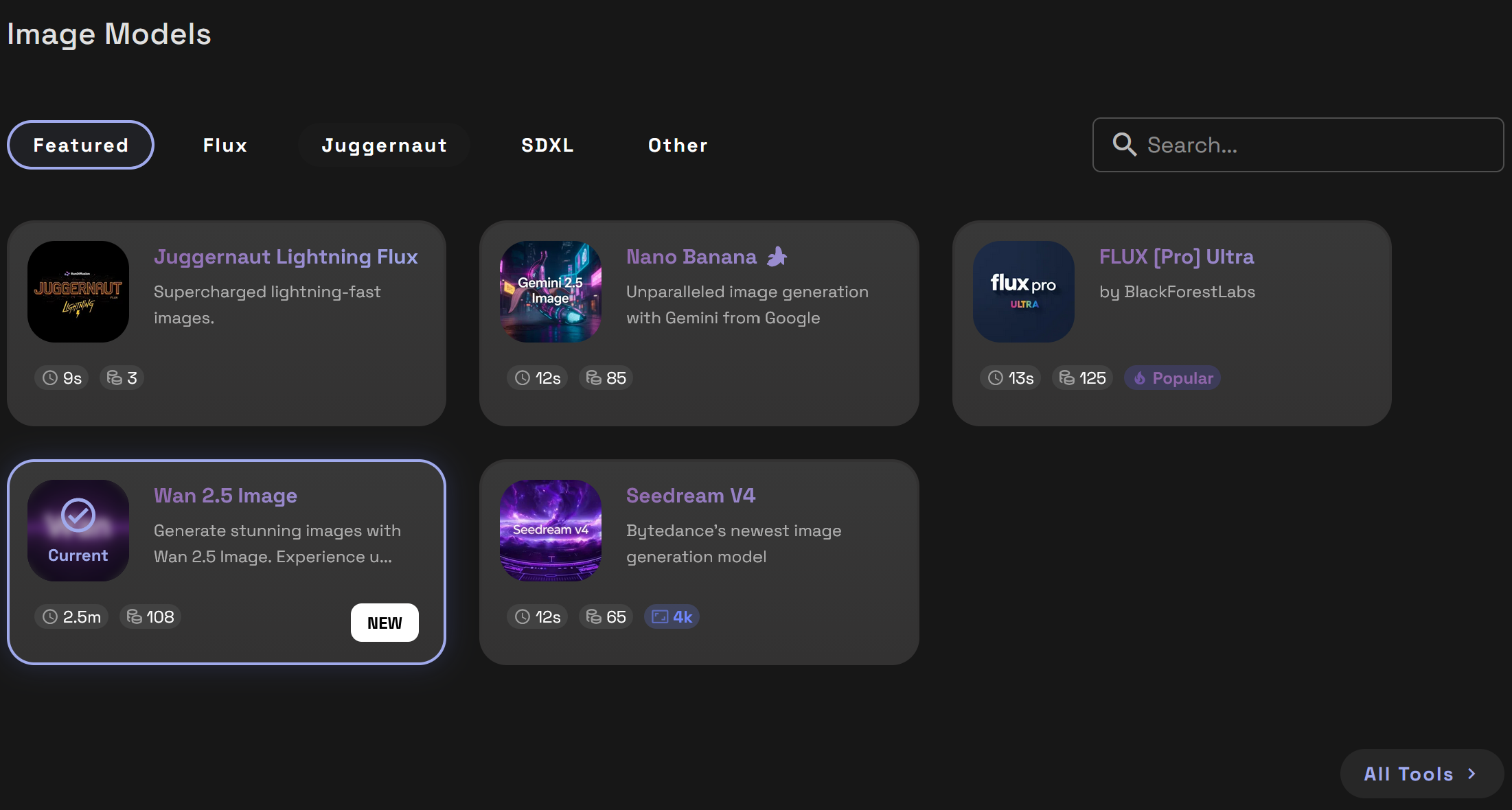
Choose a Model. Each model has their own strengths and we offer a variety. Select a Model such as Nano Banana, ChatGPTImage, or Juggernaut Lightning Flux.
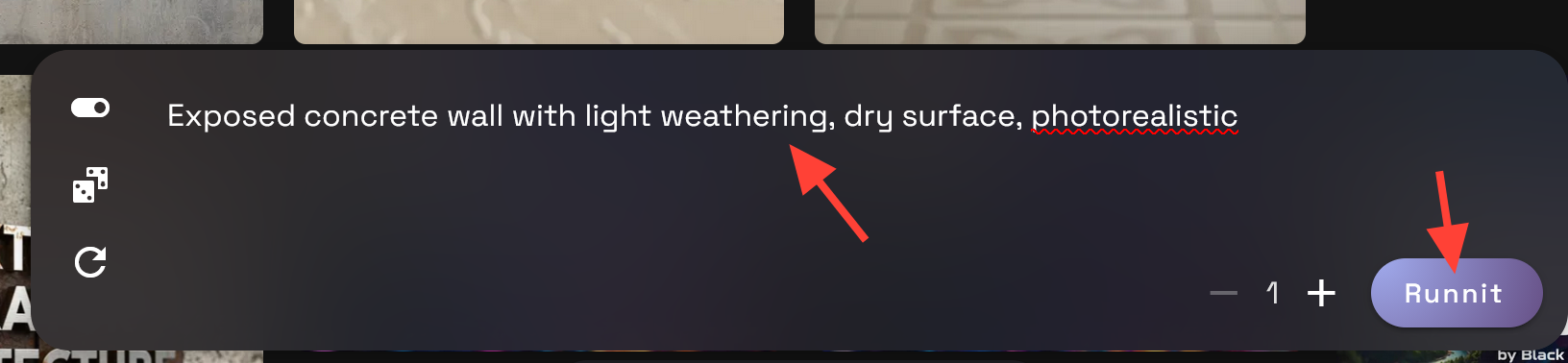
Enter a prompt describing your living room vision. Be specific about lighting, colors, styles. Do not over think it to start just describe your perfect kitchen. Click Runnit to generate your render
Example Prompt: Exposed concrete wall with light weathering, dry surface, photorealistic
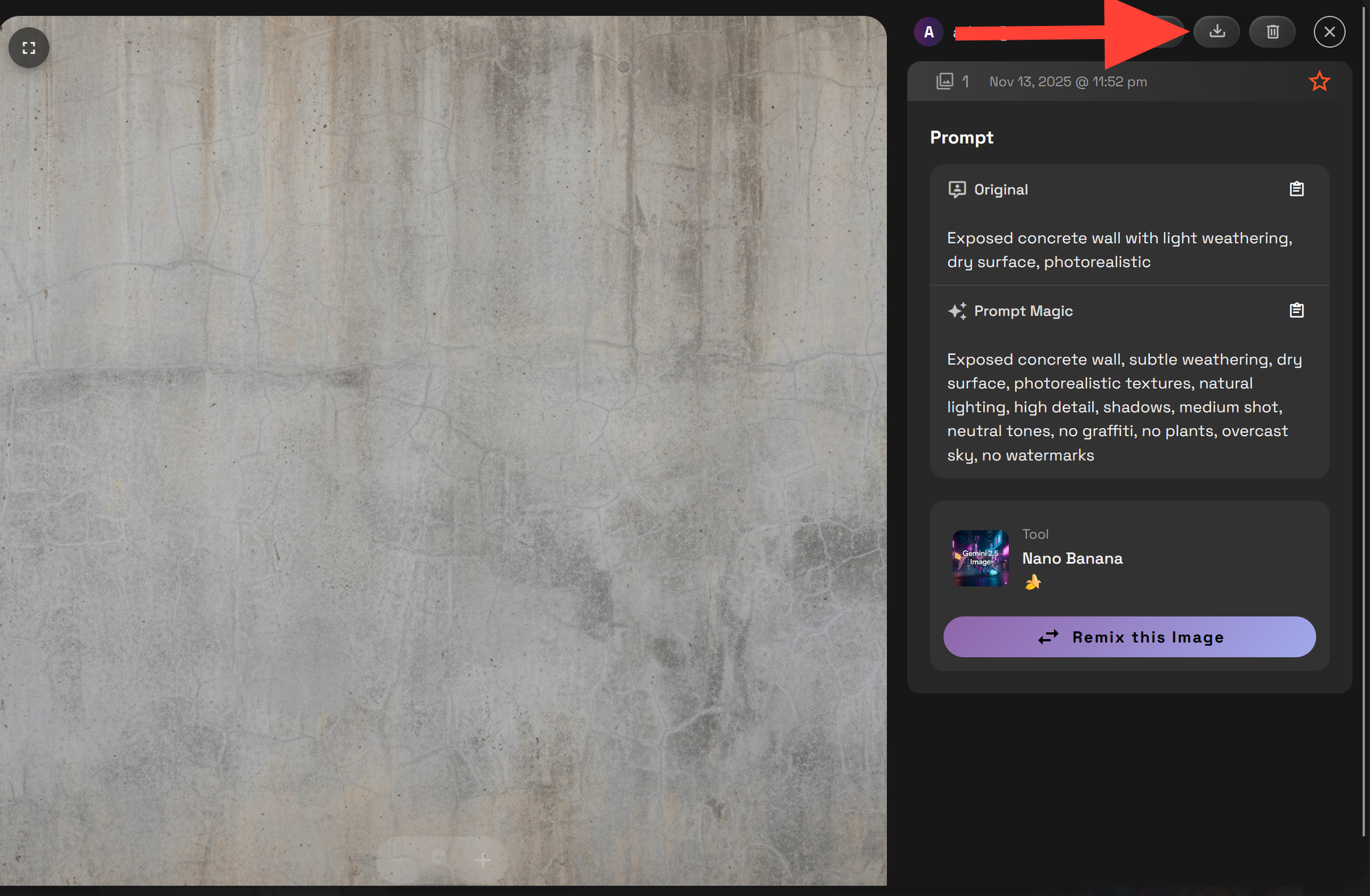
Click on your Render and then to download it click the download icon.
5 Sample Prompts for Architectural Textures
These prompts are optimized for architecture workflows and can be used in mood boards, material studies, and visualization references:
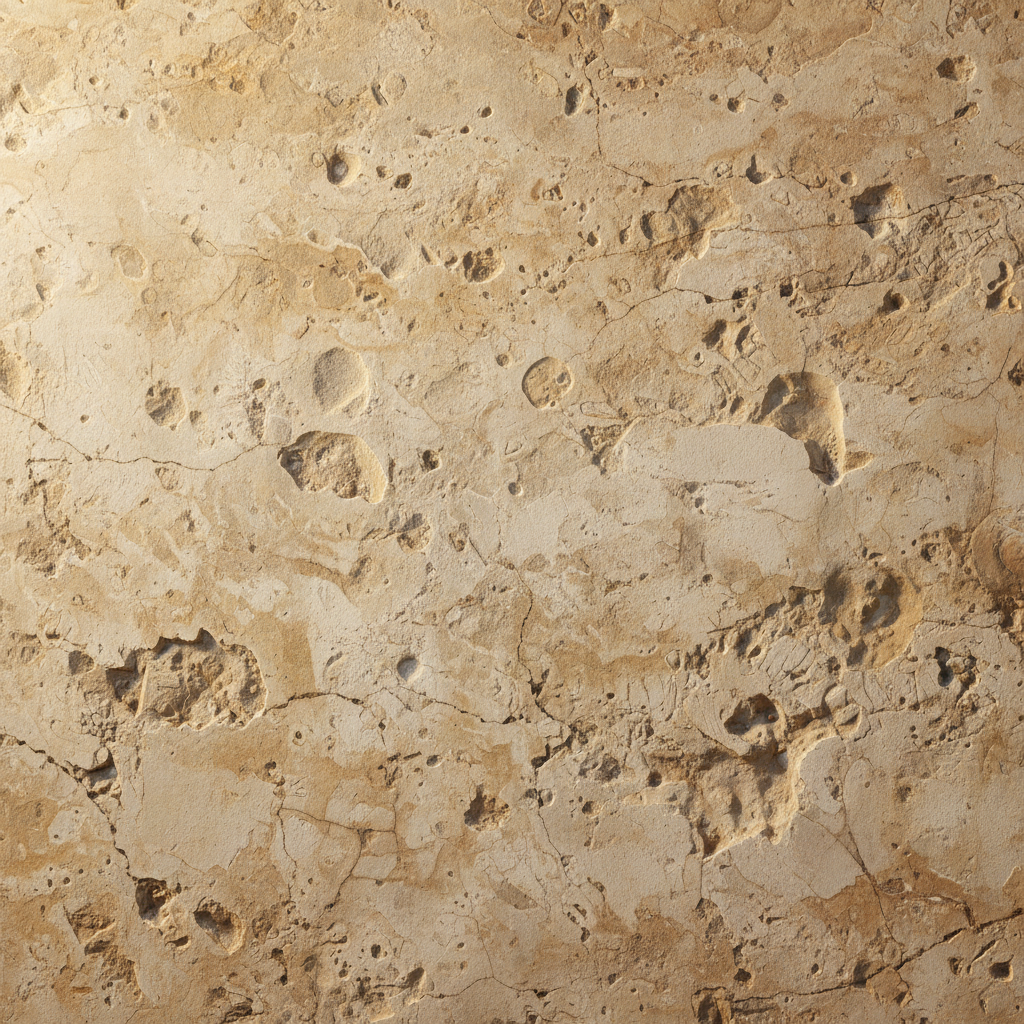
Model: Nano Banana
Prompt: Natural limestone cladding wall, aged surface, rough texture, soft shadows
Click here to try it yourself.
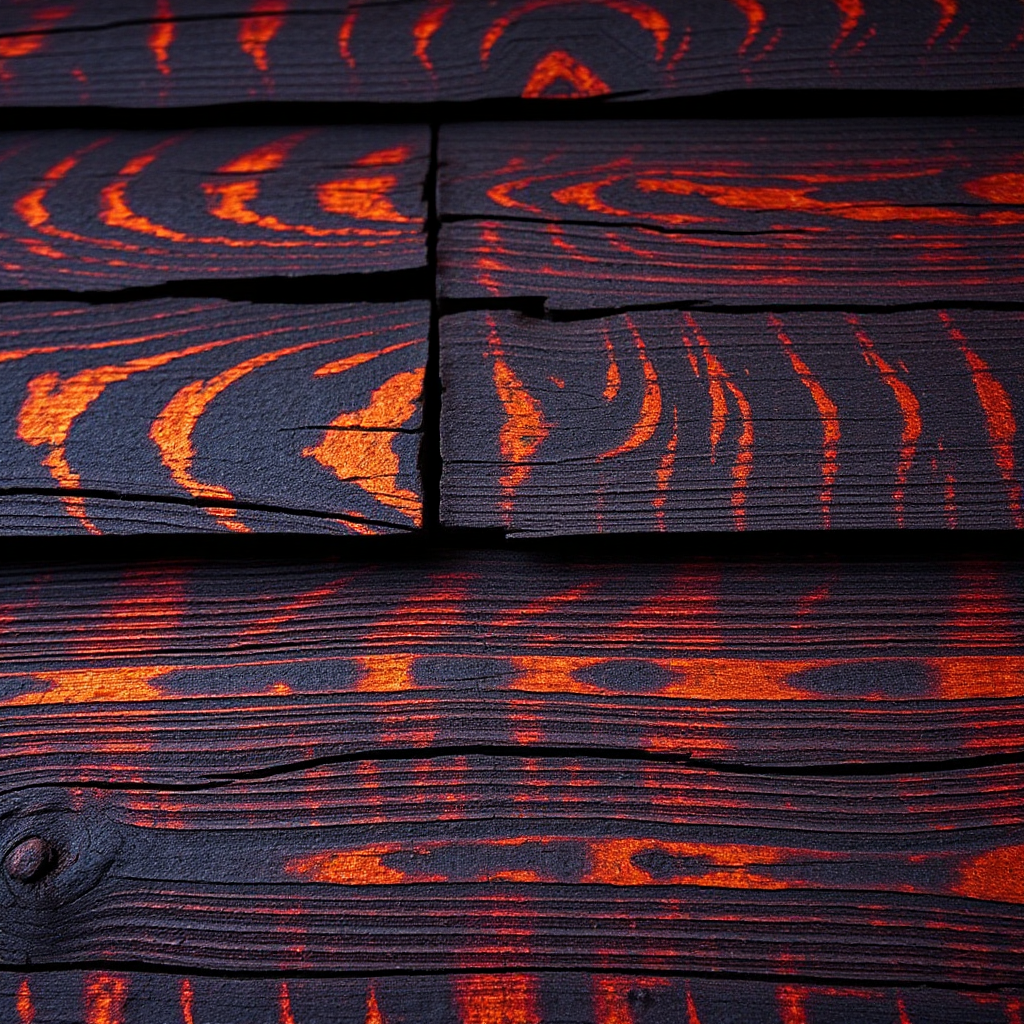
Model: Juggernaut Lightning Flux
Prompt: Close-up of burnt wood siding in Shou Sugi Ban style, showcasing intricate textures, dramatic lighting, high contrast
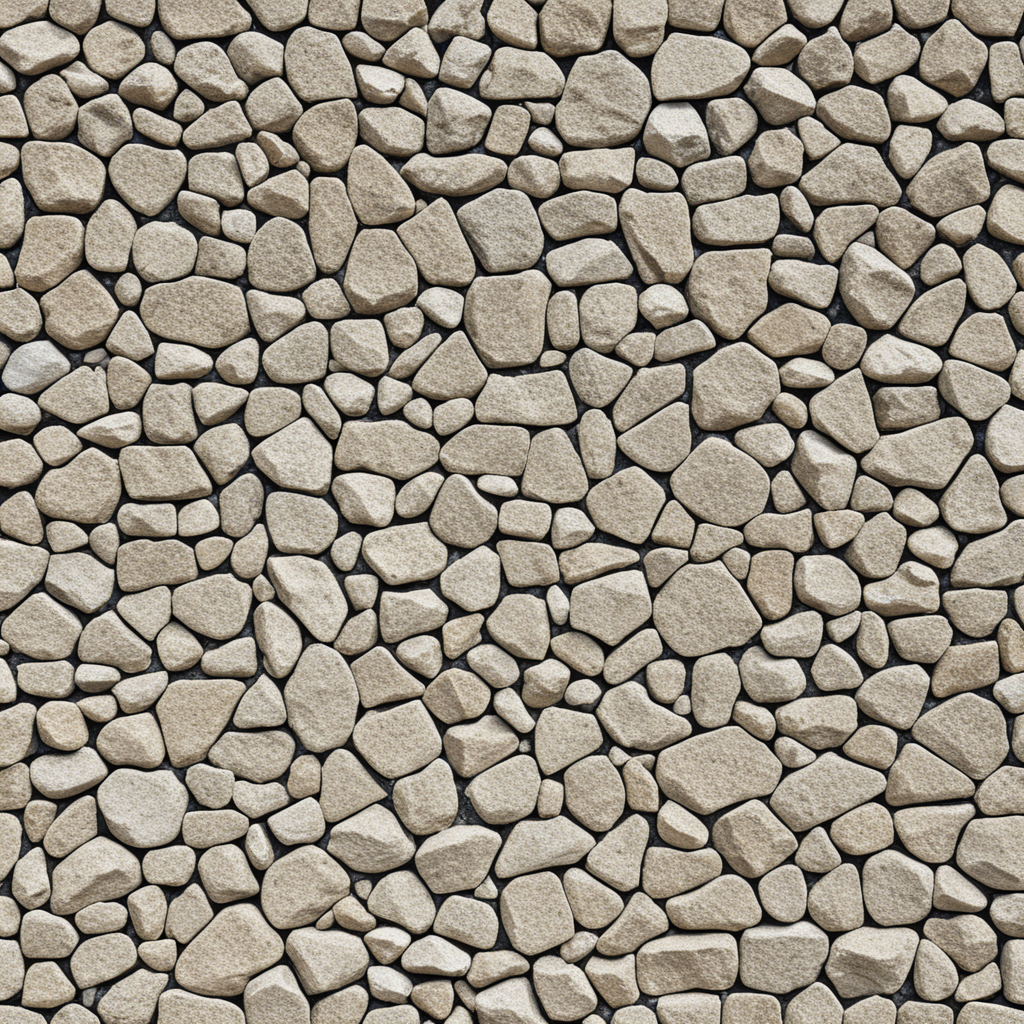
Juggernaut XII
Prompt: Rough aggregate wall, sharp stone texture, dry daylight render
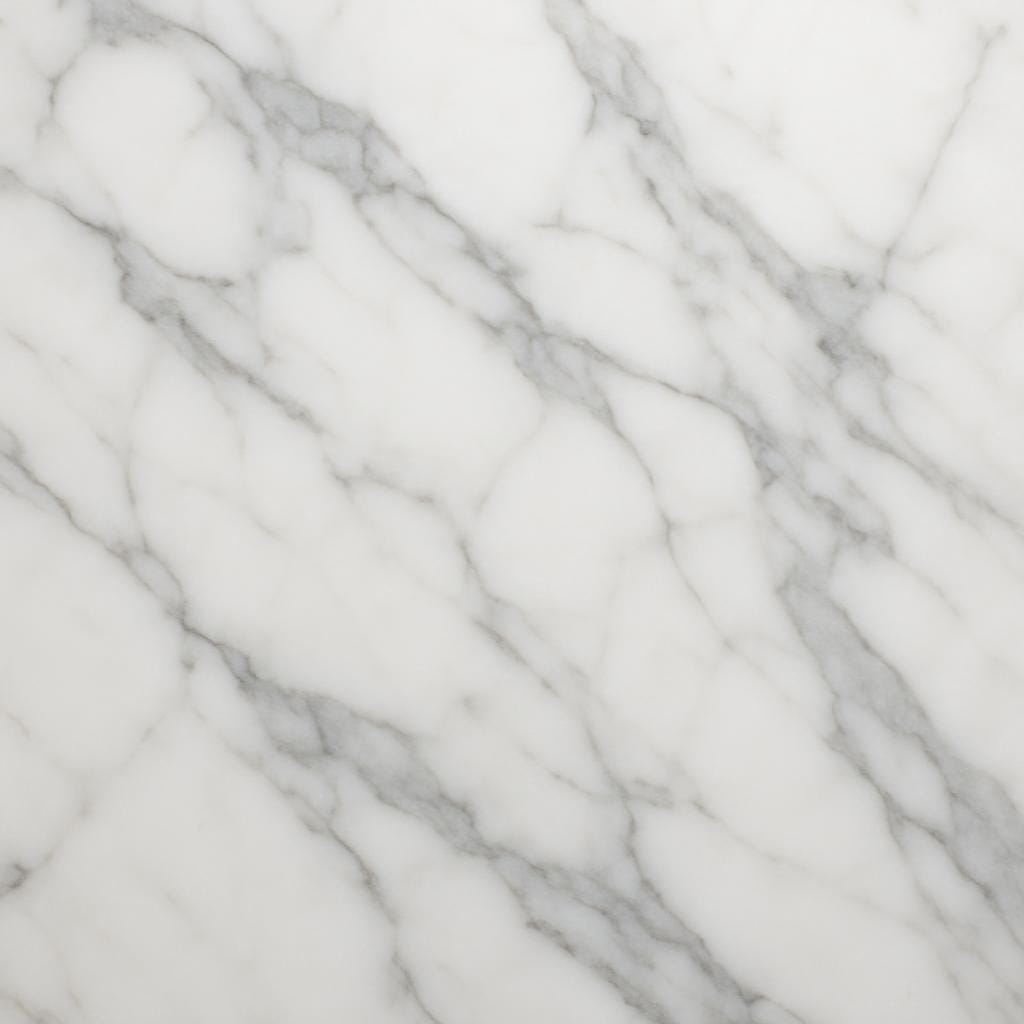
ChatGPT Image
Prompt: Polished marble with gray veining, editorial lighting, overhead light
Model: ChatGPTImage
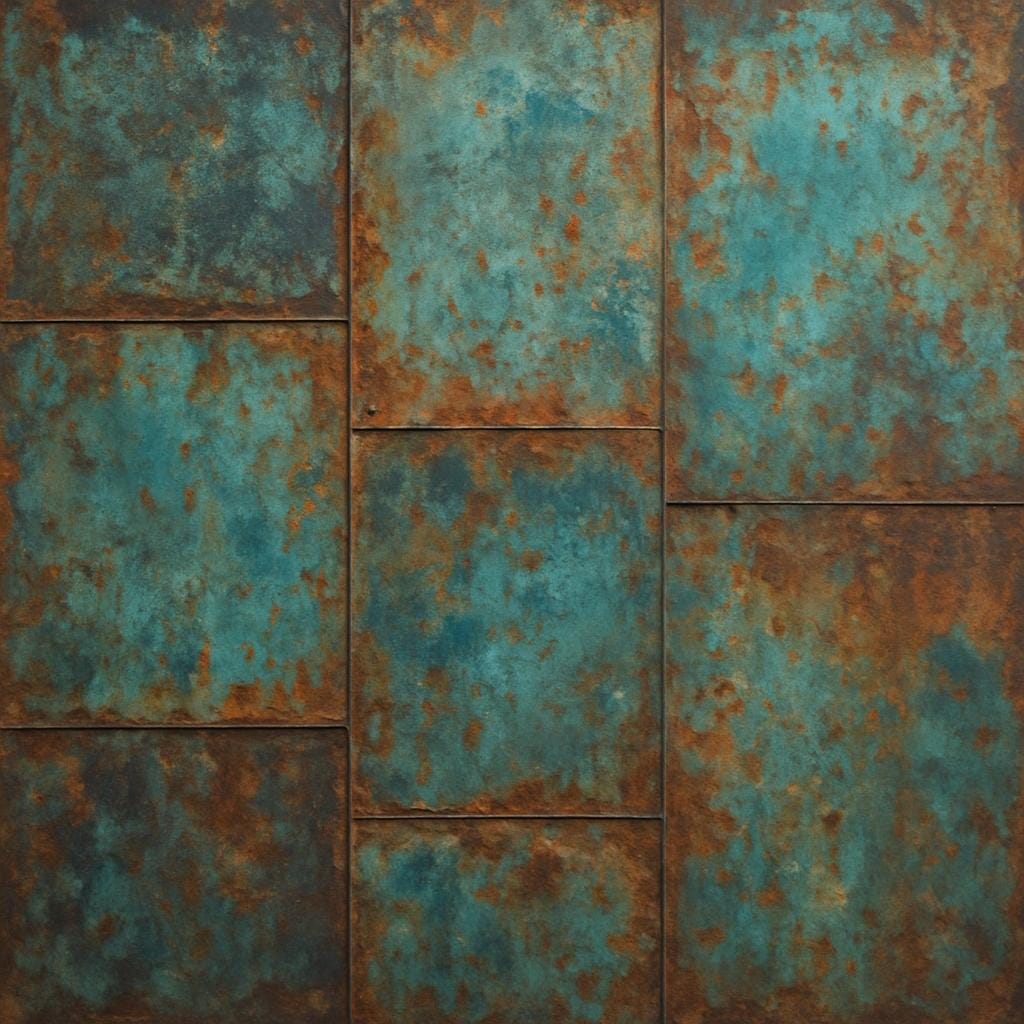
Prompt: Close up of a Recycled metal panel with patina and oxidized finish
How Do I Make Textures Tileable?
If you're generating textures to use in pattern fills, backgrounds, or 3D applications, tileability matters.
✅ Full Guide: How to Create Tileable Textures with AI
Add Textures to Your Renders with Edit Tools
You can upload an existing textures or use a texture you created and apply it directly to an image.
✅ Learn How to Add Textures with Edit Models
Example prompt:
Replace wall texture with exposed concrete, keep lighting and layout
Final Thoughts
With RunDiffusion’s AI texture generator tools, you can quickly build out your material boards, enhance your renders, and create tileable patterns for any architectural style. Whether you're visualizing stone, wood, metal, or custom textures RunDiffusion makes the process faster.
Use your free daily tokens to try it now: https://app.rundiffusion.com/login
Related Articles
 RunDiffusion Team
 RunDiffusion Team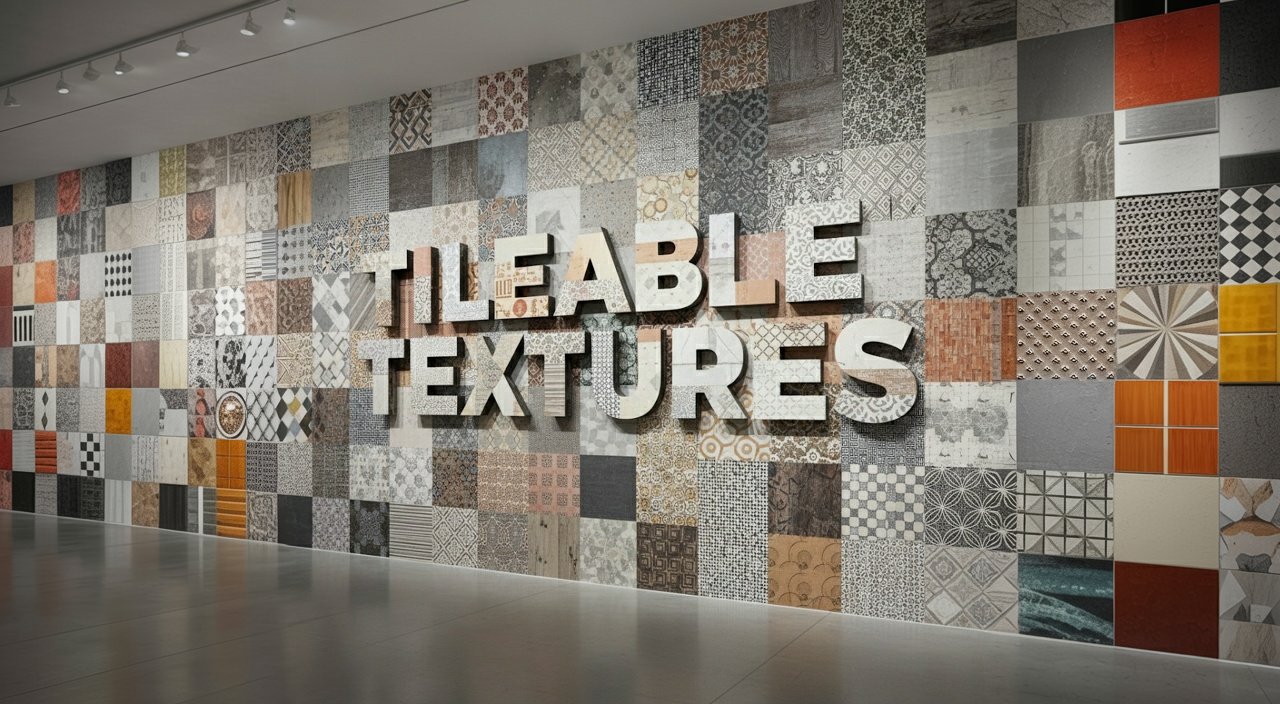
 RunDiffusion Team
