


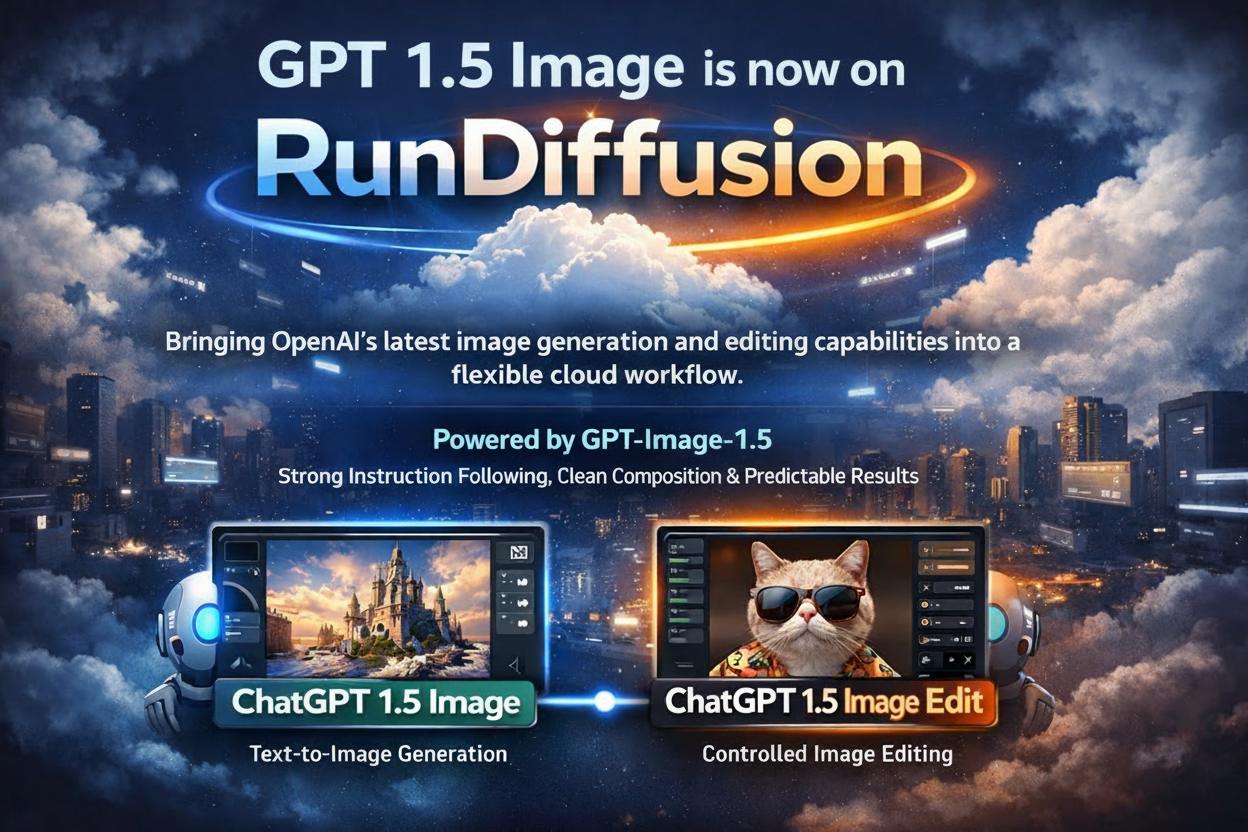
ChatGPT 1.5 Image is now available on RunDiffusion, bringing OpenAI’s latest image generation and editing capabilities into a flexible cloud workflow. Powered by GPT-Image-1.5, these tools focus on strong instruction following, clean composition, and predictable results.
On RunDiffusion, these capabilities are offered as two distinct tools: ChatGPT 1.5 Image for text-to-image generation and ChatGPT 1.5 Image Edit for controlled image editing.
What Is GPT-Image-1.5?
GPT-Image-1.5 is OpenAI’s current-generation image model, designed for high-quality image creation and precise image editing. It prioritizes clarity, structure, and reliability rather than experimental or highly abstract output.
This makes it especially useful for professional and client-facing workflows where prompt accuracy and visual consistency matter.
ChatGPT 1.5 Image on RunDiffusion
ChatGPT 1.5 Image is the text-to-image workflow powered by GPT-Image-1.5. It allows you to generate new images directly from written prompts, with a strong emphasis on instruction adherence and polished results.
This tool is well suited for:
- Marketing and presentation visuals
- Concept images and illustrations
- Clean, structured compositions
- Client-ready imagery that benefits from moderation and consistency
If your goal is to describe an idea and generate a new image from scratch, ChatGPT 1.5 Image is the right starting point.
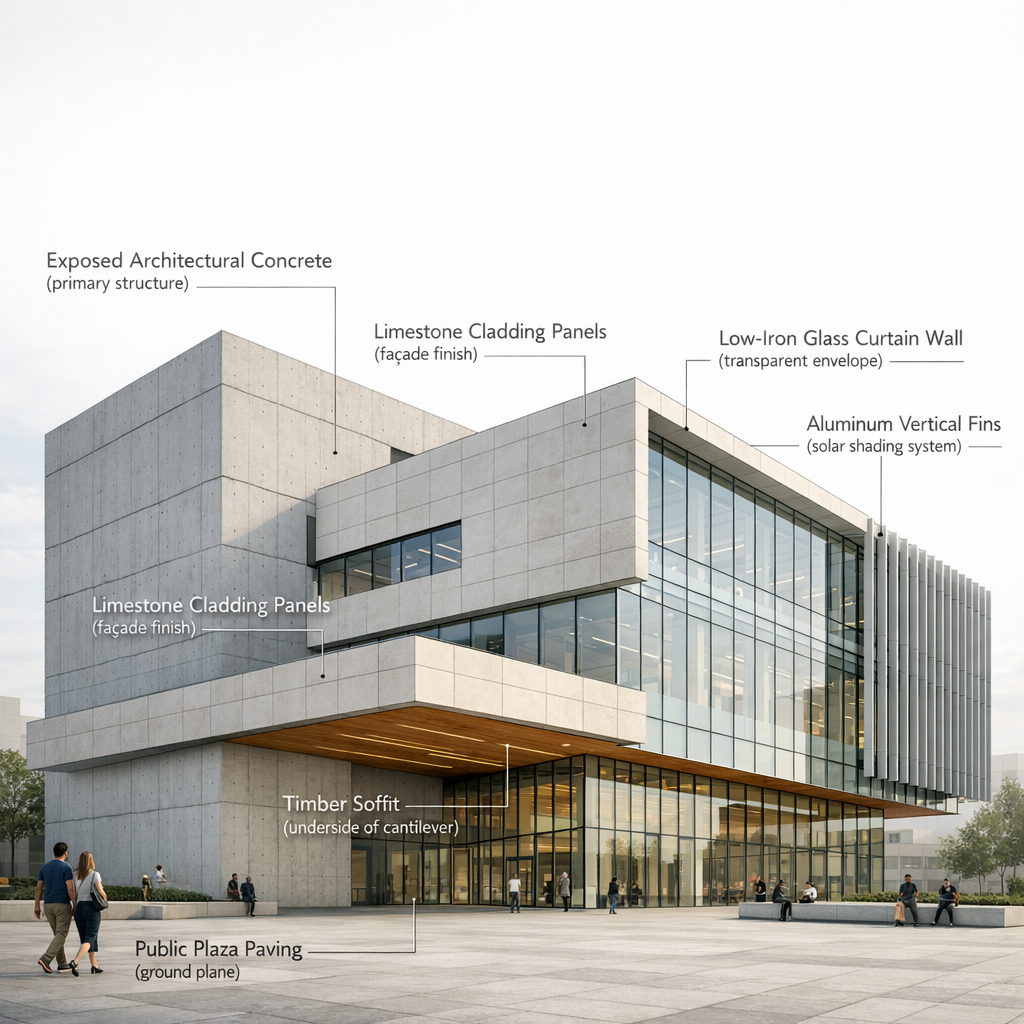
ChatGPT 1.5 Image Edit on RunDiffusion
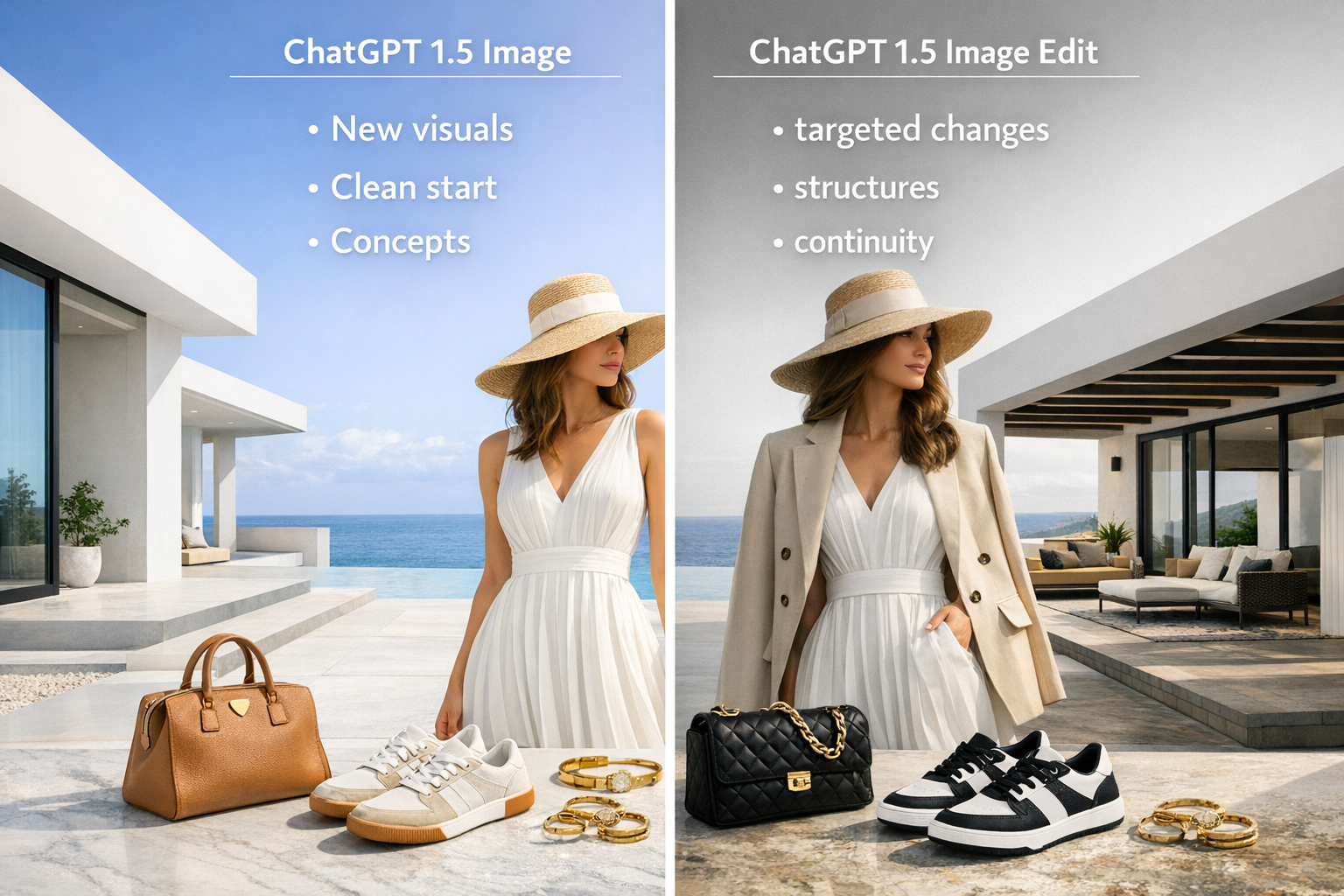
ChatGPT 1.5 Image Edit focuses on image-to-image workflows. Instead of generating a new image, you start from an existing one and make targeted changes while preserving the original structure.
Image Edit is ideal for:
- Refining or correcting existing images
- Adjusting objects, backgrounds, or details
- Making controlled changes without regenerating the entire scene
- Iterative review and polish for client work
This workflow is especially useful when you’re close to the desired result and need precise revisions rather than a full regeneration.
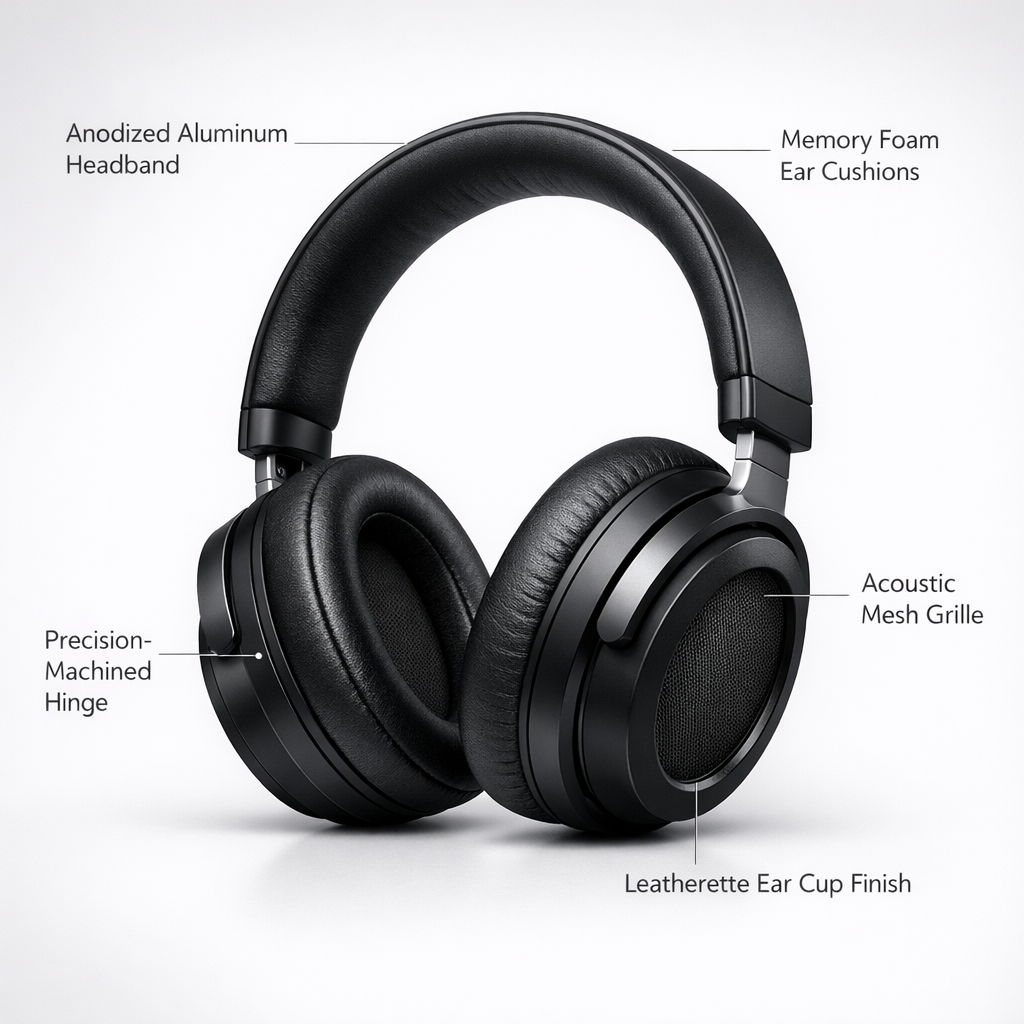
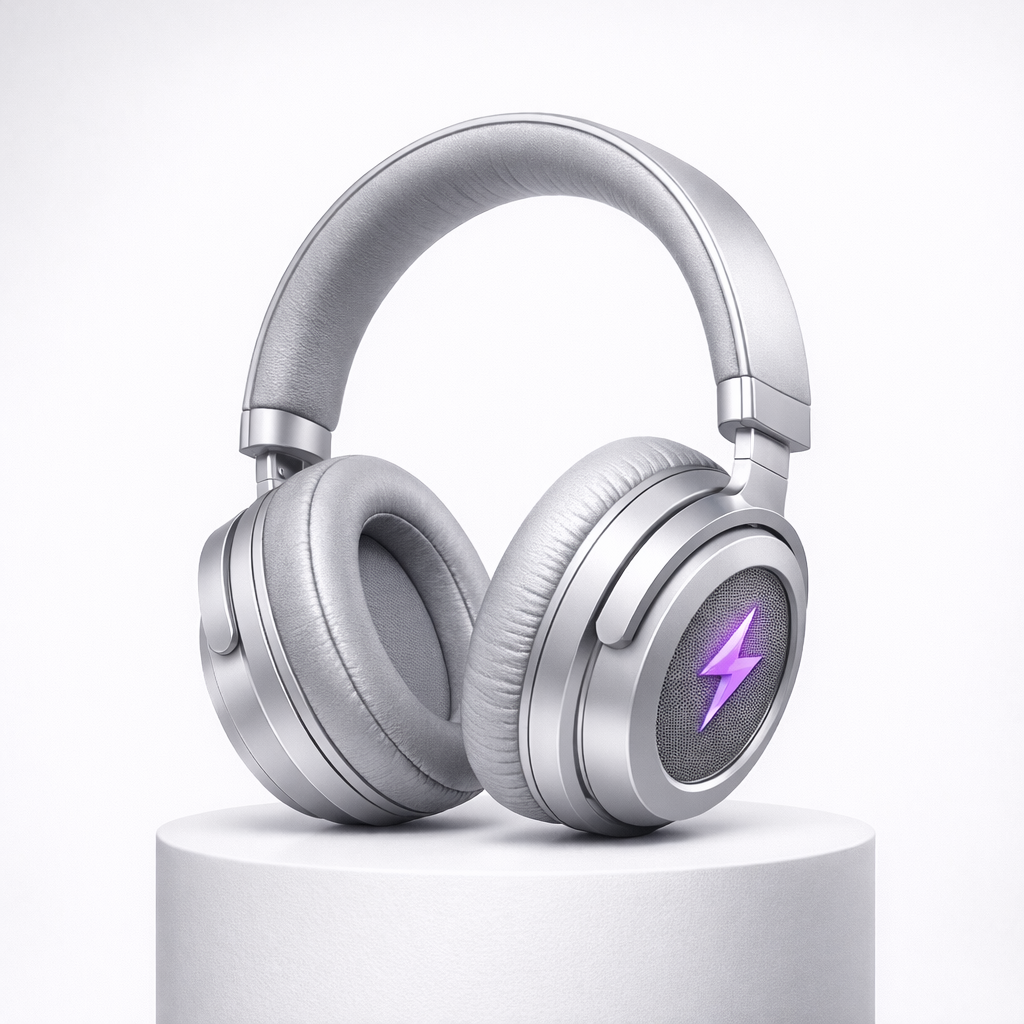
Left original, Right Edited with ChatGPT 1.5 Image Edit
Key Strengths of ChatGPT 1.5 Image Tools
Strong Instruction Following
Both Image and Image Edit handle detailed, multi-part instructions reliably, reducing trial and error.
Polished, Client-Safe Output
GPT-Image-1.5 is designed for clean composition and predictable results, making it suitable for professional use.
Safety-Aligned Generation
These tools operate with strong moderation and content safeguards. Some prompts that work in more open image models may be restricted, helping ensure consistent and broadly usable output.
When to Use Image vs Image Edit
Use ChatGPT 1.5 Image when:
- You’re generating a new visual from text
- You want a clean starting point
- You’re exploring concepts or layouts
Use ChatGPT 1.5 Image Edit when:
- You already have an image
- You need targeted changes
- Structure and continuity matter
Many workflows naturally move from Image to Image Edit as a project evolves.
How This Fits Into RunDiffusion Workflows
RunDiffusion provides access to multiple image models, each optimized for different needs. ChatGPT 1.5 Image and Image Edit add a precision-focused, safety-aligned option alongside faster or more open image tools.
This gives you the flexibility to choose the right model depending on whether your priority is speed, openness, or tightly controlled results.
Further Reading
Sora 2 Prompt Guide
Flux 2 Prompting
LTX-2 Prompt Guide
ChatGPT 1.5 Image on RunDiffusion – FAQ
What is ChatGPT 1.5 Image?
ChatGPT 1.5 Image is a text-to-image tool powered by OpenAI’s GPT-Image-1.5 model. It allows you to generate high-quality images from written prompts with strong instruction following and polished, professional results.
Were the images in this Article made with ChatGPT 1.5?
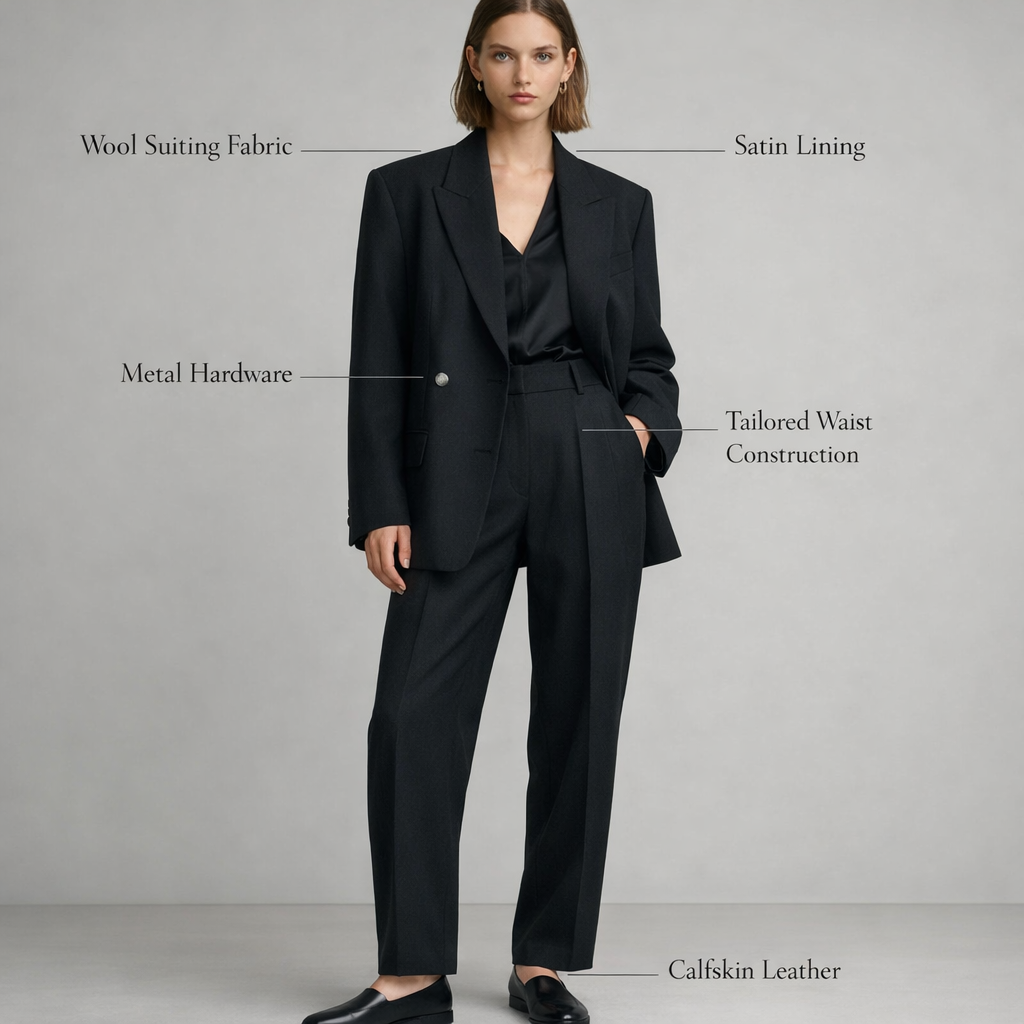
All the images in this article were created with ChatGPT 1.5 Image and ChatGPT 1.5 Image Edit.
What is ChatGPT 1.5 Image Edit?
ChatGPT 1.5 Image Edit is the image-editing workflow powered by the same GPT-Image-1.5 model. Instead of generating a new image, you start with an existing image and make targeted changes while preserving structure and composition.
Why are Image and Image Edit separate tools?
Although both are powered by GPT-Image-1.5, they serve different workflows. Image is optimized for creating new visuals from text, while Image Edit is designed for refining and modifying existing images. Separating them makes it easier to choose the right tool for your task.
What types of projects is ChatGPT 1.5 Image best for?
ChatGPT 1.5 Image works well for:
- Marketing and presentation visuals
- Concept images and illustrations
- Clean, structured compositions
- Client-facing imagery that benefits from consistent results
It’s especially useful when prompt accuracy and predictability matter.
When should I use Image Edit instead of Image?
Use Image Edit when you already have an image and want to:
- Change specific objects or details
- Adjust backgrounds or elements
- Make controlled revisions without regenerating the entire scene
This is ideal for review cycles and polish.
Does ChatGPT 1.5 Image support image editing and inpainting?
Yes. Image Edit supports image-to-image workflows, including targeted edits and refinements, allowing you to modify parts of an image while keeping the rest intact.
Is ChatGPT 1.5 Image moderated?
Yes. ChatGPT 1.5 Image and Image Edit use safety-aligned moderation. Some prompts that work in more open image models may be restricted, but this helps ensure clean, professional, and broadly usable output.
How does ChatGPT 1.5 Image compare to other image models on RunDiffusion?
ChatGPT 1.5 Image prioritizes instruction accuracy, consistency, and polished results. Other models on RunDiffusion may offer faster generation, higher volume output, or more experimental styles. Many users choose different models depending on the project.
Do Image and Image Edit use the same underlying model?
Yes. Both tools are powered by GPT-Image-1.5. The difference lies in how you interact with the model—either generating new images or editing existing ones.
Is ChatGPT 1.5 Image suitable for professional or client-facing work?
Yes. Its focus on predictable results, clean composition, and moderation makes it well suited for professional workflows, presentations, and client reviews.
