


What Is the Early-Stage Concepting and Moodboarding Template?
The Early-Stage Concepting and Moodboarding Template is designed to support visual exploration at the beginning of a project. It helps you define mood, style, lighting, color, and overall visual direction before committing to detailed or production focused work.
This template brings together multiple AI tools in a structured workflow so you can explore ideas freely while keeping your process organized.
What This Template Helps You Achieve
Early concepting is about asking the right questions visually. This template helps you explore multiple answers quickly.
Using this template, you can:
- Explore multiple visual directions without commitment
- Test mood, atmosphere, and stylistic choices
- Compare realistic and illustrative approaches
- Build moodboards that communicate intent clearly
- Align teams and stakeholders early in the process
The goal is clarity, not final output.
Architecture and Interior Design
Architects and designers use this template to explore massing, materials, lighting, and atmosphere early in a project. It is especially useful for presenting multiple conceptual directions to clients before selecting a preferred approach.
Film, Animation, and Games
Creative teams use early-stage concepting to establish visual tone, environment style, and narrative mood. This template helps align directors, artists, and producers before production assets are created.
Product and Industrial Design
Product teams use moodboarding to explore form, material language, and context of use. This template allows rapid iteration before moving into CAD modeling or engineering constraints.
Marketing and Creative Agencies
Agencies use this template to explore brand mood, campaign visuals, and stylistic direction. The resulting moodboards often become the foundation for creative briefs and pitch presentations.
When to Use This Template
This template is best used when:
- You are at the beginning of a project
- Visual direction is not yet defined
- Speed and exploration matter more than precision
- You need to communicate ideas visually
It is not intended for final assets. It is a starting point for decision making.
Launch the Early Stage Concepting and Mood Boarding Template
Open the RunDiffusion's Runnit Platform
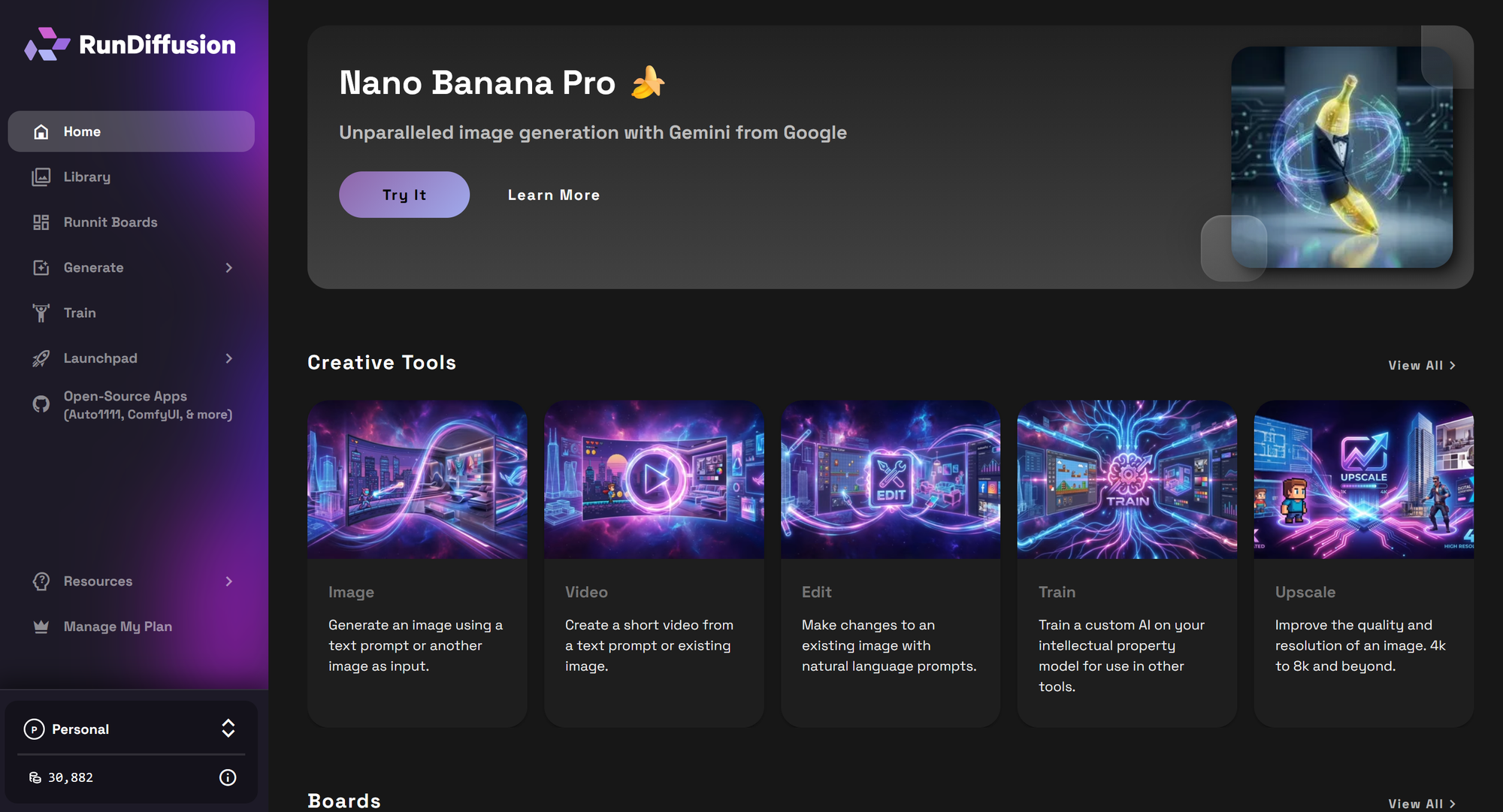
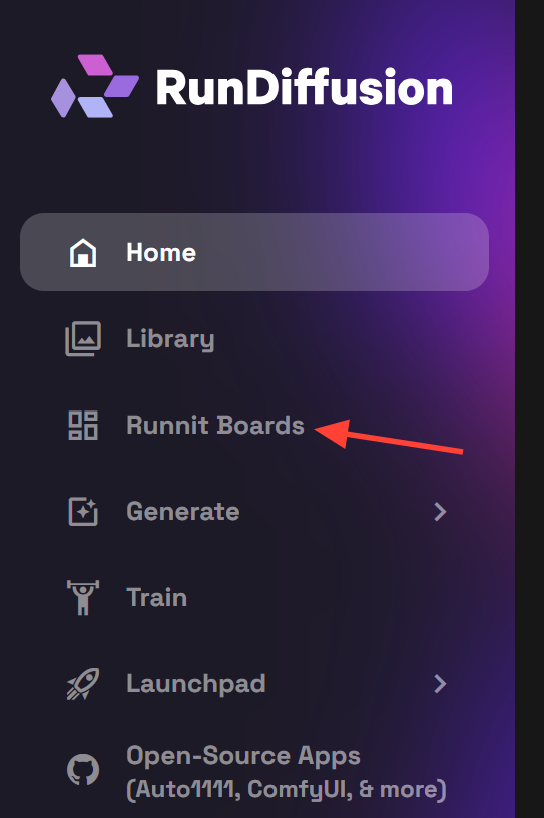
On the left-side panel, select Runnit Boards.
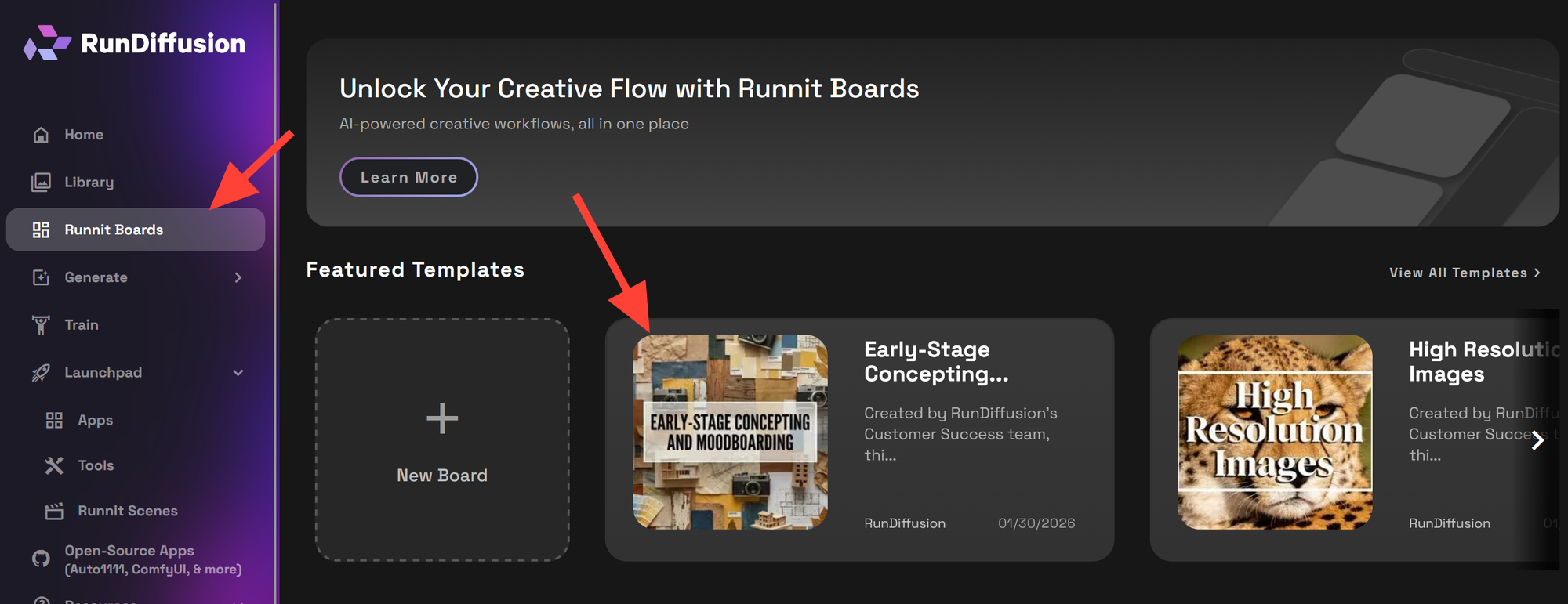
Select the Early-Stage Concepting and Moodboarding Template
Click Create Board to launch a new workspace.
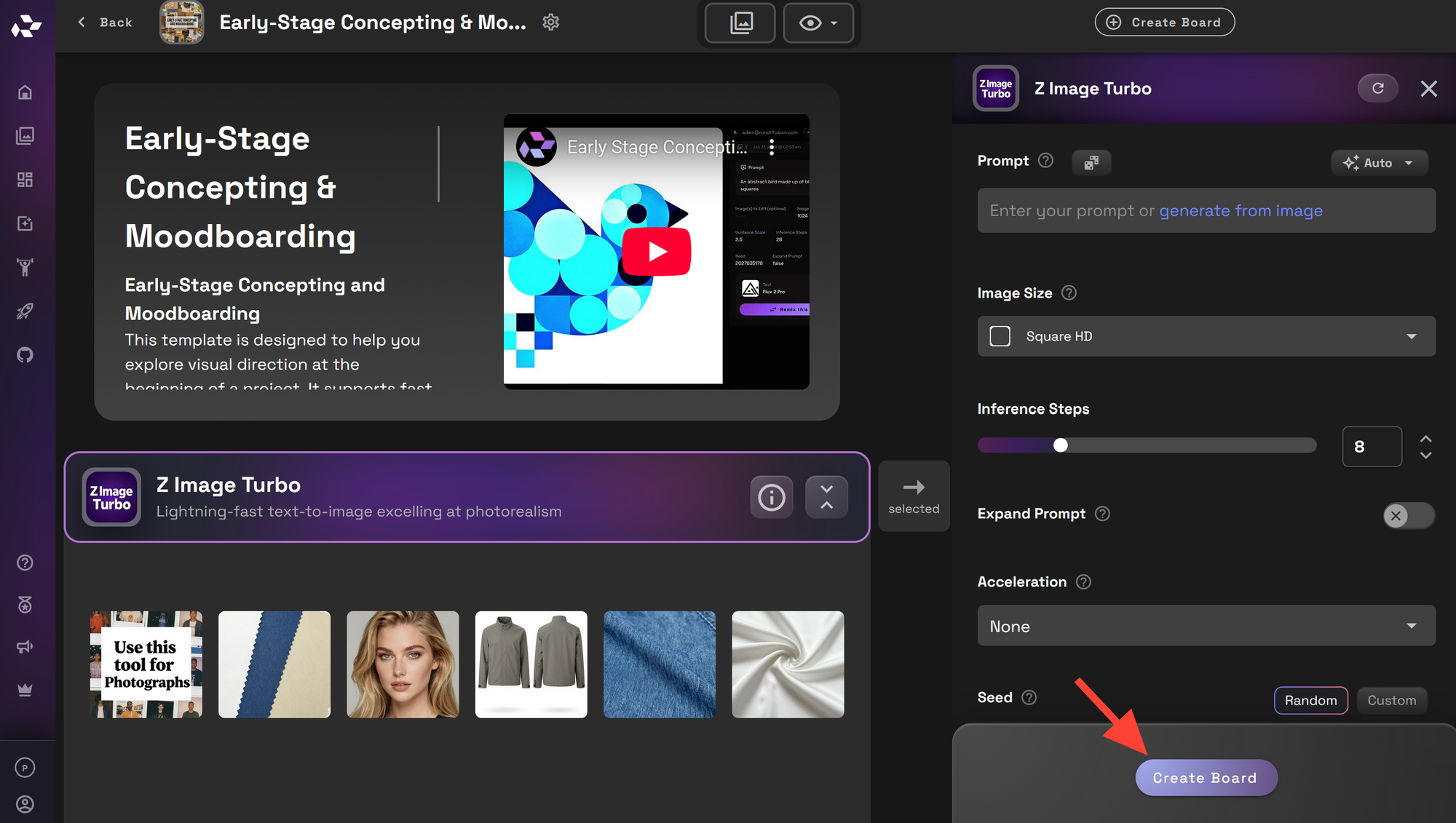
Edit the board name and description as needed. You can also upload an image or select one from your existing library. Once you are satisfied, click Create. You may be prompted to set the board to private, restricted or shared. You can select which and then close.
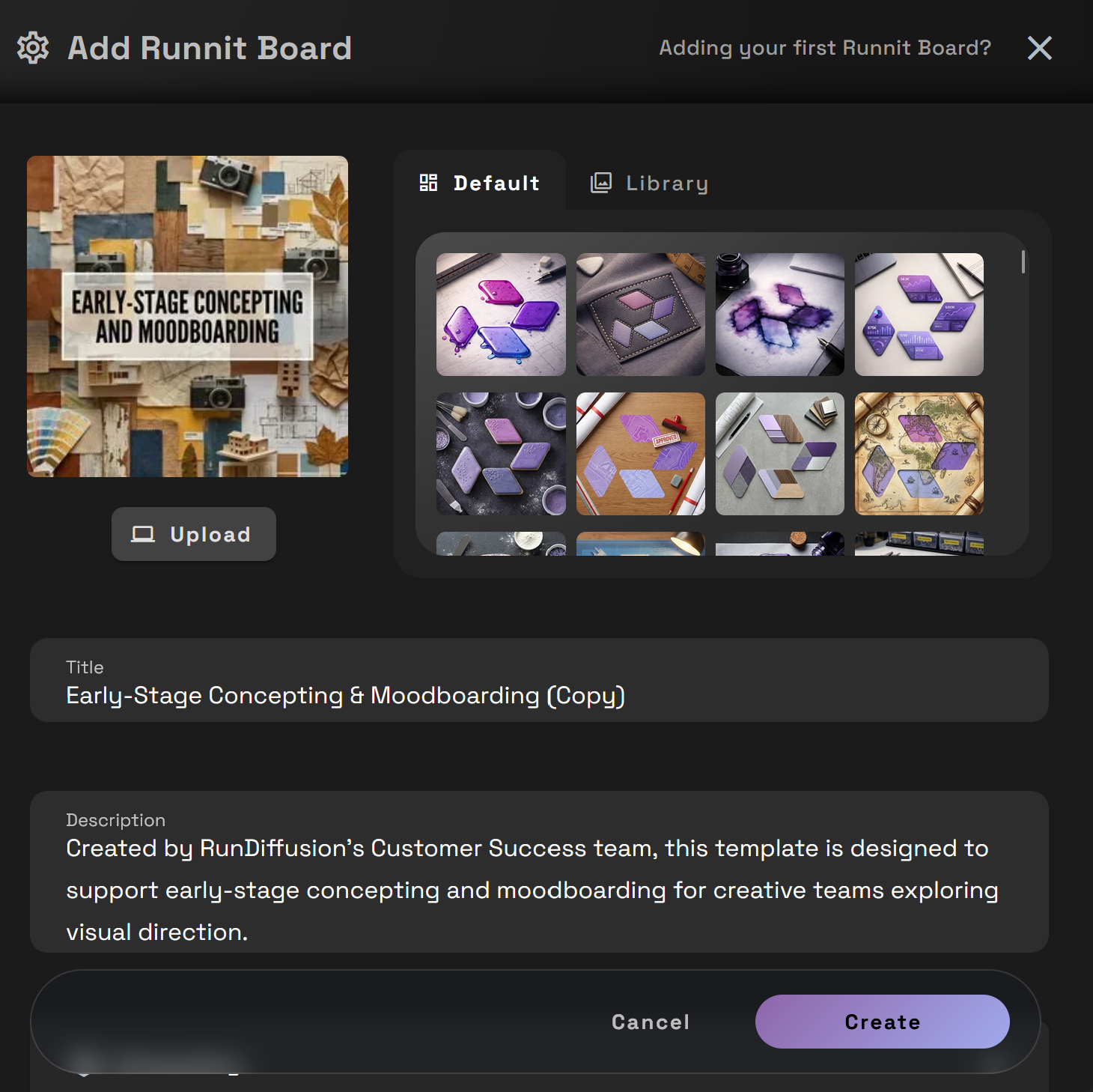
Once your board is created, you can begin generating images immediately.
Why Use This Template on RunDiffusion
RunDiffusion provides a cloud based environment for visual exploration without hardware setup or maintenance. This template organizes powerful tools into a repeatable workflow so you can focus on creative direction rather than technical setup.
By using this template, you can explore more ideas, make decisions earlier, and move into later stages with confidence.
Tools Included in This Template
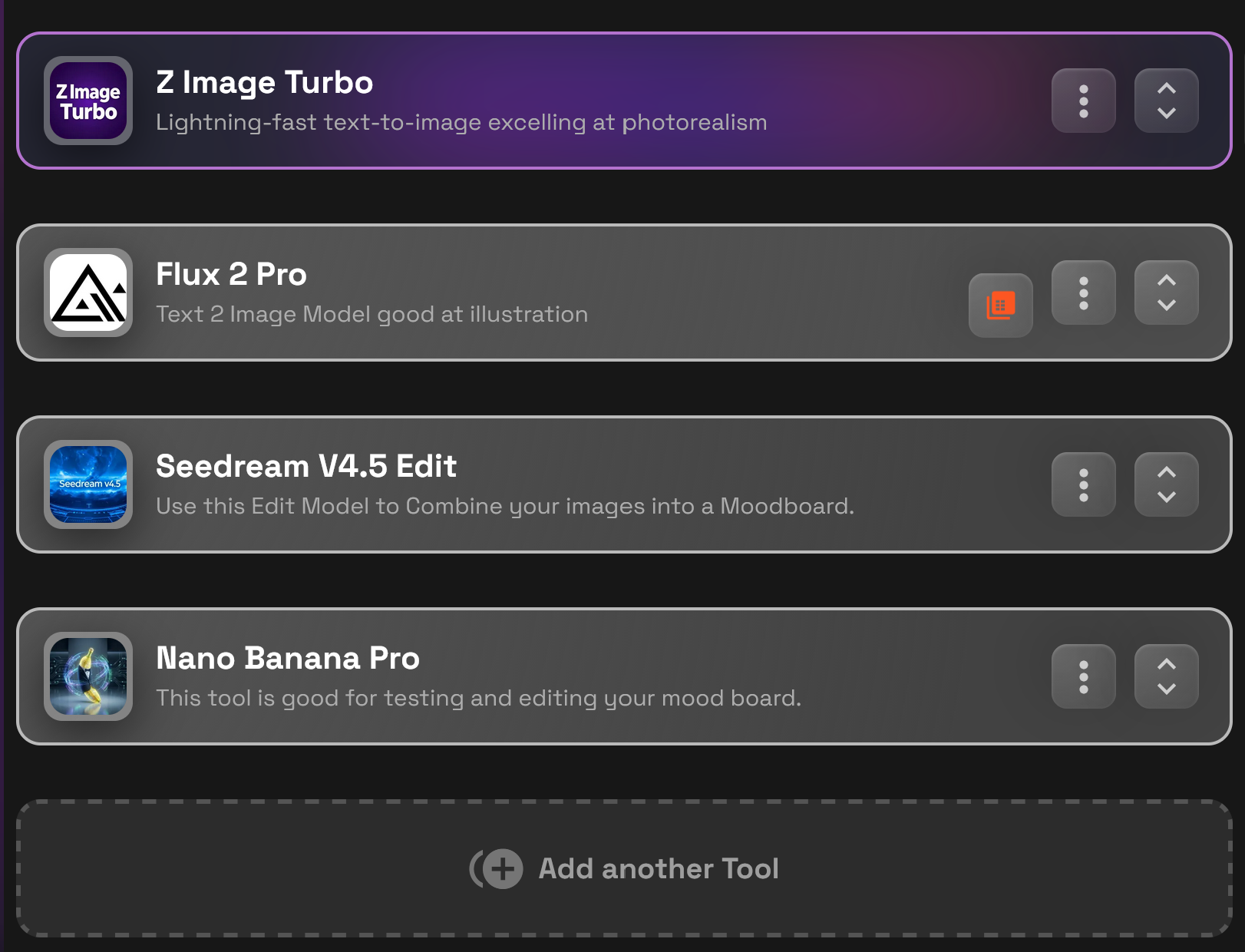
Z Image Turbo
Z Image Turbo is used for fast text to image generation. It is well suited for quickly exploring realistic environments, objects, and lighting conditions during early ideation.
Flux 2 Pro
Flux 2 Pro is ideal for illustration and conceptual visuals. It helps explore stylized directions, abstract ideas, and artistic themes when realism is not the goal.
Seedream V4.5 Edit
Seedream V4.5 Edit is used to combine and refine images into cohesive moodboards. It helps unify visual language and balance composition across multiple images.
Nano Banana Pro
Nano Banana Pro is used to test and refine moodboards through small edits and variations. It supports iteration without requiring full regeneration of images.
 RunDiffusion Team
 RunDiffusion Team
 RunDiffusion Team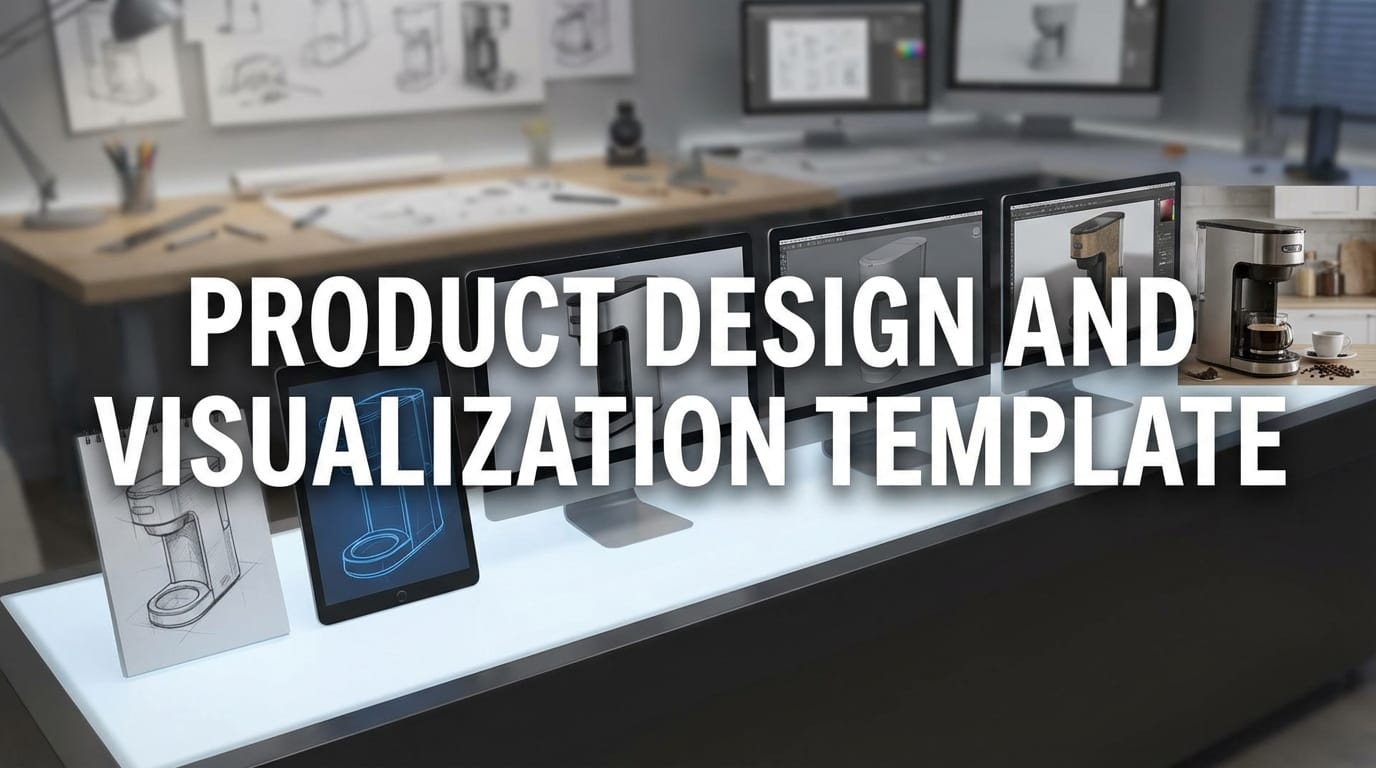
 RunDiffusion Team
Frequently Asked Questions
What is the purpose of the Early-Stage Concepting and Moodboarding Template?
This template is designed to help you explore visual ideas early in a project. It focuses on mood, style, lighting, and overall direction rather than detail or final quality. The goal is to support decision making before moving into production workflows.
Who is this template best suited for?
This template is useful for architects, designers, creative teams, agencies, and anyone who needs to explore visual direction quickly. It works well for both individual creators and collaborative teams.
Do I need finalized prompts to use this template?
No. This template is intended for loose prompts and exploratory ideas. You can start with simple descriptions and refine them as visual direction becomes clearer.
Is this template meant for final renders?
No. This template is not intended for final or production ready assets. It is meant to help you explore options and narrow your direction before moving into more detailed workflows.
Can I use this template for client presentations?
Yes. Many users generate moodboards with this template to communicate early ideas to clients. It is especially useful for presenting multiple directions before selecting a final approach.
How is this different from other image generation templates?
This template focuses on exploration rather than precision. It combines fast generation with editing and refinement tools so you can compare styles, moods, and concepts instead of producing a single polished image.
Can this template be used across different industries?
Yes. The workflow is flexible and commonly used in architecture, film and animation, product design, and marketing. The same structure applies even though the visual goals differ by industry.
Do I need technical experience to use this template?
No. The template is designed to be accessible. You do not need to manage models, hardware, or local installations. The focus is on creative decisions, not technical setup.
What should I do after completing early-stage concepting?
Once you have selected a clear direction, you can move into refinement, detailed rendering, animation, or production workflows using other templates and tools on RunDiffusion.
