


Featured Templates on RunDiffusion are curated, ready-to-use creative workflows designed to help you move from idea to output faster. Instead of building workflows from scratch, you can start with proven setups created by the RunDiffusion team and experienced users. These templates are especially useful for architecture, design, and visual experimentation where speed and consistency matter.
Whether you are exploring Runnit Boards for the first time or refining an existing process, Featured Templates give you a reliable starting point.
Video Tutorial
What Are Featured Templates on RunDiffusion?
Featured Templates are prebuilt Runnit Boards that combine tools into a premade workflow. Each template is designed around a specific creative task, such as sketch-to-render, early concept exploration, or architectural visualization.
You can find Featured Templates directly inside Runnit Boards, making them easy to access and launch without additional setup.
Where to Find Featured Templates
To access Featured Templates on RunDiffusion:
Login to RunDiffusion this will take you to the RunDiffusion's Runnit Platform.
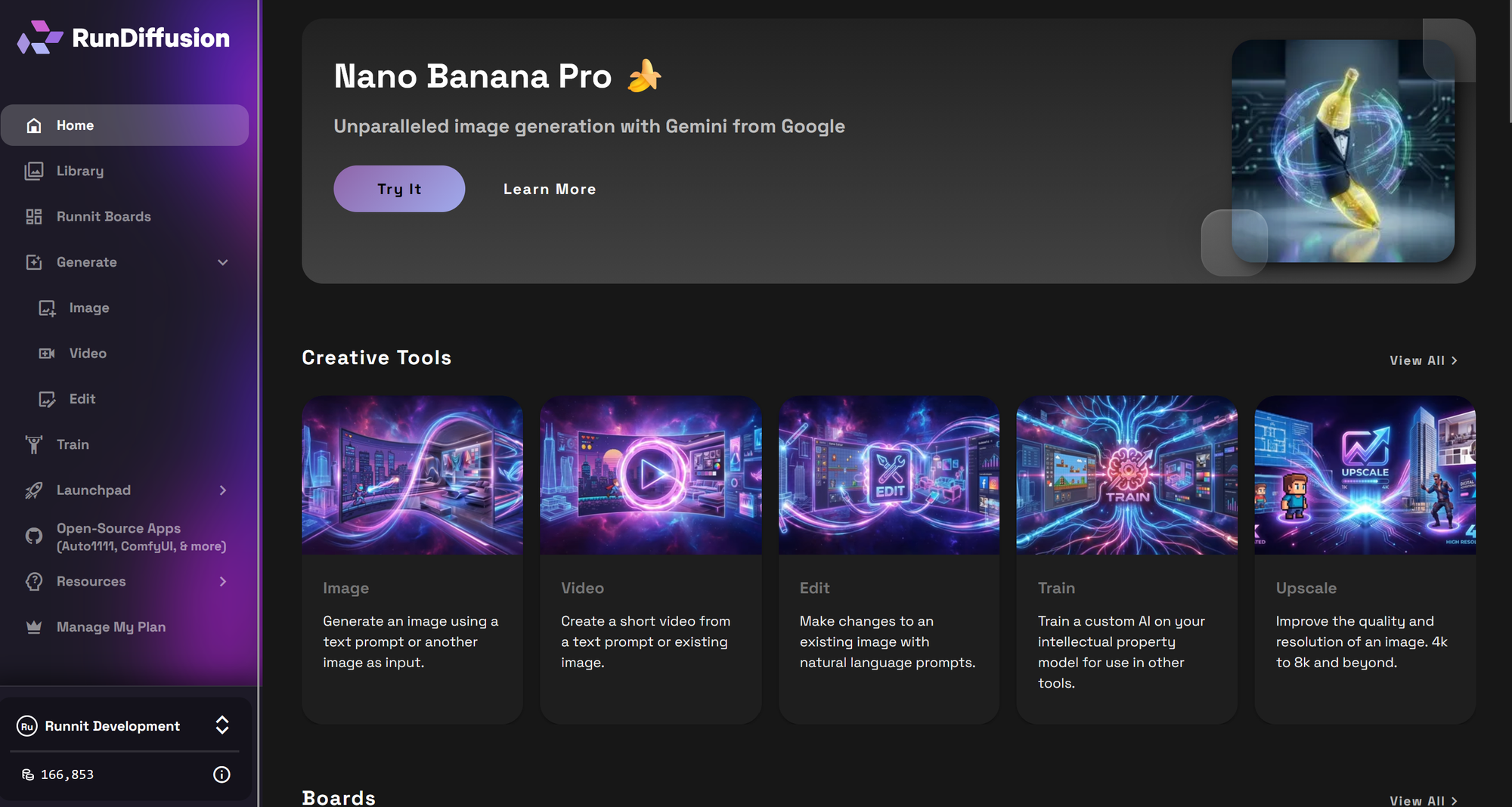
Once you are logged in click on the left side bar Runnit Boards.
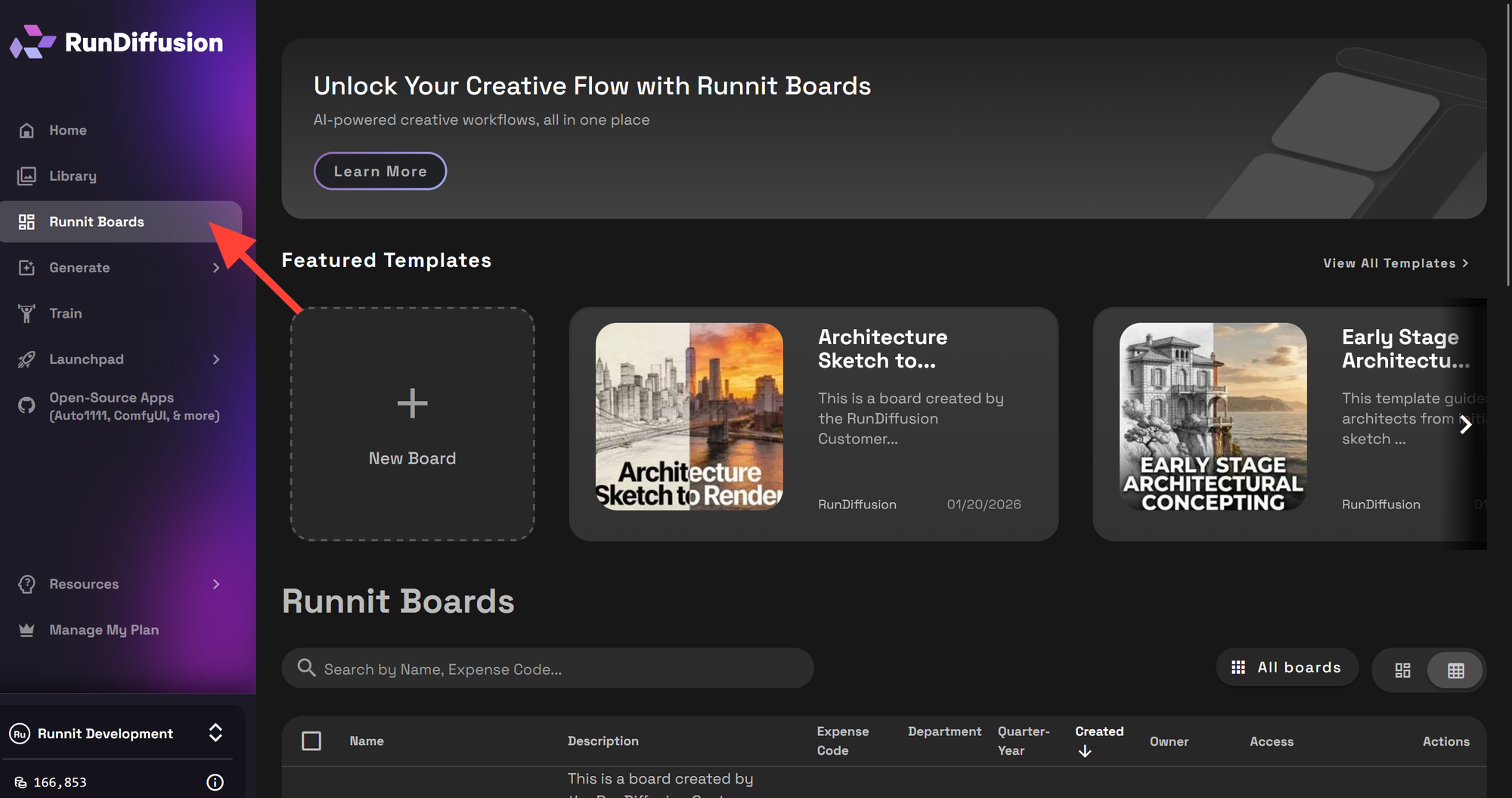
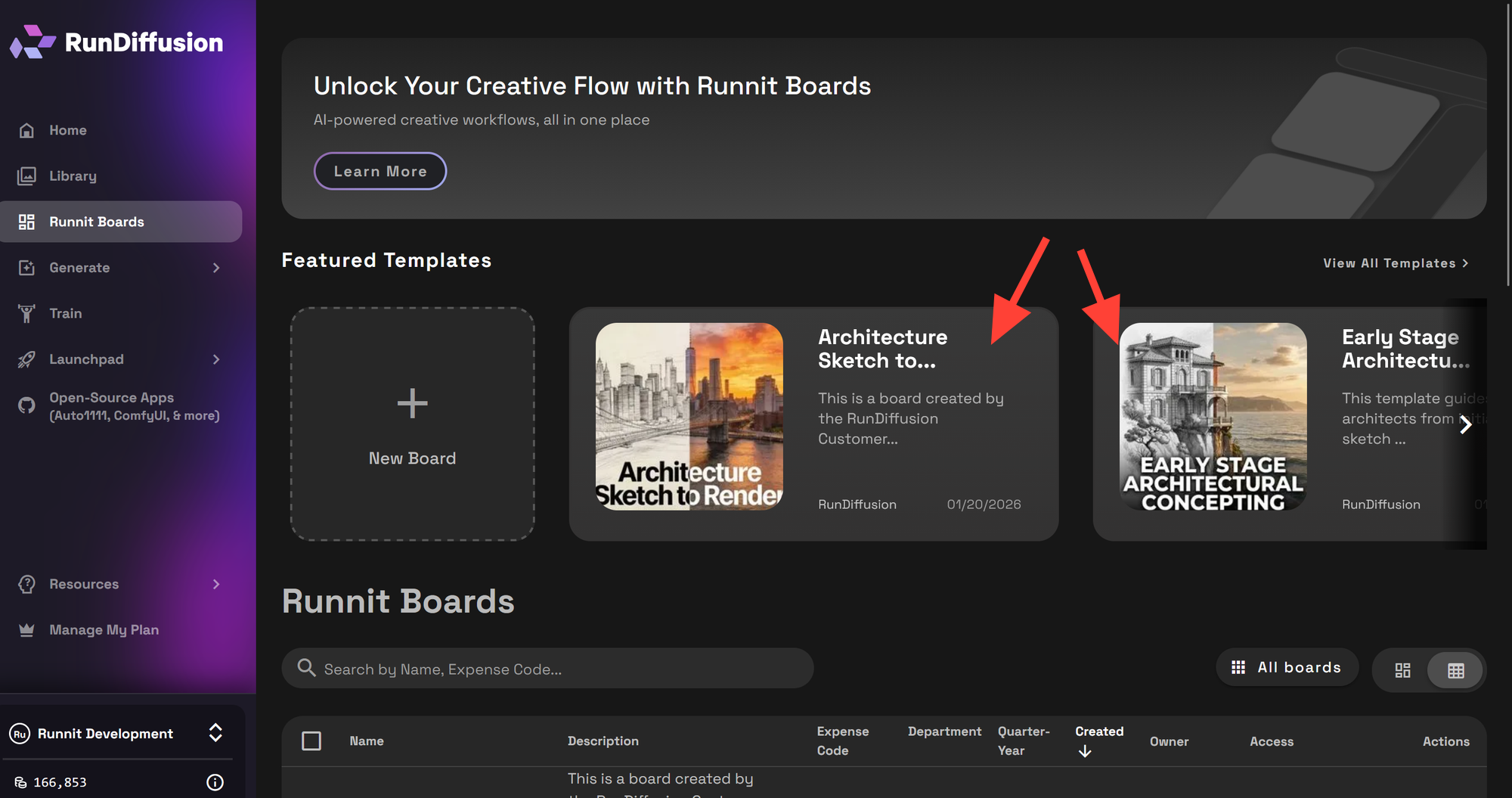
You can see on Runnit Boards you have at the top Featured Templates. You can select one by clicking on it.
One you click on a Featured Template you can scroll down and see the various tools and some premade images to give you an example on how to use the tools. If the template is what you'd like to use click on Create Board.
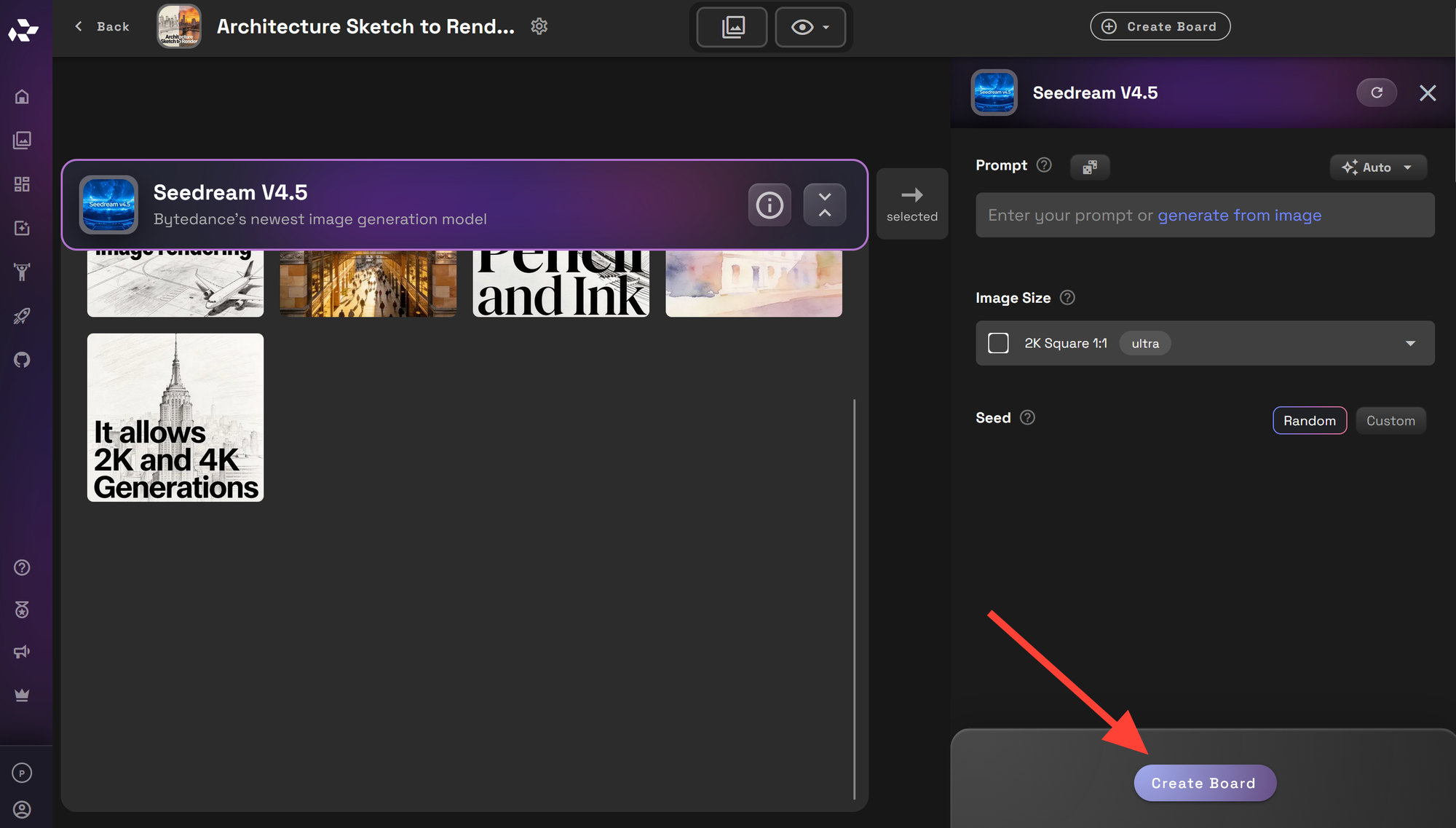
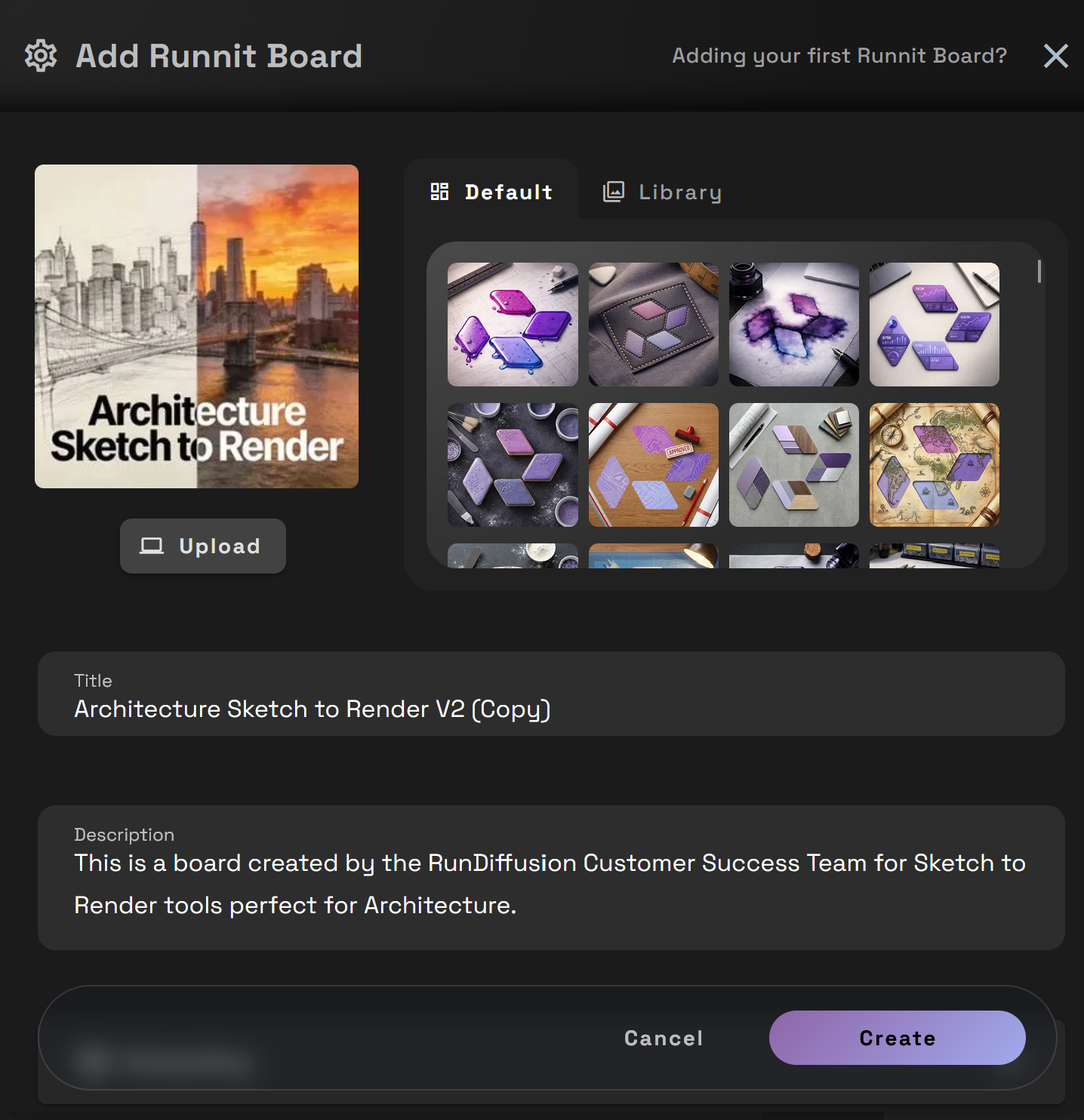
You can edit the Title and Description and so on Runnit Board. Then click Create.
Popular Featured Template Use Cases
Architecture Sketch to Render
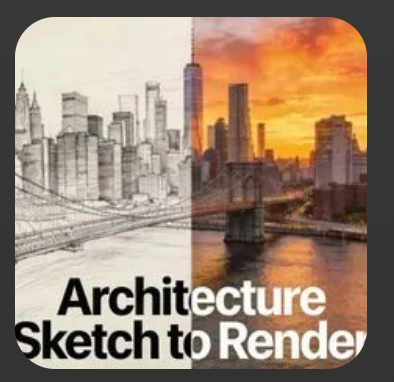
One of the most widely used Featured Templates focuses on transforming hand-drawn or digital sketches into polished architectural renders. These templates guide you through structured prompt inputs while preserving design intent.
Early Stage Architectural Concepting
Early concept templates are designed for exploration rather than final output. They help you:
- Generate multiple visual directions quickly
- Test styles, massing, and materials
Iterate without committing to a single design too early

Why Use Featured Templates Instead of Starting From Scratch?
Featured Templates save time while reducing common setup errors. They are especially valuable when:
- You want consistent results across multiple projects
- You are onboarding team members to Runnit Boards
- You need a reliable baseline workflow before customizing
Key benefits include:
- Faster project startup
- Less prompt trial and error
- Proven tool combinations
- Easier iteration and reuse
Customizing a Featured Template
Once you open a Featured Template, you are not locked into its structure. You can add additional tools and once a board is created you can also remove tools. This makes Featured Templates ideal as both learning tools and production-ready foundations.
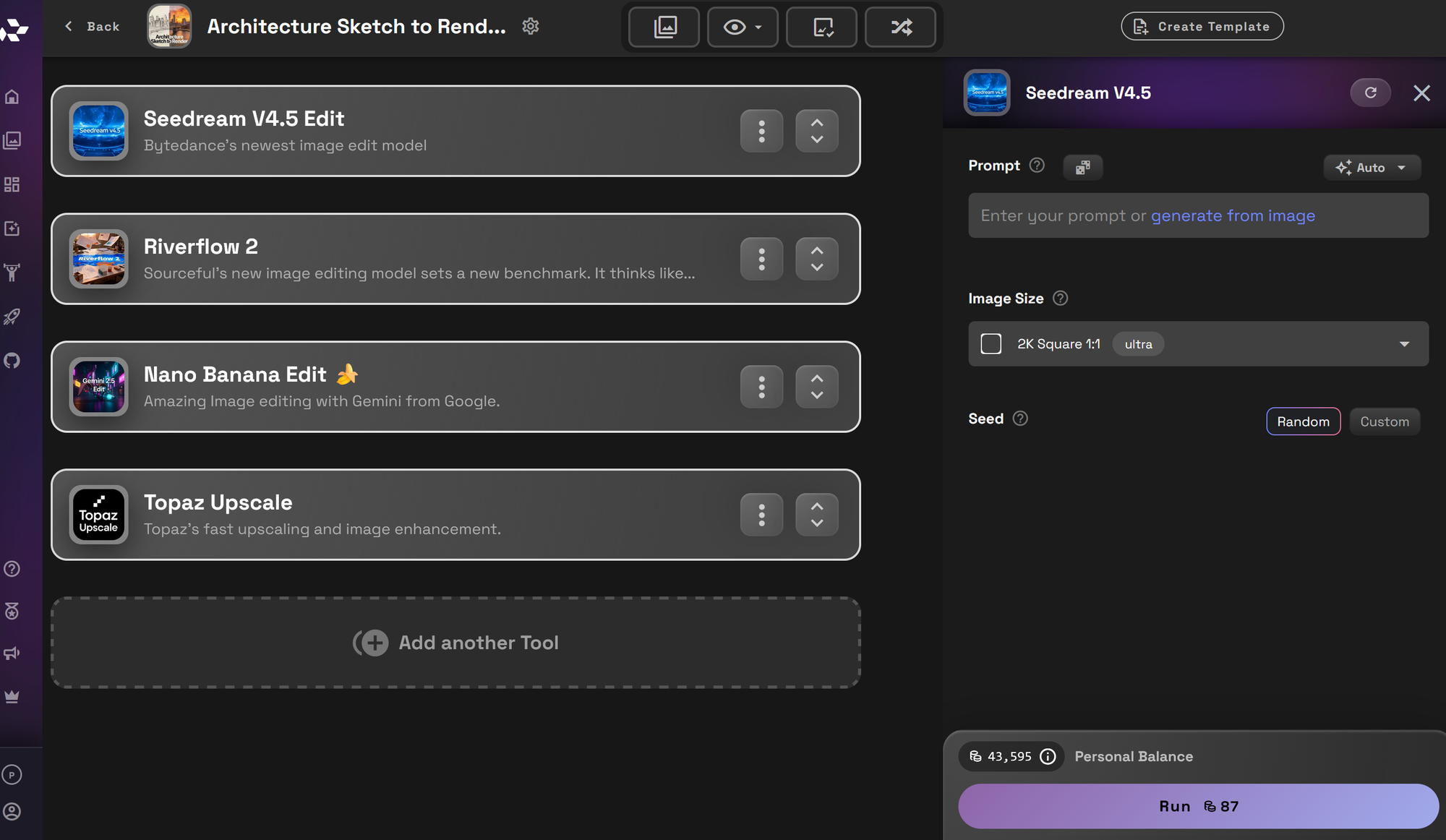
Once your board is created you can scroll down to the bottom and click Add another tool if you want to add more tools to your board.
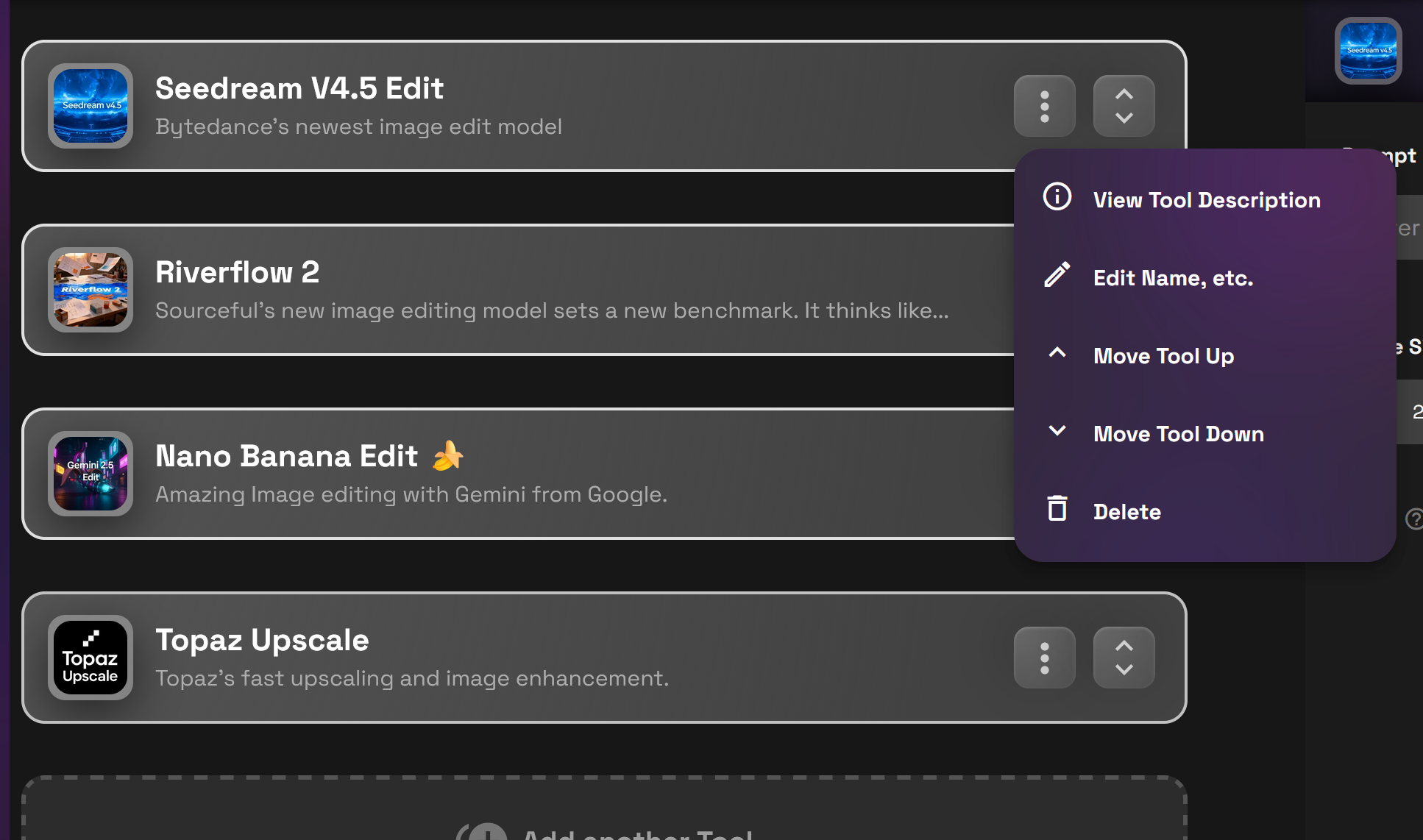
If you need to remove a board you can do so by clicking on the three dots then click Delete.
Need more articles on Architecture?
