

Flux.2 Klein 4B is one of the Flux.2 Klein image-generation models available on RunDiffusion, giving creators a flexible, modern option for turning text prompts into polished visuals. This guide explains what makes the 4B variant useful, when to reach for it, and how to incorporate it into your daily workflows.
Flux.2 Klein 4B at a Glance
- Ideal users: Designers, marketers, solo creators, and small teams who need a reliable default image model.
- Best for: Concept art, marketing visuals, social graphics, product scenes, and general-purpose ideation.
- Strengths: Flexible style range, strong prompt responsiveness, and an easy fit into existing RunDiffusion workflows.
What Is Flux.2 Klein 4B?
Flux.2 Klein 4B is an AI image-generation model that transforms natural-language prompts into high-quality images. Within the broader Flux.2 Klein family, the 4B variant is designed to be a dependable, general-purpose workhorse that can support many different visual styles and use cases.
Instead of forcing you into a single "look," Flux.2 Klein 4B is built to respond well to descriptive prompts. With thoughtful wording, you can guide it toward anything from clean product renders to stylized character art and atmospheric environments.
On RunDiffusion, Flux.2 Klein 4B slots neatly into existing image-generation workflows. You can treat it just like the other image models you already know, while taking advantage of its distinct visual capabilities and prompt responsiveness.
When to Choose the 4B Variant on RunDiffusion
Because Flux.2 Klein 4B is a flexible, all-around model, it fits naturally into a wide range of projects. It is especially useful when you need reliable quality without over-optimizing for a very narrow style or niche.
Flux.2 Klein 4B tends to be a strong choice when you:
- Iterate frequently on concepts – You want to generate many variations as you refine a prompt, mood, or composition.
- Work across multiple styles – Your projects range from semi-realistic scenes to stylized art, and you need one model that can adapt.
- Need predictable results for teams – Designers, marketers, and non-technical collaborators all need something that “just works” when they type a prompt.
- Care about consistency across campaigns – You want a single model powering many deliverables so your visuals feel cohesive.
If you are already using other image models on RunDiffusion, Flux.2 Klein 4B is a natural candidate whenever you want a model that balances versatility and visual quality without extensive tuning.
Where Flux.2 Klein 4B Fits Best
| Scenario | How to use Flux.2 Klein 4B |
|---|---|
| Rapid concept exploration | Generate multiple variations from a single prompt, tweaking style or mood in small steps to narrow in on a direction. |
| Brand or campaign work | Standardize a few approved prompts so the whole team can produce on-brand visuals with consistent composition and tone. |
| Product and UI imagery | Describe materials, camera angle, and background clearly to get clean, legible images that work in layouts and mockups. |
| Social and content marketing | Quickly spin up eye-catching visuals in multiple styles while keeping subject, color palette, and framing aligned across posts. |
Prompting Strategies for Flux.2 Klein 4B
Getting the most out of Flux.2 Klein 4B starts with how you write prompts. While the model is capable of impressive images from short prompts, a bit of structure and detail can significantly improve your results.
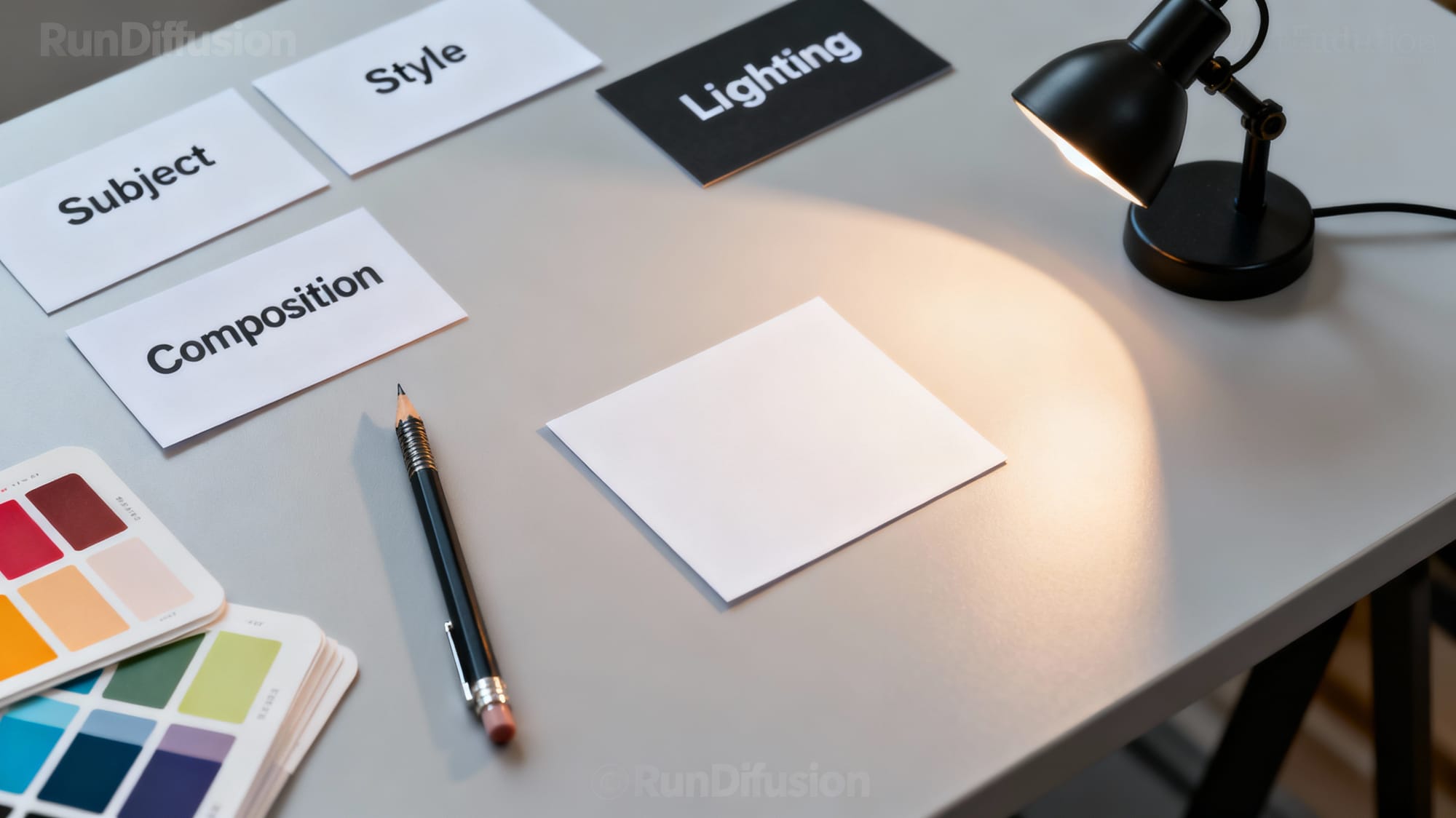
Prompt: Scene: A visually rich depiction of a prompt-building workstation for AI image generation. Details: neatly arranged paper cards labeled with single words “Subject”, “Style”, “Lighting”, “Composition”, a mechanical pencil, color swatches, and a small desk lamp casting soft shadows; one central blank card ready to write on; clean modern desk surface. Style: cohesive with a modern, professional RunDiffusion tutorial — crisp editorial photography, subtle tech vibe without screens. Aesthetic: minimal clutter, balanced layout, shallow depth of field, premium look. Quality: high resolution, sharp detail, realistic textures.Consider organizing your prompts into a few clear parts:
- Subject – What is the image about? (e.g., "cinematic portrait of a traveler standing in the rain")
- Style and medium – How should it look? (e.g., "photorealistic, 35mm photography, shallow depth of field" or "digital painting, painterly brushstrokes")
- Lighting and mood – What atmosphere do you want? (e.g., "soft golden hour light, moody, dramatic shadows")
- Composition details – Any key framing notes? (e.g., "centered subject, wide shot, background city skyline blurred")
- Use-case hints – Where will it be used? (e.g., "for a landing page hero image" or "for social media thumbnail")
By giving Flux.2 Klein 4B this level of guidance, you let the model focus on realizing your vision instead of guessing what you want. This also makes it easier to iterate: adjust one part of the prompt at a time and compare the results.
Quick Prompt Blueprints for Flux.2 Klein 4B
Use these as starting points and swap in your own subject, brand details, and use-case language:
- Hero section concept: cinematic wide shot of [your product] on a reflective surface, digital art, soft studio lighting, centered composition, for a startup landing page hero image.
- Character illustration: stylized portrait of a [character role] in [setting], digital painting with bold brushstrokes, dramatic rim lighting, medium shot, for social media key art.
- Background texture: abstract geometric pattern in [brand colors], flat design, subtle gradients, seamless repeating, for website or slide deck backgrounds.
Integrating Flux.2 Klein 4B into Your RunDiffusion Workflow
Flux.2 Klein 4B becomes more powerful when it is part of a repeatable workflow rather than a one-off experiment. Inside RunDiffusion, you can build a simple process around it to keep projects organized and reproducible.
A practical approach is to:
- Standardize your prompts – Keep a small library of tested prompts for common tasks like portraits, product scenes, and backgrounds, then adapt them per project.
- Track seeds and versions – When you find an image you like, save any relevant metadata (such as seed and key prompt fragments) so teammates can recreate or refine it later.
- Group outputs by project – Organize generations in RunDiffusion by campaign or client so it is easy to compare iterations and select final images.
- Compare across models – For important work, you can run the same prompt through Flux.2 Klein 4B and other available models, then select whichever fits your brand and story best.
Over time, this kind of workflow turns Flux.2 Klein 4B from "another model to try" into a dependable tool that your team understands and trusts.
Turn Good Runs into Reusable Recipes
When a generation comes out exactly how you want, treat it as a recipe you can reuse instead of a one-off success.
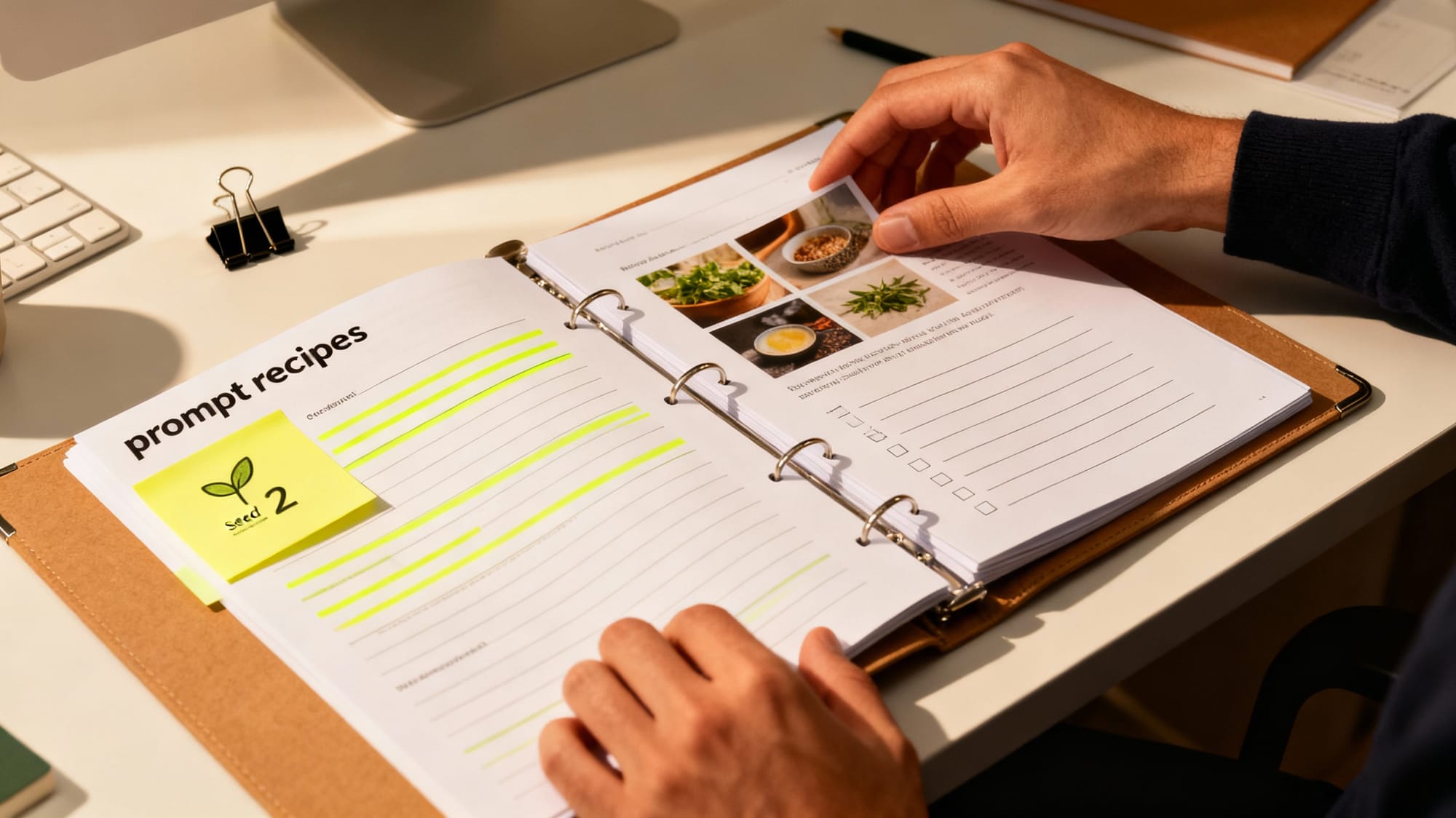
Prompt: Scene: A visually rich depiction of turning successful generations into reusable recipes. Details: an open binder of printed “prompt recipes” with highlighted lines, a sticky note showing a seed number, clipped reference thumbnails, and a simple checklist; hands organizing the pages on a tidy studio table with warm light. Style: modern creative-workflow editorial photography, human-centered and practical, no screens. Aesthetic: clean composition, realistic paper and ink textures, shallow depth of field, professional. Quality: high resolution, sharp detail.- Save the full prompt and any key negative prompt text.
- Note the seed, steps, and guidance settings used in RunDiffusion.
- Capture a short note on where the image will be used, such as web, print, or social.
Best Practices for Consistent Results
Consistency is often more important than the occasional standout image. To keep Flux.2 Klein 4B outputs aligned with your expectations, focus on a few habits:
- Refine instead of restarting – Start with a broad prompt, then refine language, style, and composition across small iterations instead of rewriting from scratch.
- Document winning prompts – When a prompt yields on-brand results, save it as a template and tweak only what is necessary for each new brief.
- Stay descriptive, not overloaded – Add enough detail to guide the model, but avoid stuffing in long, disconnected lists of styles and keywords.
- Align with your brand guidelines – Translate existing design and brand rules (colors, tone, energy) into prompt language so the model naturally produces on-brand visuals.
Following these practices helps you get more predictable, repeatable outcomes from Flux.2 Klein 4B, which is critical when multiple stakeholders depend on your images.
Start Creating with Flux.2 Klein 4B on RunDiffusion
Flux.2 Klein 4B gives you a capable, adaptable image-generation model that fits smoothly into existing RunDiffusion workflows. Whether you are building concept art, marketing visuals, or social content, it offers a strong balance of quality and flexibility without demanding complex setup or tuning.
Log in to RunDiffusion, select Flux.2 Klein 4B, and begin experimenting with a few focused prompts. As you refine your favorite patterns and workflows, this model can become a reliable foundation for fast, on-demand visuals across your projects.
Next Steps: Try Flux.2 Klein 4B on RunDiffusion
Put these ideas into practice right away by running Flux.2 Klein 4B inside a dedicated workspace.
- Start with one of the quick prompt blueprints above.
- Generate a small batch of images and pick a favorite.
- Refine the prompt, save the recipe, and share it with your team.
Ready to experiment? Start a new RunDiffusion workspace and select Flux.2 Klein 4B to explore your next set of concepts.
Flux.2 Klein 4B: Frequently Asked Questions
Can Flux.2 Klein 4B handle both realistic and stylized looks?
Yes. Flux.2 Klein 4B is designed as a general-purpose model, so it can move between photorealistic, semi-realistic, and stylized art depending on how you describe style, medium, and lighting in your prompt. If you are not getting the look you want, try being more explicit and name the style you are aiming for, such as photorealistic 35mm photo, cel-shaded illustration, or painterly digital art.
How many variations should I generate when exploring a new idea?
When exploring a fresh concept, start with a small batch of images from a single prompt so you can see how Flux.2 Klein 4B interprets your idea before you over-optimize. Once you have a direction you like, keep the prompt mostly stable and generate a few more variations while adjusting only one aspect such as camera angle, color palette, or mood.
What can I do if my results feel inconsistent between runs?
Try controlling more variables in your workflow: keep a copy of the exact prompt, reuse the same seed when you want repeatable results, and avoid changing multiple settings at once. On RunDiffusion, make a habit of saving or duplicating runs that look close to your goal so you can iterate from them rather than starting over each time.
When should I try a different model instead of Flux.2 Klein 4B?
Flux.2 Klein 4B is a strong default for many workflows, but you may want to compare results with other models on RunDiffusion when you need a very specific visual style or domain specialization. A practical approach is to perfect your prompt on Flux.2 Klein 4B first, then run that same prompt on other available models to see whether any of them match your brand or project constraints even better.
How can teams collaborate around Flux.2 Klein 4B in RunDiffusion?
Many teams create a shared prompt library that includes example outputs, prompt text, and notes about when to use each recipe. Combine that with project-based organization in RunDiffusion so everyone can see which Flux.2 Klein 4B settings worked well for a campaign and reuse them on future work.