


What Is Flux [Pro] Ultra on RunDiffusion?
Flux [Pro] Ultra is a professional-grade image generation model available on RunDiffusion on our Runnit platform. It is designed for creators who need high realism, precise prompt control, and consistent output without dealing with technical setup or node-based workflows.
Because Flux Pro Ultra runs on RunDiffusion you work through a clean, guided interface. The platform handles compute, scaling, and performance entirely in the cloud.
Flux Pro Ultra is especially effective for:
- Architectural and interior visualization
- Product and commercial imagery
- Cinematic concept art
- High-detail design exploration
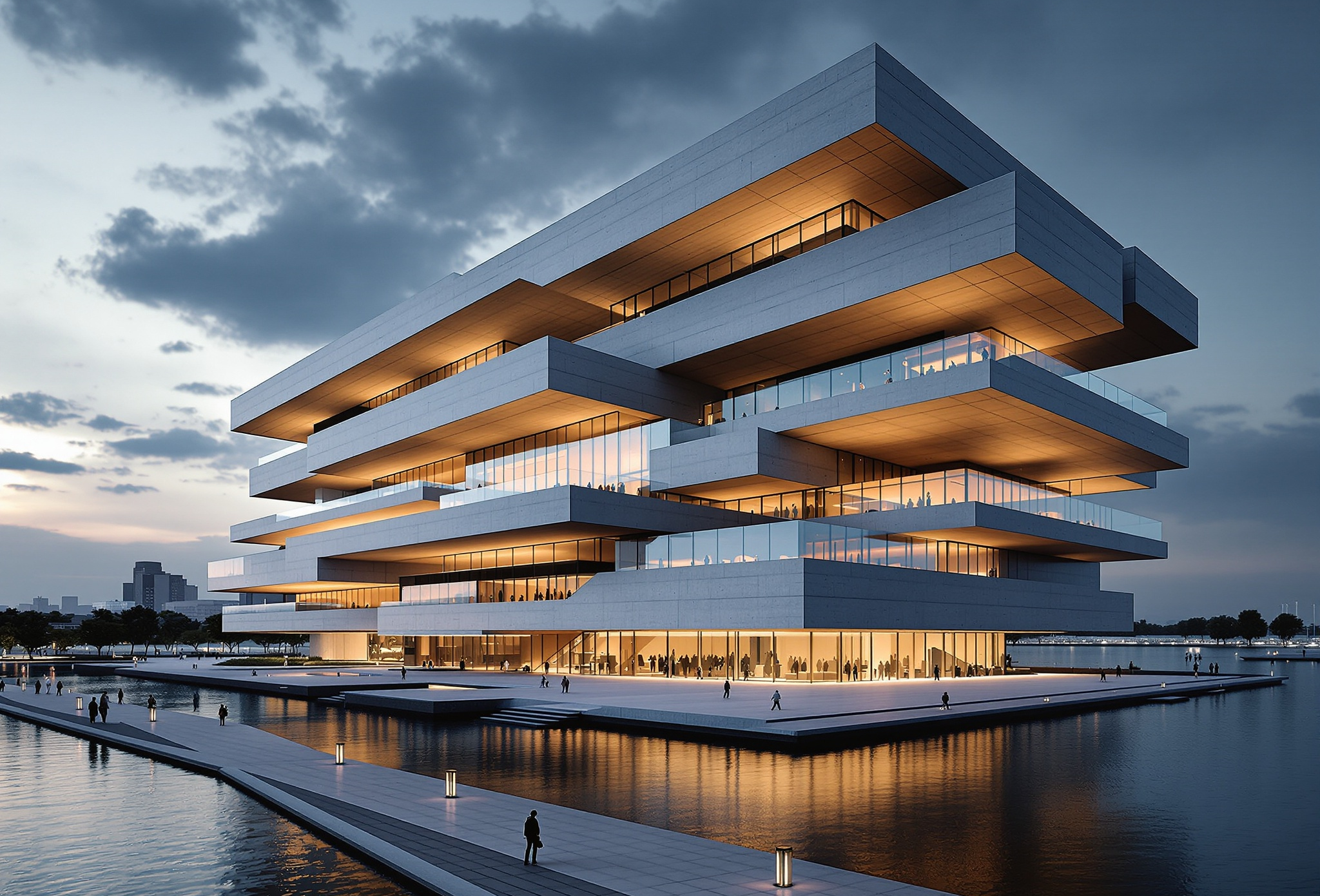
Why Use Flux Pro Ultra on RunDiffusion?
RunDiffusion’s Runnit platform is built for speed and reliability. Flux Pro Ultra fits this approach by delivering quality that holds up across multiple generations and revisions.
Key benefits include:
- Realistic materials and lighting
- Strong prompt adherence for controlled results
- No local GPU or environment setup
Accessing Flux Pro Ultra in Runnit
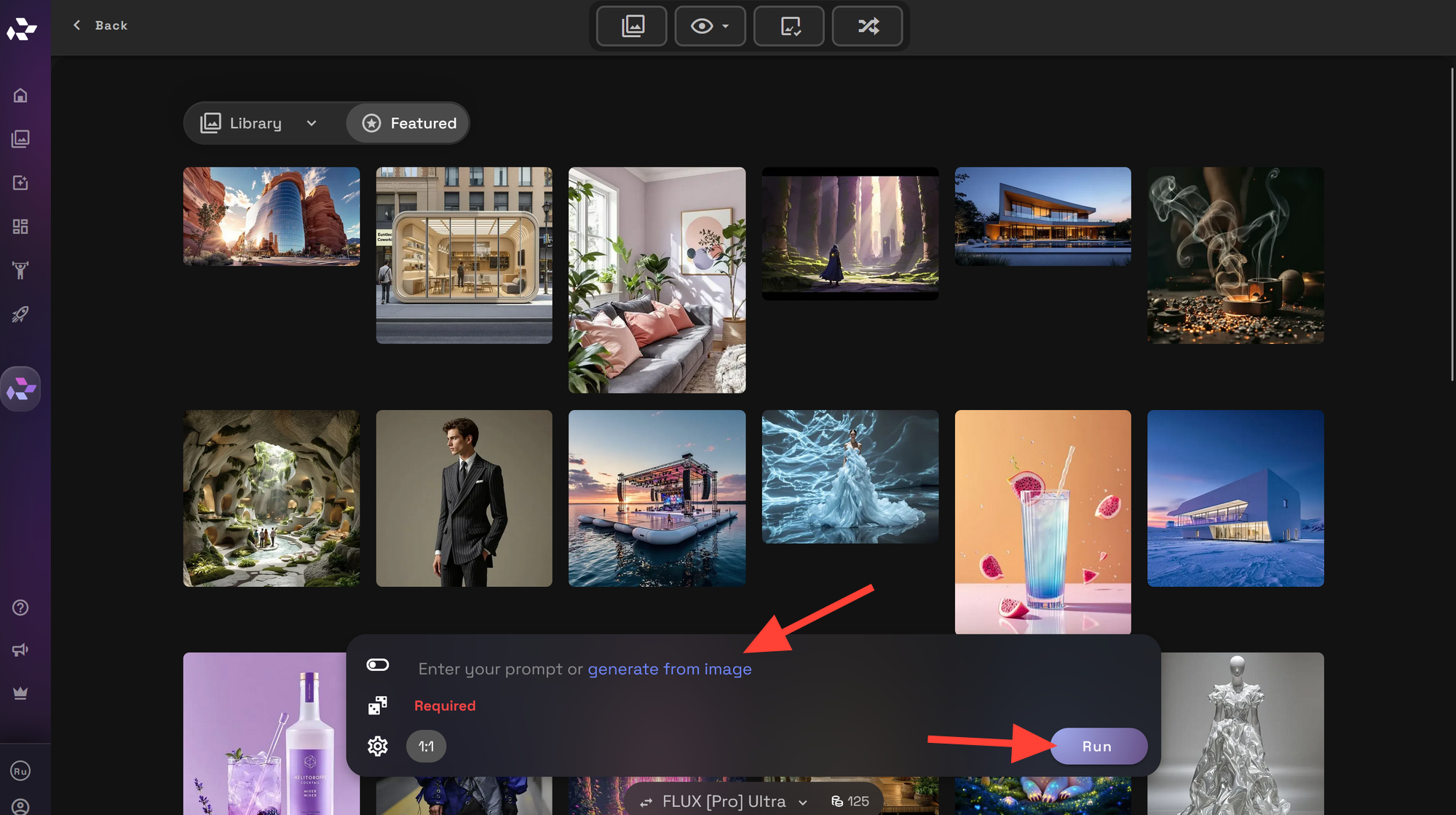
Using Flux Pro Ultra on RunDiffusion follows the standard Runnit workflow:
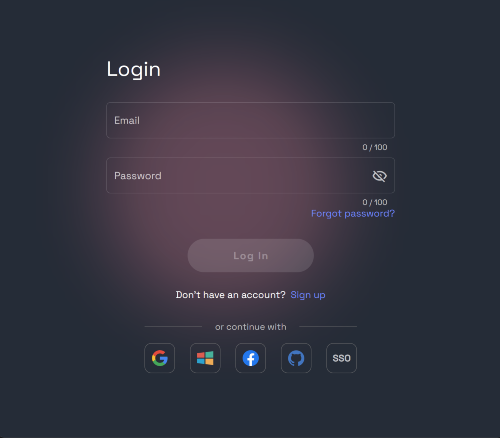
Login and go to the RunDiffusion Runnit Platform
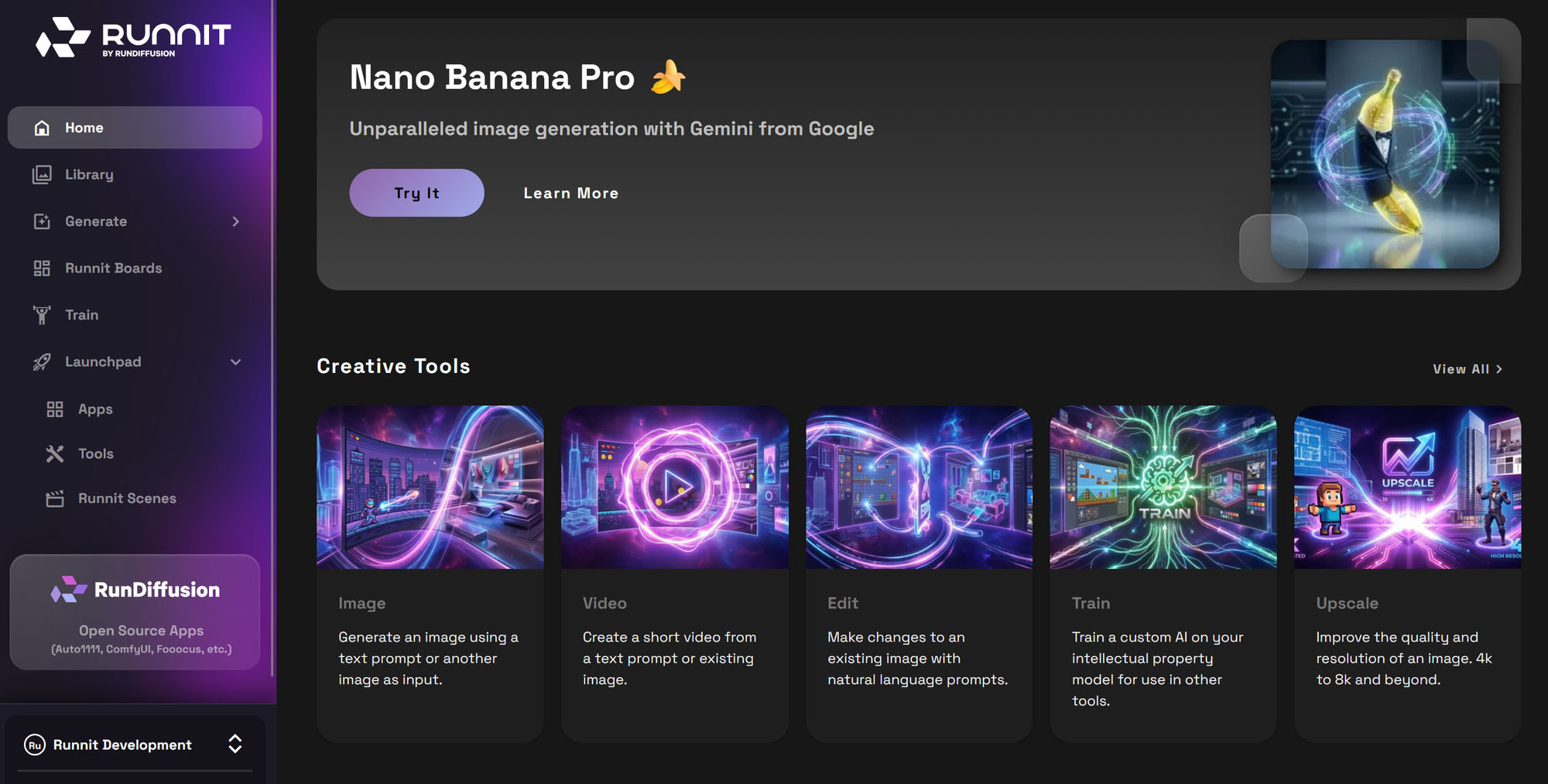
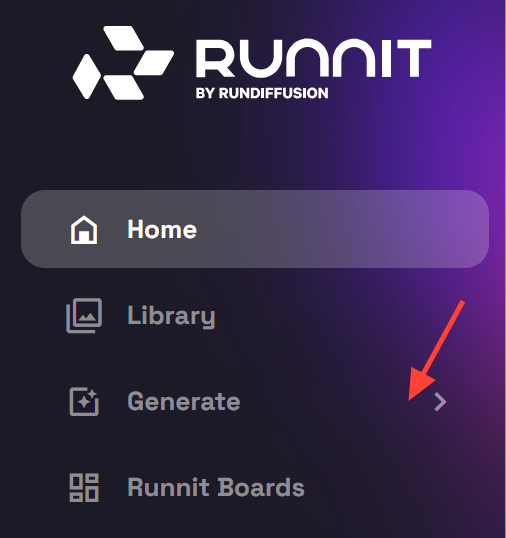
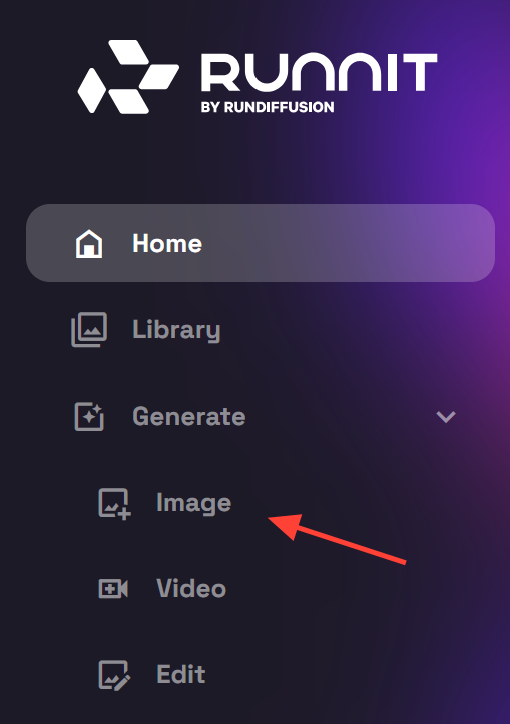
On the left sidebar select Generate.
Then click on Image.
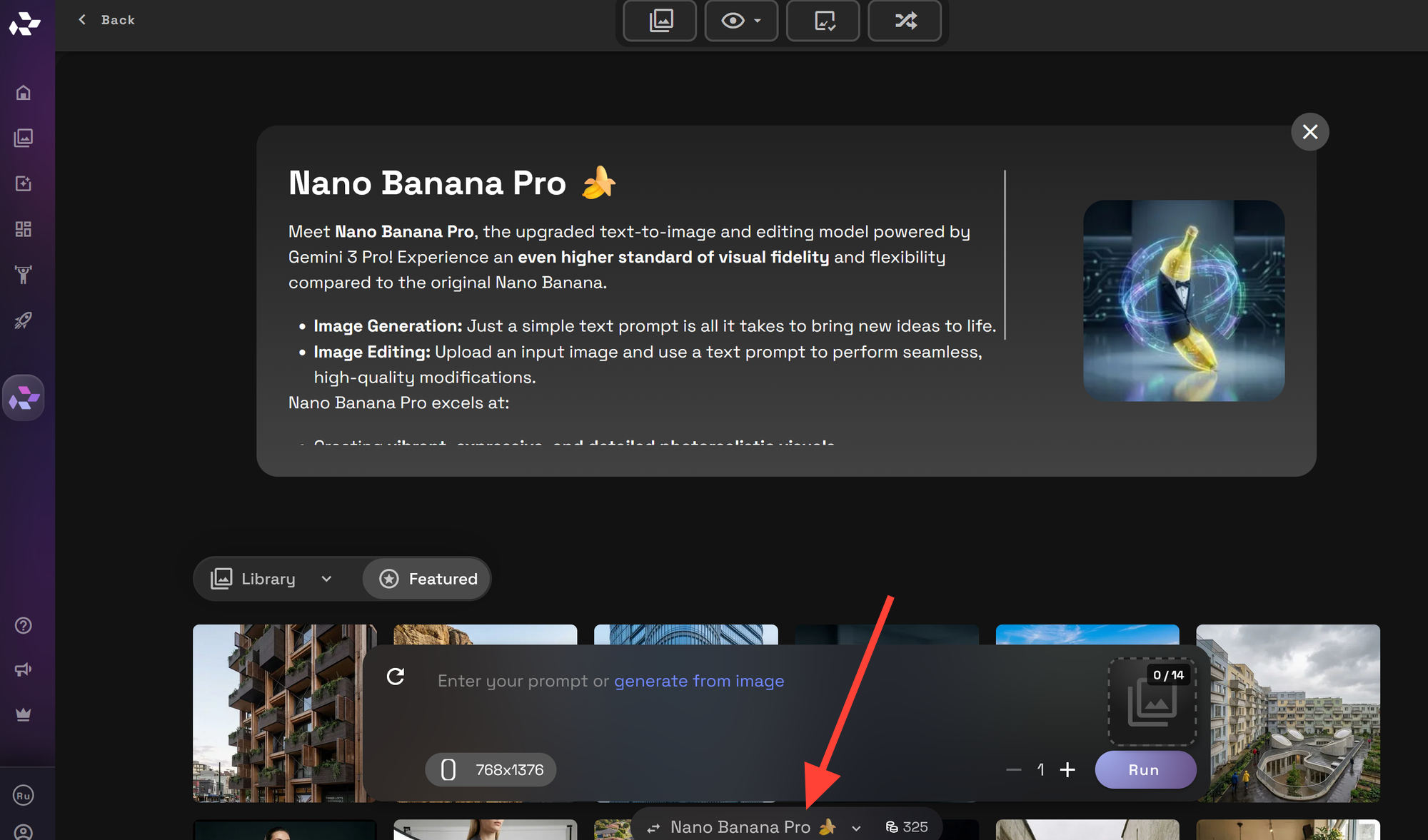
It will default to the last model you used or the current popular model. To change the model at the bottom you can click on the model name.
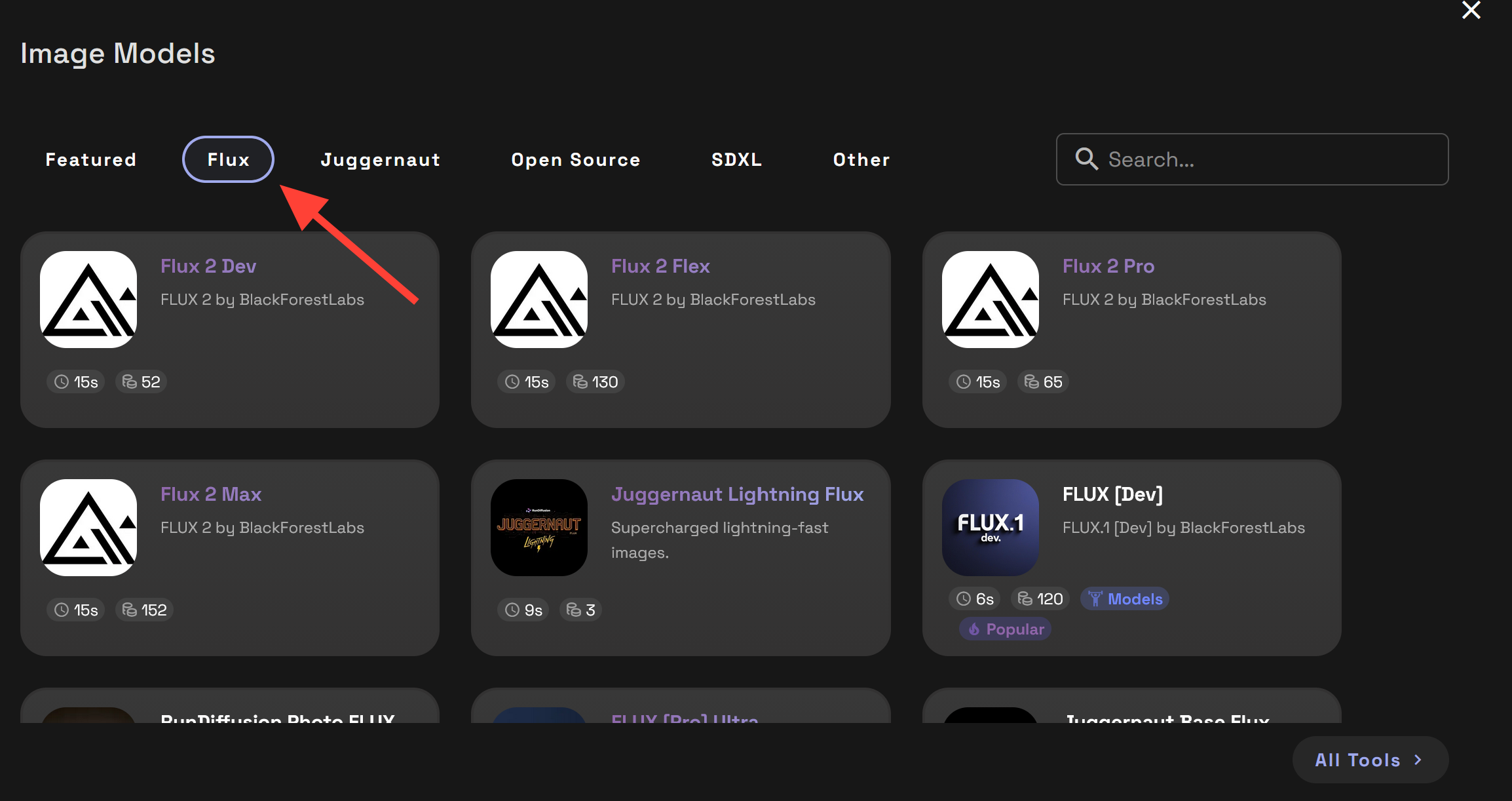
Click on the Flux tab to show you the selection of Flux models.
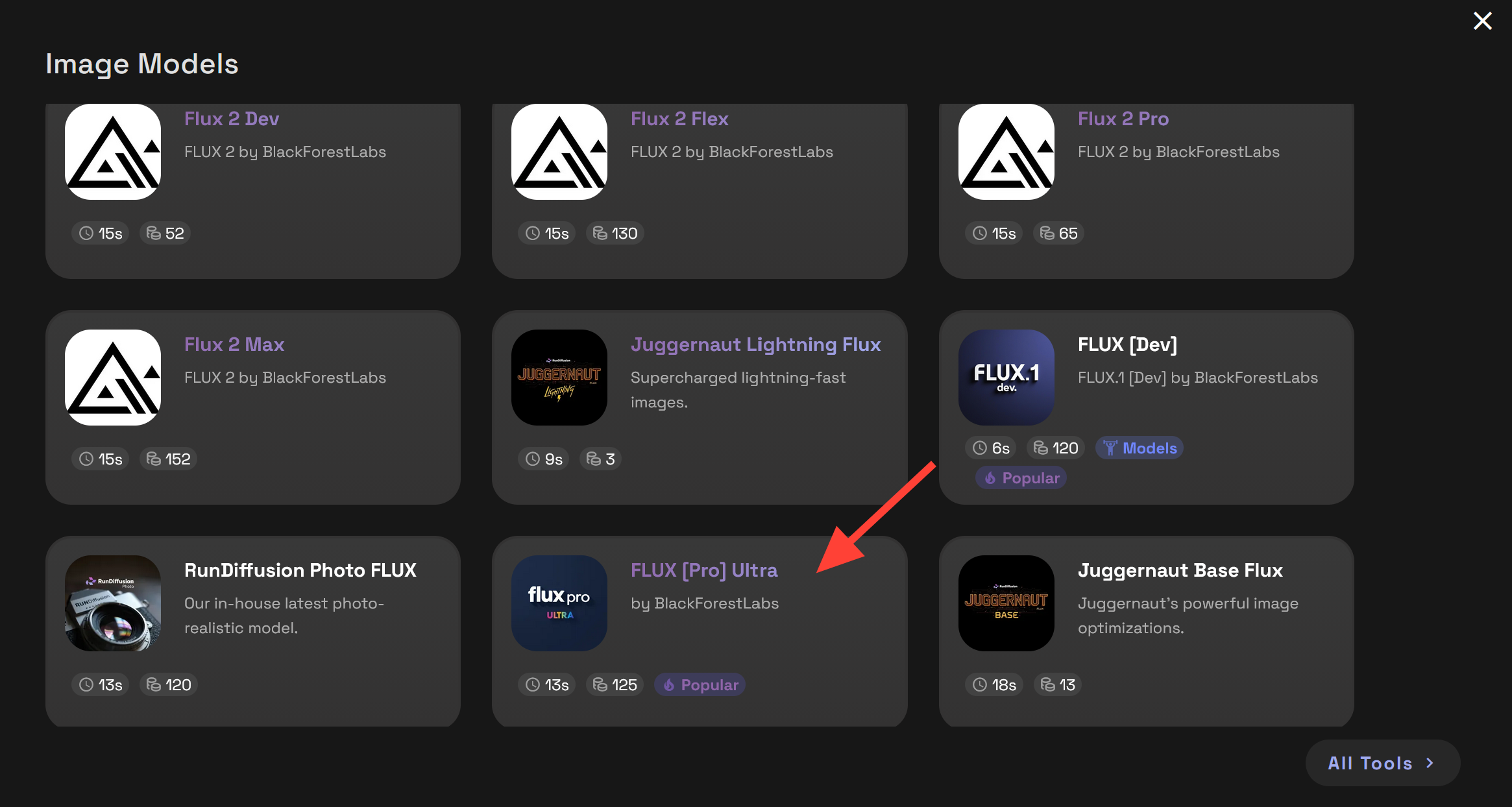
Then select the Flux [Pro] Ultra
Write a prompt and click Run.
Best Use Cases for Flux Pro Ultra
Architecture and Design Visualization
Flux Pro Ultra excels at realistic scale, lighting, and surface detail. Architects and designers commonly use it to:
- Convert concepts into presentation-ready visuals
- Explore material and lighting variations
- Produce complex designs with quality prompt adherence.
For more control over aesthetics, combining Flux Pro Ultra with RunDiffusion’s style transfer tools for architecture can be very effective.
Product and Commercial Imagery
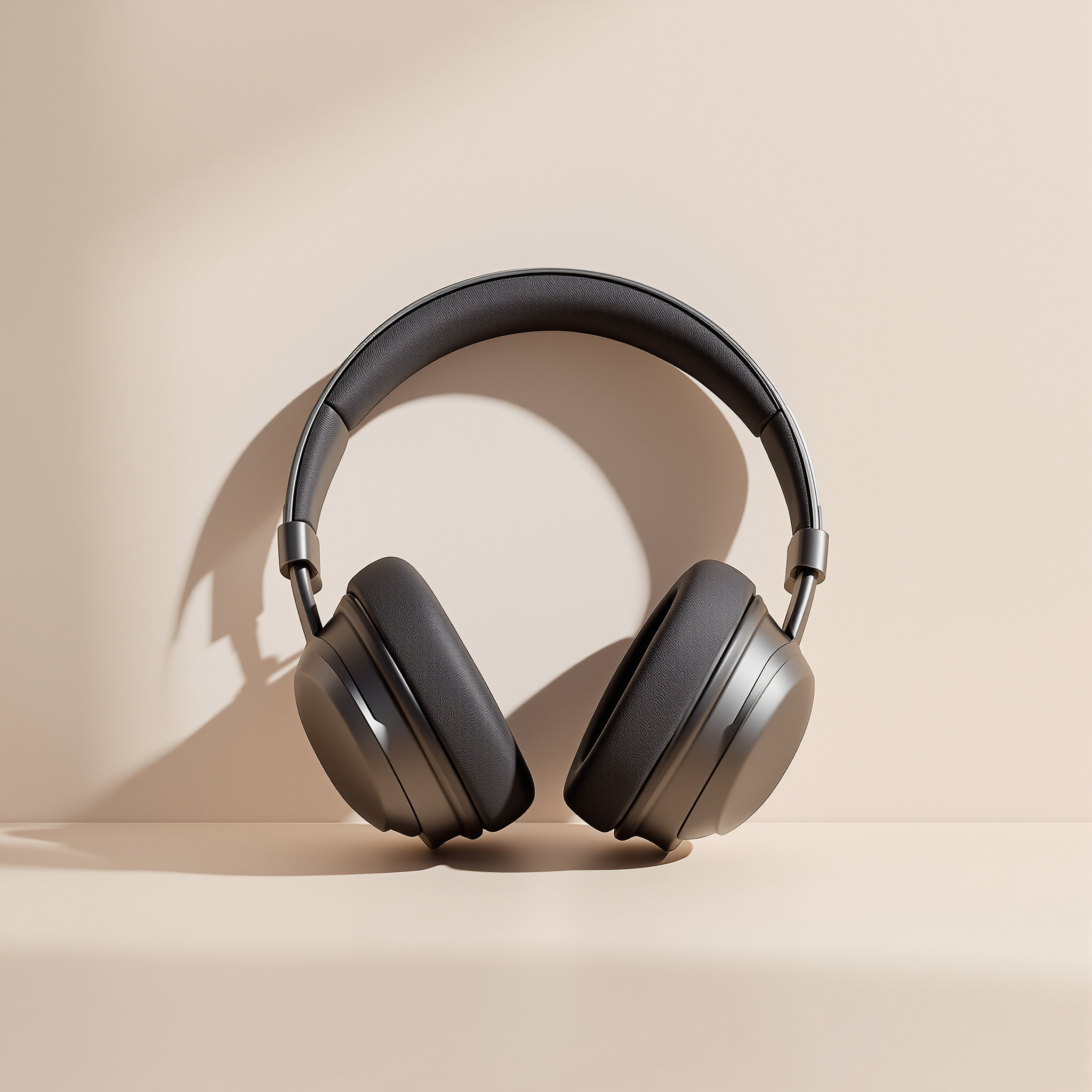
For branding and marketing teams, Flux Pro Ultra produces clean, controlled images ideal for:
- Product mockups
- Lifestyle scenes
- Campaign concept visuals
Prompting Tips for Professional Results
To get the best results from Flux Pro Ultra on RunDiffusion:
- Clearly describe materials, lighting, and camera perspective
- Keep prompts focused and avoid conflicting styles
- Be specific and do not keep descriptive words focused.
- Remember to follow this format when prompting. Primary subject → Core action → Defining style → Required context → Supporting details
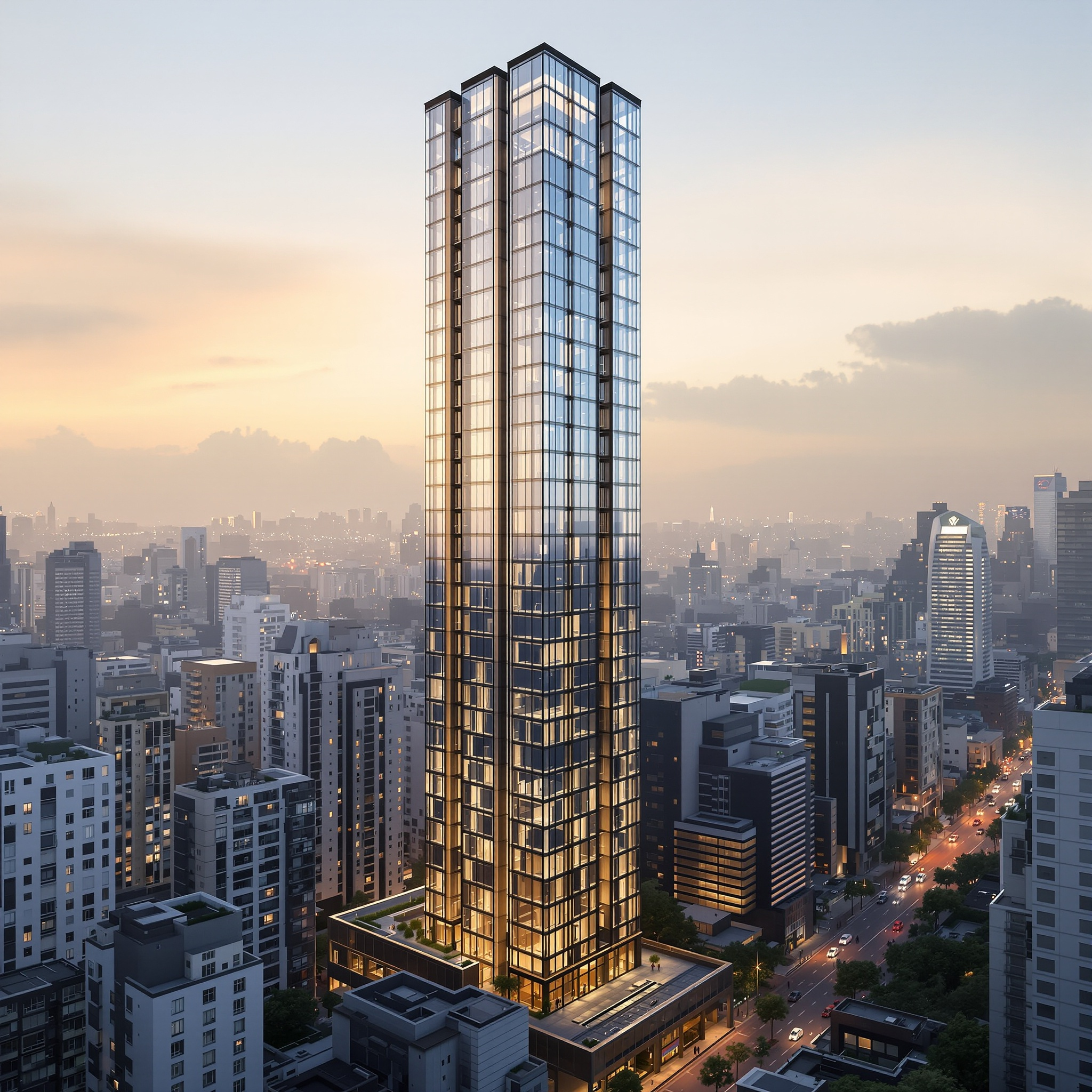
Example Prompt: A contemporary glass-and-steel residential tower rising above a dense urban skyline, rendered in a clean, high-end architectural visualization style with realistic lighting and crisp reflections. The scene is set during golden hour in a modern Asian metropolis, with surrounding mid-rise buildings and subtle street activity providing scale and context. Soft interior lights are visible through select windows, with light atmospheric haze in the distance, balanced composition, and ultra-high-resolution detail throughout.
Common Mistakes to Avoid
Even with a streamlined platform, quality depends on good inputs. Avoid:
- Overloading prompts with too many styles or concepts
- Try not to mix and match genres like modern and fantasy.
- Change small parts of a prompt before rewriting the entire prompt.

Final Thoughts
Flux [Pro] Ultra on RunDiffusion is built for creators who prioritize visual accuracy, prompt clarity, and consistent results. Running entirely on the Runnit platform, it removes technical overhead and lets you focus on creative intent rather than setup or configuration. When you need realistic, repeatable images that hold up across iterations and review, Flux [Pro] Ultra on RunDiffusion is a dependable, production-ready choice.
Further Reading
If you want to go deeper with image generation and professional workflows on RunDiffusion, these resources provide helpful next steps:
