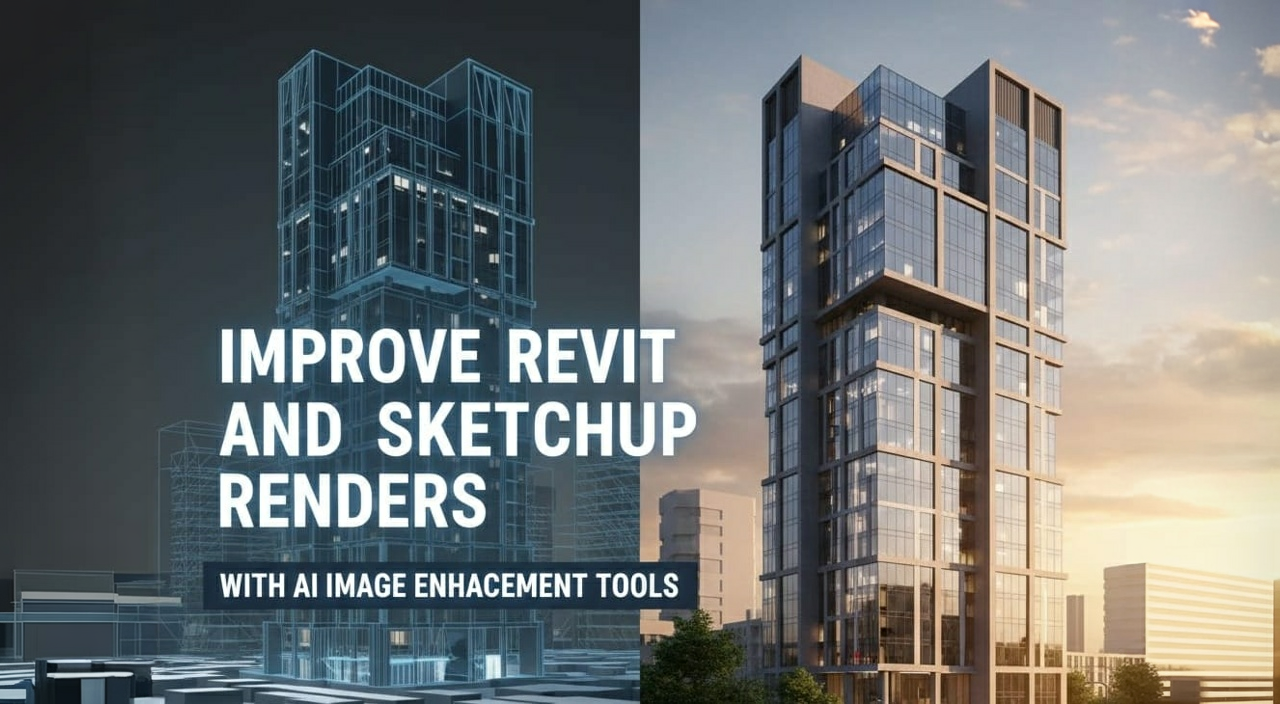
You don’t need expensive software or high-powered hardware to produce high-quality architectural renders. RunDiffusion’s cloud-based tools make it easy to generate photorealistic AI architectural visuals right from your browser.
With free daily tokens, you can explore powerful AI render tools for architecture, including models like Nano Banana and SeeDreamV4, perfect for rendering interiors, exteriors, and floorplans at a professional level.
What You’ll Learn
- How to access RunDiffusion’s AI tools for architectural rendering
- How to generate renders with free daily tokens
- How to upscale or refine exported images from Revit, SketchUp, or your existing designs
- Where to explore prompt enhancement and image polishing tools for architectural workflows
Step 1: Log In to Your Free Account
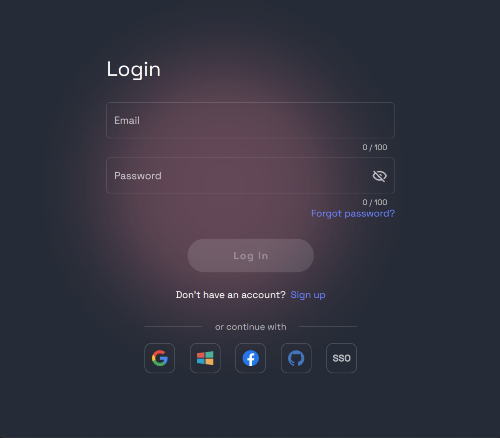
Create a free account or log in
Access the Runnit Platform
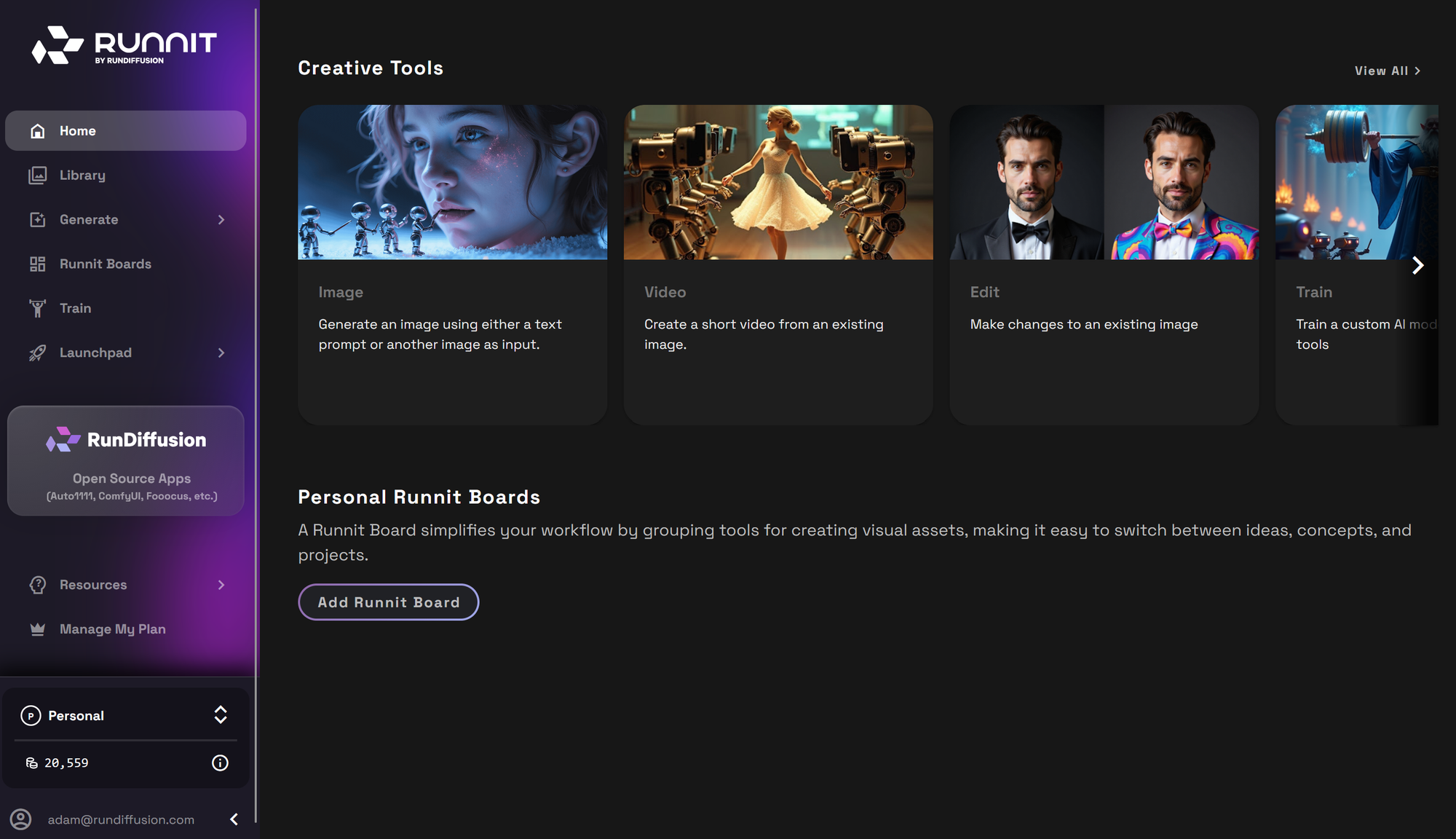
Step 2: Generate an Architectural Render
In the sidebar, click Generate then Image
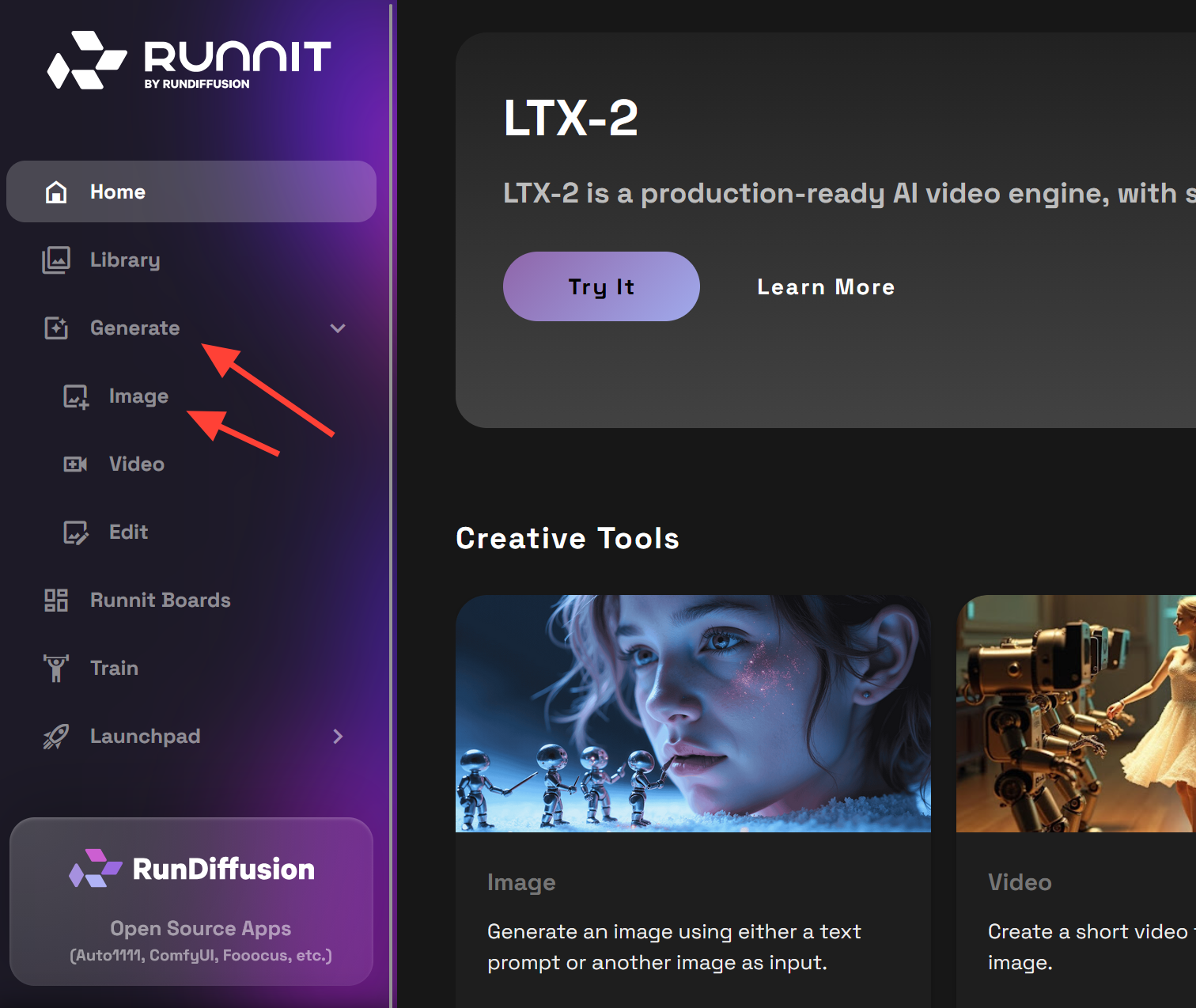
Choose a model optimized for architectural rendering:
- Nano Banana (Gemini 2.5) — Ideal for interiors and stylized exteriors
- SeeDreamV4 — Great for natural lighting and realism
- Juggernaut Pro Flux — Strong structural detail and balanced tone
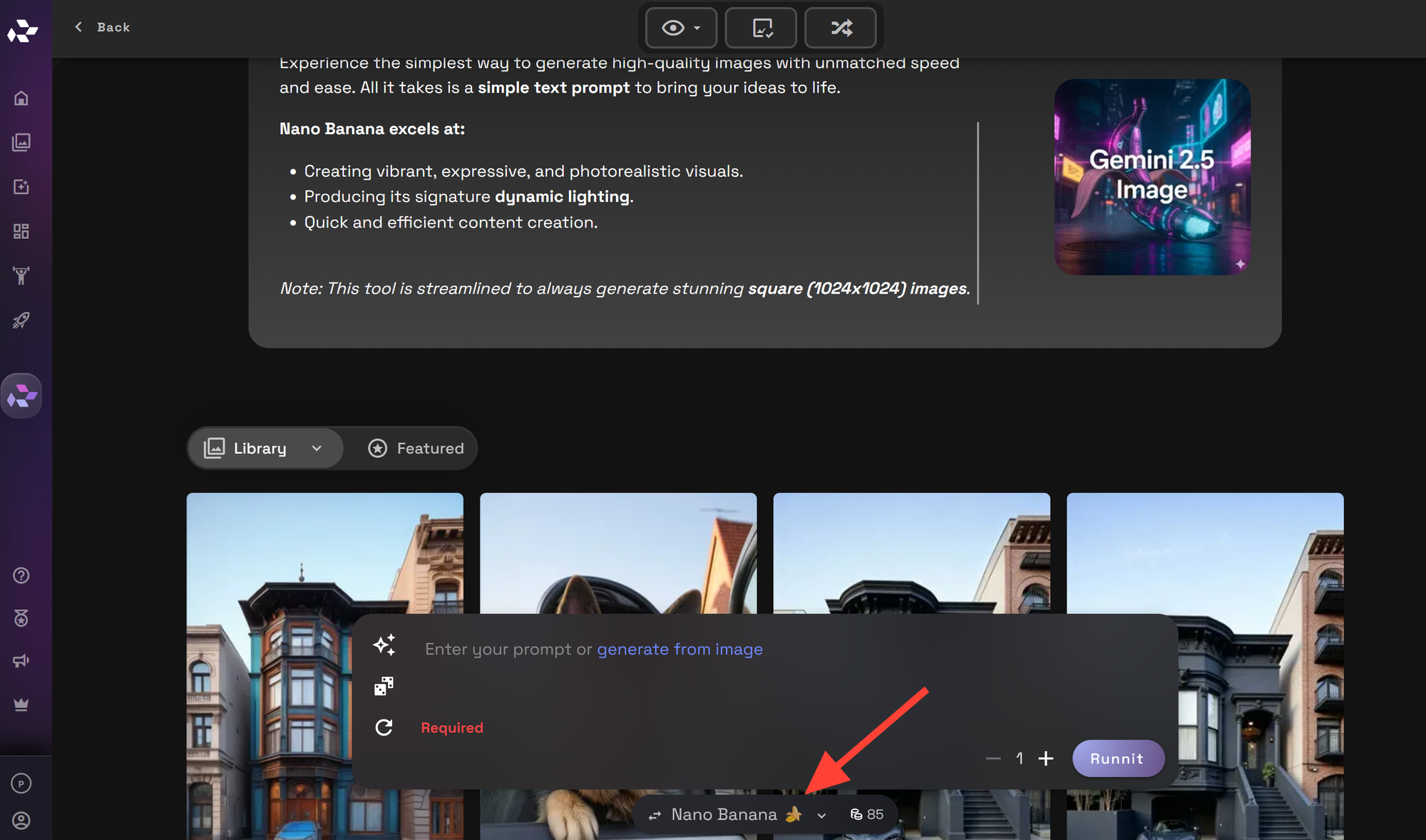
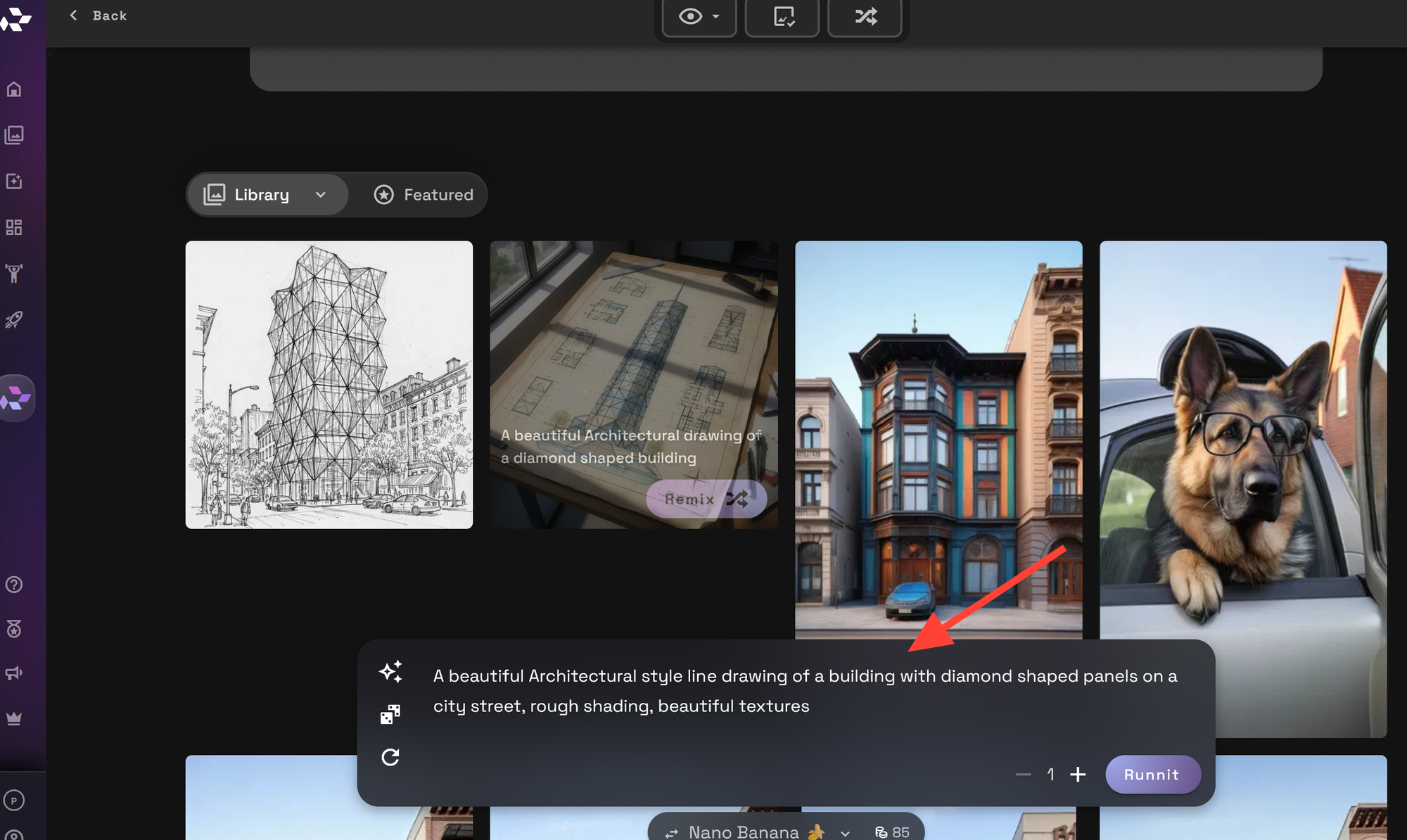
Enter a prompt describing what you want to render and click Runnit to generate your image.
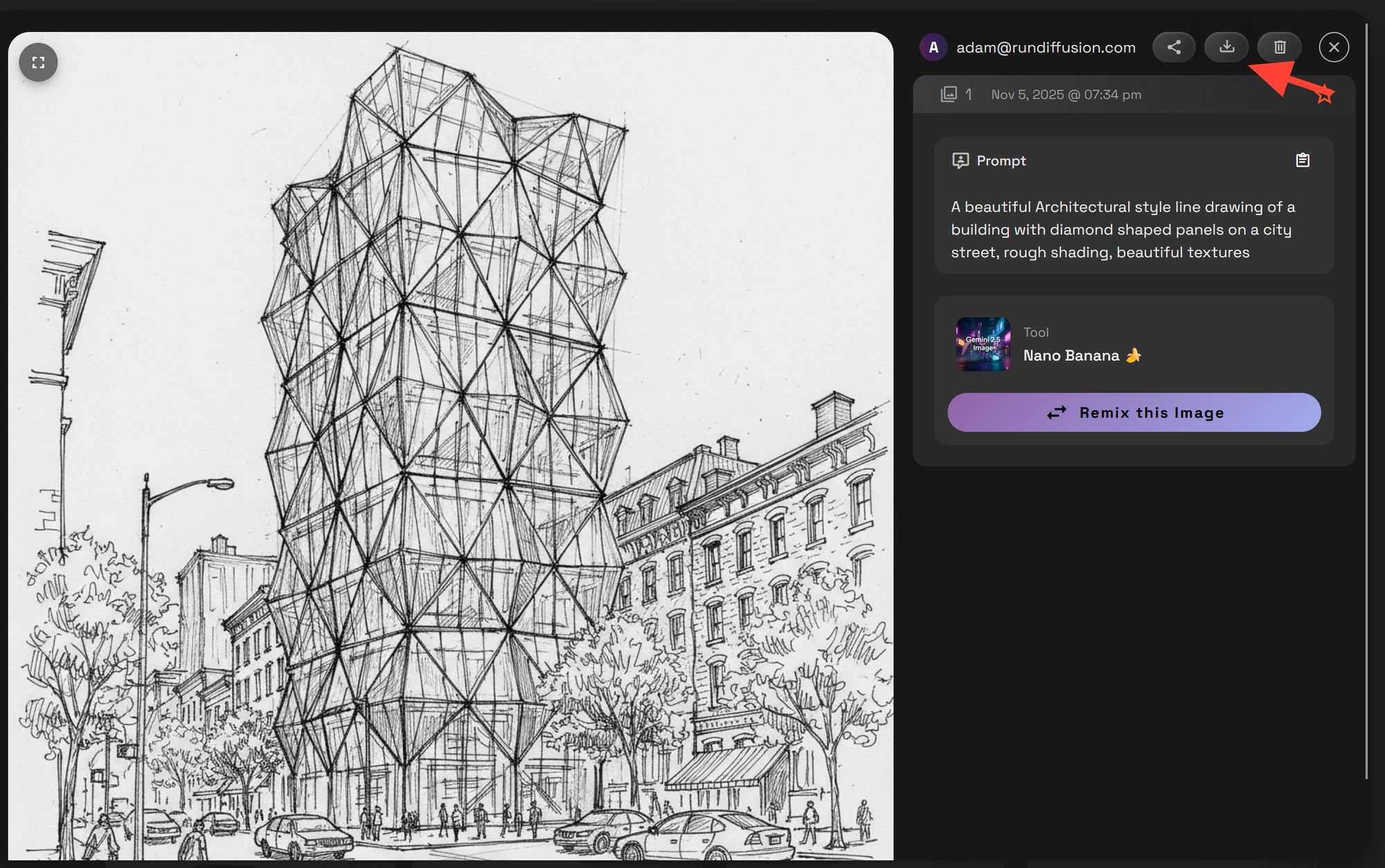
Example Prompt: A beautiful Architectural style line drawing of a building with diamond shaped panels on a city street, rough shading, beautiful textures
Download or share your results instantly by clicking on your new image then selecting download.
Free Daily Tokens: How It Works
- Sign up for a free RunDiffusion account
- Get tokens every day no payment required
- Use tokens to run generations or edits
- Upgrade for access to additional tools, models and features
Final Thoughts
If you work in architecture, design, or visualization, RunDiffusion offers the best way to create high-quality renders online with no technical overhead.
From drafting quick ideas to refining exports from Revit and SketchUp, our AI render tools for architecture are designed for visual professionals. Use your free daily tokens to generate, enhance, and upscale your work — right from your browser.
 RunDiffusion Team
 RunDiffusion Team
 RunDiffusion Team