Redesigning a kitchen used to require expensive software, long render times, or a professional designer. With RunDiffusion, you can now create stunning kitchen designs using AI in just minutes. From cabinet layouts to surface finishes, our free AI kitchen remodel generator lets you visualize your dream kitchen online no CAD skills or downloads required.
Whether you’re planning a renovation or presenting early concepts to a client, you can use our AI tools to explore layouts, lighting, finishes, and styling with precision.
What You’ll Learn
- How to create kitchen designs using free AI tools
- Prompt ideas for modern, farmhouse, luxury, and compact kitchens
- How to visualize lighting, cabinetry, textures, and surfaces
- How to upscale and enhance your kitchen renders for presentations
How to Create an AI Kitchen Remodel Design
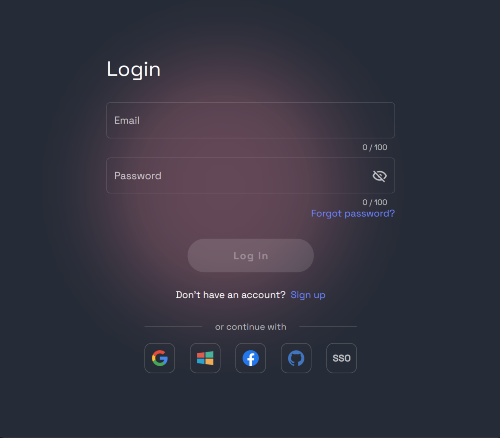
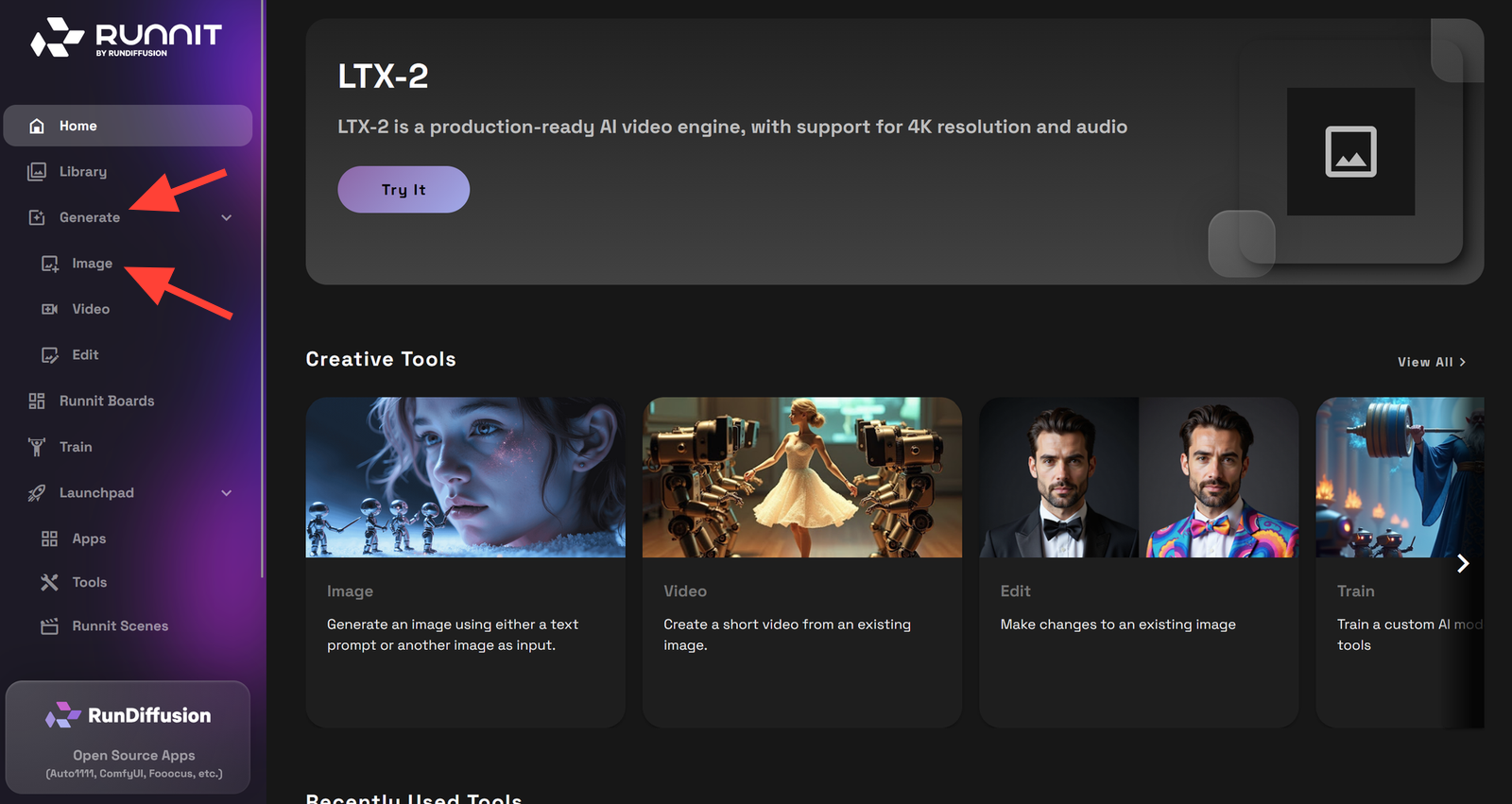
Select Generate and then Image on the left side bar.
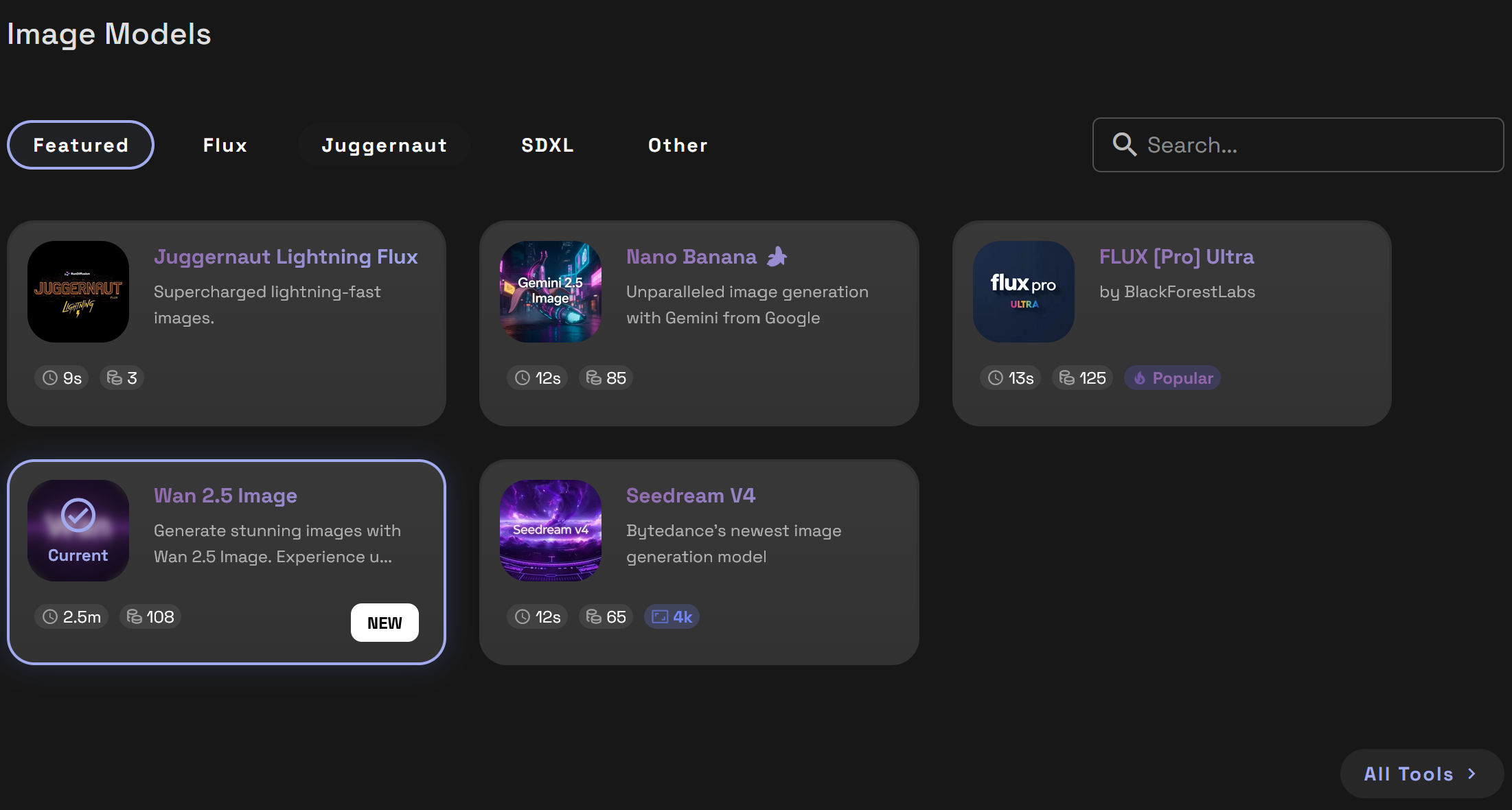
Choose a Model such as Nano Banana or SeeDreamV4. Each model has their own strengths and we offer a variety. Select a Model such as Nano Banana or SeeDreamV4.
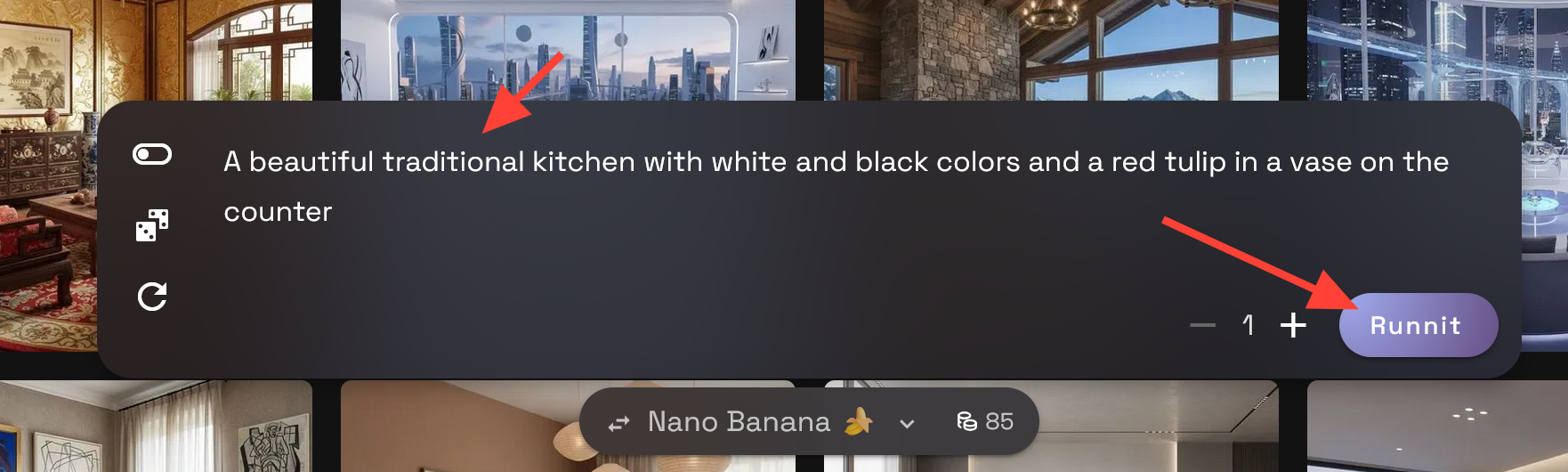
Enter a prompt describing your living room vision. Be specific about lighting, colors, styles. Do not over think it to start just describe your perfect kitchen. Click Runnit to generate your render
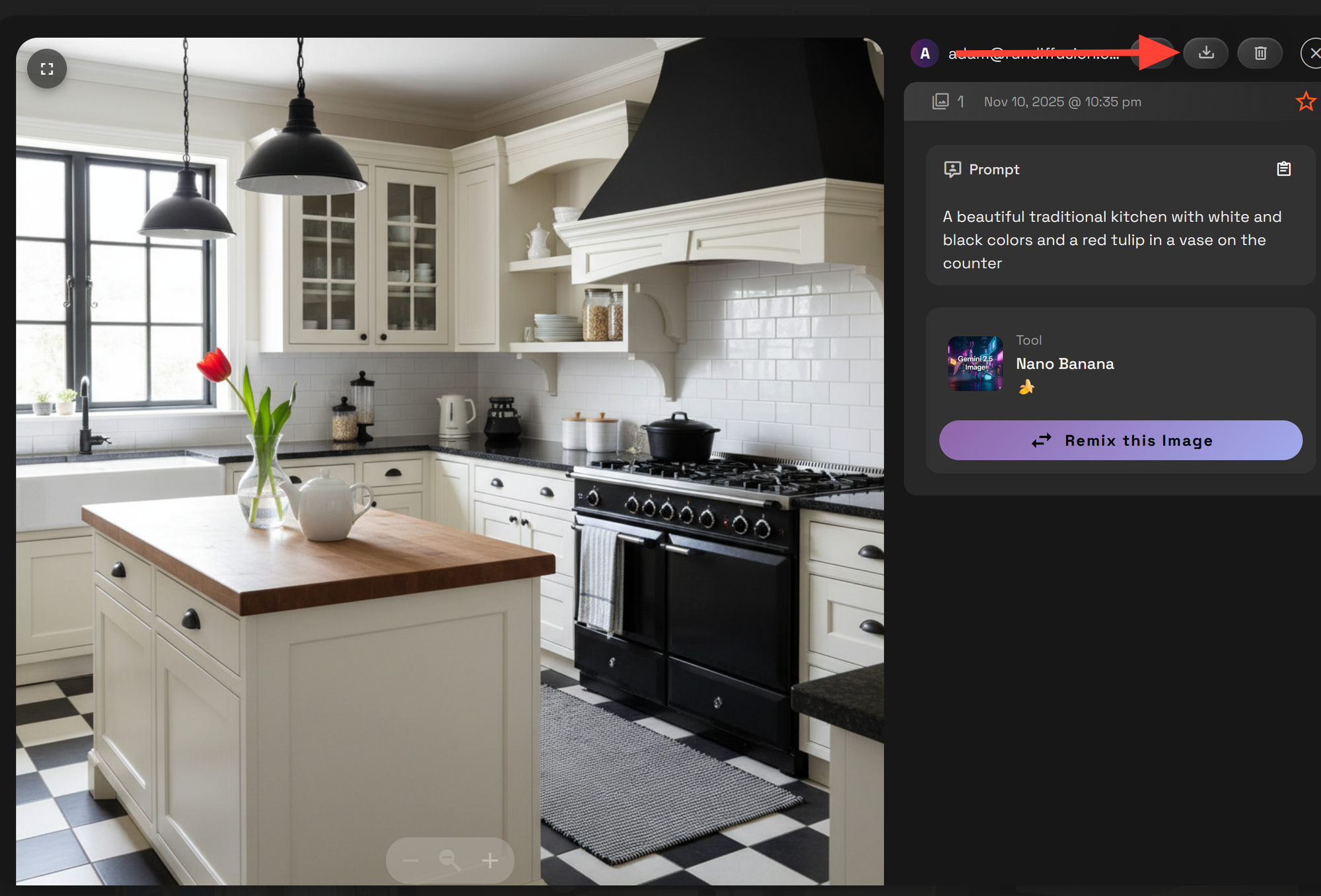
Click on your Render and then to download it click the download icon.
Prompt Examples for AI Kitchen Design
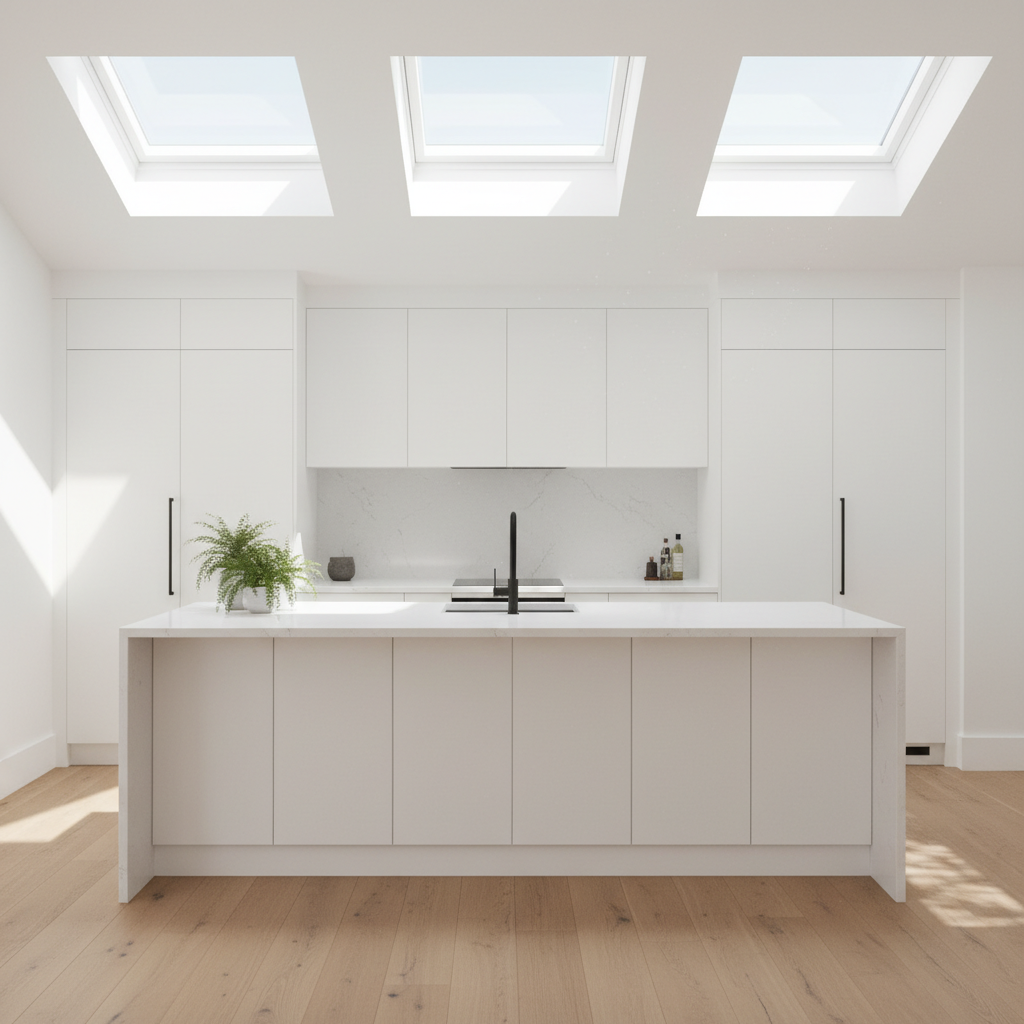
Modern White Kitchen with Skylights
Prompt: Sleek white kitchen with quartz countertops, handleless cabinets, natural oak flooring, large skylights, sunlight streaming in, minimalist style
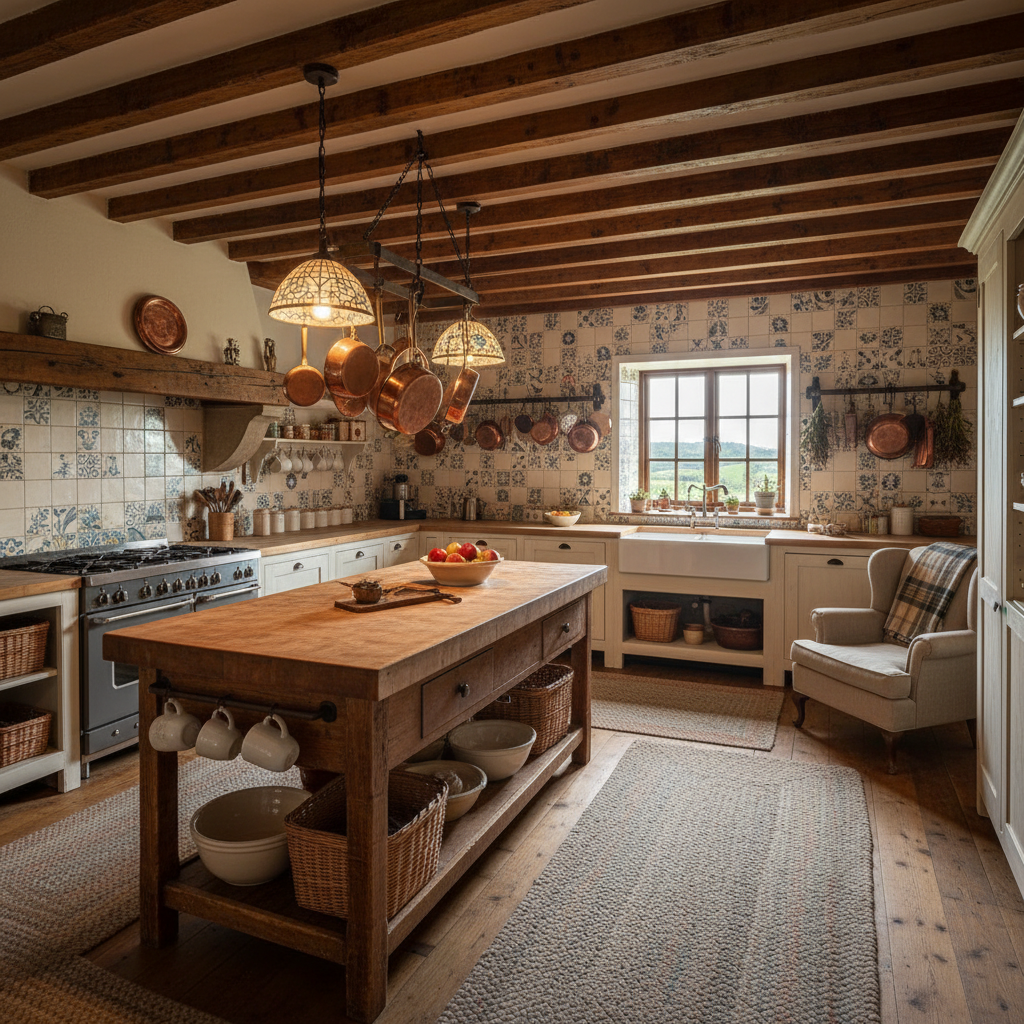
Rustic Farmhouse Kitchen with Island
Prompt: Cozy farmhouse kitchen with exposed beams, distressed wood island, hanging copper pans, ceramic backsplash, vintage lighting, wide shot
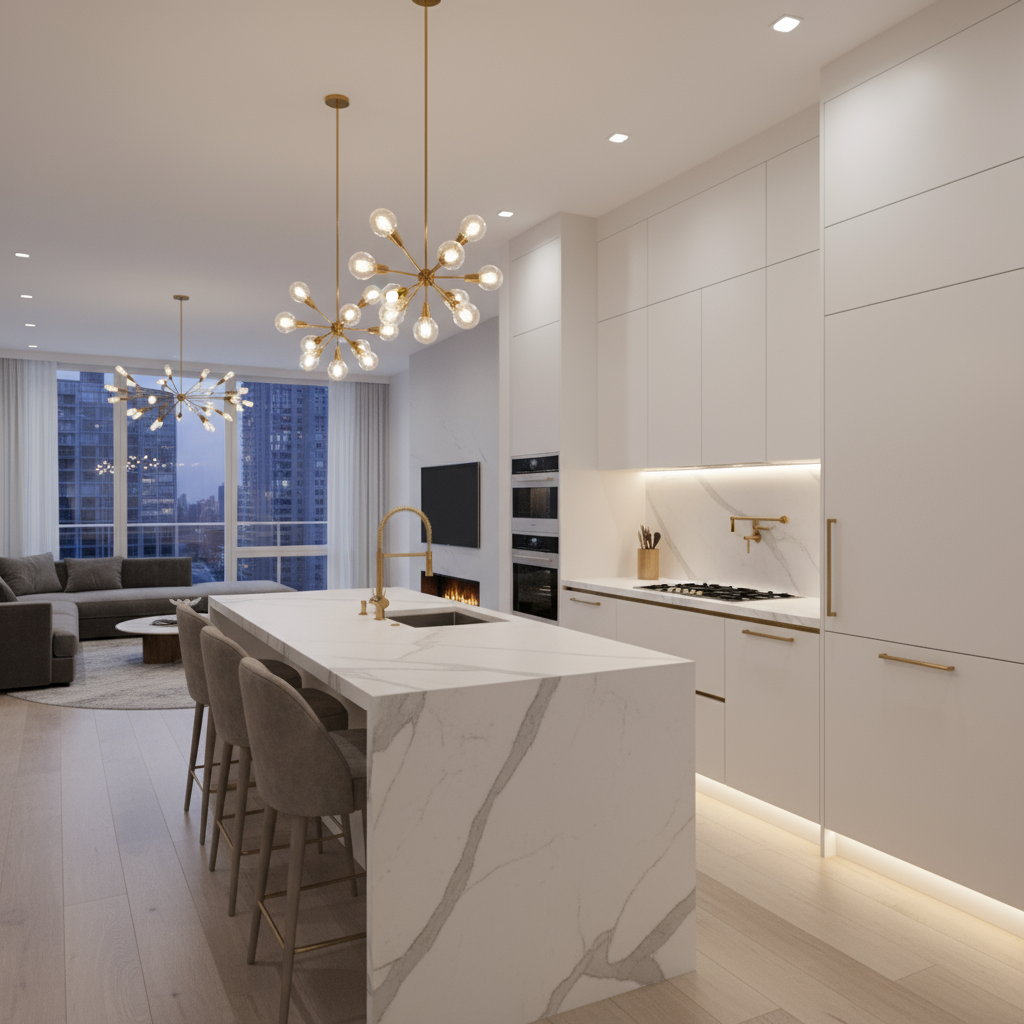
Luxury Open-Concept Kitchen
Prompt: High-end open kitchen with marble countertops, seamless cabinetry, gold fixtures, integrated appliances, soft ambient lighting, kitchen opening to living area
Already Have a Photo of Your Kitchen? Edit It with AI
If you already have a photo of your kitchen from a real estate listing, renovation snapshot, or existing render you can upload it to RunDiffusion.
How to Use It:
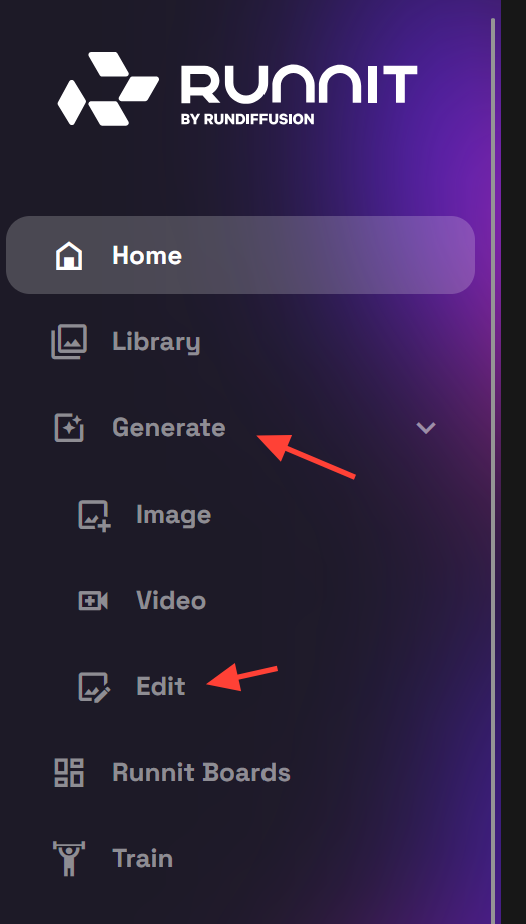
Select Generate and then Edit on the left side bar.
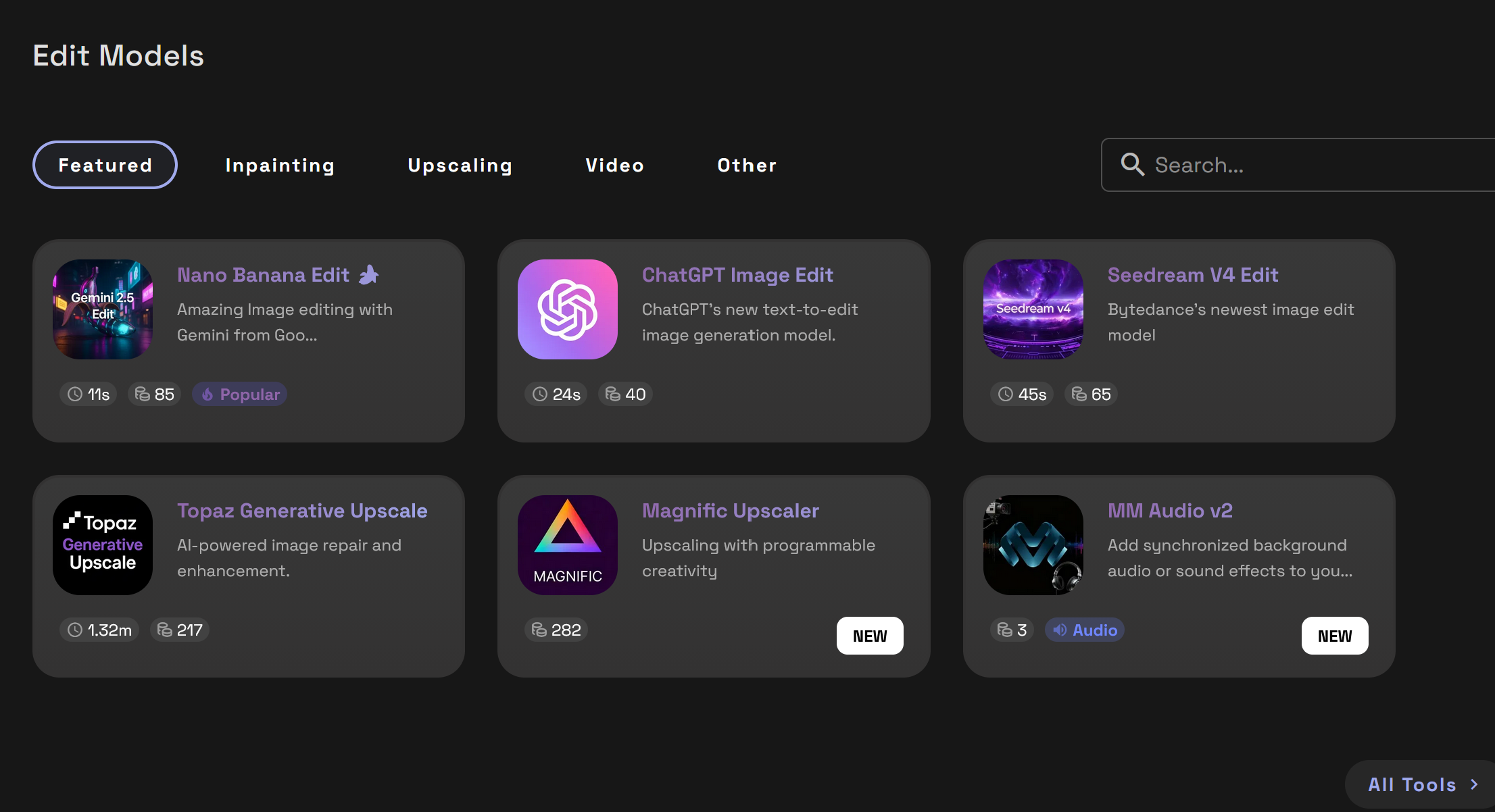
Select one of the Image Edit Models such as Nano Banana Edit, ChatGPT Image Edit, or Seedream V4 Edit.
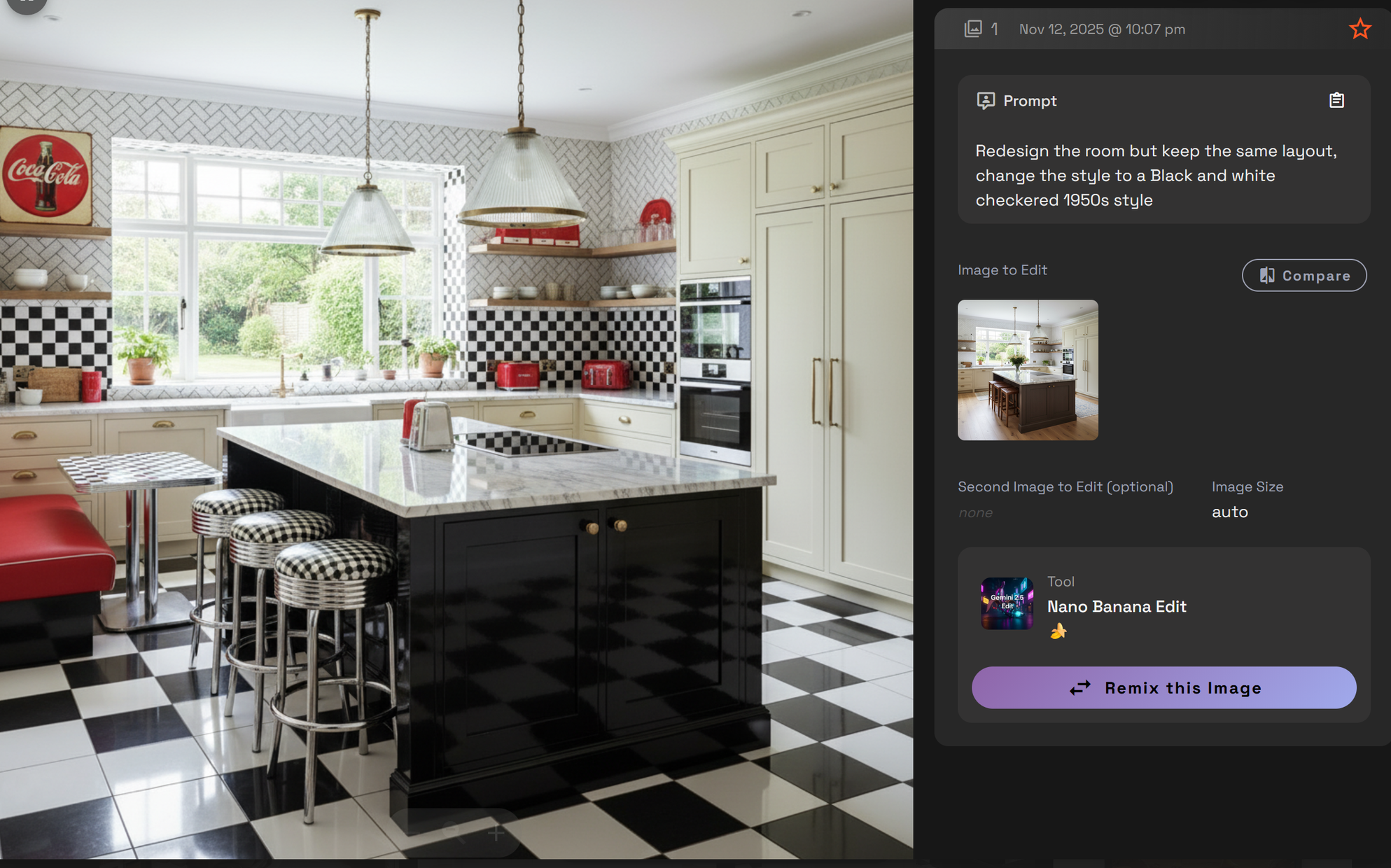
Write a prompt then click Runnit to render the new living room.
Example Prompt: Redesign the room but keep the same layout, change the style to a Black and white checkered 1950s style
Boost Your Results with Prompt Enhancement
Use Prompt Magic to instantly expand and refine your kitchen description for more accurate, stylish renders. Want more control? Try Prompt Enhancer to view and choose between multiple improved prompts.
Enhance and Upscale Your Kitchen Designs
Once generated, you can refine your kitchen visuals using:
- Nano Banana Edit or SeeDreamV4 Edit for lighting and texture polish
- Topaz or Magnific for upscaling to high resolution
These tools are ideal for client presentations, portfolio work, or printing.
Final Thoughts
With AI, kitchen design becomes faster, more flexible, and more accessible than ever. RunDiffusion gives you a free, browser-based toolset to generate and refine kitchen interiors on demand with no software barrier.
Start your next kitchen remodel concept today using free daily tokens.
 RunDiffusion Team
 RunDiffusion Team
 RunDiffusion Team