Introduction
Juggernaut XIII Ragnarok is the final Stable Diffusion XL (SDXL) release in the Juggernaut model series, designed for creators who need reliable realism, cleaner anatomy, and flexible prompt control. In this guide, you’ll learn how to run Juggernaut XIII Ragnarok on RunDiffusion using ComfyUI, Automatic1111, and Reforge, along with recommended settings straight from the model’s creator.
By using RunDiffusion’s cloud-based workflows, you can focus on image quality and iteration speed without worrying about local GPU limitations.
What Is Juggernaut XIII Ragnarok?
Juggernaut XIII Ragnarok is a Stable Diffusion XL (SDXL) checkpoint developed by Team Juggernaut, with Kandoo as the lead model trainer and creator, backed by RunDiffusion. The team also includes Adam, who led model testing and validation, and Darin, who supported release coordination and marketing. Released as the concluding chapter of the Juggernaut SDXL line, Ragnarok delivers meaningful improvements across multiple areas:
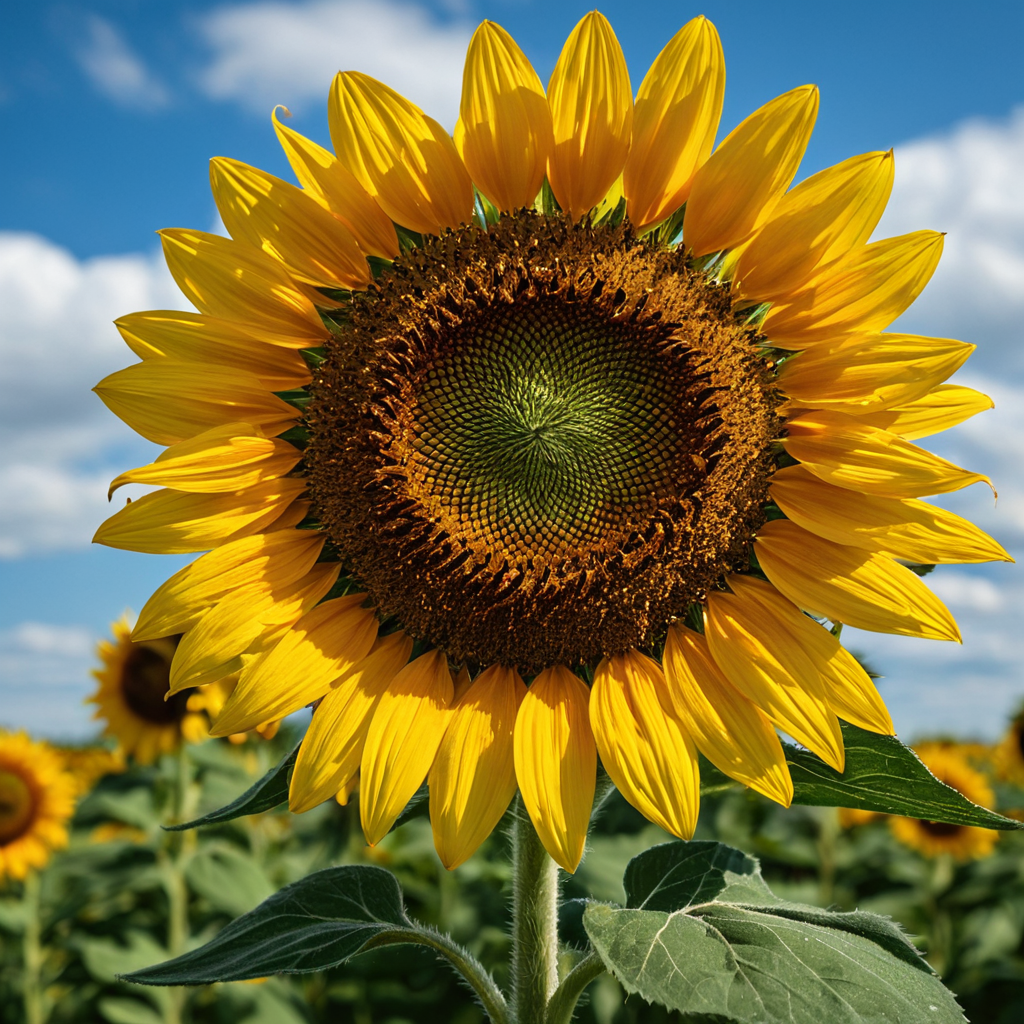
More consistent photorealism
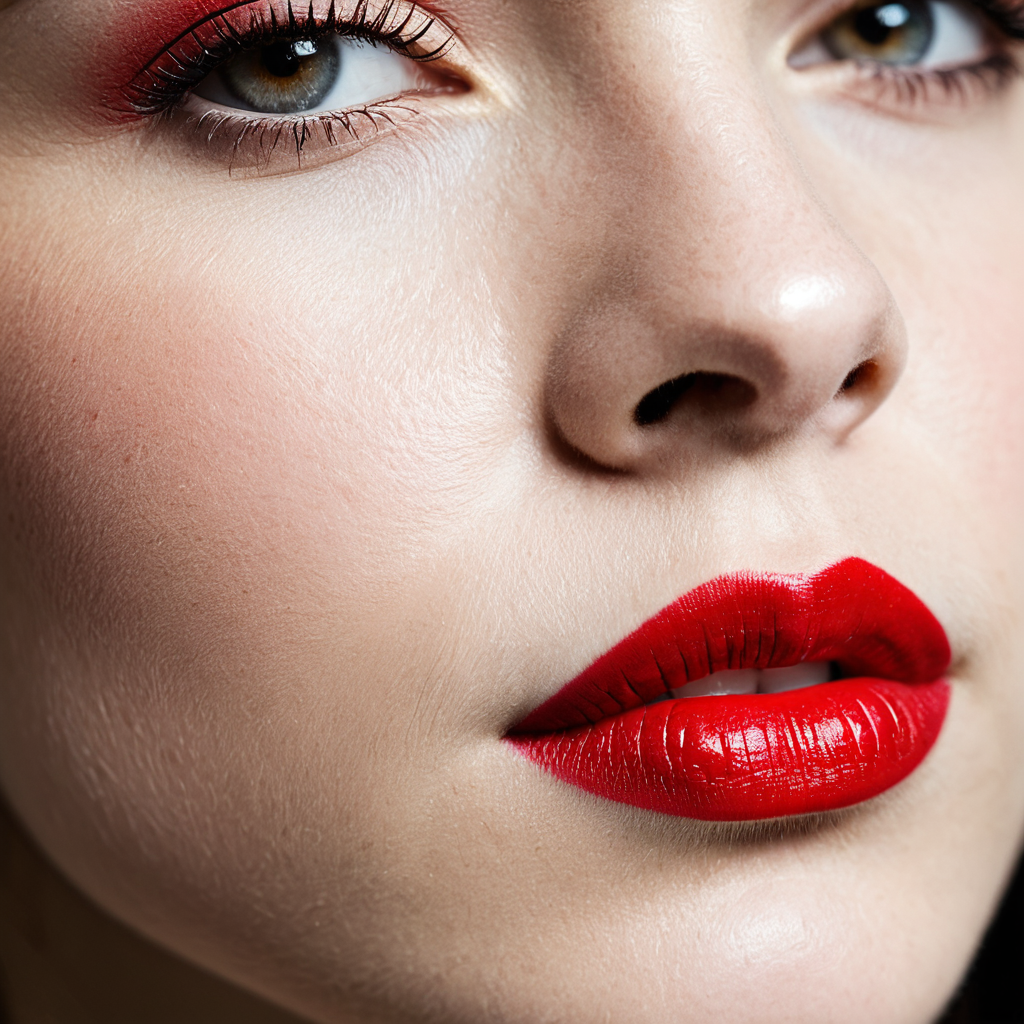
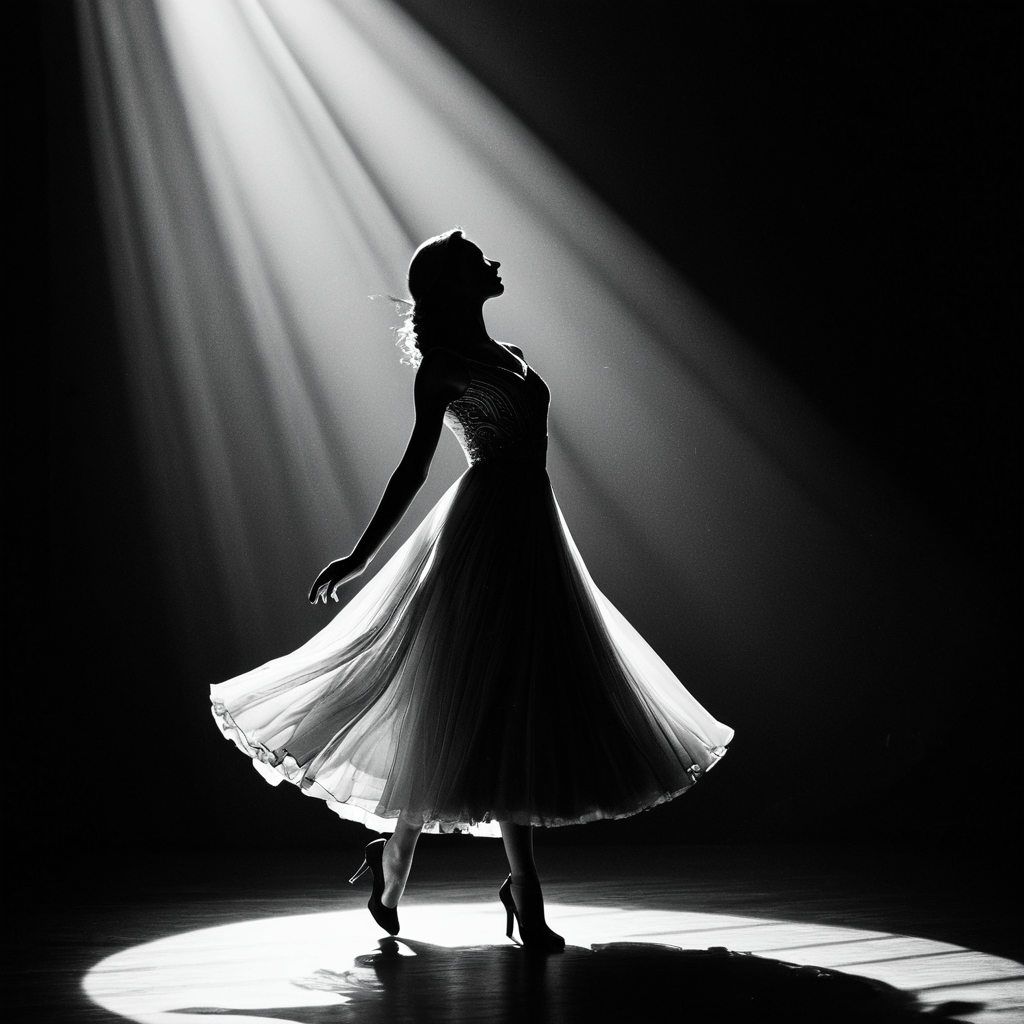
Improved body poses
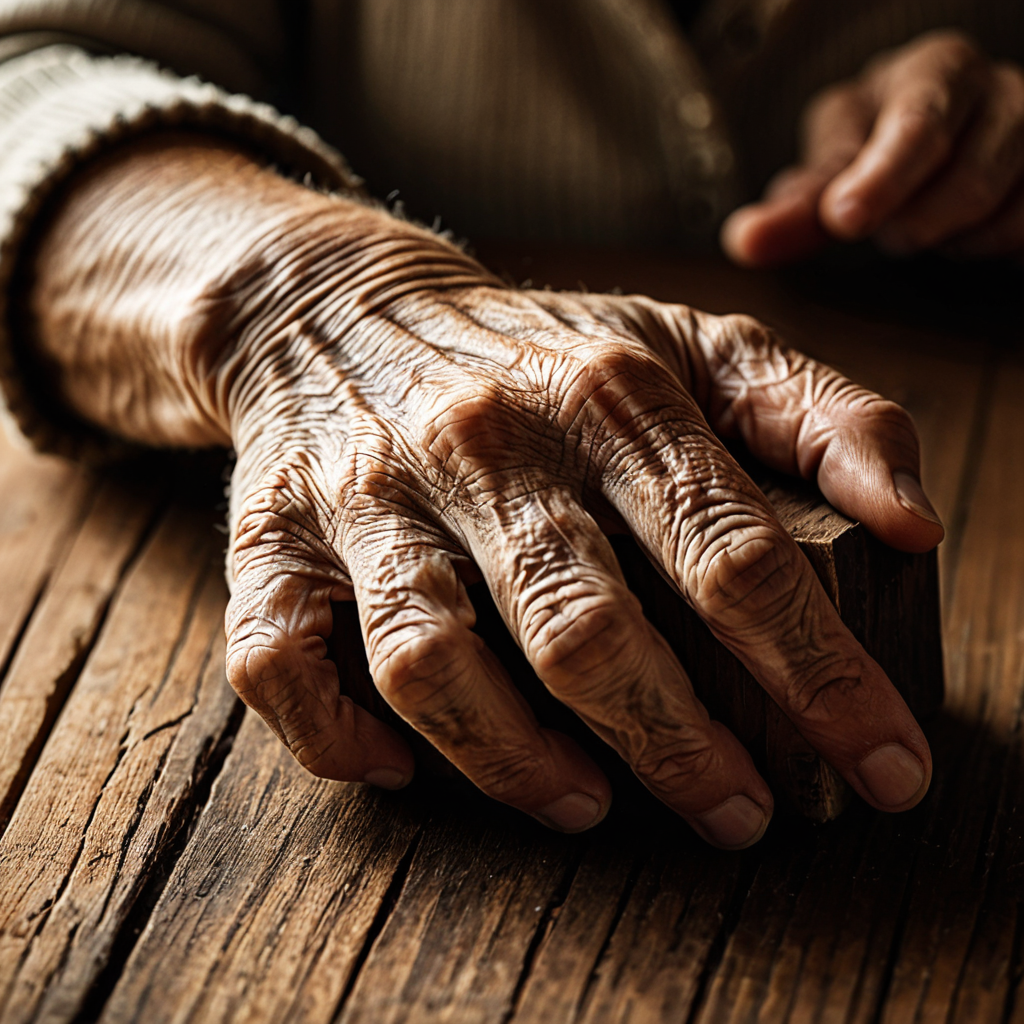
Cleaner hands and feet
Stronger overall prompt adherence
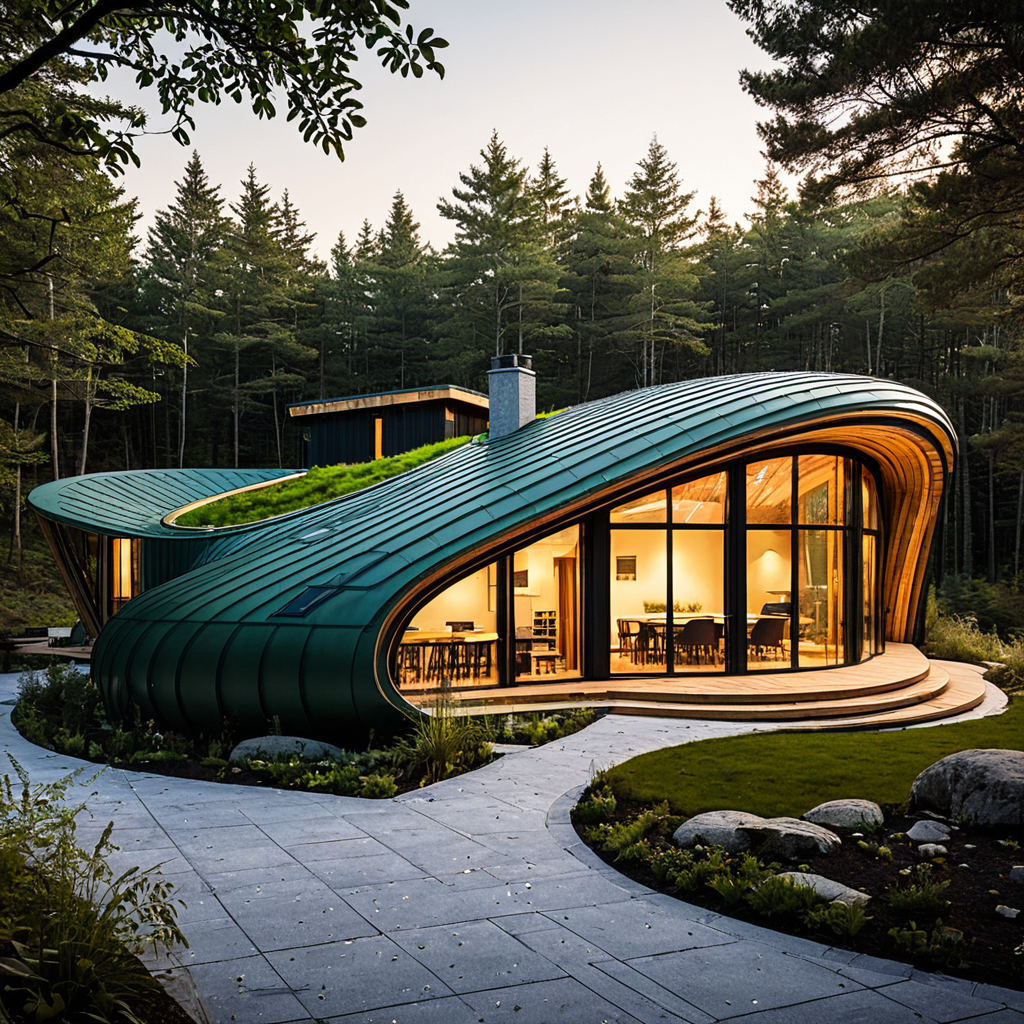
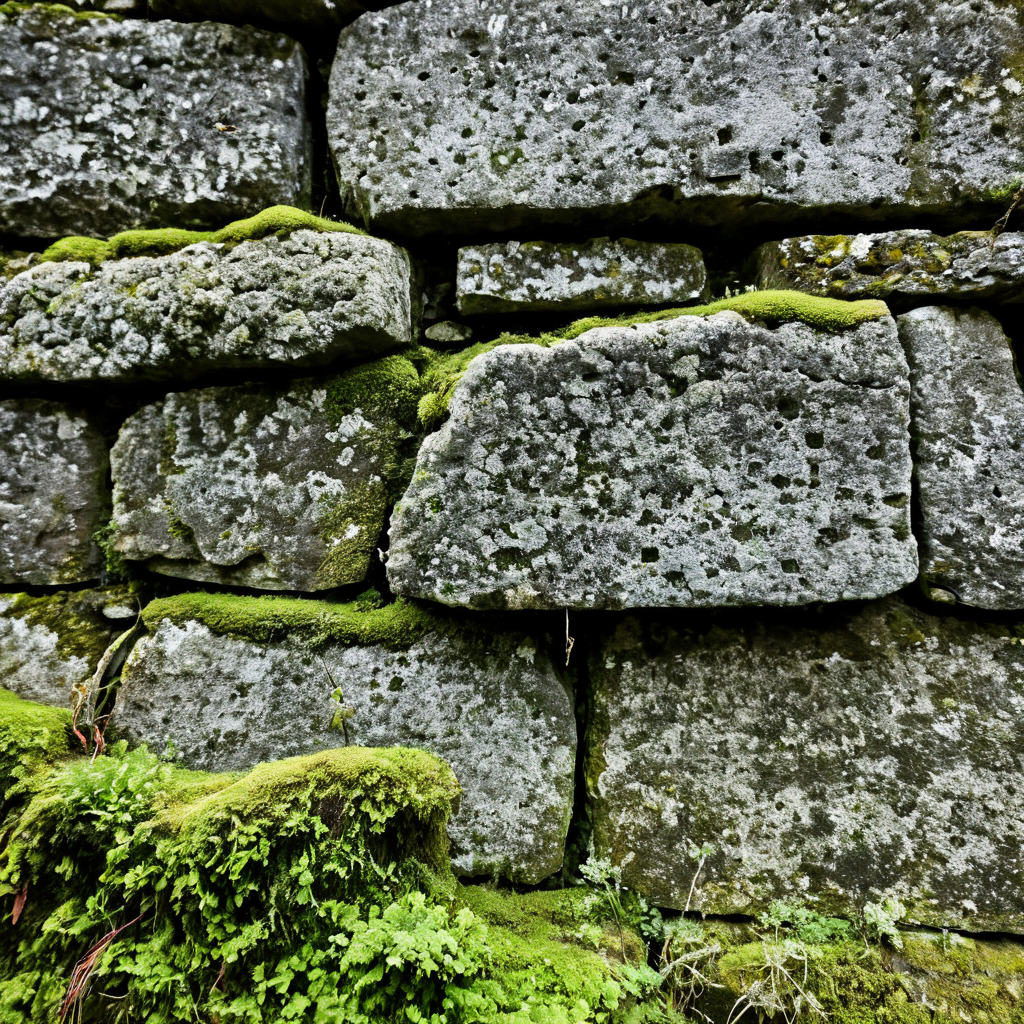
Better Textures
While it remains an SDXL model and should not be directly compared to newer architectures like Flux, Seedream, Nano Banana, Riverflow 2, it excels as a refinement and final-pass model in professional image pipelines.
Recommended Settings for Juggernaut XIII Ragnarok
The following configuration comes directly from the updated prompting guide and works consistently across RunDiffusion-supported interfaces.
Base Generation Settings
- Resolution: 832 × 1216 (portrait recommended, any SDXL resolution works)
- Sampler: DPM++ 2M SDE
- Steps: 30–40
- CFG: 3–6
- Lower CFG values tend to produce more realistic results
- Negative Prompt:
- Start with no negative prompt and add only unwanted elements later
Note: The VAE is already baked into the model. No separate VAE selection is required.
Hi-Res / Upscale (Optional)
- Upscaler: 4xNMKD-Siax_200k
- Hi-Res Steps: 15
- Denoise: 0.3
- Upscale: 1.5×
Using Juggernaut Ragnarok in ComfyUI on RunDiffusion
ComfyUI is ideal if you plan to use Juggernaut XIII Ragnarok as part of a larger Stable Diffusion pipeline, especially when refining images generated by flux and other models.
Common Pipeline Example
Juggernaut XIII Ragnarok remains relevant despite newer models as a powerful refiner to add intricate textures before you upscale. When using it this way try to keep the denoise low so that it can add the textures without altering the images underlining structures.
FluxDev /ZImage → Juggernaut XIII Ragnarok
How to Launch Opensource Applications
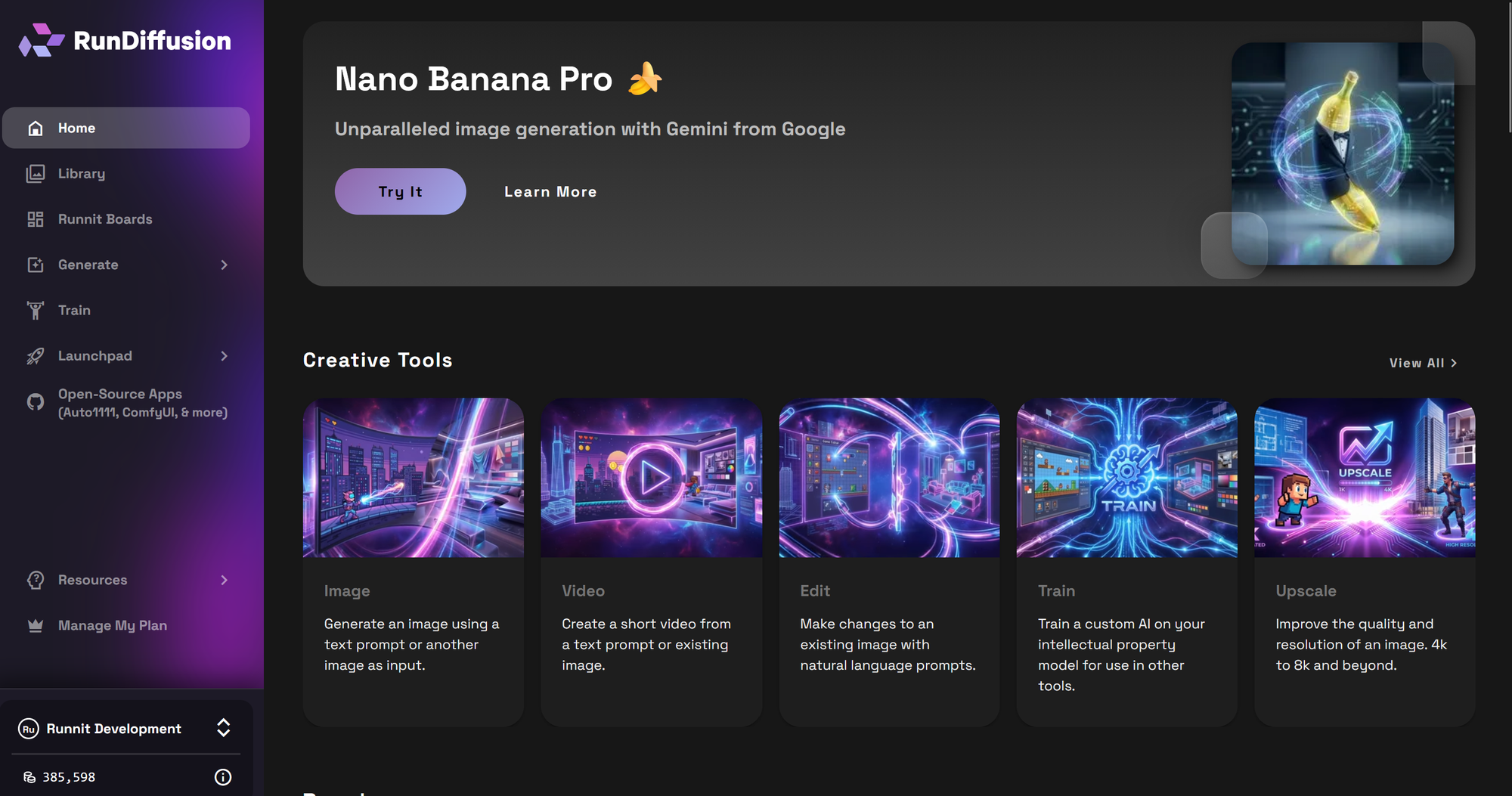
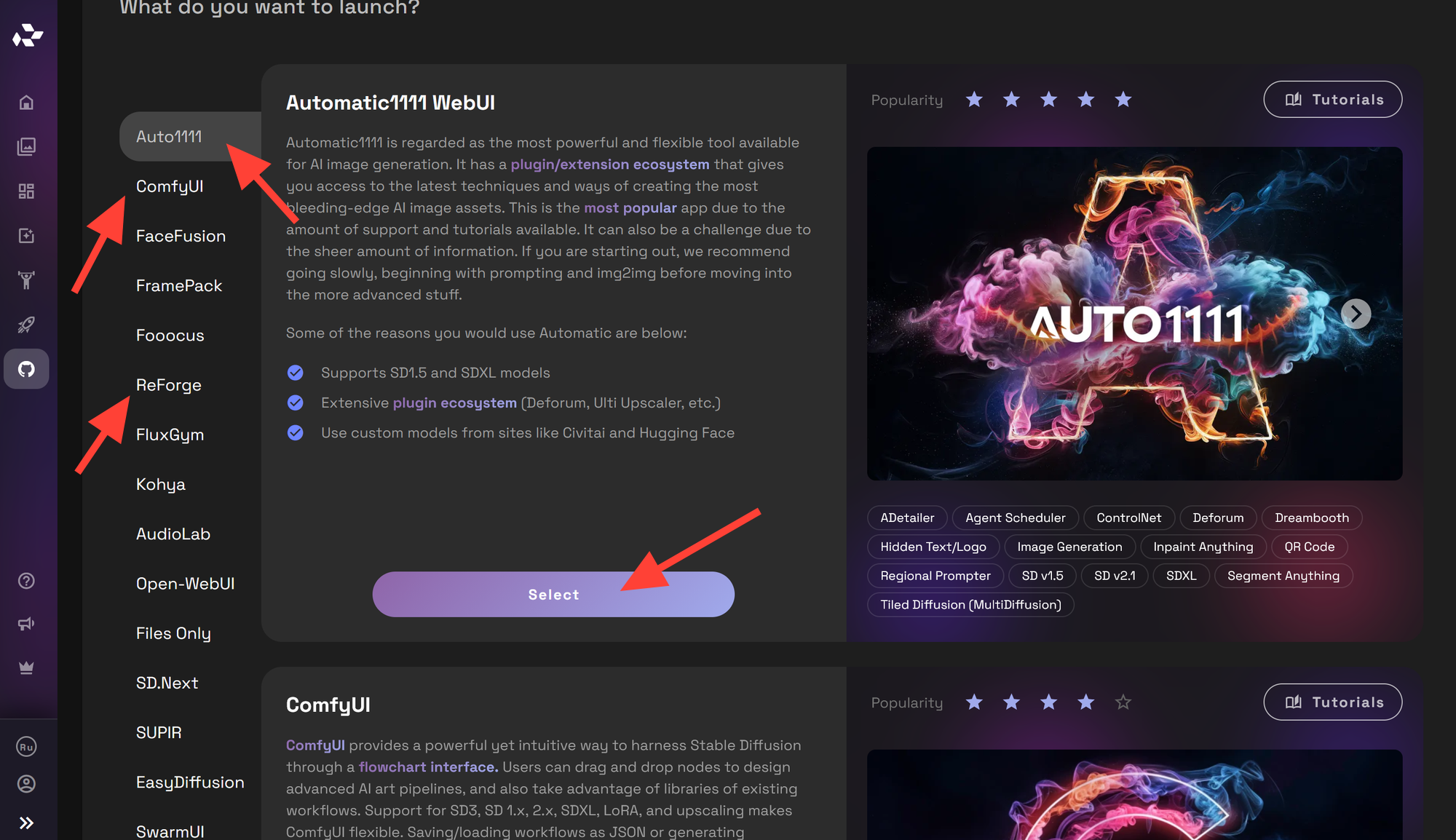
On the left sidebar click on Open-Source Apps.
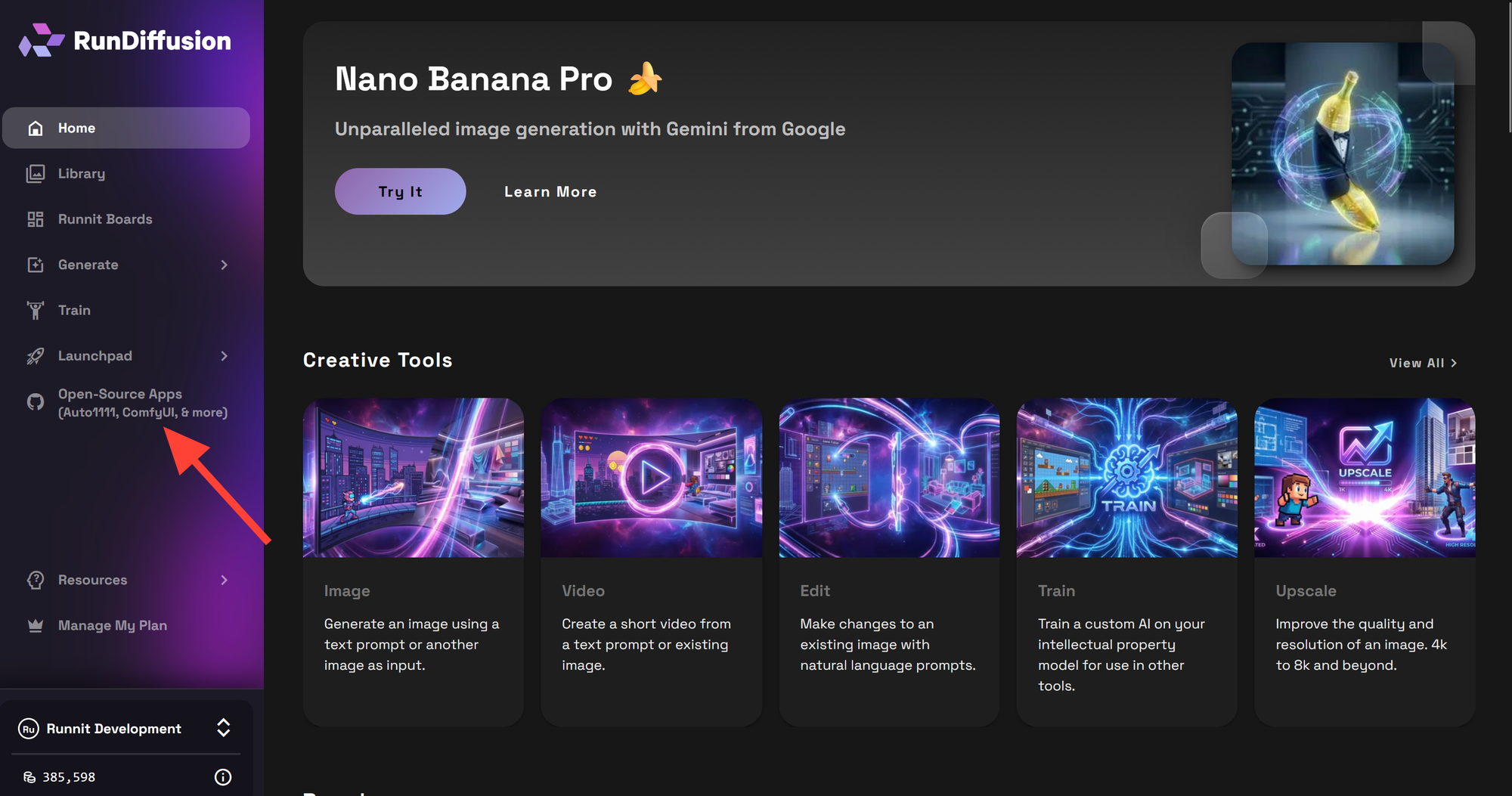
Select one of the OpenSource Applications such as Automatic1111, ComfyUI, or Reforge. Then click the select button.
Prompting Juggernaut XIII
To get the best results you'll want to follow our Juggernaut prompt guide.