


Kling 3.0 Pro is an AI video generation model available on RunDiffusion for creating controlled short-form video clips with guided visual consistency. It is designed for workflows where you want more control over how a scene begins, evolves, and resolves.
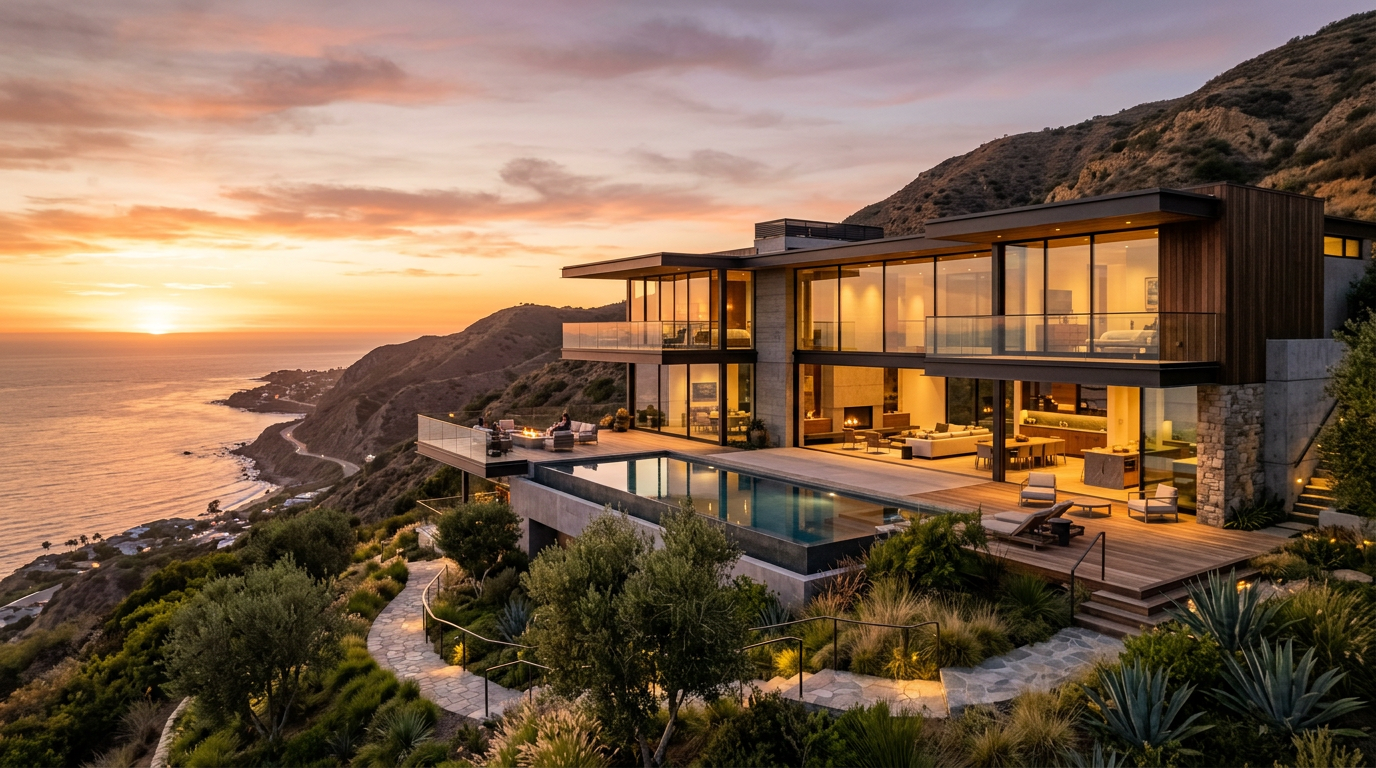
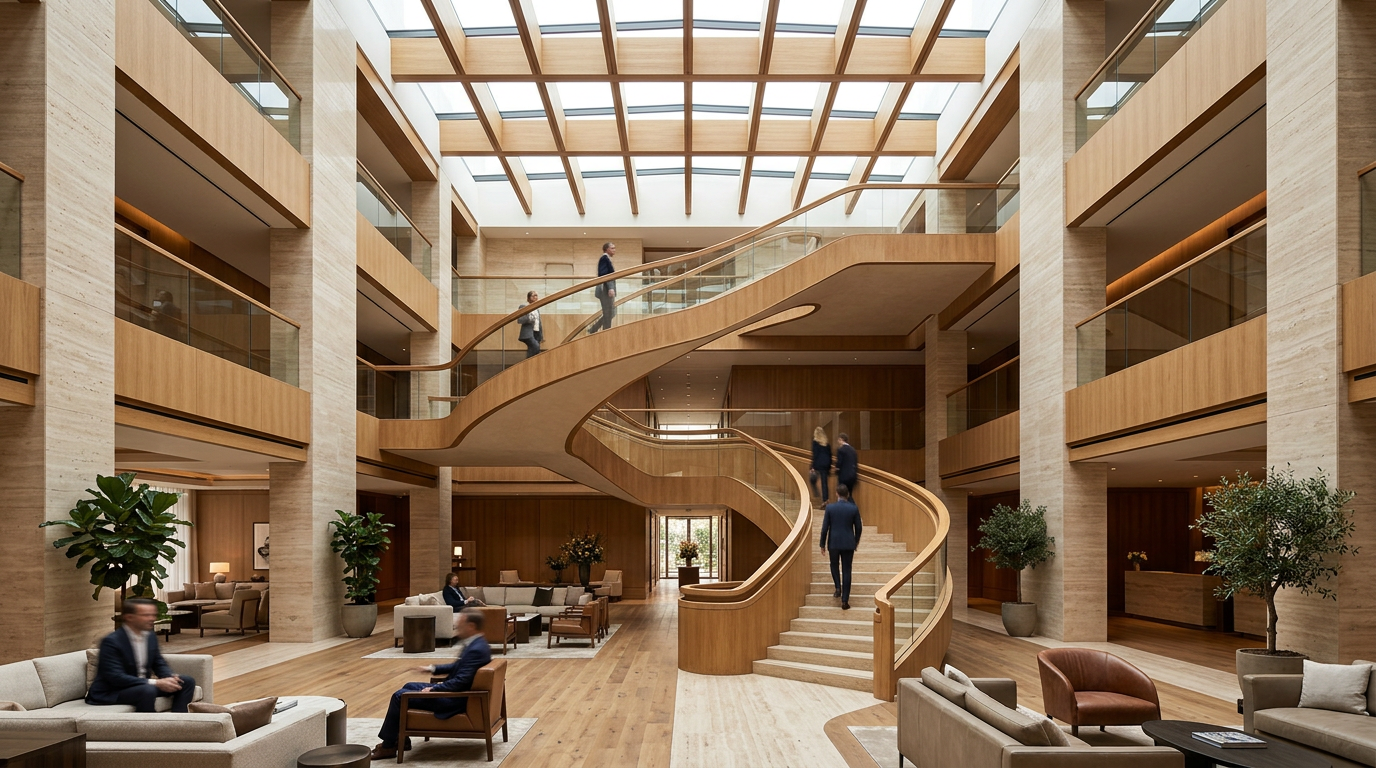
To begin, you provide a required start frame image that anchors the visual sequence. You can also provide an optional end frame image when you want stronger control over the final composition. In your prompt, use @image1 for the start frame and @image2 for the end frame so Kling 3.0 Pro can bridge the motion between them.
What Kling 3.0 Pro does well
Kling 3.0 Pro is built for creators who need more precision in AI video generation. Instead of relying only on a text prompt, you can guide the clip with image inputs that define the visual boundaries of the sequence.
This makes Kling 3.0 Pro useful for:
- product animations
- short branded video clips
- storyboard-to-motion tests
- cinematic concept shots
- visual transitions between two defined frames
The model supports durations between 3 and 15 seconds, making it a practical choice for short-form creative work, ad concepts, social content, and polished visual tests.
Why use Kling 3.0 Pro on RunDiffusion
Kling 3.0 Pro is a strong fit when you want more than just motion. It is useful when you want direction, continuity, and a more intentional visual arc.
A required start frame helps establish the subject, composition, and look of the first moment. An optional end frame gives you additional control over where the clip should land. Together, those inputs can help reduce visual drift and make the result easier to shape around a clear creative goal.
This is especially valuable when you are working with approved product imagery, brand visuals, character references, or storyboard frames that need to stay closer to your intended output.
Access Kling 3.0 Pro on RunDiffusion
Once inside the tool, upload your start frame, add an end frame if needed, and write a prompt that describes the motion, scene behavior, and camera direction you want.
How to use Kling 3.0 Pro effectively
Kling 3.0 Pro works best when your inputs are clear and intentional.
Start with a strong first frame
Your start frame is required, so make sure it gives the model a clean and useful foundation. A well-composed image usually leads to better motion and more stable results.
Add an end frame when the destination matters
If your clip needs to finish on a specific composition, include an end frame. This is especially useful for transformations, reveals, before-and-after sequences, or visual storytelling that needs a precise ending.
Prompt for motion, not just appearance
A strong video prompt should describe what happens over time. Focus on subject movement, environmental motion, camera direction, pacing, and the overall scene behavior.
Keep transitions believable
Kling 3.0 Pro is well suited for realistic motion. If your start and end frames feel too disconnected, the transition may be harder for the model to resolve naturally. Choose frame pairs that support a plausible visual progression.
Example prompt structure
A practical prompt structure is:
Subject + visual details + movement + scene behavior + camera guidance
Example with a start frame:
@image1 cinematic product shot of a luxury watch on dark stone, subtle reflections, slow forward camera push, soft moving highlights across the metal, premium commercial lighting
Example with a start and end frame:
@image1 @image2 cinematic transition from the opening product angle to the final hero composition, slow controlled camera move, elegant reflections, premium commercial lighting, realistic motion
When to choose Kling 3.0 Pro
Choose Kling 3.0 Pro when you want more control over the visual sequence of a clip.
It is a good option when:
- the opening frame matters
- the ending frame matters
- you want a tighter visual bridge between two scenes
- you need short, polished clips for creative or commercial use
- you want realistic motion with higher visual fidelity
If you are exploring the broader Kling family, you can also read Try Kling Image V3 and Kling 3.0 on RunDiffusion.
If you want help writing stronger prompts, see How to Prompt with Kling: Text-to-Video Prompt Guide.
Start using Kling 3.0 Pro
Kling 3.0 Pro on RunDiffusion gives you a more directed way to create AI video when consistency and shot control matter. With a required start frame, an optional end frame, and prompt-based motion guidance, it is a practical tool for short-form video generation that needs a more intentional result.
Kling 3.0 Pro architecture video generated from a Nano Banana 2 start frame.
