


Nano Banana 2 is Google’s newest AI image generation and editing model, combining advanced creative control with high-speed performance. Officially introduced as Nano Banana 2 (Gemini 3.1 Flash Image), it blends pro-level image capabilities with flash-level responsiveness for modern creative workflows.
The model enhances world knowledge, instruction following, subject consistency, and production-ready output formats. It is now available on RunDiffusion, giving creators scalable cloud access without local hardware requirements.
What Is Nano Banana 2?
Nano Banana 2 builds on earlier Nano Banana models by delivering:
- Faster image generation powered by Gemini 3.1 Flash Image
- Stronger instruction adherence for complex prompts
- Improved world knowledge grounding
- Higher visual fidelity with refined textures and lighting
- Customizable aspect ratios and up to 4K resolution output
- Subject consistency across multiple characters and objects
It is designed to balance performance and control, making it suitable for both rapid ideation and structured, production-grade creative tasks.
Core Features of Nano Banana 2
Advanced World Knowledge
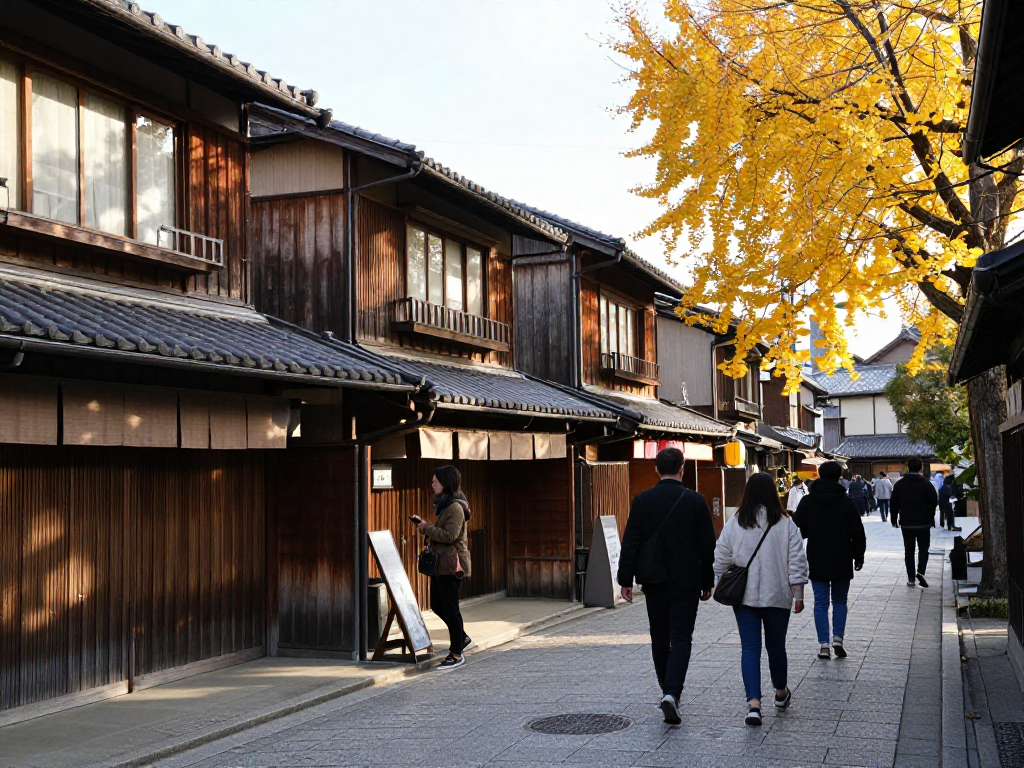
Nano Banana 2 integrates Gemini’s real-world knowledge base, enabling visuals that reflect accurate locations, cultural references, and object details. This improves realism and contextual accuracy in generated images.
Precise Instruction Following
The model interprets detailed prompts involving:
- Scene composition
- Object placement
- Lighting direction
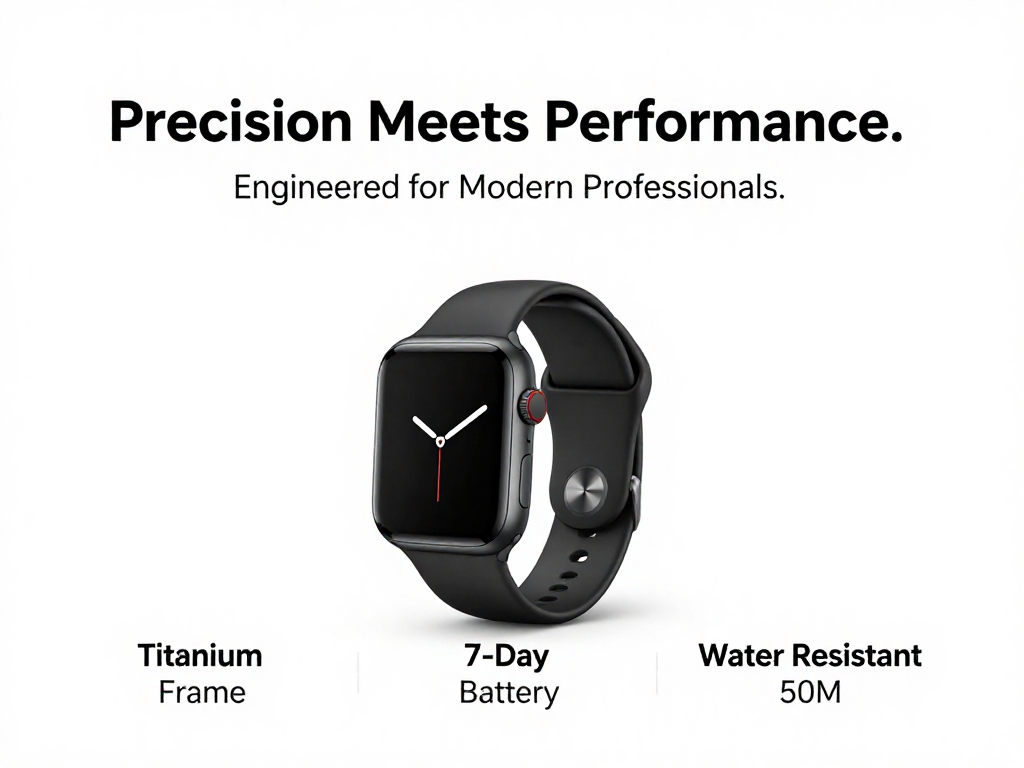
- Text rendering inside images
This reduces prompt trial-and-error and helps achieve structured, predictable results.
High-Resolution and Flexible Output
Nano Banana 2 supports:
- Multiple aspect ratios
- Social, square, vertical, and cinematic formats
- Resolutions up to 4K
This makes it suitable for marketing assets, presentations, product visuals, storyboards, and campaign materials.
Multi-Subject Consistency
The model maintains visual consistency for:
- Up to five characters
- Up to fourteen objects
This is especially valuable for multi-scene storytelling, product line variations, educational graphics, and branded content systems.

Fast Iteration with Flash Performance
Powered by Gemini 3.1 Flash Image, Nano Banana 2 enables faster generation and editing cycles. Teams can refine concepts quickly without sacrificing visual quality or structural accuracy.
Practical Use Cases
Marketing and Advertising
- Generate campaign visuals
- Create localized variations
- Develop product mockups
- Maintain brand consistency across assets
Concept Design and Visualization
- Produce structured architectural mockups
- Refine lighting and material studies
- Iterate product render concepts
- Maintain proportional accuracy during edits
Infographics and Educational Visuals
- Transform written ideas into diagrams
- Render labeled graphics
- Create structured visual explanations
Nano Banana 2’s improved instruction following makes it easier to render text and layout elements accurately within an image.
Using Nano Banana 2 Inside Runnit Boards
One of the most effective ways to use Nano Banana 2 on RunDiffusion is within Runnit Boards. Boards allow you to organize prompts, reference images, outputs, and revisions into a structured workspace.
Instead of generating one-off images, you can:
- Store reference images directly on a Board
- Save prompt variations for comparison
- Maintain subject consistency across revisions
- Refine outputs in stages using multiple tools
- Compare iterations side by side
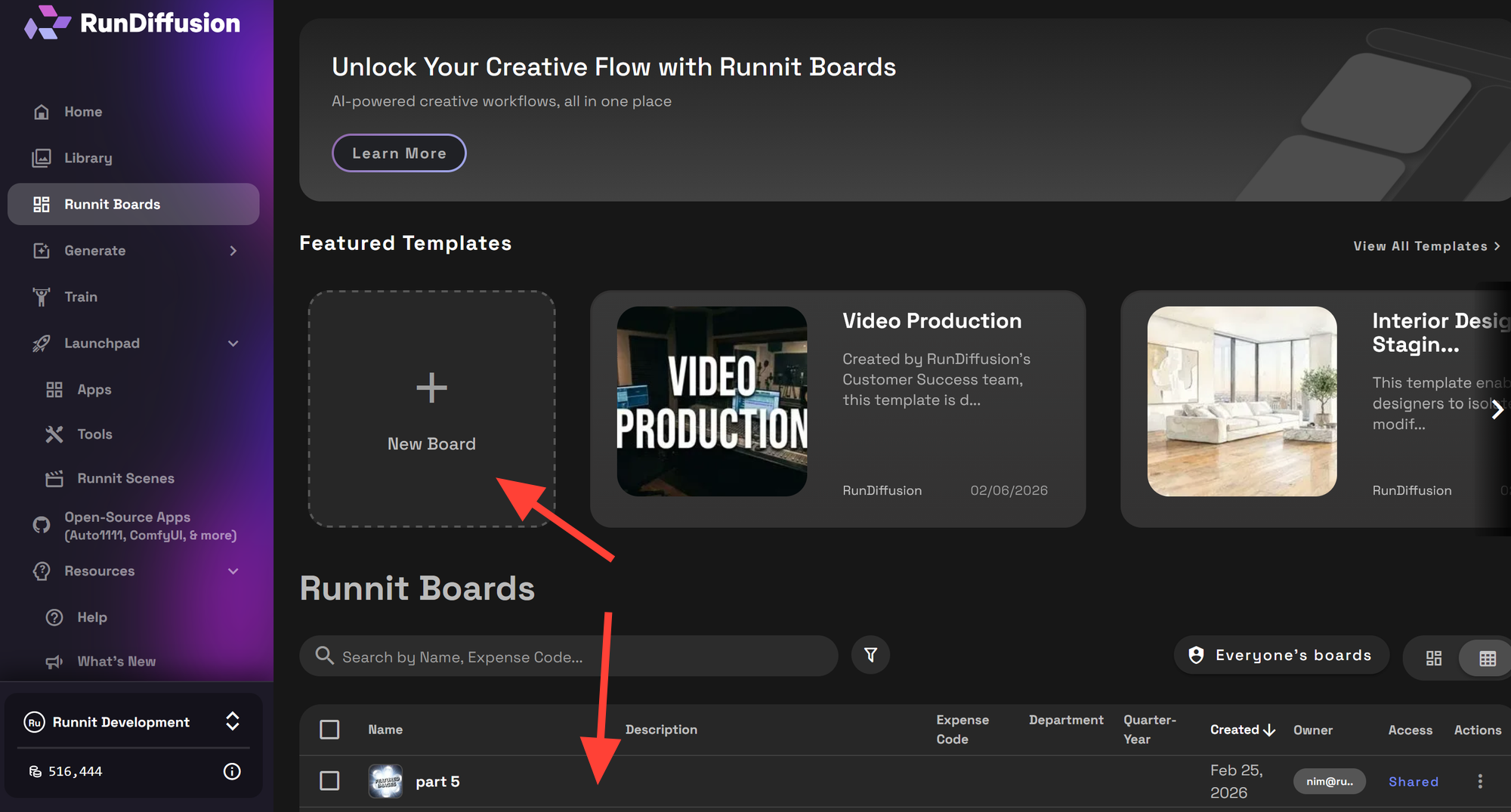
To add Nano Banana 2 to an existing Board:
Login to RunDiffusion Once you login you will be forwarded to the RunDiffusion Runnit Platform.
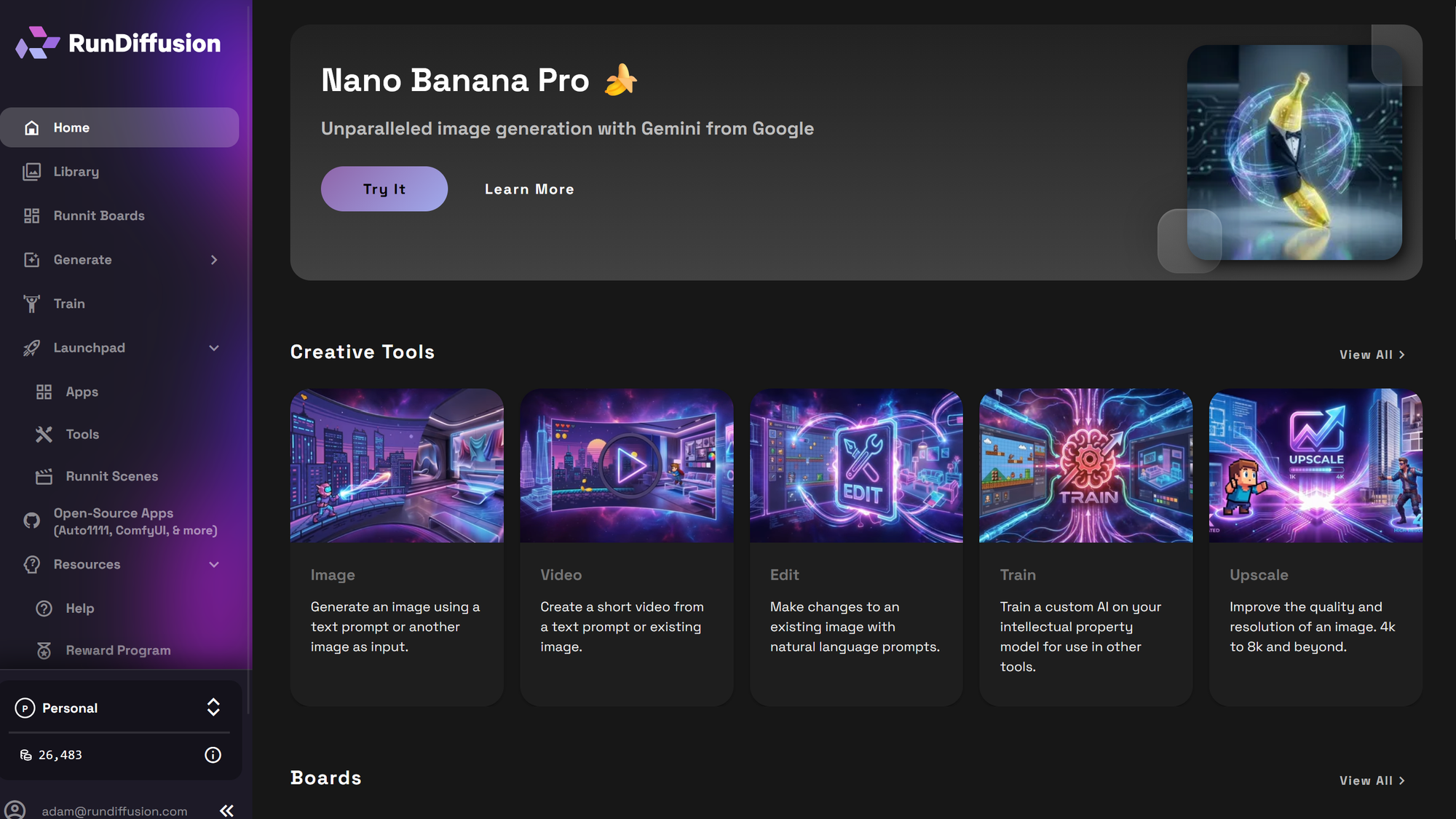
Click on the Runnit Boards on the left Sidebar
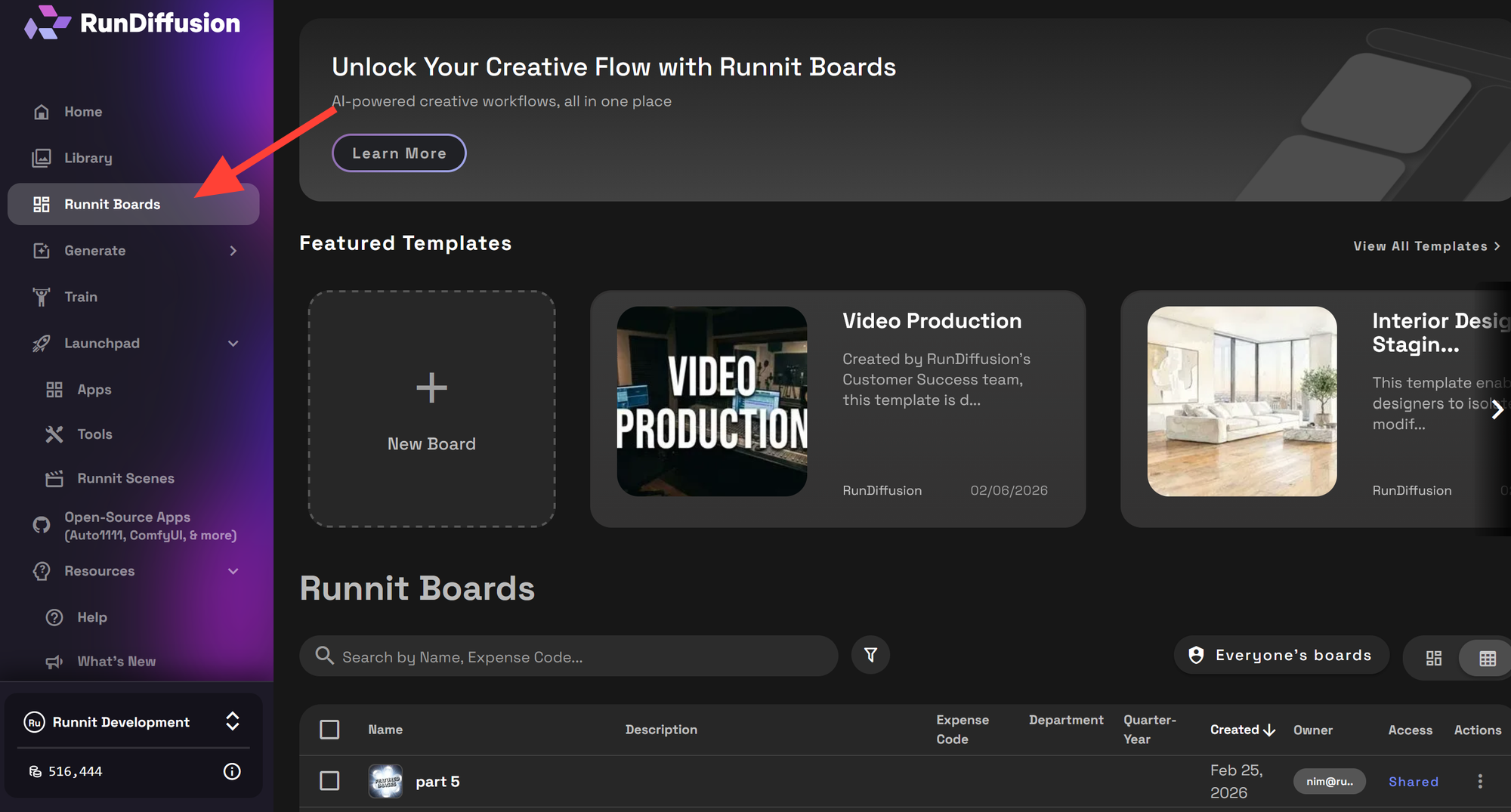
Open an existing Board or create a new board.
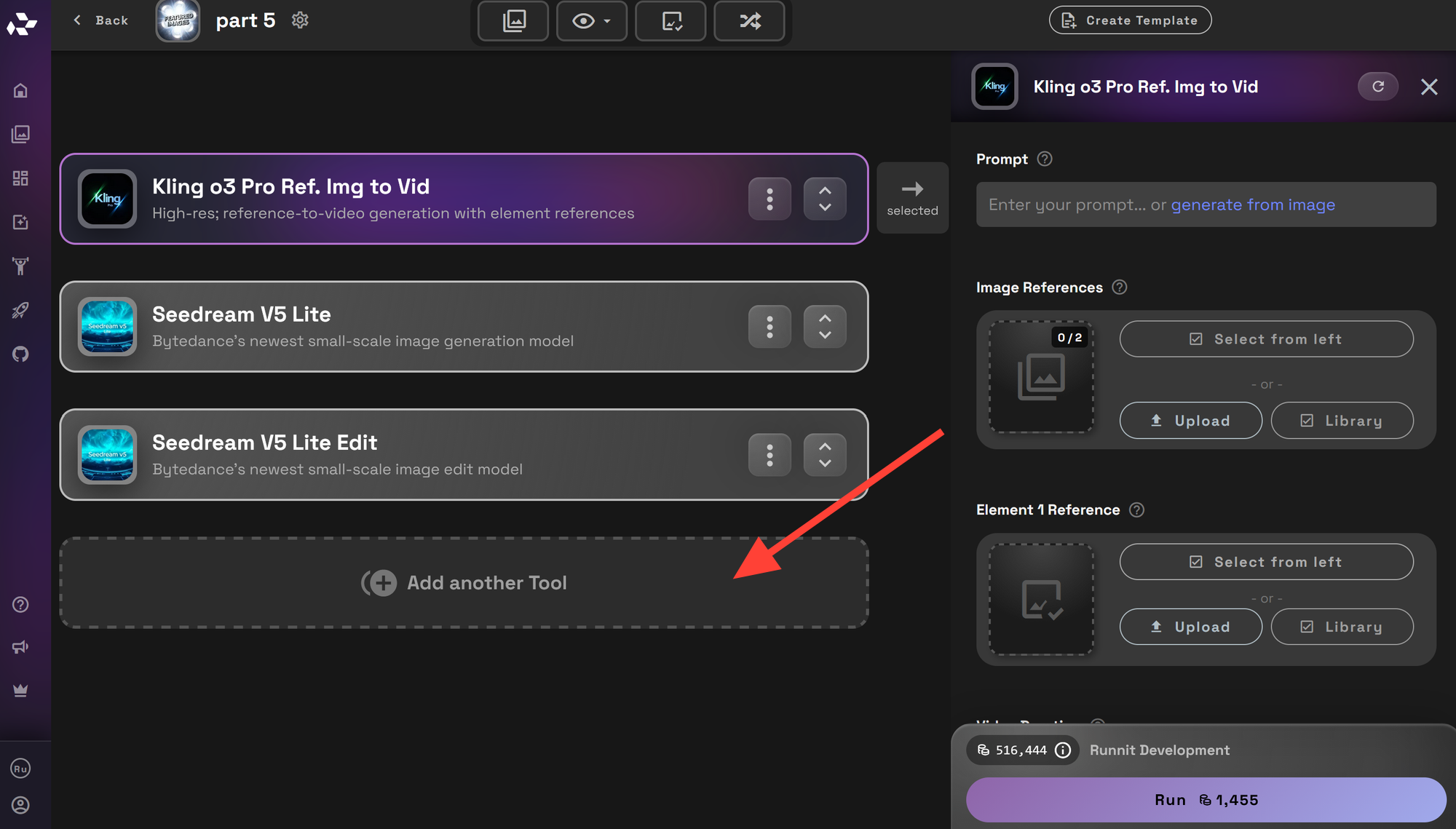
Click Add Tool and select Nano Banana 2.
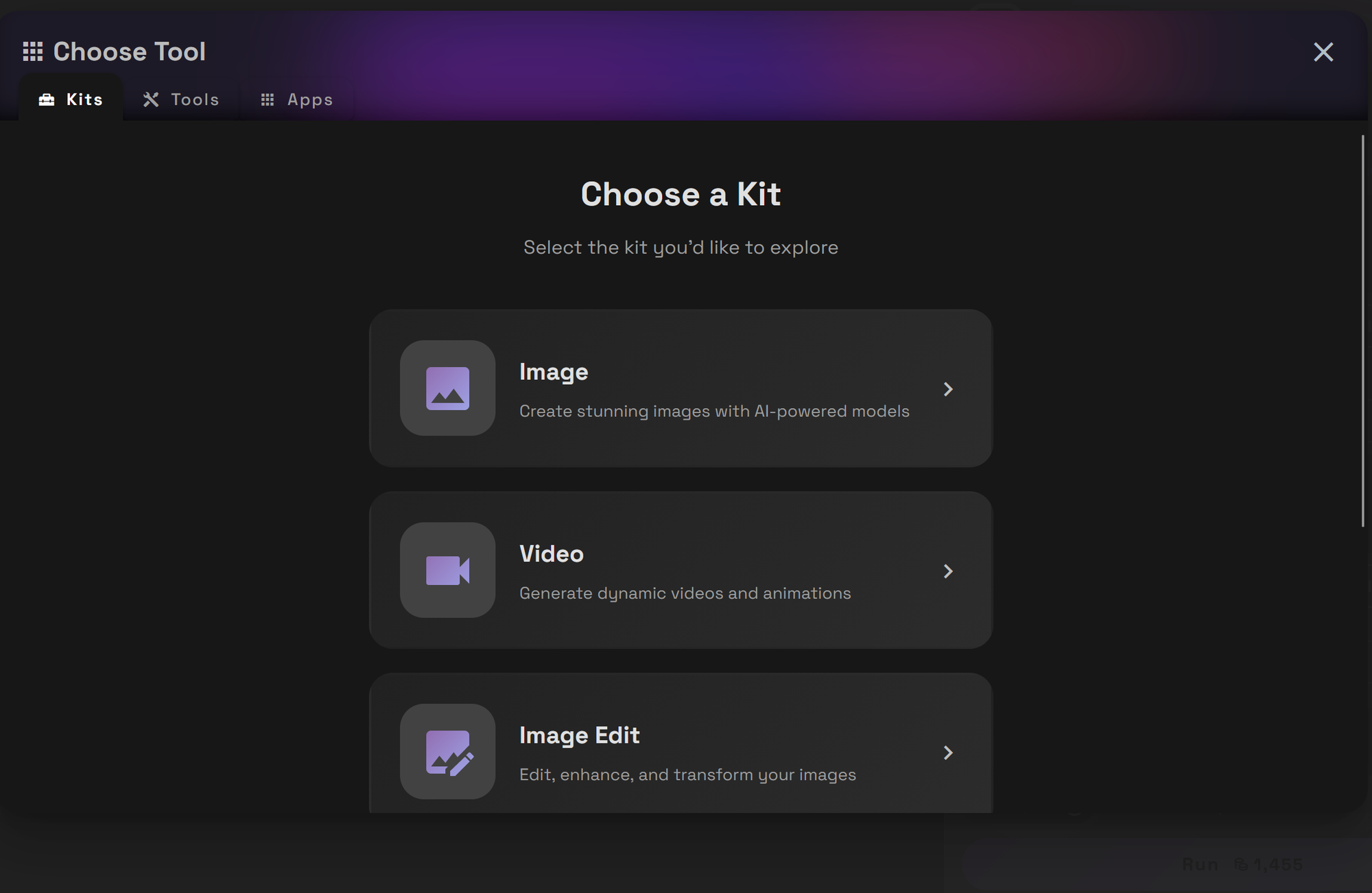
Click the Image Kit.
Boards are particularly useful for multi-scene projects, architectural revisions, campaign testing, and client presentations where organization and repeatability matter.
Learn more about Runnit Boards.
Using Nano Banana 2 as a Single Use Tool
Nano Banana 2 can also be used by itself outside of a Runnit Board if you aren't in the need of a workflow but just need a fast render or editing tool inside RunDiffusion. This approach is ideal when you need a fast result without organizing a larger project workspace.
Instead of building a structured Board, you can simply click on the Try Nano Banana 2 which will bring you right to the tool.
- Generate one-off concept visuals
- Edit a single image quickly
- Test prompt variations rapidly
- Produce standalone marketing or presentation assets
Because Nano Banana 2 is powered by Gemini 3.1 Flash Image, you still benefit from:
- Strong instruction following
- High-resolution output up to 4K
- Subject consistency
- Fast iteration speed
The single-use approach keeps things simple and efficient while still delivering professional-quality results.
How Nano Banana 2 Supports Professionals
Nano Banana 2 is especially powerful in industries where structure, realism, and controlled iteration are essential.
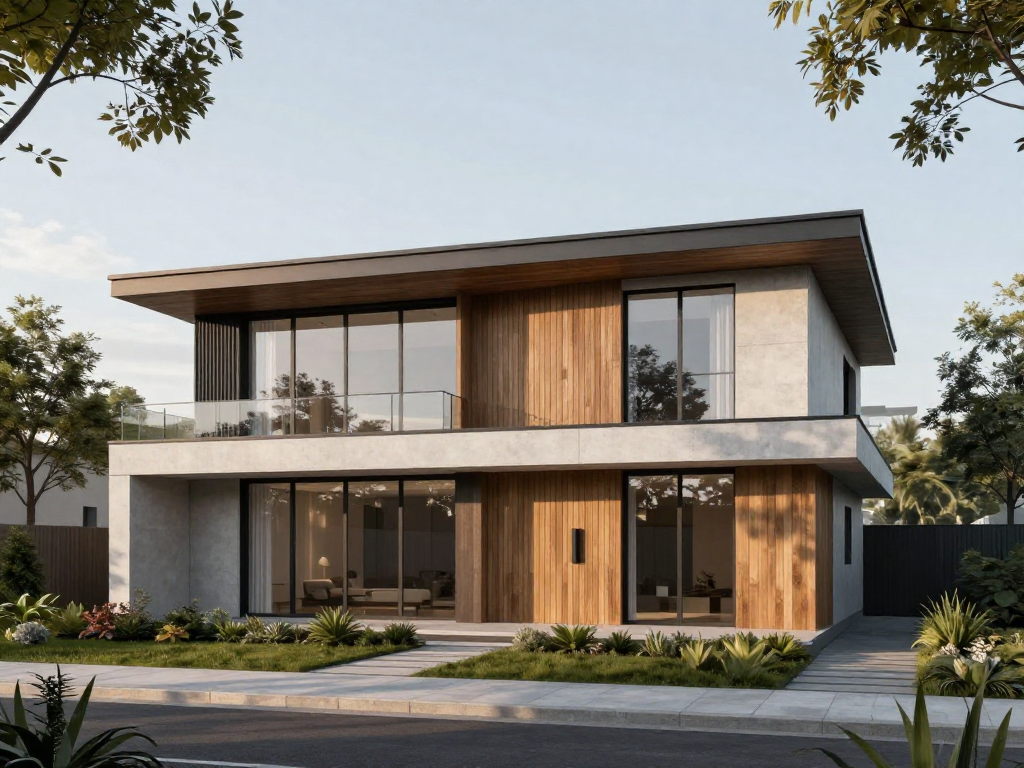
Architecture
- Convert sketches into structured renders
- Swap facade materials while preserving geometry
- Test environmental lighting scenarios
- Maintain building proportions across revisions
Combined with Runnit Boards, teams can manage material studies, facade options, and lighting tests in one organized workspace.
Interior Design
- Replace flooring, walls, or furnishings
- Maintain layout while testing style variations
- Adjust lighting temperature and mood
- Develop cohesive design boards
Its instruction precision helps refine specific elements without disrupting the overall composition.

Fashion
- Maintain consistent model appearance
- Refine fabric texture and detailing
- Adjust lighting for editorial shoots
- Swap backgrounds while preserving proportions
Multi-subject consistency supports lookbooks, seasonal campaigns, and collection previews.
Advertising and Creative Agencies
- Rapid campaign visual testing
- Localization variations
- Product background swaps
- Structured layout control via detailed prompts
When used inside Runnit Boards, agencies can track variations, compare creative directions, and organize assets per client.
Final Thoughts
Nano Banana 2 represents a significant evolution in AI image generation. By combining professional-level control with high-speed Flash performance, it delivers stronger instruction adherence, improved world knowledge, high-resolution output up to 4K, and multi-subject consistency.
Now available on RunDiffusion, Nano Banana 2 enables structured, cloud-based creative workflows for architecture, interior design, fashion, advertising, and beyond.
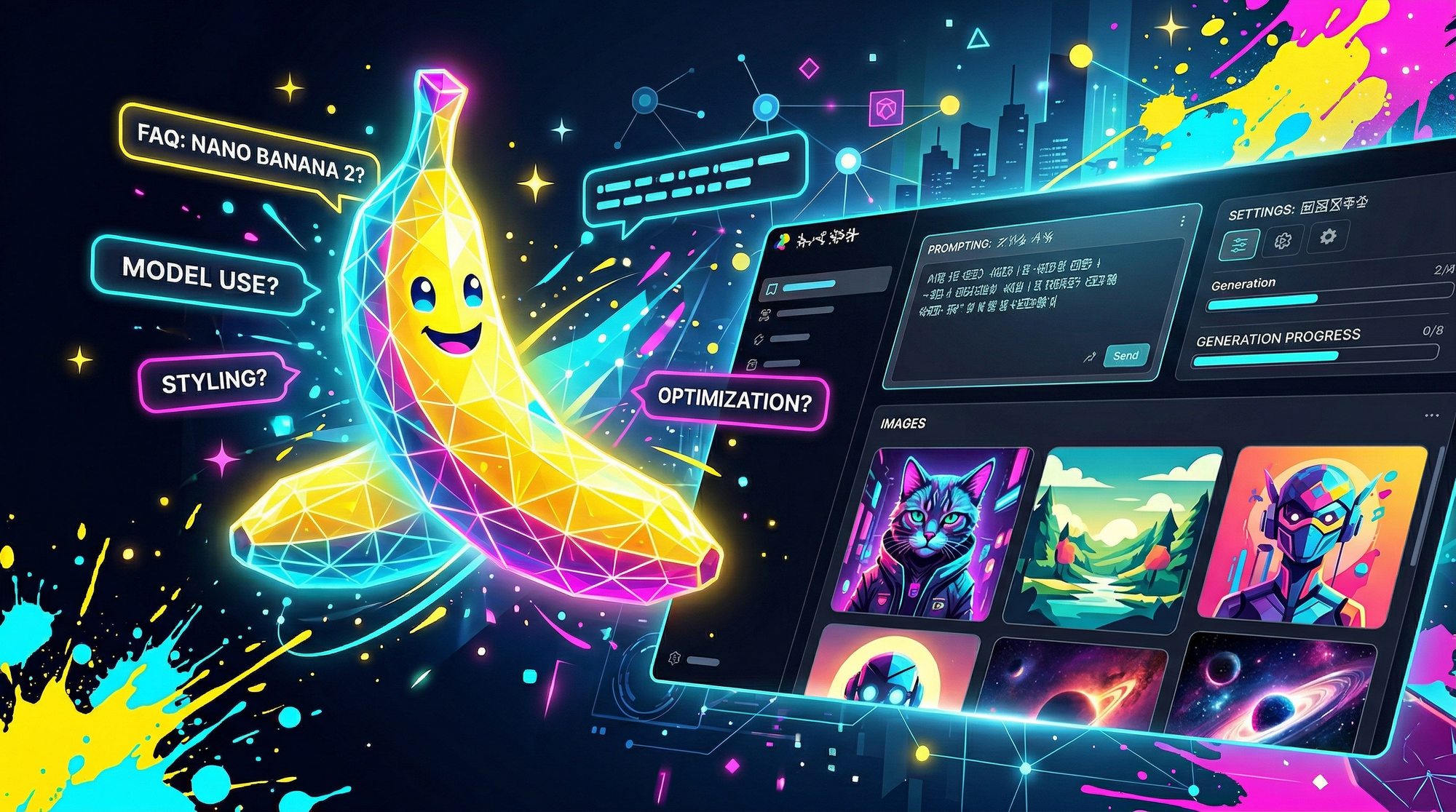
Nano Banana 2 FAQ
What is Nano Banana 2?
Nano Banana 2 is Google’s advanced AI image generation and editing model powered by Gemini 3.1 Flash Image. It combines high-speed image creation with improved instruction following, world knowledge grounding, and subject consistency.
What makes Nano Banana 2 different from earlier Nano Banana models?
Nano Banana 2 improves upon earlier versions with:
- Faster generation speeds
- Stronger prompt adherence
- Enhanced world knowledge
- Support for up to 4K resolution
- Multi-subject consistency (up to five characters and fourteen objects)
It blends the precision of previous Pro models with Flash-level responsiveness.
Is Nano Banana 2 powered by Gemini 3.1?
Yes. Nano Banana 2 is officially introduced as Nano Banana 2 (Gemini 3.1 Flash Image), meaning it runs on Google’s Gemini 3.1 Flash Image technology for faster and more efficient performance.
What resolution does Nano Banana 2 support?
Nano Banana 2 supports customizable aspect ratios and resolutions up to 4K, making it suitable for marketing campaigns, presentations, storyboards, product renders, and high-quality visual assets.
Can Nano Banana 2 maintain character consistency?
Yes. Nano Banana 2 can maintain visual consistency for up to five characters and fourteen objects within a workflow. This makes it useful for multi-scene storytelling, lookbooks, branded campaigns, and product variations.
Is Nano Banana 2 available on RunDiffusion?
Yes. Nano Banana 2 is available on RunDiffusion's Runnit platform.
Can I use Nano Banana 2 inside Runnit Boards?
Yes. Nano Banana 2 can be added to Runnit Boards for structured workflows. Boards allow you to organize prompts, save revisions, compare variations, and maintain consistency across projects.
Can Nano Banana 2 be used as a single-use tool?
Yes. If you do not need a full workflow, you can use Nano Banana 2 as a standalone tool inside RunDiffusion. This is ideal for quick renders, rapid edits, or one-off visual concepts.
What industries benefit most from Nano Banana 2?
Nano Banana 2 is especially useful for:
- Architecture (structured renders and material studies)
- Interior Design (layout refinement and style variations)
- Fashion (consistent model visuals and lookbooks)
- Advertising (campaign variations and localized assets)
Its precision and speed make it suitable for professionals who need repeatable, production-ready results.
Does Nano Banana 2 support structured image editing?
Yes. Nano Banana 2 is designed to interpret detailed prompts involving composition, object placement, lighting direction, and text rendering. This enables more predictable and controlled editing workflows.
