


Looking to remove an unwanted object or person from your image? The Person and Object Remover App in Runnit on RunDiffusion makes it easy. With just a few clicks, you can mask and erase anything from your images.
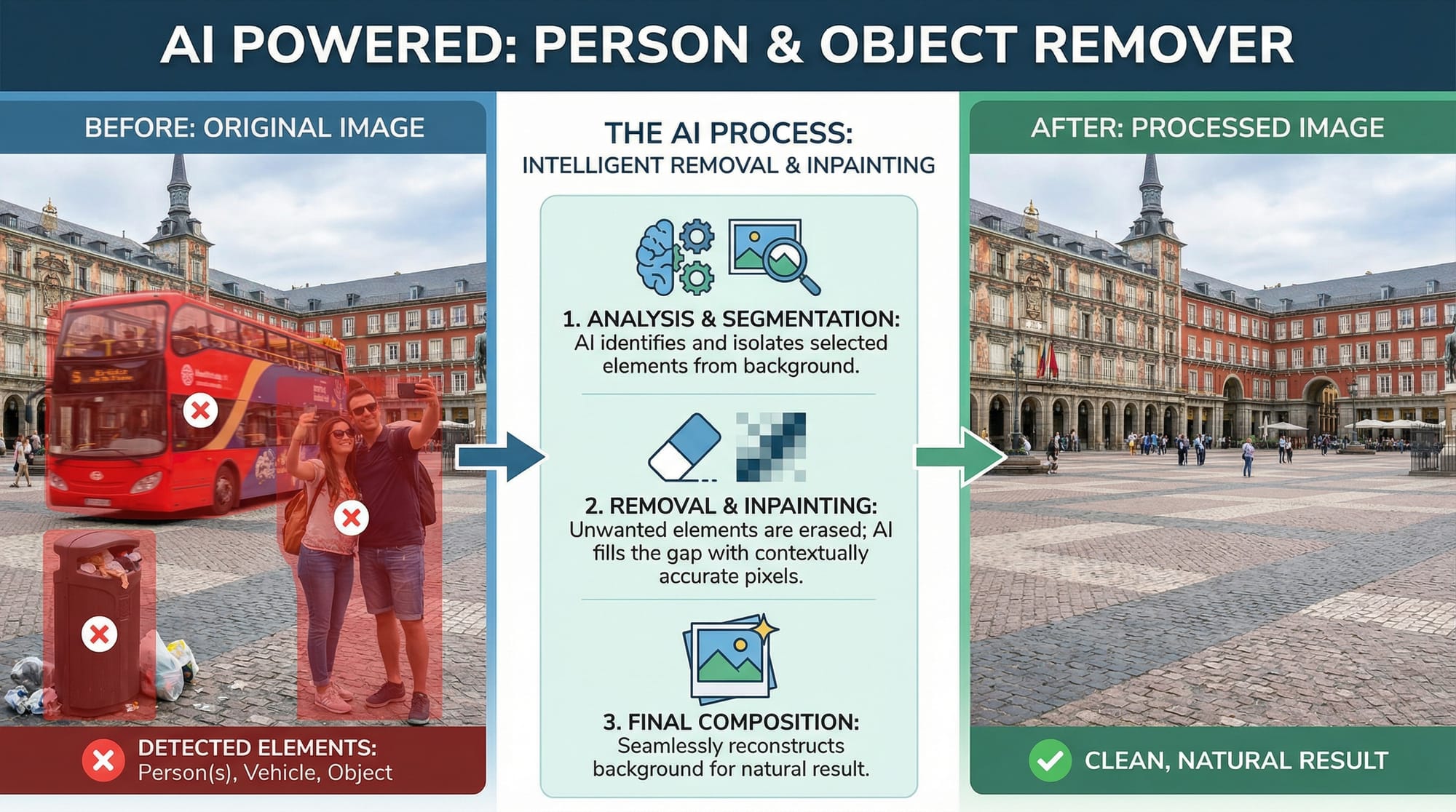

Here’s how to do it:
Step 1 – Log in and click on Apps
After logging into your RunDiffusion account, navigate to the left-hand menu and click on Apps to open the app library.

Step 2 – Click on the Person and Object Remover App
Find and select the Person and Object Remover from the list of available Runnit apps. This will open the editing workspace where you can start your cleanup.

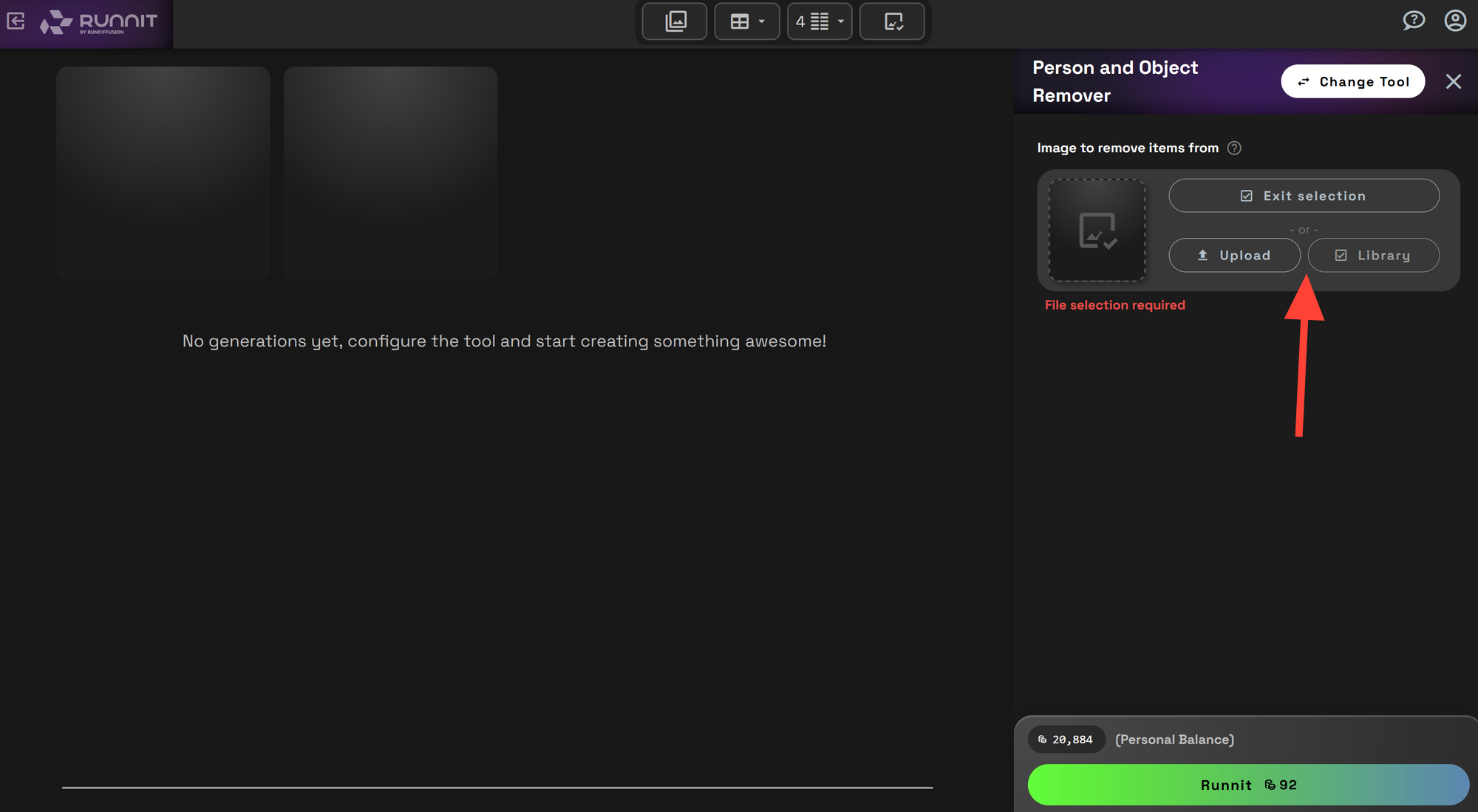
Step 3 – Upload an image or select one from your library
Choose to upload a new image from your computer, or select an image you've already saved to your Library. The image you choose will open in the editor. If you have already removed an object in an image you can select an image on the left.
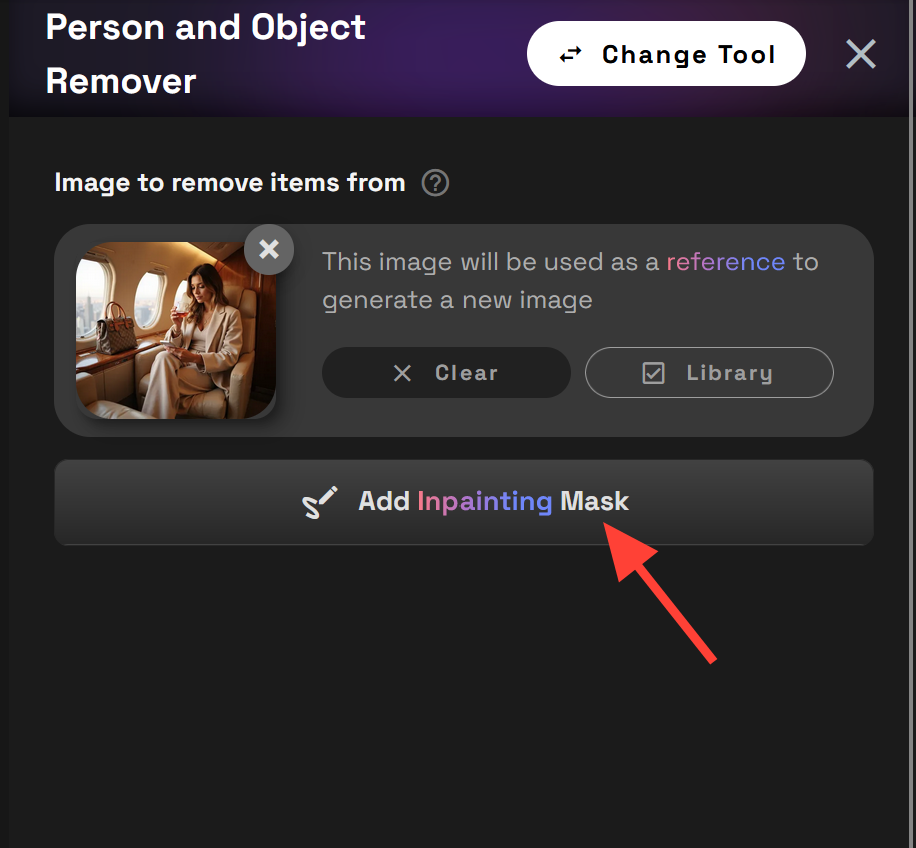
Step 4 – Add an inpainting mask
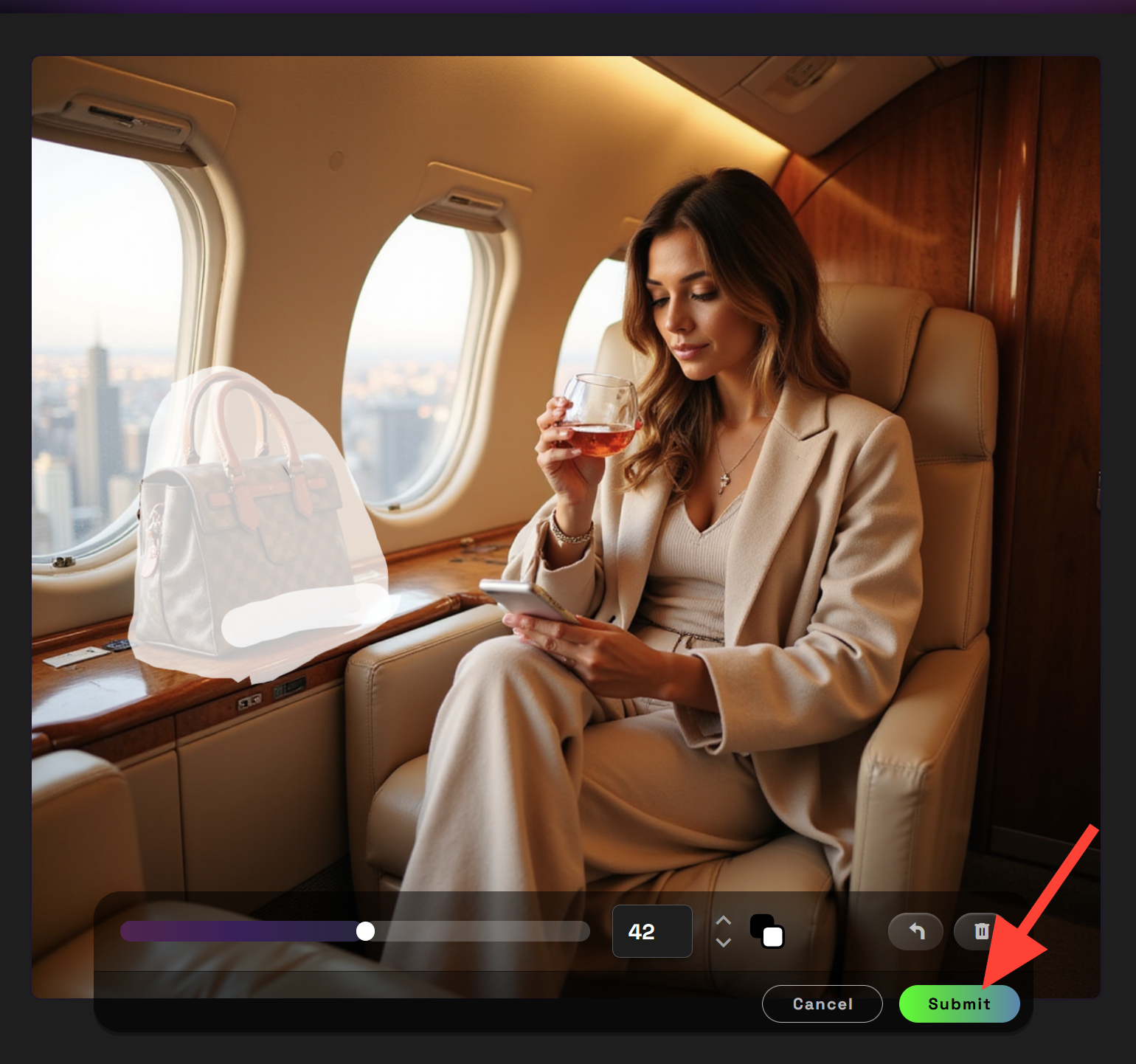
Click on Add inpainting Mask. This will open the inpainting editor to add a mask.
Now use your cursor to draw a mask onto the image. There is a slider to increase or decrease the size of your brush. Undo and Delete. Once you select an area you can click submit.
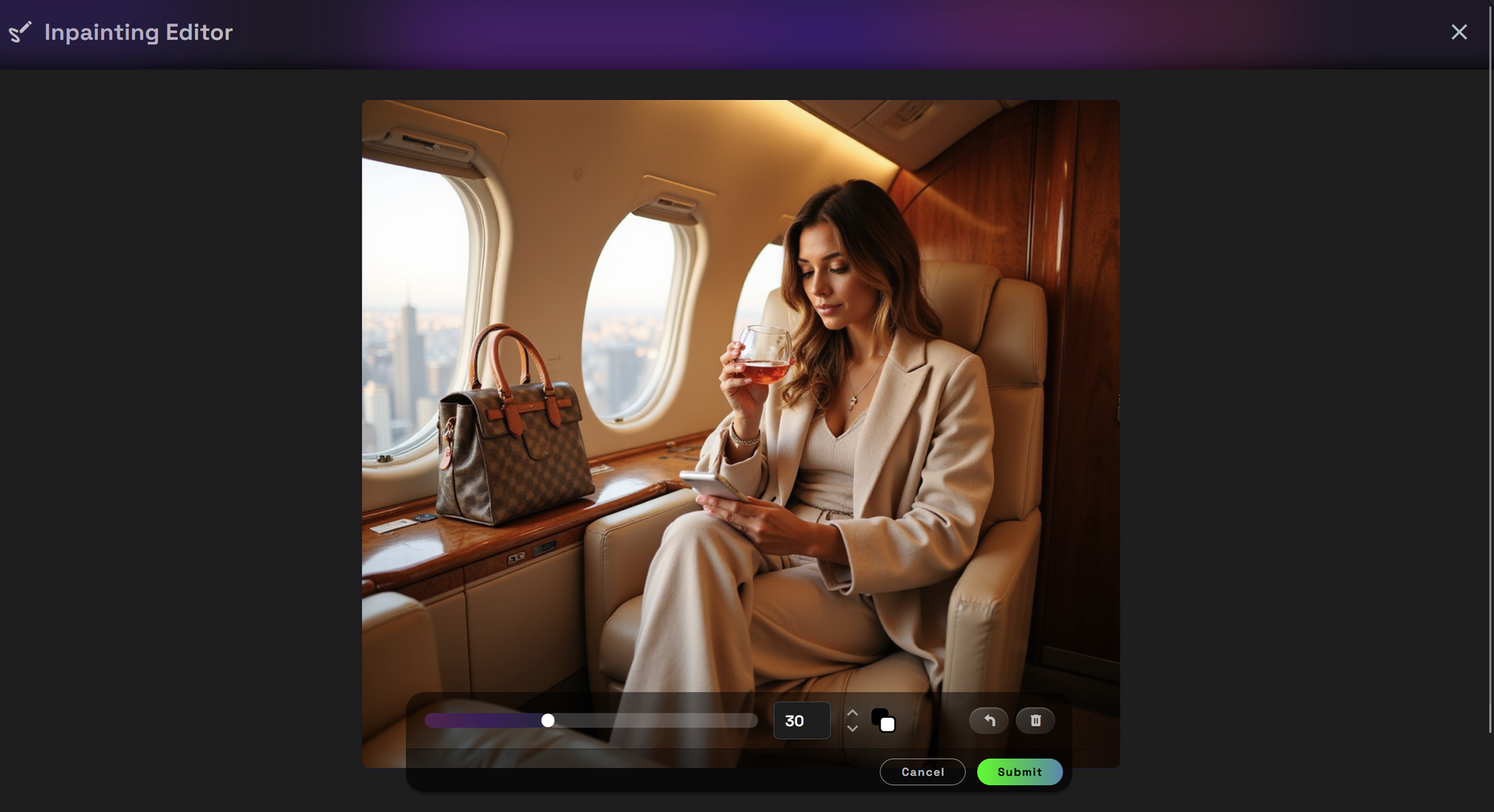
In this tutorial you can see that I have added the mask to her purse.
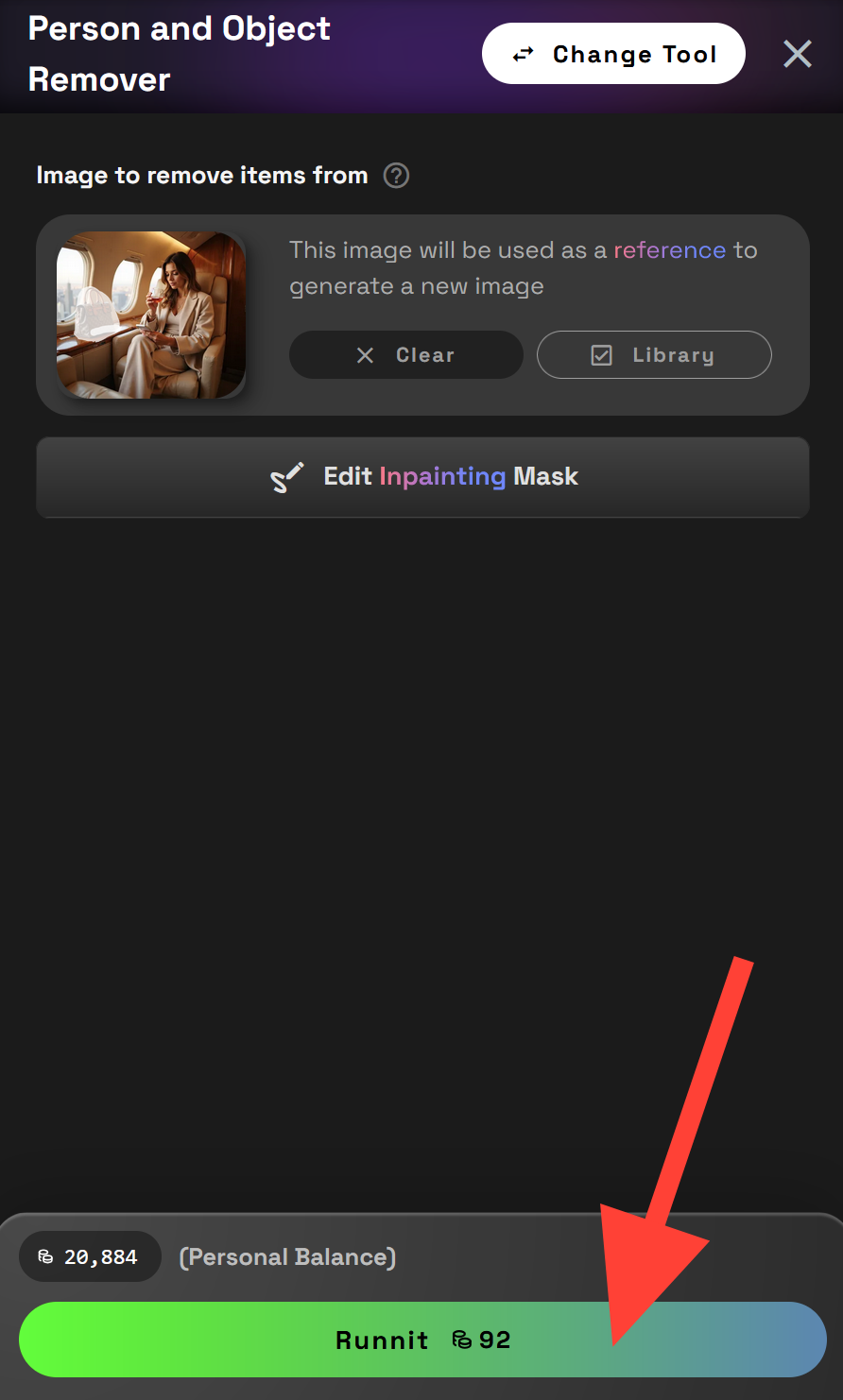
Step 5 – Click Runnit
Once your mask is in place, click the Runnit button. The app will intelligently inpaint the masked area, filling it in with content based on the surrounding image. You’ll see the final result within seconds.

Why use the Person and Object Remover App
- Fast, cloud-based editing—no installs needed
- Clean, realistic object removal powered by AI
- Seamless workflow with your Runnit Library
- Great for photobombs, messy backgrounds, or refining AI-generated art
Further Reading
If you liked this tool, check out the Birthday Card Maker App
