


Introduction
RunDiffusion Photo Flux is a photorealistic text-to-image model built for creators who prioritize realism, material accuracy, and consistent prompt adherence. Based on the Flux model family originally developed by Black Forest Labs, Photo Flux is tuned specifically for photographic results rather than stylized illustration. In this article, you’ll learn what Photo Flux is, where it performs best, and how to use it effectively on RunDiffusion.
What Is RunDiffusion Photo Flux?
RunDiffusion Photo Flux is a realism-focused Flux checkpoint available directly on the RunDiffusion platform. Unlike general-purpose or artistic models, Photo Flux emphasizes:
- Natural skin tones and facial structure
- Accurate rendering of fabrics, metals, and surface materials
- Balanced lighting that resembles real-world photography
This focus makes Photo Flux well suited for professional and client-facing visuals where credibility and clarity matter more than experimentation.
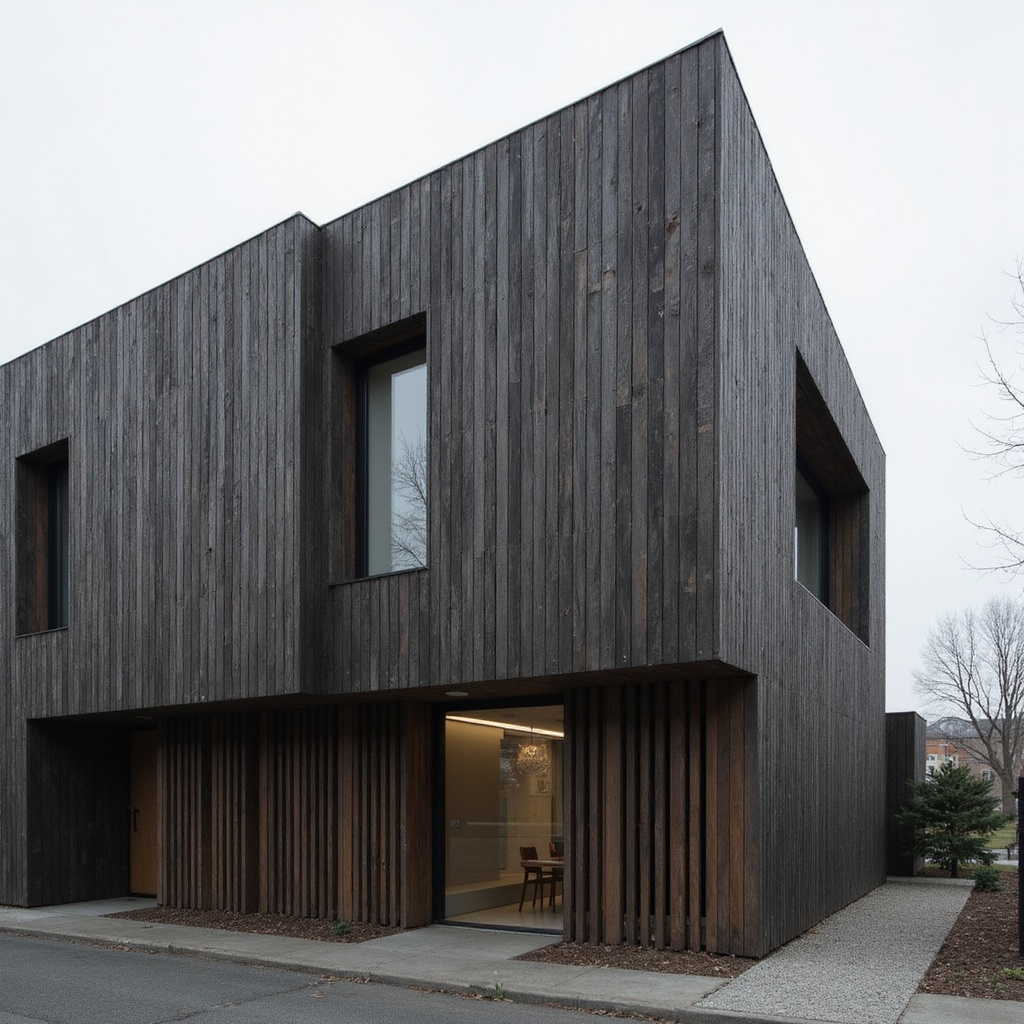
Performs Best In
RunDiffusion Photo Flux is optimized for scenarios where photographic realism is the primary goal. It performs best in the following areas:
- Photorealistic portraits
Produces believable facial proportions, natural skin texture, and consistent lighting, making it ideal for close-up portraits and character imagery.

- Product and hero imagery
Renders clean surfaces, sharp edges, and realistic reflections, which is essential for product shots, props, and marketing visuals.
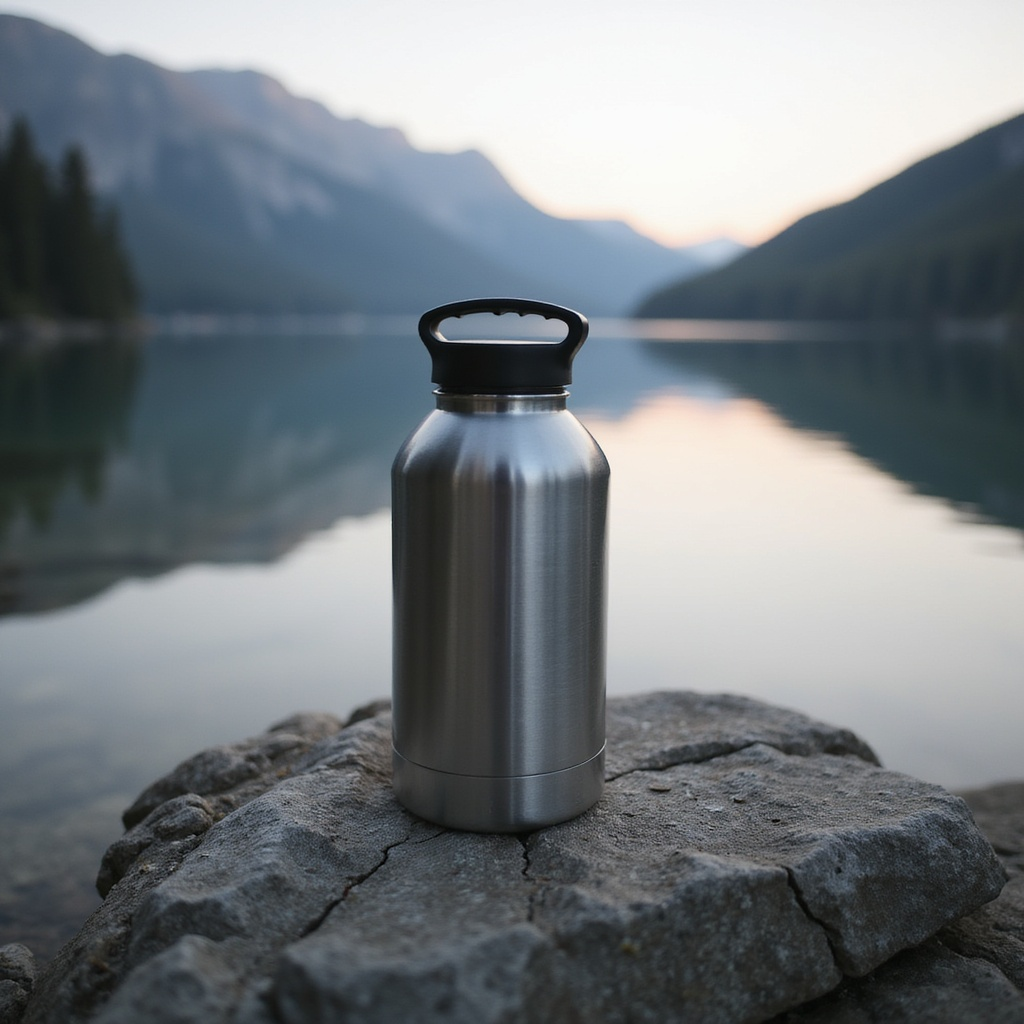
- Material and surface realism
Excels at depicting fabrics, metals, plastics, wood, and skin with convincing texture, depth, and light interaction.

- Cinematic still frames
Creates camera-like compositions with controlled contrast and studio-style lighting, useful for mood boards and visual preproduction.
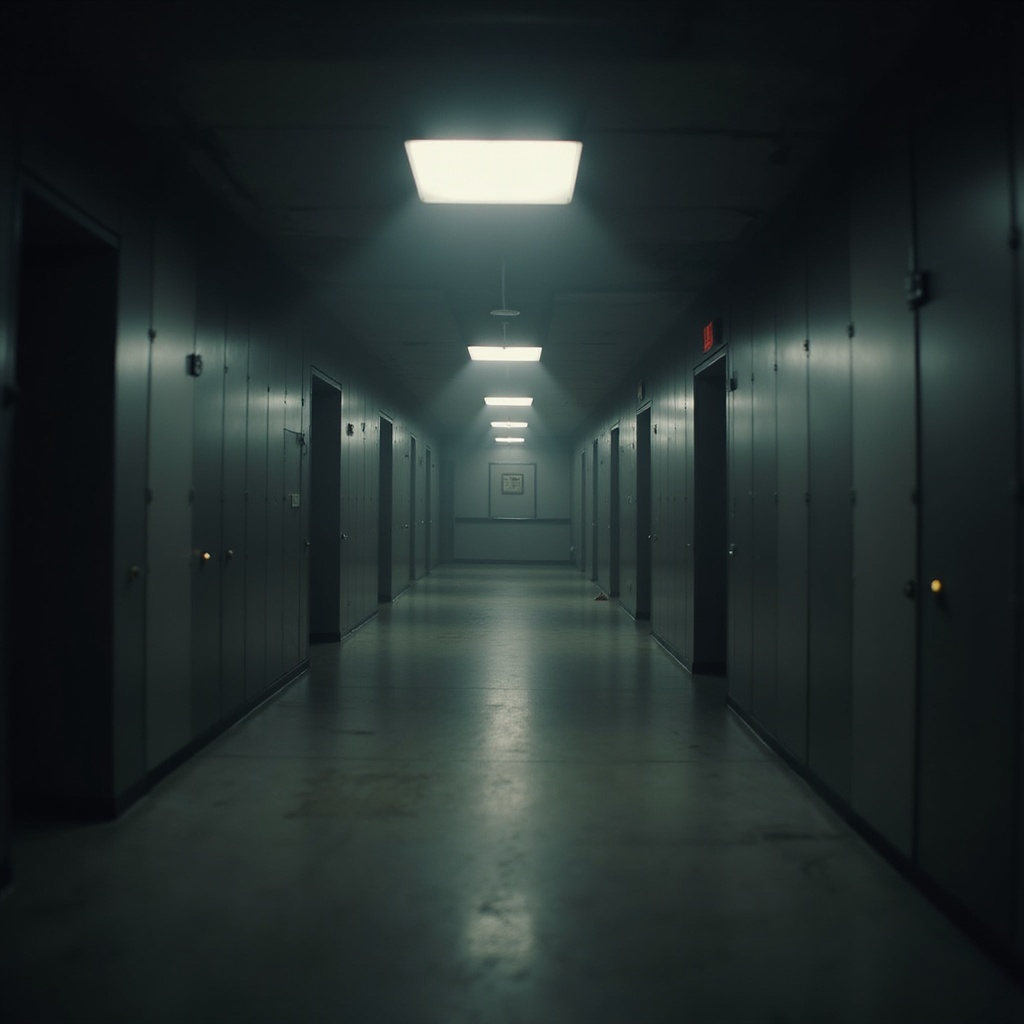
- Prompt-driven photographic workflows
Responds especially well to prompts that include lens details, lighting setups, camera angles, and material descriptions.
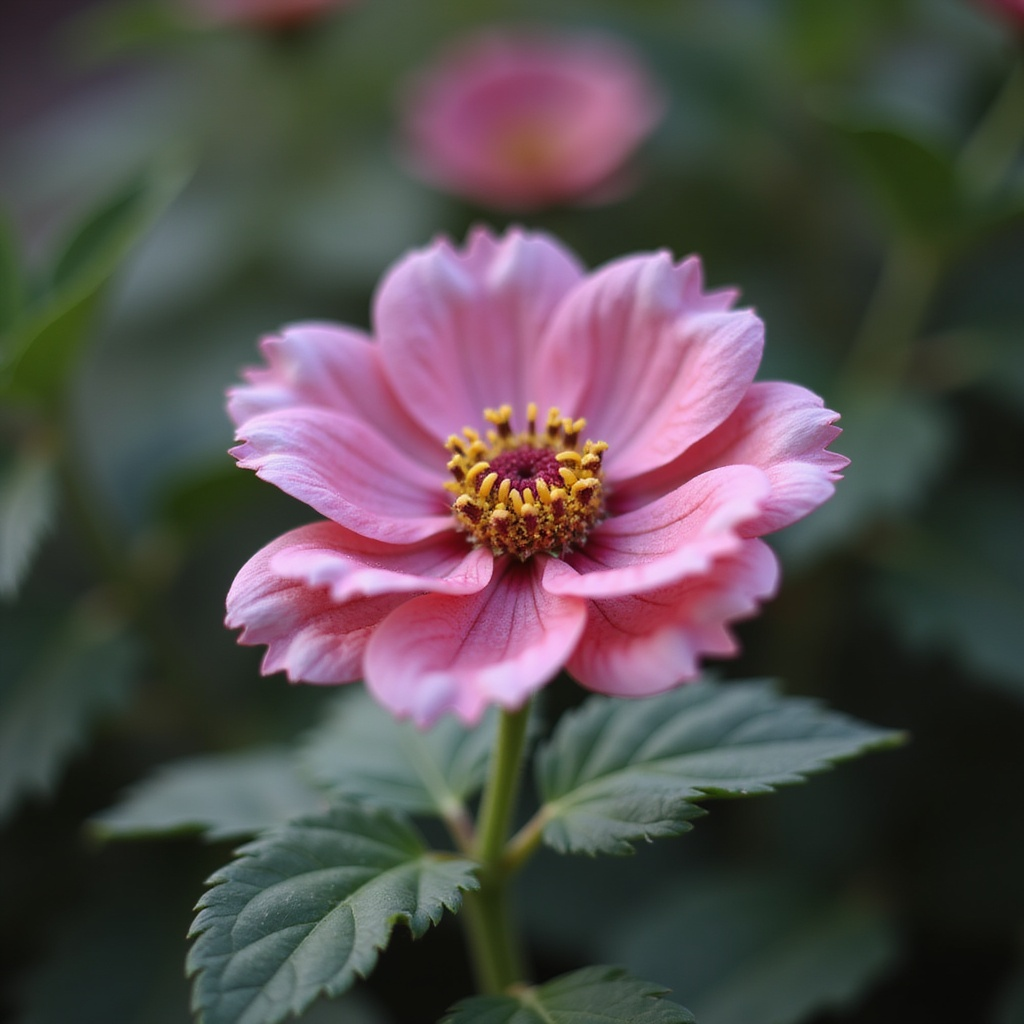
In short, Photo Flux performs best when images need to look photographed, not illustrated.
Technical Characteristics to Know
Prompting Style
Photo Flux works best with descriptive, photography-oriented prompts. Including lighting type, focal length, camera angle, and surface material details helps guide the model toward more realistic results.
Resolution and Output
The model supports high-resolution outputs, commonly up to 1536×1536 depending on the workflow. This allows for detailed images suitable for review, presentation, or refinement.
Image-to-Image Workflows
Photo Flux can be used in image-to-image pipelines to refine existing images while preserving composition. This is useful for adjusting lighting, materials, or facial detail without restarting from scratch.
Limitations and Considerations
While Photo Flux is strong in realism, it is not designed for every creative scenario:
- Limited native pose and layout control without additional tools
- Less suitable for highly stylized or painterly art
- Occasional artifacts at low resolutions or overly aggressive settings
Access RunDiffusion Photo Flux
Using Photo Flux on RunDiffusion keeps everything cloud-based and managed for you.

Go to the RunDiffusion Runnit Platform.
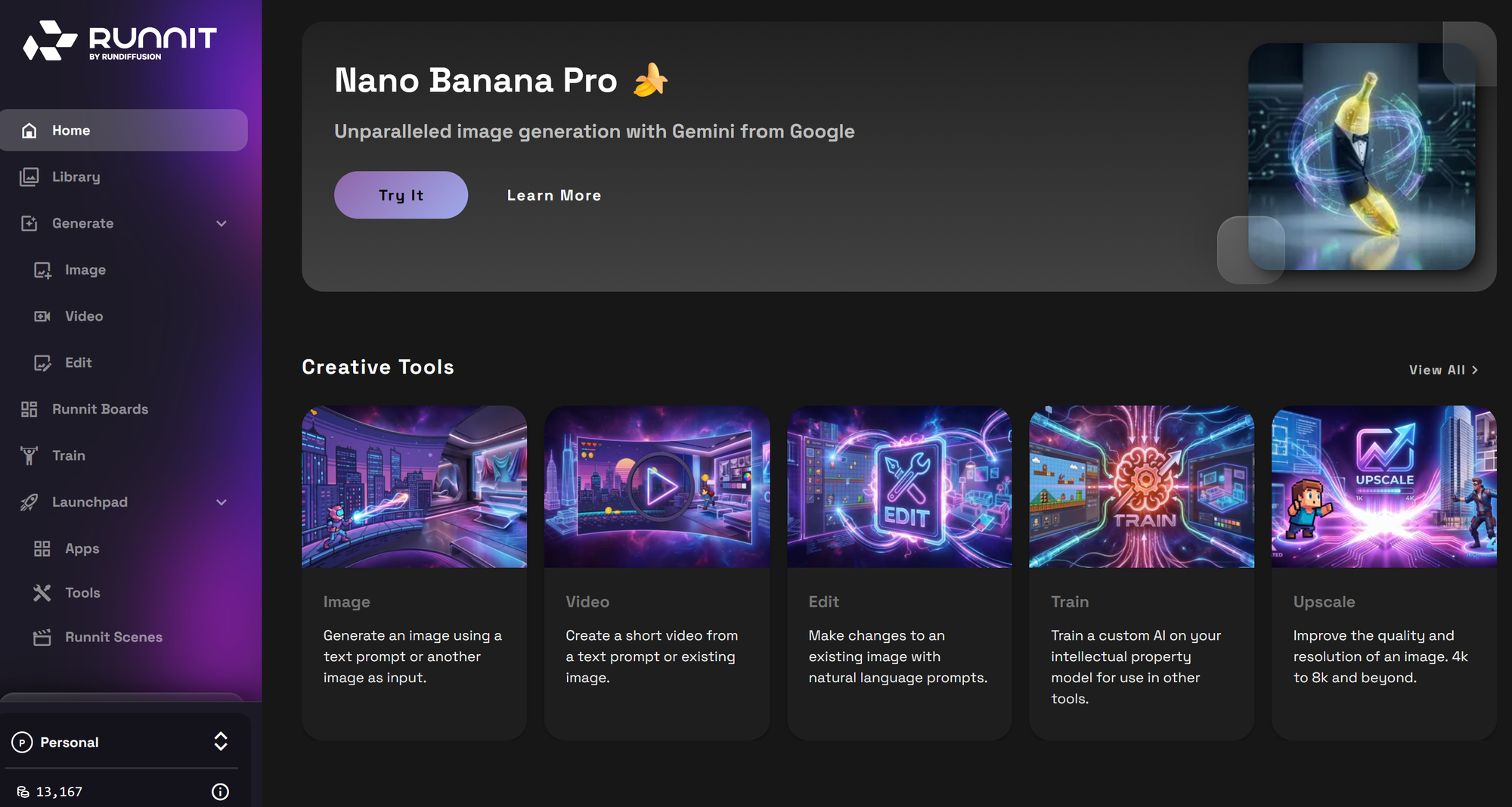
On the left Sidebar click on Generate and then Image.
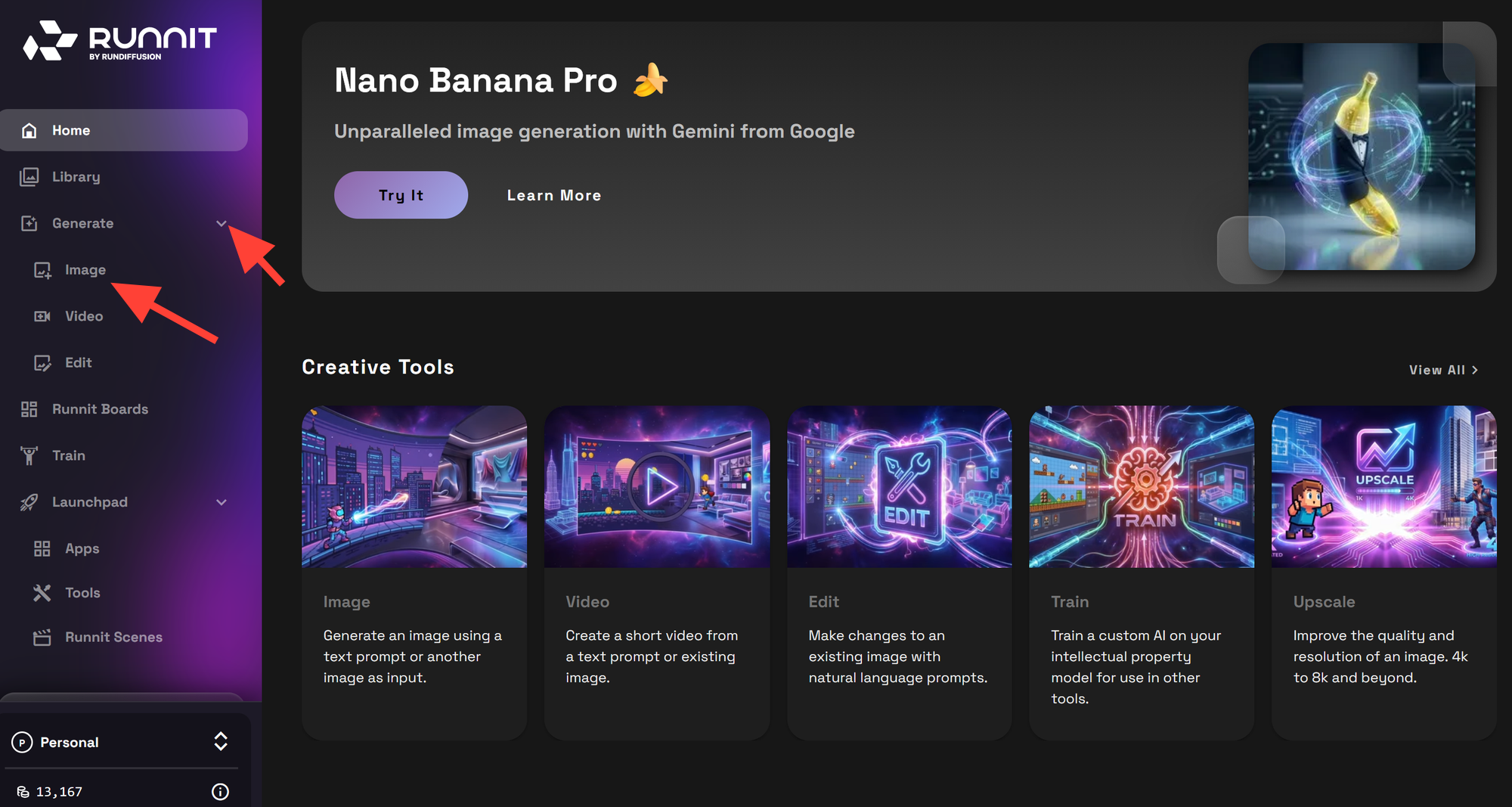
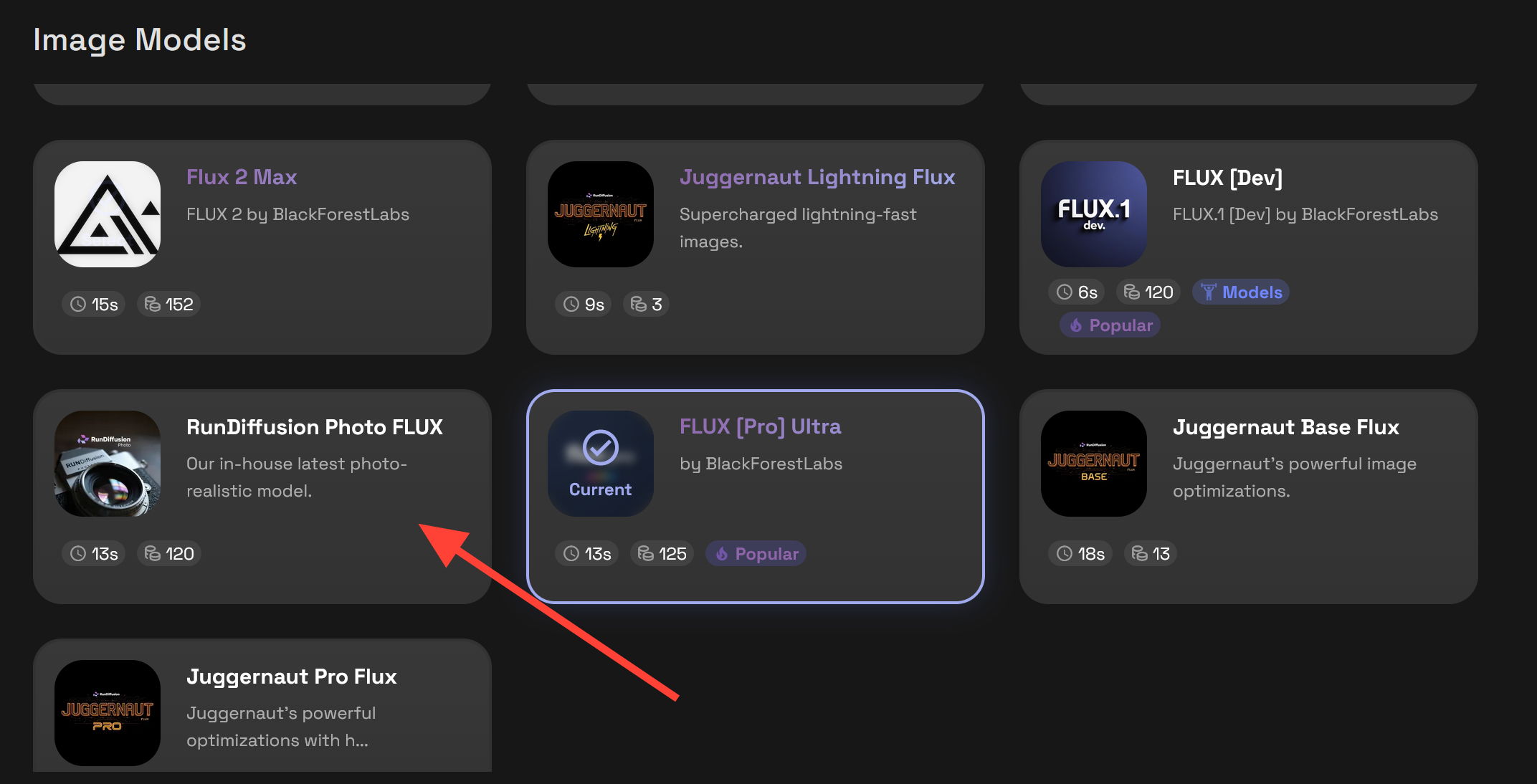
Switch your active model by clicking on the model at the bottom of the active tool button.
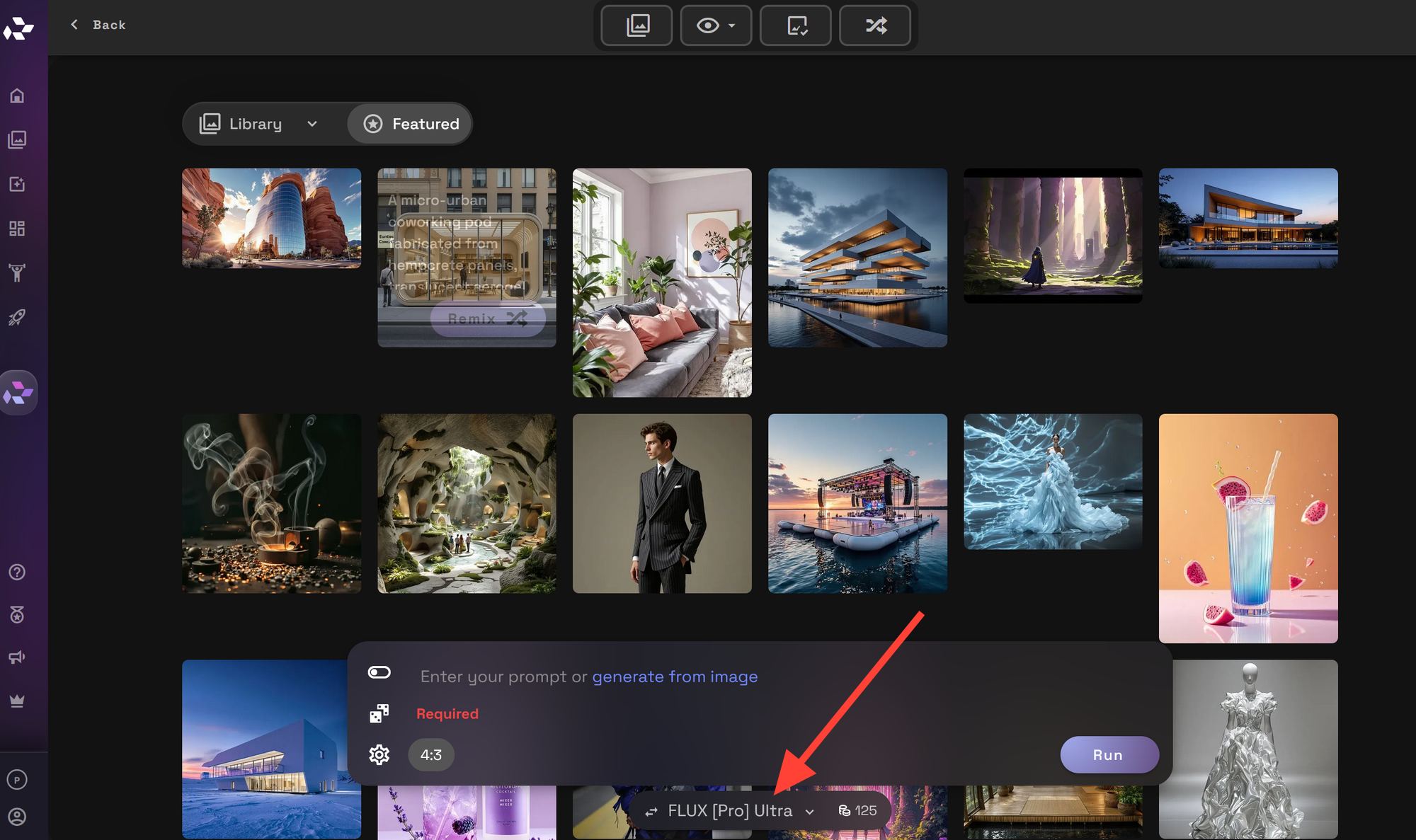
Click on the Flux tab at the top of the Image Models.
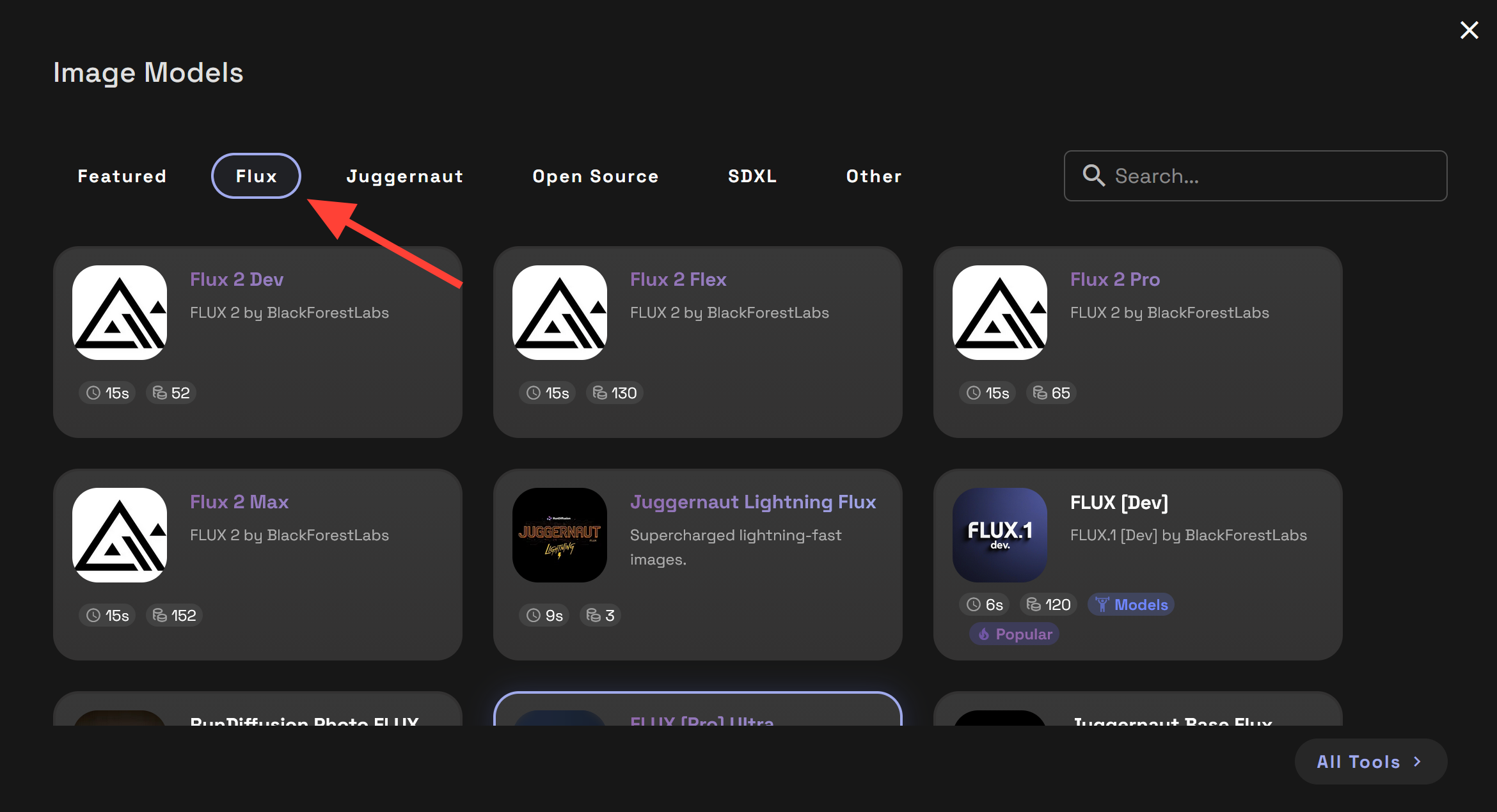
Scroll down and click on RunDiffusion Photo Flux.
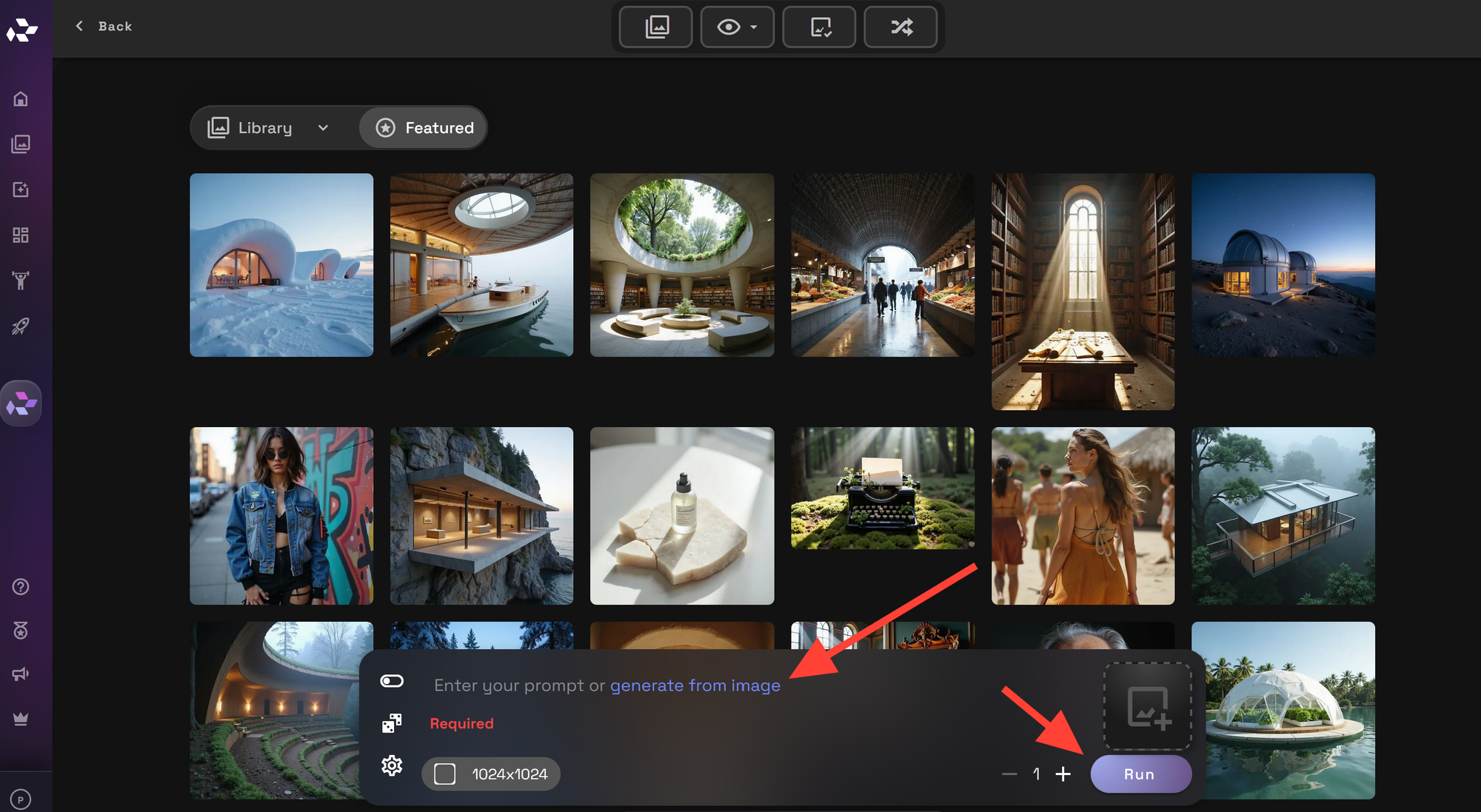
Write a Prompt and click Run
When Should You Choose Photo Flux?
Choose RunDiffusion Photo Flux when your priority is realism, material accuracy, and predictable results. It is particularly well suited for portraits, product imagery, and cinematic stills where professional polish and visual trust are essential.
