


Introduction
Seedream 4.5 is a high-quality image generation model developed by ByteDance and released under the Seedream research initiative. Designed for strong prompt understanding and visual realism, Seedream 4.5 is well suited for professional creative work. When accessed through RunDiffusion, you can use this model entirely in the cloud, without managing GPUs, installs, or local environments.
Who Created Seedream 4.5?
Seedream 4.5 is developed by the ByteDance Seedream research team, the same organization behind large-scale multimodal and creative AI models. This model focuses on:
- Precise natural language understanding
- High-resolution image fidelity
- Stable composition and structure
- Reliable results across varied creative prompts
This makes Seedream 4.5 particularly appealing for design, visualization, and commercial content workflows where consistency matters.

What Makes Seedream 4.5 Different?
Compared to many general-purpose image models, Seedream 4.5 emphasizes control and clarity rather than extreme stylization.
Key strengths include:
- Accurate interpretation of complex prompts
- Realistic lighting, depth, and materials
- Improved facial structure and anatomy
- Reduced artifacting in detailed scenes
These characteristics make it a strong option for users who need dependable outputs with fewer prompt iterations.

Why Run Seedream 4.5 on RunDiffusion?
RunDiffusion provides Seedream 4.5 as a fully managed cloud experience, allowing you to focus on creative output instead of infrastructure.
Benefits of using Seedream 4.5 on RunDiffusion include:
- No startup required on the RunDiffusion Runnit Platform
- Can Access tools on demand without launching a server
- Stable results for batch generation and revisions
- Seamless integration with Runnit Board to create custom workflows
This approach is ideal for professionals who want predictable results without the overhead of local setup.
Best Use Cases for Seedream 4.5
Seedream 4.5 performs especially well in scenarios where realism and prompt accuracy are critical.
Common use cases include:
- Concept art and visual development
- Marketing and advertising imagery
- Product visualization and mockups
- Editorial illustrations and references
For creators working across multiple styles, comparing Seedream 4.5 with other available models can help determine the best fit for each project.

Seedream 4.5 Edit on RunDiffusion
Seedream 4.5 Edit extends the core Seedream 4.5 model with image editing capabilities, allowing you to refine, modify, and iterate on existing images directly within the Runnit Platform. Instead of generating from scratch, Seedream 4.5 Edit is designed for controlled adjustments while preserving the original image structure and quality.
This makes it especially useful for professional workflows where precision and consistency matter.
What You Can Do with Seedream 4.5 Edit
Seedream 4.5 Edit supports a range of common image editing tasks, including:
- Editing specific objects or regions within an image
- Refining details such as materials, lighting, or facial features
- Adjusting environments or backgrounds while preserving the subject
- Iterating on composition without restarting the generation process
Because it uses the same underlying strengths as Seedream 4.5, edits remain visually coherent and aligned with the original prompt intent.

Why Use Seedream 4.5 Edit on RunDiffusion?
Seedream 4.5 Edit is available as an on-demand tool on RunDiffusion's Runnit Platform, so you can move directly from generation to refinement without switching platforms or launching additional sessions.
Key benefits include:
- No server startup or manual configuration
- Fast edit iterations directly on existing images
- Seamless handoff from Seedream 4.5 generation workflows
- Easy integration with Runnit Board for multi-step pipelines
This tool is ideal for marketing teams, designers, and creative professionals who need fast revisions without compromising image quality.
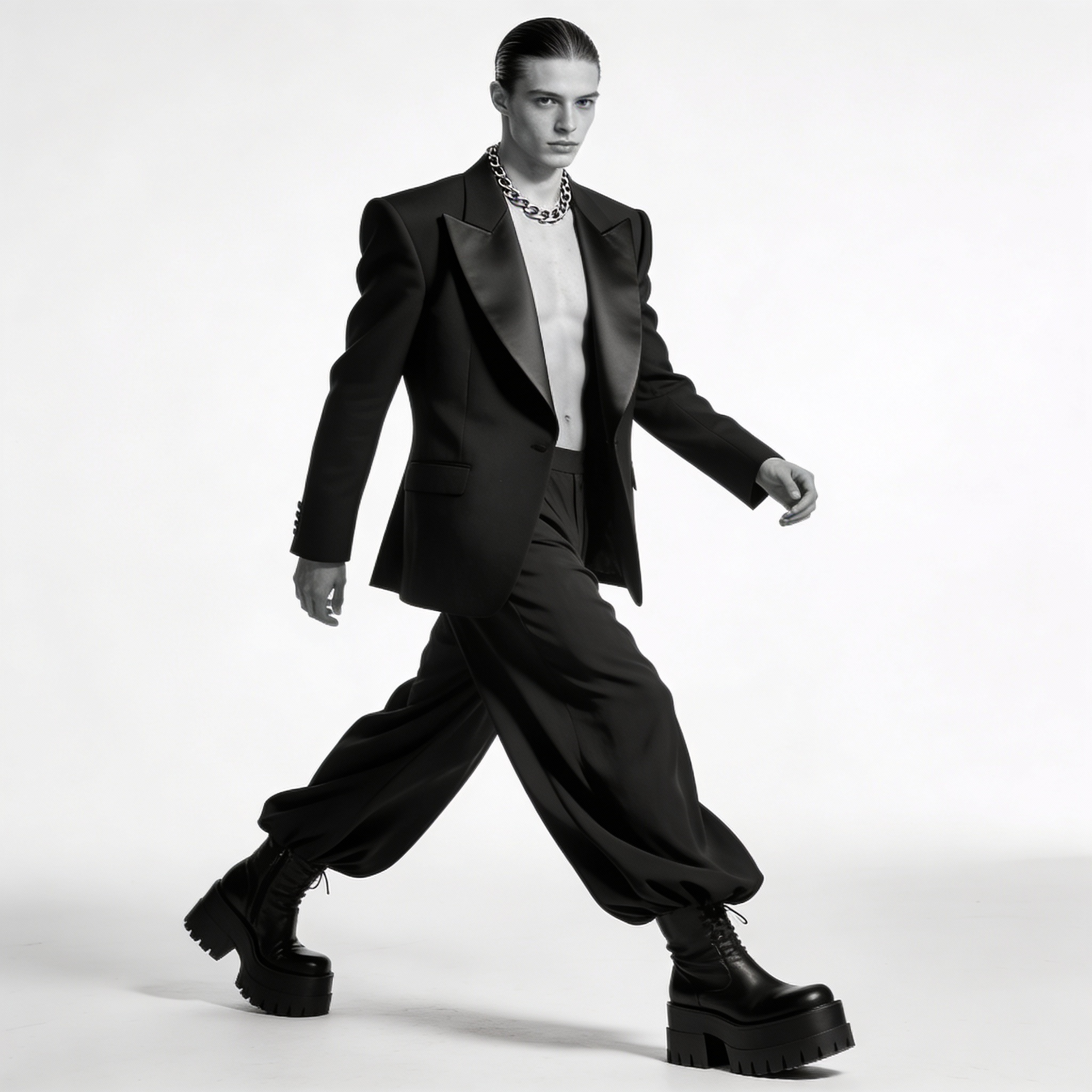
When to Use Seedream 4.5 Edit Instead of Regenerating
Seedream 4.5 Edit is best used when the base image is already strong and only targeted changes are required. This includes fixing small visual issues, refining details for client feedback, or producing controlled variations from a single approved concept.
For major stylistic changes or entirely new compositions, starting with standard Seedream 4.5 generation may still be the better option.
Prompting Tips for Seedream 4.5 and Edit
To get the most consistent results:
- Describe the subject clearly before adding style
- Specify lighting and environment details
- Avoid stacking conflicting artistic styles
- When editing try to change one or two things at a time
For deeper refinement, applying principles from key factors for generating exceptional AI art can further improve output quality.
Conclusion
Seedream 4.5, created by the ByteDance Seedream team, is a reliable image generation model focused on realism, clarity, and prompt accuracy. Running it on RunDiffusion gives you instant cloud access and integration with professional workflows, making it easier to move from concept to polished visuals without technical friction.
Further Reading
Try these other great articles on models available on RunDiffusion.
Image Tutorials
Editing Tutorials
Video Tutorials
Nano Banana Pro
Z Image Turbo
Flux 2
