
Seedream 5.0 is quickly becoming one of the most talked-about models in AI image generation, and for good reason. It combines real-time web awareness, controllable image editing, and reasoning-driven scene construction in one workflow. This guide breaks down what each capability means in practice, with fresh visual examples created specifically for this article.
Last updated: February 25, 2026
Related RunDiffusion resources: pricing, and product changelog.

1) Real-Time Web Search for Context-Aware Images
Traditional image models are limited by what they saw at training time. Seedream 5.0 can pull in current context when prompts reference cultural moments, public figures, or fast-moving topics. That means your outputs can feel timely instead of stale.

What this section is really explaining: Seedream 5.0 can ground visual generation in up-to-date references, which helps with relevance, trend alignment, and cultural accuracy.
2) Controllable Editing with Better Instruction Fidelity
Editing is where many models drift. You ask for one change and get five unintended ones. Seedream 5.0 is designed to hold structure while applying targeted edits like style transfer, tone adjustment, lens effects, and region-specific updates.
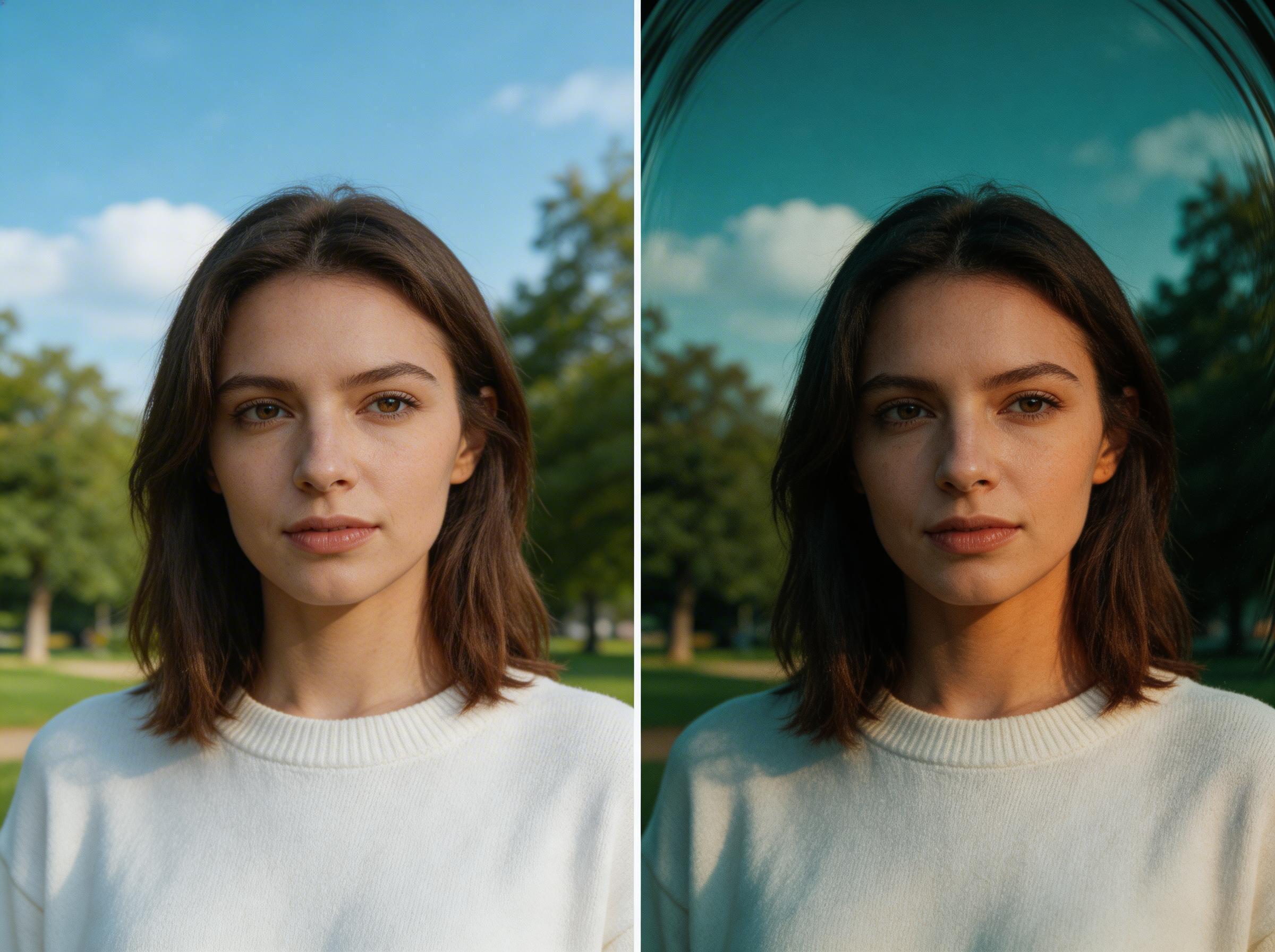
What this section is really explaining: You can make precise, intentional edits while preserving core composition and subject identity, reducing hallucinated changes that waste iteration cycles.
3) Logical Reasoning for Complex Scene Construction
Complex prompts require more than style. They require spatial reasoning, material consistency, believable proportions, and multi-step composition logic. Seedream 5.0 performs better when prompts involve architecture, diagrams, planning visuals, and layered narrative scenes.

What this section is really explaining: Seedream 5.0 is stronger at assembling scenes that need coherent relationships between objects, scale, environment, and physical behavior.
4) Fresh Creative Examples (New Variations)
Architectural Visualization

This variation demonstrates high-end archviz quality, lighting realism, and structural detail, useful for concept pitches, campaign art, and moodframes.
Real-Time Headline Poster Concept

This variation shows how quickly you can produce culturally relevant visual directions when your prompt references active topics and media energy.
Scientific Diagram Quality
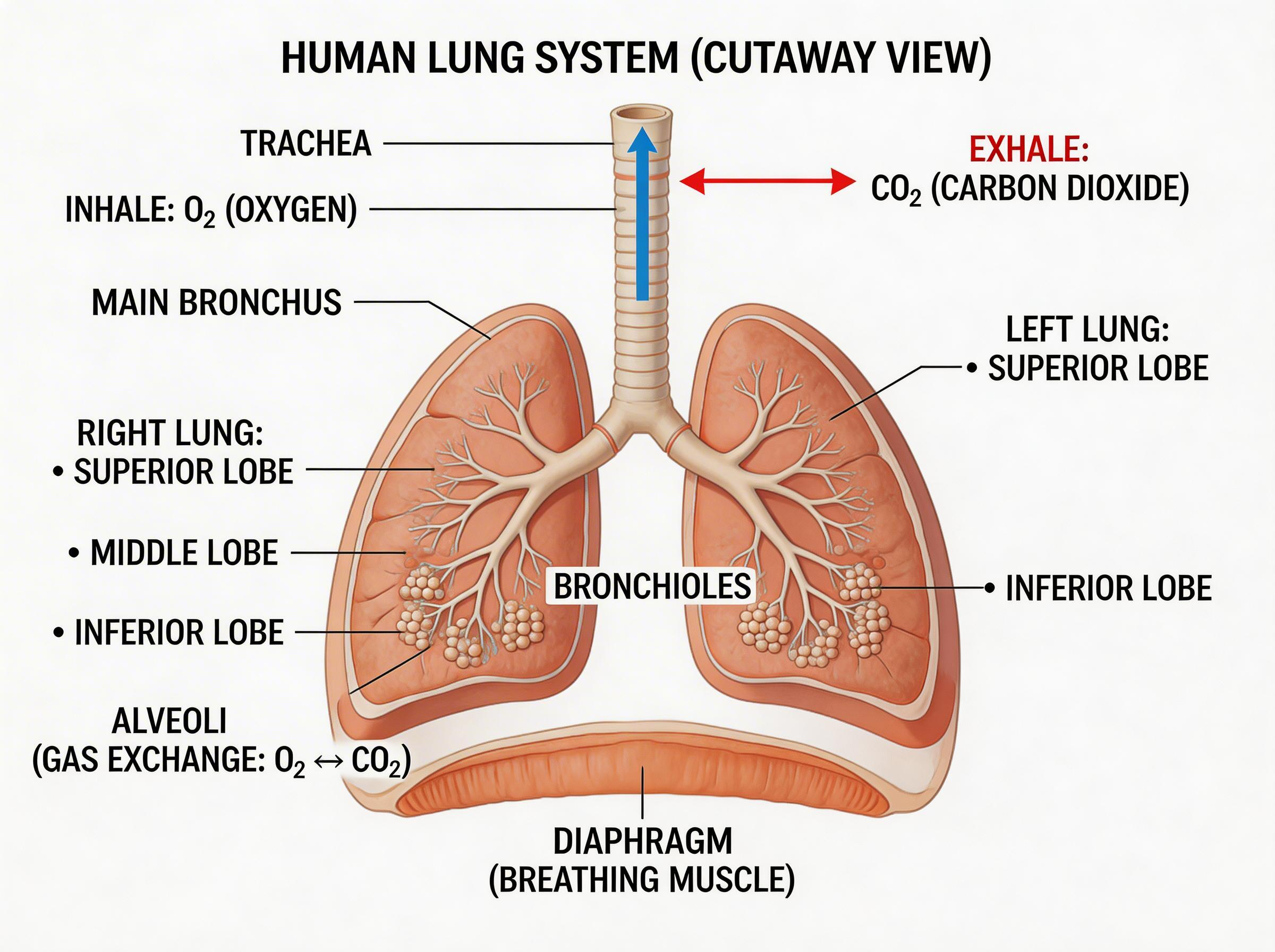
This variation highlights structured visual communication. It is useful for explainers, technical storytelling, educational assets, and product marketing collateral.
Multilingual Travel Poster Style
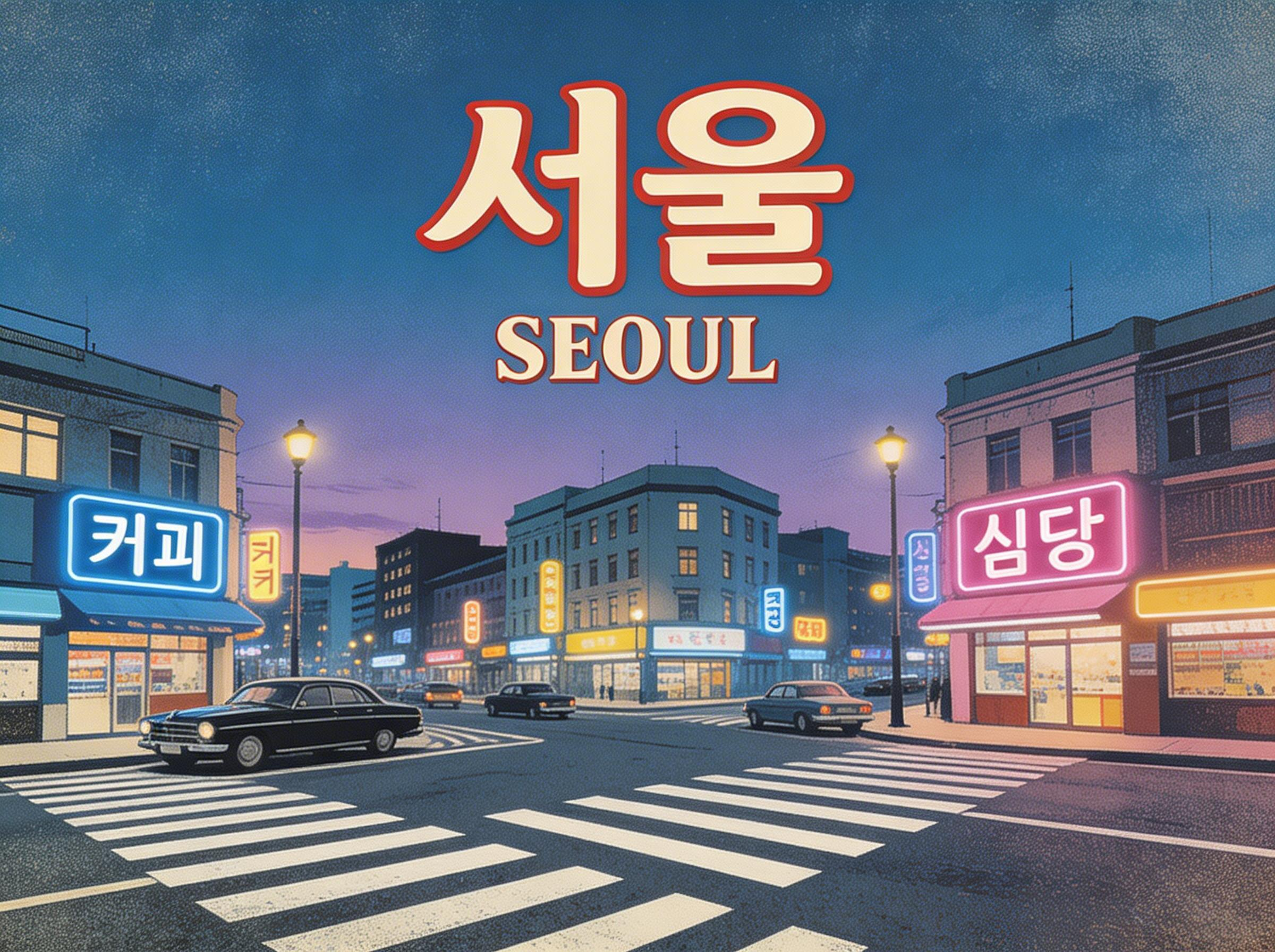
This variation emphasizes style direction plus multilingual art treatment, useful for global campaigns and region-aware creative exploration.
5) Practical Prompting Notes for Better Seedream 5.0 Results
- Start prompts with an explicit aspect ratio instruction.
- Use descriptive constraints for lighting, lens behavior, and material realism.
- State what must stay fixed when requesting edits.
- For campaign use, ask for clean composition and typography-safe negative space.
FAQ: Seedream 5.0
What makes Seedream 5.0 different from other AI image generators?
Its standout combination is real-time contextual awareness, controllable editing behavior, and stronger multi-step reasoning for complex scenes.
Can Seedream 5.0 be used for commercial work?
Yes, teams commonly use it for production-oriented creative workflows. Always verify current platform terms for licensing details.
Is Seedream 5.0 useful for marketing teams?
Yes. It is strong for campaign concepting, localized visuals, poster-style creative, explainer graphics, and rapid iteration with fewer prompt retries.
What is the easiest way to start?
Start with one campaign goal, write prompt constraints clearly, and iterate in short cycles. Focus on one variable at a time when tuning outputs.
Note: Tool endpoint links can be inserted in a later pass.