


Generating AI images on RunDiffusion is straightforward. Instead of setting up a board first, you can go directly to the platform's built-in generation tools and start creating in just a few clicks.
This guide walks through the fastest way to generate an image on RunDiffusion, from logging in to writing your prompt and running your first generation.
Step 1: Log in to RunDiffusion
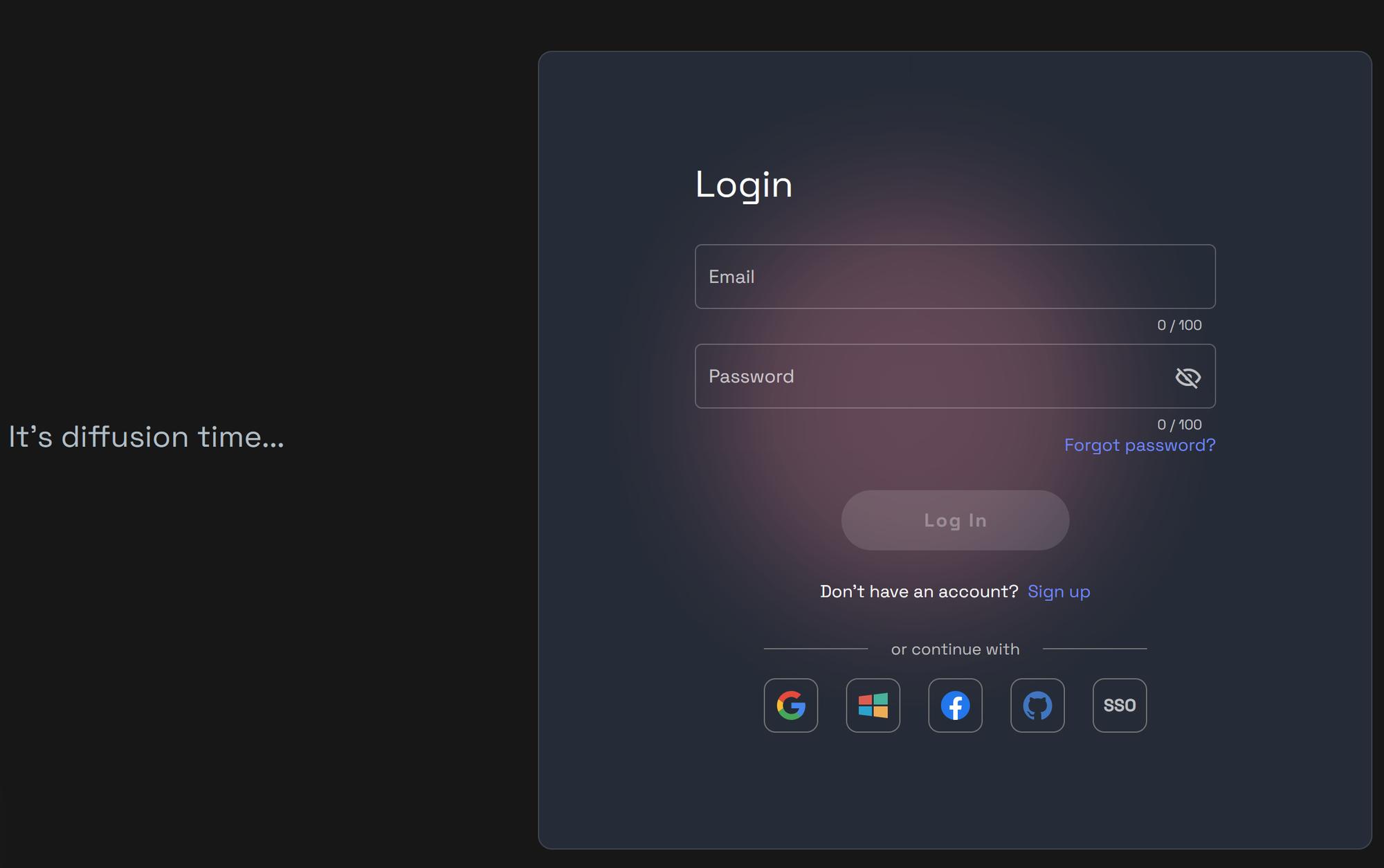
Start by signing in to your RunDiffusion account.
- Visit https://app.rundiffusion.com/login
- Enter your credentials and log in.
- If you do not have an account yet, create a free account to get started.
Step 2: Open the Tool
Once you're on the platform, go to Generate in the left sidebar and choose Image.
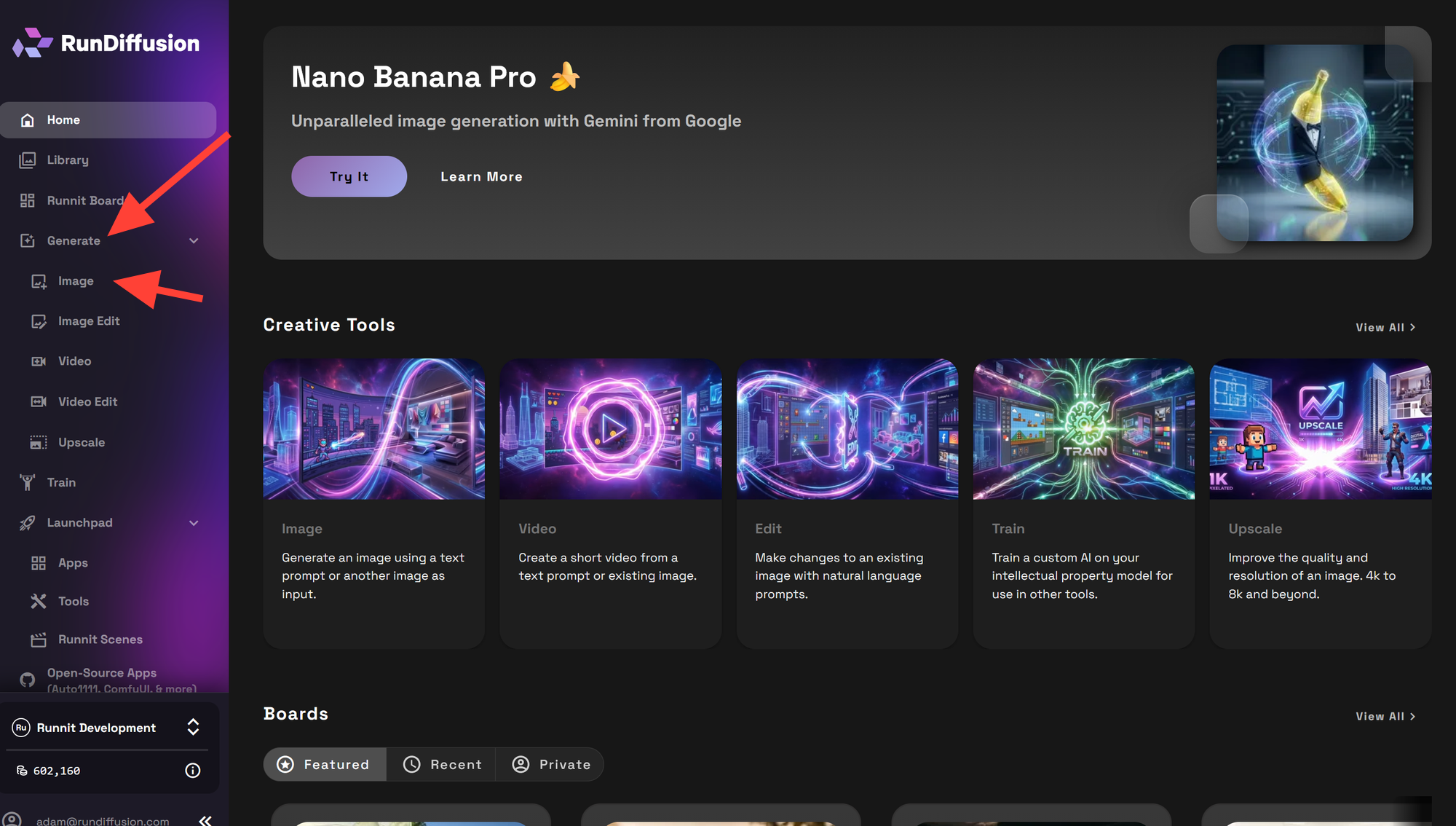
If you want the fastest path, you can also jump directly into the tool here for your convenience we have selected Nano Banana a popular and easy to use Image Generator.
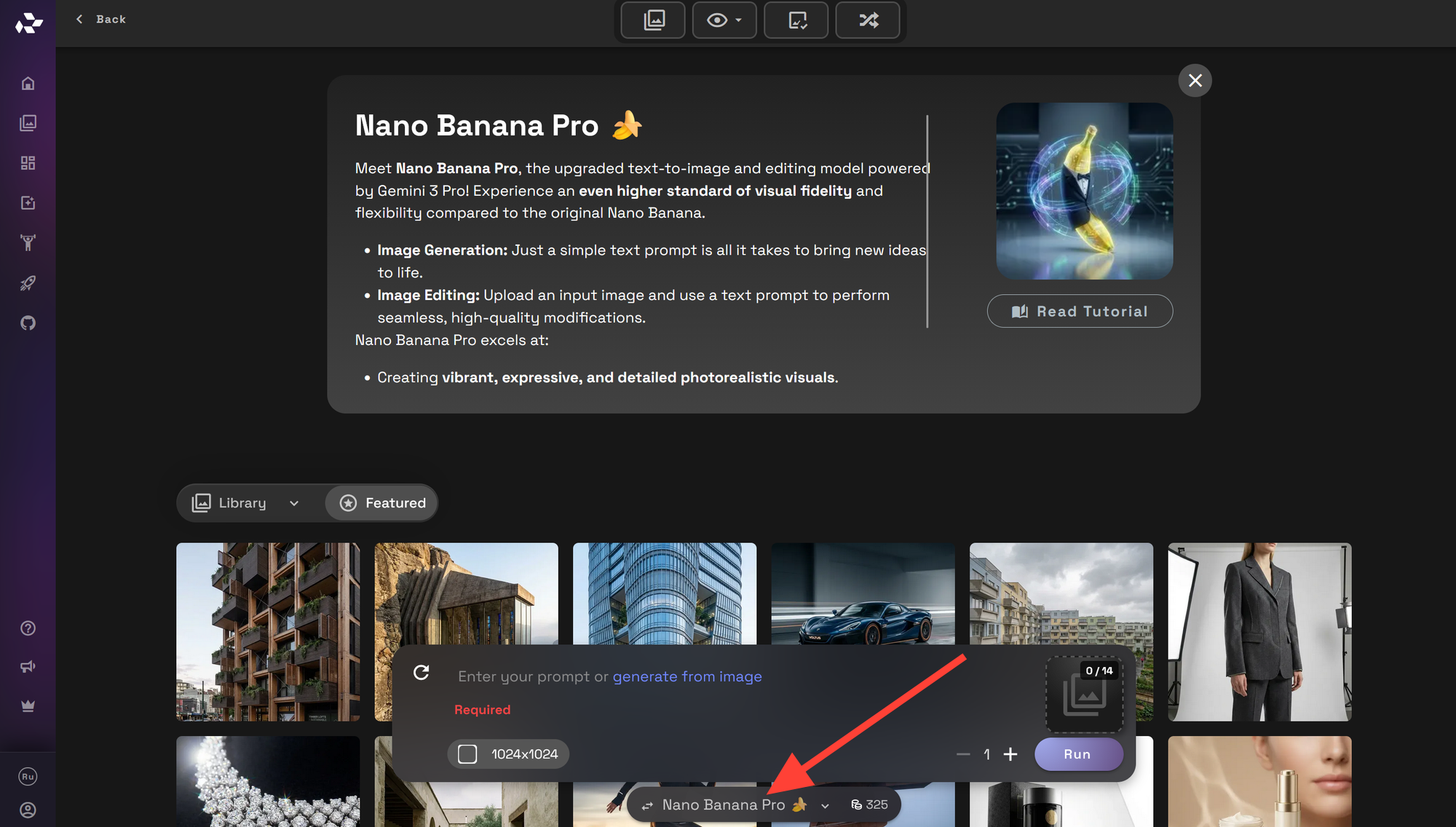
If you go the Image Generation tool manually it may load Nano Banana Pro. This is a powerful model. You can change to just Nano Banana or one of our other models by clicking on the model at the bottom of the page and selecting a new model.
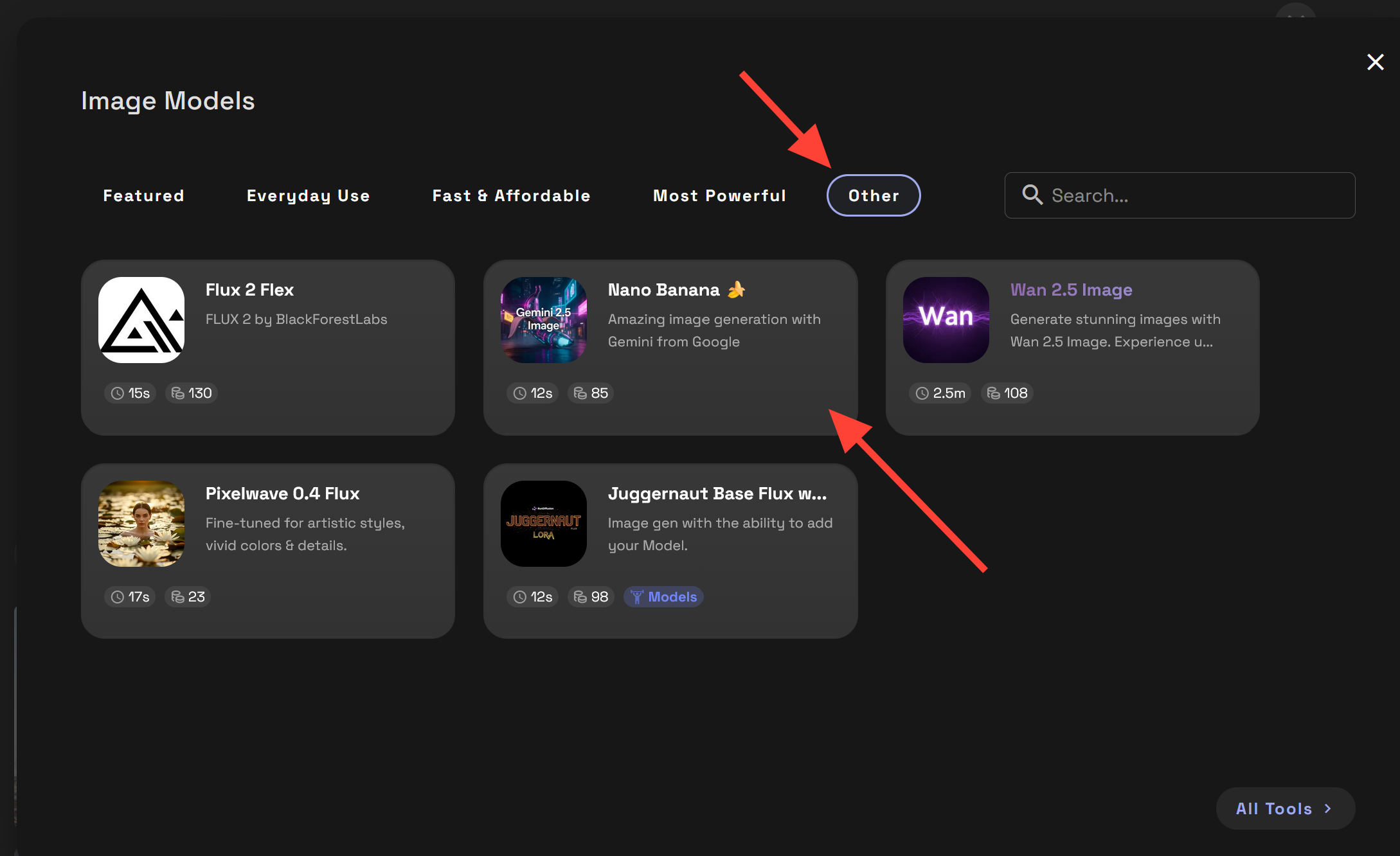
Clicking on the model will give you a lot of options. Click other than Nano Banana to start your image generation journey.
Step 3: Write Your Prompt and Click Run
Your prompt tells the model what to create. Clear prompts usually produce better results, so be specific about your subject, style, lighting, and mood.
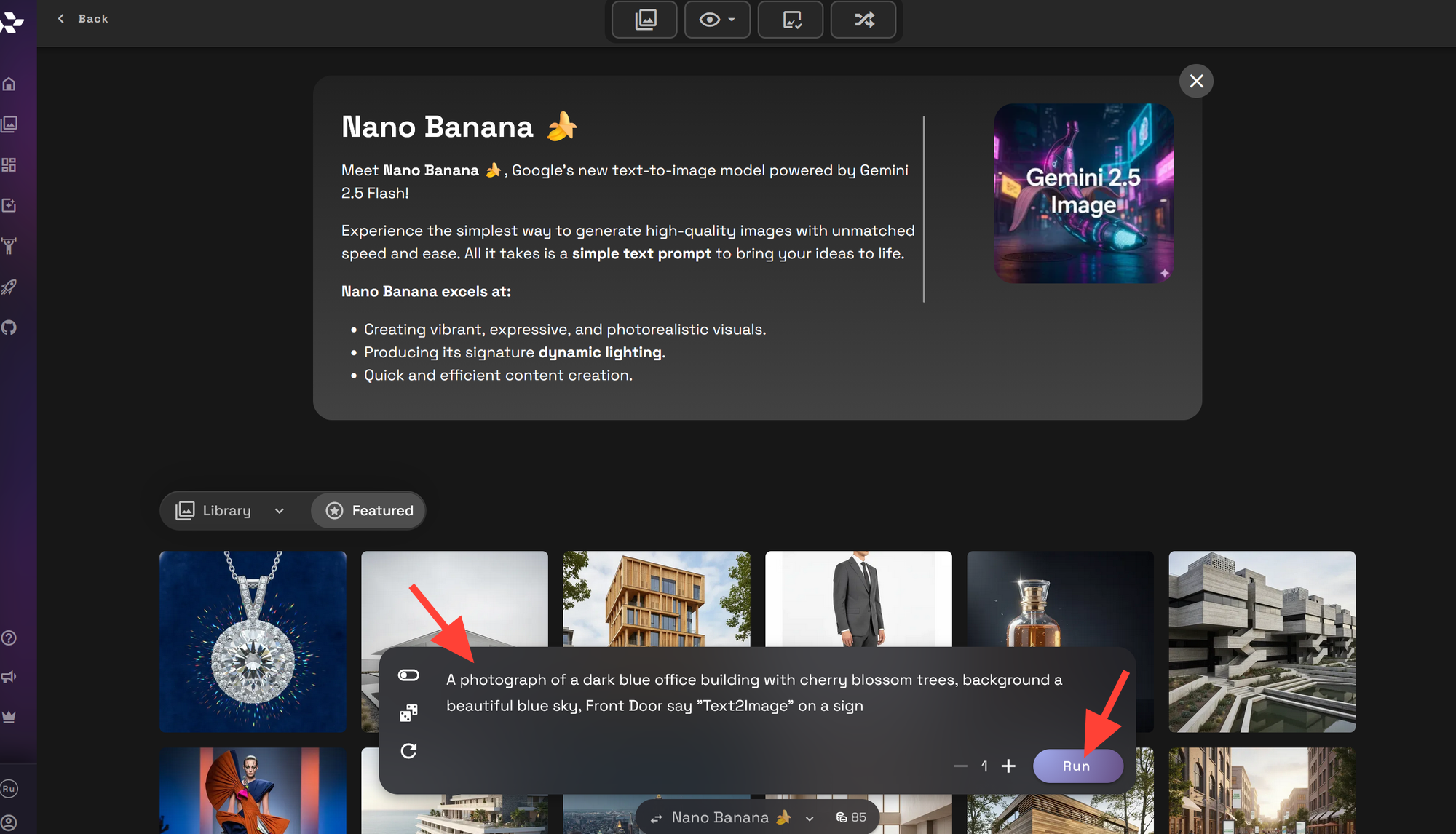
Example prompt:
A photograph of a dark blue office building with cherry blossom trees, background a beautiful blue sky, Front Door say "Text2Image" on a sign
After writing your prompt Click Run to Generate/Render your image.
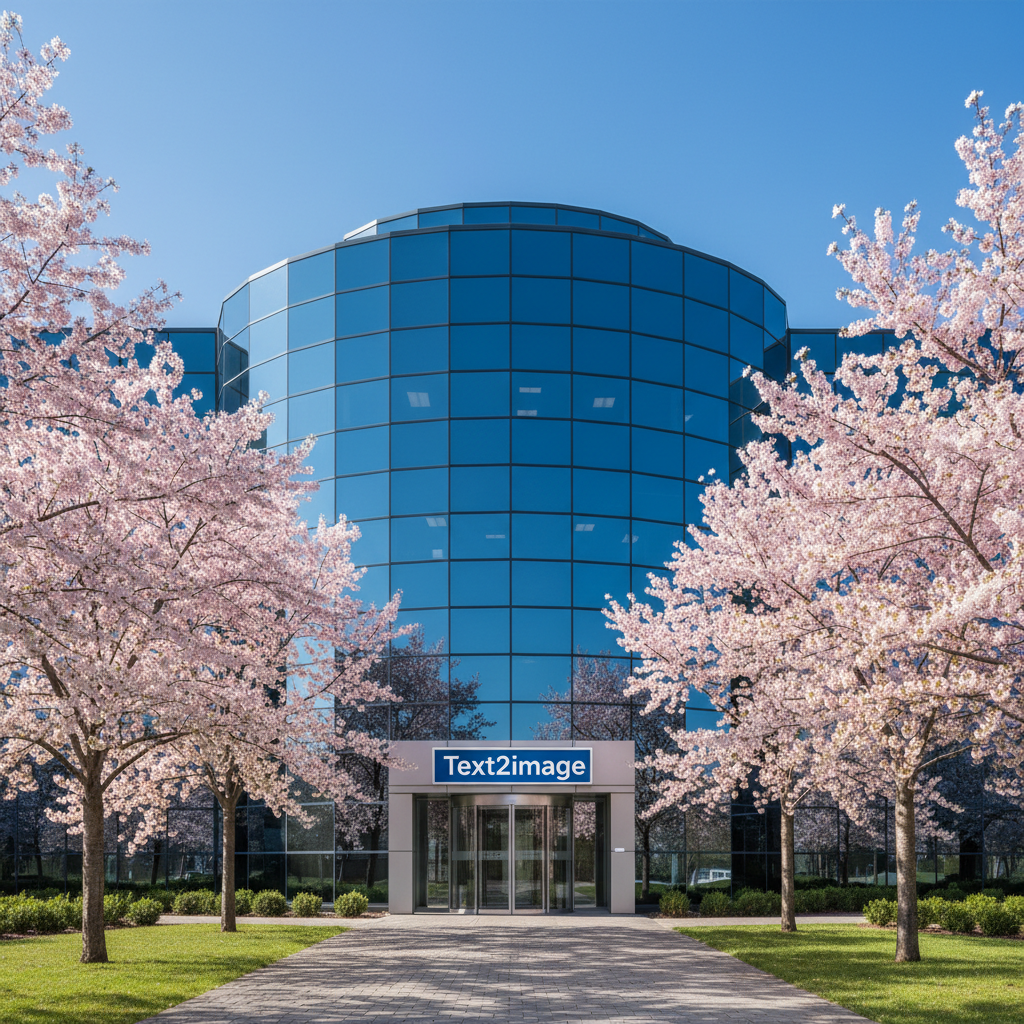
Tips for better results:
- Describe the main subject clearly
- Add style references such as cinematic, watercolor, or photograph
- Include lighting and atmosphere details
- Use quality descriptors
Runnit Boards and Platform Options
RunDiffusion is now focused first on the platform experience, with built-in generation tools designed to get you creating quickly.
If you want a more structured workflow, you can also use Runnit Boards and templates for guided creative setups.
Learn more about Runnit Boards.
 RunDiffusion Team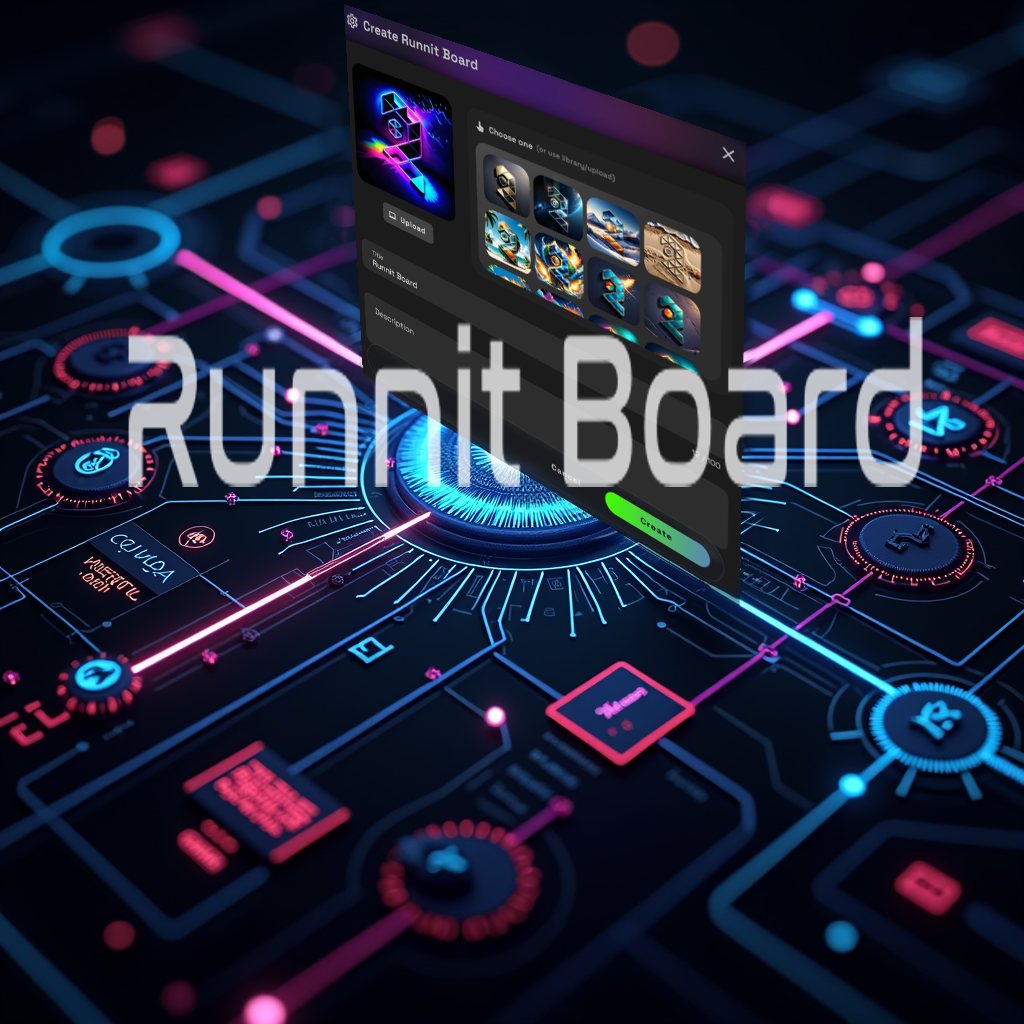
For a broader overview of the RunDiffusion Runnit Platform, including boards and templates.
 RunDiffusion Team
Start Creating with RunDiffusion
RunDiffusion makes it easy to go from an idea to a finished image in minutes. For most users, the fastest workflow is simple: log in, open Generate, choose Image, write a prompt, and click Run.
From there, you can keep refining your prompts, testing variations, and expanding into more advanced creative workflows as needed.
