Create Seamless AI-Generated Textures Using the Tiling Standard Tool
Tiling Standard is a texture generating tool available for Enterprise Plans. If you're generating textures for 3D materials, background fills, tileability matters. RunDiffusion’s Tiling Standard tool is designed for Enterprise users who need seamless, repeatable textures without visible edges or inconsistent lighting.
What Is the Tiling Standard Tool?
- Tool Name: Tiling Standard
- Function: Generate seamless tileable textures
- Best For: Architectural materials, UV maps, BIM libraries, game assets
How to Use the Tiling Standard Tool
To use the Tiling Standard tool for generating seamless textures:
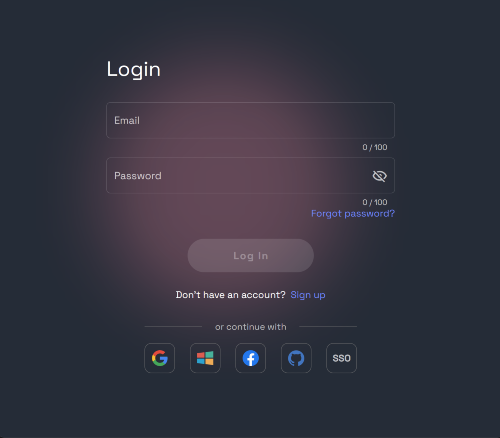
Login to your account: https://app.rundiffusion.com/login
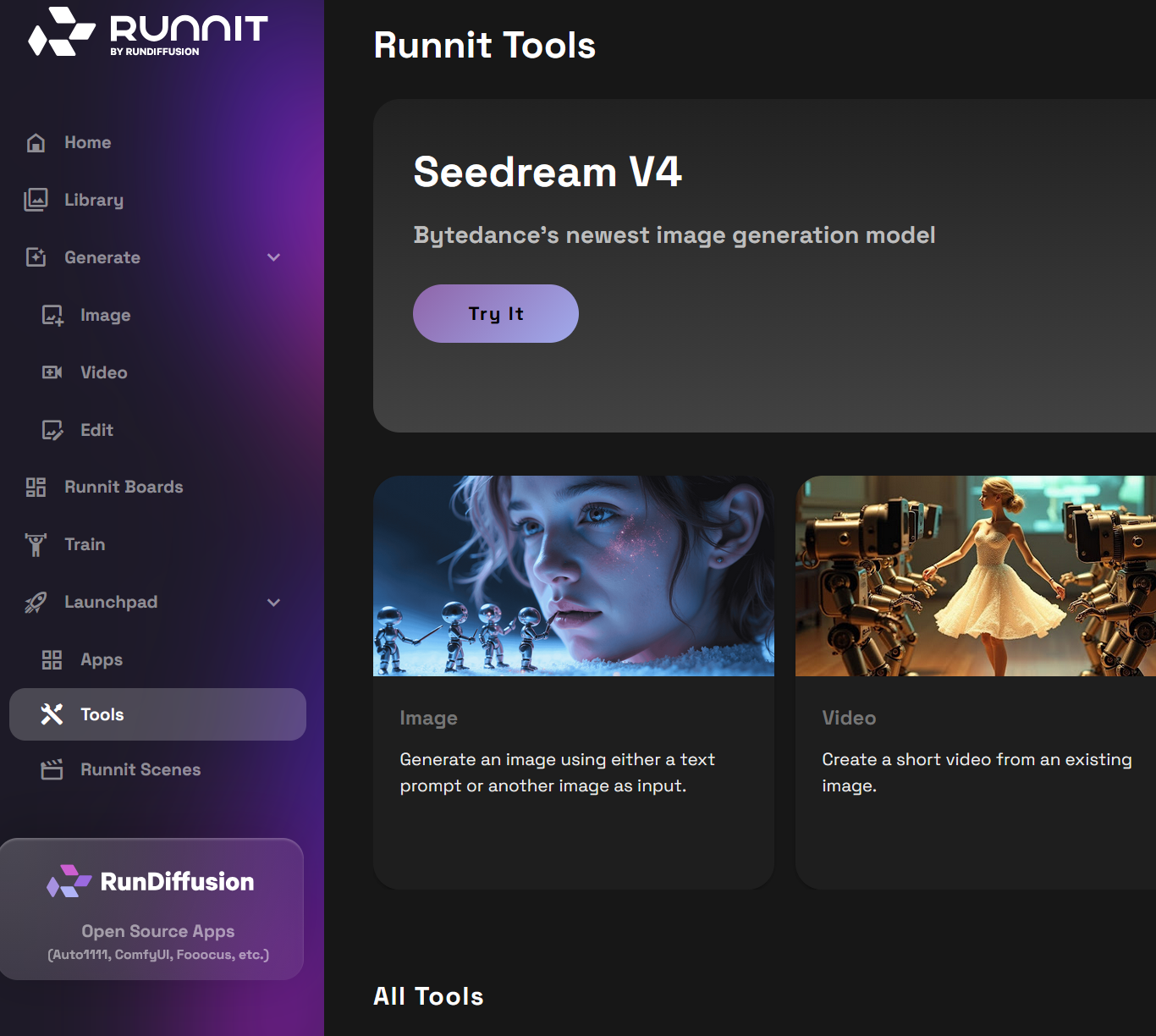
Open the Runnit platform: https://app.rundiffusion.com/runnit/home
On the left sidebar click Launchpad then click Tools.
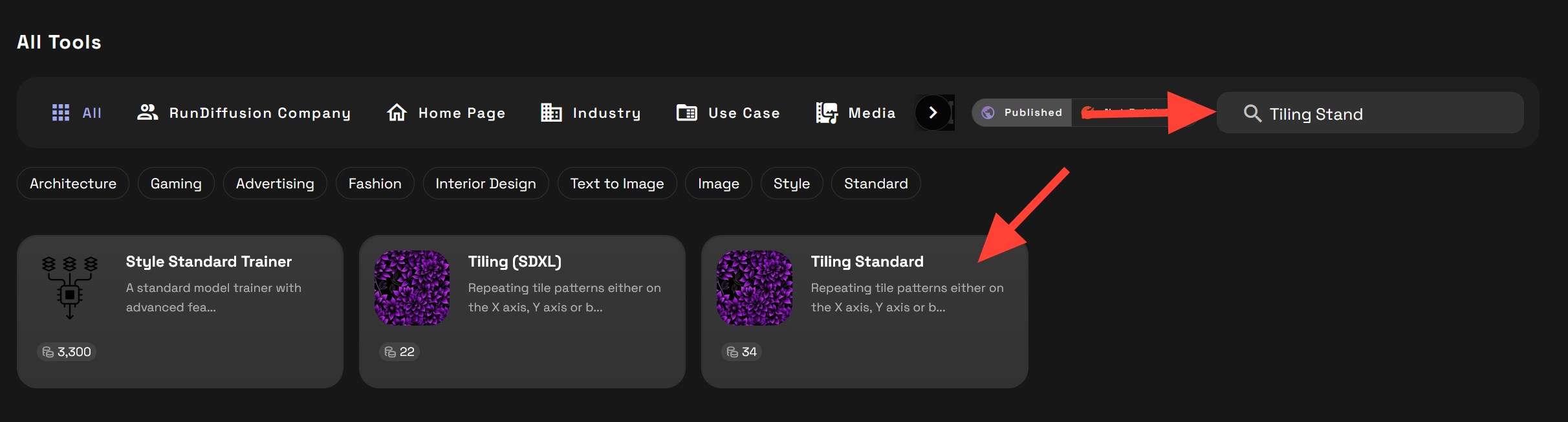
Scroll down to the All Tools section. In the search box type Tiling Standard. Then click on the Tiling Standard tool.
Write a positive and negative prompt.
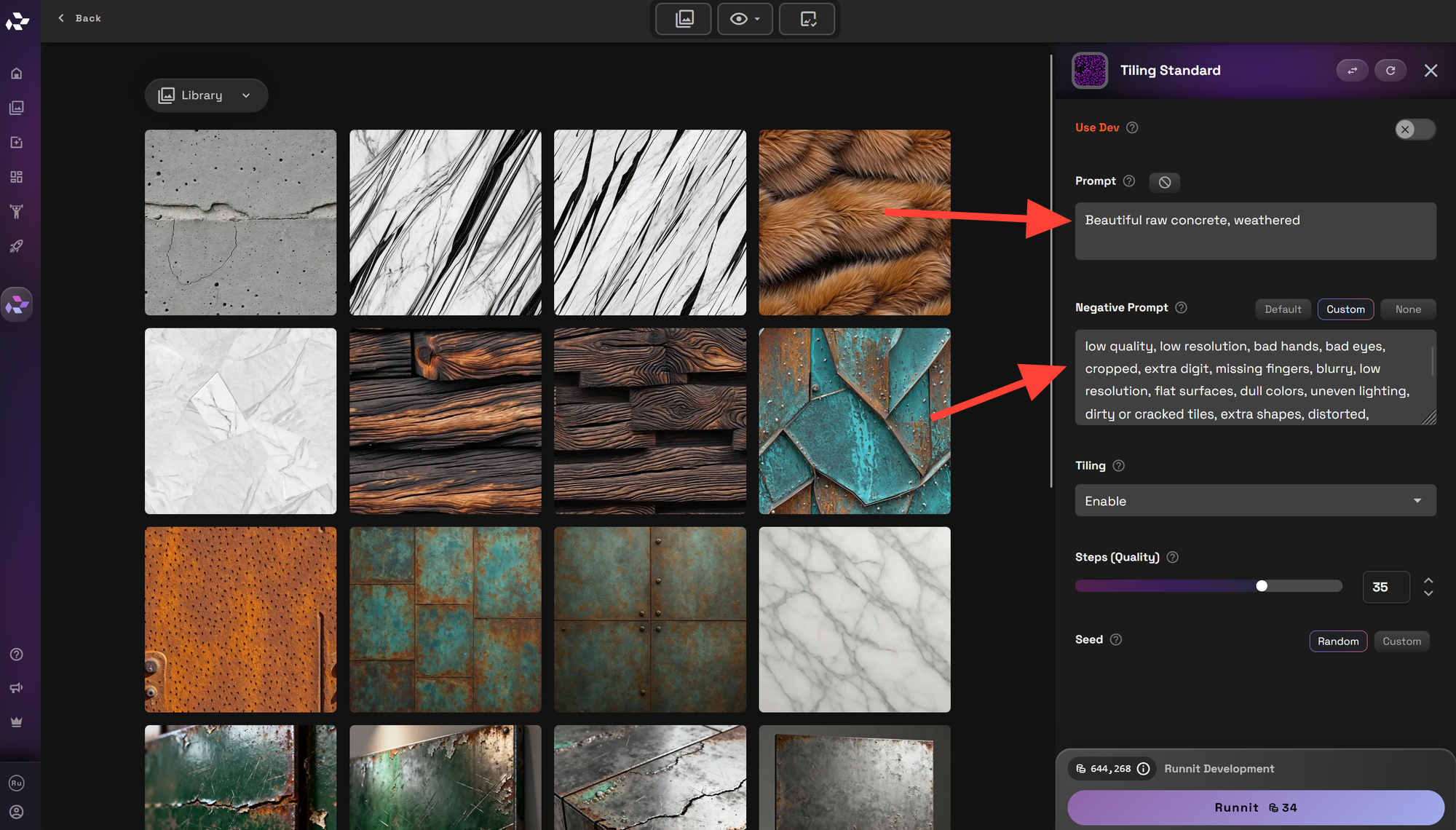
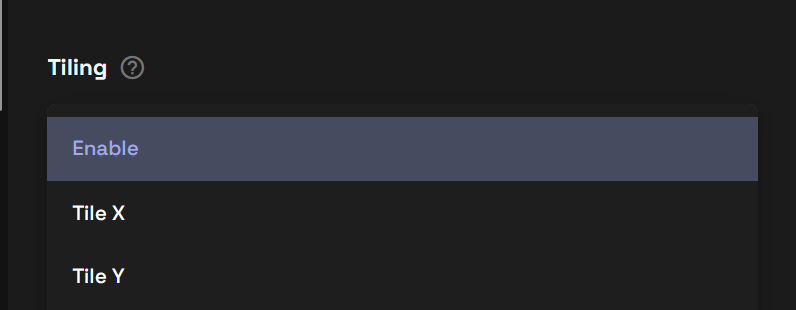
Be sure that Tiling is Enabled, you can also adjust it to just the X or Y axis.
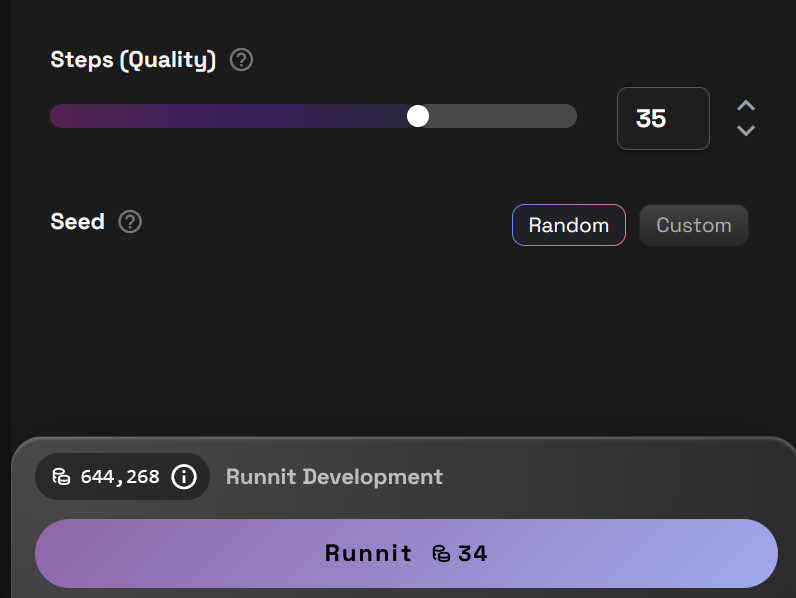
If you need you can adjust the steps. Then click on Runnit to render your image.
Examples:
Prompt: Burnt wood panels with beautiful grains

Prompt: Beautiful marble with black streaks, high resolution, photograph

Prompt: Beautiful raw concrete, weathered

Why Use Seamless Textures?
Tileable textures are critical for workflows where precision, repeatability, and realism are important:
- 3D visualization and game development
- Architecture and interior design mockups
- Revit, SketchUp, and BIM material libraries
- Surface renderings and product mockups
- Virtual staging and AR/VR
Creating tileable textures manually can be time-consuming. Tiling Standard automates this using prompt-based generation and edge-aware optimization.
How to Access
The Tiling Standard tool is currently available only for Enterprise customers.
To request access, contact RunDiffusion’s team or schedule a custom onboarding session to unlock Enterprise features.
 RunDiffusion Team
 RunDiffusion Team