

Wan 2.5 was built to think in motion. It’s a video model, trained to imagine what happens from one frame to the next. But here’s the twist: when you ask it for a single frame instead of thirty, it can still shine as a powerful image generator. After all, a video is just a stack of images with a good sense of drama.
That makes Wan 2.5 Image a fascinating new toy in the creative toolbox: it brings a filmmaker’s brain to still-image work. The result can feel less like a random snapshot and more like a frame ripped straight out of a movie you suddenly want to watch.
From moving pictures to single-frame magic
Cinematic stills at a glance
If you like to scan before you dive deep, here’s what Wan 2.5 Image really brings to the table when you only ask for a single frame:
- Built-in story feel – frames often look like they were plucked from the middle of a scene, not posed in isolation.
- Richer atmosphere – smoke, rain, light rays, and haze tend to feel like they’ve been moving for a while.
- Shot-aware composition – foreground, subject, and background frequently fall into place like a well-planned shot.
Traditional image models learn to render one moment in time. Wan 2.5, as a video model, is optimized to handle sequences: how light shifts, how characters move, how scenes evolve. When you freeze that capability into one frame, you often get images that feel:
- Cinematic – dramatic lighting, strong composition, and a sense of before-and-after baked in.
- Story-rich – scenes that suggest what just happened or what’s about to happen.
- Consistent in style – visual decisions that feel intentional rather than accidental.
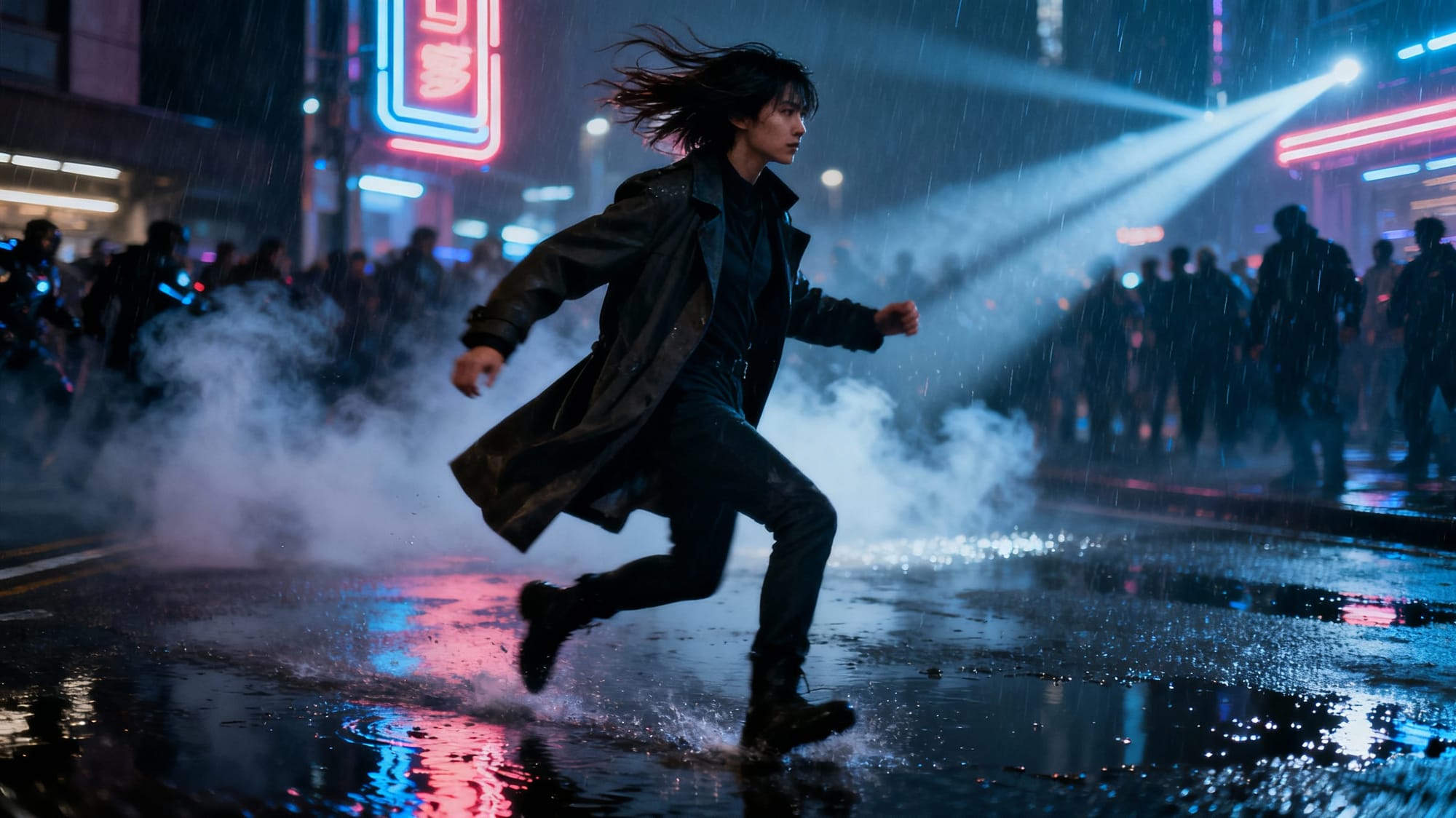
Prompt: Scene: A visually rich cinematic film still of a character mid-motion on a rain-soaked city street at night, captured at the exact turning point of an unseen story.
Details: wind-blown hair and coat, glistening puddles, drifting smoke and light rays from neon signs, blurred background crowds to imply past and future action.
Style: cohesive with the article’s tone — futuristic, director-focused, story-driven cinematography.
Aesthetic: clean composition with clear foreground, midground, and background, dramatic lighting, premium realistic photography look, visually engaging.
Quality: high resolution, sharp detail, subtle motion cues frozen in a single frame.
Instead of thinking “draw me a picture,” Wan 2.5 is more like “give me a film still that captures the moment.” That subtle difference in training focus can change how your images feel, even when you only ever ask for one frame.
Why Wan 2.5 images hit different
When you generate with a video-native model, you’re borrowing its sense of timing and continuity, even if you never see the rest of the sequence. That can show up in a few ways:
- Motion-aware details: Hair, fabric, and particles often look like they’re mid-motion, frozen at just the right instant.
- Depth and staging: Scenes frequently come out with foreground, midground, and background clearly separated, like proper shot blocking.
- Atmosphere: Fog, rain, smoke, and light rays tend to feel more “lived in,” as if they’ve been moving for a while.
- Character presence: Faces and poses can feel more like a captured performance than a static pose.
Is every output perfect? Of course not. But when Wan 2.5 nails a frame, it often looks like concept art, key art, or a storyboard panel instead of a generic AI render. That’s the sweet spot: images that feel like they belong in a sequence you can’t see yet.
Perfect use cases for Wan-style stills
Because of its cinematic bias, Wan 2.5 Image is especially fun for projects where story and motion matter, even if you never render a full video.
- Key art and posters: Create “movie poster” style frames that sell a mood, a character, or a world in one glance.
- Storyboards and animatics: Generate strong, readable frames that look like they belong in a shot list.
- Game and film pre-production: Explore camera angles, lighting setups, and character blocking before you ever touch a set or engine.
- Thumbnails and social visuals: Turn simple ideas into eye-catching, scrolling-stopping frames with drama baked in.
- Character moments: Instead of generic portraits, get characters mid-action—running, leaping, turning toward camera as the light catches them just right.
Anytime you catch yourself saying “I want this to feel like a shot from a movie,” Wan 2.5 is a strong candidate.
Choosing Wan 2.5 Image vs. a traditional image model
Wan 2.5 isn’t always the only answer—but it shines when story, motion, and drama matter. Use this as a quick gut-check when you’re picking a model.
| Use Wan 2.5 Image when… | Use a traditional image model when… |
|---|---|
| You want a frame that feels like part of a larger story or sequence. | You need a clean, isolated object shot or simple product render. |
| You’re exploring key art, posters, or storyboard-style frames. | You’re making flat graphics, icons, logos, or UI elements. |
| You care about motion-aware details—hair, fabric, dust, or weather in mid-action. | You mainly need neutral, catalogue-style imagery with minimal drama. |
| You’re experimenting with cinematic genres and lighting setups. | You just need a fast, literal rendering of a simple concept. |
Think of Wan 2.5 as your “cinema mode” model—reach for it when you want emotion, tension, and a sense of before-and-after in a single frame.
How to prompt Wan 2.5 for stronger images
To get the most out of a video-native model, prompt it like a director, not just an illustrator. Think in shots, not objects.
- Describe the camera: Use language like “wide shot,” “close-up,” “over-the-shoulder,” “low angle,” or “long lens compression.”
- Write the moment, not just the scene: Instead of “a knight in a forest,” try “a drenched knight staggers through a stormy forest at night, breathing hard, lightning briefly illuminating the trees.”
- Include implied motion: Words like “running,” “turning,” “falling,” “reaching,” “wind-blown,” or “dust swirling” give the model an excuse to flex its motion sense.
- Dial in lighting like a DP: “Neon backlight,” “golden hour rim light,” “single overhead fluorescent,” or “soft window light from stage left” can radically change the mood.
- Anchor a style: Reference cinematic styles: “gritty 90s crime thriller,” “colorful 80s anime,” “moody Nordic noir,” “high-contrast black-and-white art film.”
Tip: When a prompt gives you something close but not quite right, tweak it like you would a shot list—change the angle, time of day, or emotional beat, then regenerate.
Director-style prompt templates you can reuse
Use these plug-and-play templates as a starting point, then swap in your own characters, locations, and genres.
- Action close-up: intense close-up of [character] in [location], [emotion] in their eyes, rain streaking down their face, shallow depth of field, cinematic lighting, dramatic film still
- Wide establishing shot: wide shot of [location] at [time of day], tiny silhouette of [character] in the foreground, atmospheric fog, soft volumetric light, cinematic composition, high-detail key art
- Dramatic reveal: over-the-shoulder shot of [character A] looking at [character B] in a dimly lit room, strong rim light, dust motes in the air, tense mood, film still
Pro move: Keep a small library of your favorite “cinema-style” prompts in a RunDiffusion workspace notes doc so you can remix them for new projects instead of starting from scratch each time.
Leveling up your creative workflow with Wan 2.5
Used well, Wan 2.5 Image isn’t just “another model that makes pictures.” It’s a way to think more cinematically about stills, even if you never ship a single second of video.
For visual artists, that means faster exploration of looks, lighting, and compositions. For filmmakers, game devs, and storytellers, it means you can prototype scenes and sequences as if you had an infinitely patient concept art team living in your browser.
And because platforms like RunDiffusion focus on giving you access to cutting-edge models
RunDiffusion quick-start: your first cinematic still
If you’re ready to try Wan 2.5 Image in practice, here’s a lightweight workflow you can run inside RunDiffusion in just a few minutes:
- Log in to RunDiffusion and create or open a workspace.
- Select Wan 2.5 (image mode) from the available models, or the closest Wan 2.5 variant in the model list.
- Set your frame: pick a resolution and aspect ratio that matches your use case—portrait for characters, landscape for environments, or 16:9 for “film still” vibes.
- Paste a director-style prompt (camera, moment, motion, and lighting) and run a small batch of images.
- Curate and iterate: duplicate the best runs, adjust angle or lighting, and build out a mini sequence or board.
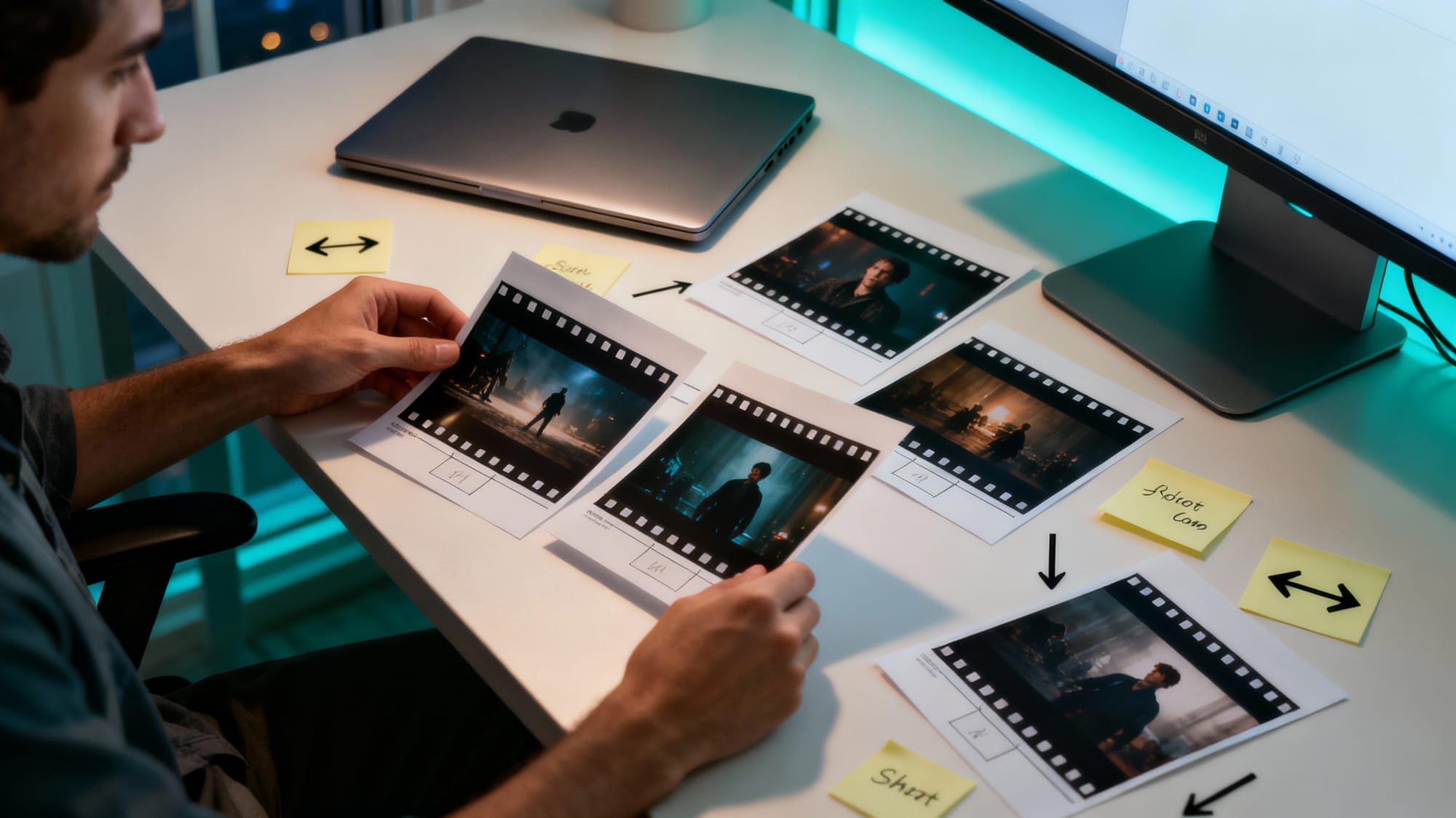
Prompt: Scene: A creator at a modern desk reviewing a spread of printed cinematic film stills and storyboards for a new project, lit by the glow of a large monitor off to the side.
Details: sleek laptop closed, scattered photo prints showing dramatic movie-style frames, sticky notes with arrows and shot labels, neutral workspace with subtle teal accents, soft evening window light.
Style: cohesive with the article’s tone — bright, modern, professional creative workflow.
Aesthetic: clean overhead or three-quarter view composition, realistic textures, minimal visible UI on the monitor, focus on tangible frames and planning.
Quality: high resolution, sharp detail, visually engaging but uncluttered.Ready to try it?
Log in to RunDiffusion, load up Wan 2.5, and generate a handful of “film still” style images for your next scene, game level, or campaign.
in clean, focused workspaces, you can fold Wan-style image generation straight into your existing creative routine—rapid brainstorming, pitch decks, mood boards, and more.
Lights, camera… single frame
Wan 2.5 may have been born to do motion, but that’s exactly what makes its still images so fun: every frame feels like part of a larger story. When you treat your prompts like shot directions, you get images that carry weight, momentum, and intrigue.
If you want your next batch of AI images to feel less like stock photos and more like stolen movie frames, Wan 2.5 Image is absolutely worth experimenting with.
Log in to RunDiffusion, keep an eye on the latest model lineup, and start building your own library of cinematic stills—one frame at a time.
Wan 2.5 Image: FAQ
Can I use Wan 2.5 purely as an image generator?
Yes. Even though Wan 2.5 is trained as a video model, it can happily generate single frames all day. You are still benefiting from its sense of motion and continuity, but you never have to render a full clip if you only want stills. In practice, this means you can treat it like a cinematic image engine: think in shots, iterate on prompts, and keep only the strongest frames for your boards, decks, and thumbnails.
What kinds of prompts work best with Wan 2.5 Image?
Prompts that read like shot directions tend to outperform simple object lists. Mention the camera type or angle, what is happening in the moment, and how the light behaves in the scene. If a result is close but not quite right, adjust one variable at a time—angle, time of day, or emotional tone—then regenerate. Iterating like this mirrors how you would refine a real shot list.
How many variations should I generate for a single cinematic frame?
For exploratory work, plan on a small batch of 3–10 images per prompt. This is usually enough to surface one or two standout frames without getting overwhelmed. Once you find a strong direction, duplicate that run in your RunDiffusion workspace and iterate with small prompt changes to build a mini sequence or alternate takes.
Is Wan 2.5 a good fit for logos or flat graphic design?
Wan 2.5 is strongest when you lean into its cinematic side: characters, environments, and moments full of motion and atmosphere. For crisp logos, icons, or flat UI elements, a more traditional image model that specializes in graphic design is usually a better tool. You can still combine results in your design workflow.
How does Wan 2.5 fit into a RunDiffusion-based pipeline?
In RunDiffusion, Wan 2.5 works well as your brainstorming and pre-production engine. Use it early to explore looks, angles, and moods before committing to final renders or live-action production. From there, you can hand off the best frames to teammates, drop them into decks, or refine them with other tools and models—without changing the core workflow you already use on the platform.