


Z-Image Turbo on RunDiffusion is built for creators who need high-quality image generation with minimal wait time. It combines strong photorealistic output with fast inference, making it well suited for production workflows where speed and reliability matter.
In this guide, you’ll learn what Z-Image Turbo does best, how its key parameters affect results, and when it’s the right choice compared to other image models available on RunDiffusion.

What Is Z-Image Turbo on RunDiffusion?
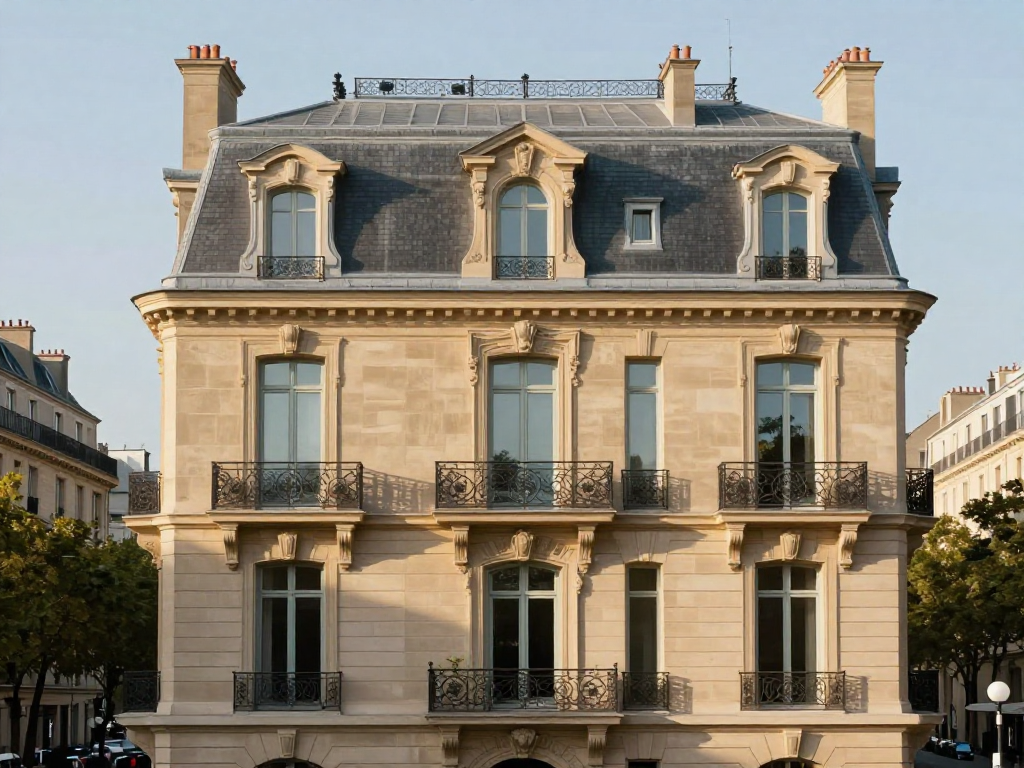
Z-Image Turbo is a highly efficient image generation model available on RunDiffusion, engineered to deliver production-ready visual quality at high speed. It’s designed to balance realism, prompt accuracy, and throughput rather than pushing extreme artistic abstraction.
Z-Image Turbo is especially strong for:
- Photorealistic image generation
- Clean, well-composed visuals
- Fast iteration and batch-style workflows
- Prompts that require precise instruction following
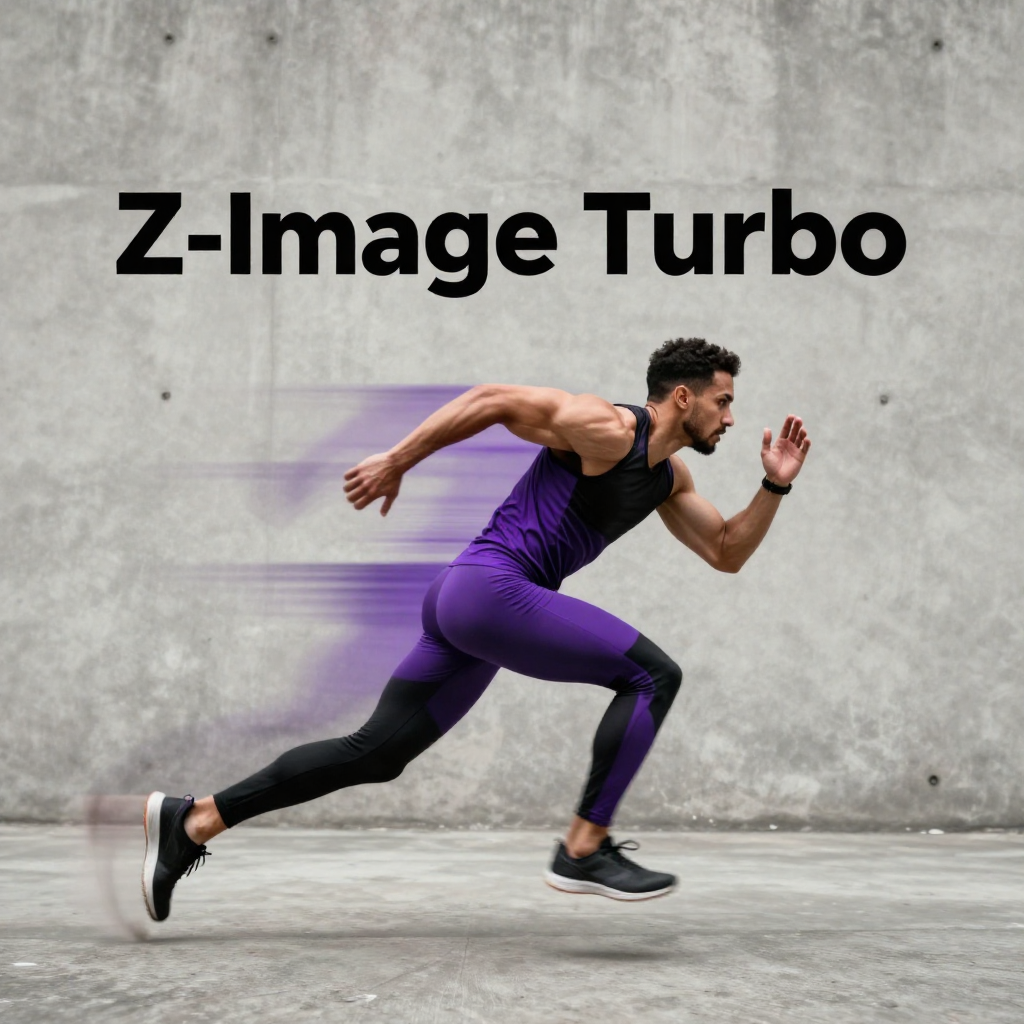
A unique strength of Z-Image Turbo is its ability to accurately render complex English and Chinese text inside images, which makes it useful for signage, posters, packaging concepts, and UI-style visuals.
When to Use Z-Image Turbo
Z-Image Turbo is a good fit when:
- You need images quickly without sacrificing realism
- You’re iterating on concepts, layouts, or variations
- Prompt accuracy matters more than extreme stylization
- You’re generating content intended for real-world or client-facing use
For broader creative guidance that applies across image models, the principles in key factors for generating exceptional AI art still apply when working with Z-Image Turbo.
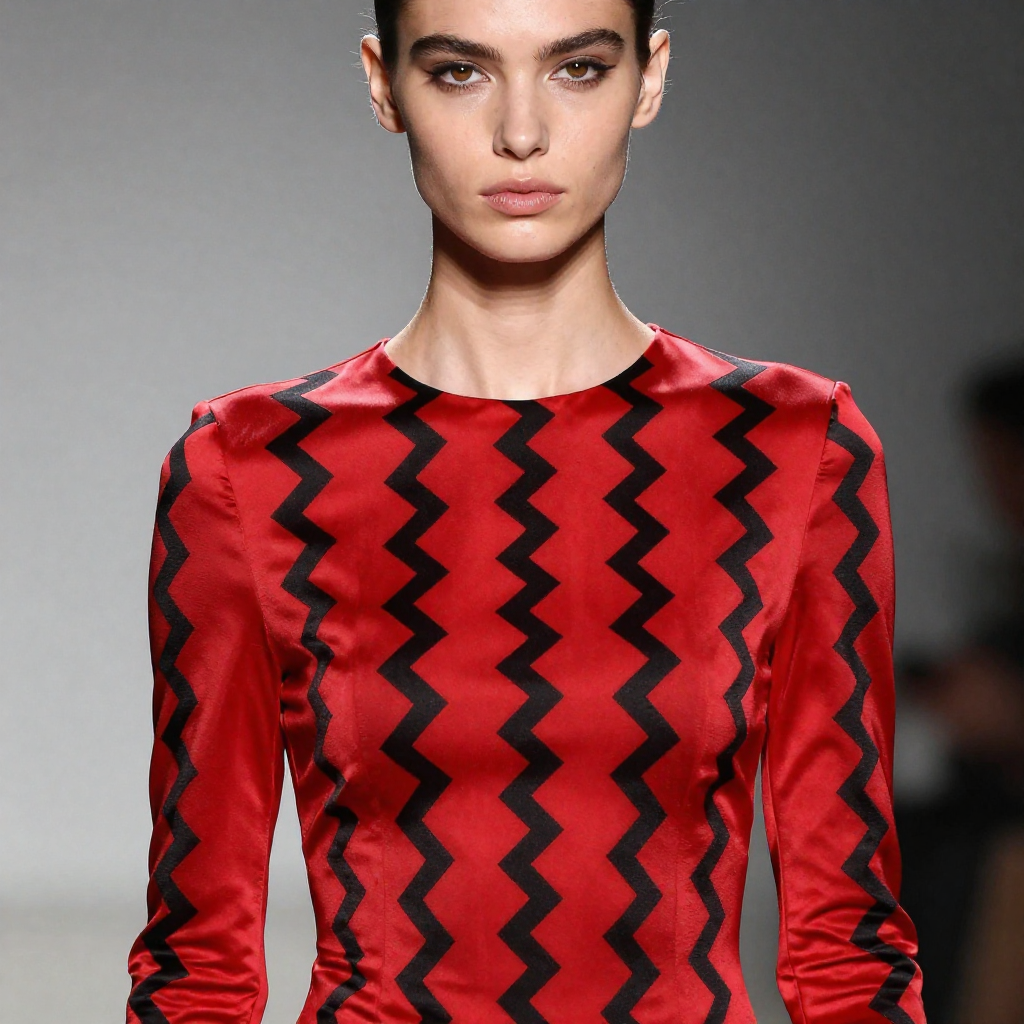
Key Parameters for Control
Z-Image Turbo includes several important controls that let you balance speed and quality depending on your needs.
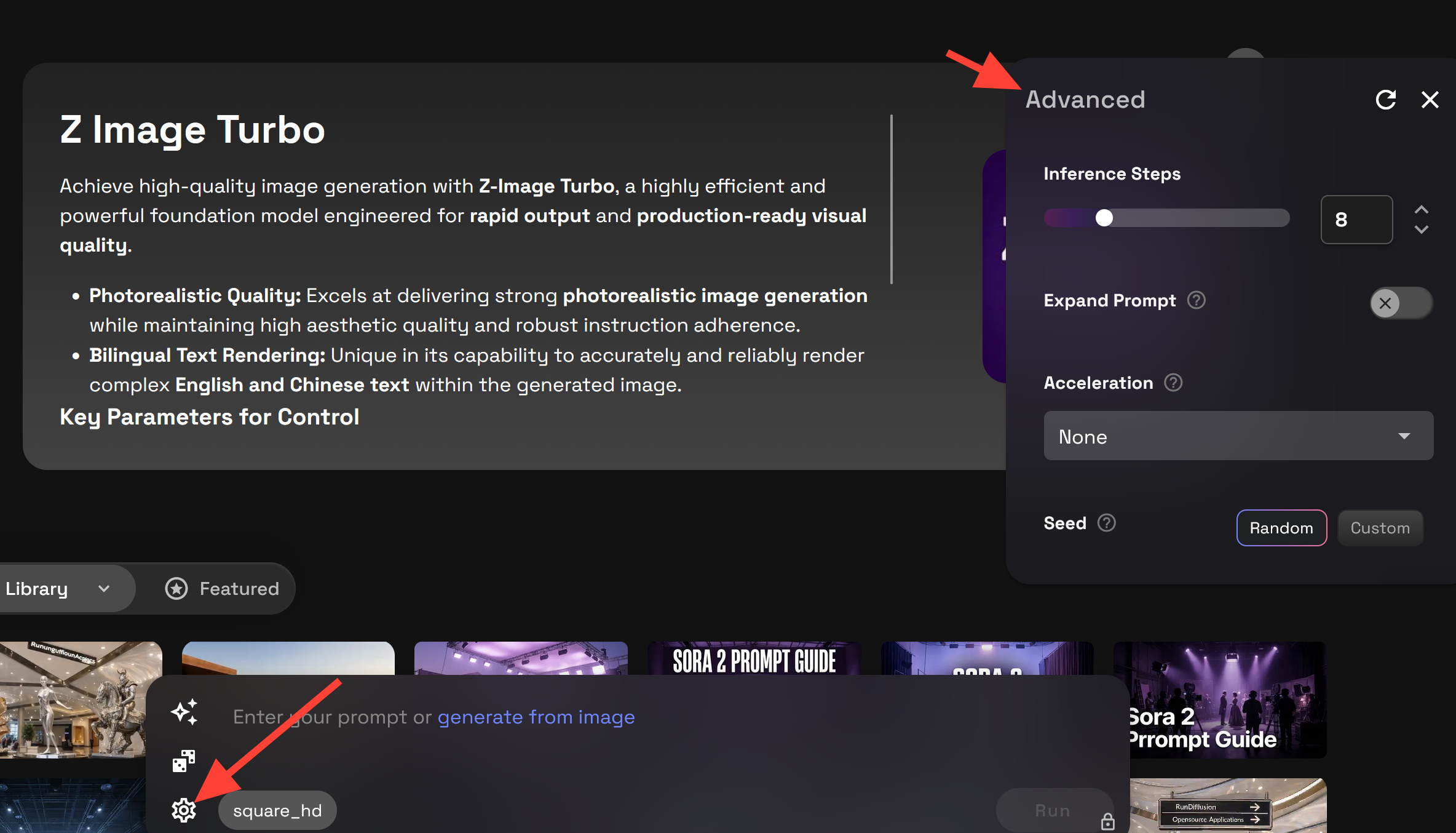
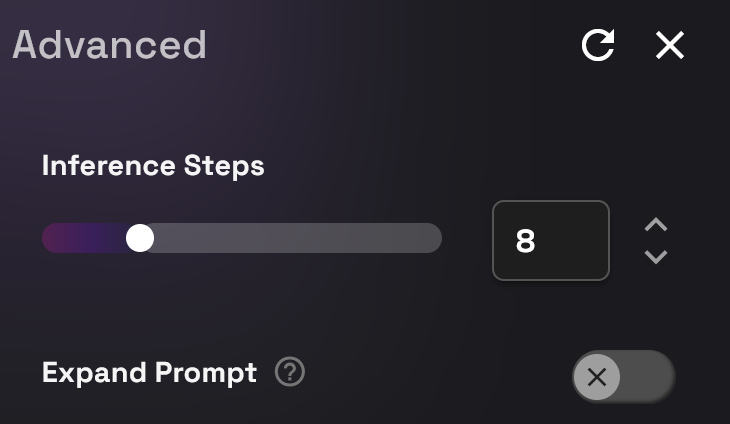
Inference Steps
Inference Steps control how much refinement the model applies to the final image.
- Lower steps
- Faster results
- Good for previews and rapid iteration
- Higher steps
- More detail and cleaner refinement
- Better for final or client-ready images
A practical approach is to start with lower steps for exploration, then increase steps once you’ve locked in a strong prompt.
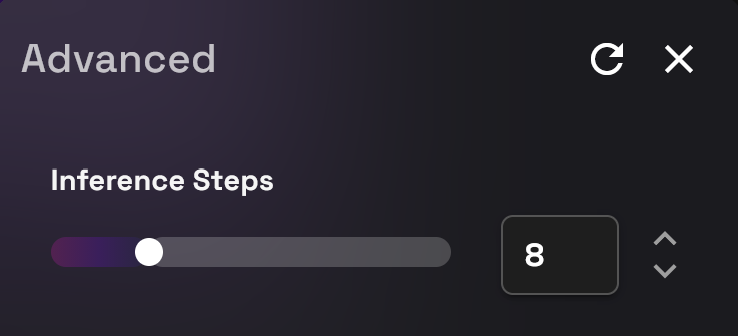
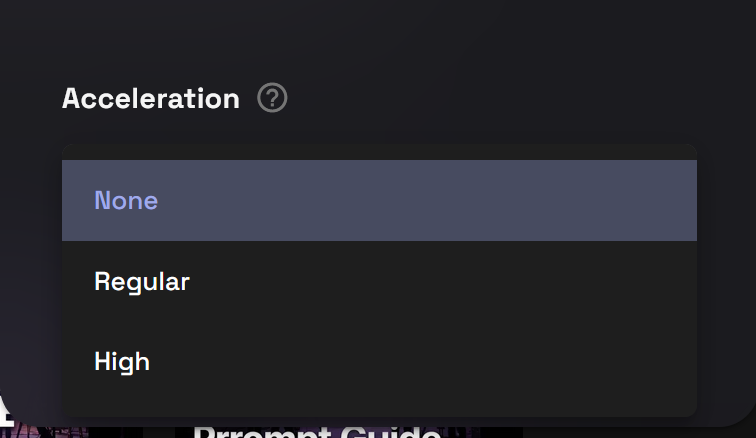
Acceleration
Acceleration allows you to tune how aggressively the model prioritizes speed.
- Higher acceleration increases throughput
- Slightly lower acceleration may preserve fine detail
This makes Z-Image Turbo flexible for both quick drafts and higher-fidelity output without changing models.
Prompt Enhancement (On / Off)
Prompt Enhancement uses the model’s internal reasoning to refine and interpret your input more effectively.
- Enabled
- Better handling of complex or nuanced prompts
- Stronger instruction adherence
- Disabled
- More literal interpretation of your text
- Useful when you want tight control over exact wording
If you’re working with longer prompts or layered descriptions, enabling Prompt Enhancement often produces more consistent results.
Prompting Tips for Z-Image Turbo
Z-Image Turbo performs best with:
- Clear subjects and environments
- Direct, descriptive language
- Real-world references and materials
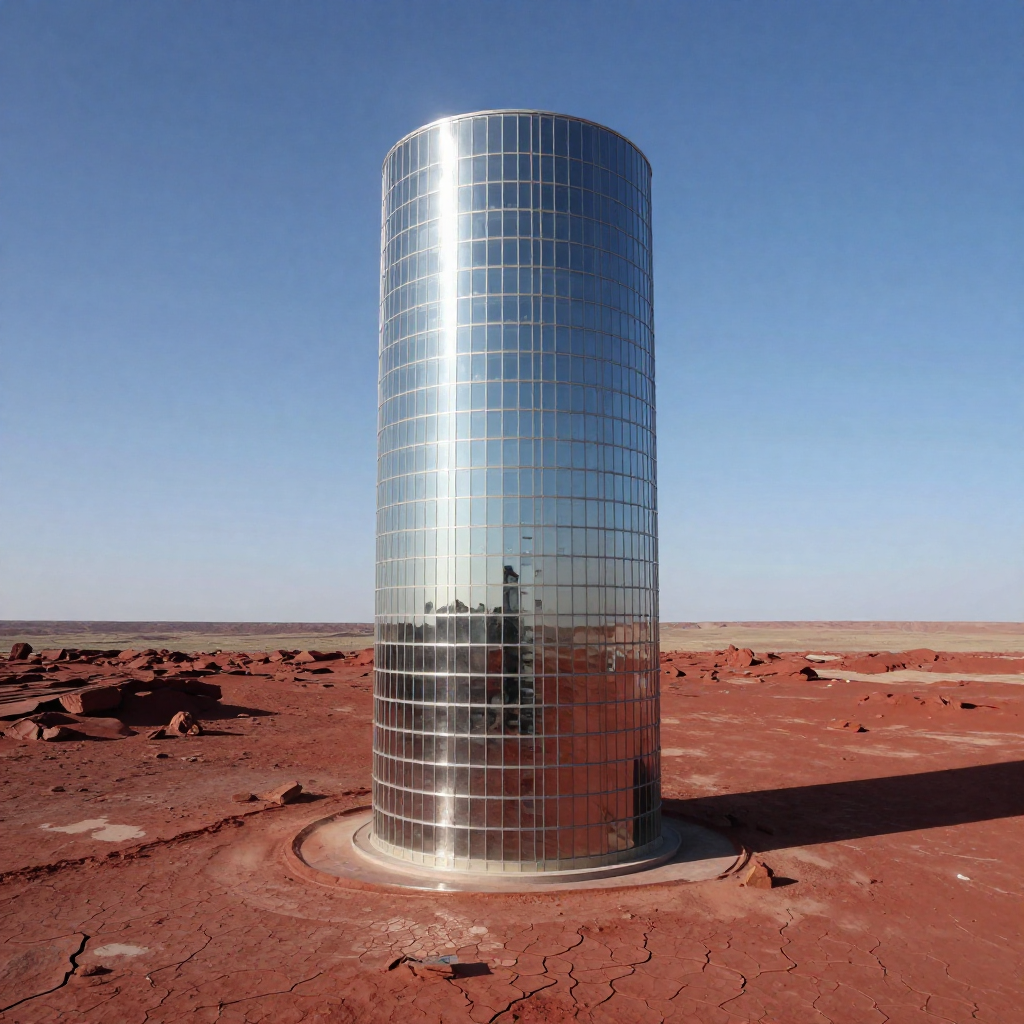
Because the model prioritizes realism and structure, overly abstract or conflicting prompts may produce less predictable results.
If you’re comparing results across different image workflows, understanding how prompt structure affects output—as outlined in negative prompting and comparing models in Automatic1111—can help you choose the right approach for each task.
How Z-Image Turbo Fits Into RunDiffusion Workflows
Z-Image Turbo is often used for:
- Rapid concept generation
- Photorealistic previews
- Design and visualization workflows
- High-volume image generation
It complements other RunDiffusion image tools by offering a speed-first option that still delivers clean, professional visuals. If you’re just getting started with image generation on the platform, text-to-image with Runnit on RunDiffusion provides helpful context on how different models fit together.
Z-Image Turbo FAQ
What is Z-Image Turbo best used for?
Z-Image Turbo is best suited for fast, photorealistic image generation where speed and prompt accuracy matter. It’s commonly used for concept exploration, design previews, signage, UI visuals, and other production-oriented workflows that benefit from rapid iteration.
How is Z-Image Turbo different from other image models on RunDiffusion?
Z-Image Turbo prioritizes speed, realism, and instruction adherence rather than extreme stylization. While other models may excel at artistic or experimental looks, Z-Image Turbo focuses on clean, well-structured, real-world visuals with minimal generation time.
What does the Acceleration setting do?
Acceleration lets you balance speed against fine detail.
- Higher acceleration produces images faster.
- Slightly lower acceleration may preserve subtle textures and details.
This allows you to tune Z-Image Turbo for either rapid drafts or higher-fidelity output without switching models.
What is Prompt Enhancement, and should I enable it?
Prompt Enhancement helps the model interpret and refine more complex or nuanced prompts.
- Enabled: Better for longer or layered prompts and stronger instruction adherence.
- Disabled: More literal interpretation of your exact wording.
If you’re seeing inconsistent results with complex prompts, enabling Prompt Enhancement often improves reliability.
Does Z-Image Turbo support text inside images?
Yes. Z-Image Turbo is particularly strong at rendering English and Chinese text directly inside images, making it useful for posters, packaging concepts, signage, and UI-style visuals. As with all image models, generating multiple variations is recommended for the cleanest results.
Is Z-Image Turbo good for batch or high-volume workflows?
Yes. Z-Image Turbo is well suited for batch-style and high-volume generation thanks to its speed and efficiency. This makes it a strong choice for teams iterating on layouts, variations, or multiple concepts in a short amount of time.
Is Z-Image Turbo intended for highly stylized or abstract art?
Z-Image Turbo can handle style, but it performs best with realistic, structured prompts. If your goal is extreme abstraction or experimental aesthetics, other image models on RunDiffusion may be a better fit.
How does Z-Image Turbo fit into a typical RunDiffusion workflow?
Z-Image Turbo is often used early in the workflow for fast ideation and photorealistic previews. Many users pair it with other RunDiffusion image tools for refinement, upscaling, or stylistic exploration once a direction is established.
