


Introduction
The LTX Video Workflow is an advanced video processing pipeline designed for ComfyUI, enabling AI-powered video generation with frame interpolation, motion consistency, and high-quality outputs. Whether you're creating stylized animations, AI-enhanced motion sequences, or frame-by-frame AI transformations, this workflow streamlines the process.
In this guide, we'll walk you through how to use the LTX Video Workflow.
What is the LTX Video Workflow?
Developed by Lightricks, the LTX Video Workflow enhances AI-generated videos by improving temporal consistency between frames.
Key Features:
✅ Frame Consistency – Avoids jittery frame transitions.
✅ AI-Powered Interpolation – Enhances motion fluidity.
✅ Customizable Parameters – Fine-tune settings for different video styles.
✅ Integration with ComfyUI – Works within ComfyUI for an easy workflow experience.
How to Use the LTX Video Workflow in RunDiffusion’s ComfyUI
Download The Workflow
LTX Video Workflow settings adjusted for RunDiffusion. You can download it here:
How to Load the LTX Video Workflow in RunDiffusion’s ComfyUI
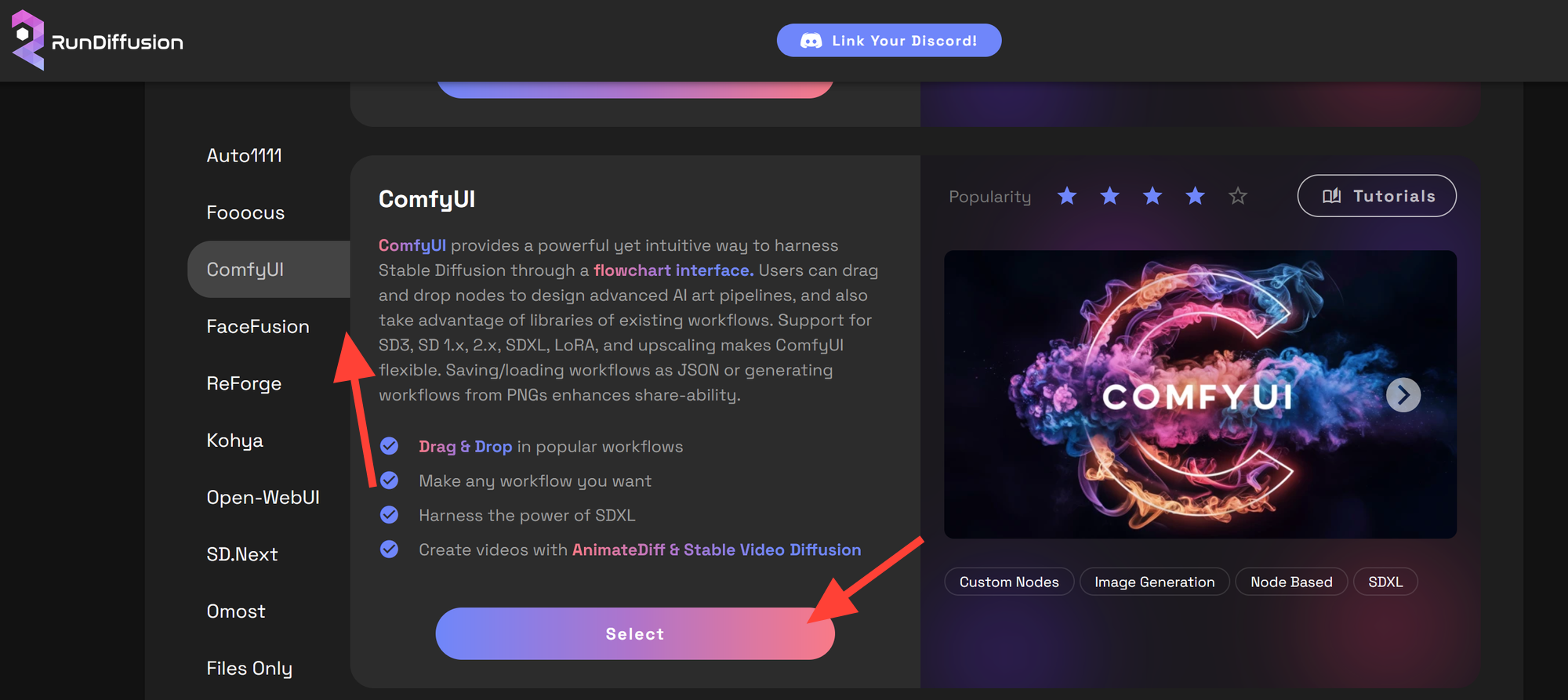
Go to RunDiffusion Open your browser and go to RunDiffusion and select ComfyUI. Select ComfyUI from the available options.
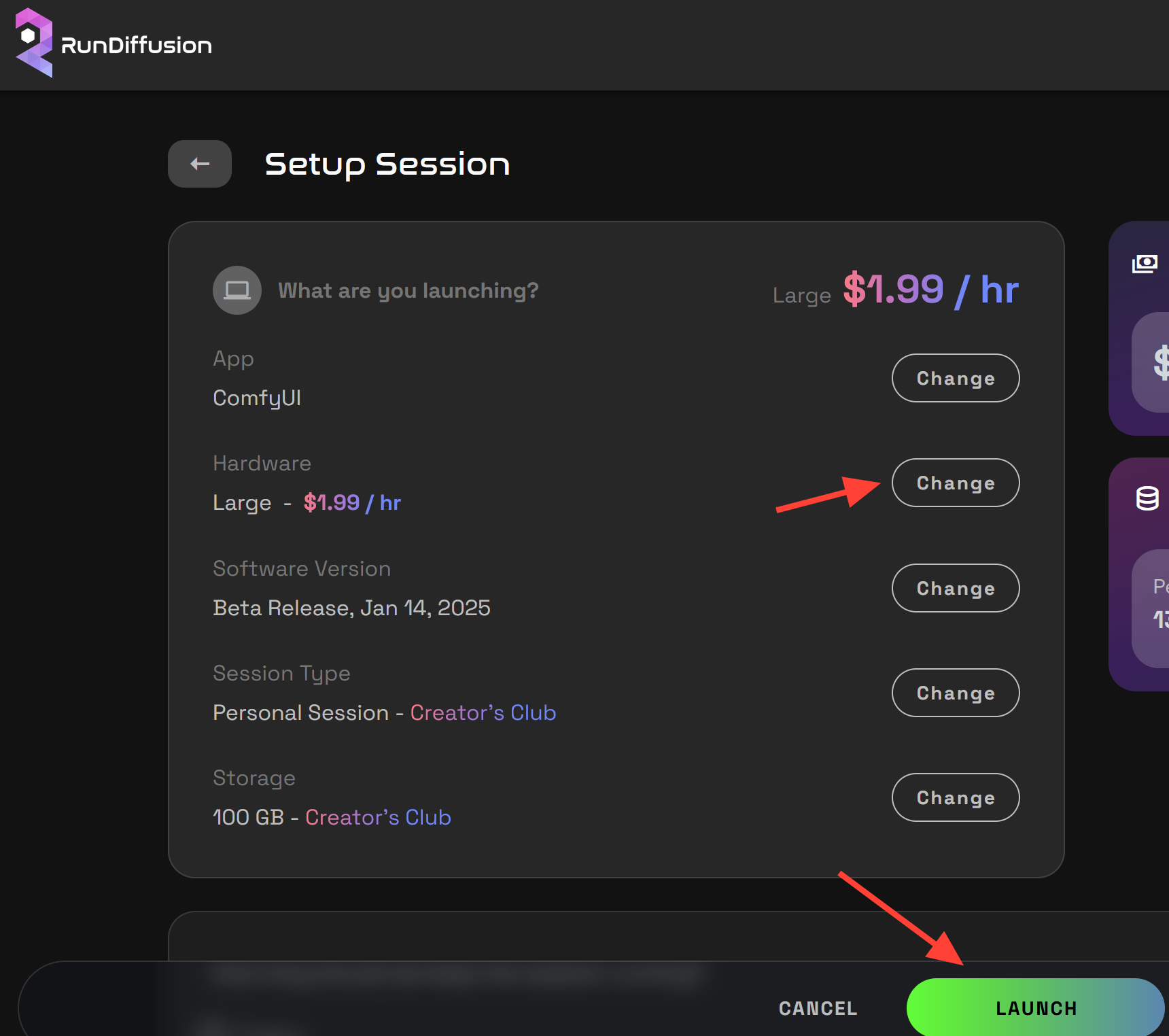
Set up your ComfyUI session. Hardware: Choose Large for optimal performance. Click Launch to start the session.
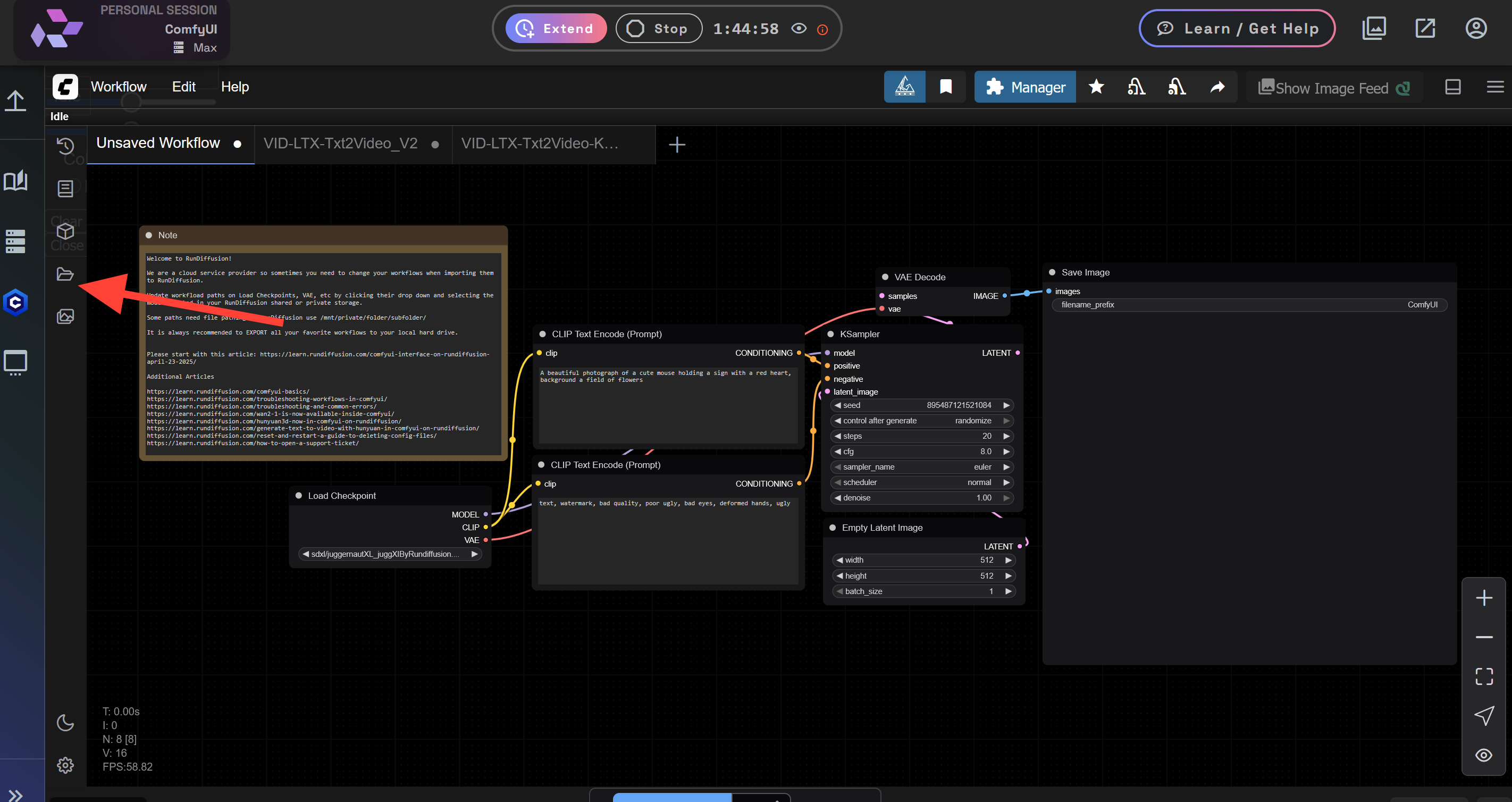
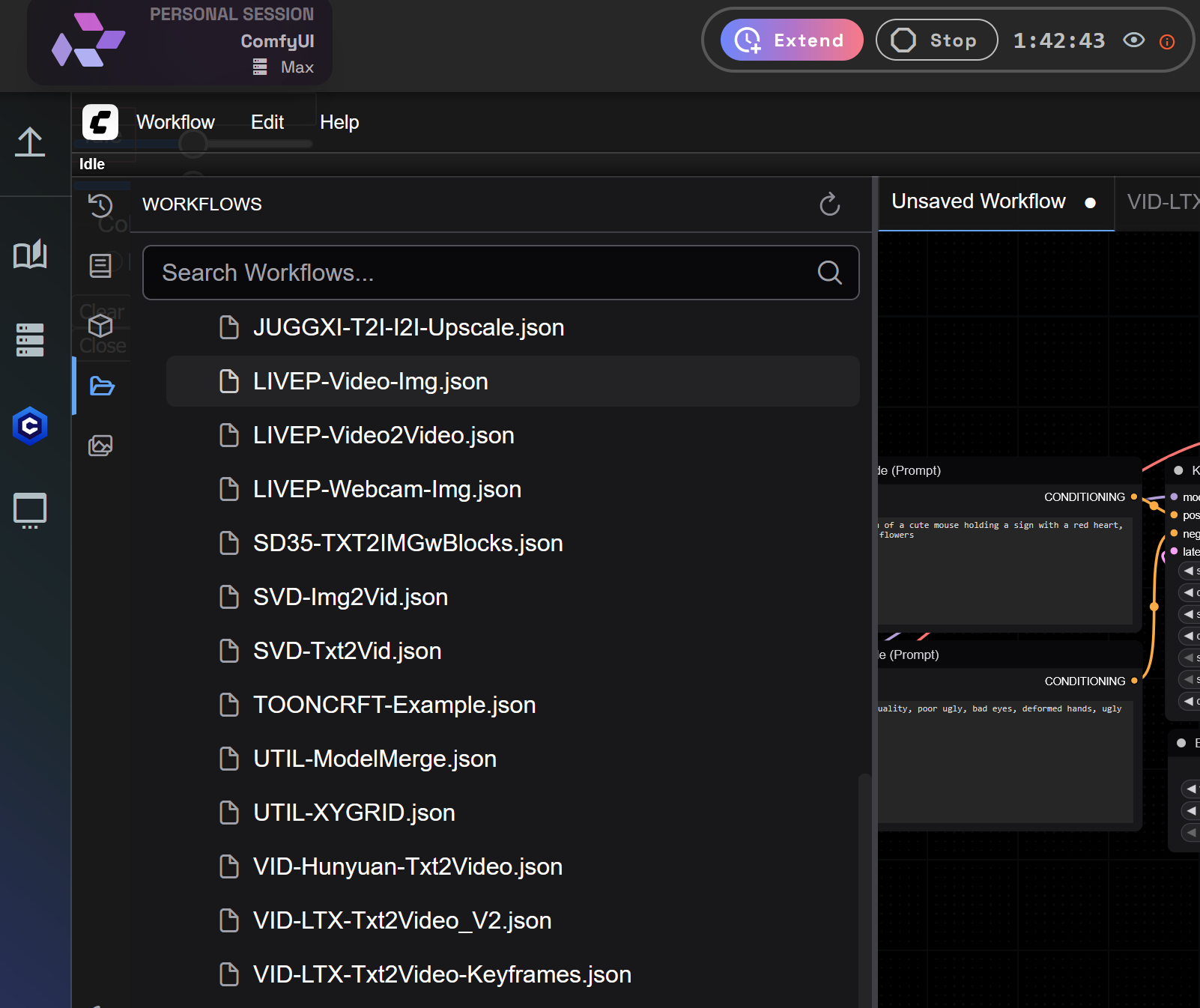
Once inside ComfyUI, click Workflow icon on the side bar.
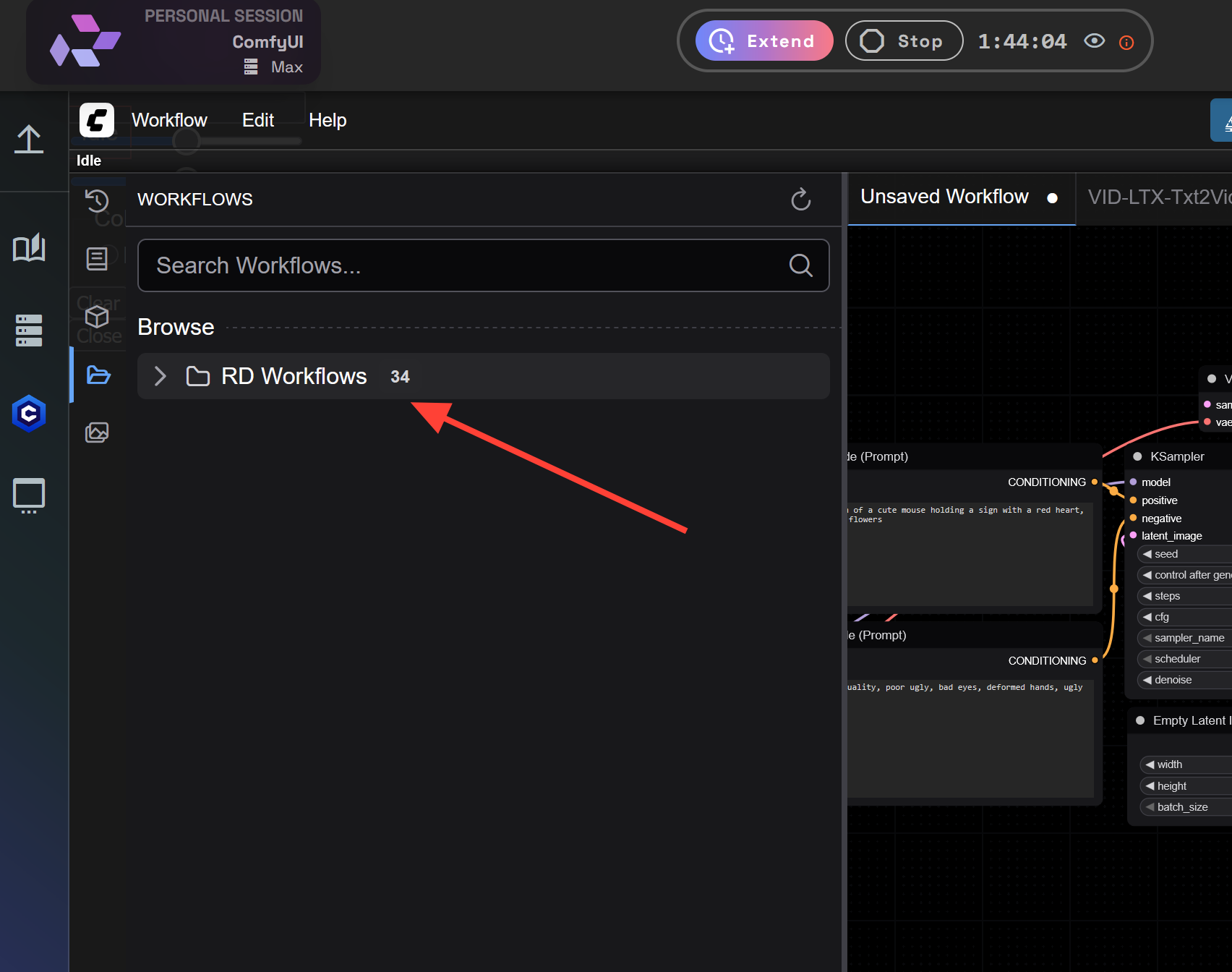
Click RD Workflows.
Scroll down to VID-LTX-Txt2Video_V2.json or VID-LTX-Txt2Video-Keyframes.sjon.
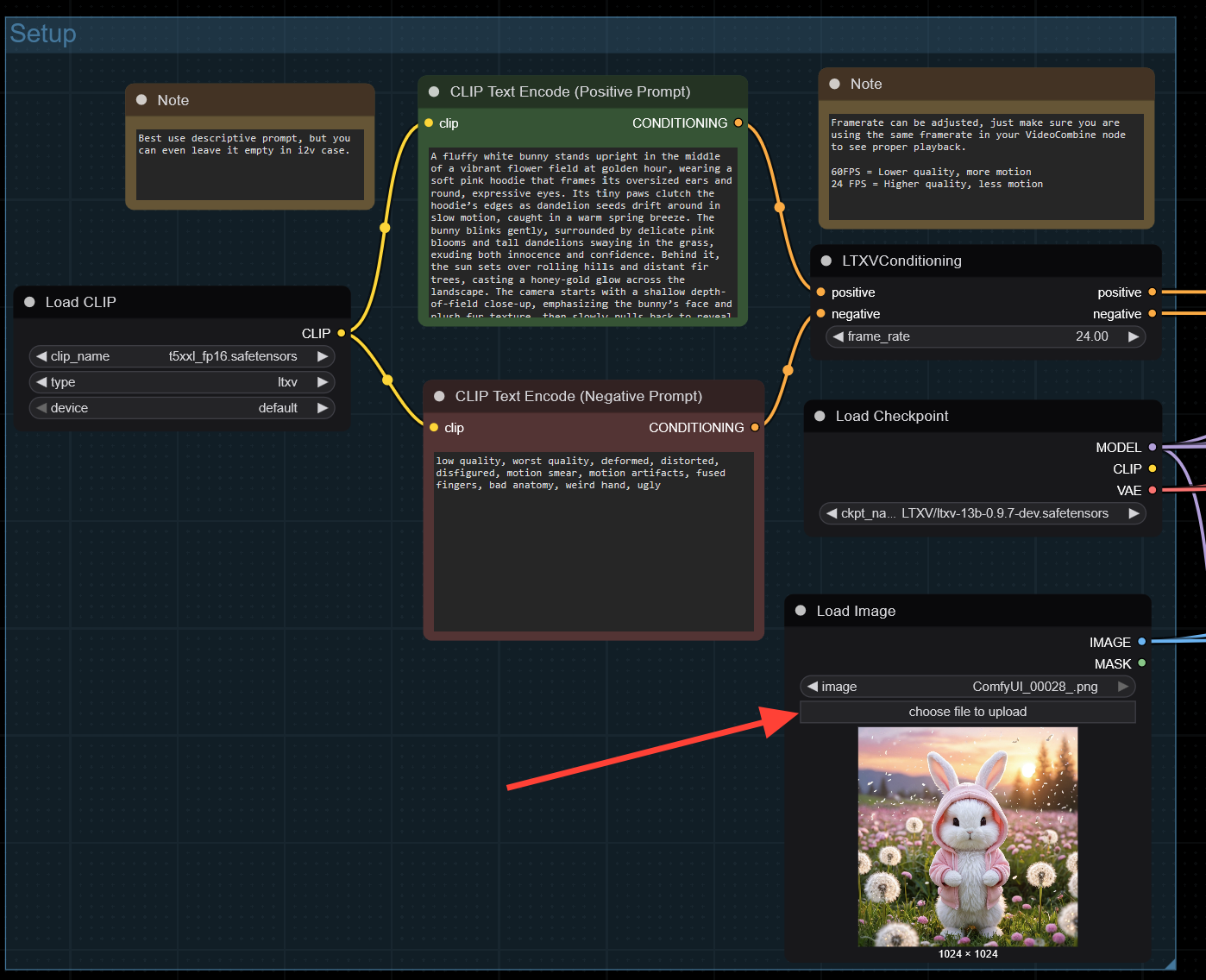
Locate the Load Image node. Click Upload and select an image from your hard drive.
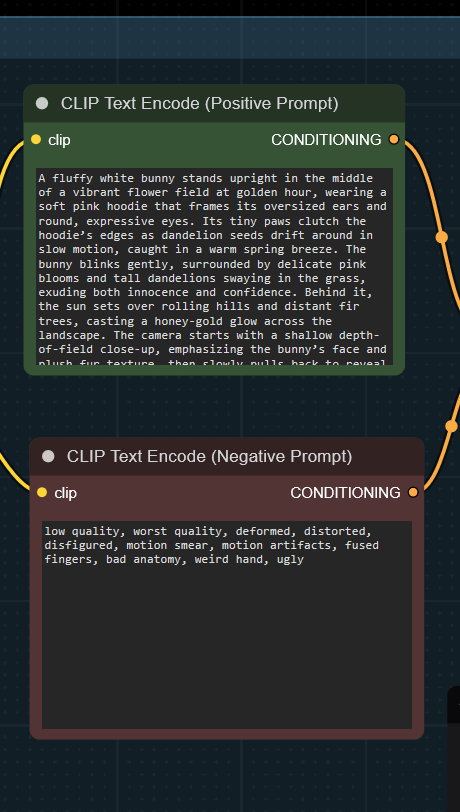
Type a detailed Positive and Negative Prompt.
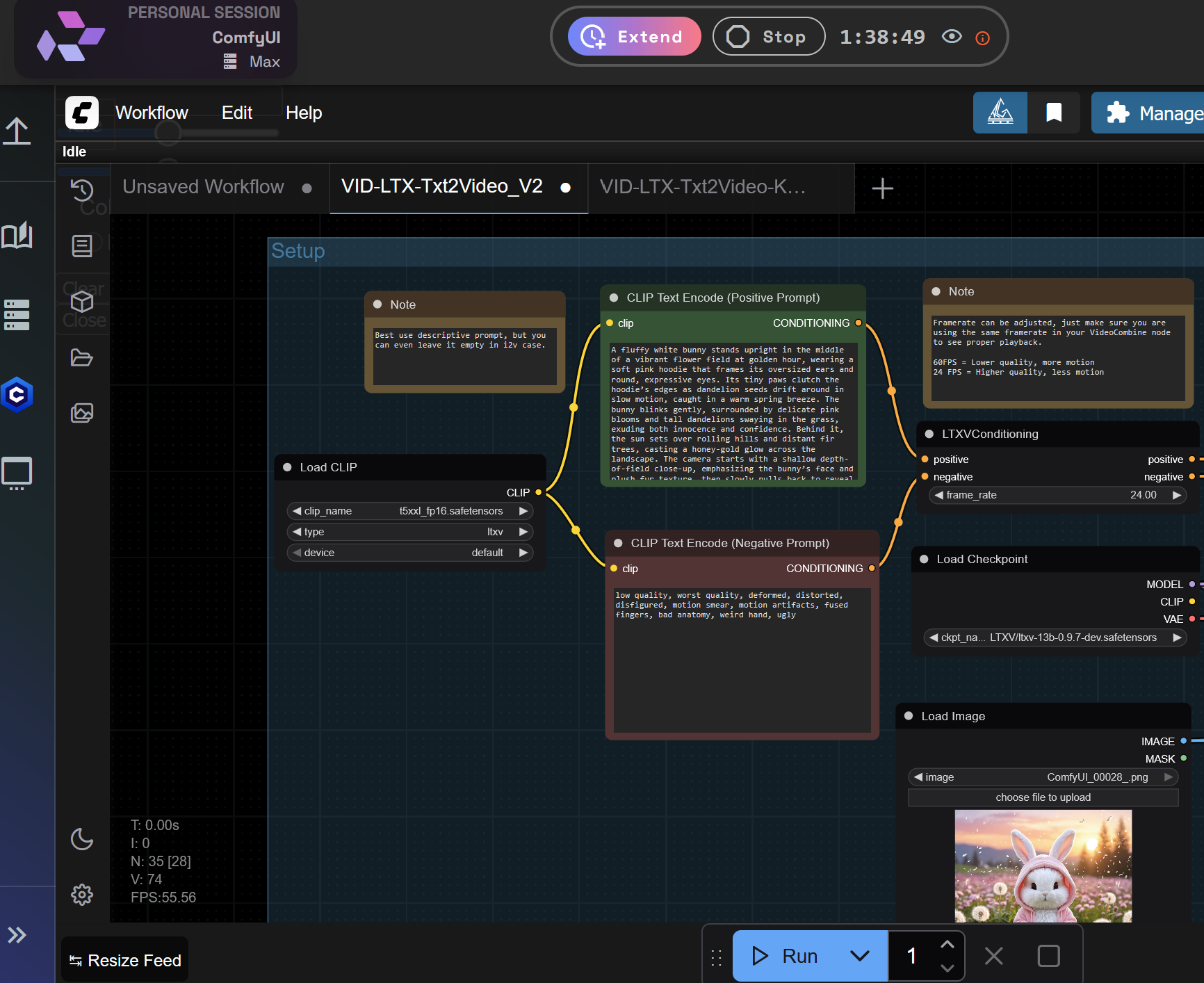
At the bottom of ComfyUI, click the Run/Queue button to start processing.
Your processed video will be viewable in the Video Combine node.
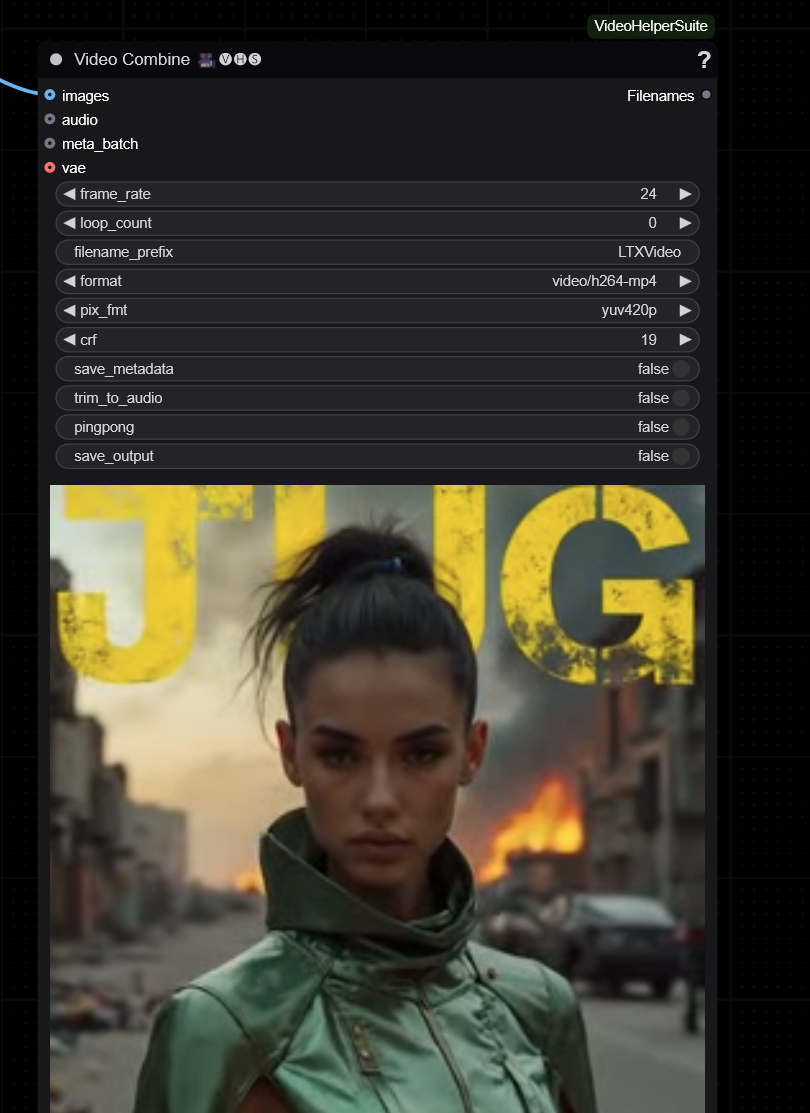
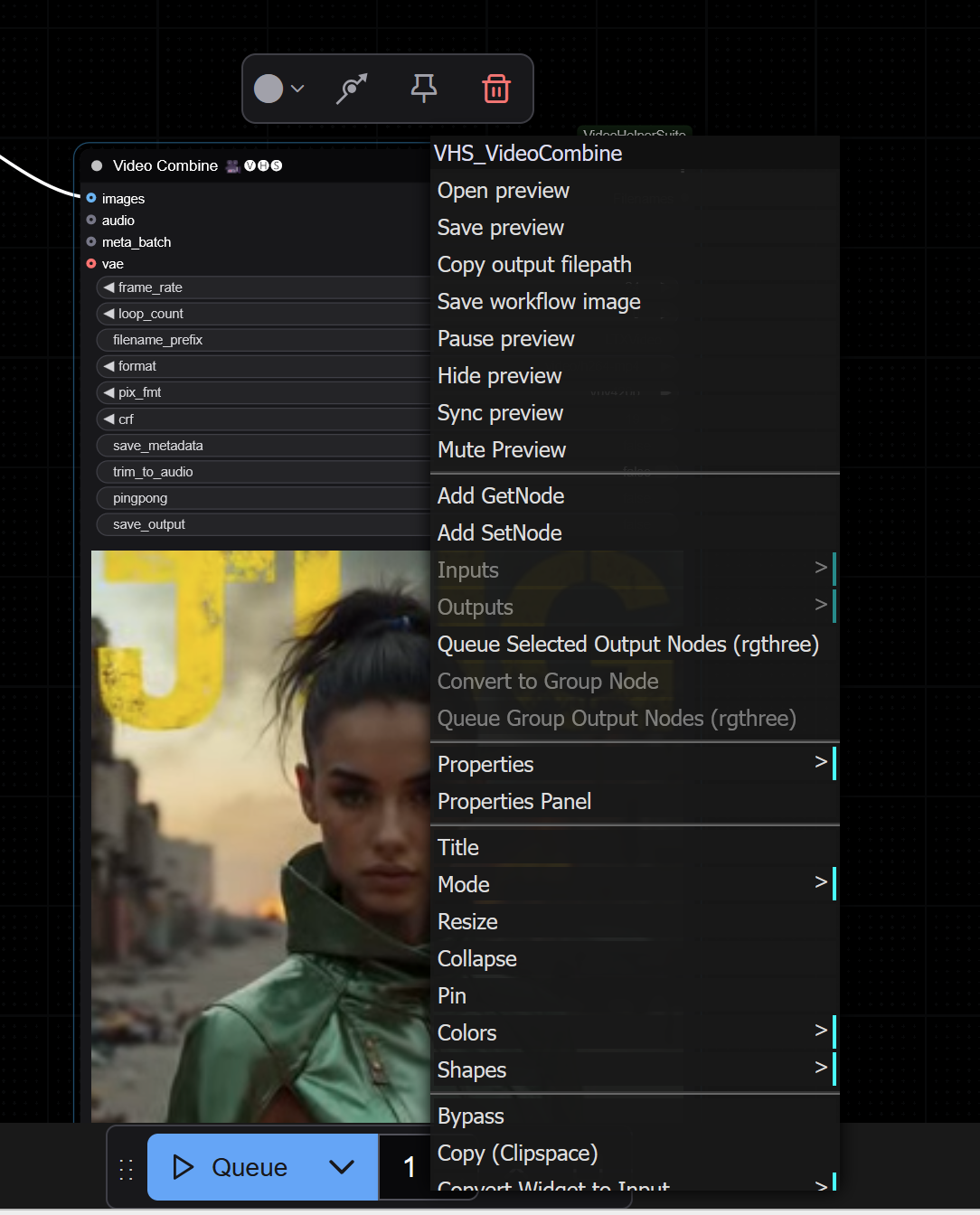
Right-click on the video and select Save Preview to download it to your computer.
Final Thoughts
As with all things AI, don’t be afraid to experiment and tweak settings to fit your needs. If something doesn’t work as expected, you can always reload the workflow and try again.
Also, be sure to support the official GitHub repository and thank the developers for sharing this workflow with the community:
 Lightricks
For more tutorials and guides, visit: RunDiffusion Learn
