


If you feel like your tokens disappear faster than expected, you’re not alone. Whether you’re using Runnit tools or running open source applications, token usage can ramp up quickly during experimentation, iteration, and early-stage exploration.
The good news is that slowing down token spend rarely requires sacrificing quality. In most cases, it’s about matching models, settings, and hardware to the stage of work you’re in. Below are practical, platform-aware strategies to help you stay in control of your token usage.
Reduce Image Counts During Early Video and Scene Work
One of the fastest ways tokens are consumed is through generating multiple images per step especially in video, scene, or animation-style workflows.
For early-stage work:
- Reduce image generation from 4 images down to 2 or even 1
- Use single-image passes to validate composition and framing
- Increase image counts only after creative direction is approved
This approach is ideal for storyboards, previews, and start/end frames. You still get fast feedback, but without multiplying token usage unnecessarily.

Avoid Model Overkill: Match the Model to the Task
Using the most powerful model for every task is a common cause of rapid token drain. Nano Banana Pro and models like it are capable, and easy to use. But they also cosume more tokens per generation. Many tasks don't require that level of power.
A more token efficient strategy. Use lighter or faster models for ideation, layout, and prompt testing. Reserve higher-cost models for final, client-ready outputs.
A lot of asset creation can be done with more affordable models like like Seedream V4, Flux 2, and Nano Banana. Use only larger models like Seedream V4.5 and Nano Banana Pro only when a task truly requires it. Matching model complexity to task complexity can dramatically extend how far your tokens go.
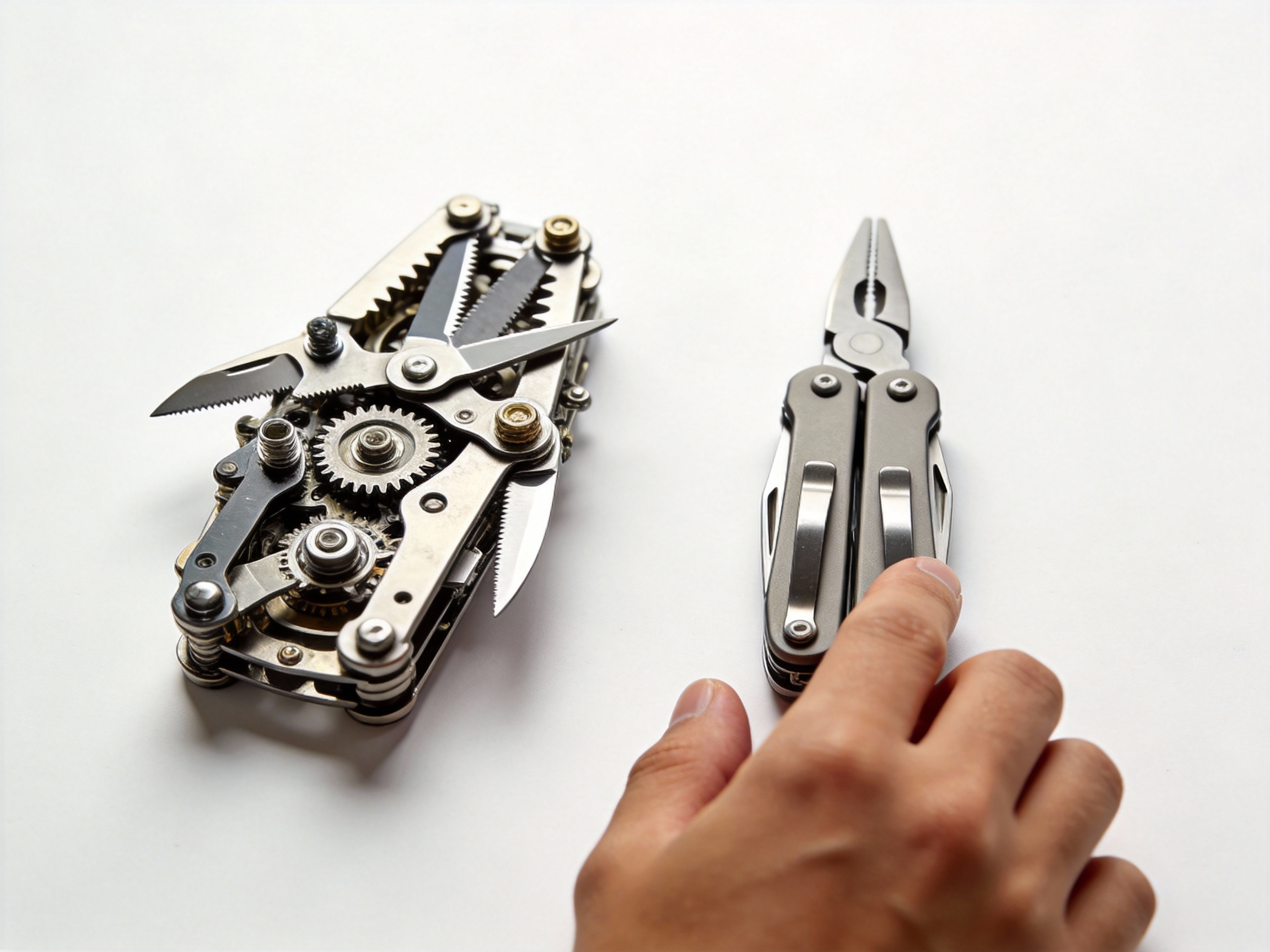
Concept Early With Lightning and Flux Models
Early ideation is where most token waste happens. Rapid prompt changes, stylistic experimentation, and discarded generations can quietly drain balances.
Juggernaut Lightning, Z Image Turbo and Flux models are ideal for this phase because they:
- Generate faster
- Cost fewer tokens
- Are well suited for rough drafts and visual exploration
Use these models to:
- Explore styles and moods
- Test prompts quickly
- Lock in composition and creative direction
Once those decisions are made, switching to higher-fidelity models becomes intentional and far more cost effective.

Lock Prompts and Composition Before Scaling Up
Another common source of token waste is scaling settings too early.
Before increasing:
- Image resolution
- Video duration
- Scene or frame counts
- Number of Images
Make sure:
- Prompts are stable
- Subjects behave consistently
- Composition is already approved
Finalizing these fundamentals first avoids repeating expensive generations later—especially in longer video or presentation-driven workflows.

Token Usage When Running Open Source Applications
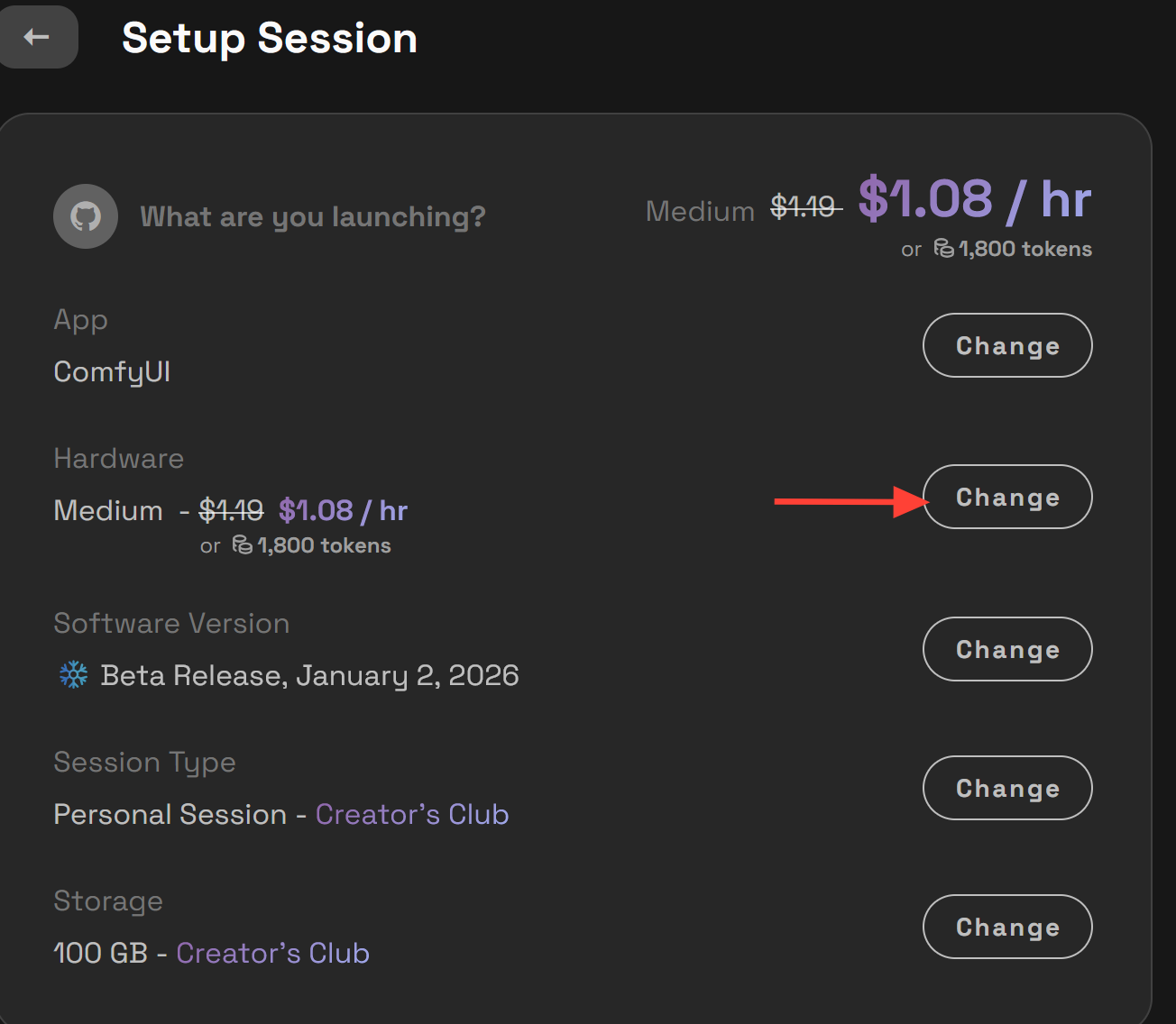
If you are using tokens for open source applications on RunDiffusion, server size selection has a major impact on how quickly tokens are consumed.
Larger servers provide more performance, but they also burn tokens faster. Importantly, not all workflows benefit from a Large or Max server.
Choose the Right Server Size
In many cases, switching to a smaller server can significantly slow token usage without affecting output quality.
A Medium server is often sufficient when:
- Prompt testing and early iteration
- Running lightweight or single-image workflows
- Doing setup, layout, or composition work
- Exploring models and parameters
Reserve Large or Max servers for:
- Heavy video workflows
- Large batch generations
- Complex multi-stage pipelines
- High-resolution or memory-intensive jobs
- Model Training
- Close Project deadlines
If a workflow runs comfortably on a Medium server without errors considering working on medium instead of always switching to a large.
Scale Hardware Only When Necessary
A token-efficient open source workflow often looks like this:
- Start on a Medium server for testing and iteration
- Validate prompts, settings, and outputs
- Upgrade to Large or Max only for final runs that truly need the performance
This staged approach prevents paying premium token rates during experimentation.
Enterprise Feature Coming Soon: Token Throttling
For Enterprise teams, token control goes beyond individual habits it’s about protecting shared budgets.
Token throttling is coming soon for Enterprise accounts. This feature will allow administrators to:
- Set a maximum number of tokens that can be spent per minute
- Prevent runaway usage from large batch jobs or rapid iteration
- Create predictable and controlled token spend across teams
Token throttling is especially useful for agencies, large creative teams, and training environments where guardrails are needed without blocking productivity.

Adopt a Draft-First, Final-Later Mindset
One of the most reliable ways to slow token usage is to treat RunDiffusion like a professional production pipeline, not a one-click generator.
A token-efficient workflow looks like this:
- Low-cost models and smaller servers for drafts
- Minimal image counts
- Prompt and composition refinement
- Higher-end models, settings for final output
Separating experimentation from production ensures tokens are spent where they create the most value.

Get Hands-On Help Optimizing Your Enterprise Workflows
If your Enterprise team wants deeper, hands-on guidance, we can help. RunDiffusion offers access to professional instructors who can meet directly with your team to review and optimize your Runnit Boards, workflows, and token usage strategies.
These sessions are ideal for:
- Teams scaling up production
- Agencies managing shared token budgets
- Organizations onboarding new users
- Groups looking to standardize efficient Runnit workflows
If you’d like an instructor from our Customer Success Team to work with your team and help you get the most out of RunDiffusion while keeping token usage under control, please reach out to us to get started.
If you enjoyed the Graphics used in this article they were created with Seedream V4.5 and Juggernaut Lightning.
Frequently Asked Questions (FAQ)
Why am I spending tokens so quickly on RunDiffusion?
Tokens are most commonly spent faster due to high image counts, powerful models being used for simple tasks, scaling resolution too early, or running large servers when smaller ones would work. Early experimentation is usually the biggest contributor.
Does lowering image count reduce quality?
Not during early stages. Reducing image count from 4 to 2 or even 1 is ideal for testing composition, framing, and prompts. You can increase image count later once direction is locked in.
When should I use high-end models like Nano Banana Pro or Seedream V4.5?
Use high-end models only for final, client-ready outputs or tasks that truly require maximum detail and accuracy. For concepting, layout, and asset creation, more affordable models like Seedream V4, Flux 2, or Nano Banana are usually sufficient.
What are the best models for early concepting and iteration?
Models such as Juggernaut Lightning, Z Image Turbo, and Flux are excellent for early ideation. They generate faster, cost fewer tokens, and are ideal for exploring styles, prompts, and composition.
Why should I lock prompts before increasing resolution or duration?
Scaling resolution, frame count, or video length before prompts are stable leads to expensive rework. Locking prompts and composition first prevents repeating high-cost generations later.
How does server size affect token usage for open source applications?
Larger servers consume tokens faster. Many workflows run perfectly well on a Medium server. Large or Max servers should be reserved for heavy workloads like video generation, large batches, model training, or tight deadlines.
When should I upgrade from a Medium server to Large or Max?
Upgrade only after validating your workflow. Start on Medium for testing and iteration, then scale up only when performance limits or memory requirements demand it.
What is token throttling for Enterprise accounts?
Token throttling is an upcoming Enterprise feature that allows administrators to set a maximum number of tokens that can be spent per minute. This helps prevent runaway usage and keeps team spending predictable.
Who benefits most from token throttling?
Token throttling is ideal for agencies, large creative teams, training environments, and organizations managing shared token budgets across multiple projects.
Can RunDiffusion help my team optimize token usage?
Yes. Enterprise customers can work directly with RunDiffusion’s professional instructors to optimize Runnit Boards, workflows, and token strategies. These sessions are especially helpful for onboarding teams and standardizing best practices.
Do smarter workflows really make a big difference?
Absolutely. Using a draft-first approach lighter models, fewer images, smaller servers can dramatically extend token usage while maintaining quality for final outputs.
