


If you're looking to generate AI-powered videos directly in ComfyUI, Hunyuan Video is one of the most powerful models currently available. In this quick-start guide, we’ll walk through how to use Hunyuan Video in ComfyUI on RunDiffusion, from login to rendering your first animated output.
Whether you're experimenting with video generation or working on a creative project, this guide will get you up and running quickly using the cloud-based tools at RunDiffusion.
Step-by-Step: Hunyuan Video in ComfyUI
Here’s how to get up and running in just a few clicks:
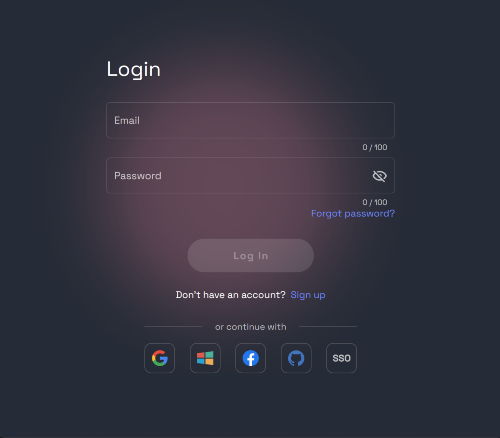
Step 1: Log in to RunDiffusion
Head over to Opensource Applications and log into your account when prompted.
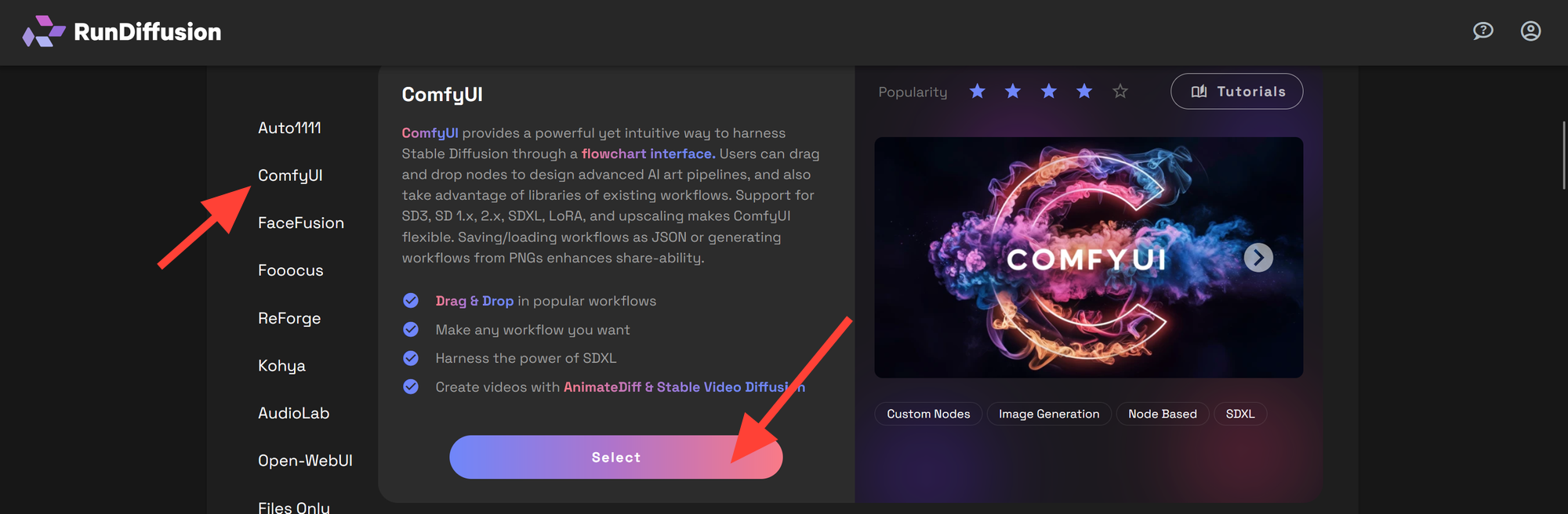
Step 2: Choose ComfyUI
From the left sidebar, select ComfyUI. Then click Select.
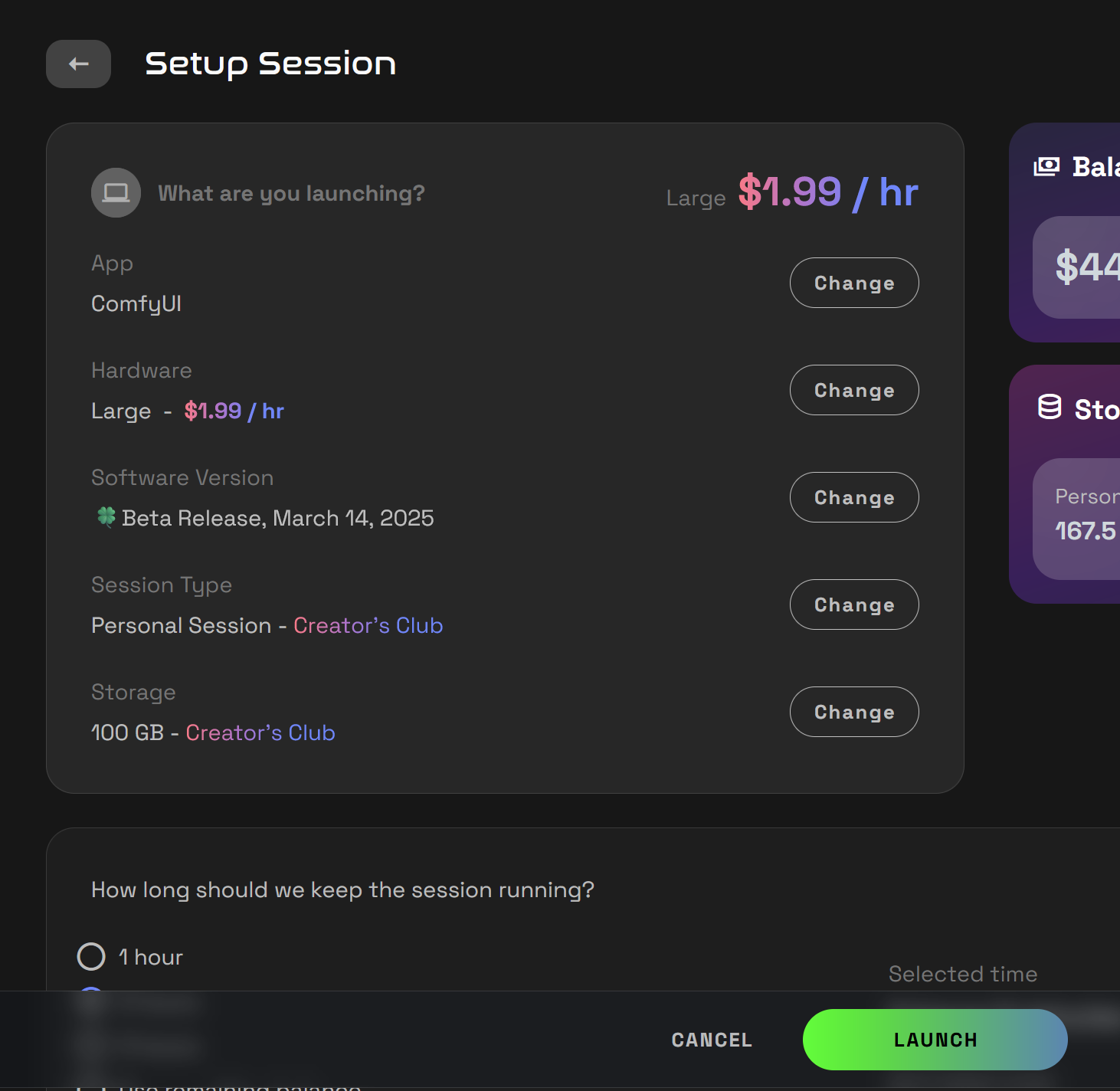
Step 3: Launch a Large Server
Setup your session and Click Launch.
💡 Tip: We recommend using a Large server for video processing with Huanyuan, as it requires more VRAM and compute resources.
Step 5: Load the Huanyuan Video Workflow
In the ComfyUI application.
- Click the Workflow icon on the left sidebar.
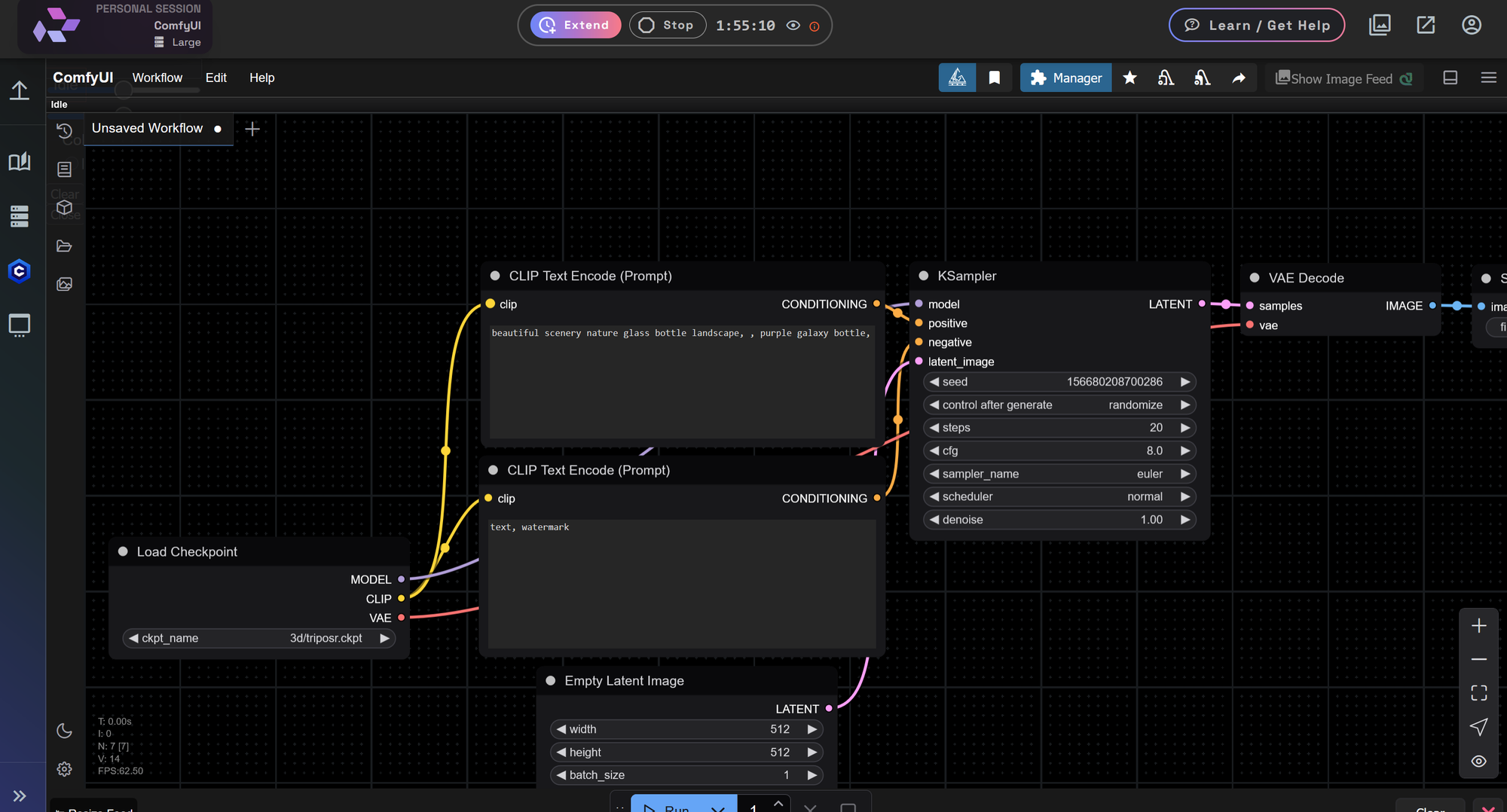
- Locate the RD Workflows folder and click it once.
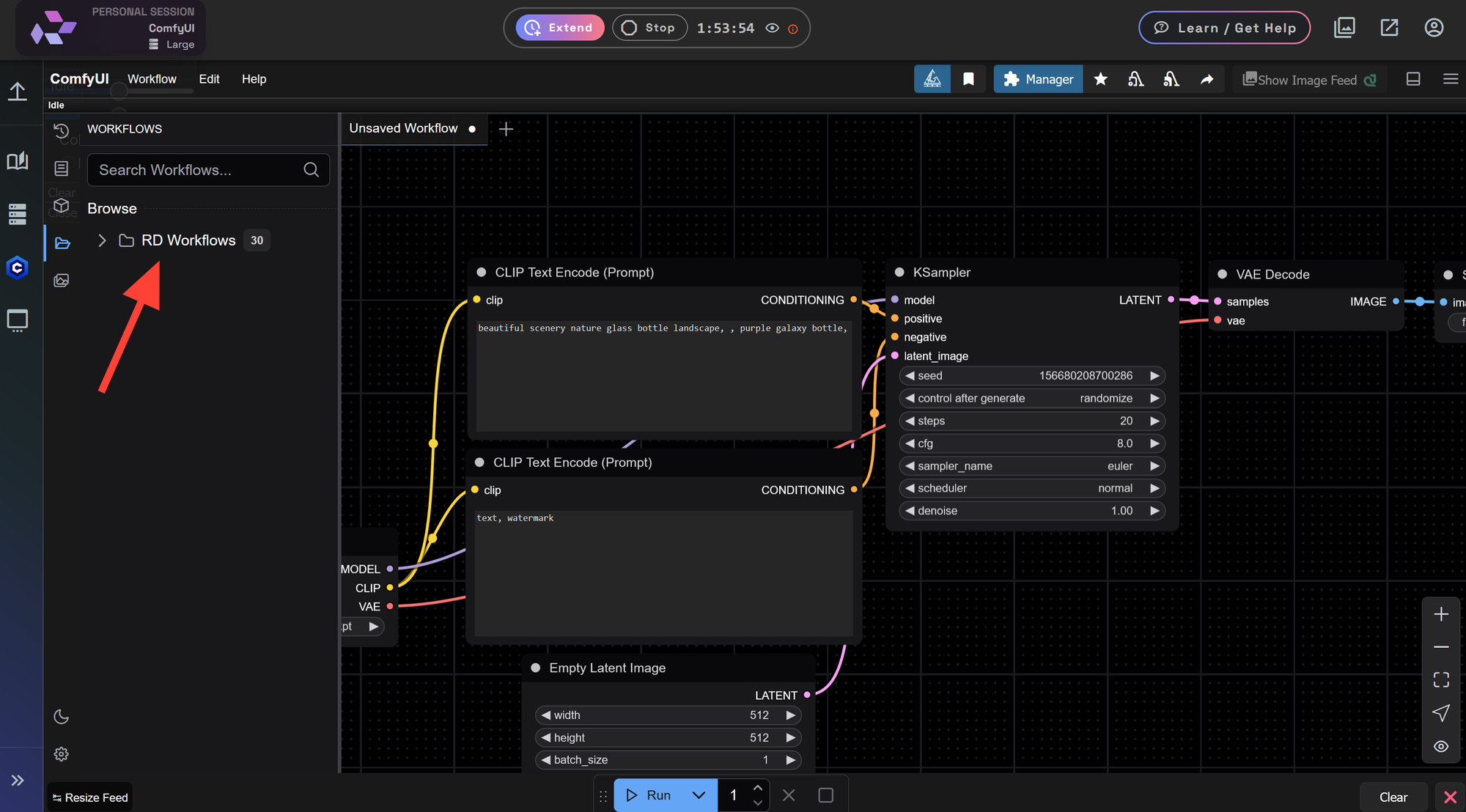
- You can expand the sidebar by dragging the border to make workflow names easier to read.
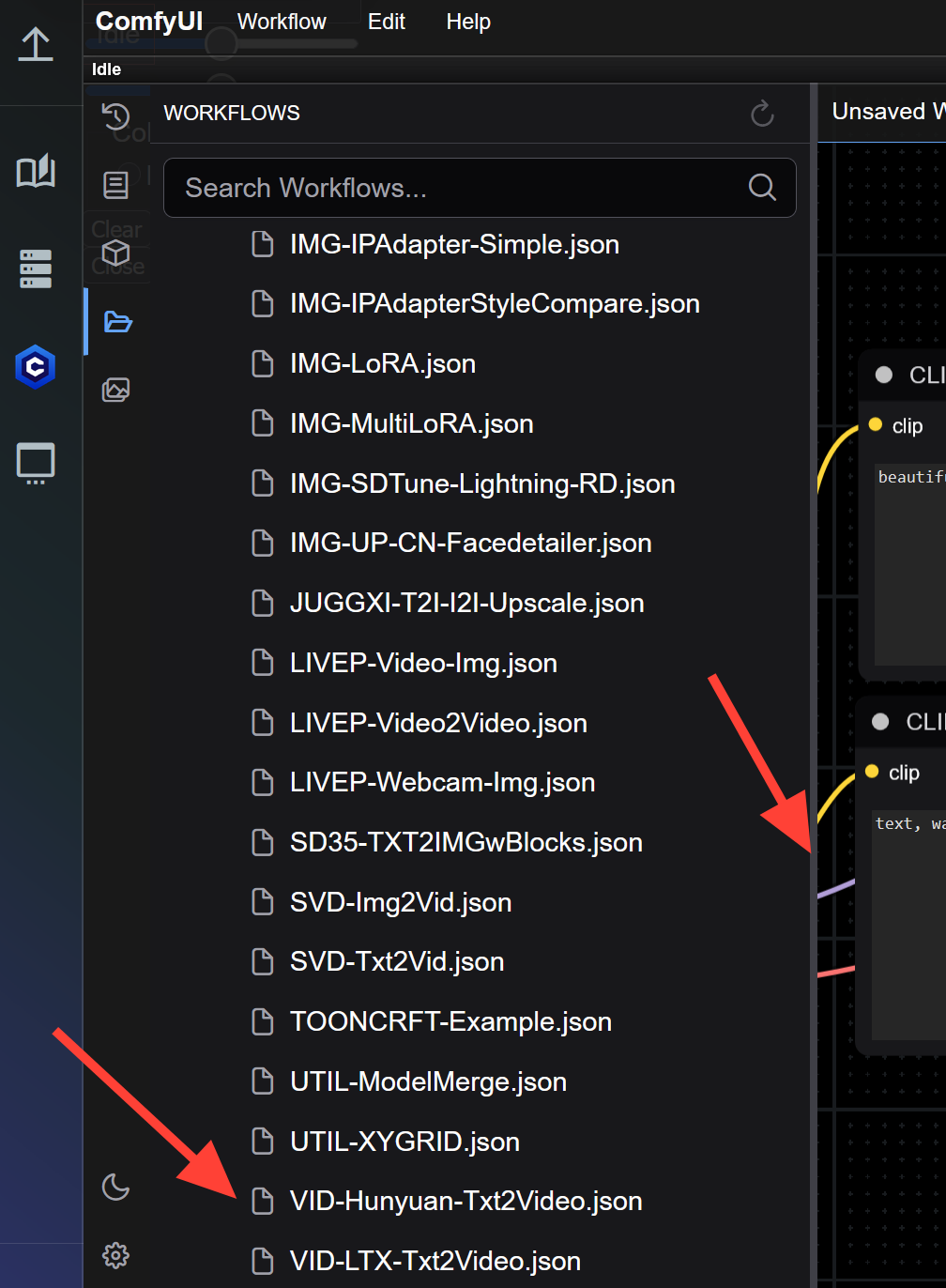
- Scroll down and select
VID-Hunyuan-TXT2Video.json.
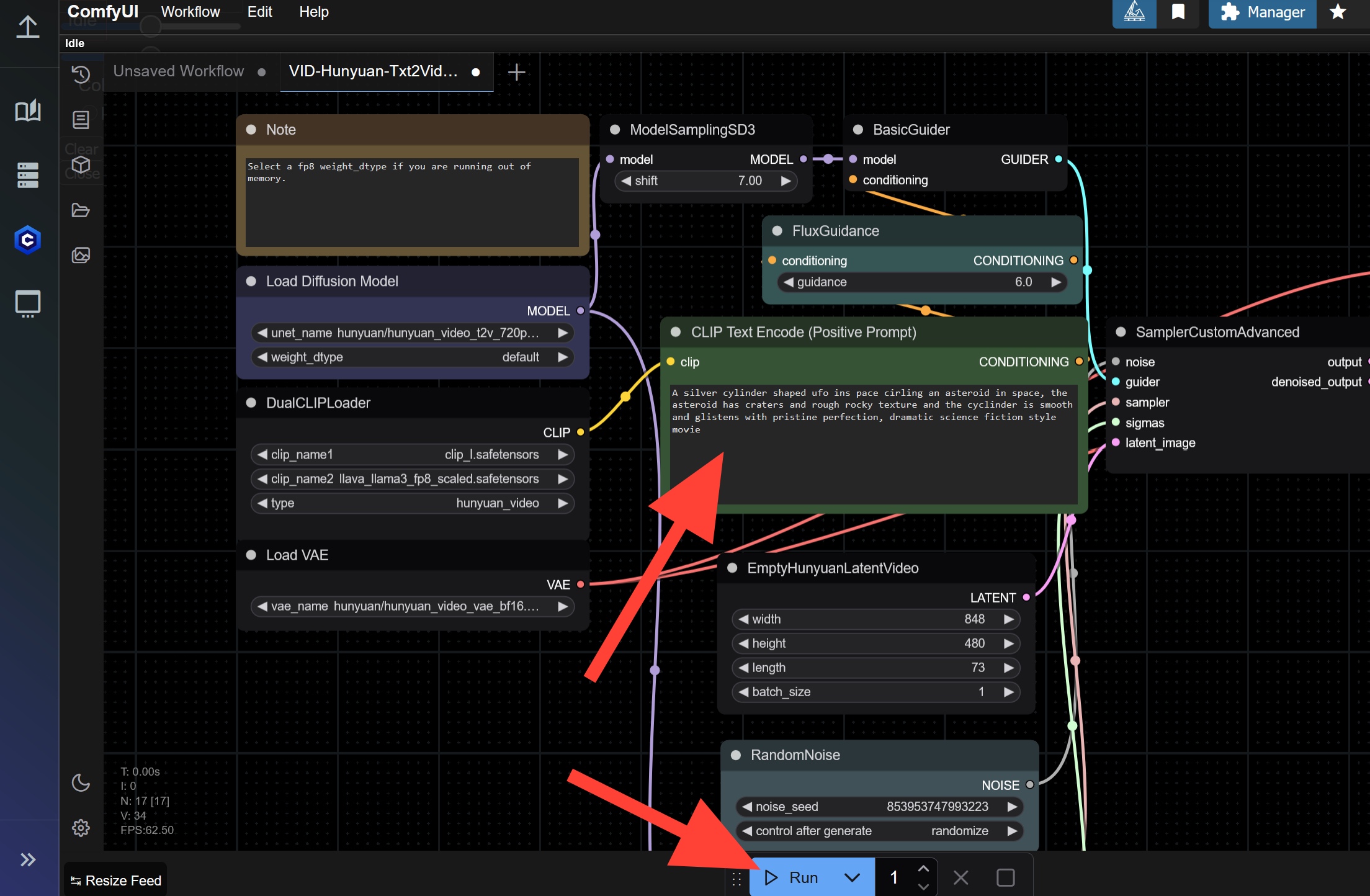
Step 6: Enter a Prompt and click Run!
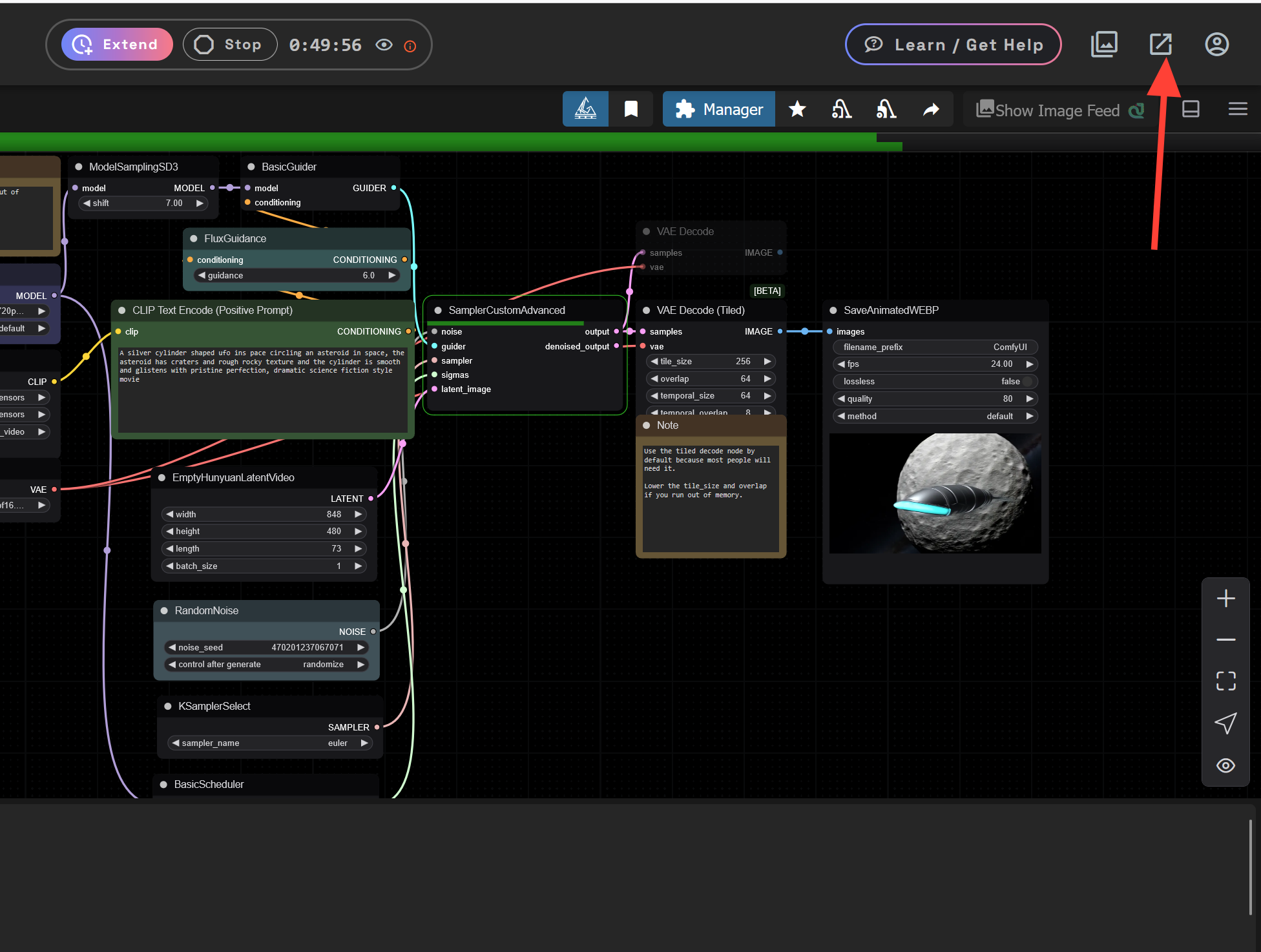
In the CLIP Text Encode (Positive Prompt) node, enter your prompt (e.g., "A silver cylinder shaped ufo ins pace circling an asteroid in space, the asteroid has craters and rough rocky texture and the cylinder is smooth and glistens with pristine perfection, dramatic science fiction style movie") and click Run.
Step 7: Check your Results and Iterate!
Once your video is complete:
- Left click on the completed video in the bottom left it will expand the video to see your results.
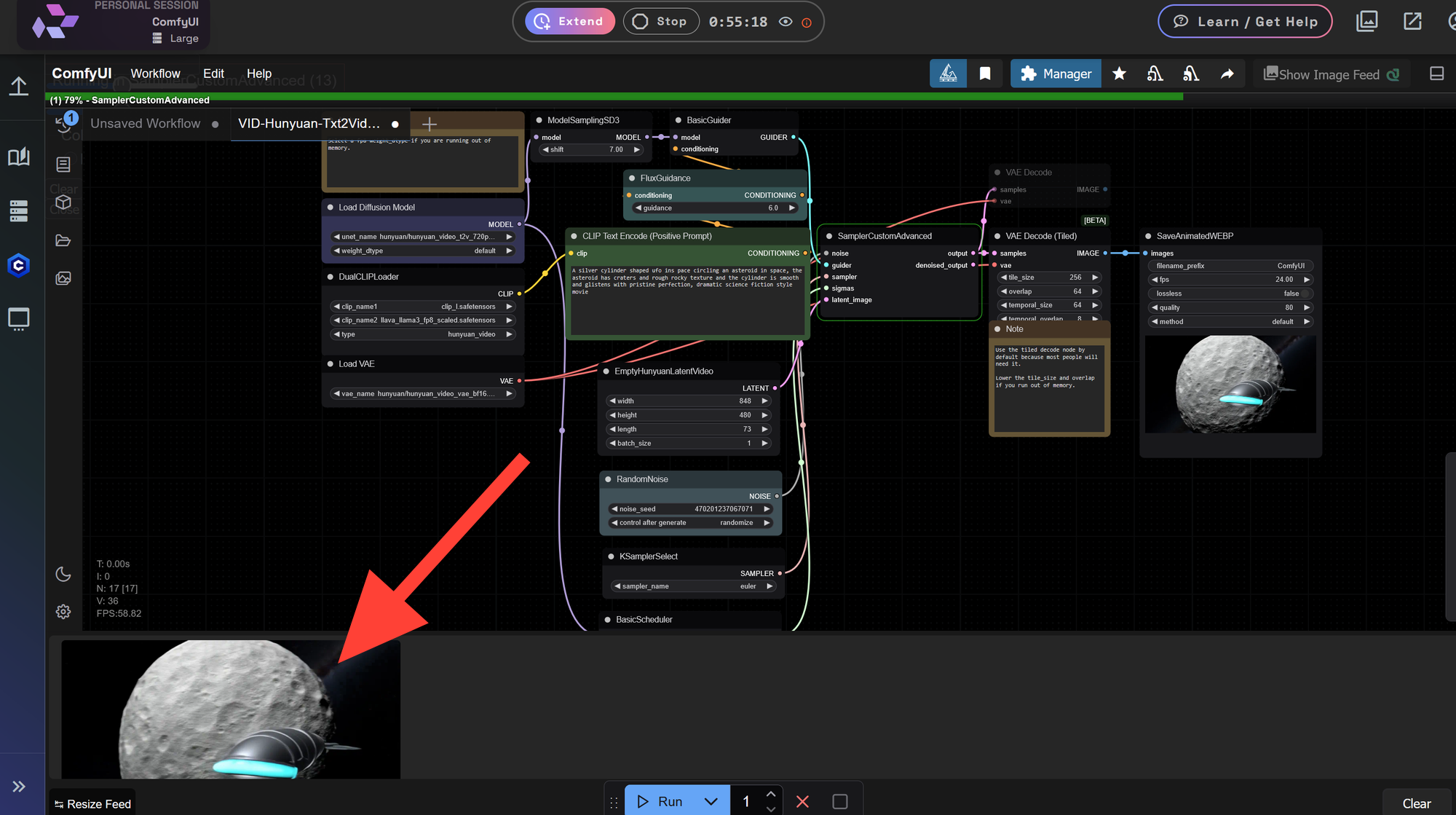
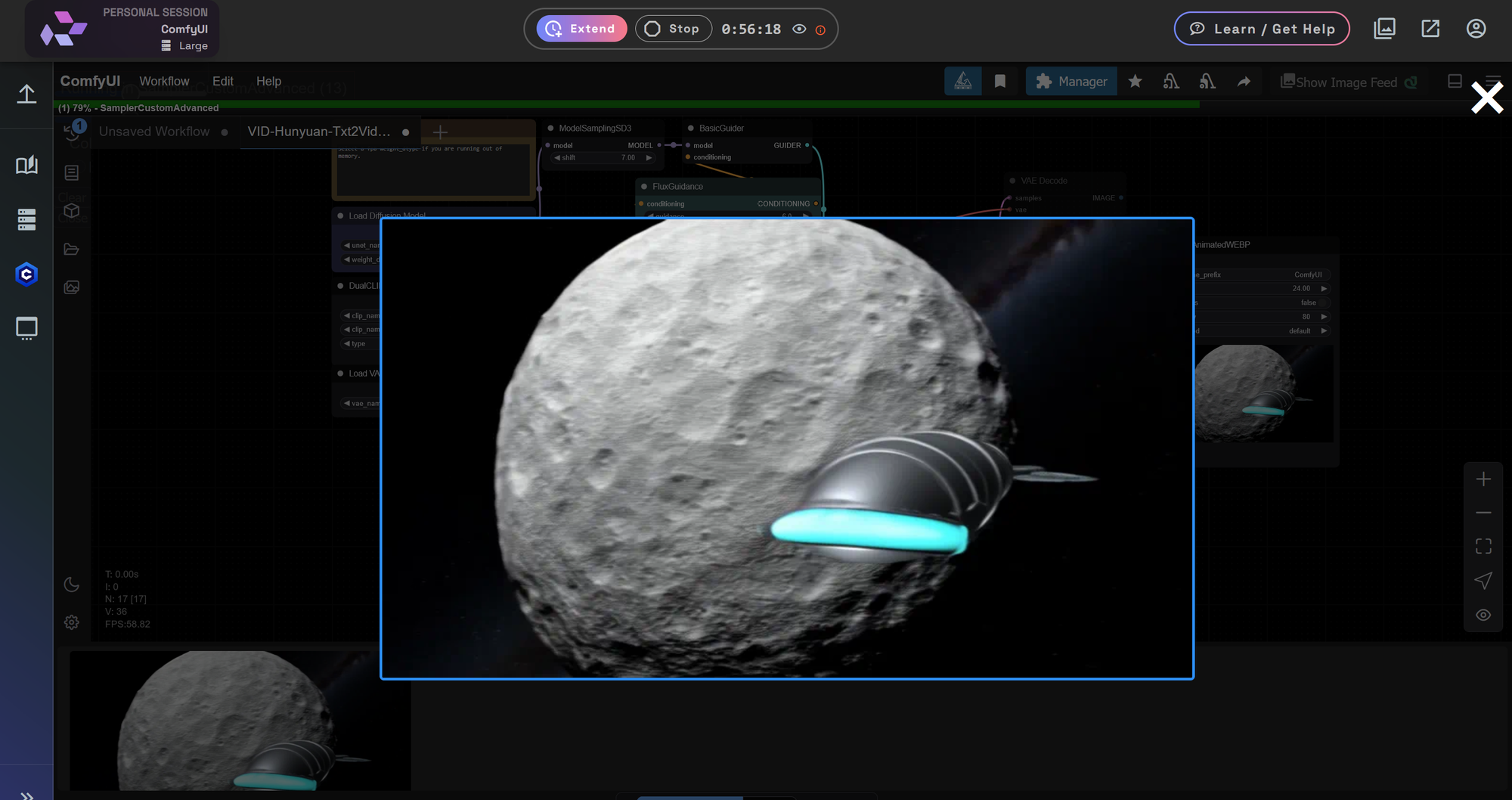
- Make prompt adjustments and click Run again to refine your result.
⏱ The first run may take longer as models are loading — follow-up generations will be slightly faster.
🧘♂️ Video generations take more time than image generation.
Step 7: Save your favorites!
Click on your File Browser in the top right. This will pop out the file browser as a second tab.
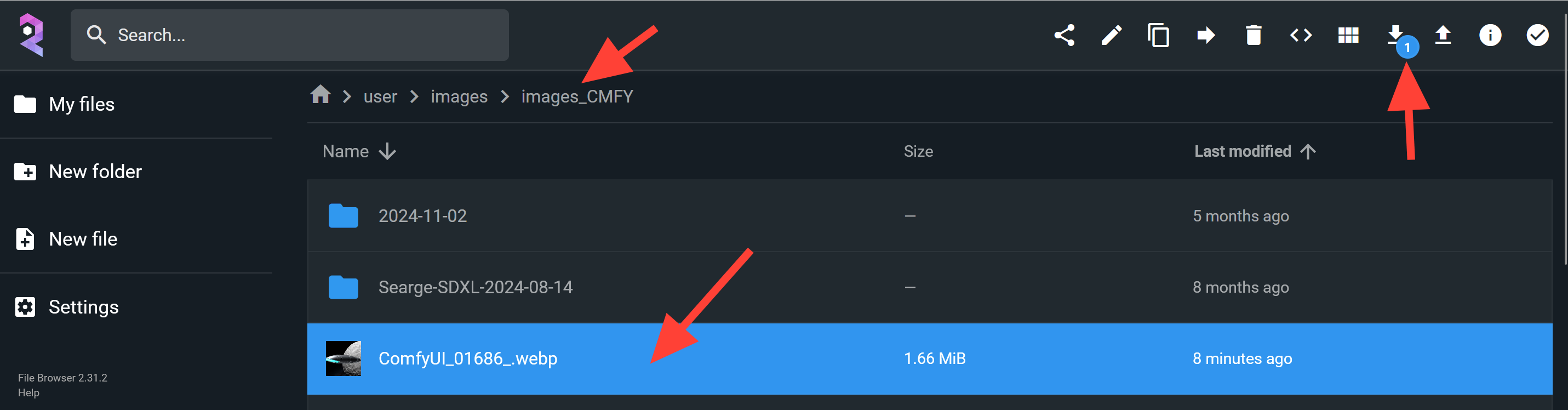
Navigate to images then Images_CMFY and sort by Last modified. Select your recently created file and click download.
Examples


✅ Final Thoughts
Using Hunyuan Video inside ComfyUI on RunDiffusion gives you powerful, GPU-backed tools to create compelling video from simple text prompts. There’s no need for complex installs or hardware — just load a workflow, write your prompt, and generate cinematic AI content in the cloud.
📚 Further Reading
Want to dive deeper into video workflows in ComfyUI? Check out this helpful guide:
👉 LTX Video Workflow for ComfyUI
