


Introduction
Juggernaut Z by RunDiffusion was built through the collaboration of Team Juggernaut, the group behind the model’s development. Team Juggernaut includes Model Creator and trainer Kandoo, Model Tester and Prompt Guide author Adam, and Marketing and Distribution Coordinator Darin. This work is funded and distributed by RunDiffusion.
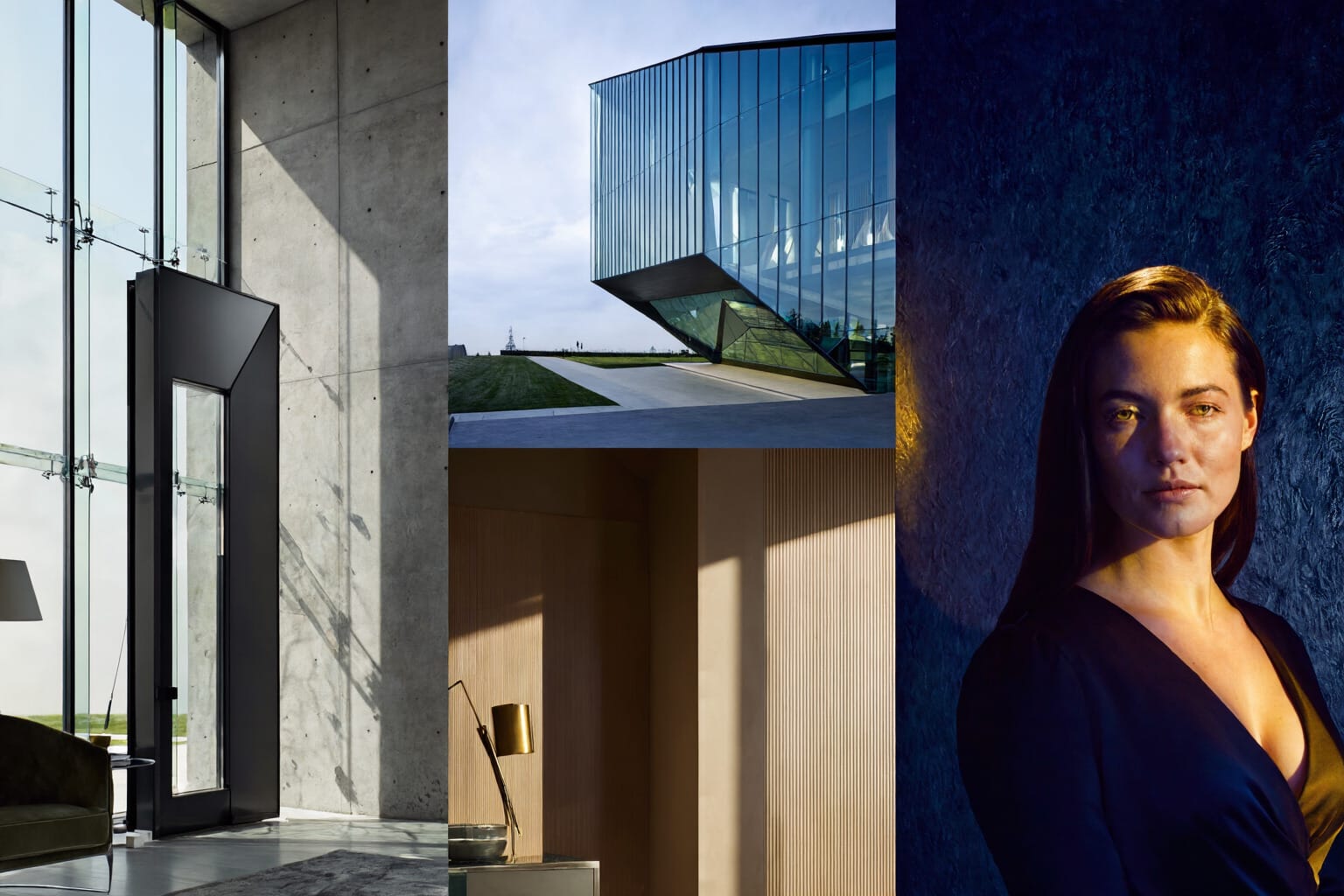
Juggernaut Z by RunDiffusion is the first release, in our Z Image Base series with updated versions already planned. Future versions will continue to refine the model.
Juggernaut Z performs best when prompts are clear, visual, and intentional. Strong results come less from adding more words and more from choosing the right ones.
This guide focuses on the kind of prompting that gives Juggernaut Z a stronger foundation: clear subjects, defined environments, deliberate lighting, grounded materials, and composition that reads as a complete image rather than a loose idea.
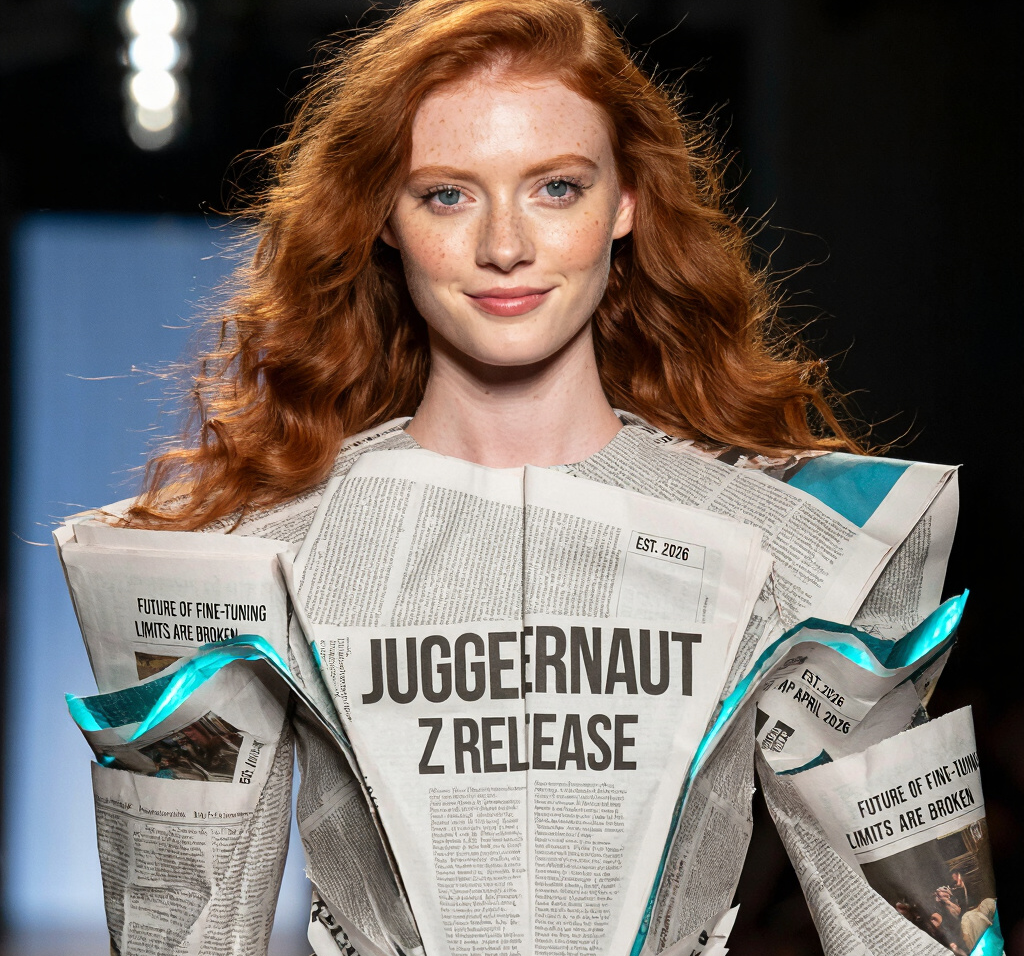
Why Juggernaut Z Rewards Clear Prompting
Juggernaut Z benefits from prompts that describe an image as a scene rather than a stack of disconnected aesthetic terms. Broad shorthand can still produce interesting results, but the model becomes more reliable when the prompt establishes what is actually in the frame, where it is placed, how it is lit, and which details matter most.
Attributes Include:
- the main subject
- visible attributes
- action, pose, or condition
- environment
- lighting
- composition
- materials and surfaces
- key color decisions
- exact text, when text matters
The goal is not to make prompts longer. The goal is to make them clearer.
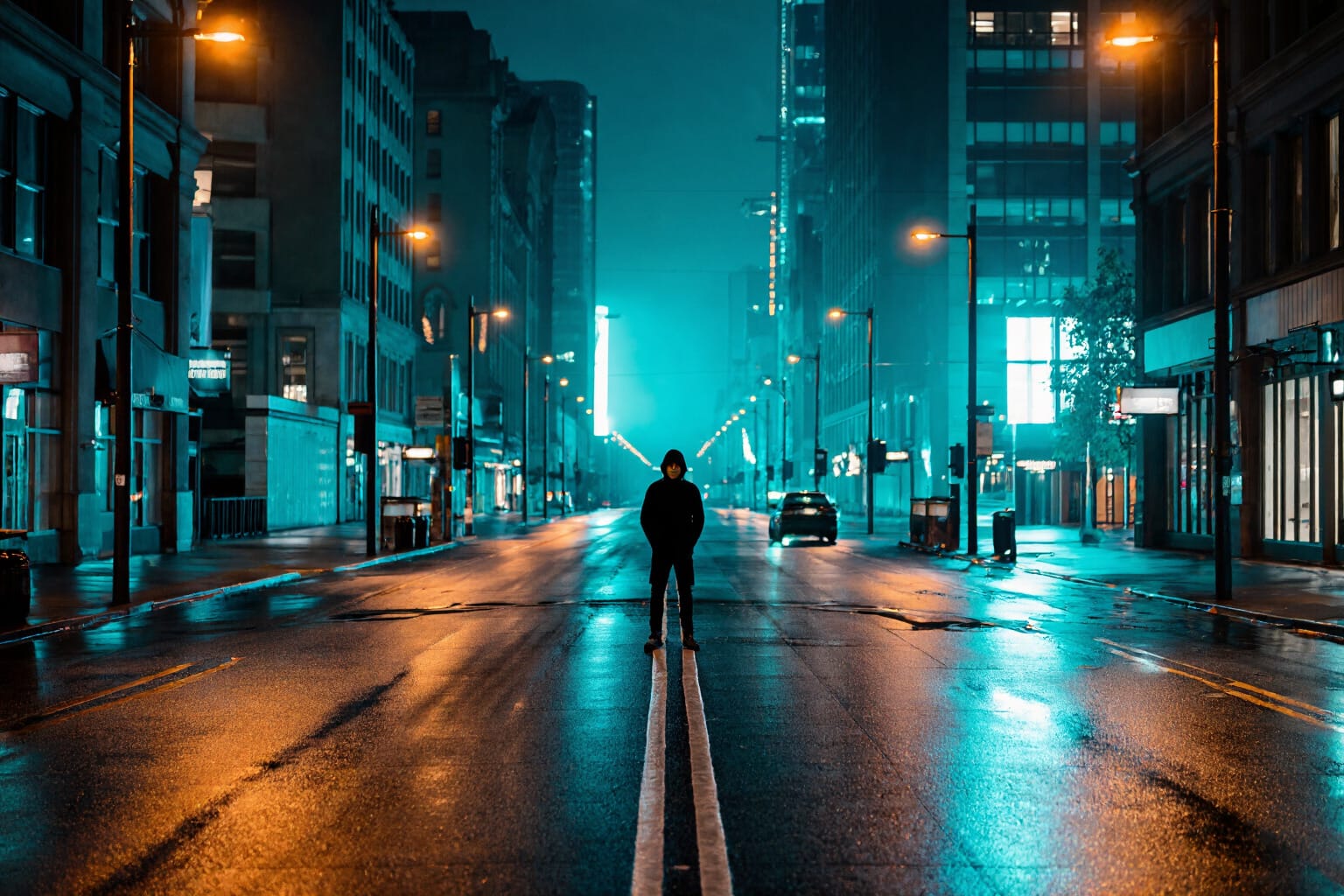
The Core Prompting Principle
The strongest Juggernaut Z prompts preserve the original idea while removing ambiguity.
That means holding on to the elements that should not change, including subject, quantity, action, named entities, specified colors, required text, and any explicit constraints. From there, the prompt can expand where it improves clarity, structure, and visual coherence.
A strong prompt does not bury the concept under filler. It gives the model a readable image to build.
A Practical Prompt Structure for Juggernaut Z
A dependable structure for Juggernaut Z looks like this:
exact text if needed + subject + visible attributes + action or state + environment + lighting + composition + material or color cues
The difference is usually immediate. A vague prompt leaves too much to interpretation. A structured prompt tells the model what belongs in the frame and what gives the image its visual identity.
Recommended Settings for Juggernaut Z
Prompt quality matters most, but settings still shape how Juggernaut Z resolves detail, contrast, and overall image coherence. The best results usually come from pairing a strong prompt with controlled settings rather than pushing values to extremes.
Recommended Settings in the RunDiffusion Juggernaut Z Tool
When using the RunDiffusion Juggernaut Z Tool, the recommended starting point is:
- CFG: 6
- Steps: 35
That is the baseline setting Team Juggernaut recommends for balanced results.
A useful working range is:
- CFG: 5 to 9
- Steps: 25 to 45
Lower values in that range can keep generations looser and faster. Higher values can add structure and refinement, but pushing too far can make the image feel overworked. For most generations, staying near the middle of that range produces the strongest balance.
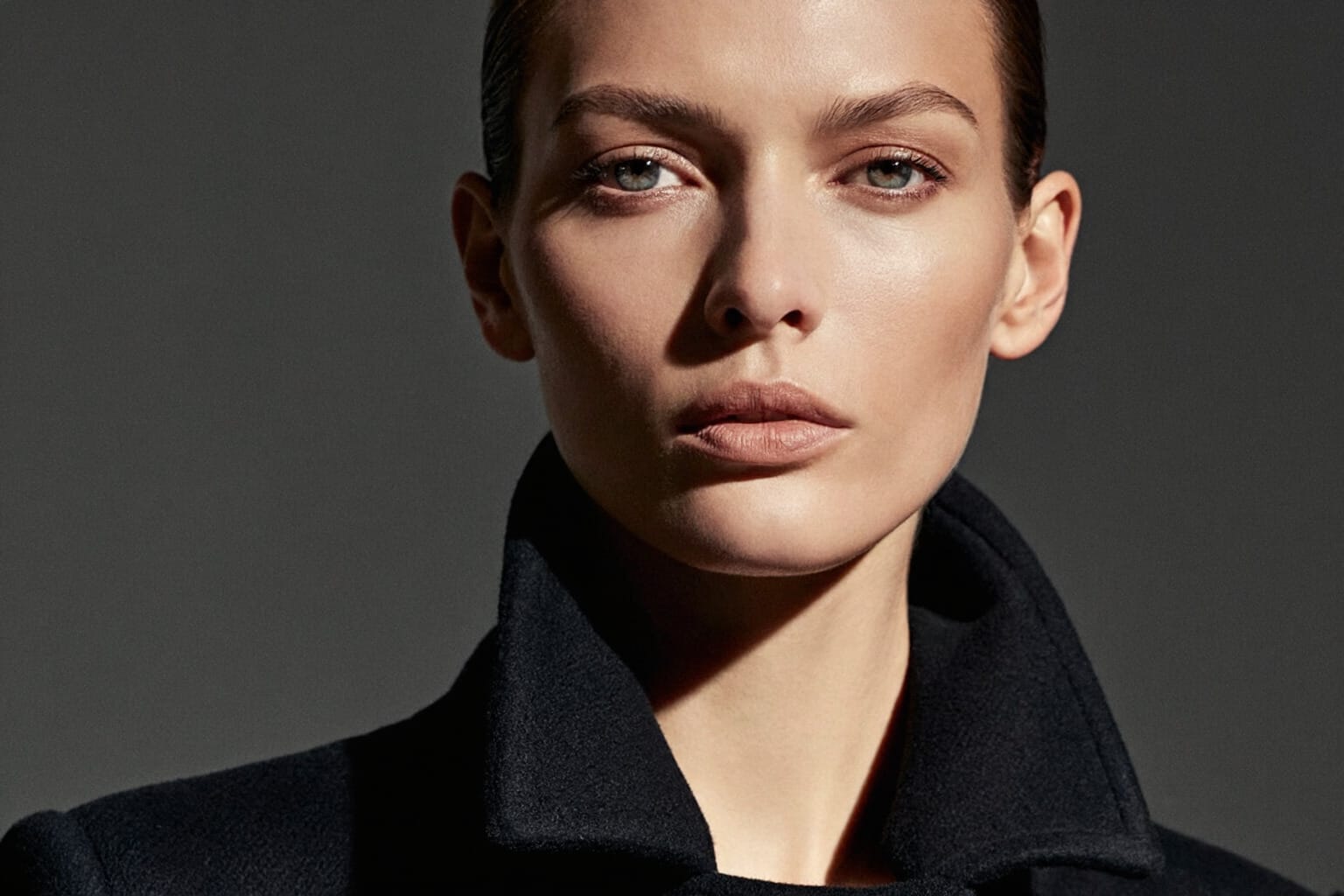
Recommended Settings in the ComfyUI Workflow
Our Recommended ComfyUI workflow titled Juggernaut Z Workflow is available below.
Our workflow is a modified version of zimage_base_simple created by user nsfwVariant. If you found our workflow helpful please also tell them thank you.
First pass
- Steps: 22
- Denoise: 1.00
- Sampler: Res_2s
- Scheduler: Beta
Second pass
- Steps: 3
- Denoise: 0.15
- Sampler: Res_2s
- Scheduler: Normal
This workflow is designed to establish the image cleanly in the first pass, then apply a lighter second pass for refinement without disrupting the overall composition.
Negative Prompt for Realism: 3D, ai generated, semi realistic, illustrated, drawing, comic, digital painting, 3D model, blender, video game screenshot, screenshot, render, high-fidelity, smooth textures, CGI, masterpiece, text, writing, subtitle, watermark, logo, blurry, low quality, jpeg, artifacts, grainy
What about API Access?
RunDiffusion provides API access to Juggernaut Z through our partnership with Runware, making it easier to integrate image generation into products, automated workflows, and production systems.
What Works Well in Juggernaut Z Prompts
Juggernaut Z tends to benefit from prompt language that is concrete, visible, and spatially coherent. In practice, that means a few categories matter more than others.
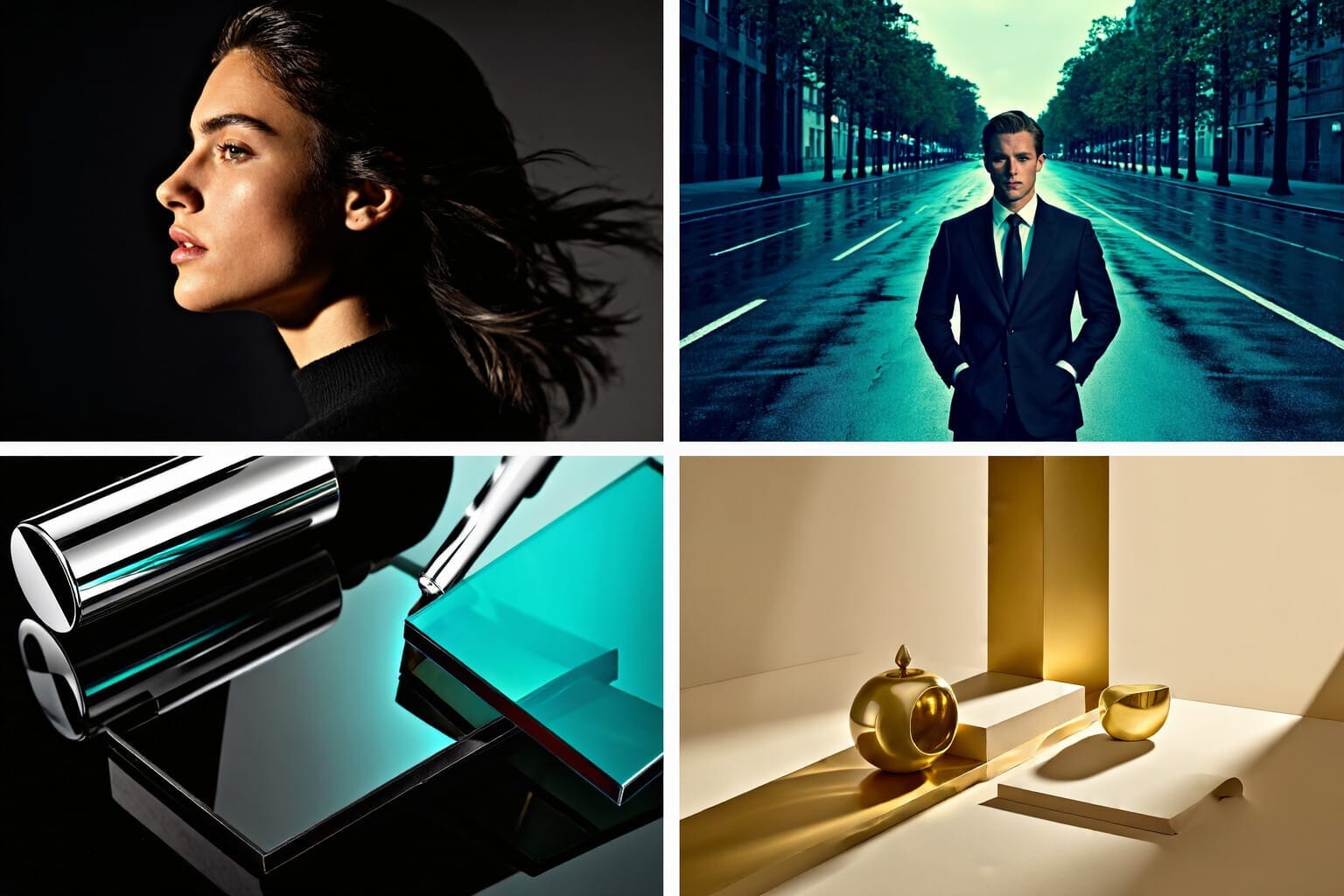
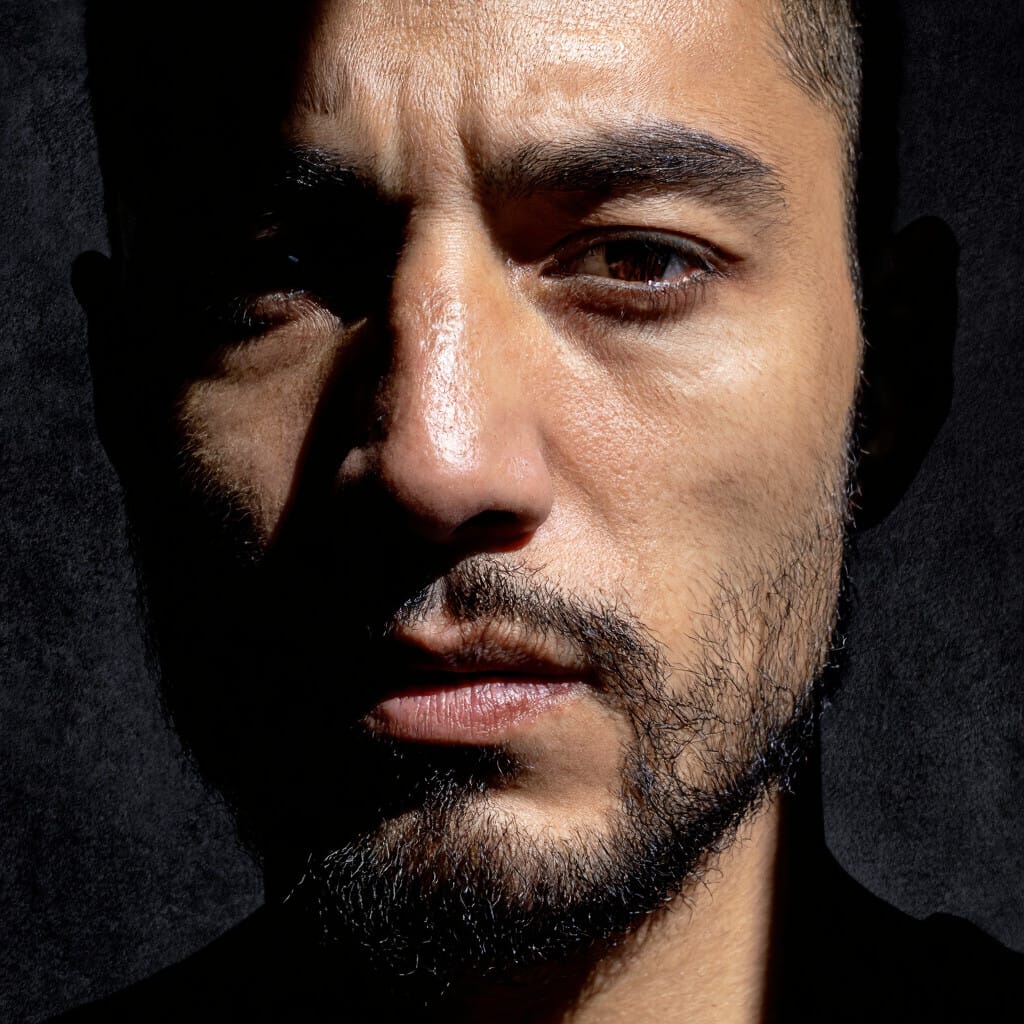
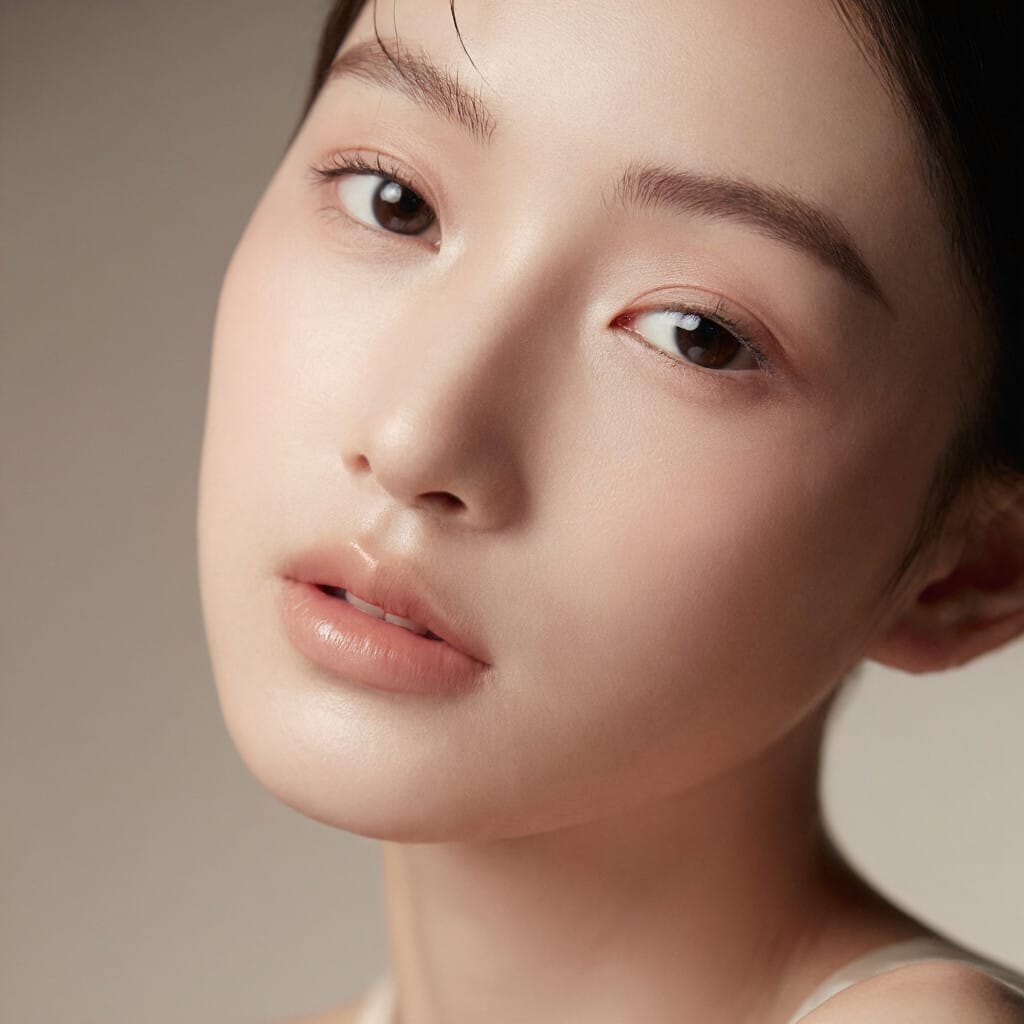
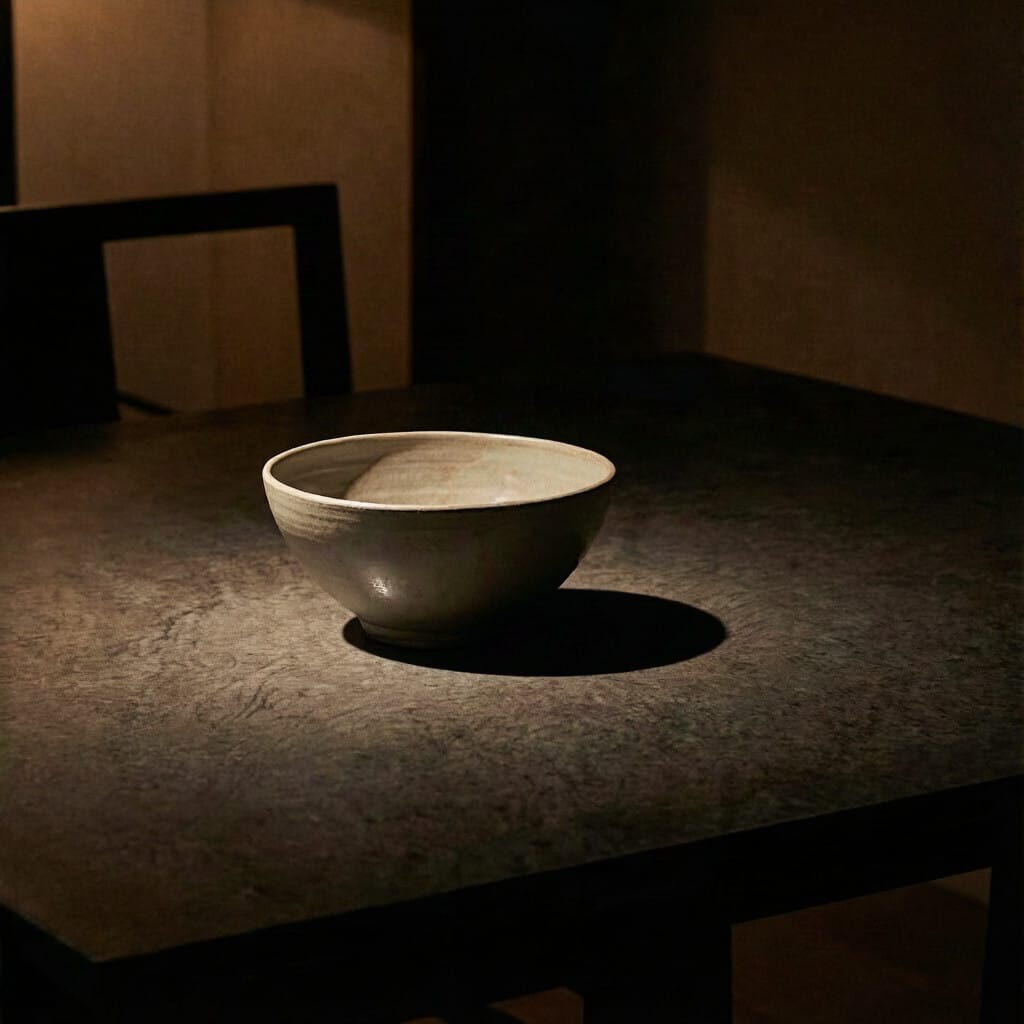
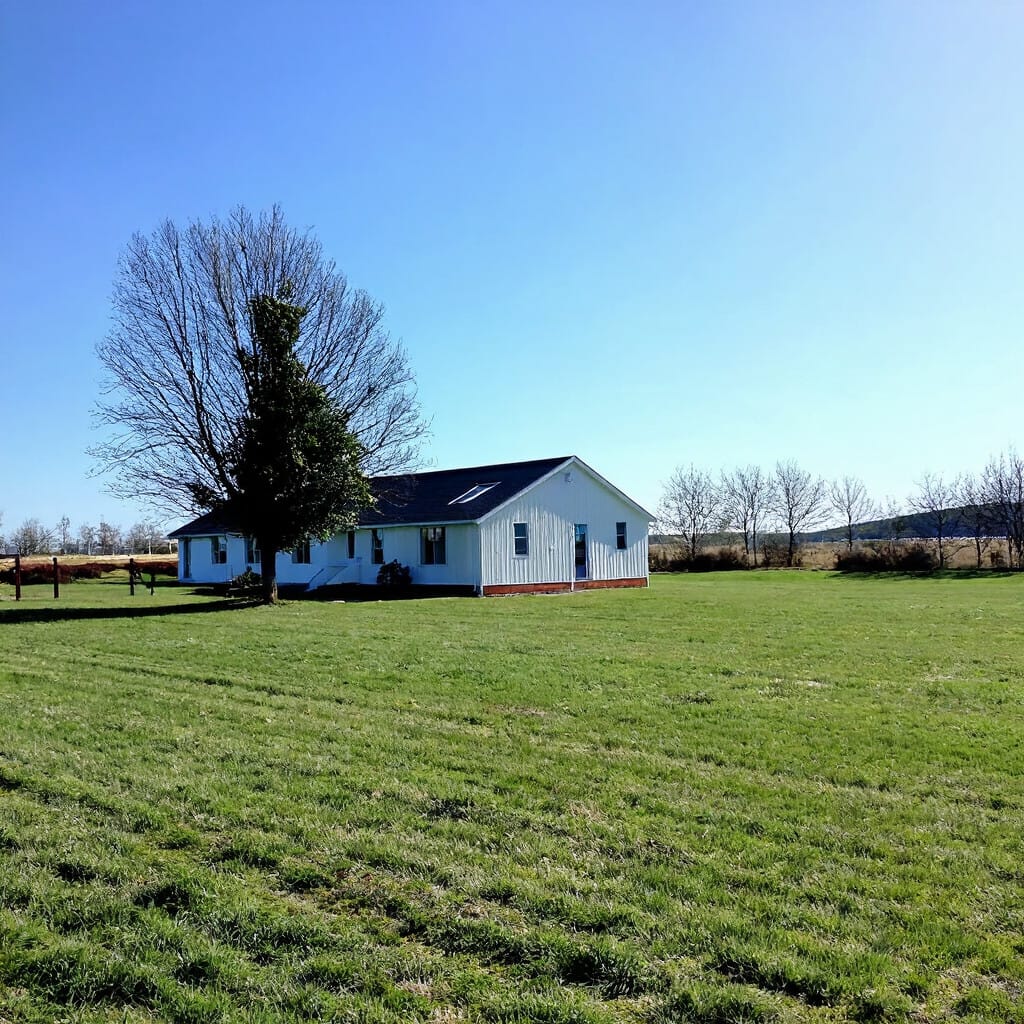
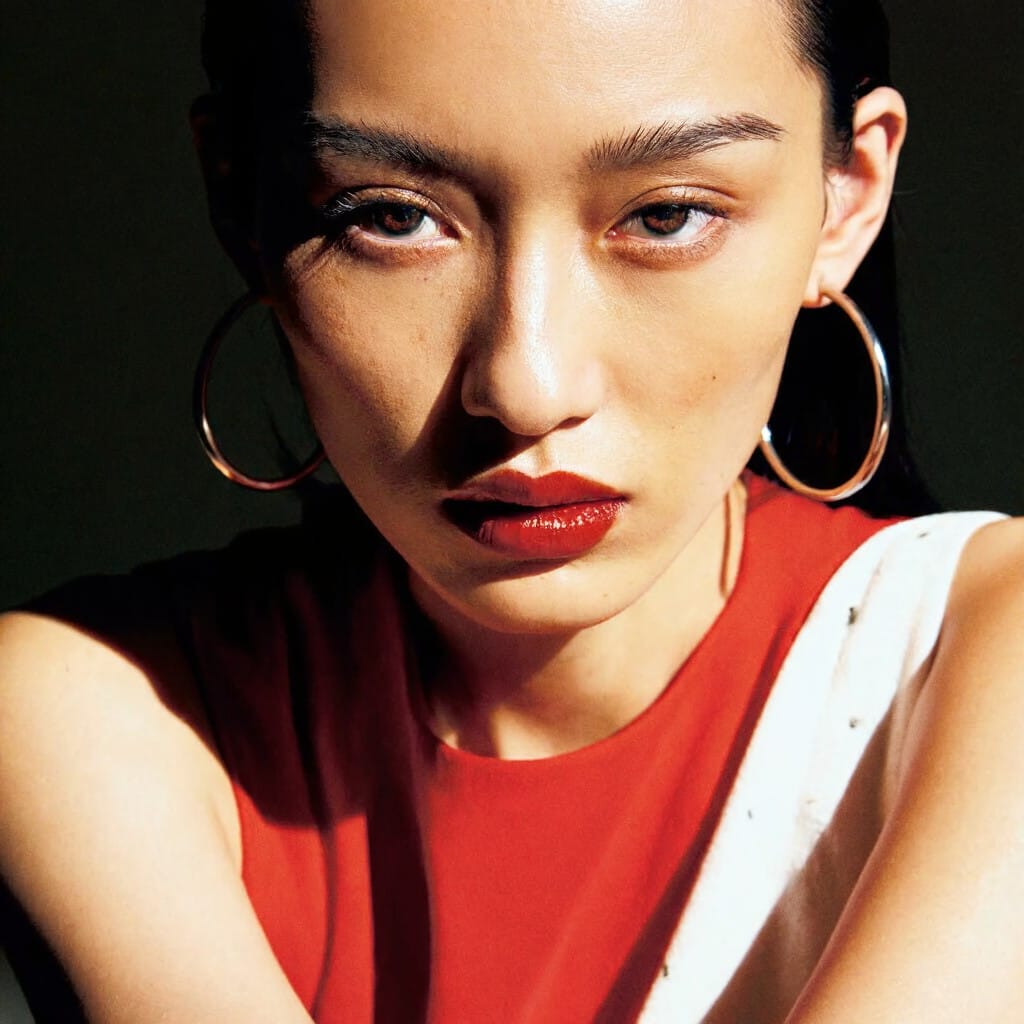
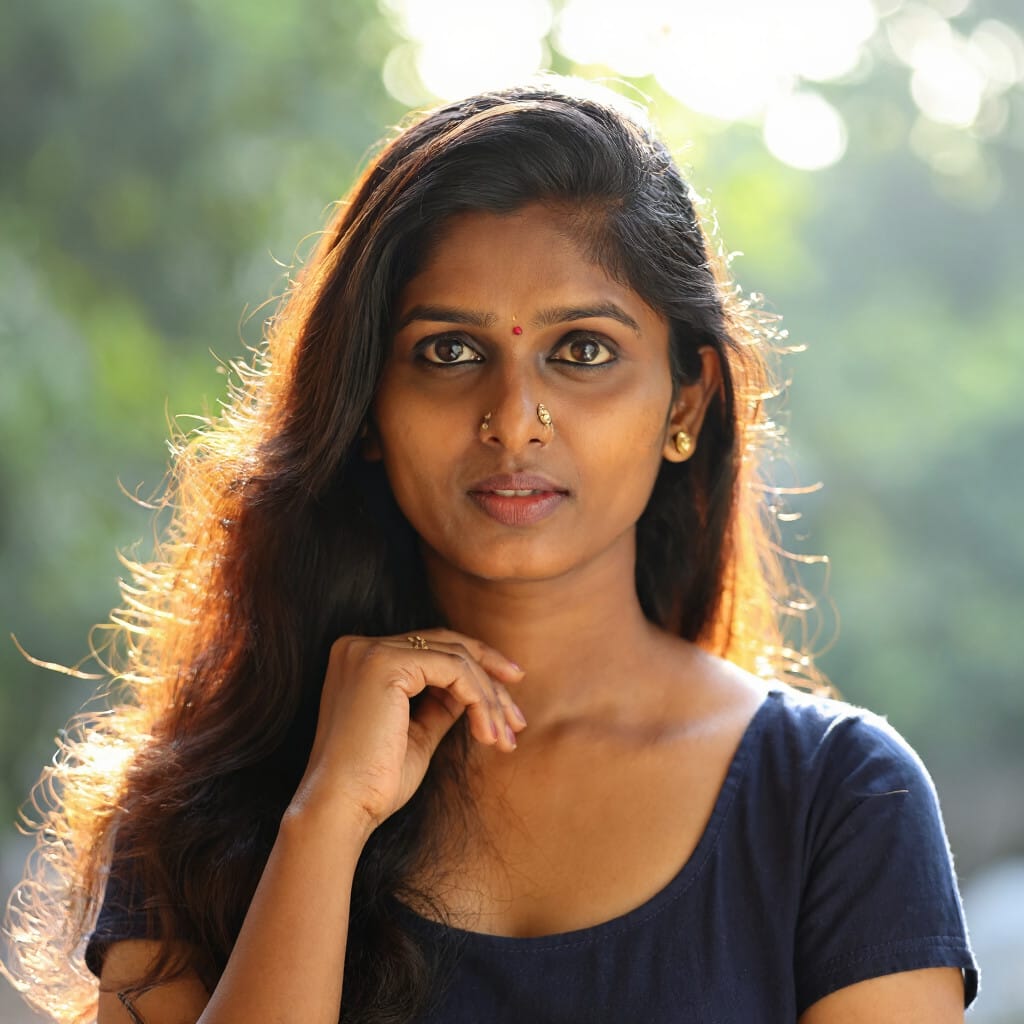
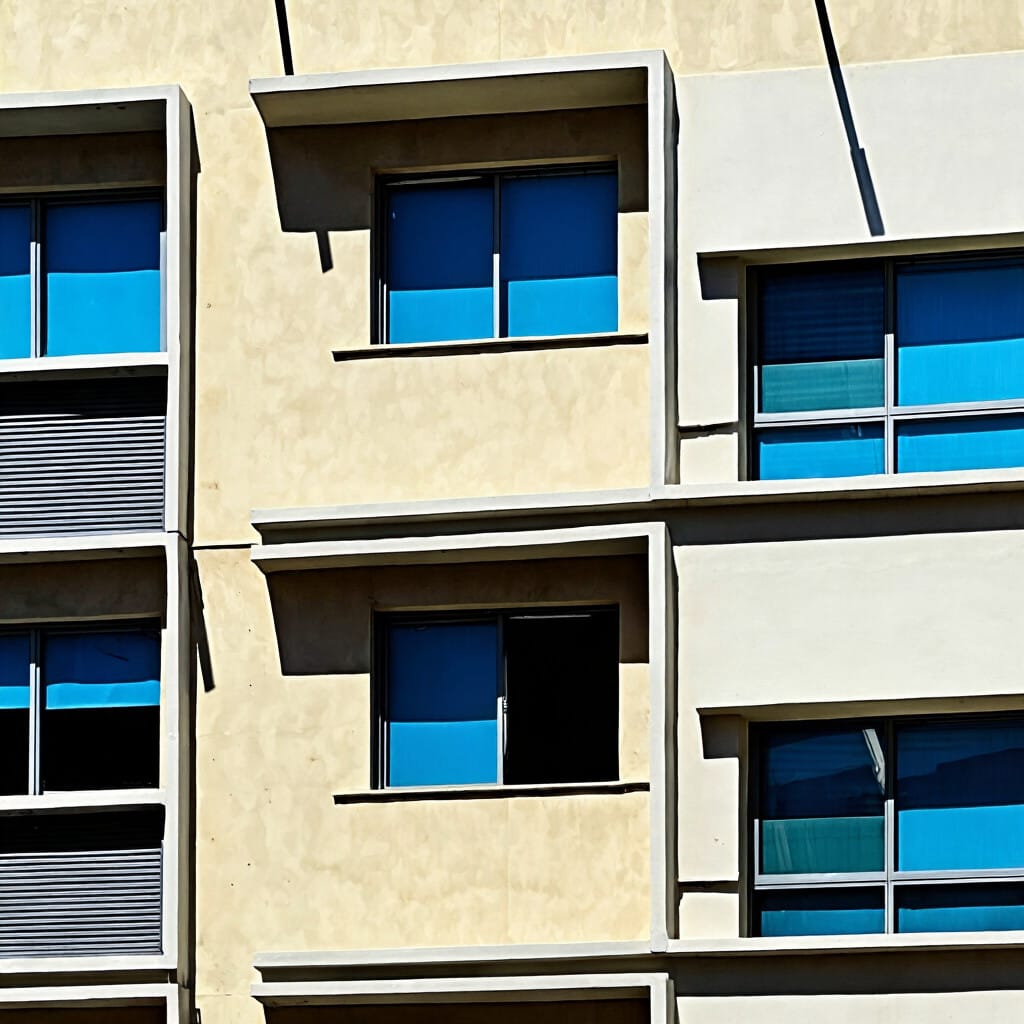
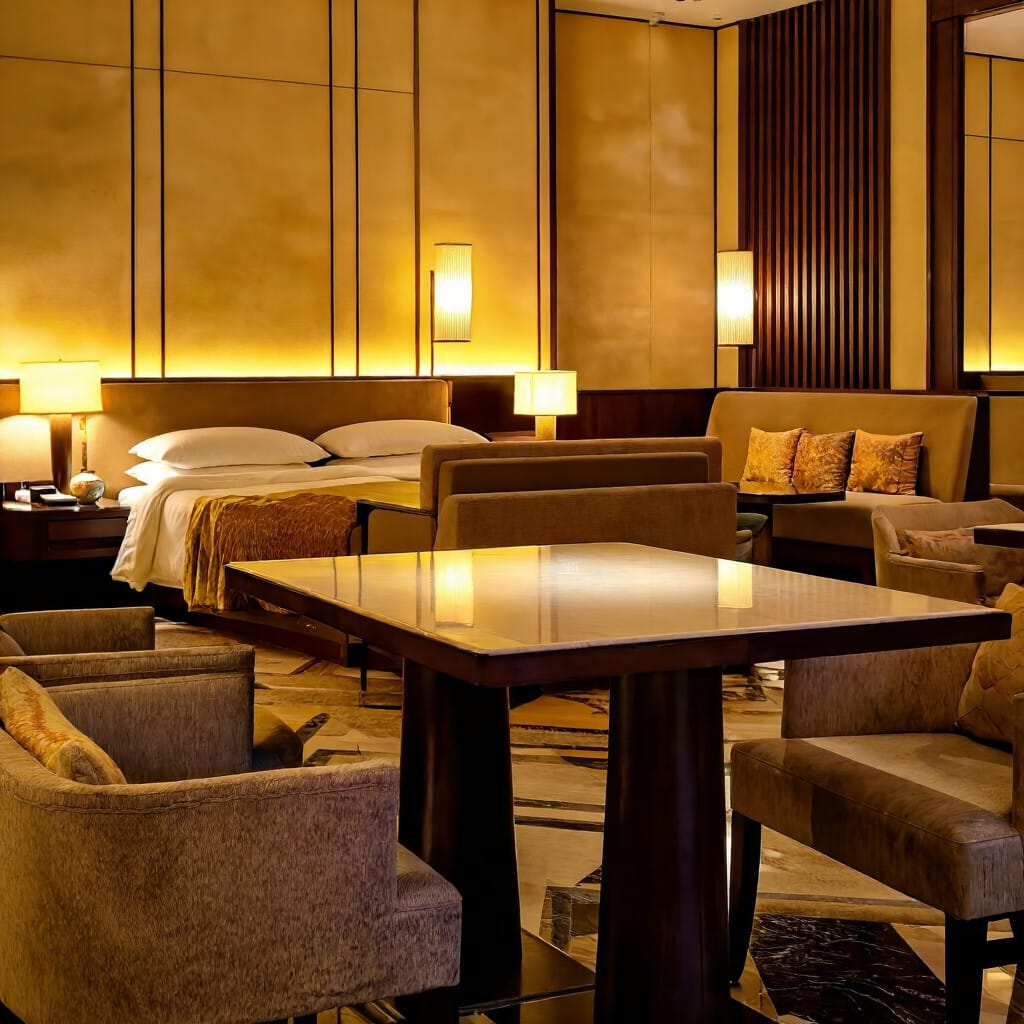
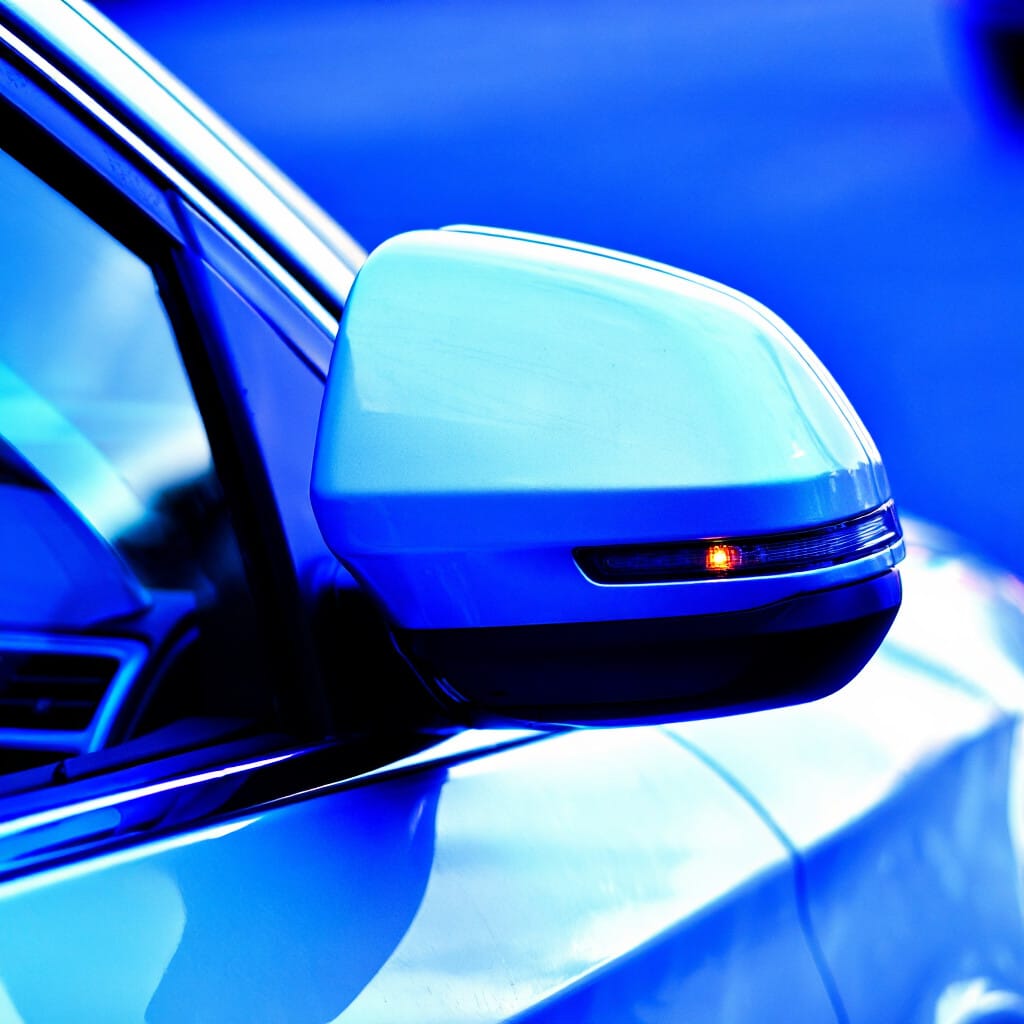
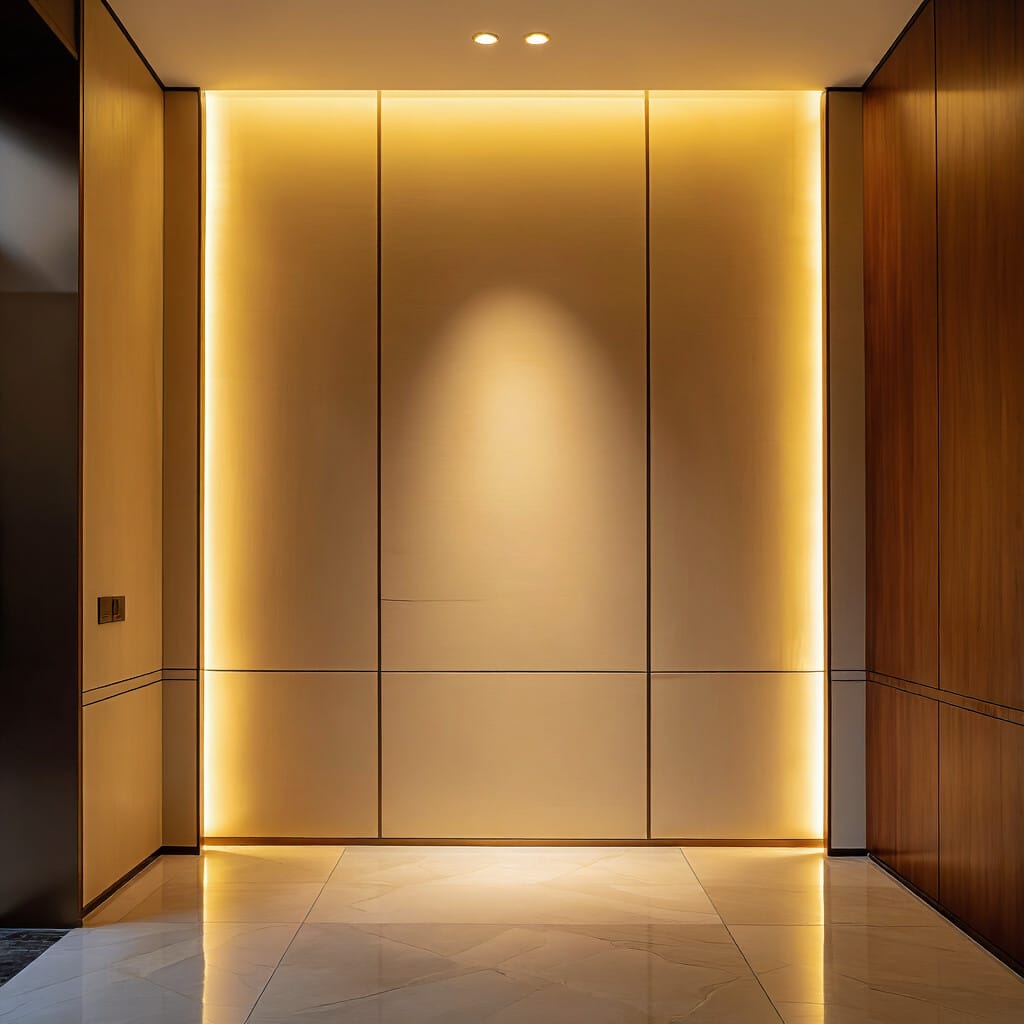
Lighting
Lighting is one of the strongest control points in any Juggernaut Z prompt. It defines mood, depth, contrast, and surface readability all at once.
Useful lighting language includes:
- dramatic lighting
- soft light
- bright daylight
- low-key lighting
- high contrast
- backlit
- illuminated
- harsh shadows
- warm light
- cool light
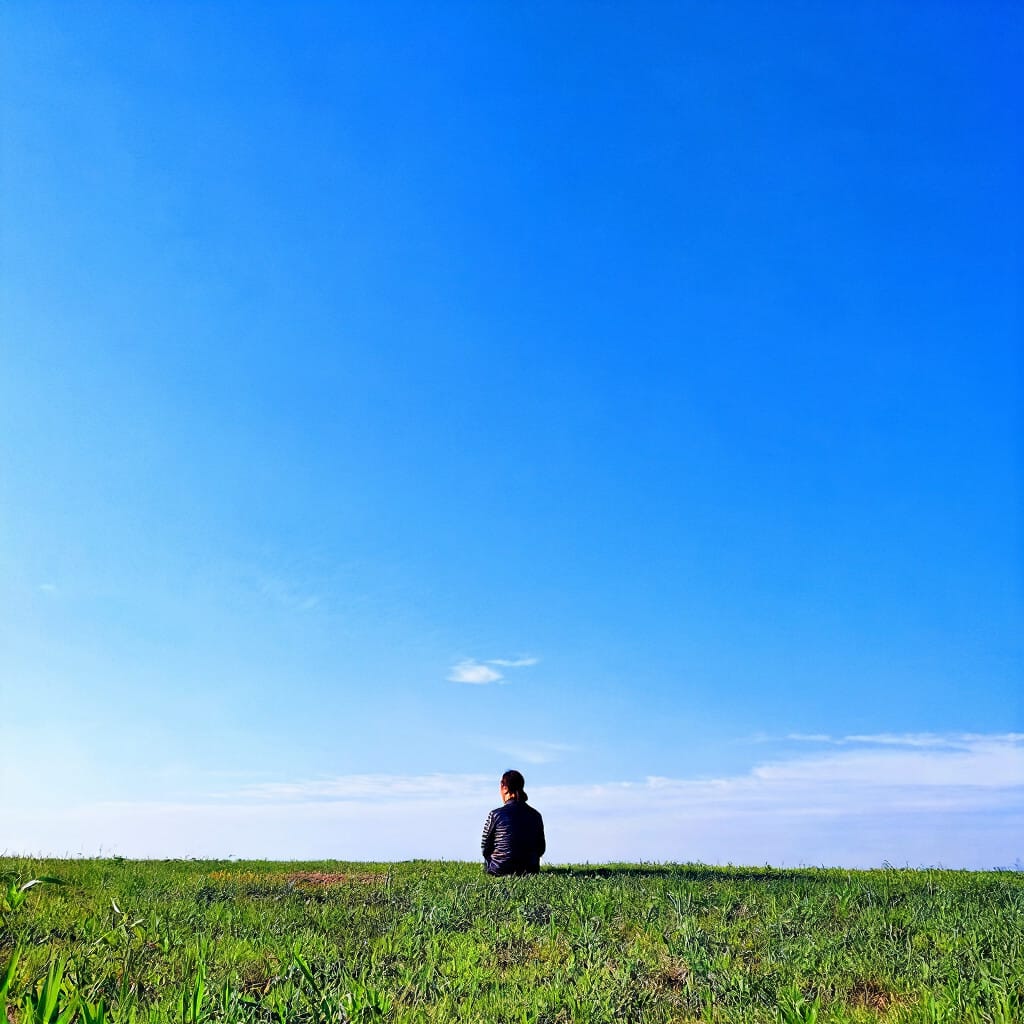
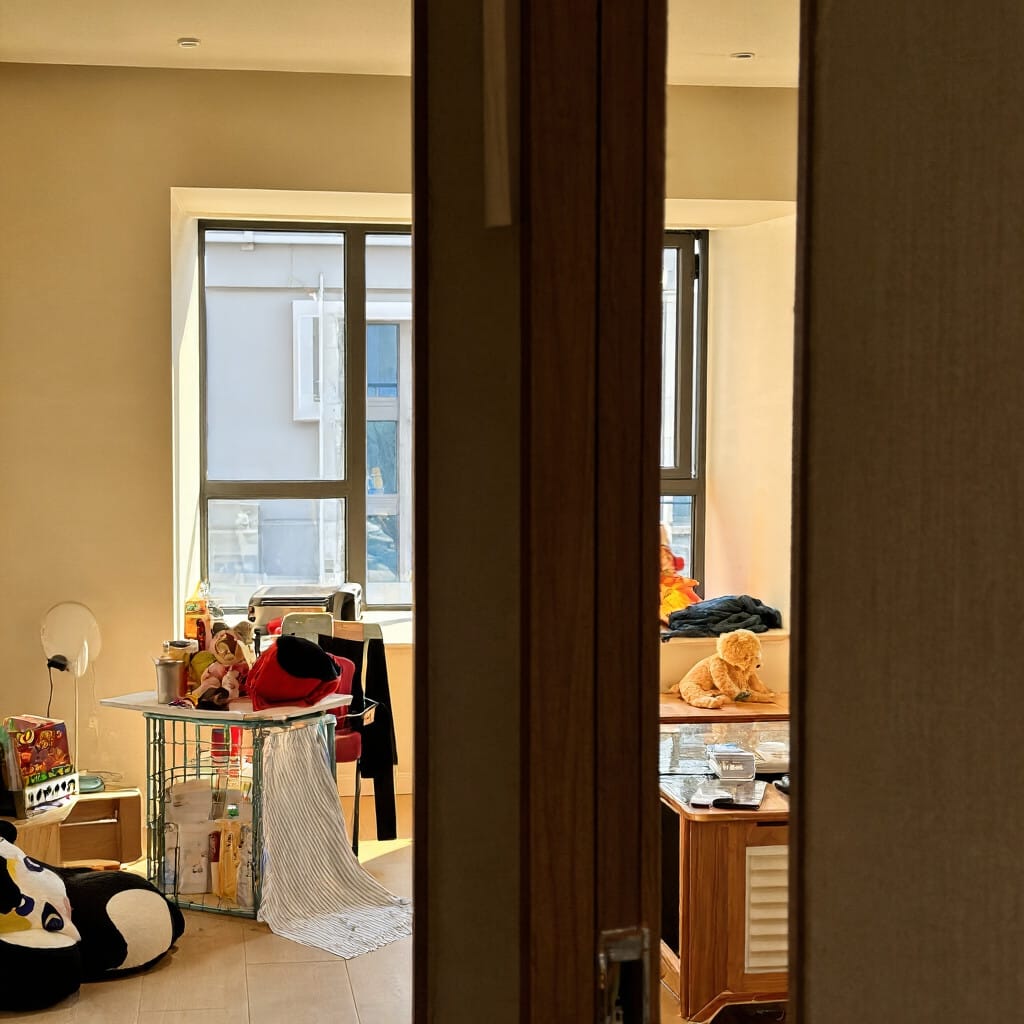
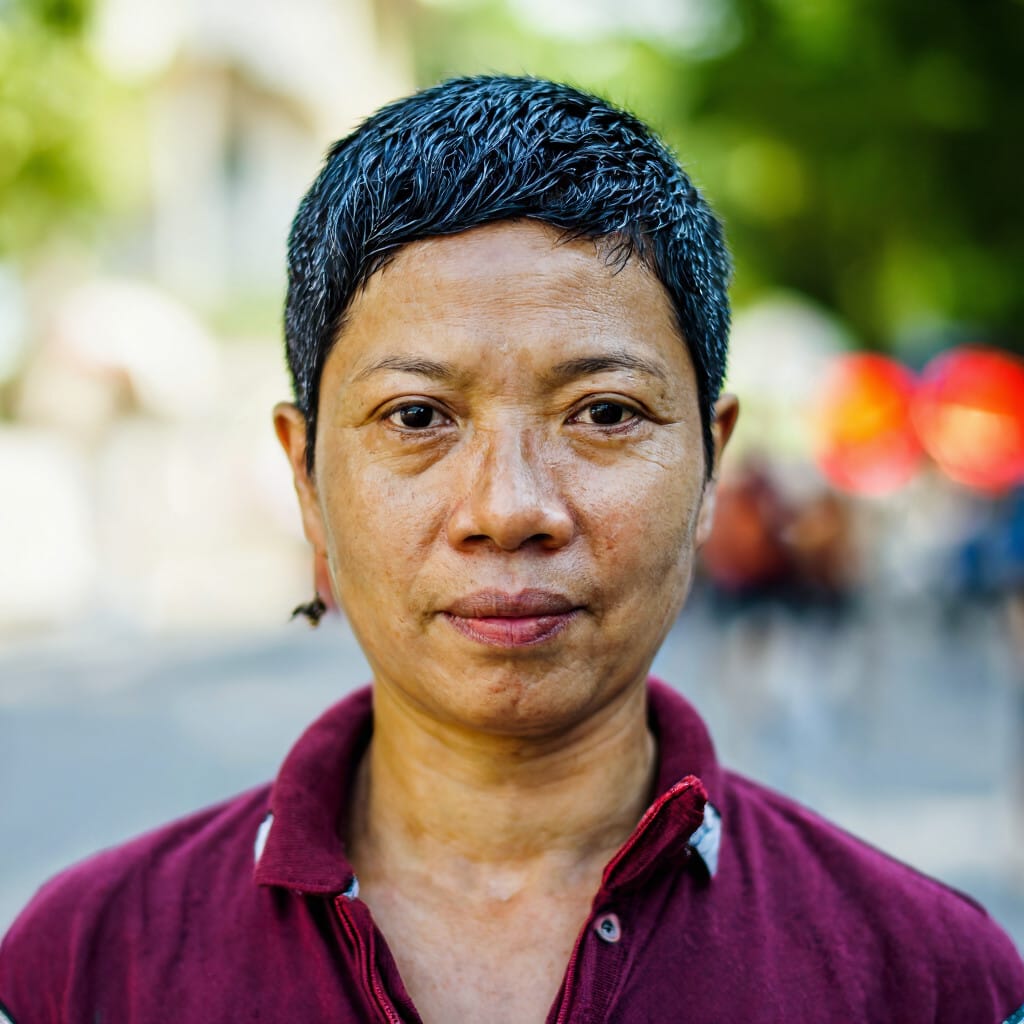
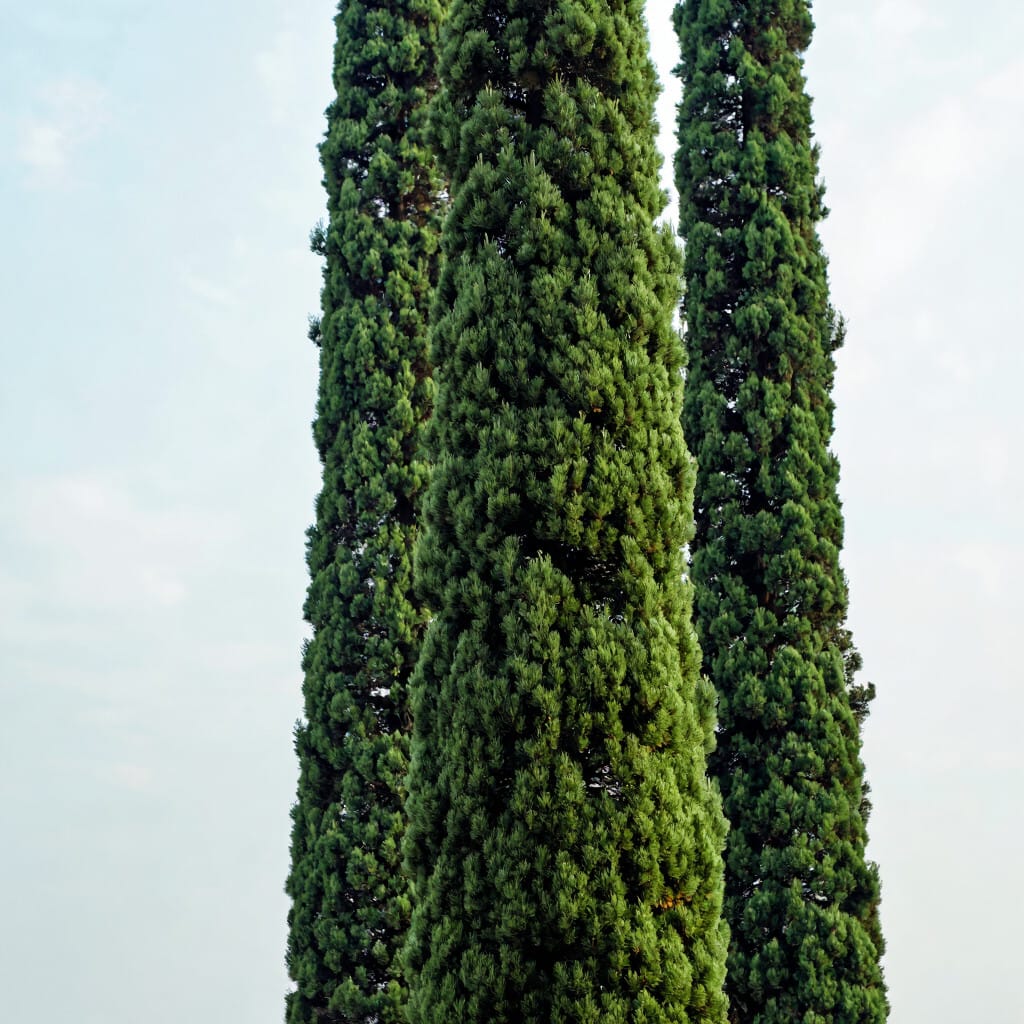
Composition
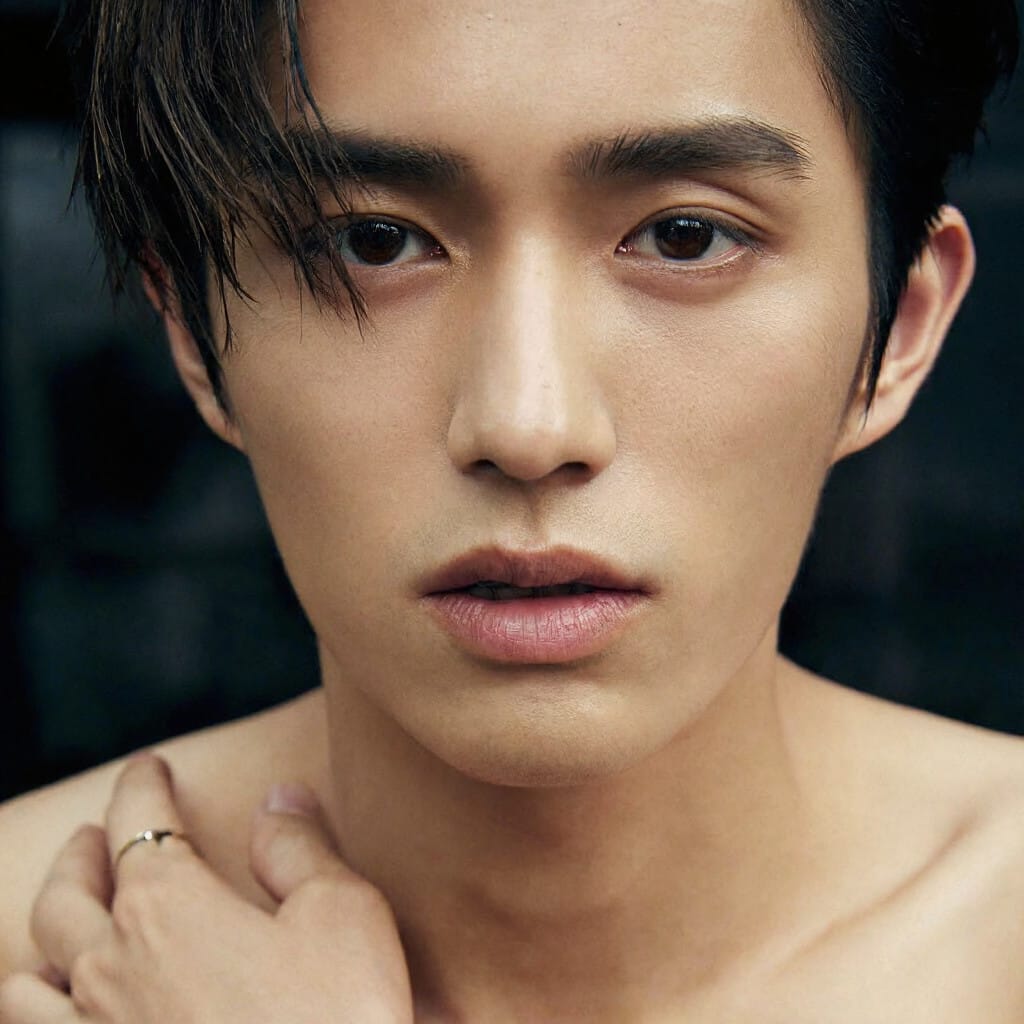
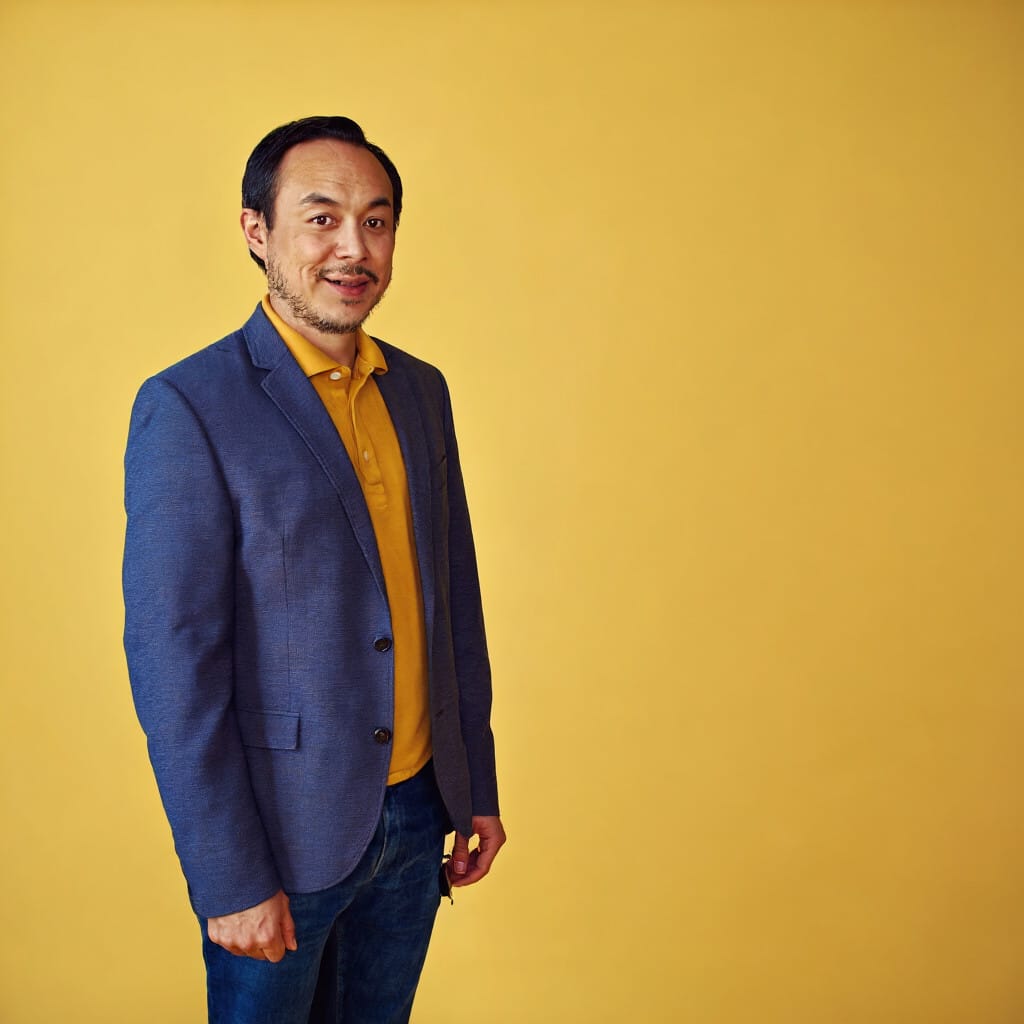
Composition language helps organize the image. It gives the model a stronger sense of where things belong and how the frame should read.
Useful composition language includes:
- close portrait
- wide shot
- centered subject
- left side of frame
- foreground
- background
- vertical composition
- low angle
- shallow depth of field
- soft bokeh
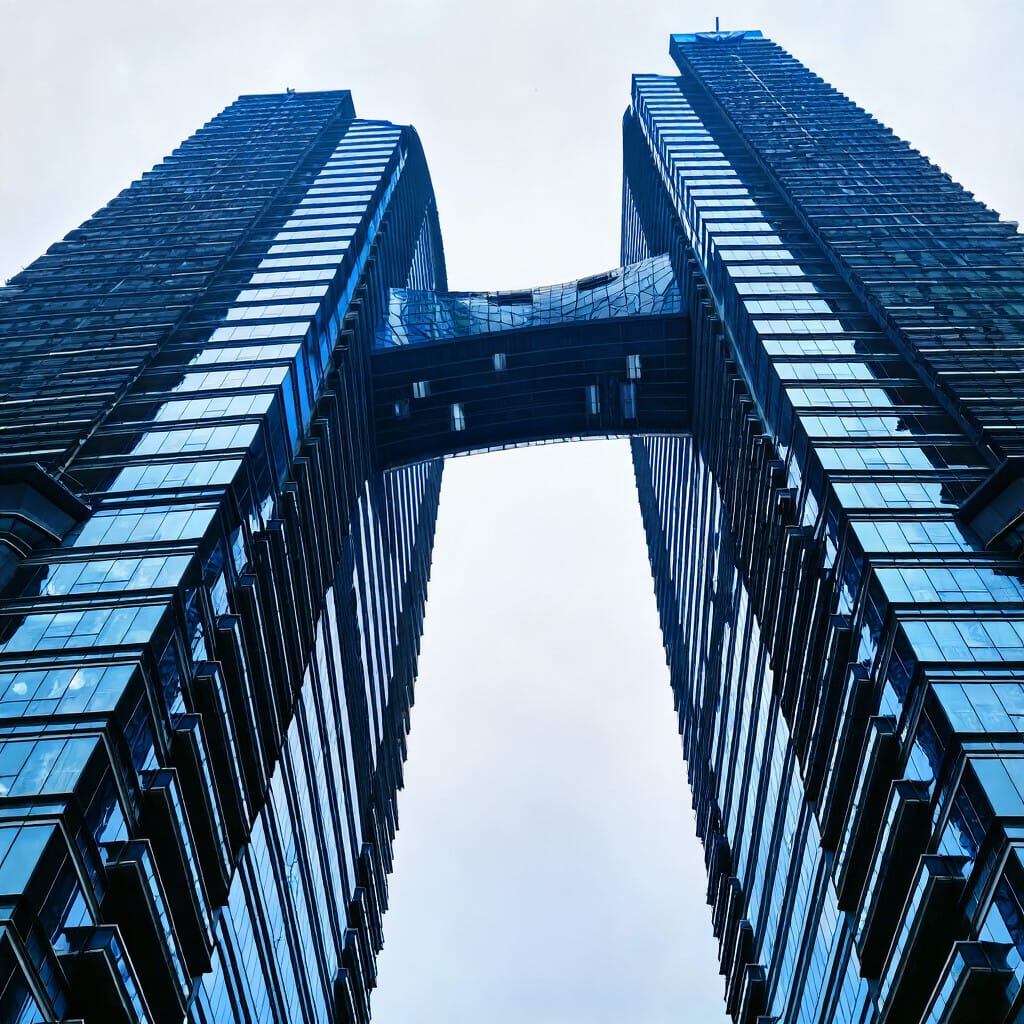
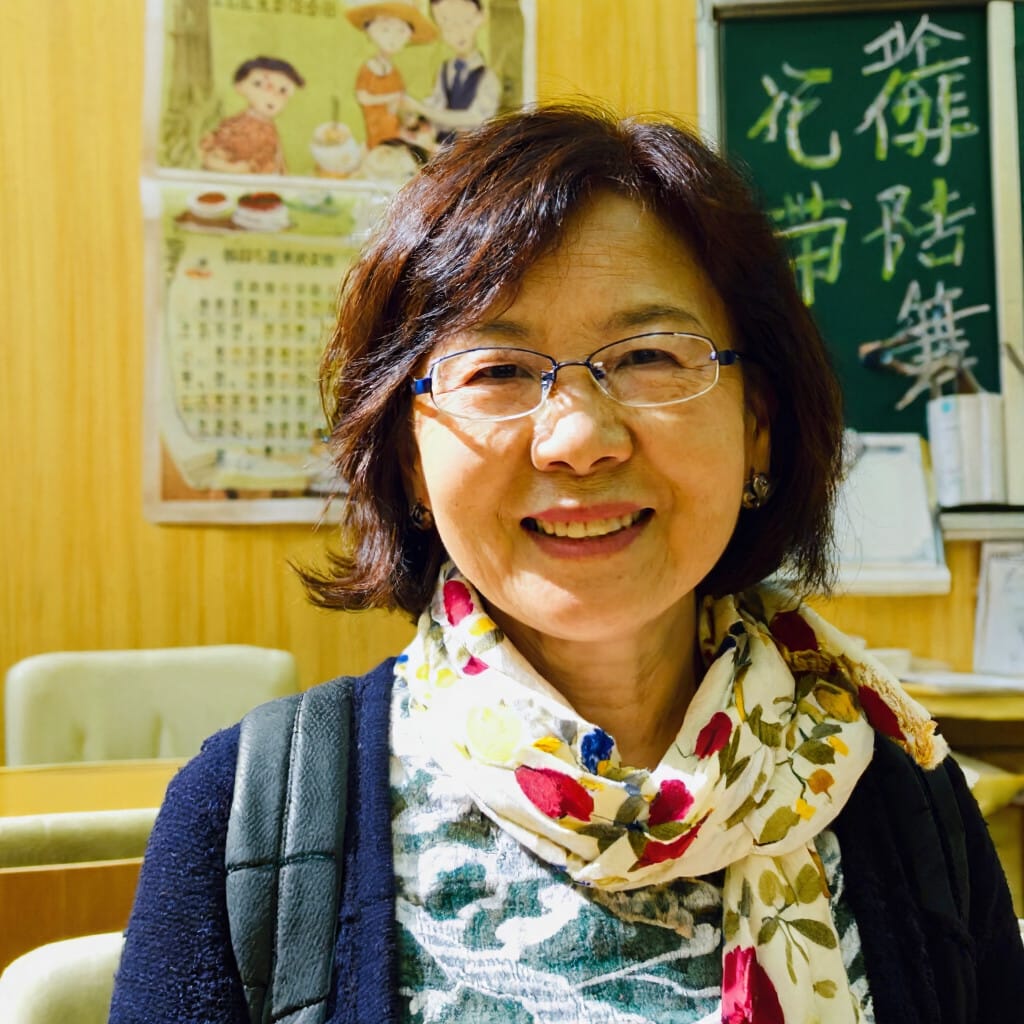
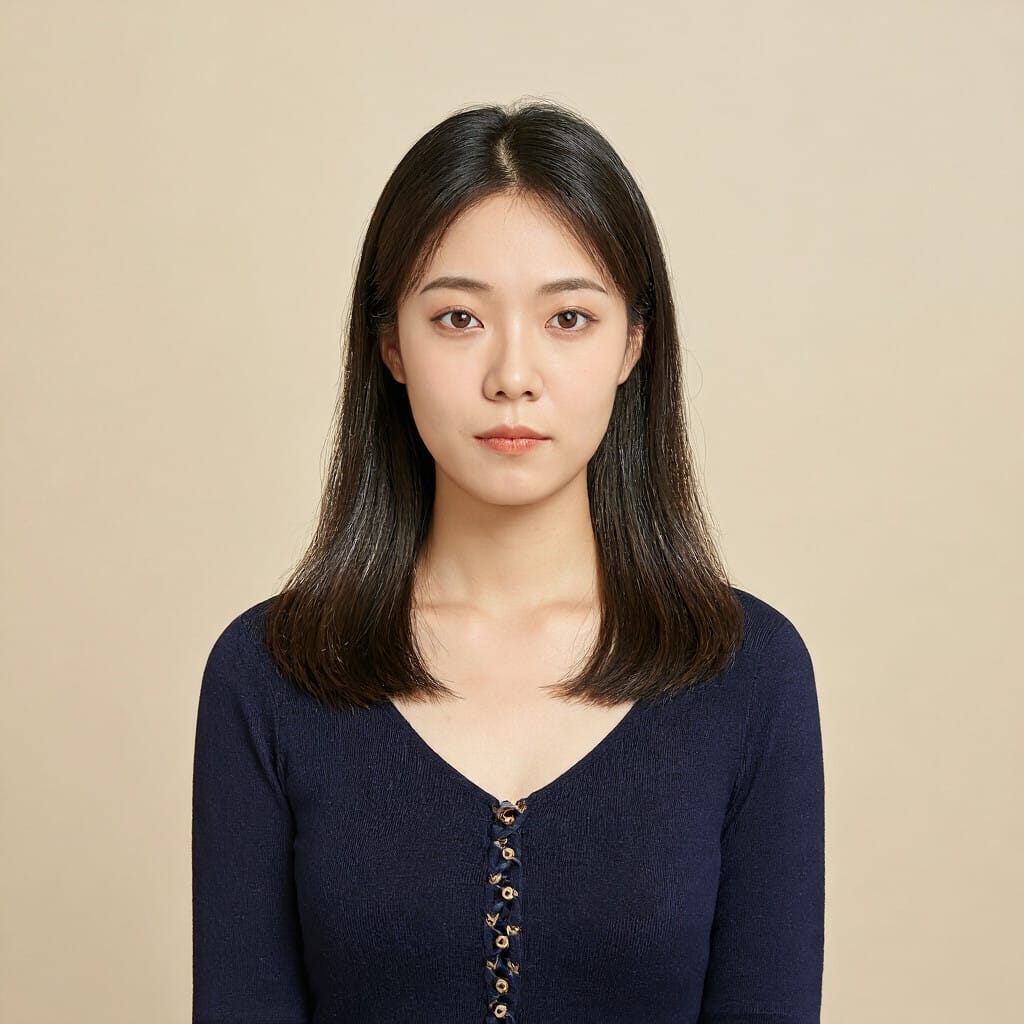
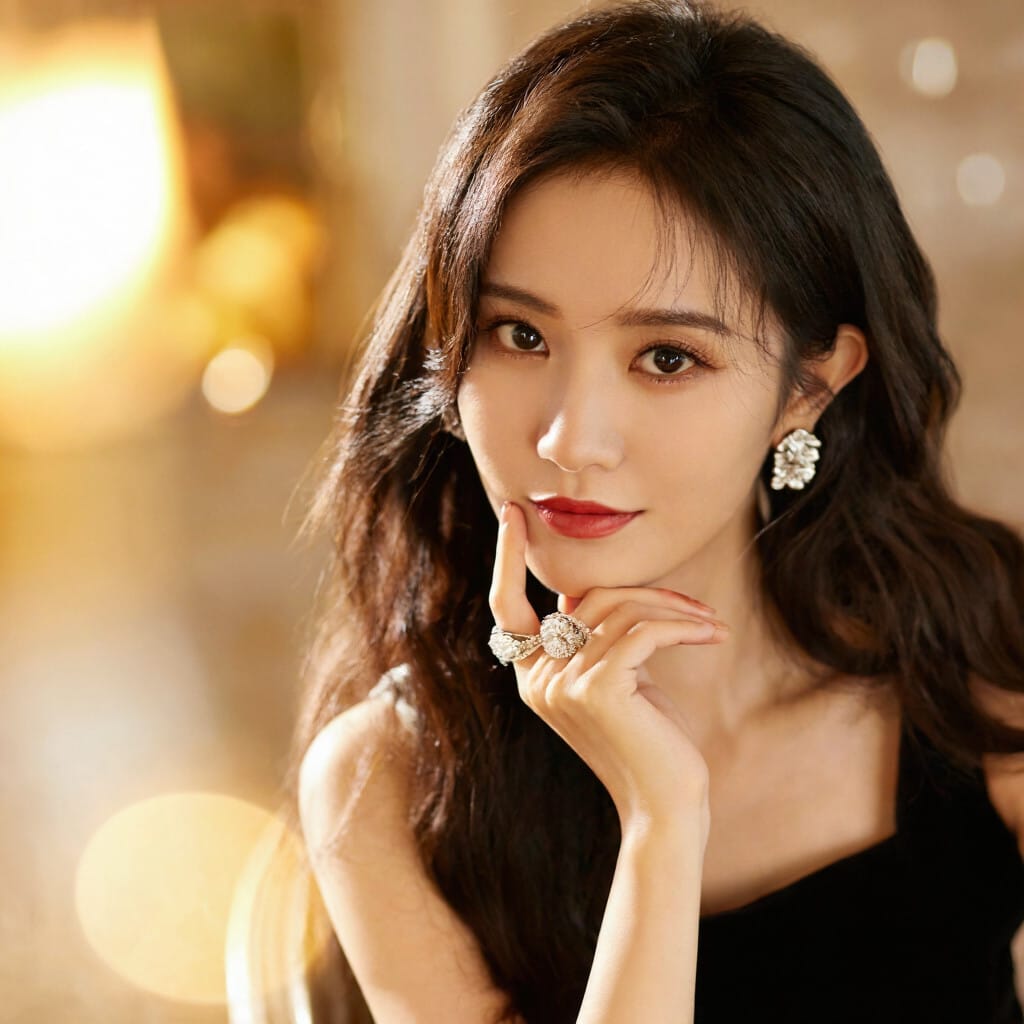
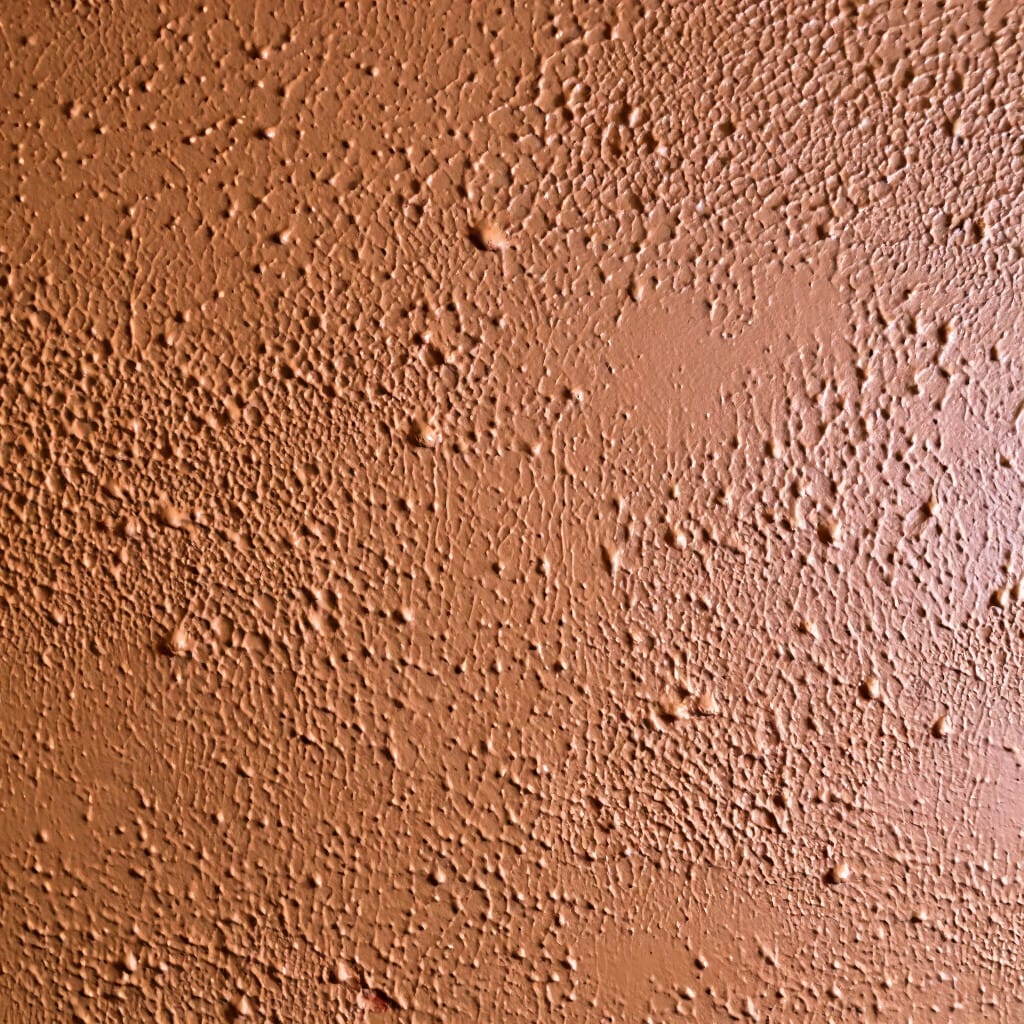
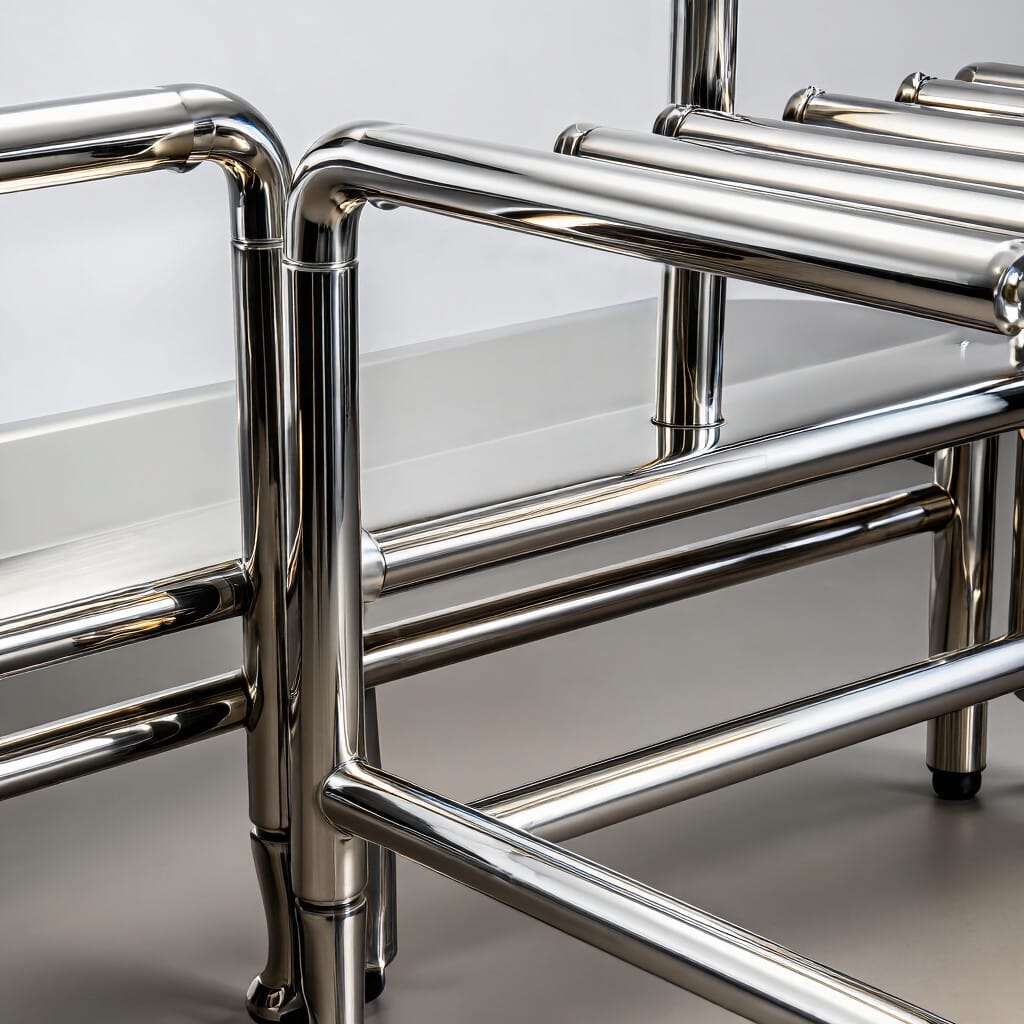
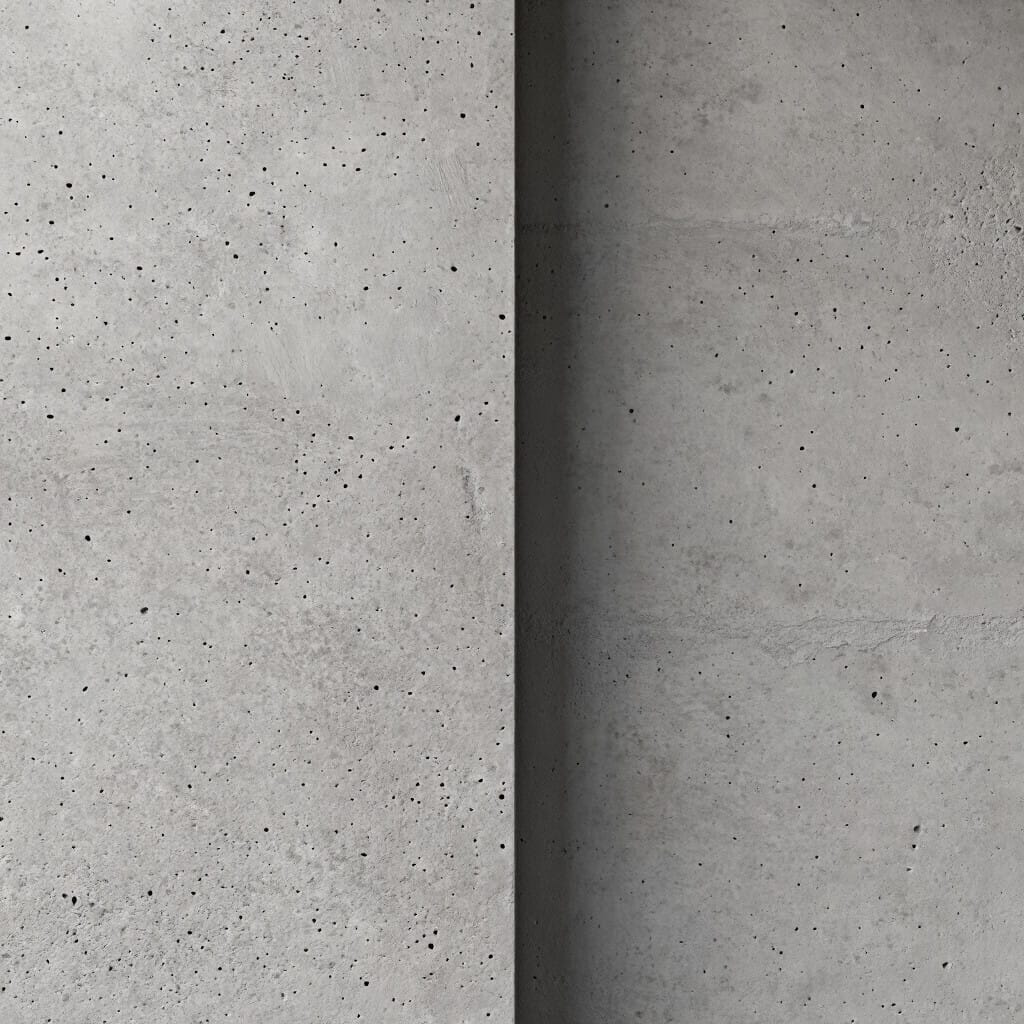
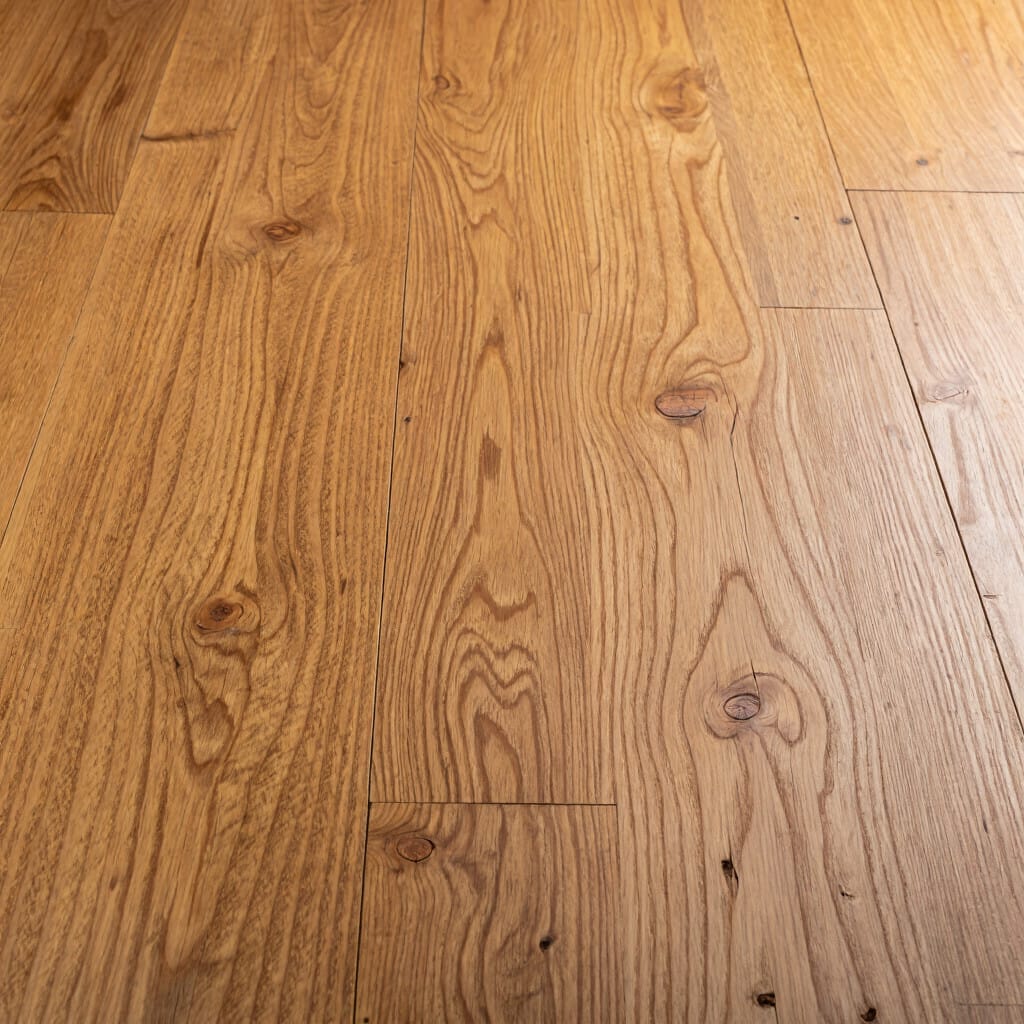
Materials and Surfaces
Material language is especially useful in architecture, interiors, products, hospitality, and commercial imagery. It adds visual specificity and helps the image feel more grounded.
Useful material and surface language includes:
- textured wall
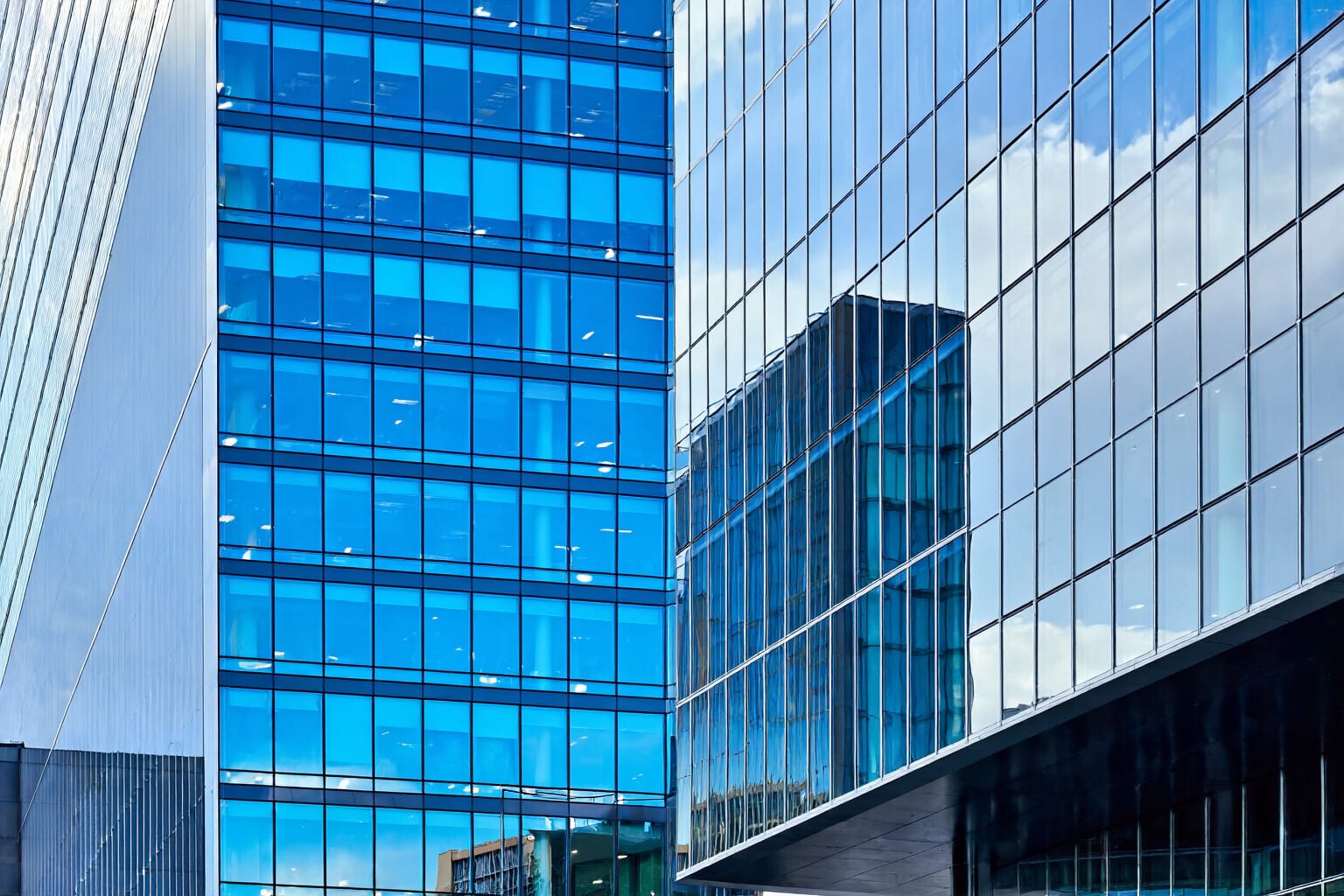
- reflective glass
- polished metal
- matte concrete
- wooden floor
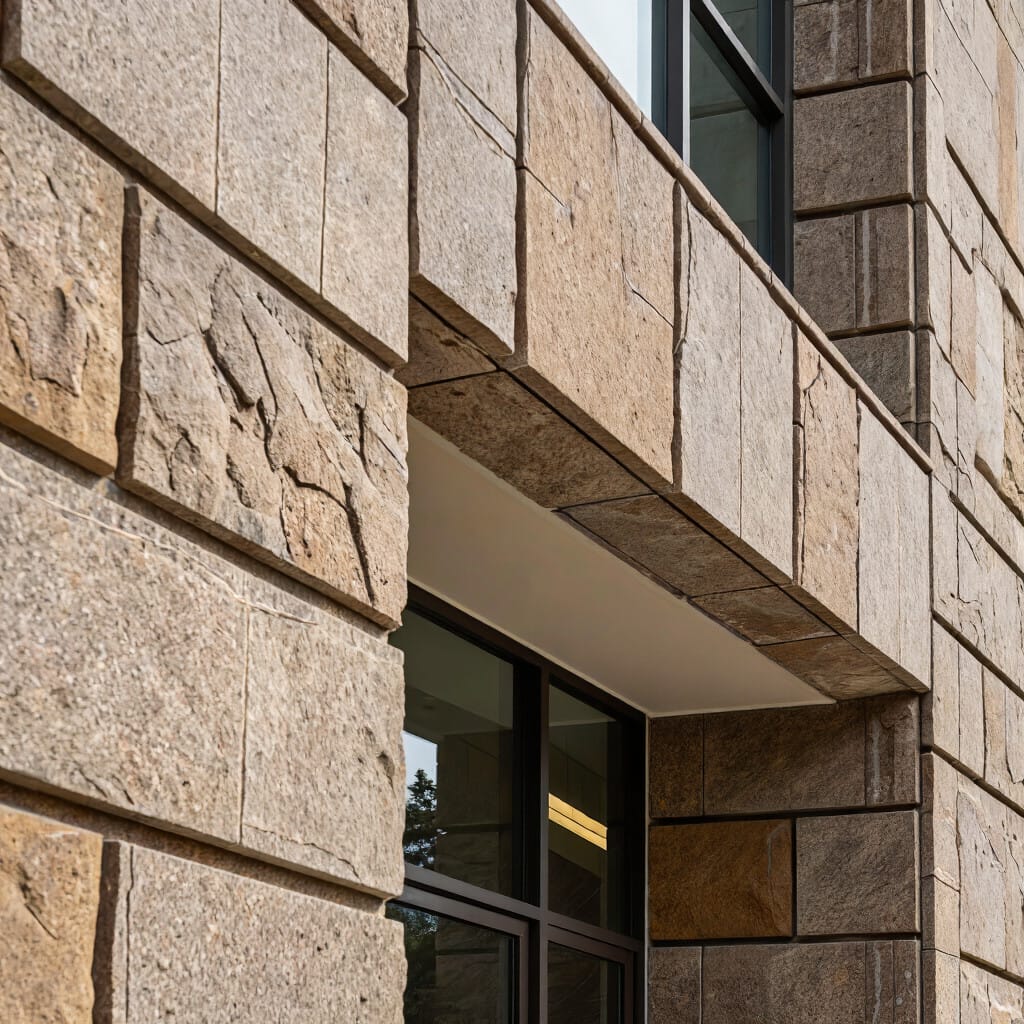
- stone facade
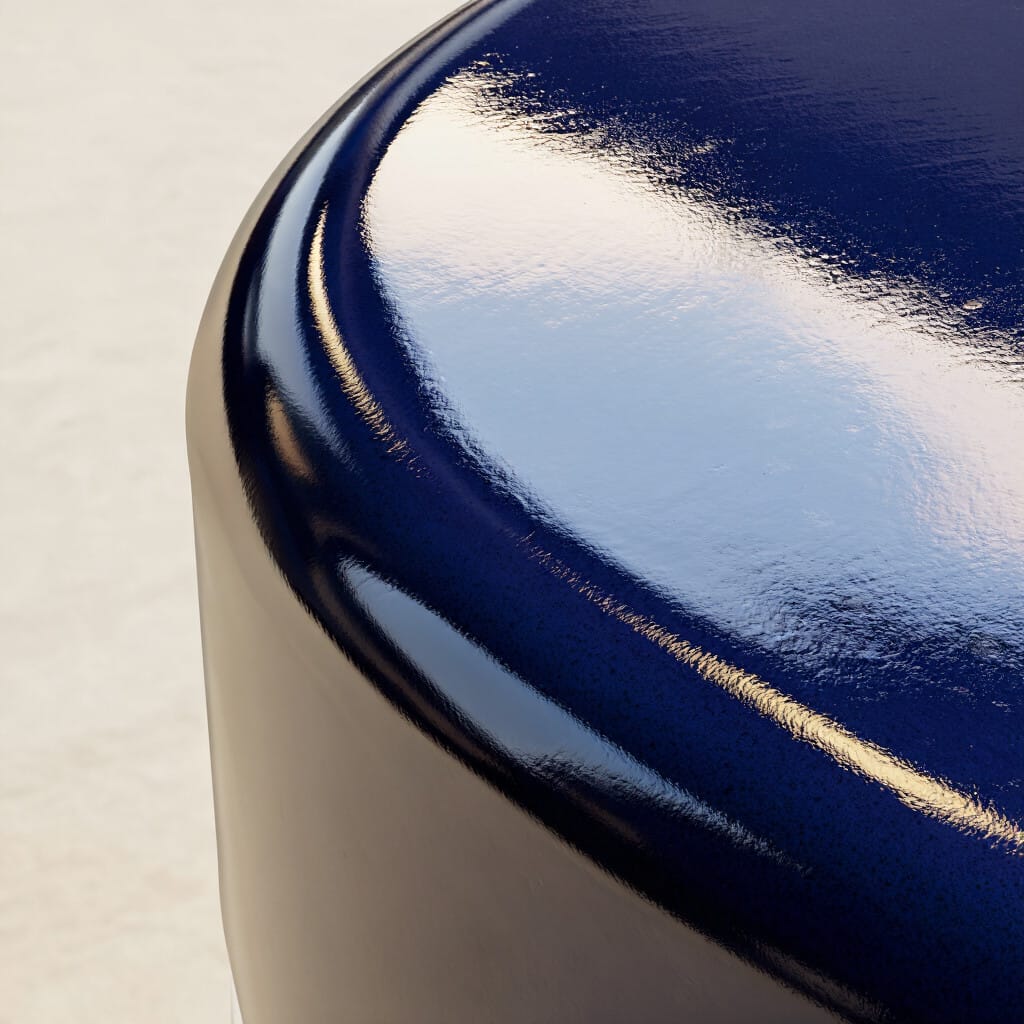
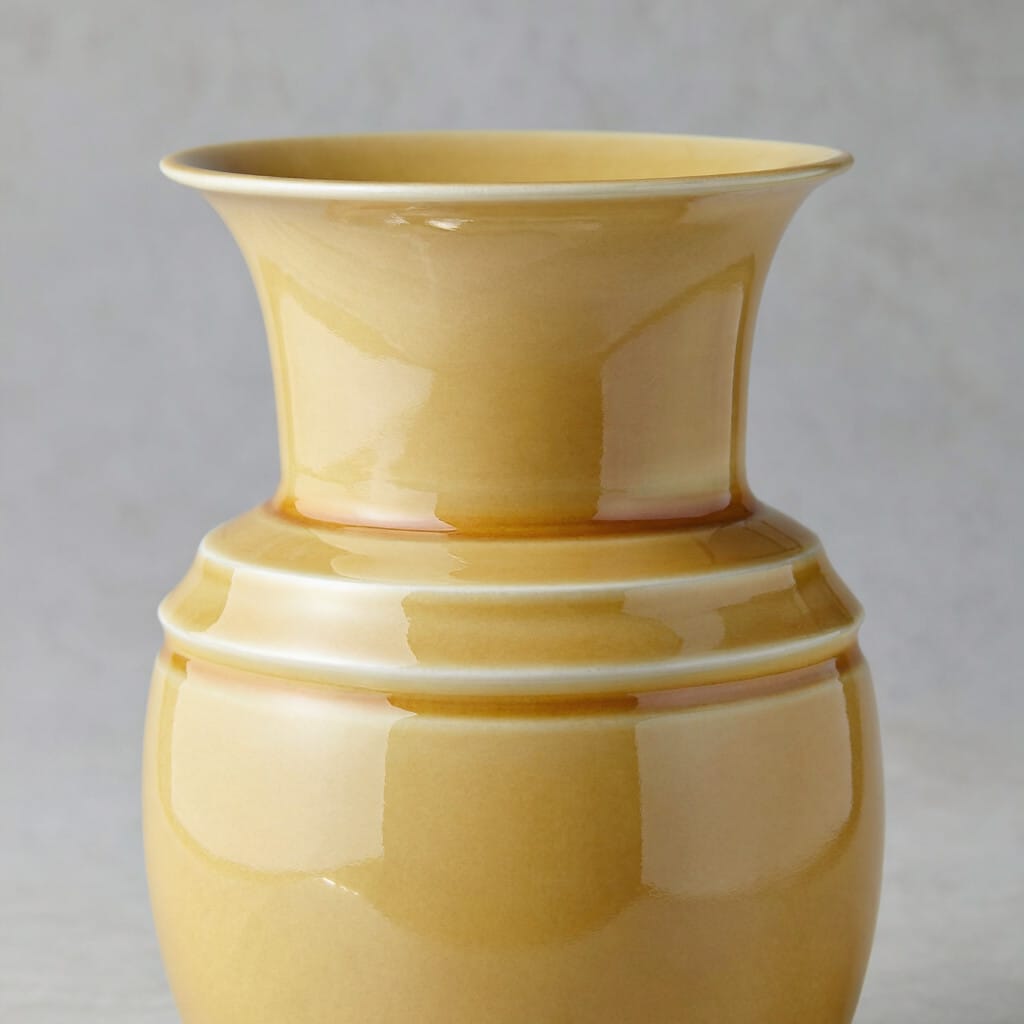
- glossy surface
- smooth ceramic
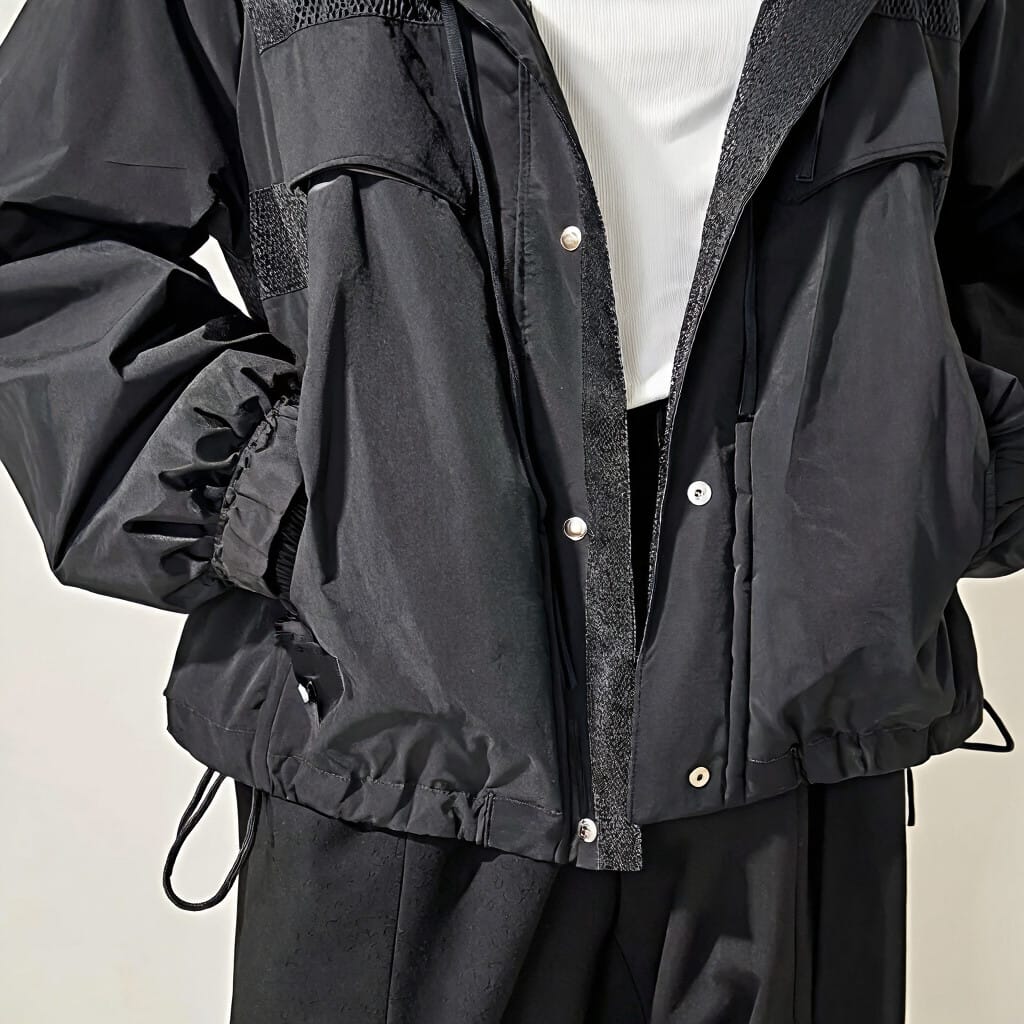
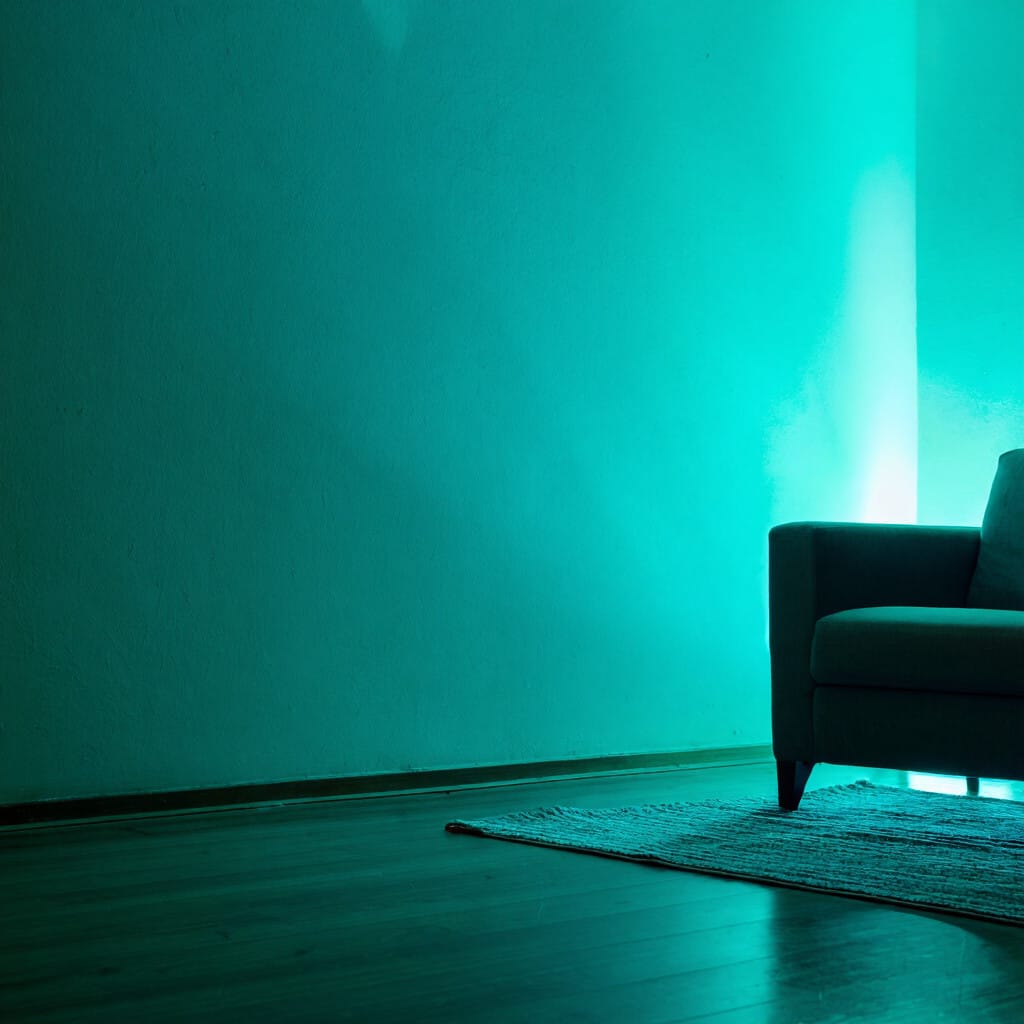
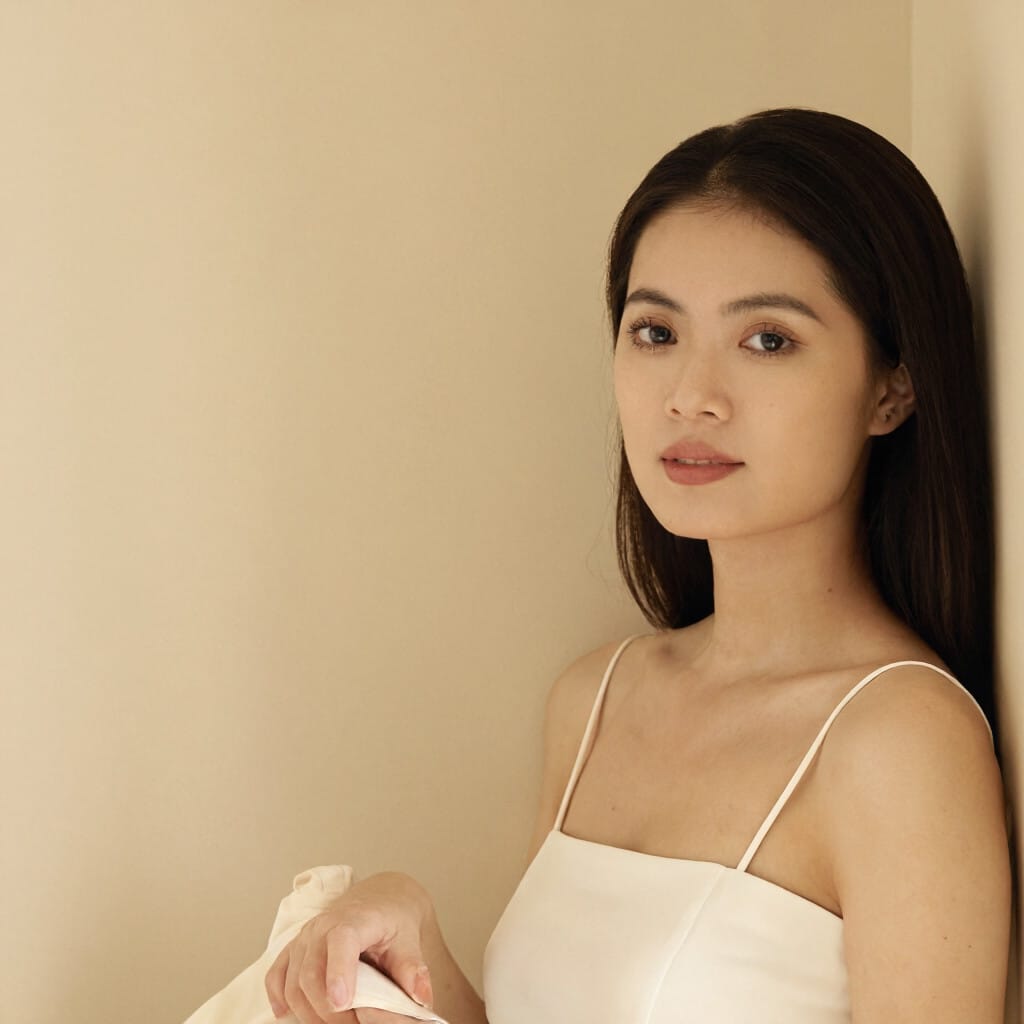
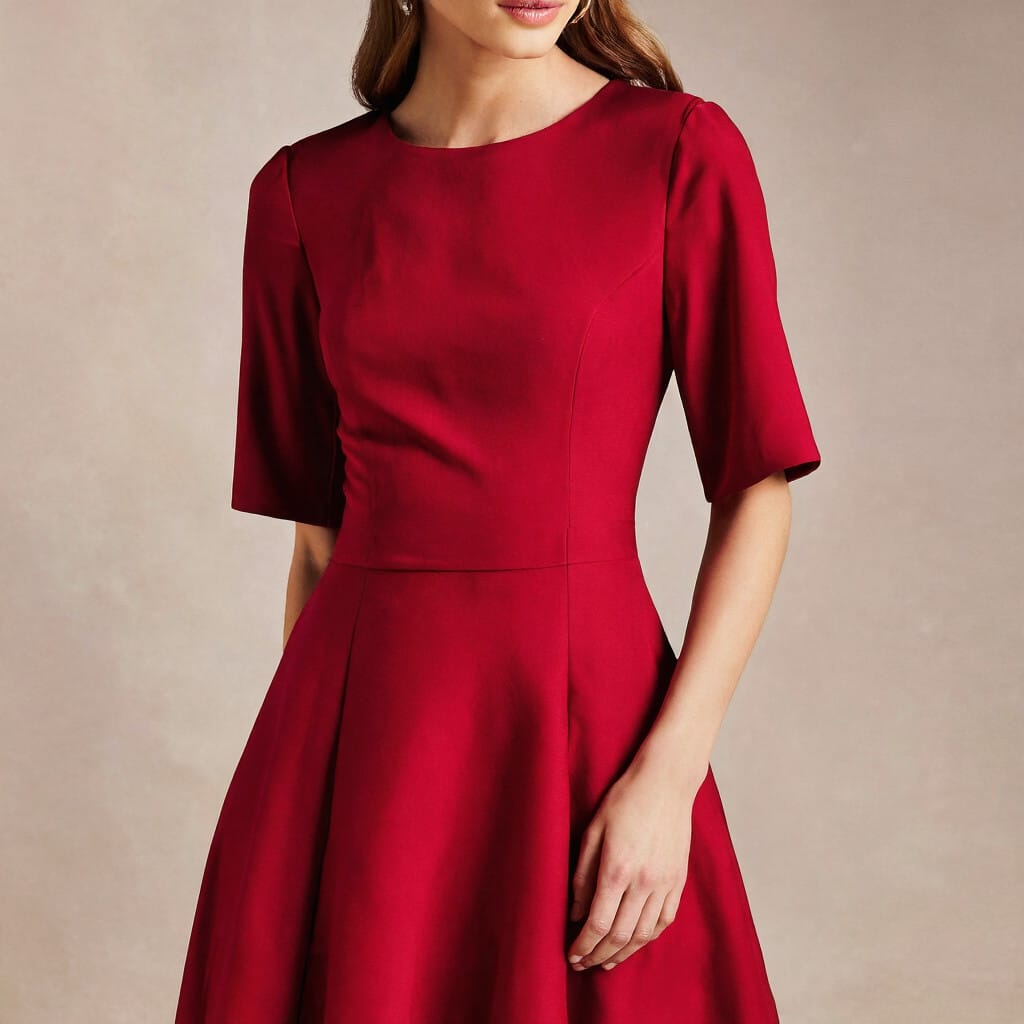
Specific Color Decisions
Color direction is stronger when it is specific. Broad words like colorful are usually weaker than naming the colors that actually matter in the frame.
Examples include:
- black jacket
- deep red dress
- pale beige wall
- teal lighting
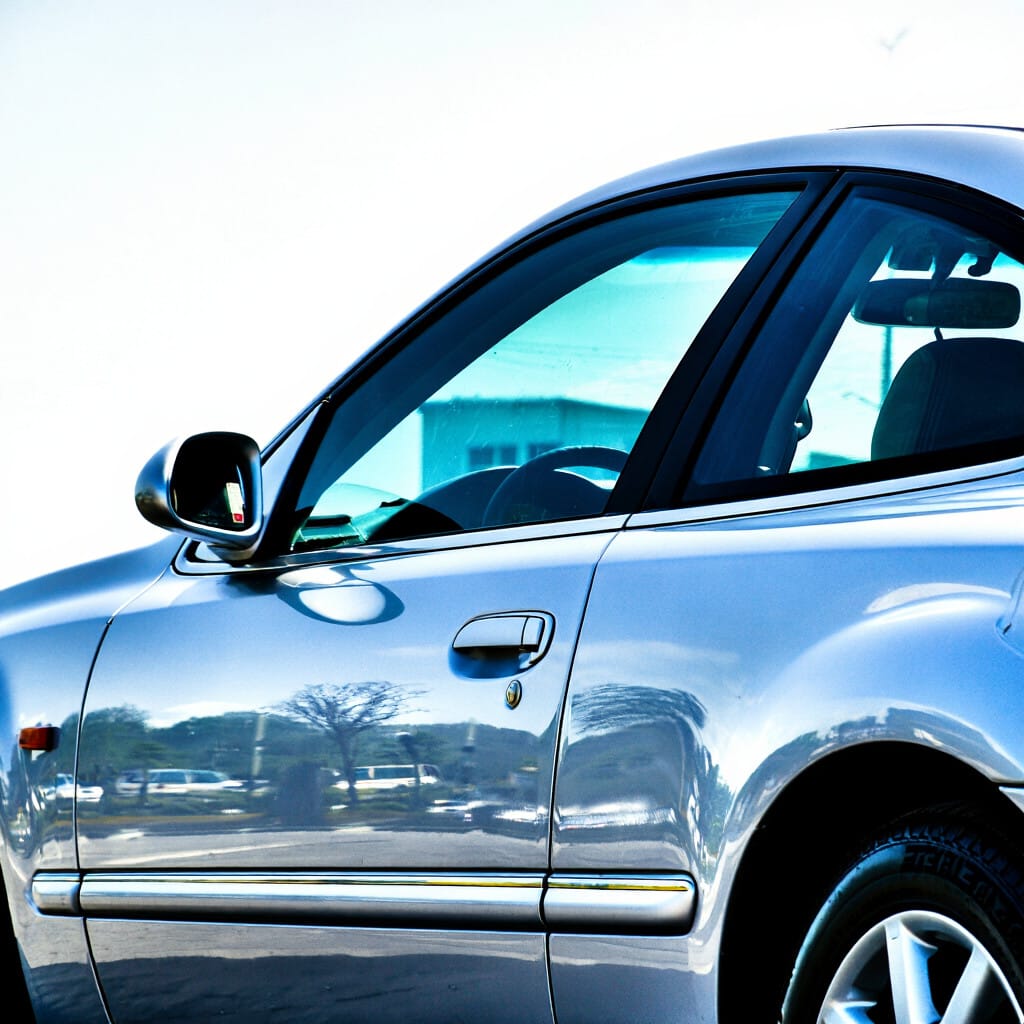
- silver car
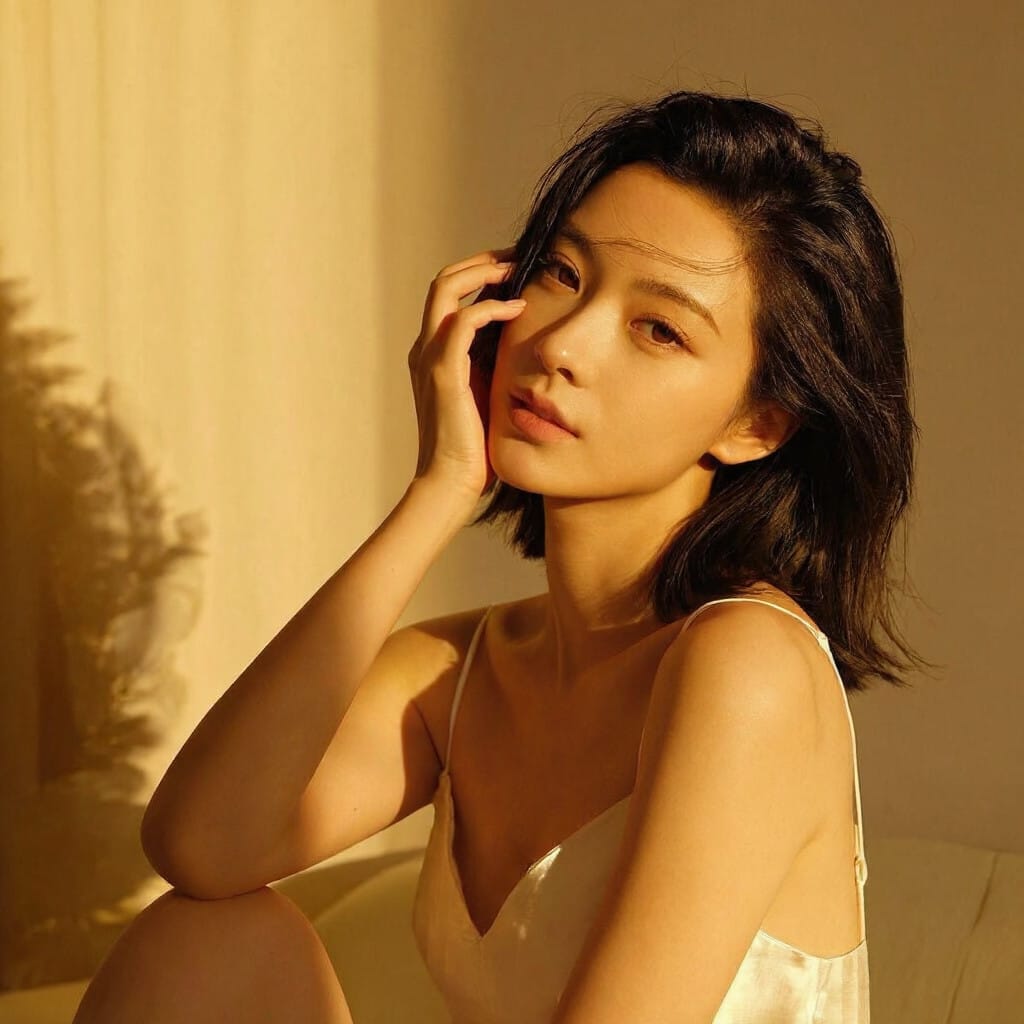
- golden sunlight
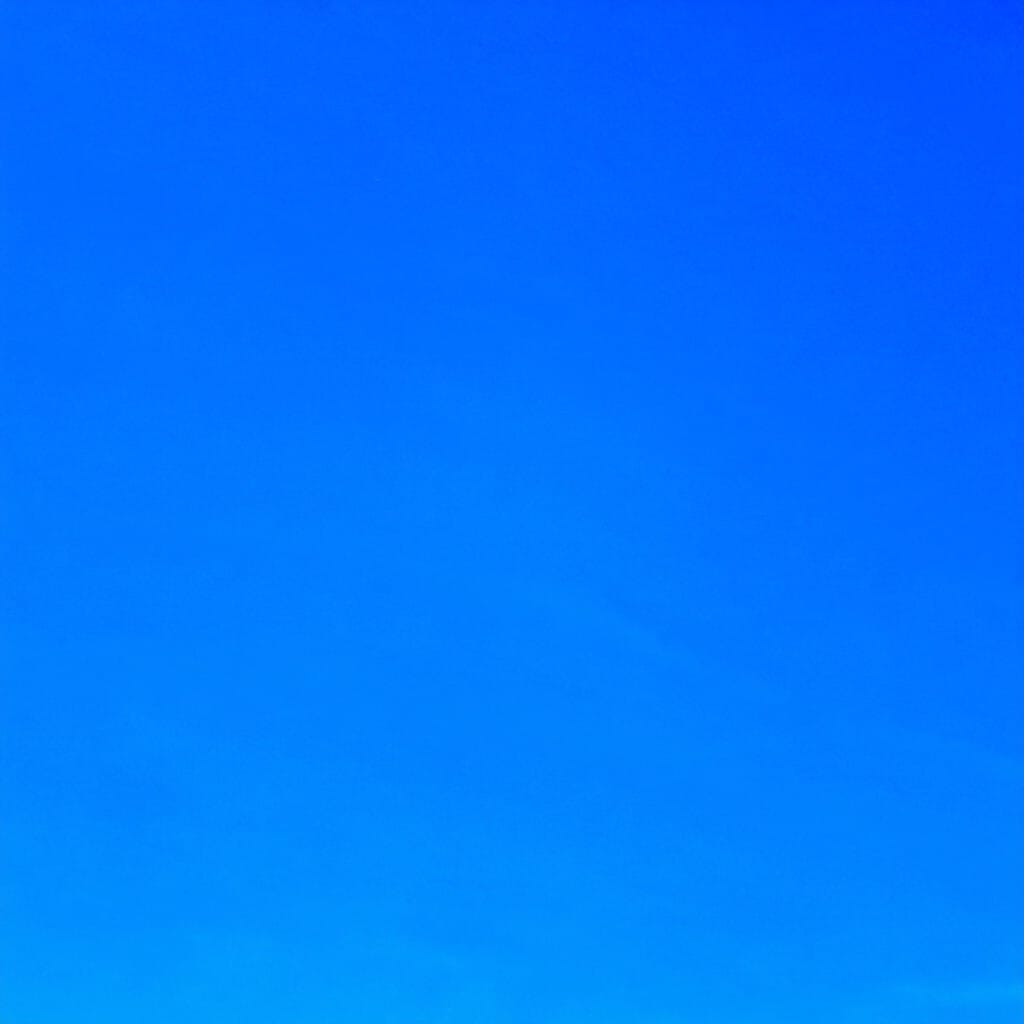
- blue sky
How Juggernaut Z Should Be Prompted Across Different Image Types
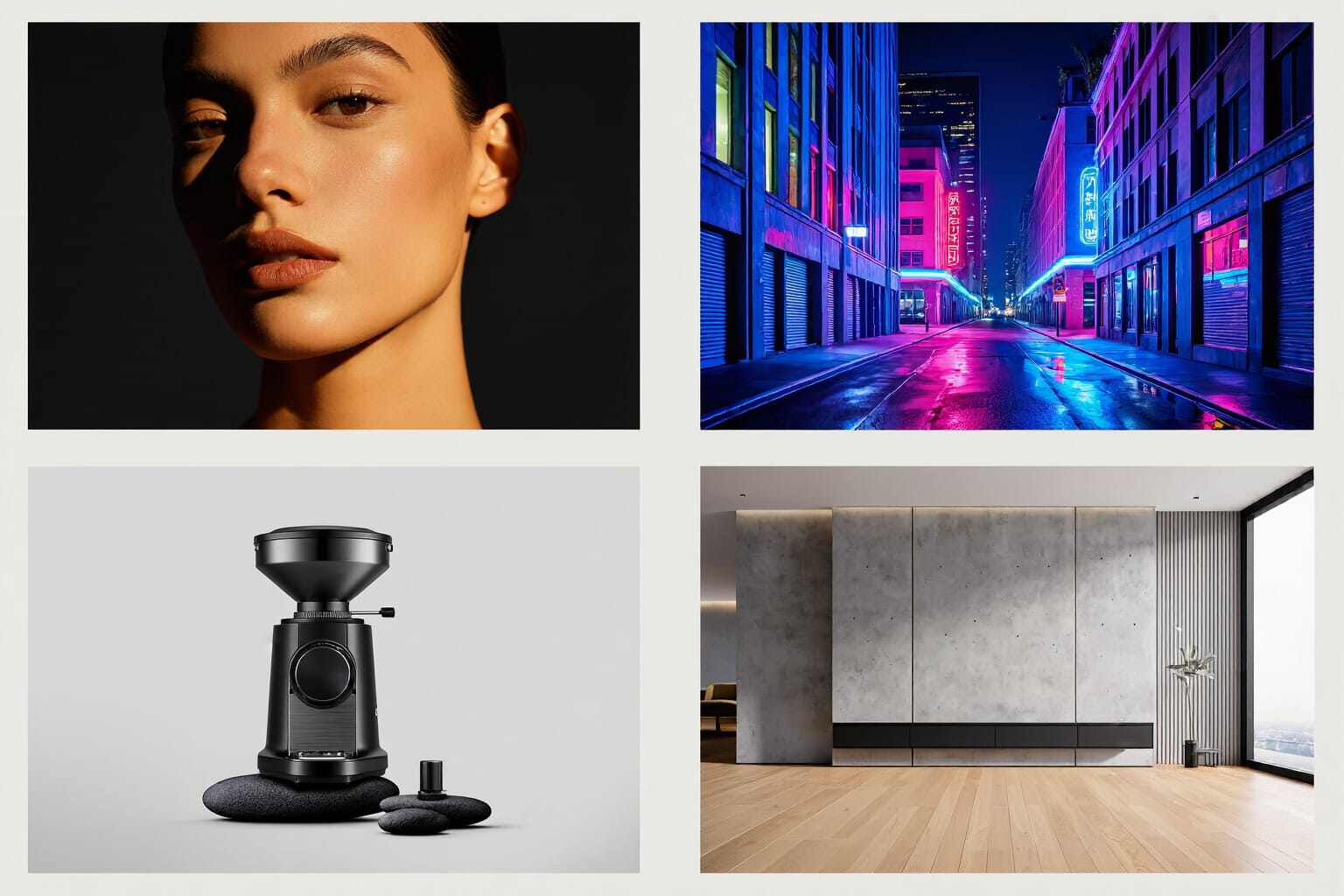
Portraits
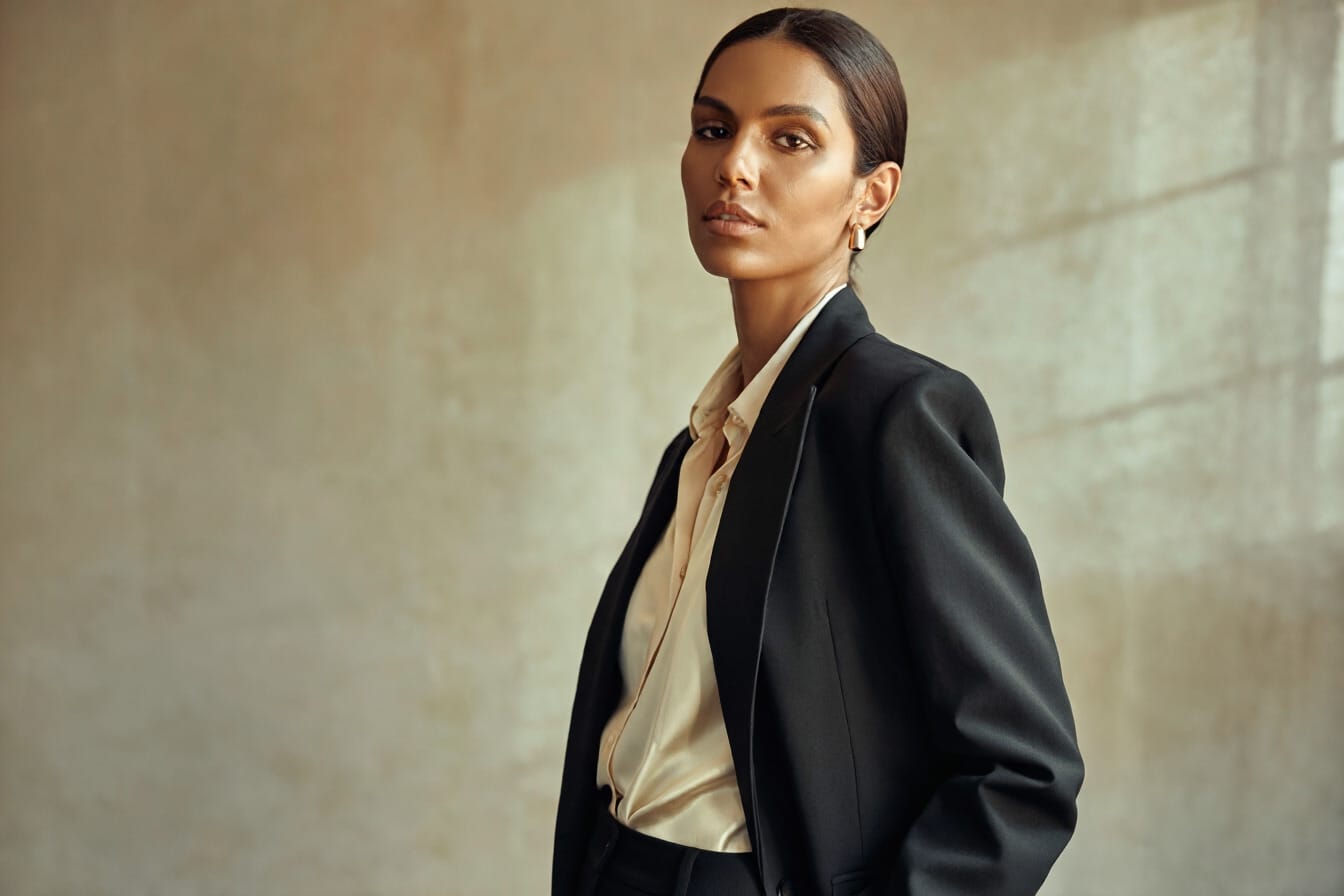
Portraits work best when the subject, expression, styling, background, and lighting are all clearly established. A strong portrait prompt should define who is in the frame, what they are wearing, how they are posed, and what kind of light shapes the face.
A dependable portrait structure looks like this:
subject + expression + clothing + background + lighting + depth or framing cues + key color details
A portrait prompt becomes more useful as soon as it moves from general mood into visible instruction.
Cinematic Scenes
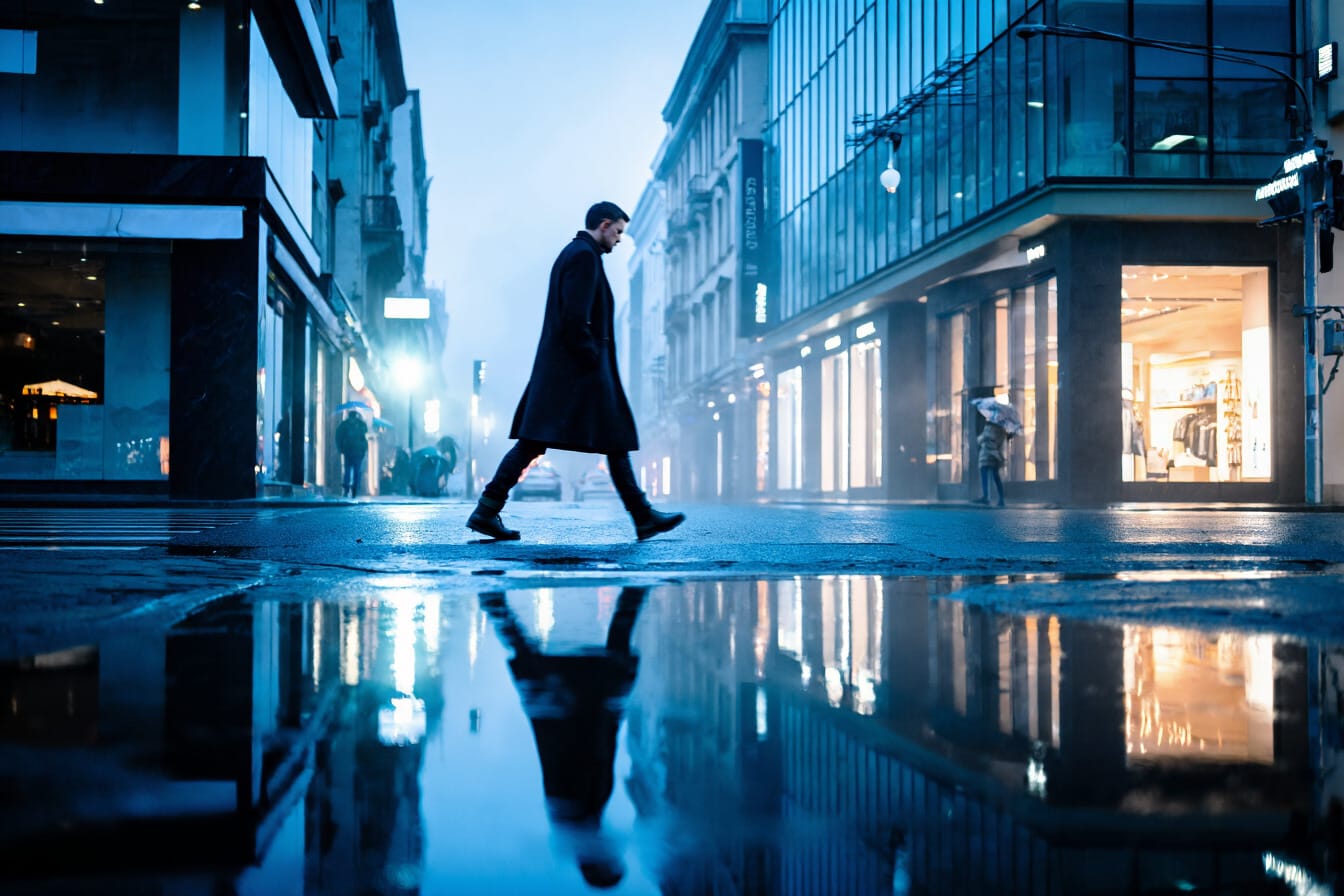
Cinematic prompts should still describe a real scene. Atmosphere matters, but structure matters more. The setting, light source, surface detail, and framing should work together.
A dependable cinematic structure looks like this:
subject + environment + action or pose + lighting + atmosphere + composition + contrast or material cues
The strongest cinematic prompts do not rely on genre language alone. They establish a frame.
Product and Commercial Images
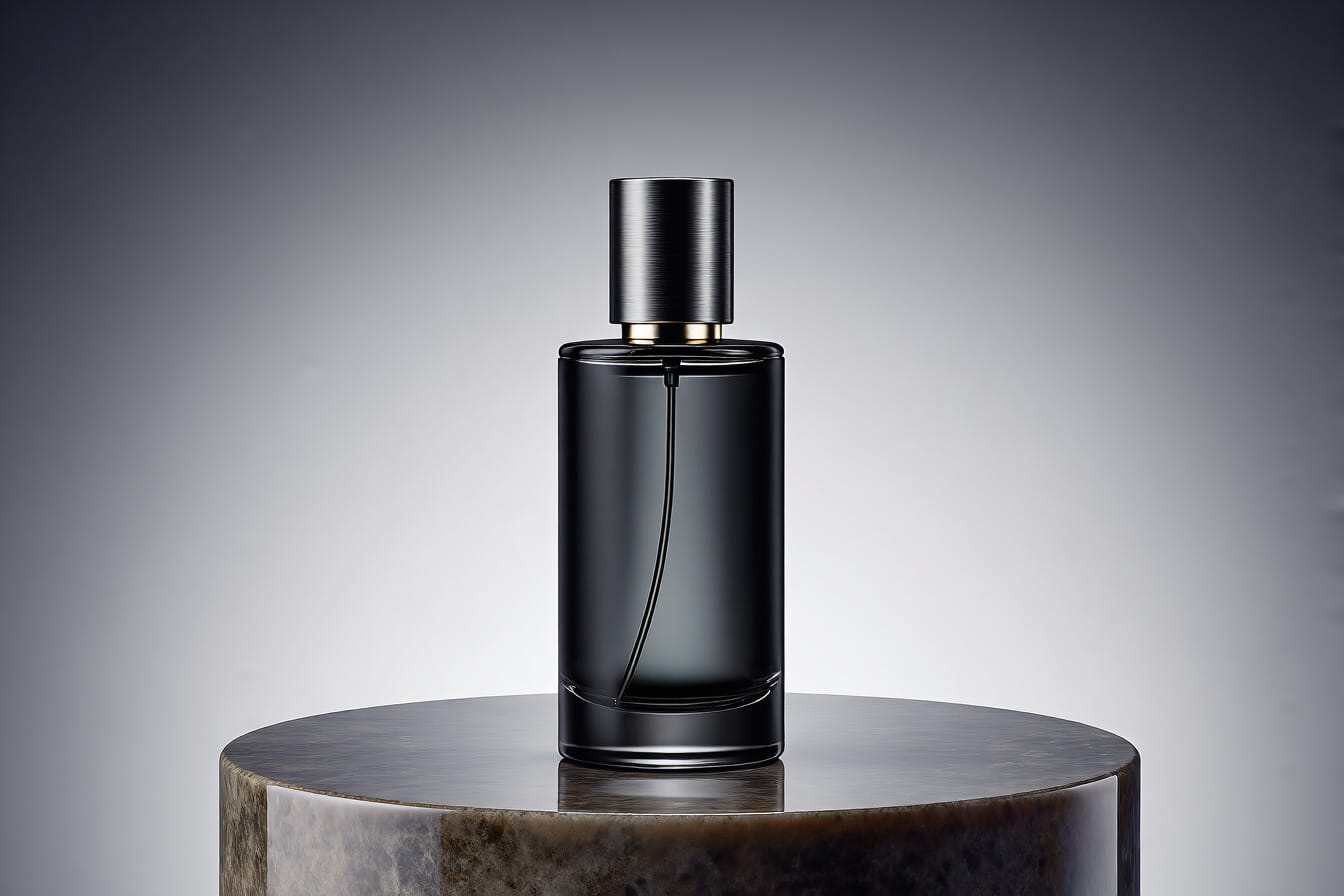
Product prompts benefit from precision, cleanliness, and surface control. The object, its finish, the surface beneath it, the background, and the lighting all need to feel intentional.
A dependable product structure looks like this:
product + materials and finish + placement + background + lighting + composition + surface detail
This is where material clarity and controlled lighting make the biggest difference.
Architecture and Interiors
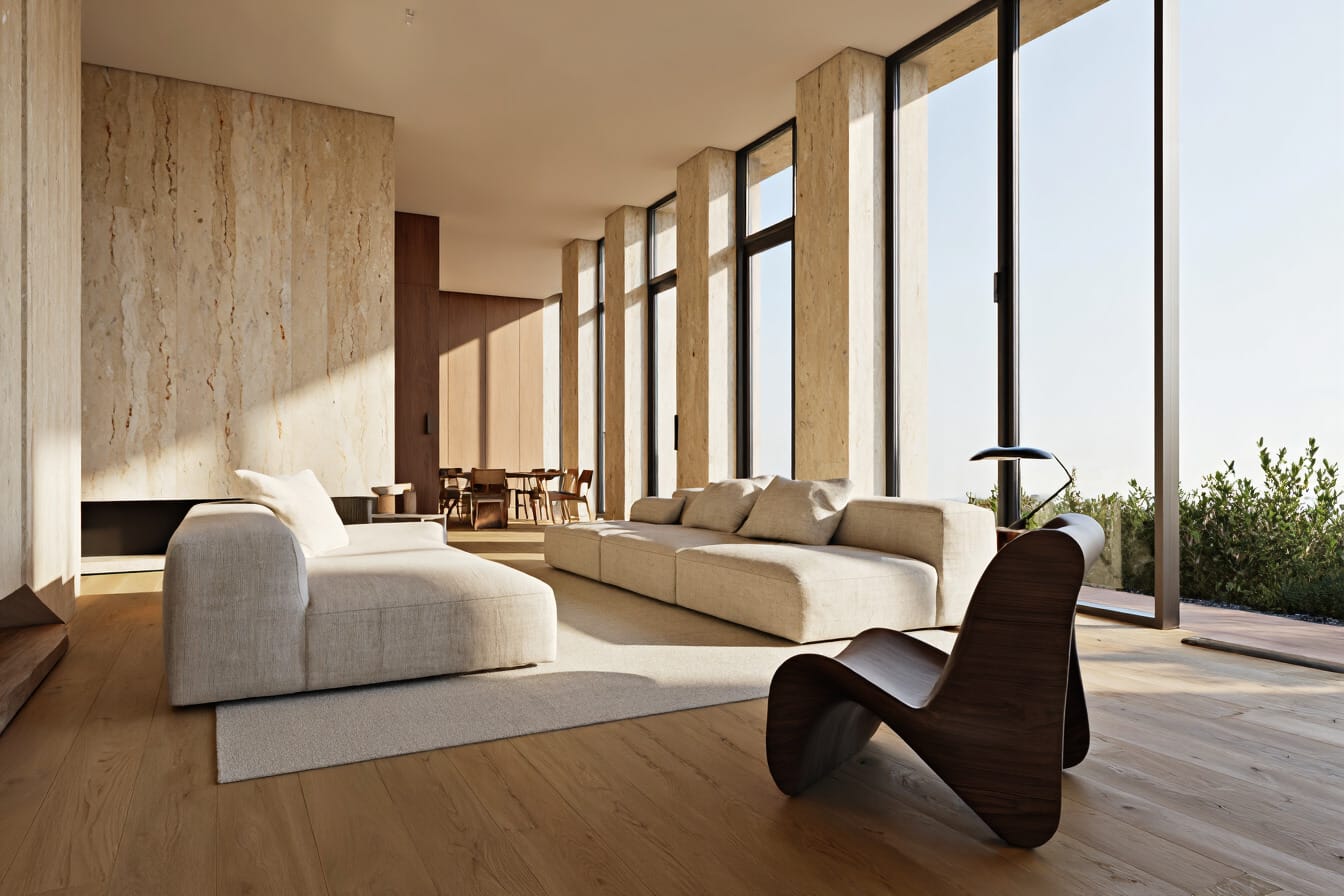
Architectural and Interior prompts benefit from structural clarity, material readability, and lighting behavior. The prompt should identify what kind of space is being shown, what defines it, and how the eye should move through it.
A dependable interior or architecture structure looks like this:
space or building type + structural features + materials + lighting + foreground or depth cues + dominant palette
That approach tends to produce scenes that feel more intentional and less improvised.
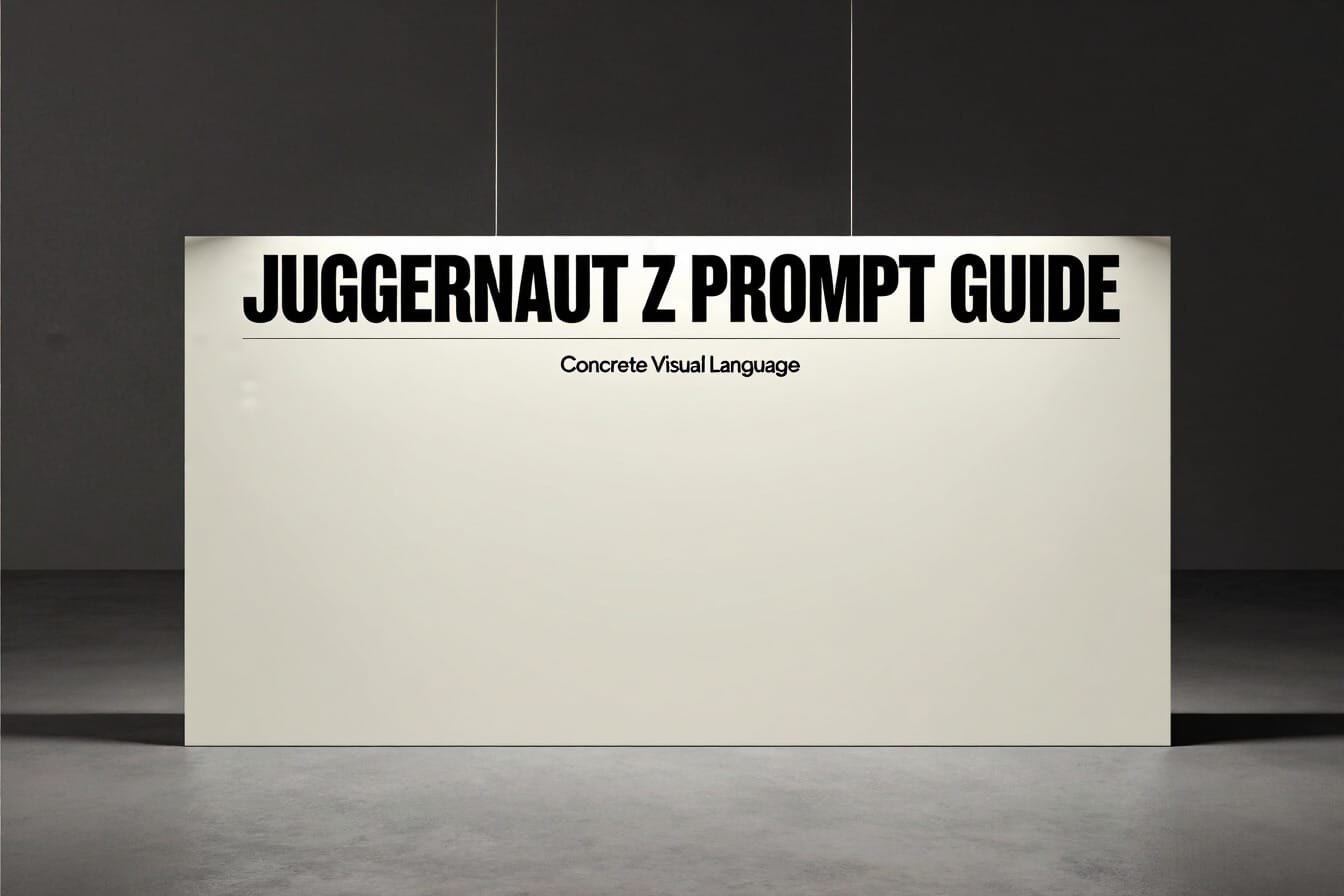
Text in Image
When text is part of the image, the wording should be exact. The prompt should specify the text itself, its hierarchy, and its placement in the frame. We recommend putting the text at the start of the prompt. For text you may need to run multiple generations and select the best results.
Turning a Rough Idea Into a Stronger Prompt
Most prompts do not begin as complete image descriptions. They begin as a loose direction.
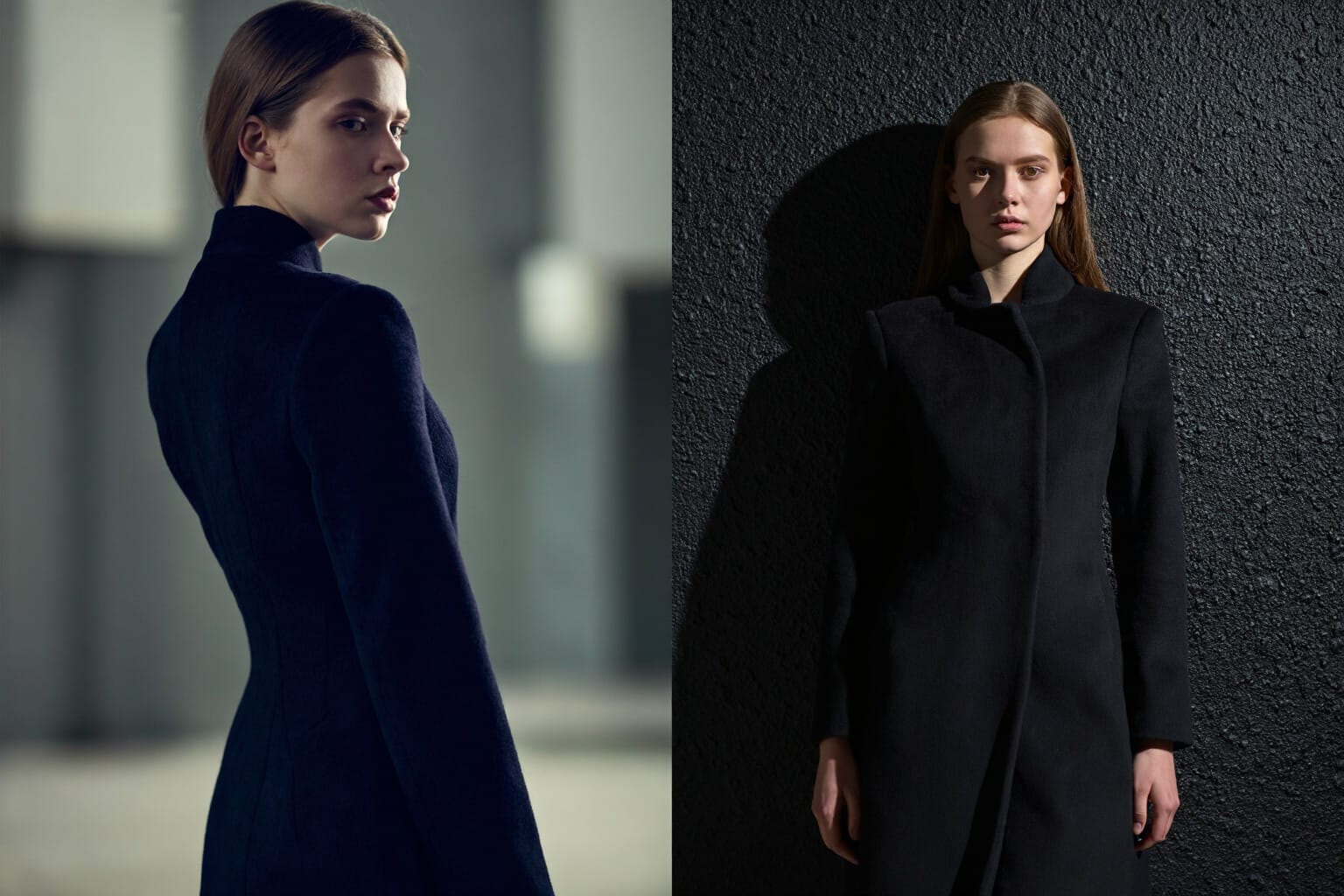
A phrase like moody fashion image is not wrong. It is simply incomplete.
The stronger version turns that idea into visible decisions:
- who is in the image
- what they are wearing
- where they are standing
- what the background is
- what kind of light defines the scene
- how close the framing should be
- which colors matter most
That is the difference between a prompt that suggests a mood and a prompt that builds a scene.
A Repeatable Prompt Checklist
Before generating, a Juggernaut Z prompt should answer most of these questions:
- What is the main subject?
- What is visible about the subject?
- What is the subject doing or how is it posed?
- Where is the scene taking place?
- What is the lighting like?
- How is the image framed?
- What materials or textures matter?
- Which colors are important?
- Is there any exact text that must appear?
While not every prompt needs to answer those question to be successful this is a good framework to begin thinking about prompts. It is better to know the rules before you break them.
When Shorter Prompts Are Better
Juggernaut Z does not require maximum-length prompts for every image.
Simple scenes often benefit from short, disciplined prompts. More complex scenes can support more detail, but the added length still needs to stay organized and useful. A longer prompt only helps when it adds clarity.
That is the real distinction. A good long prompt is not a pile of adjectives. It is a complete visual description.
Further Reading
For more information visit our page on Juggernaut Z. You can see comparison images and read more about Juggernaut Z.
20 Example Juggernaut Z Prompts by Category
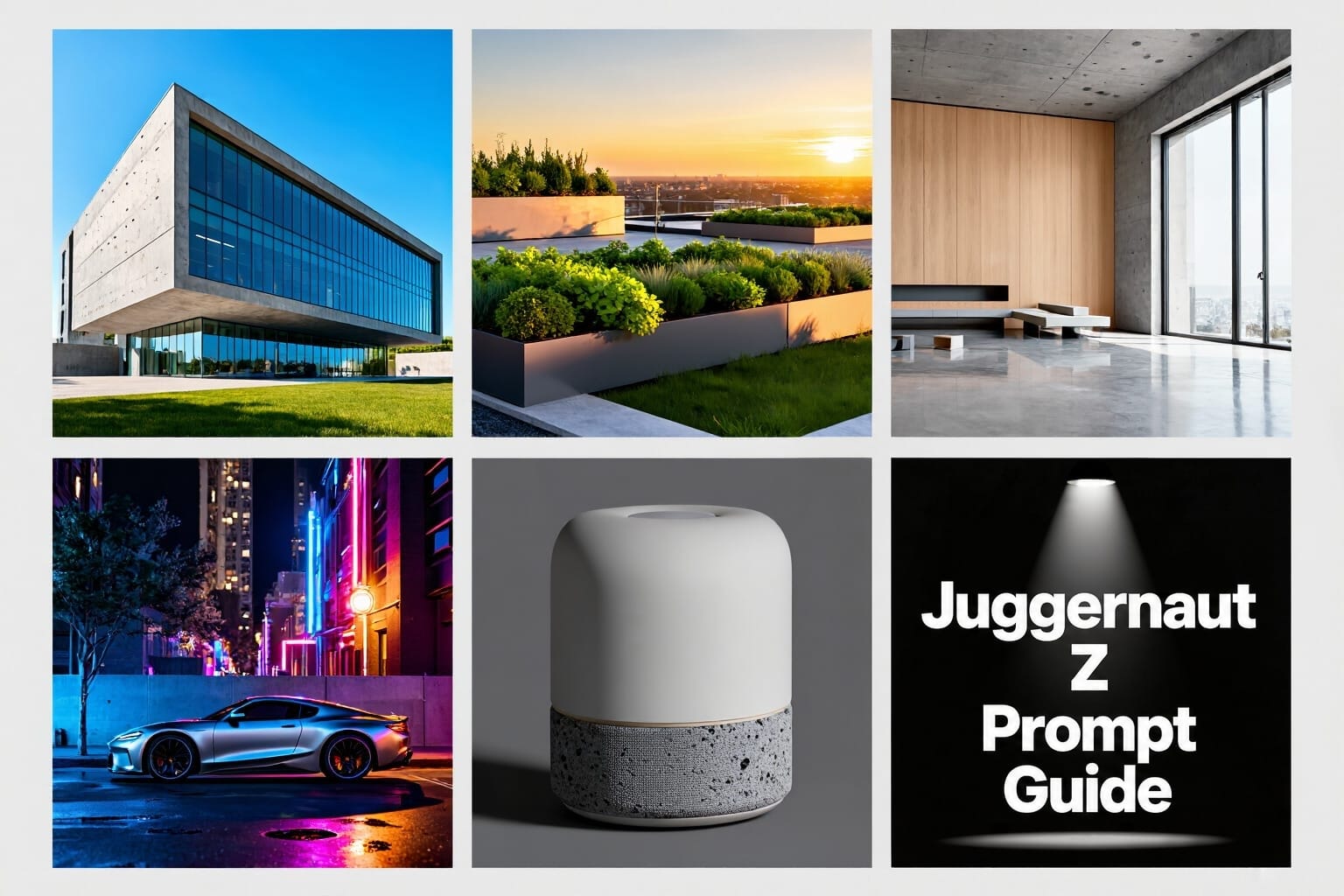
The following examples are not meant to be copied word for word. They are meant to show the kinds of prompt structures that give Juggernaut Z a stronger visual starting point across different categories.
1. Architecture
Prompt formula:
building type + defining structural features + materials + lighting + camera angle + environment + key color or contrast cues
Example 1
modern residential building with a clean geometric facade, cast concrete walls, large floor-to-ceiling glass windows, black metal framing, photographed from a low angle, bright daylight, crisp shadows, clear blue sky, minimal foreground landscaping
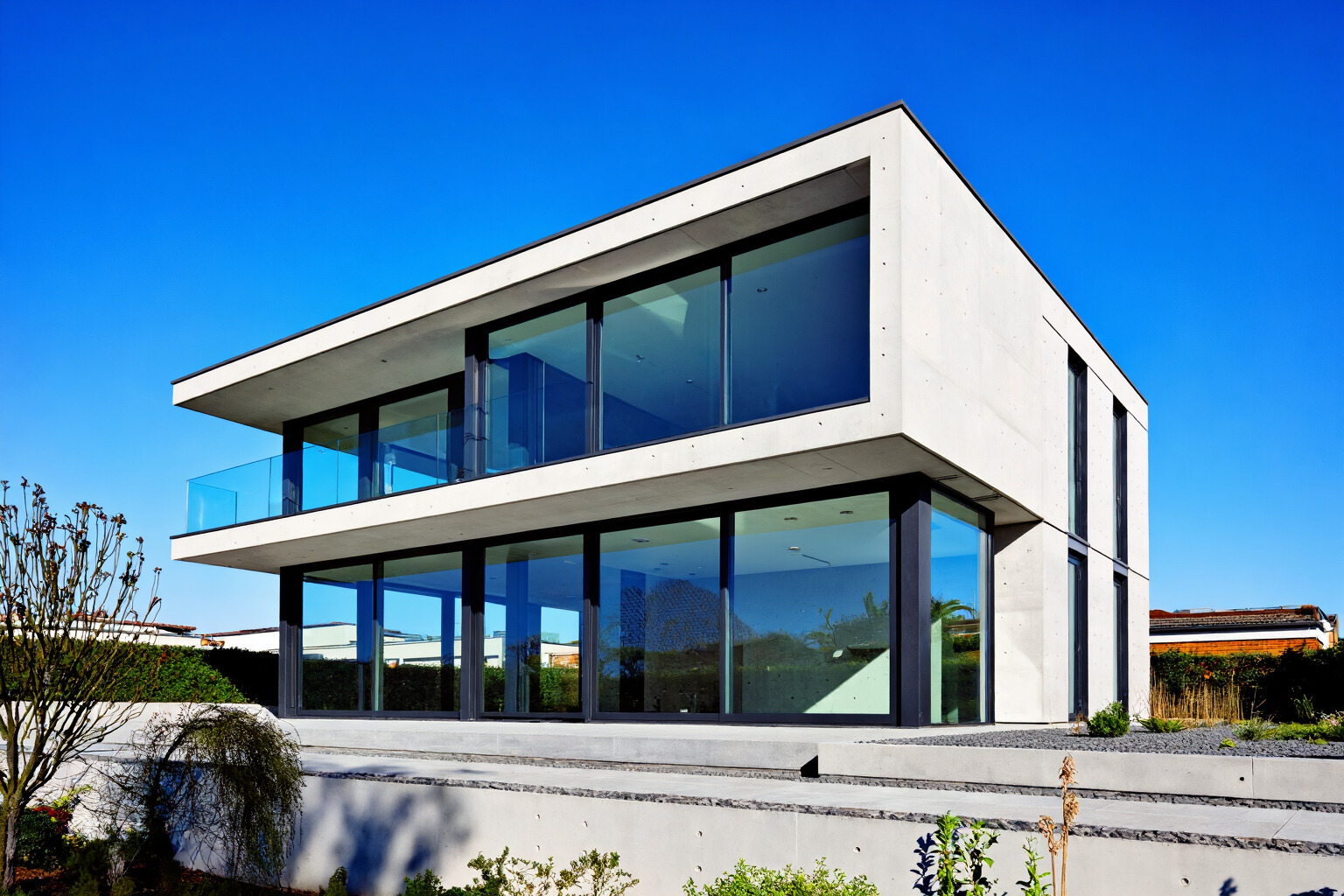
Example 2
contemporary office tower with stacked rectangular volumes, reflective glass curtain wall, brushed steel accents, viewed from street level, soft overcast daylight, adjacent plaza in the foreground, cool gray palette, sharply defined architectural lines
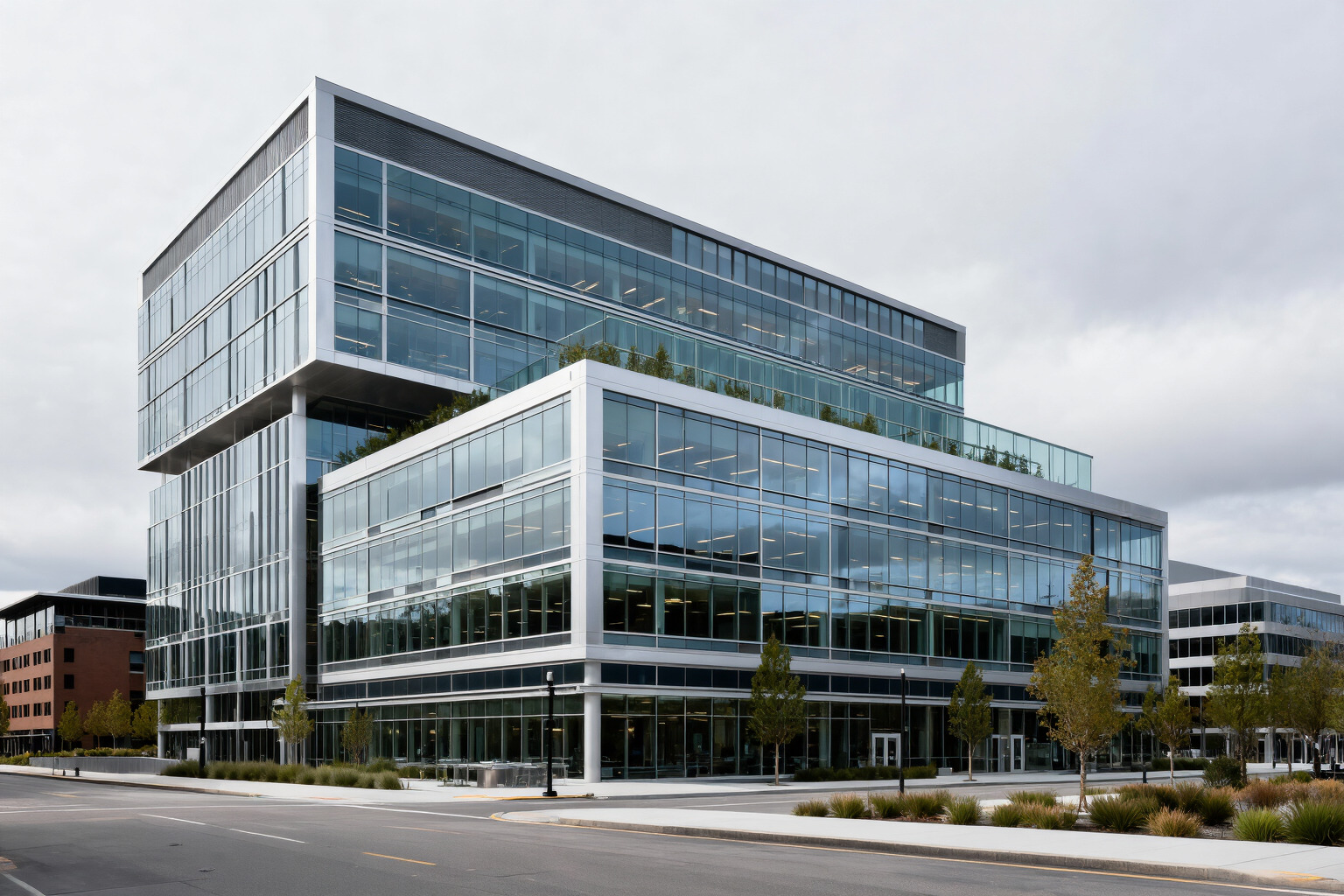
2. Landscape Architecture
Prompt formula:
site type + layout elements + planting design + hardscape materials + lighting + composition + atmosphere
Example 1
contemporary public garden with layered stone pathways, low native grasses, sculptural concrete benches, shallow reflecting pool, evenly spaced young trees, soft morning light, wide composition, balanced foreground planting and distant structure
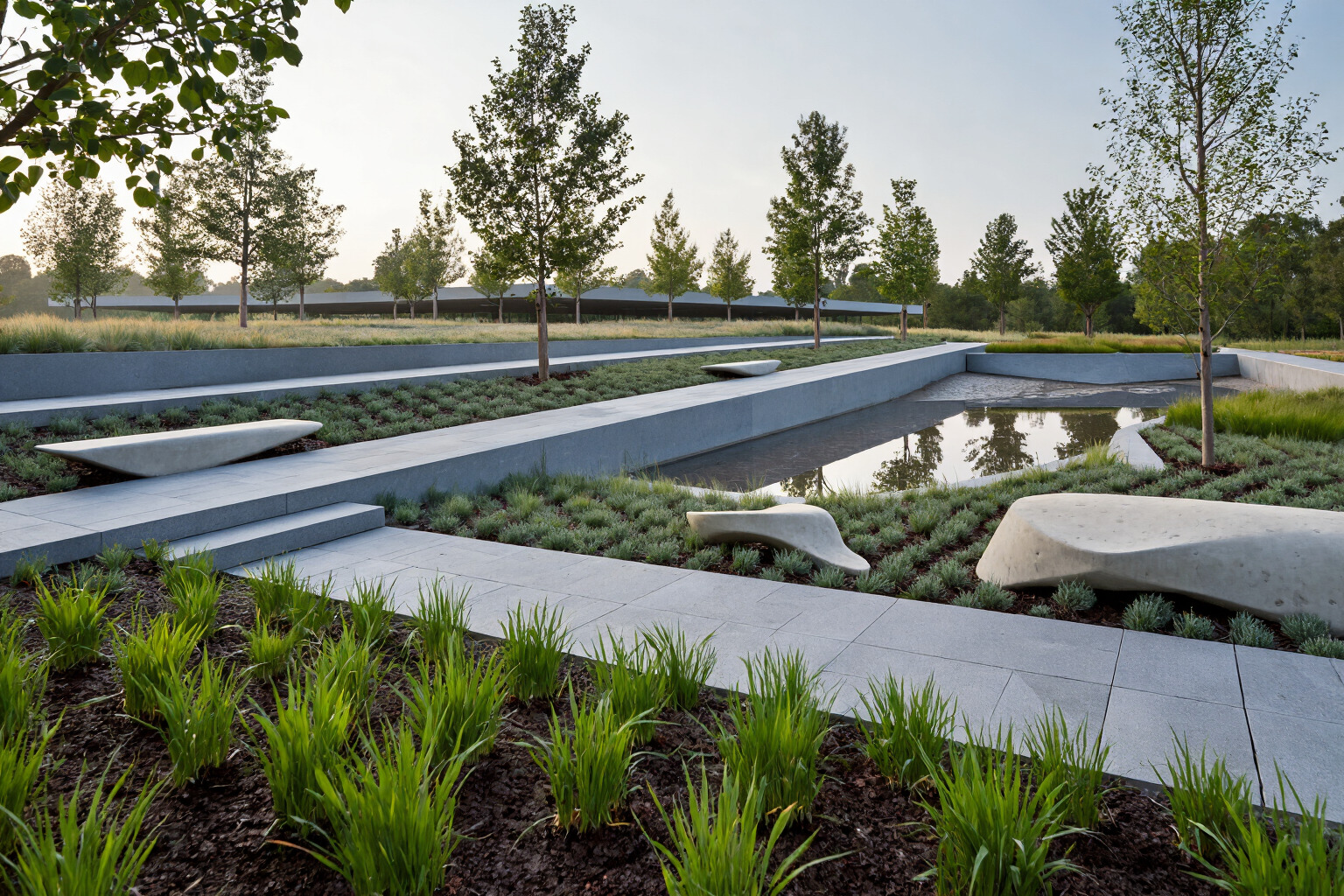
Example 2
urban rooftop landscape with raised planters, ornamental grasses, pale concrete pavers, integrated wooden seating, glass railing along the edge, golden hour sunlight, angled view across the terrace, warm highlights and long shadows
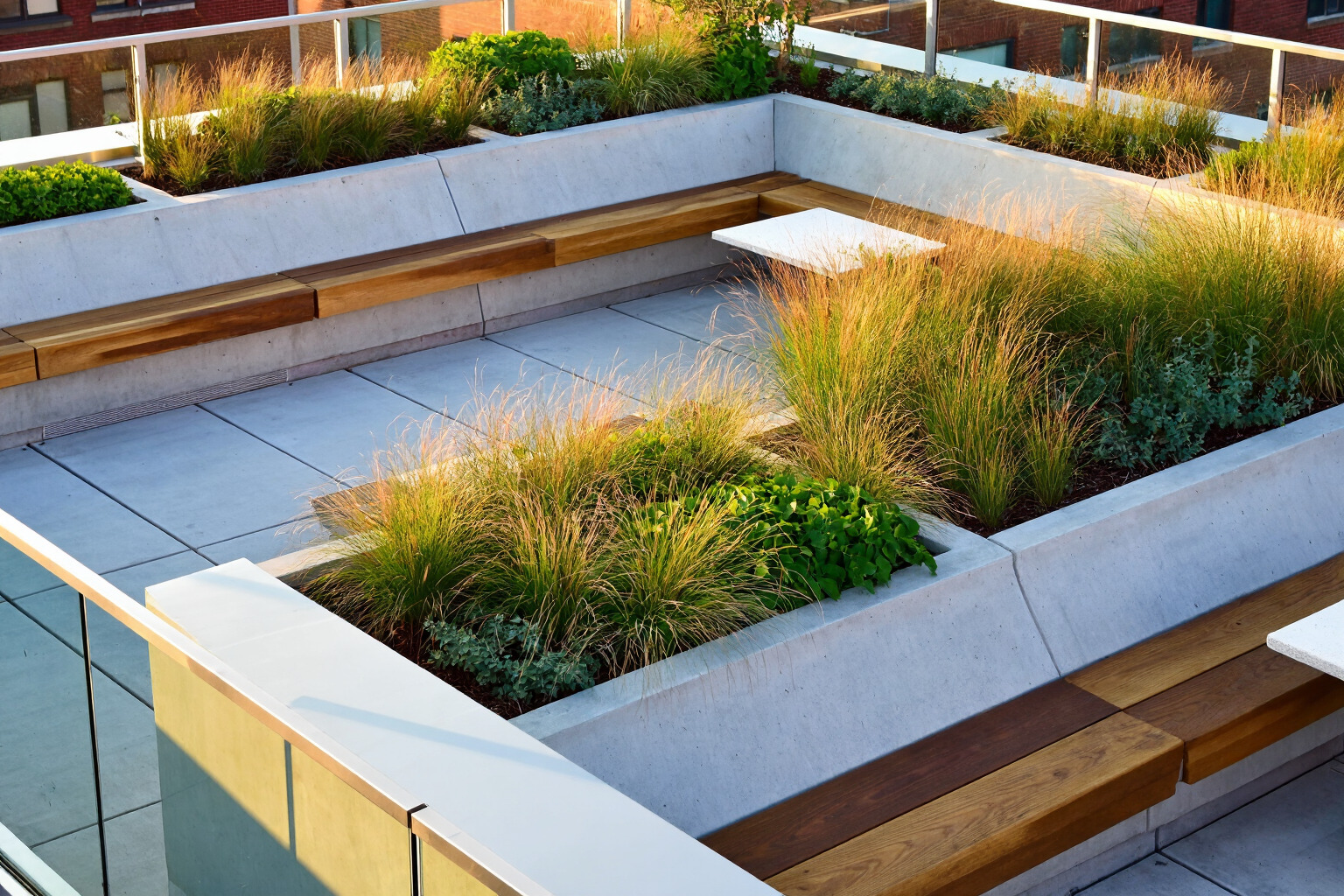
3. Interior Design
Prompt formula:
room type + furniture or layout + materials + lighting direction + composition + color palette + visible styling details
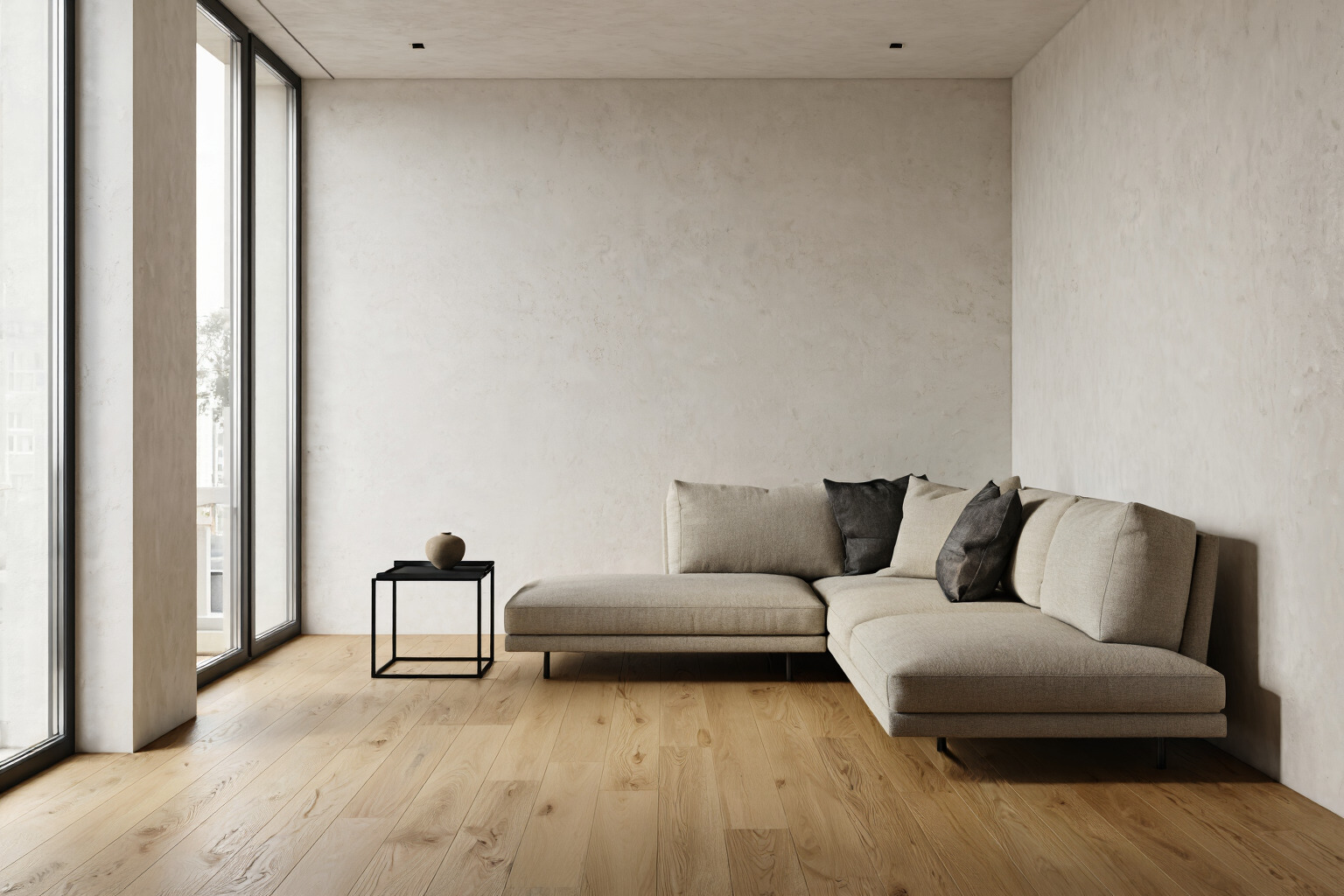
Example 1
modern living room with pale oak flooring, textured off-white walls, low beige sectional sofa, black metal side table, large windows on the left, soft daylight filling the room, clean composition, muted neutral palette, subtle shadows
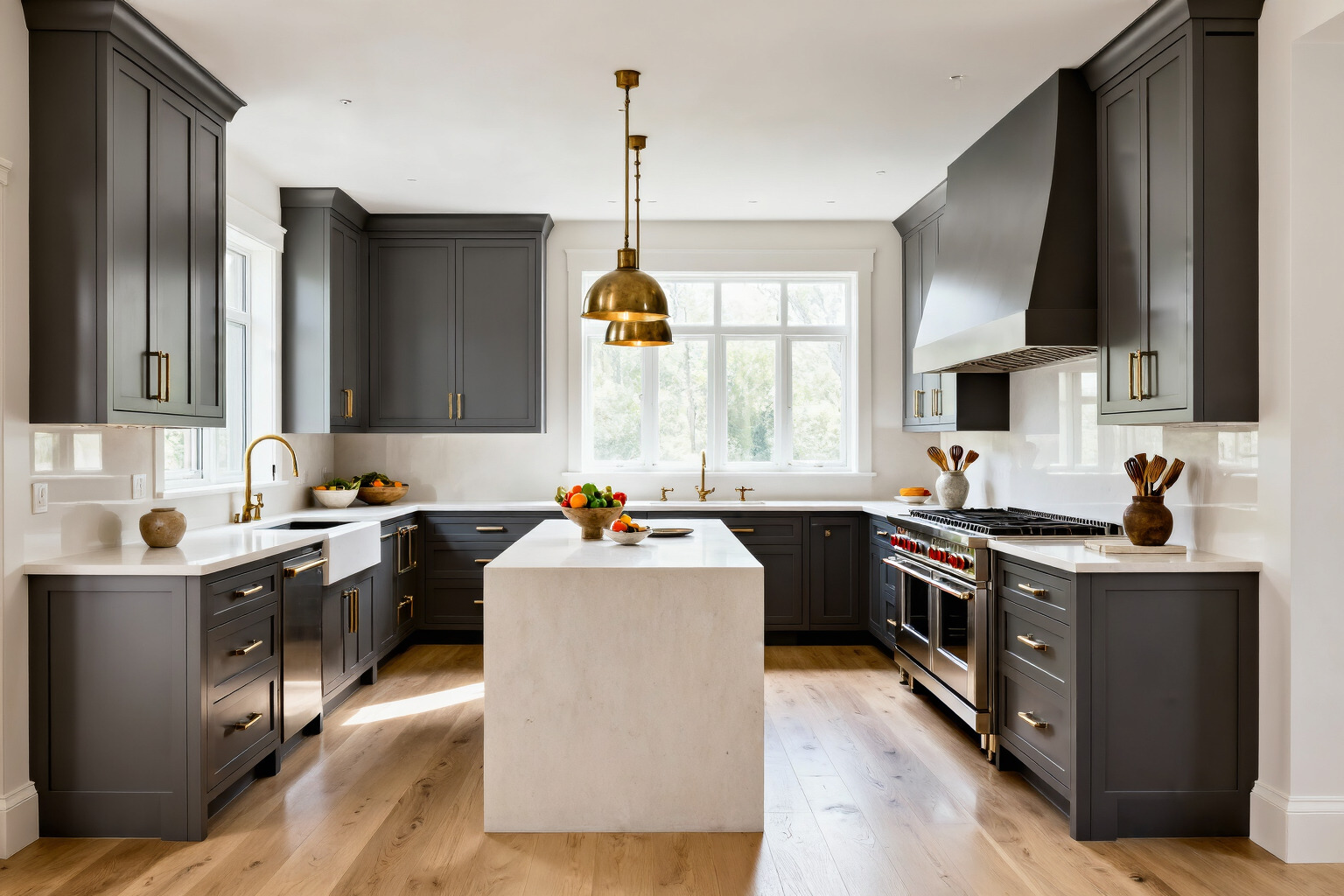
Example 2
luxury kitchen interior with matte gray cabinetry, white stone island, brushed brass fixtures, light wood flooring, pendant lights above the island, bright natural light from the rear windows, crisp surfaces, balanced composition, warm neutral tones
4. Fashion
Prompt formula:
subject + clothing + pose or expression + background + lighting + framing + color or texture cues
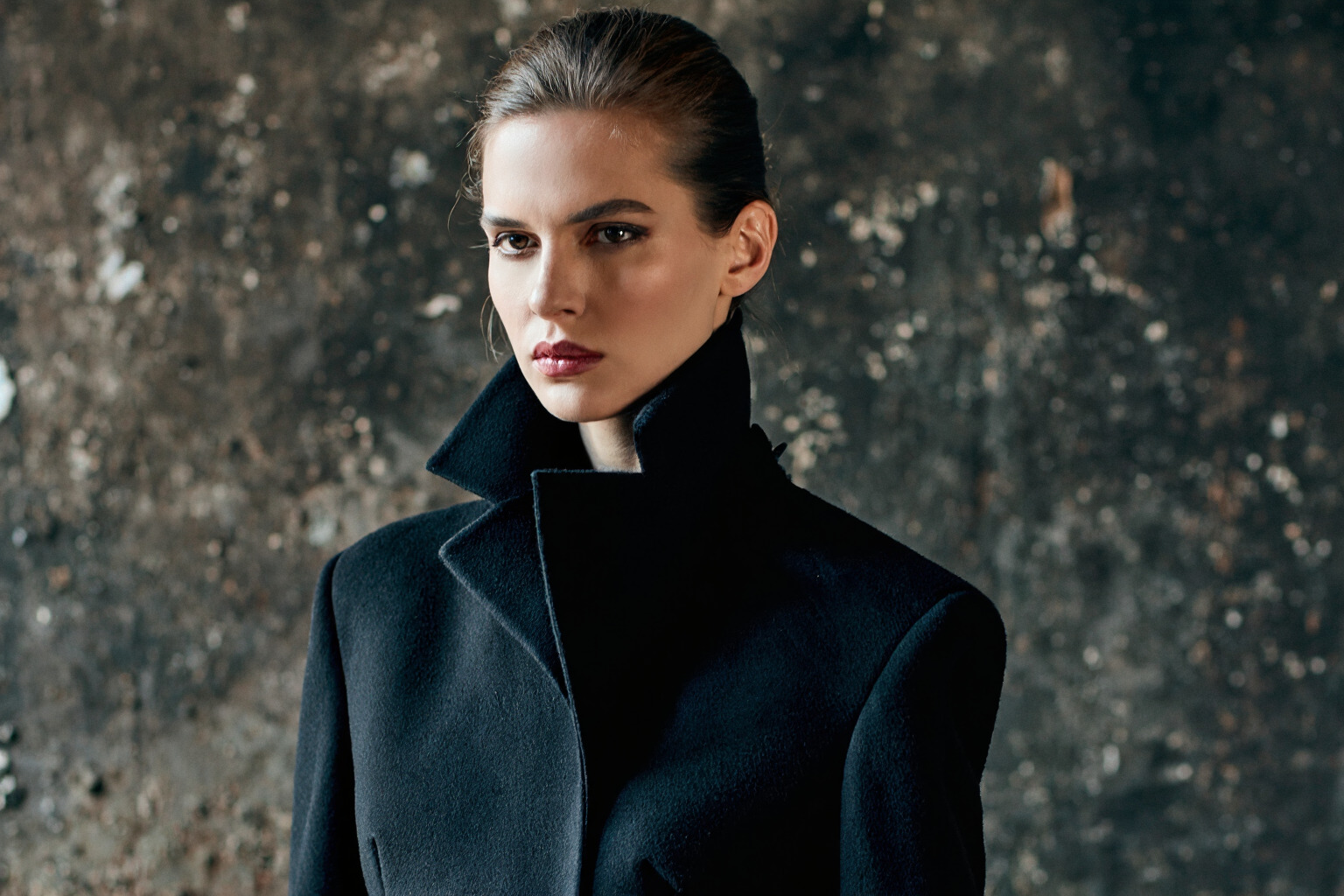
Example 1
close portrait of a woman standing against a dark textured wall, wearing a structured black coat with a high collar, serious expression, dramatic side lighting, shallow depth of field, muted background, high contrast, editorial fashion composition
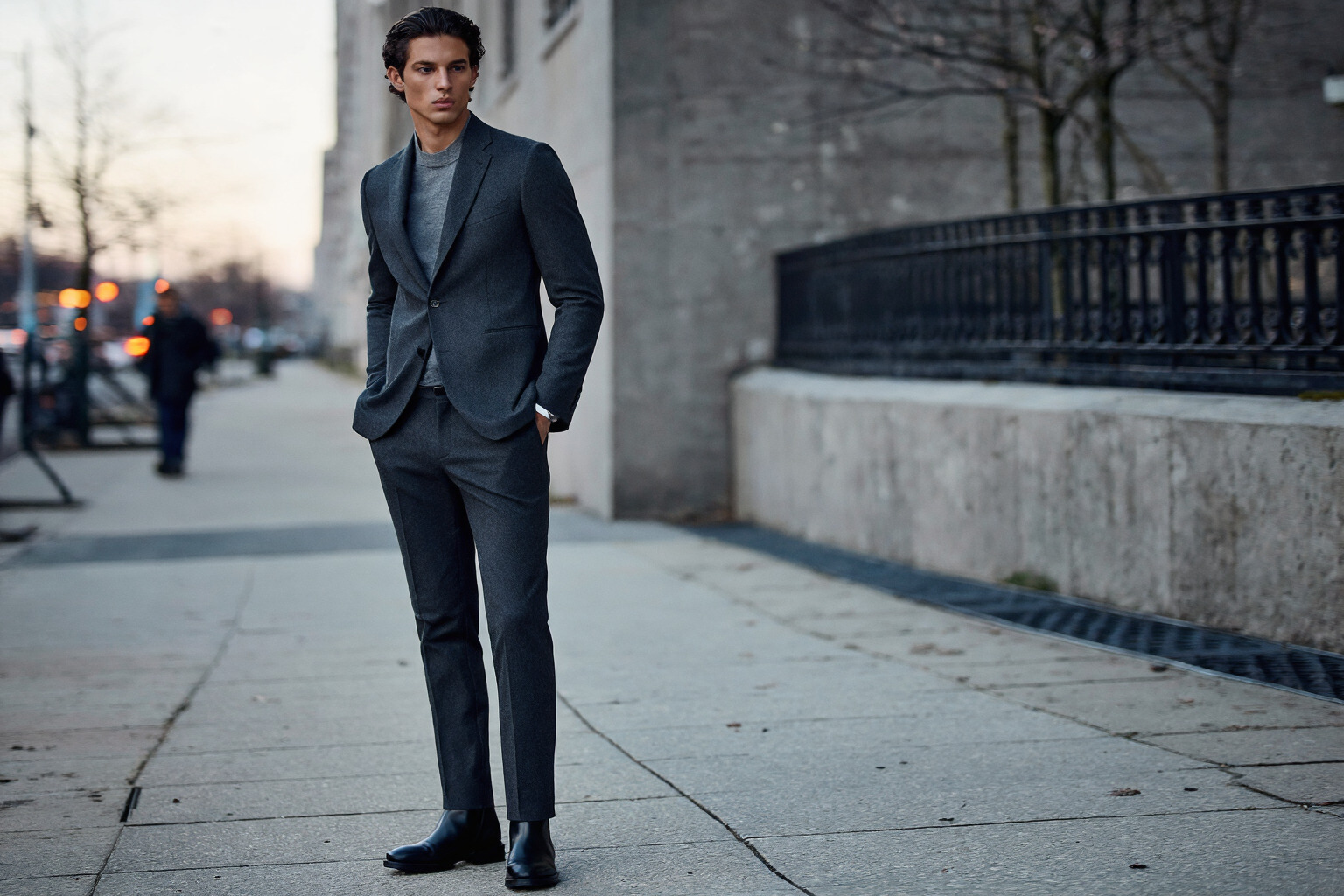
Example 2
full-body fashion photograph of a man standing on a city sidewalk, wearing a tailored charcoal suit and black boots, hands in pockets, soft evening light, blurred urban background, vertical composition, crisp fabric texture, cool gray palette
5. Product Design
Prompt formula:
product + materials and finish + placement + background + lighting + composition + surface detail
Example 1
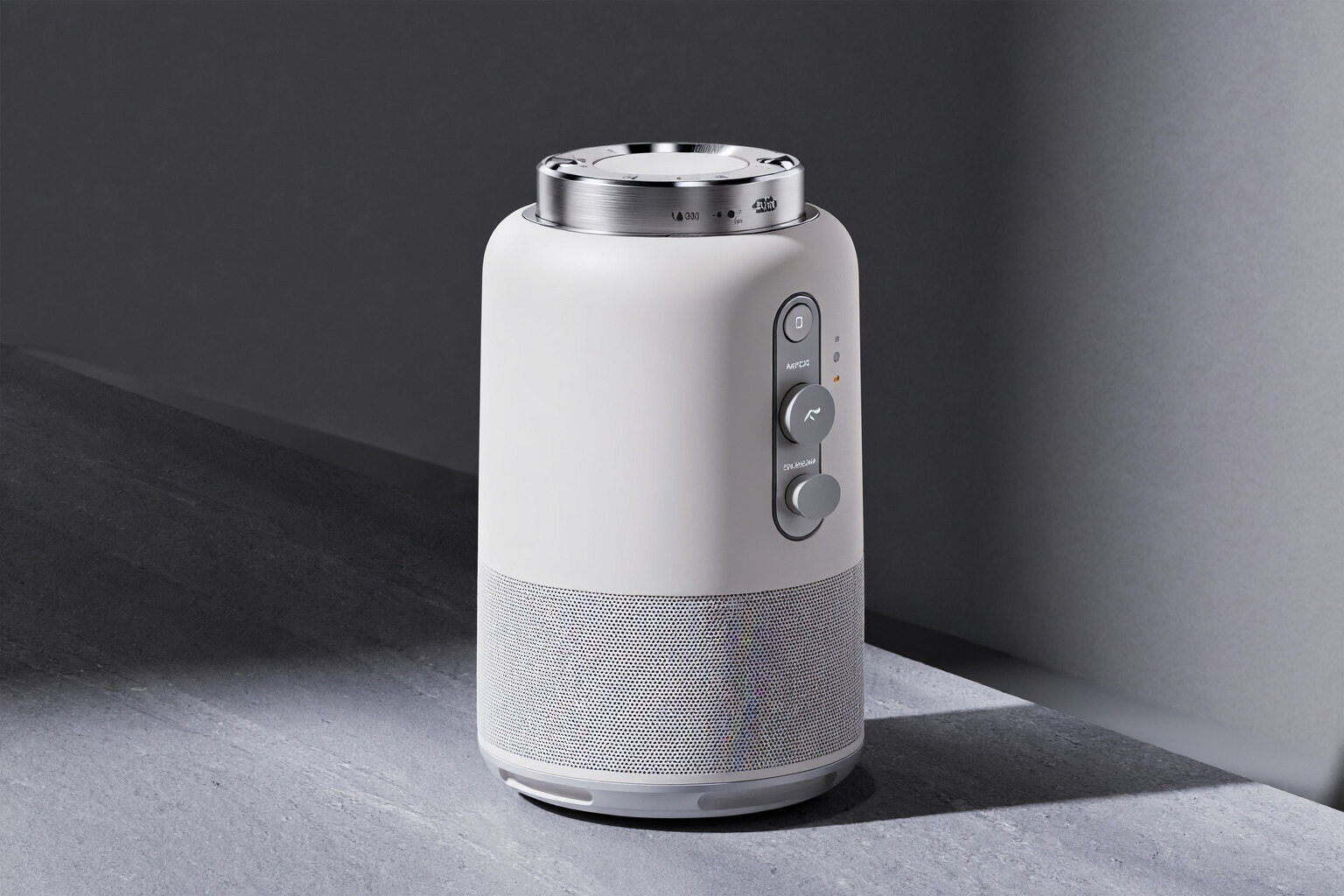
studio product photograph of a matte white wireless speaker with brushed aluminum controls, placed on a smooth gray stone surface, soft directional lighting from the right, gentle shadow beneath the object, centered composition, clean background, crisp edges
Example 2
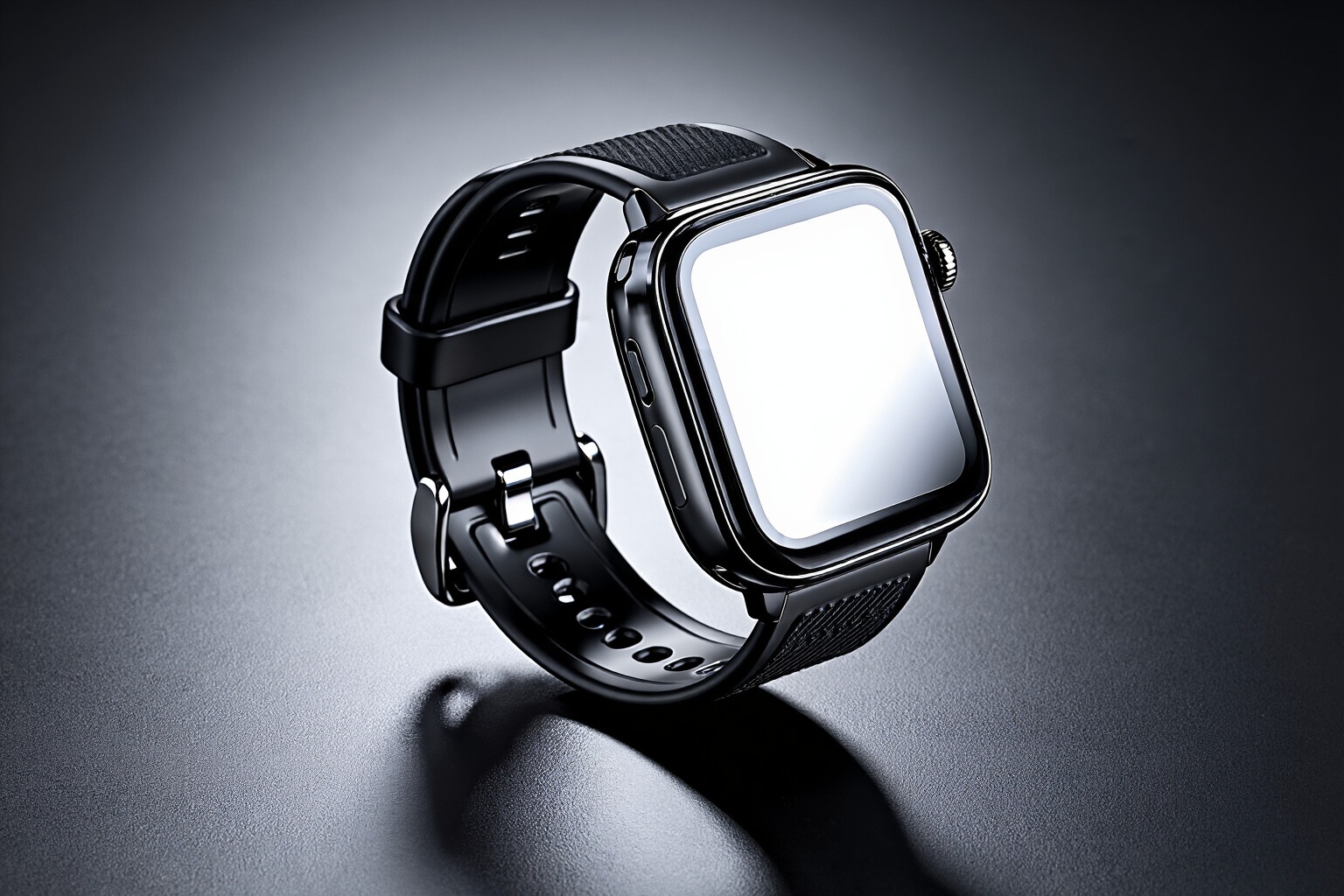
close product shot of a black smartwatch with a glossy glass face and textured rubber strap, resting on a dark reflective surface, controlled studio lighting, subtle highlights along the frame, minimal background, sharp detail, modern commercial composition
6. Automotive
Prompt formula:
vehicle + environment + lighting + camera angle + surface reflections + atmosphere + key color cues
Example 1
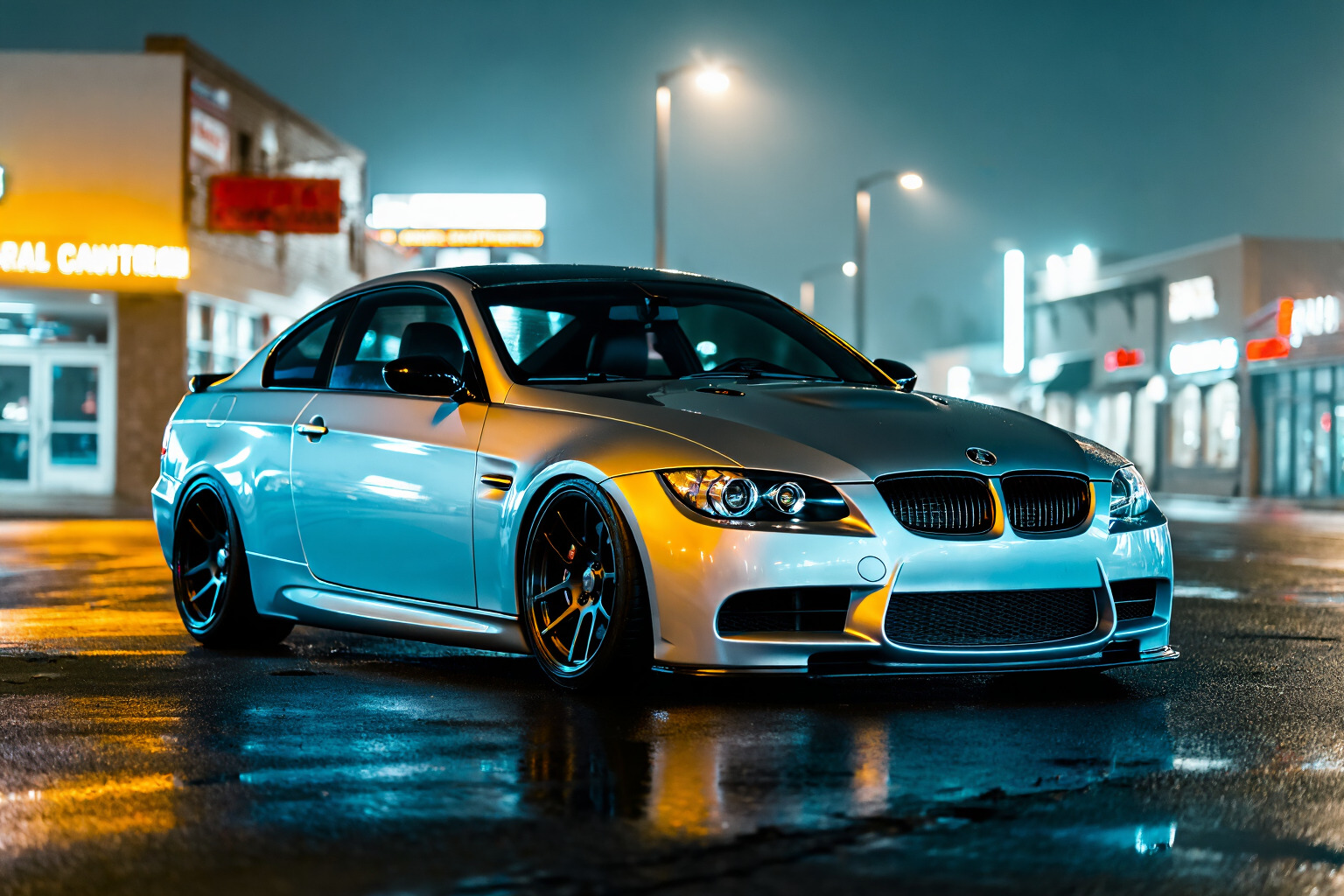
silver performance coupe parked on a wet city street at night, teal and amber reflections across the bodywork, illuminated signage in the background, low angle view, glossy pavement, cinematic contrast, sharp vehicle detail, soft atmospheric haze
Example 2
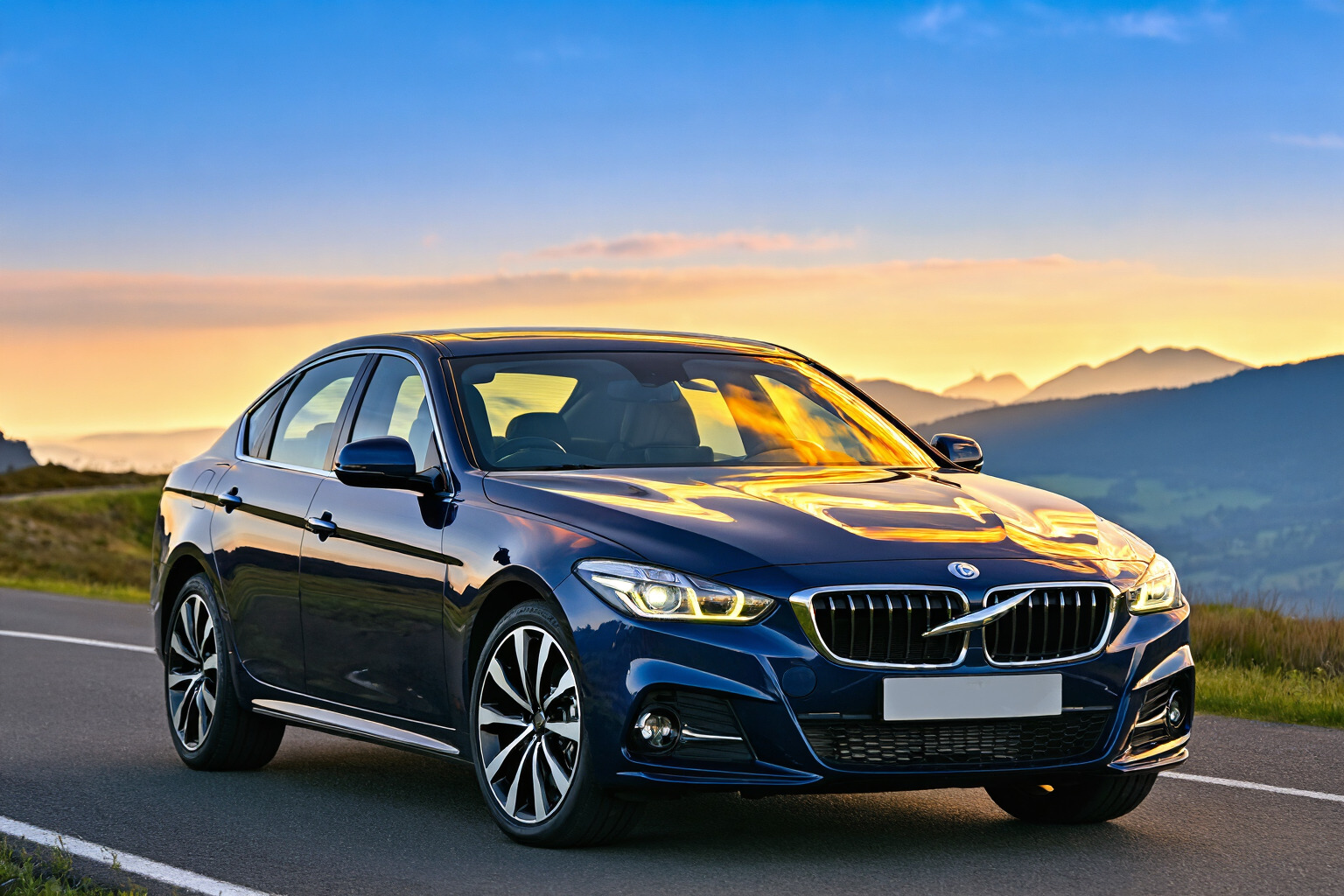
dark blue luxury sedan driving along a mountain road at sunrise, golden light striking the hood and windshield, distant peaks in the background, three-quarter front view, crisp reflections on the paint, clean road surface, dramatic natural contrast
7. Hospitality (Interior Design)
Prompt formula:
space type + design elements + materials + lighting + foreground detail + composition + mood
Example 1
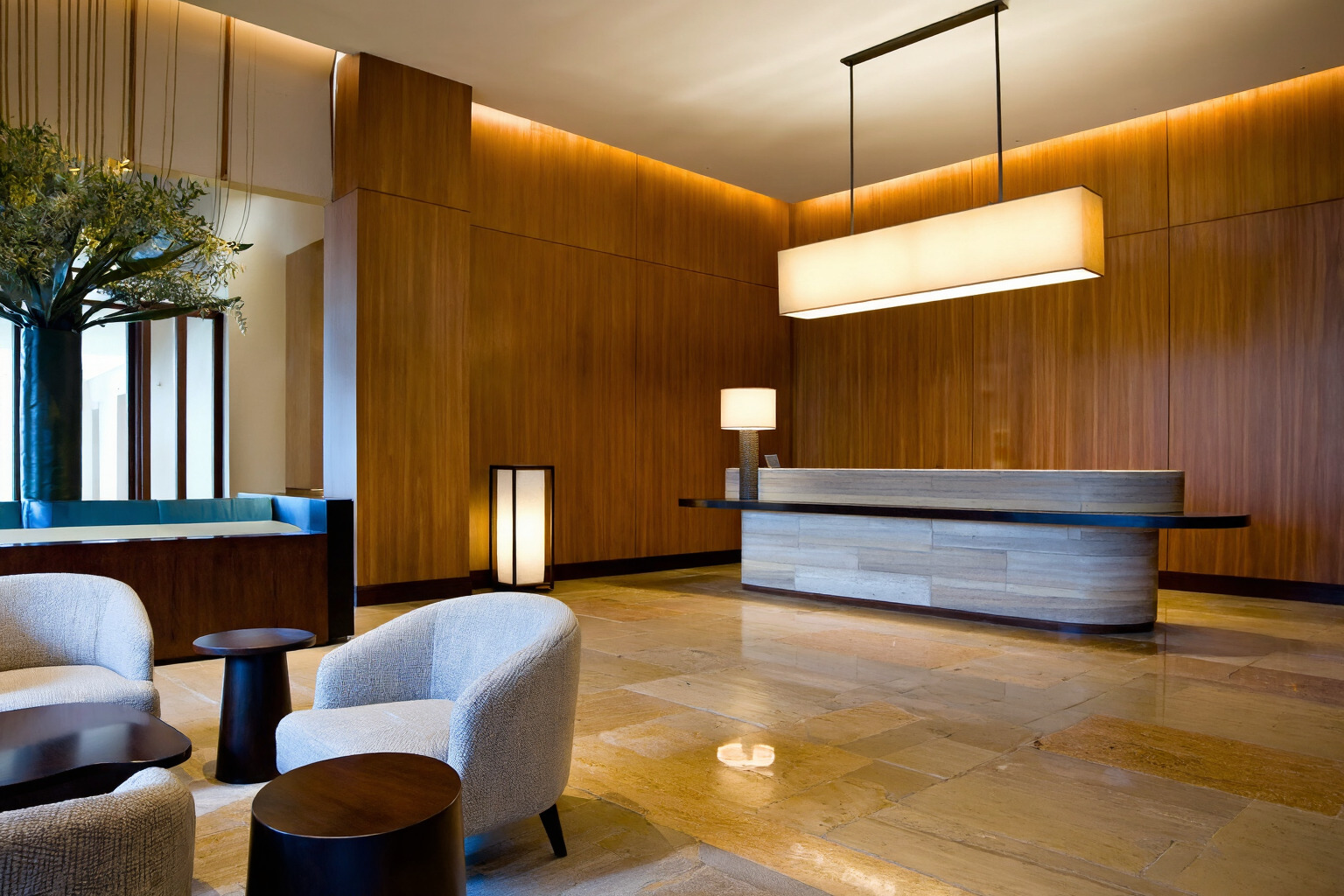
boutique hotel lobby with warm wood wall paneling, polished stone floor, curved reception desk, soft indirect lighting, large pendant fixtures, modern lounge seating in the foreground, balanced composition, inviting atmosphere, refined neutral and bronze palette
Example 2
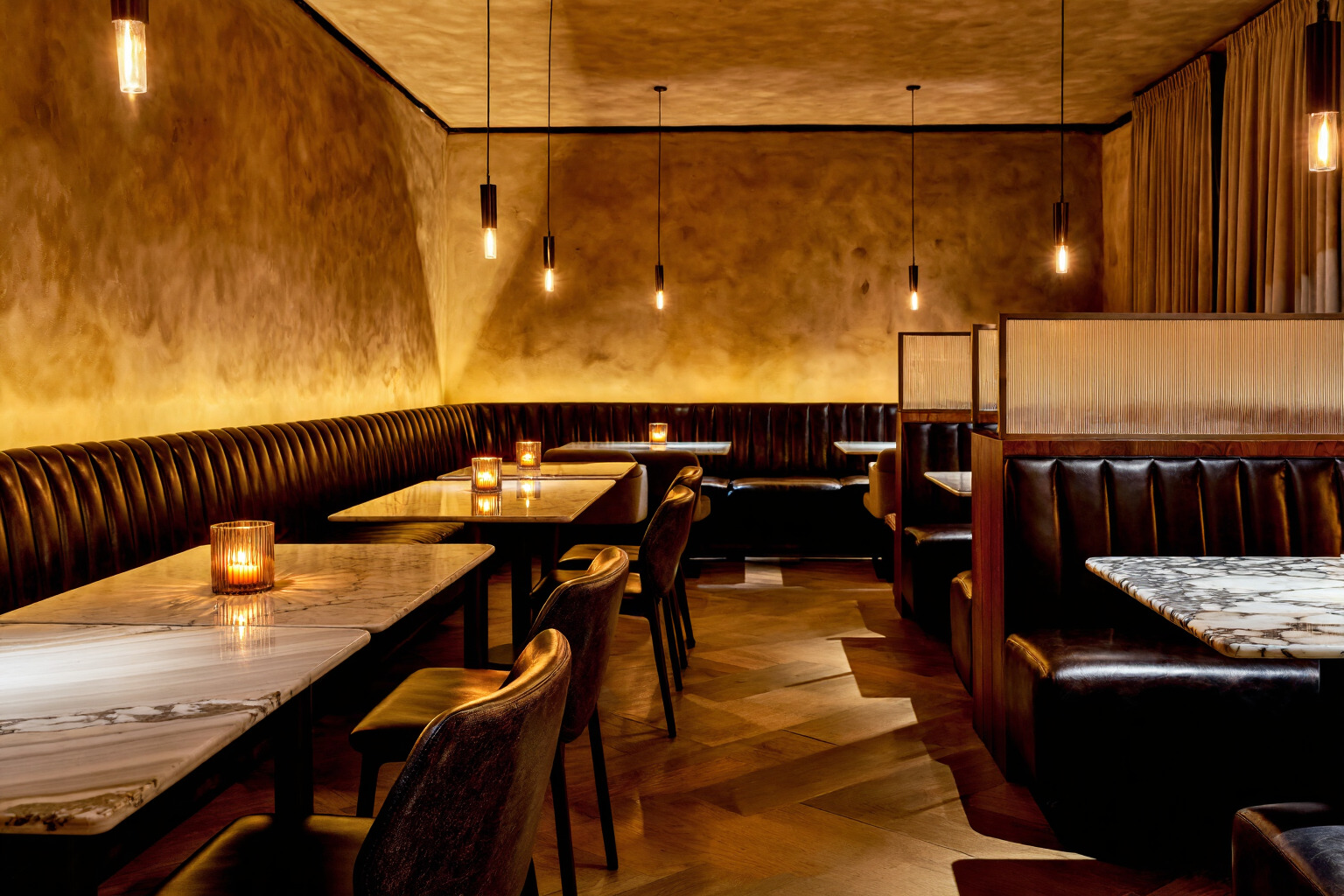
upscale restaurant interior with dark leather banquettes, textured plaster walls, marble tabletops, low pendant lighting, candles visible on the tables, intimate warm glow, centered aisle composition, layered depth, rich amber and brown tones
8. Food and Beverage
Prompt formula:
dish or drink + plating or container + garnish or visible ingredients + surface + lighting + composition + color or texture detail
Example 1
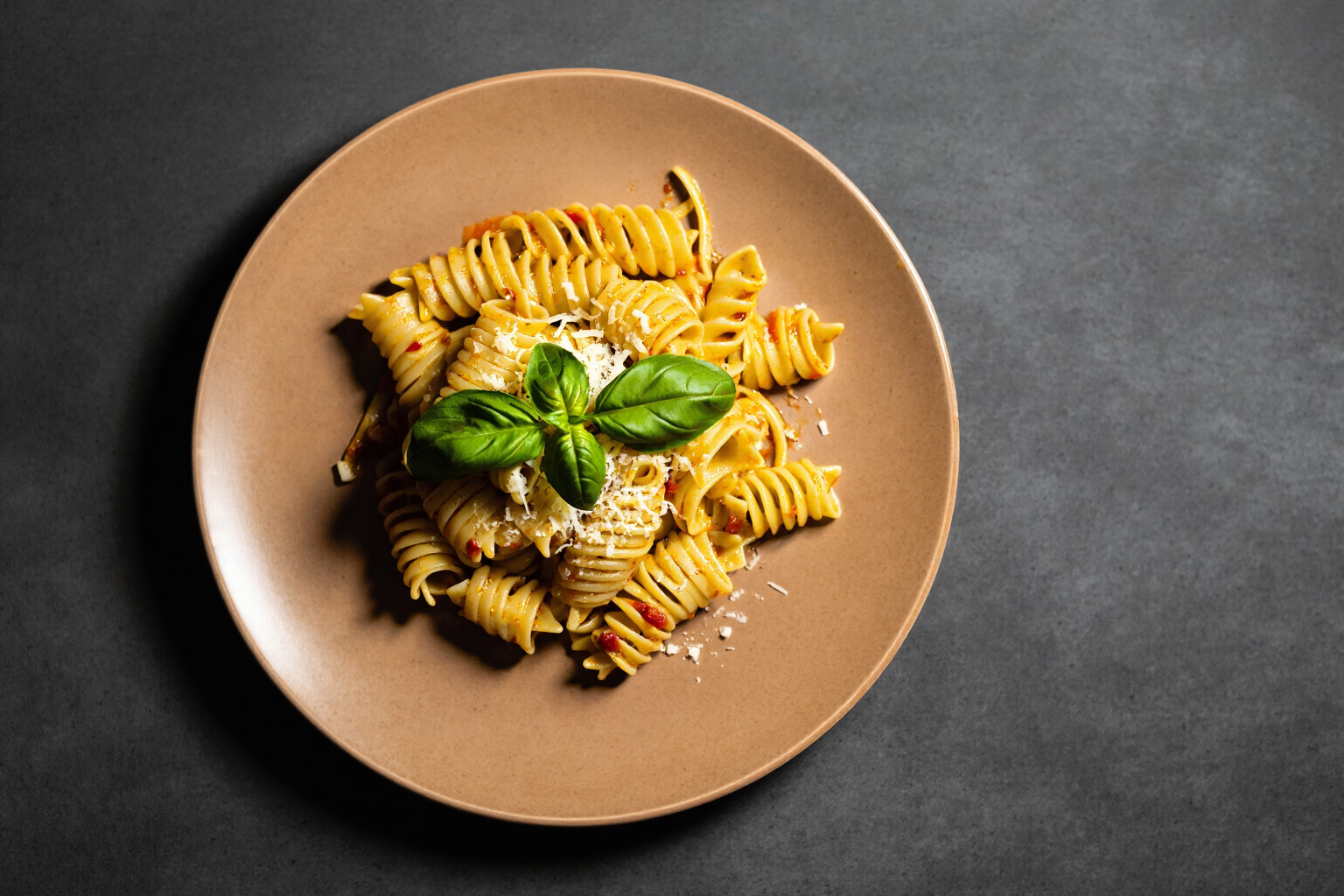
overhead studio photograph of a plated pasta dish on a matte ceramic plate, fresh basil and grated cheese visible on top, dark textured tabletop, soft directional lighting, gentle shadow falloff, clean composition, rich warm tones, crisp ingredient detail
Example 2
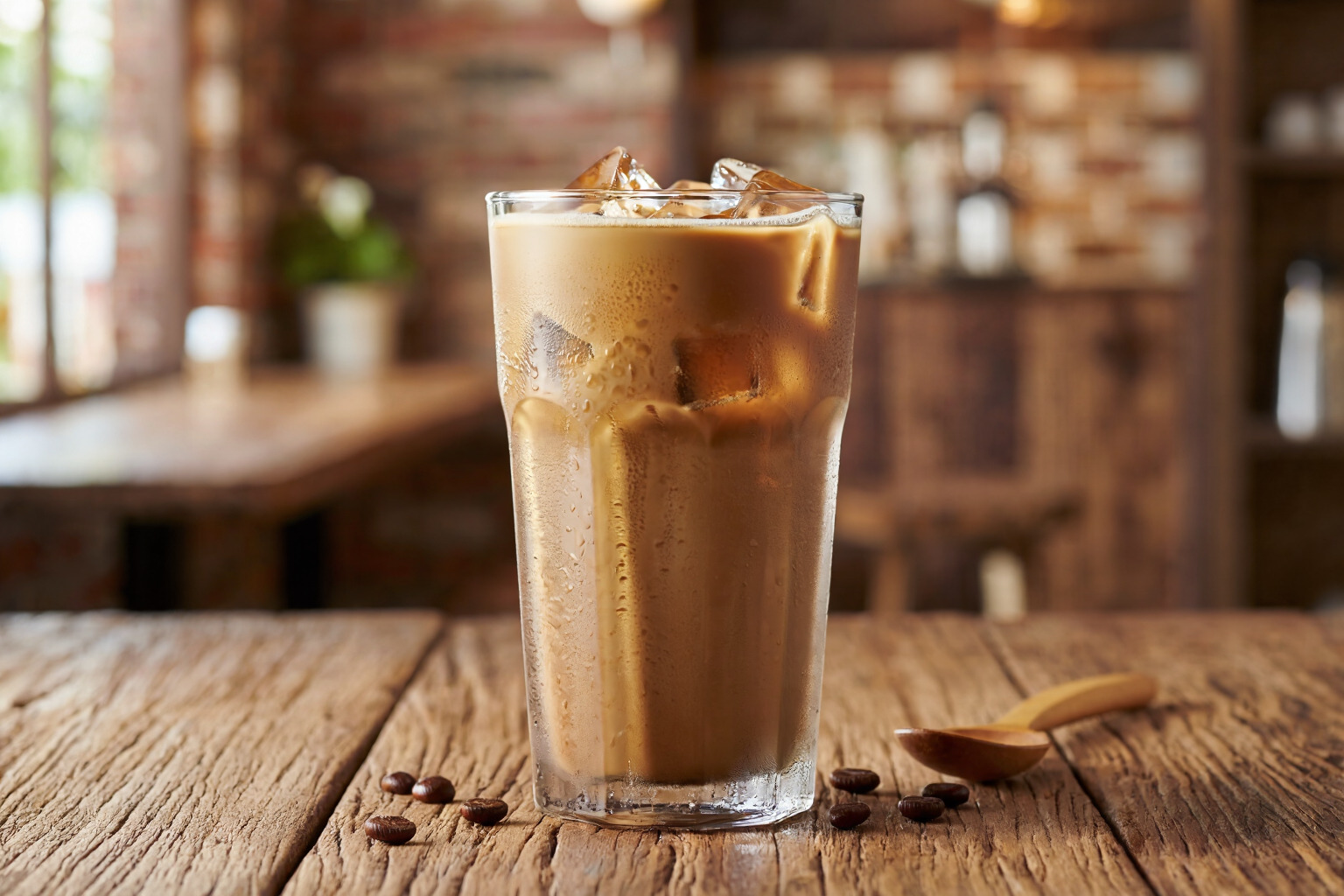
close commercial photograph of a glass iced coffee on a wooden table, visible condensation on the glass, creamy foam at the top, soft natural light from the left, blurred cafe background, warm brown tones, shallow depth of field, inviting texture
9. Brand Poster With Text
Prompt formula:
poster or sign format + exact quoted text + placement + background + lighting + composition + color contrast
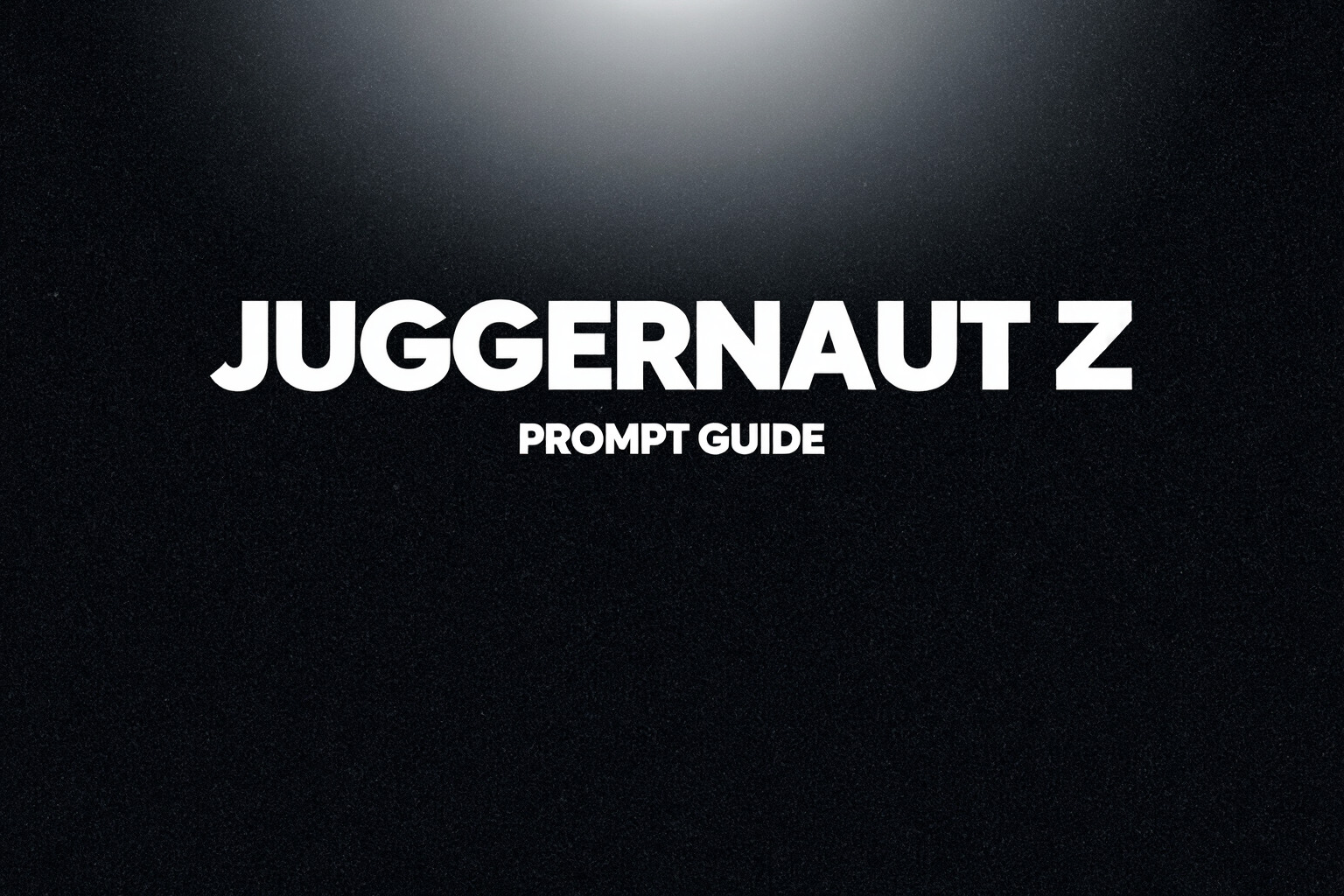
Example 1
dark poster composition with the large white text "JUGGERNAUT Z" centered near the top, smaller text "PROMPT GUIDE" directly below, black textured background, dramatic spotlight from above, subtle falloff around the edges, clean vertical layout
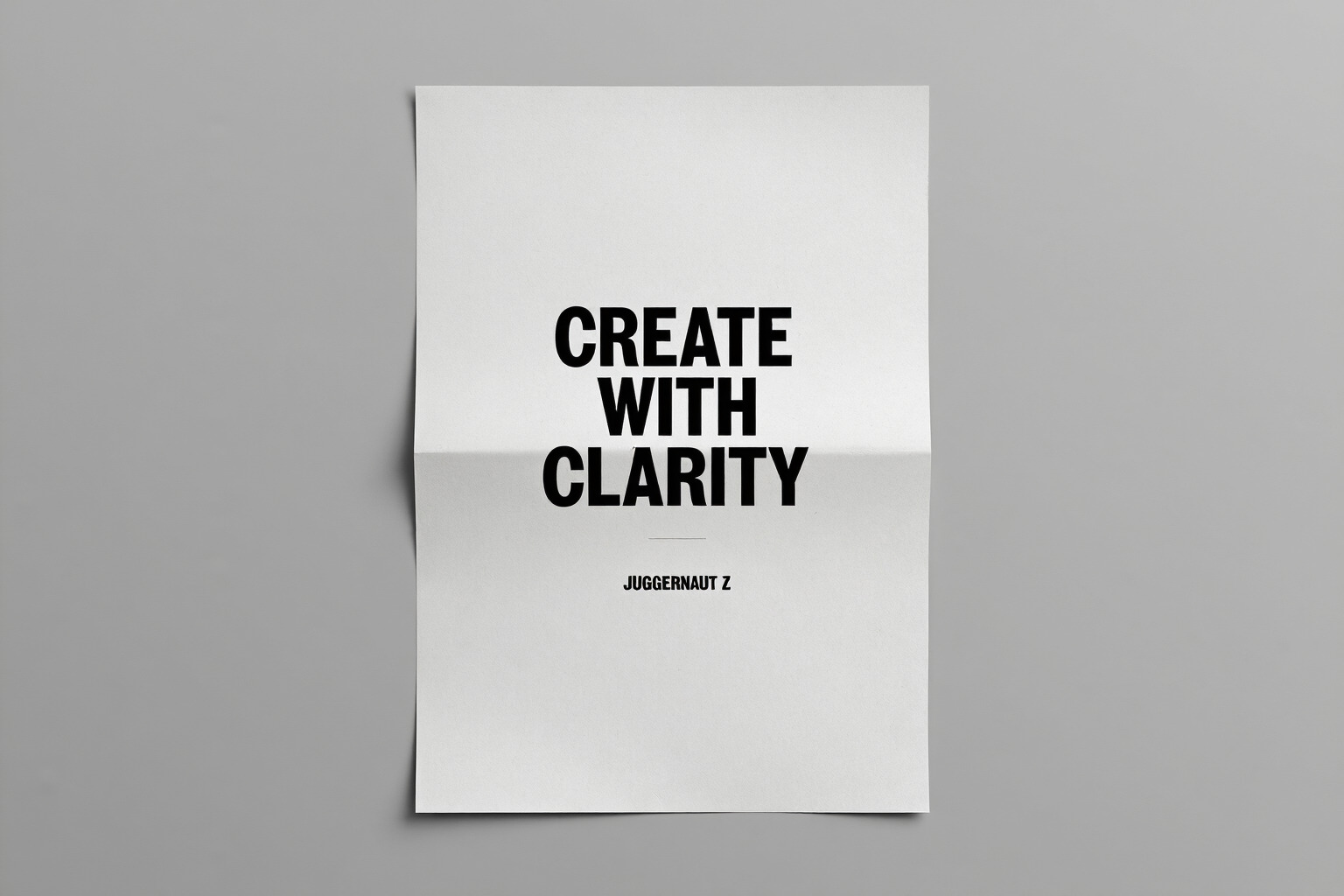
Example 2
minimal promotional poster with the bold text "CREATE WITH CLARITY" across the center, smaller text "JUGGERNAUT Z" near the bottom, pale gray background, soft directional light, centered composition, sharp lettering, high contrast between text and surface
10. Cinematic Character Scene
Prompt formula:
character + setting + pose or action + lighting + atmosphere + shot type + color contrast or surface detail
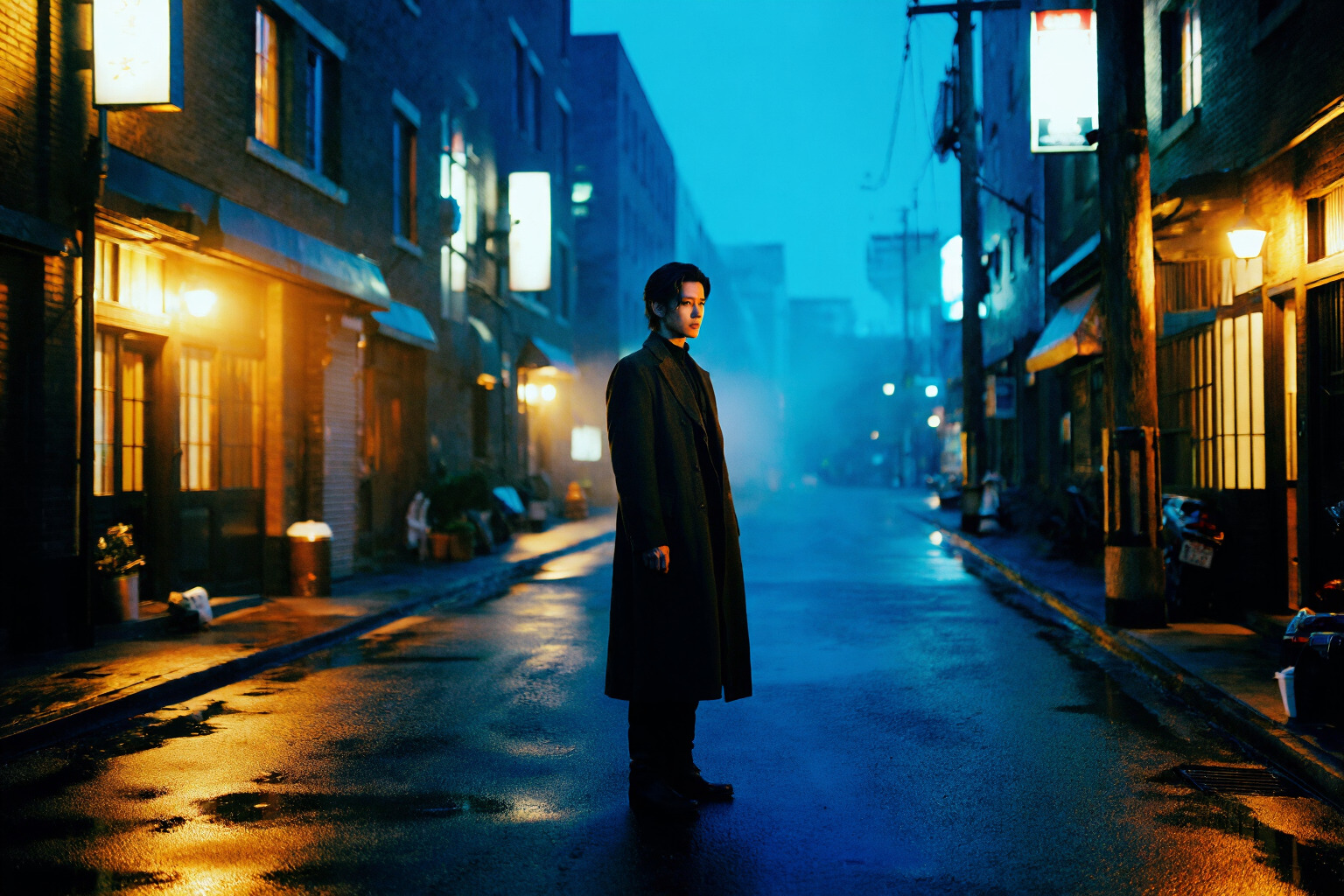
Example 1
solitary figure standing in a narrow alley at night, long dark coat, wet pavement reflecting blue and amber light, illuminated signs along the walls, soft haze in the distance, medium wide shot, strong contrast, moody cinematic atmosphere
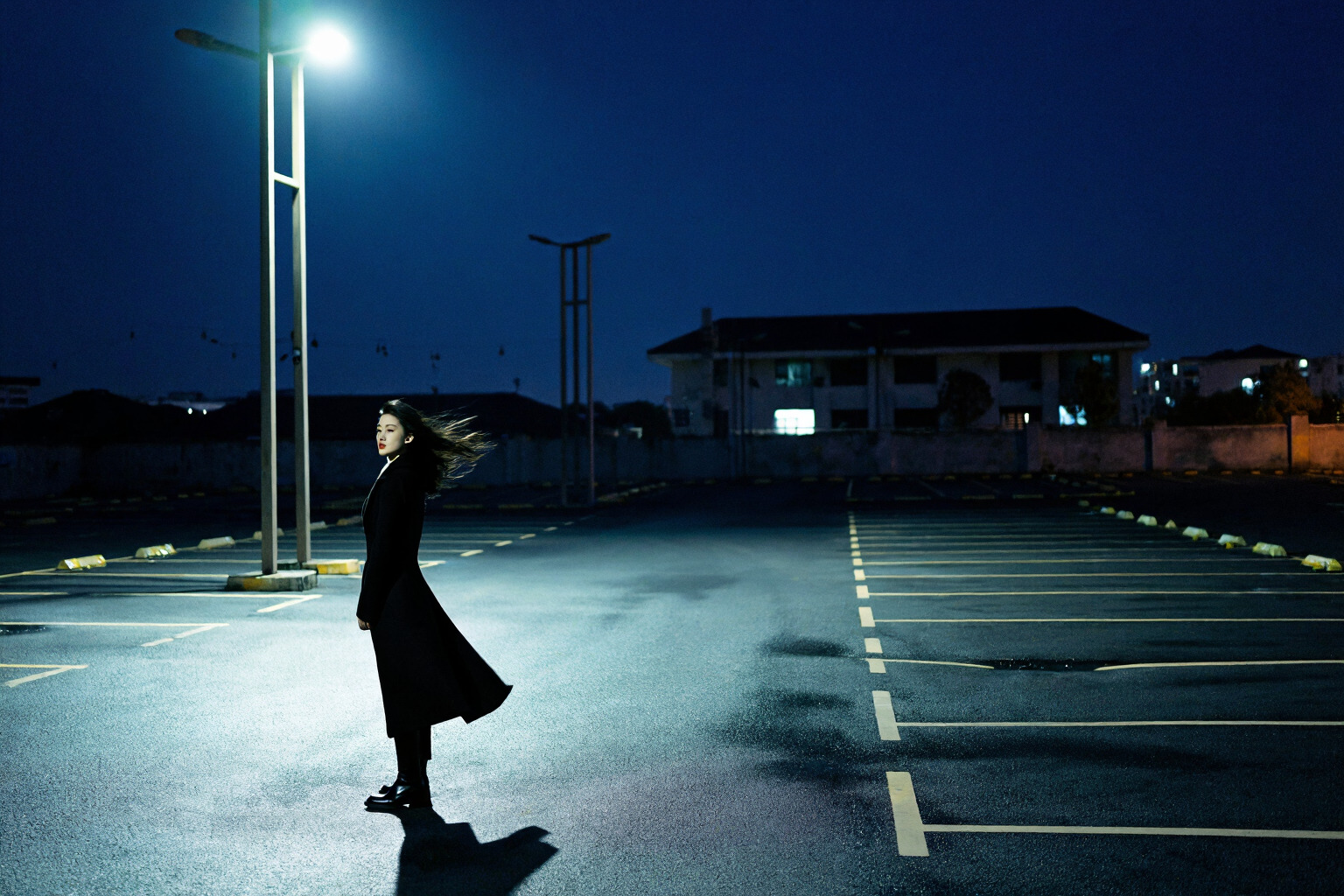
Example 2
female character standing beneath a streetlight in an empty parking lot, wind moving through her long coat, dark sky overhead, harsh pool of light on the asphalt, distant buildings barely visible, wide cinematic framing, sharp silhouette, deep shadows
How to Use These Example Prompts
These examples are not meant to be copied mechanically. They are meant to show how strong Juggernaut Z prompts are built.
The pattern stays consistent:
- define the subject clearly
- describe what is visibly important
- place the subject in a physical setting
- control the image with lighting
- guide the composition
- specify materials, surfaces, and colors when they matter
That structure gives Juggernaut Z a clearer visual starting point and usually leads to more coherent results.
More from Team Juggernaut
For readers who want to explore the earlier Juggernaut prompt guides, these companion articles provide useful context across previous releases:
Final Thoughts
Juggernaut Z responds best when the prompt is precise and follows the formula we have shared.
That means preserving the core idea, clarifying what should be visible, building the scene spatially, and using lighting, composition, material, and color language with intention. When text matters, it should be exact. When a detail does not improve the image, it does not need to be in the prompt.
Frequently Asked Questions
What is Juggernaut Z?
Juggernaut Z is a fine tune of Z Image base by RunDiffusion built for clear, visually directed prompting.
What kind of prompts work best with Juggernaut Z?
Short, specific prompts with a clear subject, setting, lighting, and composition work best.
Does Juggernaut Z need long prompts?
No. Clear prompts usually outperform long prompts filled with vague style terms.
What is the recommended CFG for Juggernaut Z?
Start with CFG 6. A useful range is 5 to 9.
What is the recommended step count for Juggernaut Z?
Start with 35 steps. A useful range is 25 to 45.
What are the recommended ComfyUI settings for Juggernaut Z?
Use a two pass workflow: 22 steps at 1.00 denoise, then 3 steps at 0.15 denoise.
Is Juggernaut Z good for realistic images?
Yes. It performs well when prompts describe real lighting, materials, and environments.
How do I get better realism in Juggernaut Z?
Use concrete visual details and remove unwanted styles with a negative prompt.
Should I use a negative prompt with Juggernaut Z?
Yes, especially for realism, cleaner outputs, and fewer unwanted illustrated or 3D traits.
Is Juggernaut Z good for portraits?
Yes. It responds well to clear direction on expression, clothing, framing, and light.
Is Juggernaut Z good for cinematic scenes?
Yes. It performs best when the scene, lighting, and framing are clearly described.
Is Juggernaut Z good for product images?
Yes. It works well for product shots with defined materials, surfaces, and studio lighting.
How should I structure a Juggernaut Z prompt?
Use: subject, attributes, action or state, environment, lighting, composition, materials, and color.
How do I improve text inside Juggernaut Z images?
Put the exact text at the start of the prompt and generate multiple versions.
Can Juggernaut Z create posters or branded images?
Yes. It can work well for posters, branded layouts, and text based image concepts.
Is API access available for Juggernaut Z?
API access is planned through Runware.
Is Juggernaut Z still being updated?
Yes. It is the first release in the Z Image Base series, with more versions planned.
