


RunDiffusion has added two new workflow improvements to RunDiffusion’s Runnit Platform: Favorites and Batch Uploads.
Favorites help you save important images for later, while Batch Uploads make it easier to upload multiple files at once across supported edit and upscale tools.
Whether you are reviewing generations, comparing variations, organizing production assets, or preparing multiple images for editing, these updates help reduce friction and keep your creative workflow moving.
What’s New
Favorites
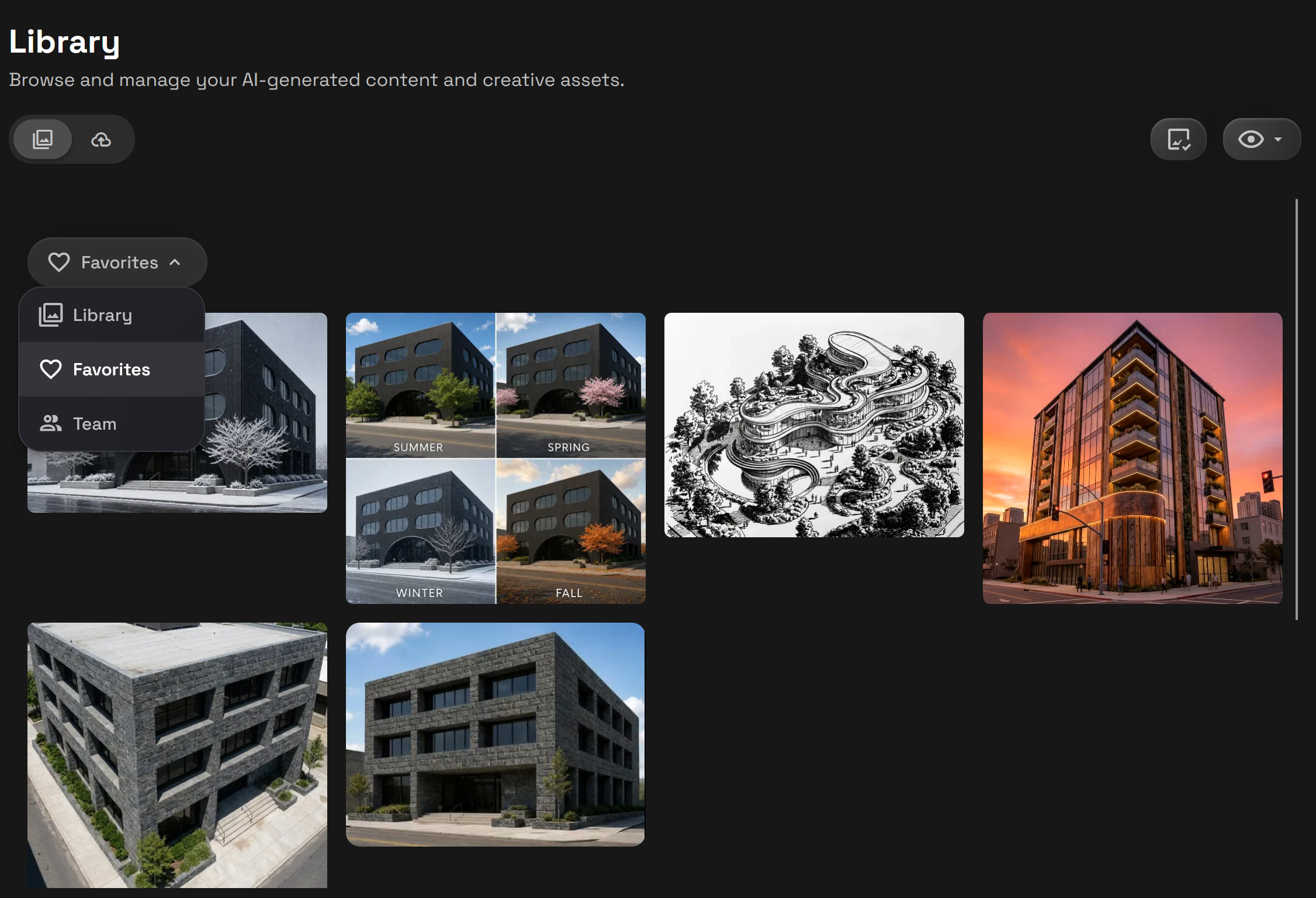
You can now favorite images you want to save for later.
When reviewing generated images, select the images you want to keep track of and add them to your Favorites. In the Library, a new dropdown makes it easier to filter between Library, Favorites, and Team Generations, so you can quickly return to the images that matter most.
This is especially useful when you are generating many variations and want a simple way to separate strong results from the rest of your Library.
Highlights
- Save images you want to revisit later
- Filter your Library by Favorites
- Keep strong generations easier to find
- Quickly separate favorite images from broader Library results
Batch Uploads
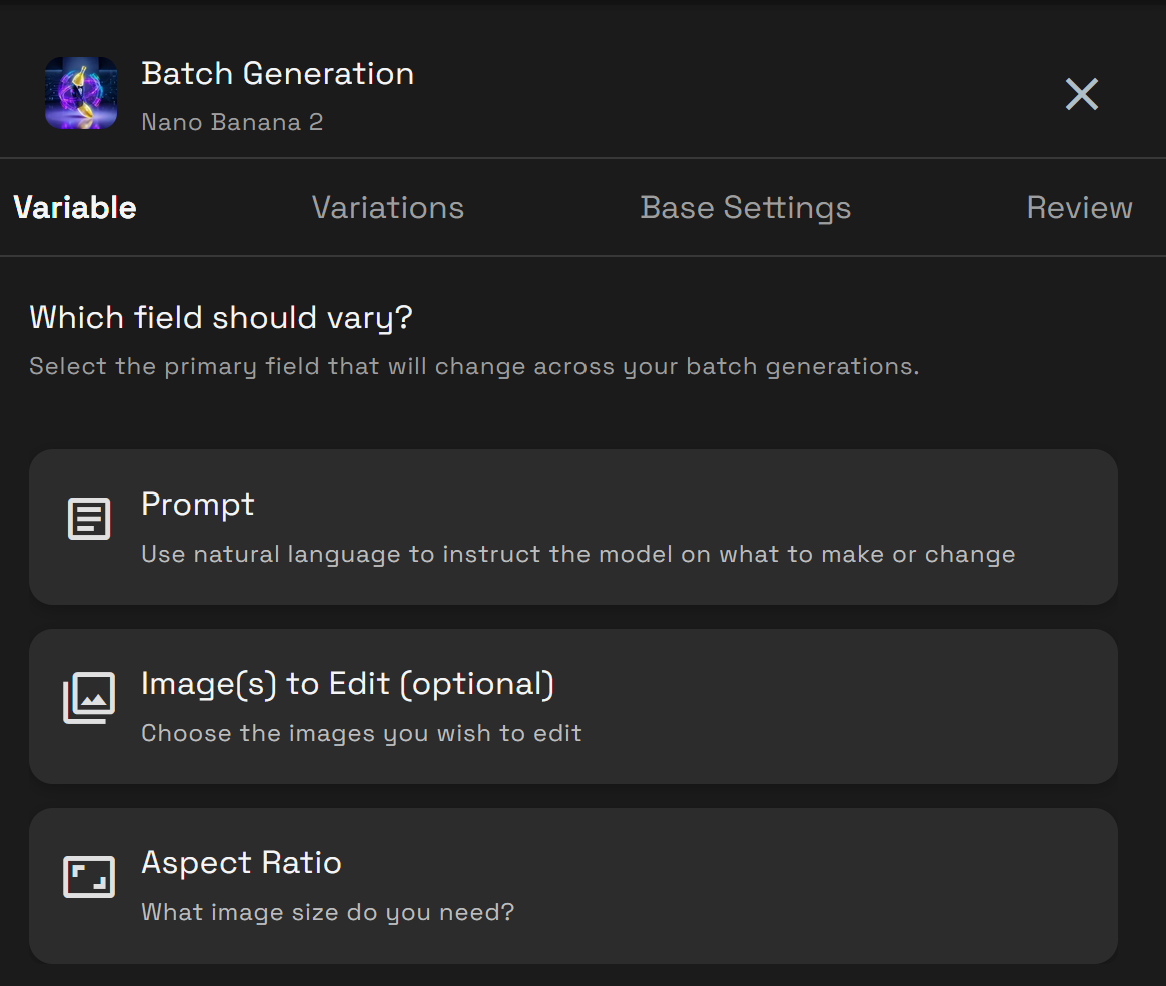
Batch Uploads are now available for supported RunDiffusion edit and upscale tools.
Instead of uploading files one at a time, you can now add multiple files at once where supported. This makes it easier to process image sets, run edits on multiple assets, upscale batches of images, or move through production work faster.
Batch Uploads are supported across tools including ChatGPT Image, Flux 2 Pro, Luma UNI, Magnific, Nano Banana, Recraft, Seedream, and Topaz.
Highlights
- Upload multiple files at once
- Speed up supported edit and upscale workflows
- Process image sets more efficiently
- Reduce repetitive upload steps
Why It Matters
Creative work often involves more than one image.
Favorites give you a simple way to keep track of the images you like without losing them in a larger Library. Batch Uploads help reduce repeated manual steps when working with multiple files.
Together, these updates make RunDiffusion easier to use for real production workflows, especially when you are generating, reviewing, editing, and upscaling multiple assets.
Available Now
Favorites and Batch Uploads are available now on RunDiffusion.
Log in to RunDiffusion to start saving favorite images in your Library and using Batch Uploads across supported edit and upscale tools.
