Have you ever wanted to turn a photo into a 3D cartoon? Now you can with Cartoonify on the RunDiffusion Platform (Formerly Runnit Platform)! Cartoonify lets you create humorous, animated movie-style versions of your favorite images in just a few clicks. Perfect for social media, gifts, or just for fun.
In this guide, we’ll show you exactly how to use Cartoonify on the RunDiffusion Platform.
How to Start a Session
Starting a Cartoonify session is easy!
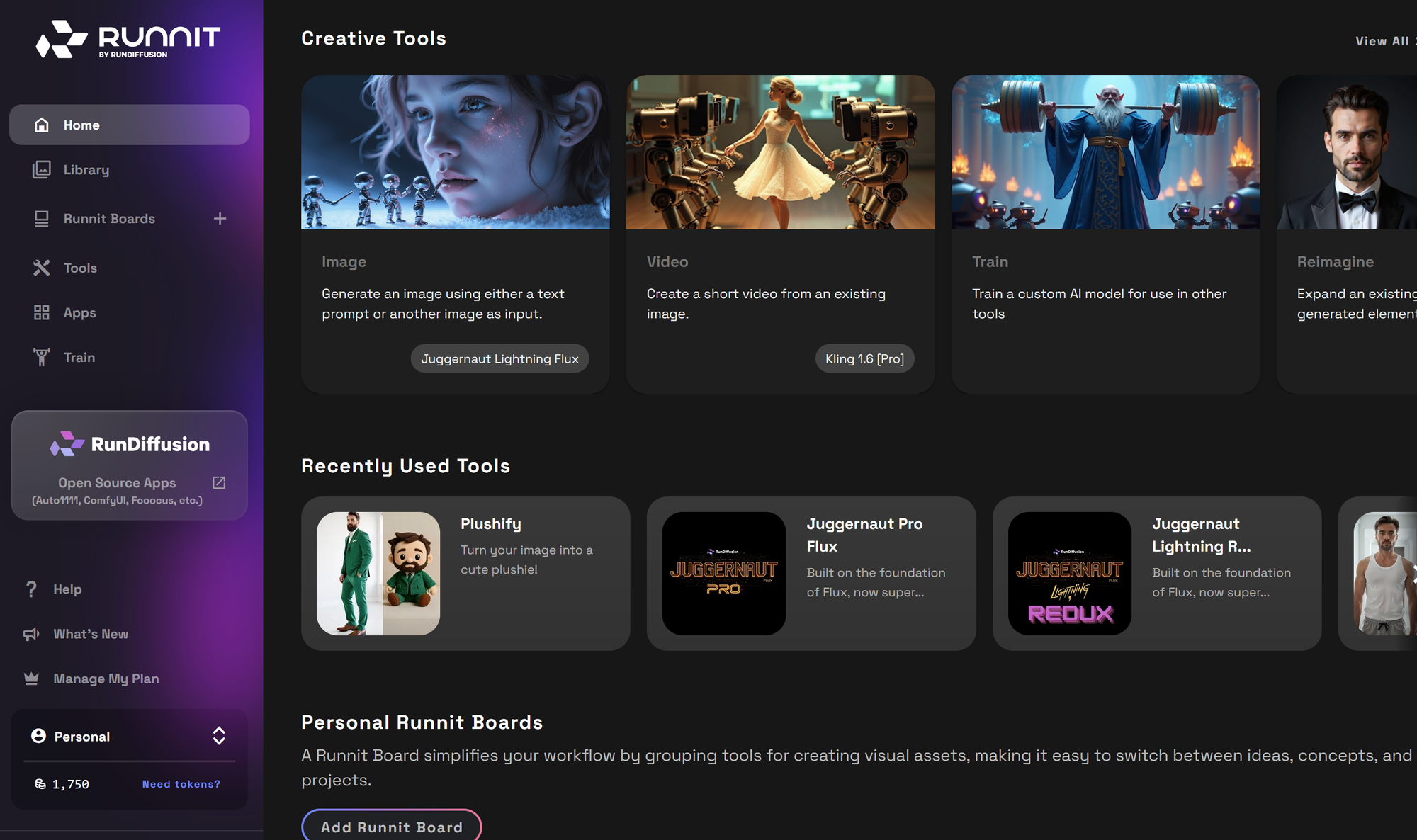
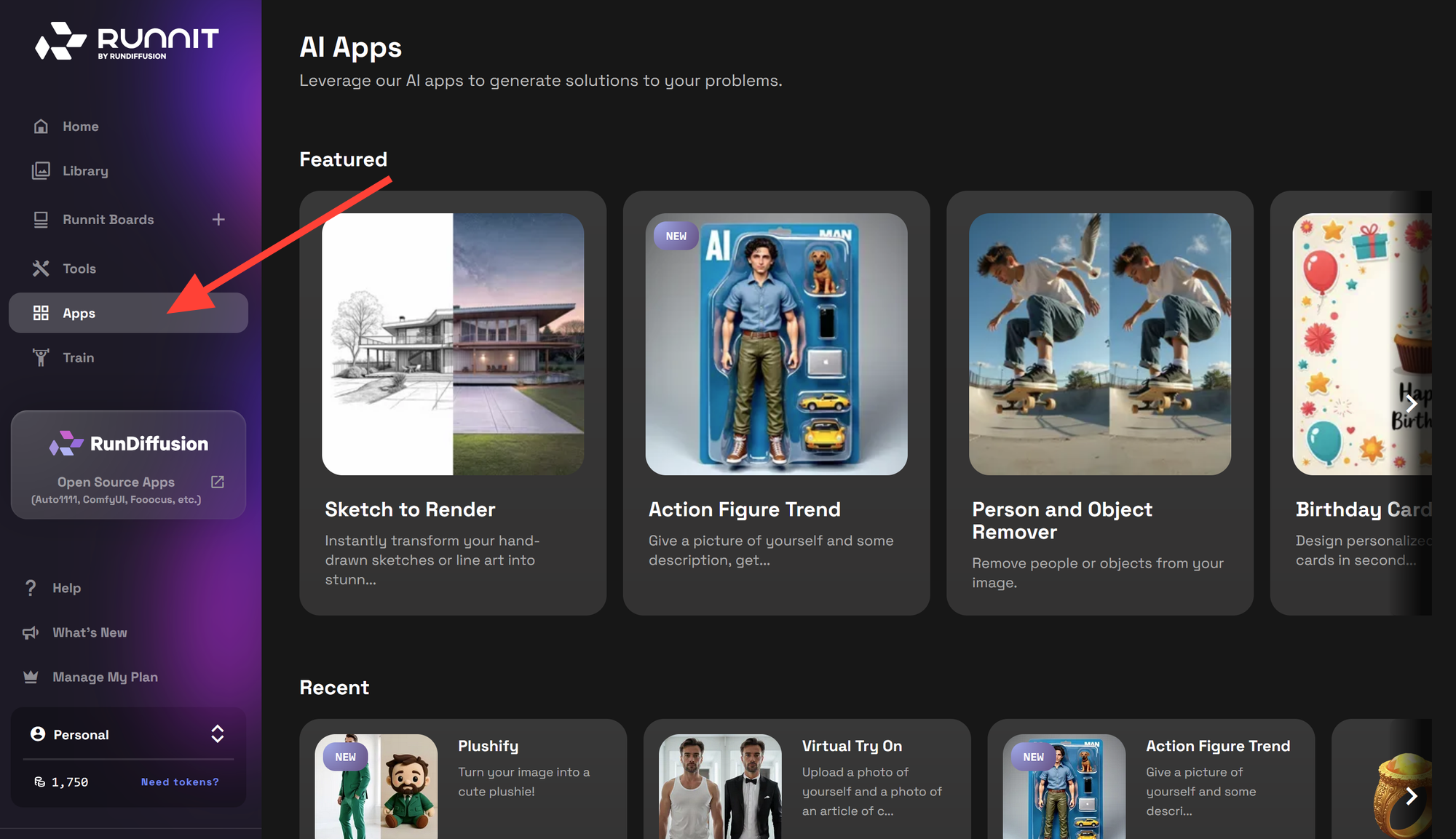
Click on Apps on the sidebar.
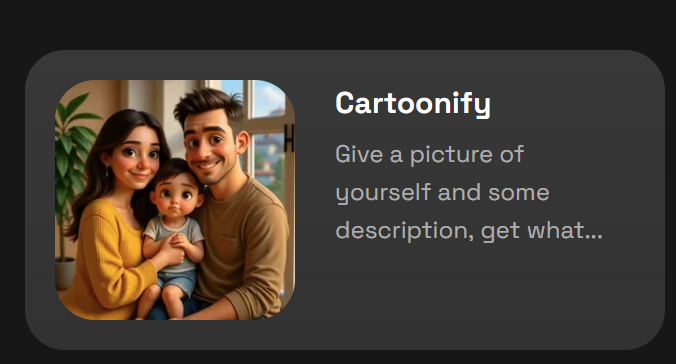
Scroll down to find Cartoonify and click on it. You can also search for cartoonify.
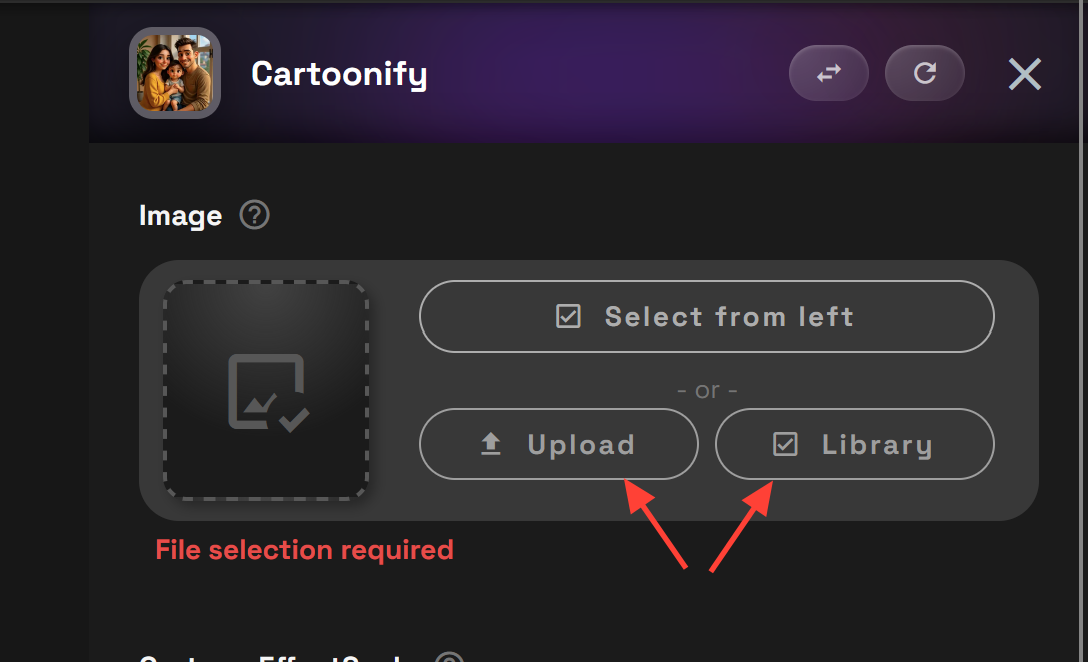
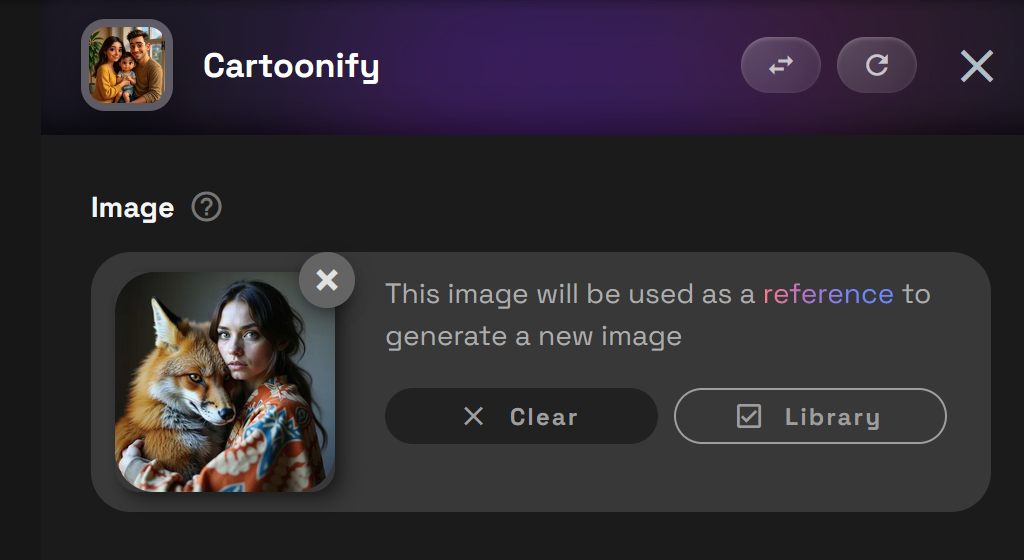
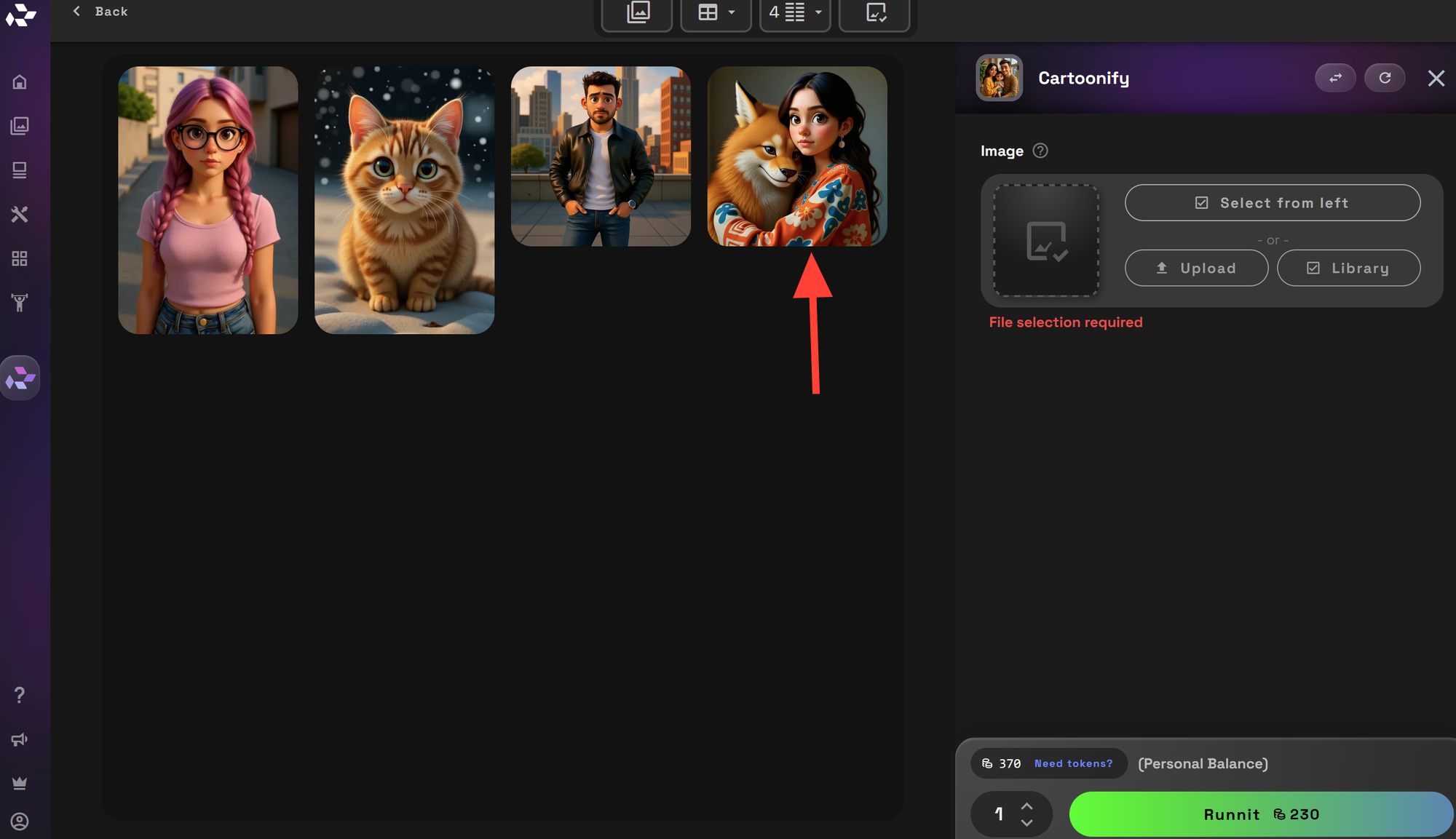
Upload or select a photo from your Library.
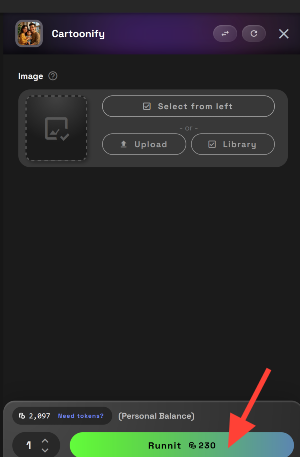
Click Run to generate an image. Your image will show up on the left side.
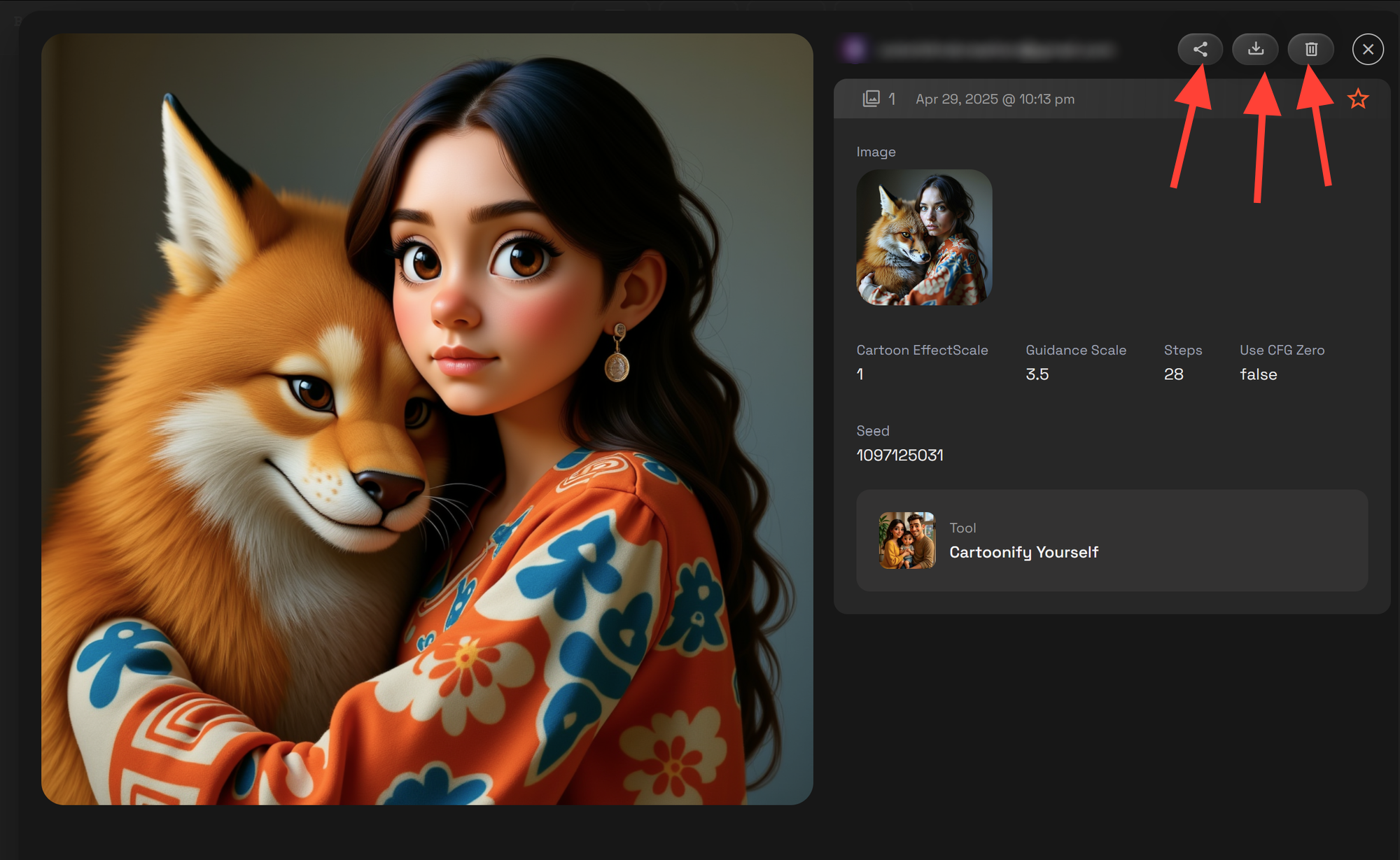
Click on the image on the left side to enlarge it.
When the image is expanded you can share it, download or delete it.
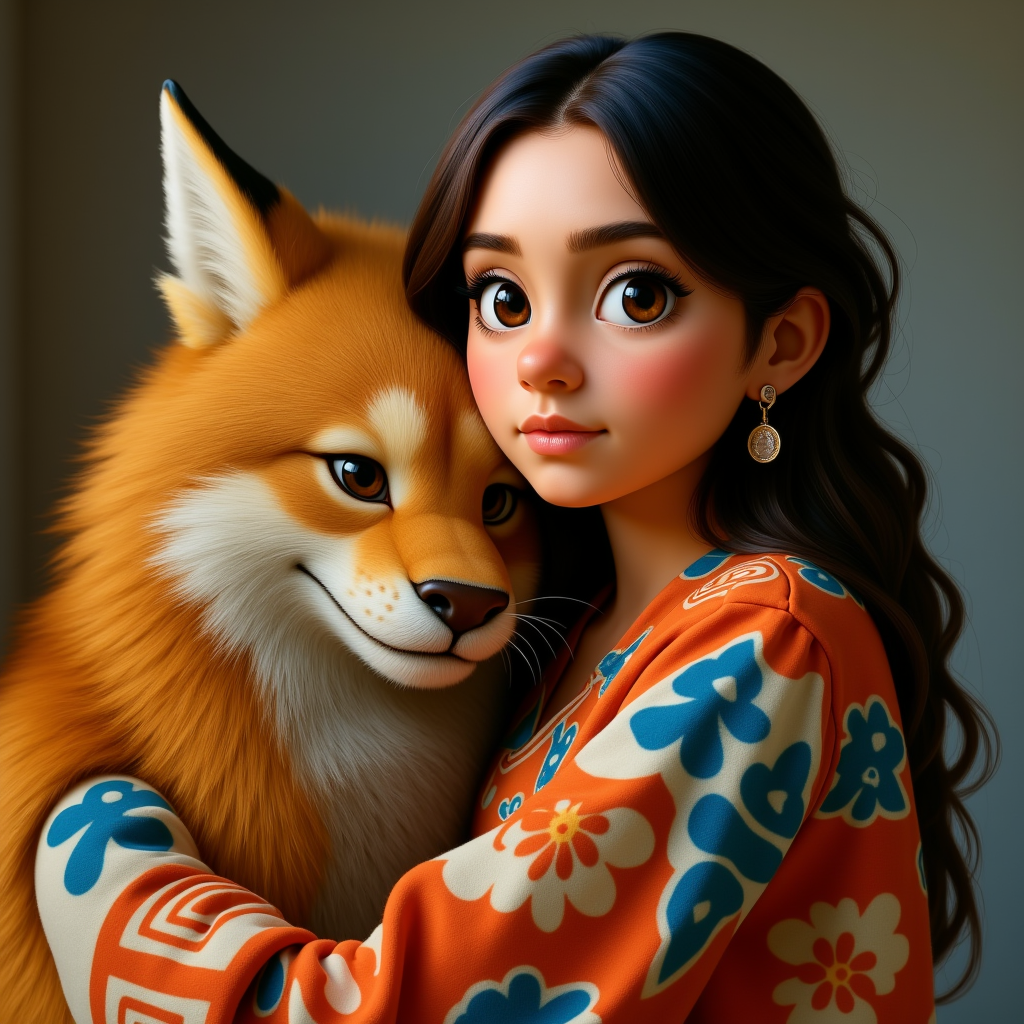
More Examples


Conclusion
Turning photos into animated 3D cartoons is super easy with Cartoonify on the RunDiffusion Platform! In just a few minutes, you can create unique, movie-style images to share with everyone.
Want to see yourself in a 3D cartoon style? Try Cartoonify now and start creating!
Further Reading
Want to try more creative tools on the RunDiffusion Platform? Check out these guides:
 RunDiffusion Team
 RunDiffusion Team
 RunDiffusion Team